
Scrively book templates come with built-in characters that help bring each story to life. From the character view, you can explore the existing characters, use them as they are, or easily replace them with your own to better match your story’s style and direction.
Each book template includes built-in characters that you can use as they are to quickly bring your story to life.
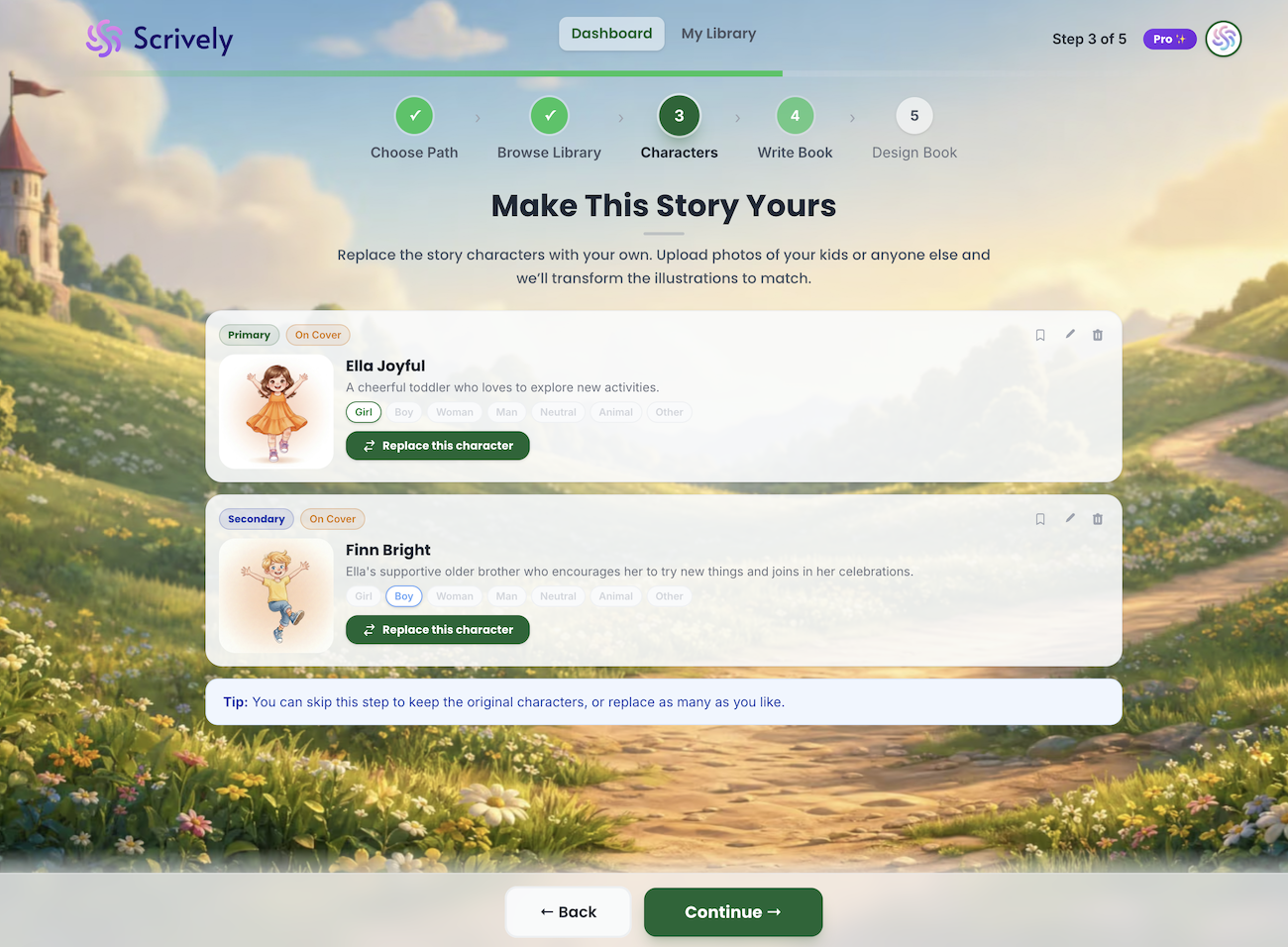
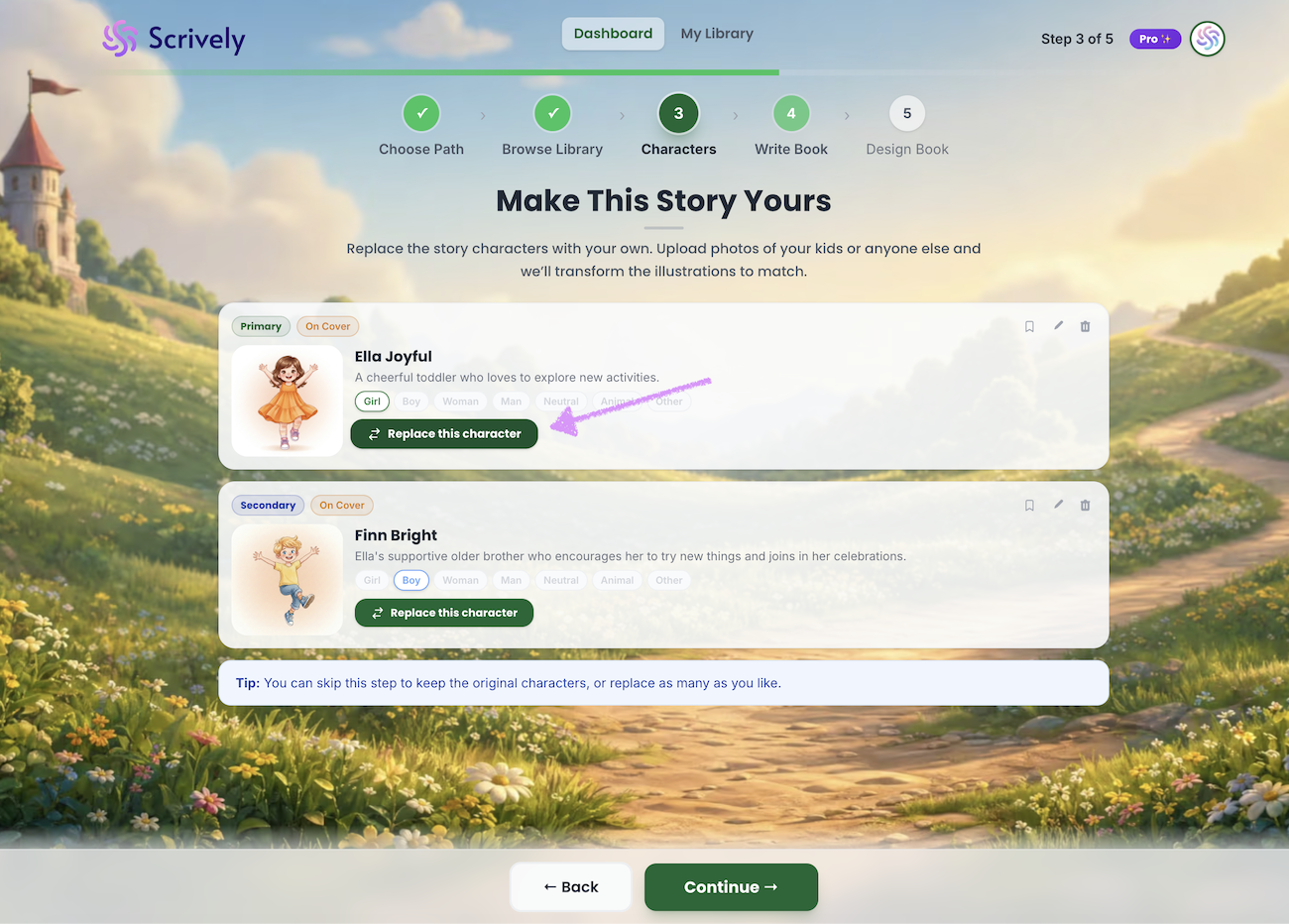
You have the option to replace as many characters as you'd like by clicking on "Replace this character."
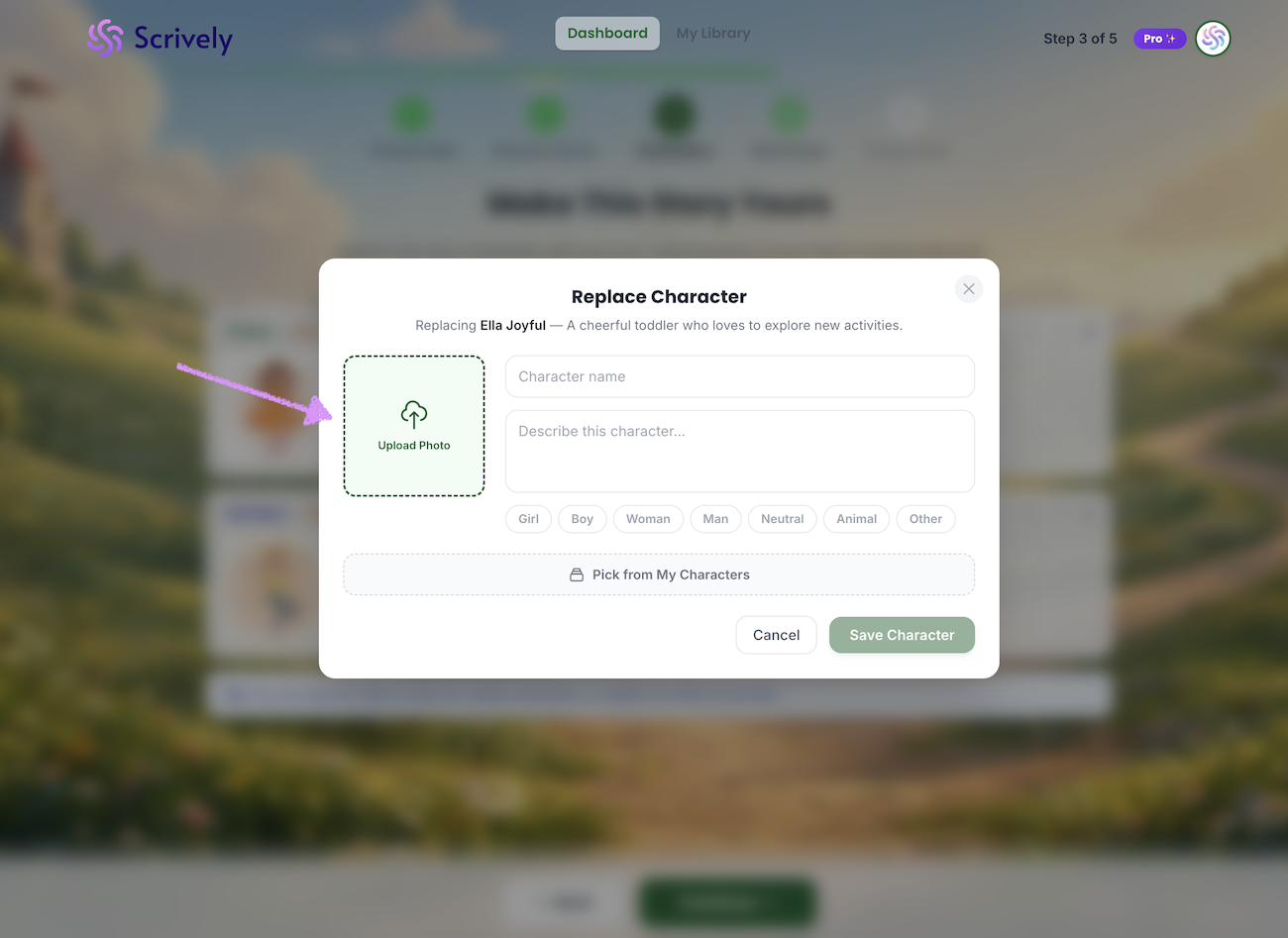
Upload the character's image from your device.
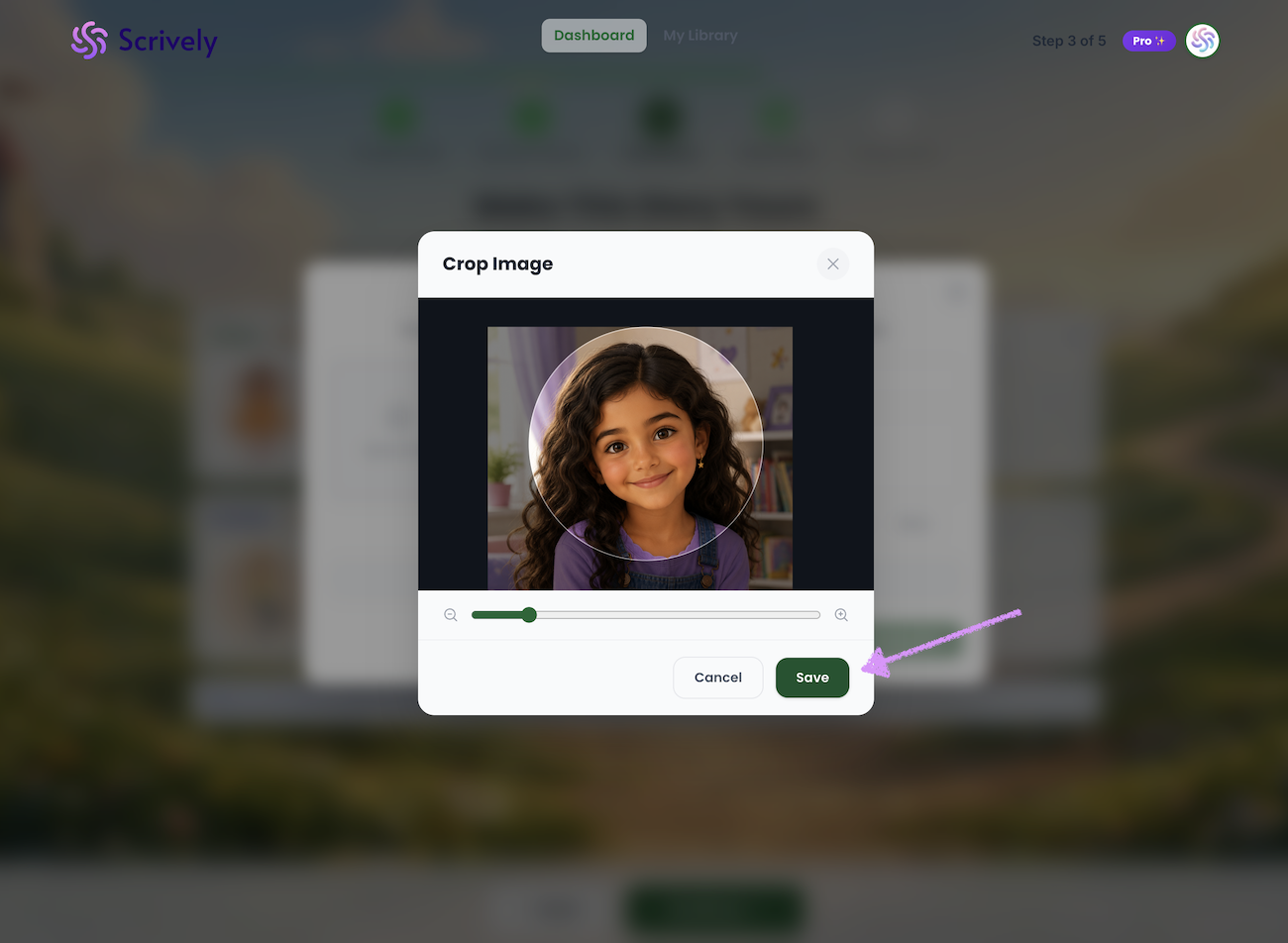
Use the crop image tool to determine what part of the image to focus on.
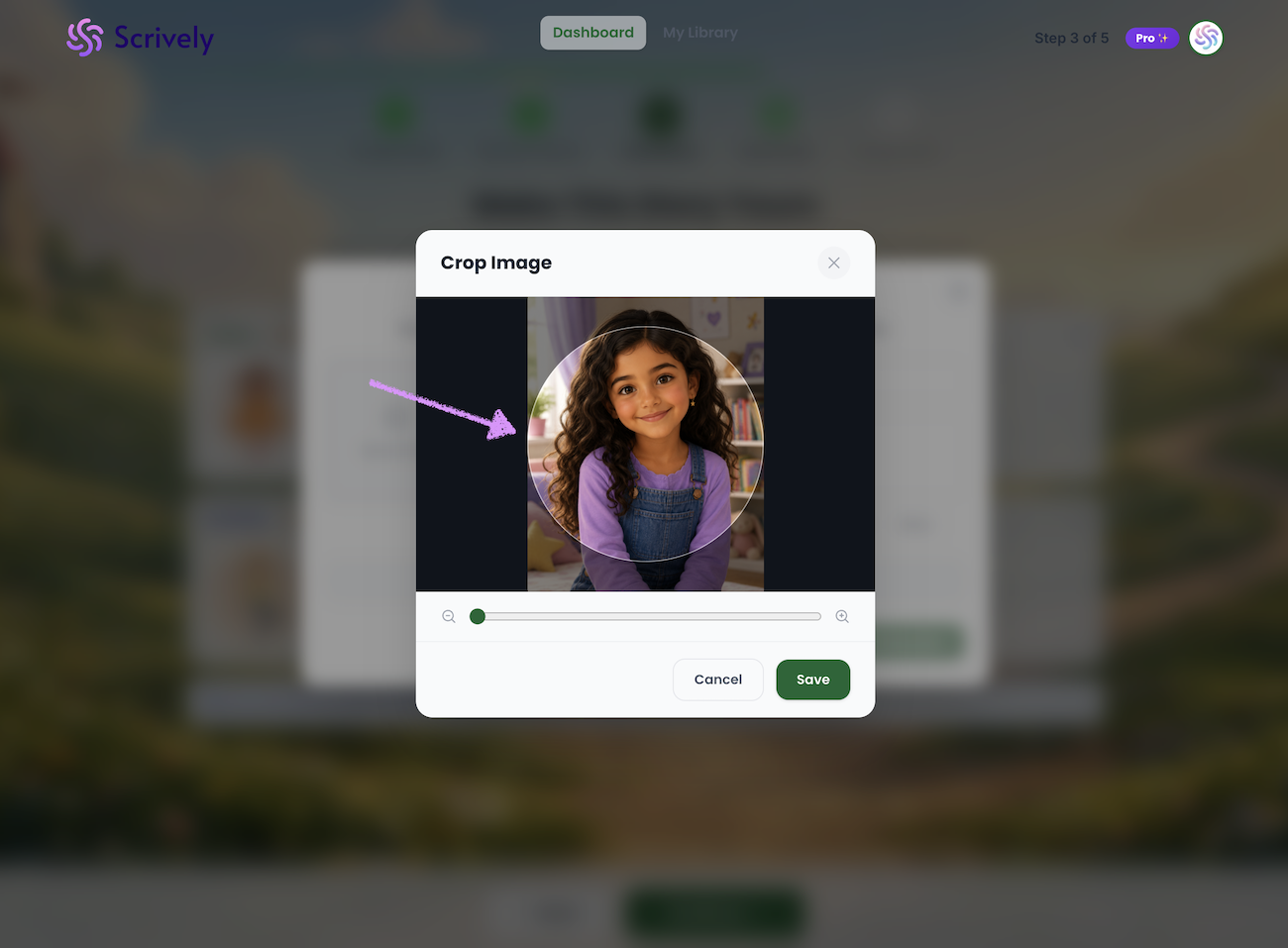
If needed zoom in/out of the image.
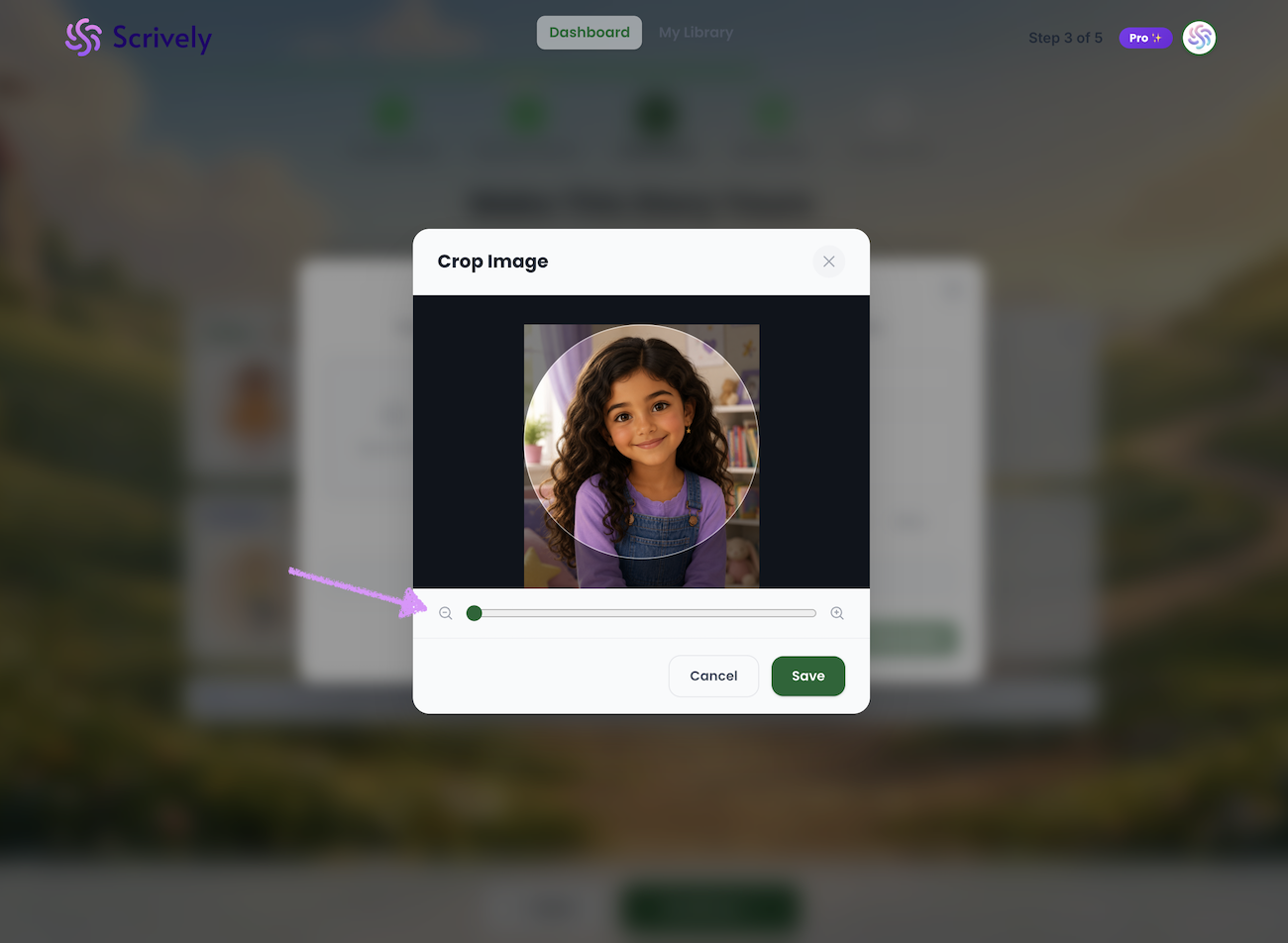
When you're ready click on "Save."
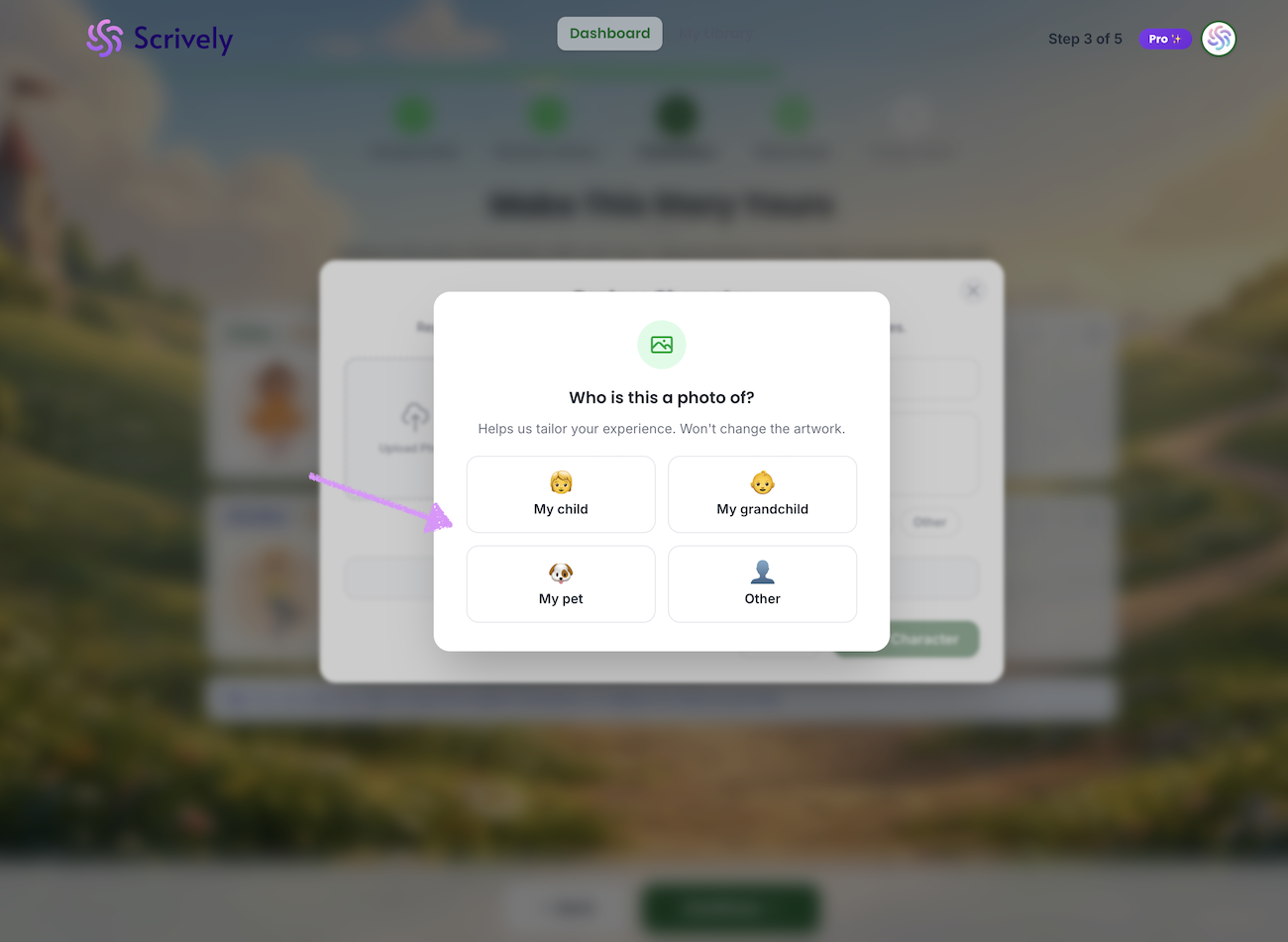
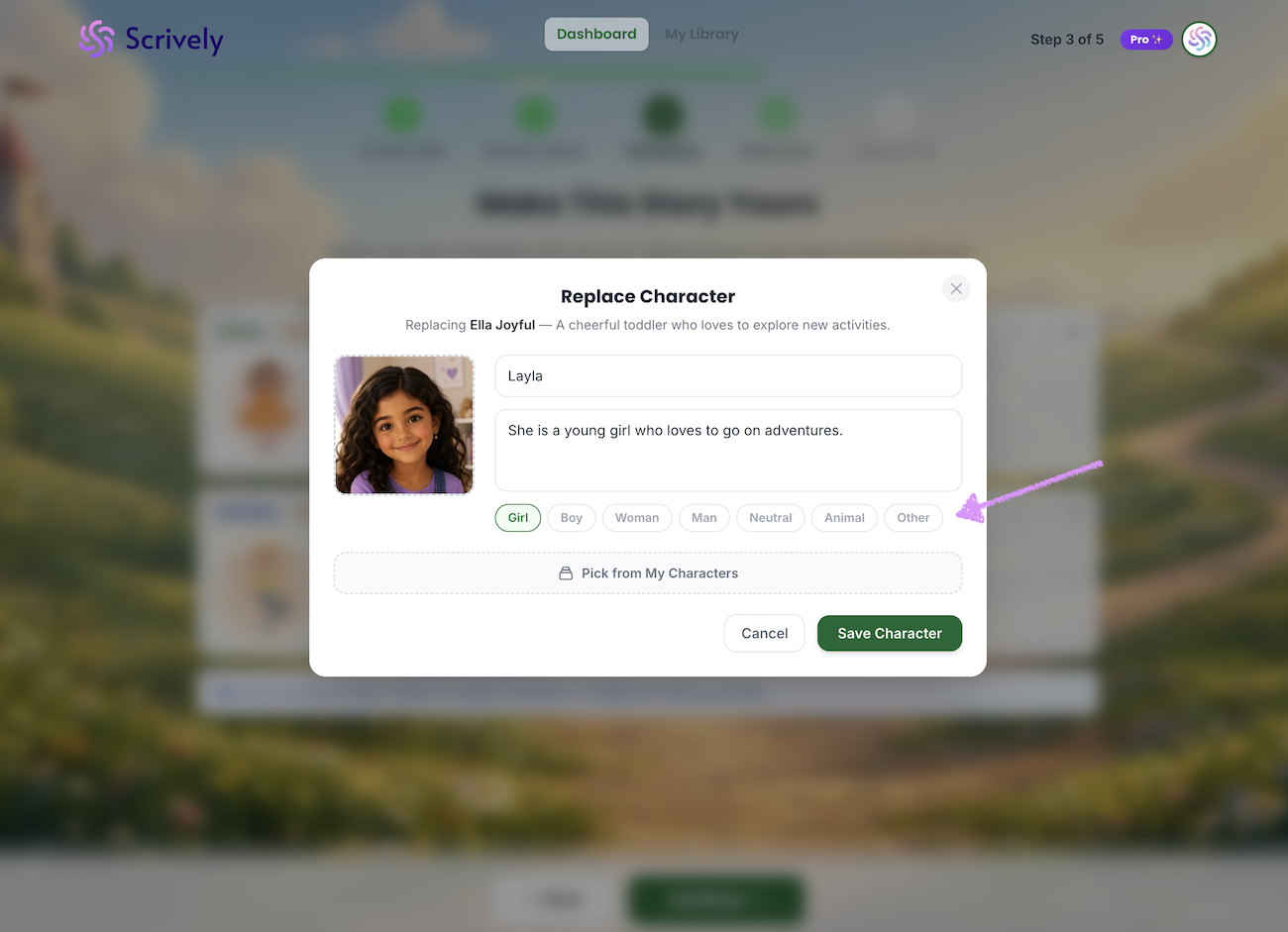
Select who's in the image to help us tailor your experience.
Give the character a name.
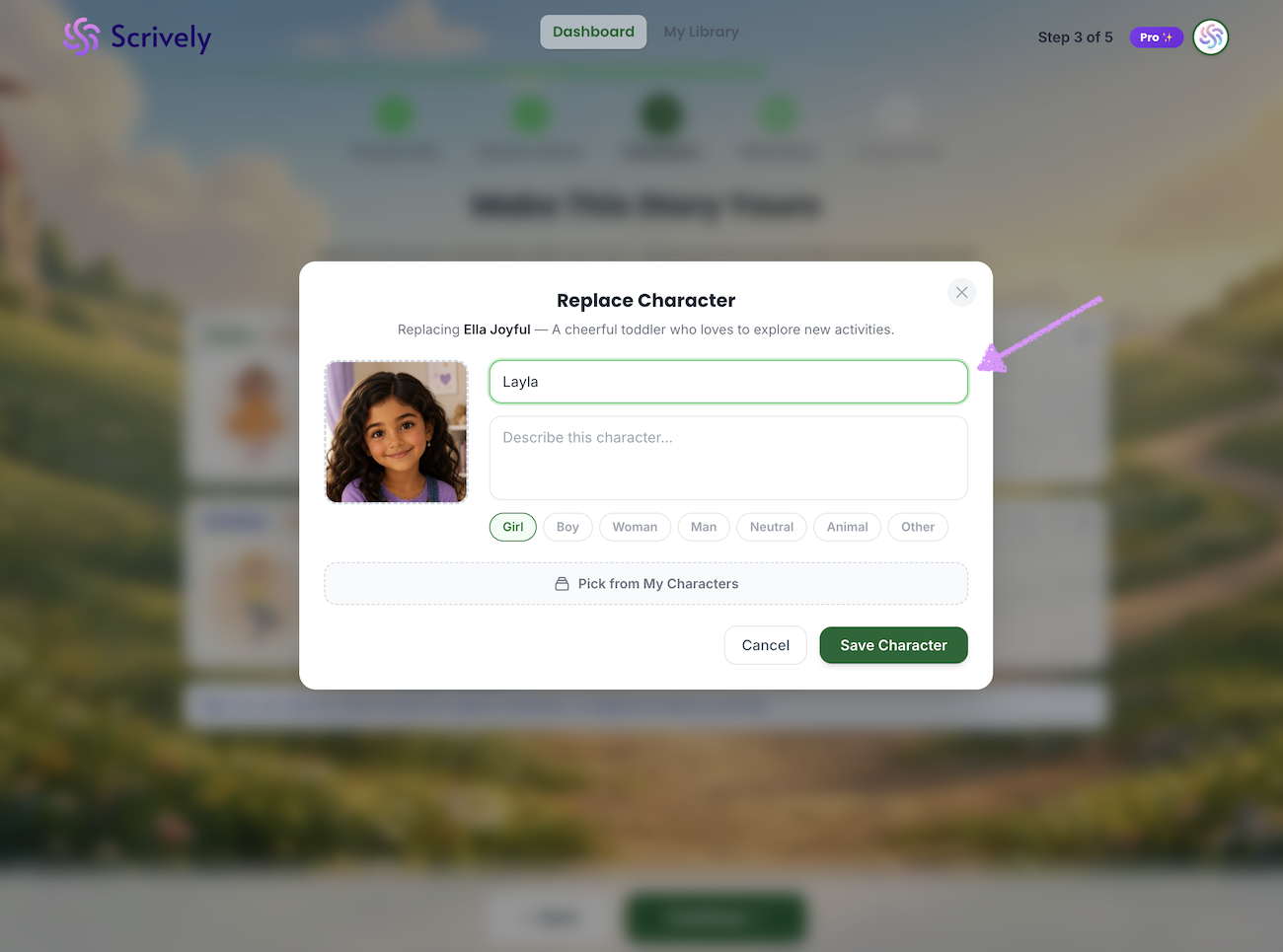
Add a character description.
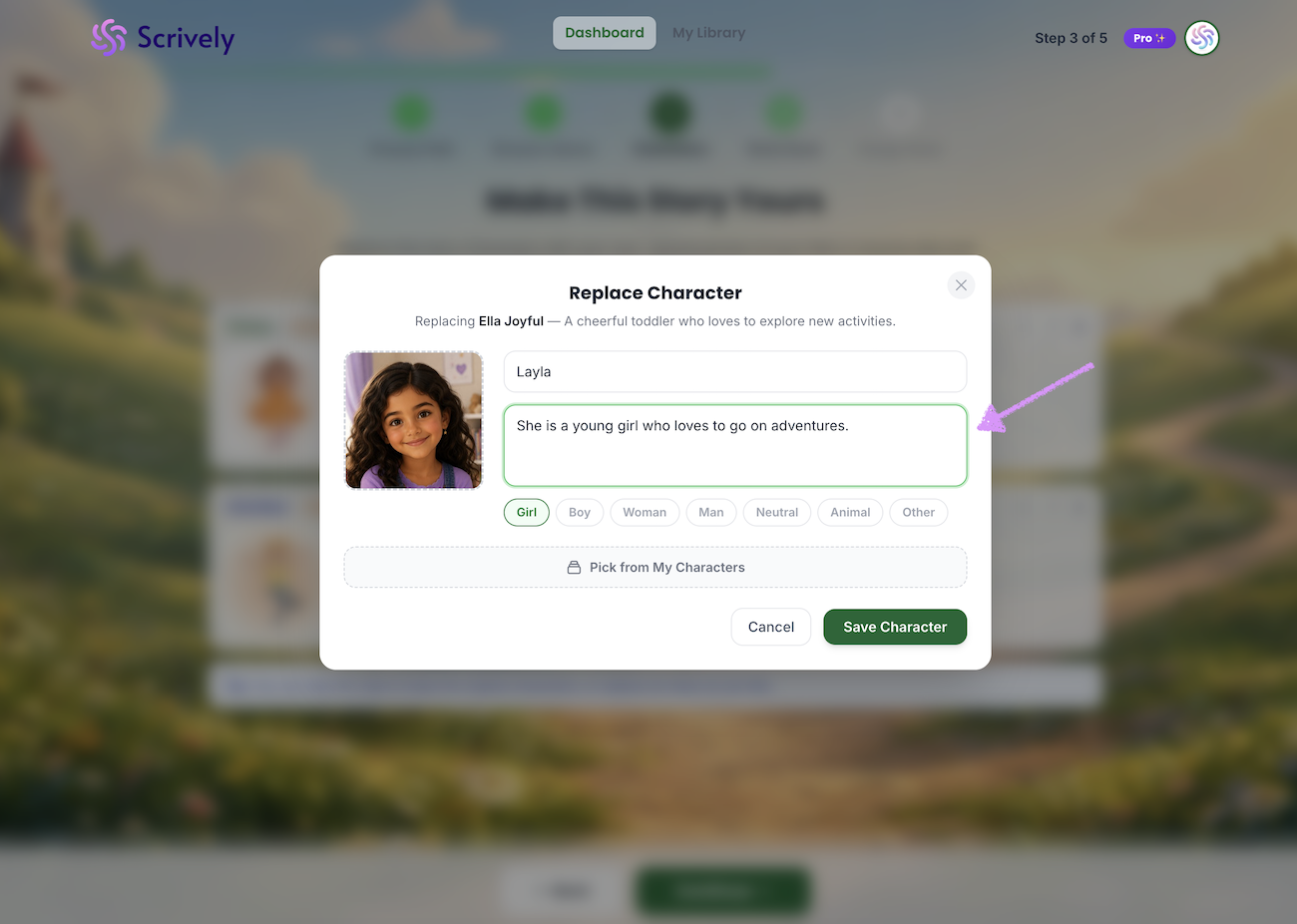
A character type will be automatically set based on the provided name or image which can be adjusted.
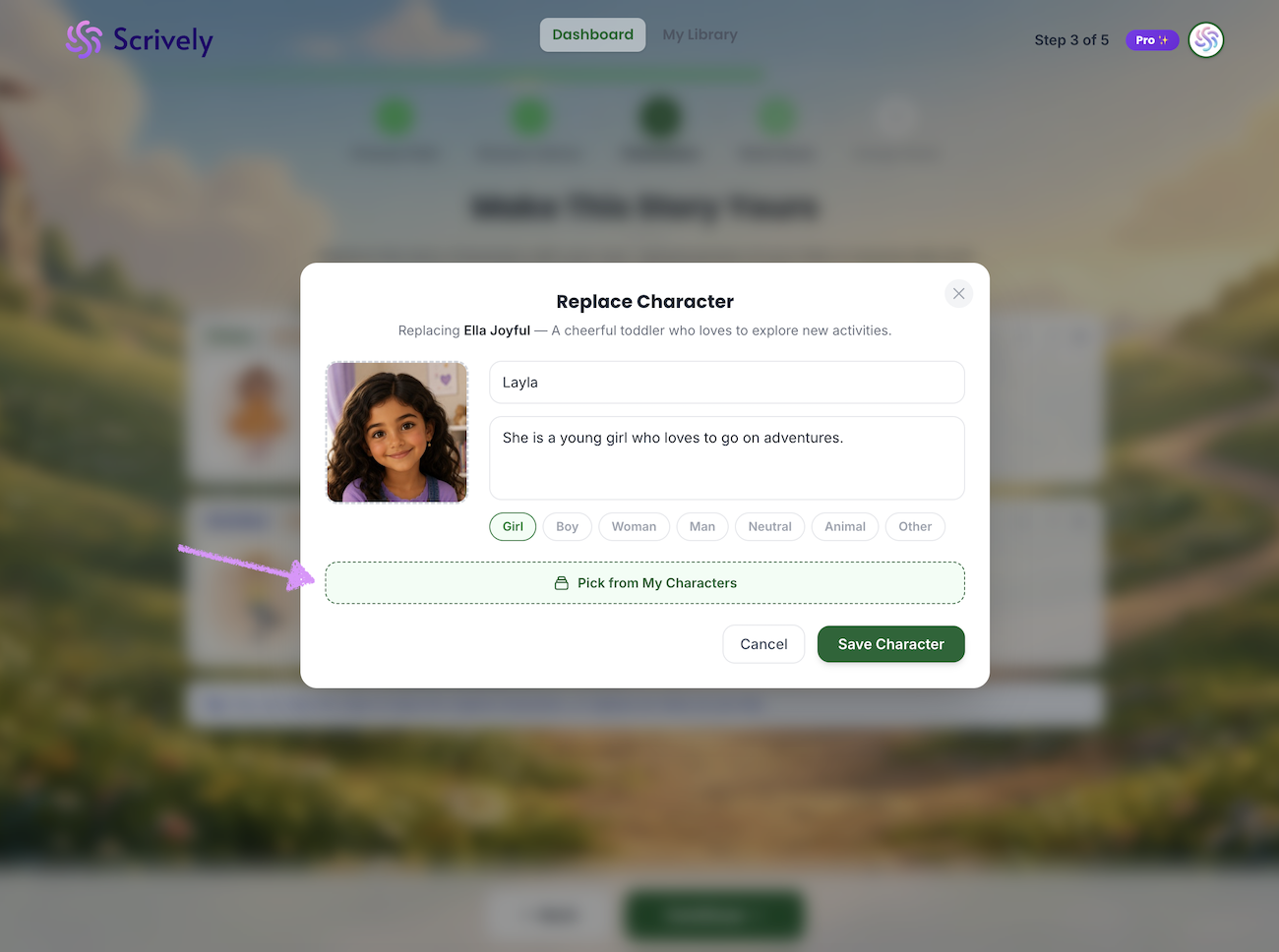
Prefer to use a character from your character library? Click on "Pick from My Characters."
Click on "Save Character."
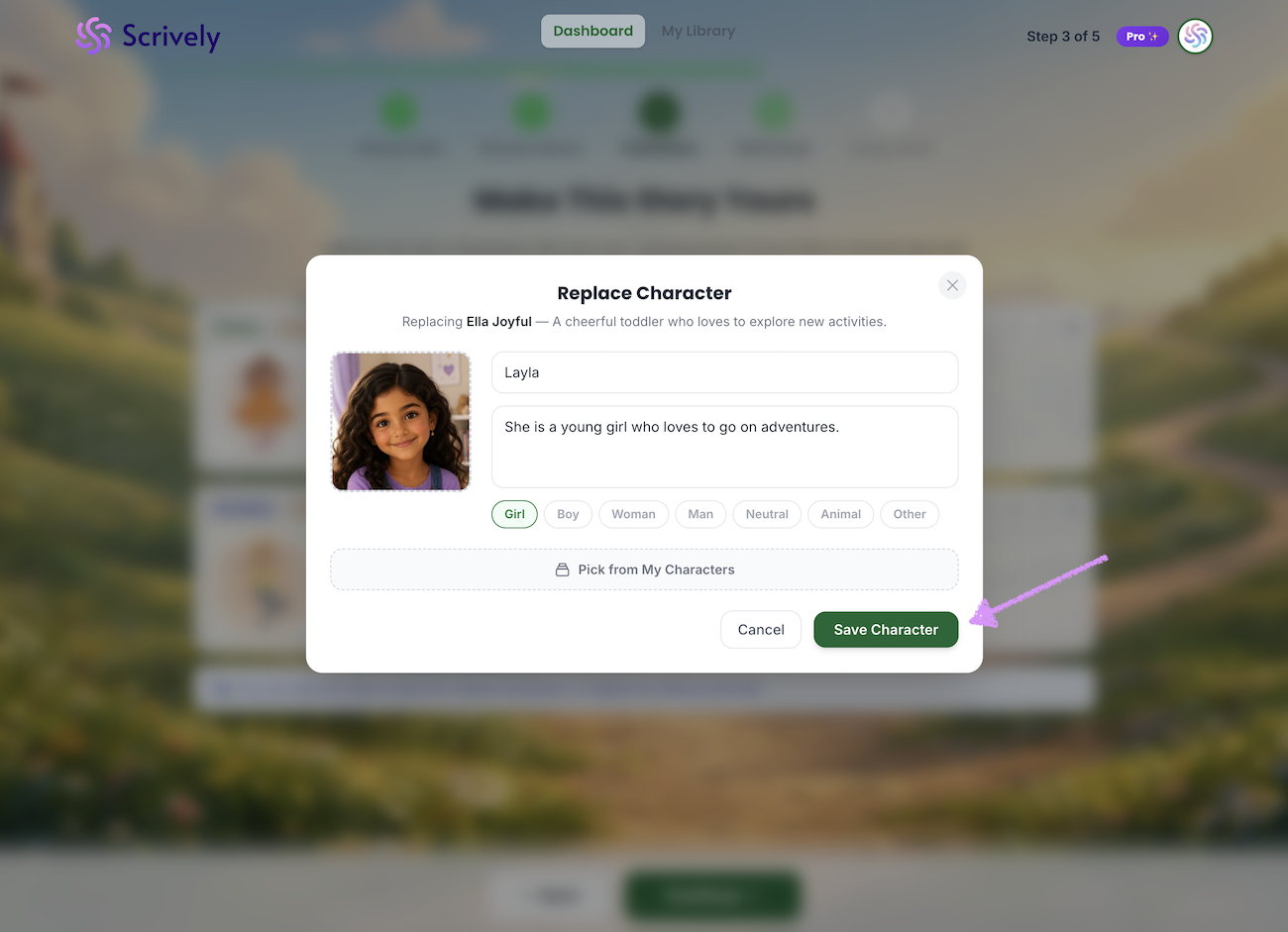
The previous character will be replaced with the new one.
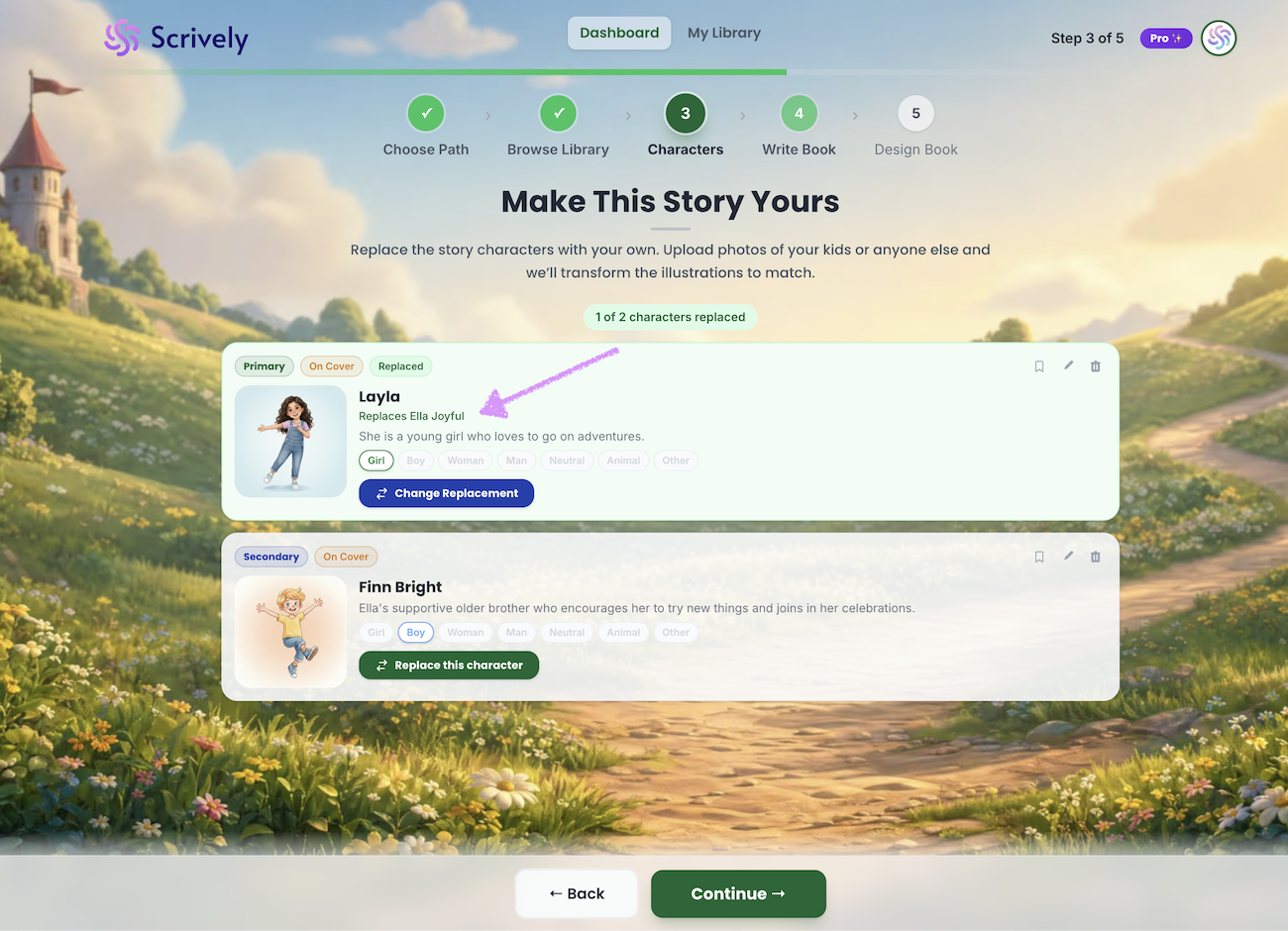
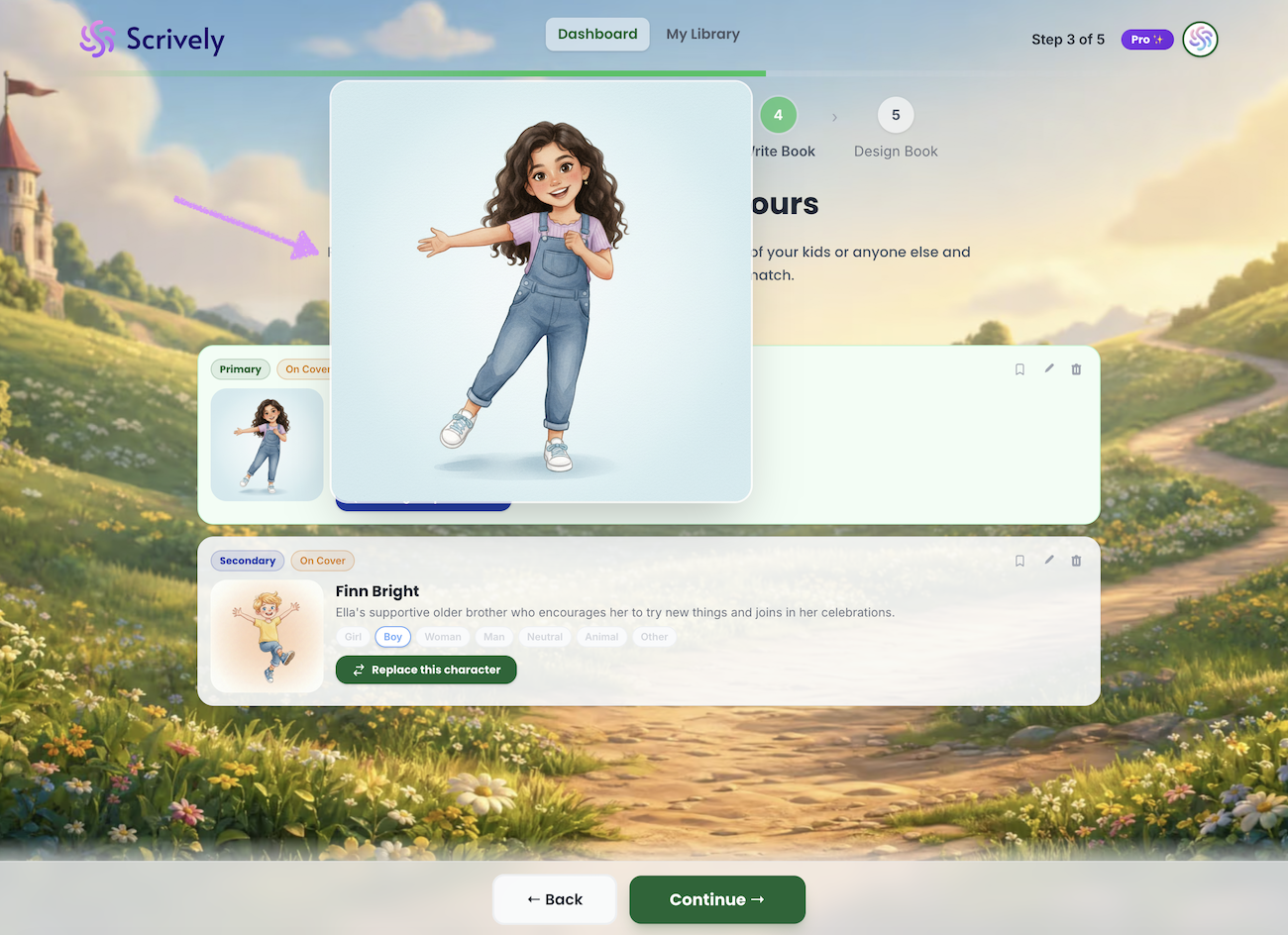
Hover over the character to see a full view image.
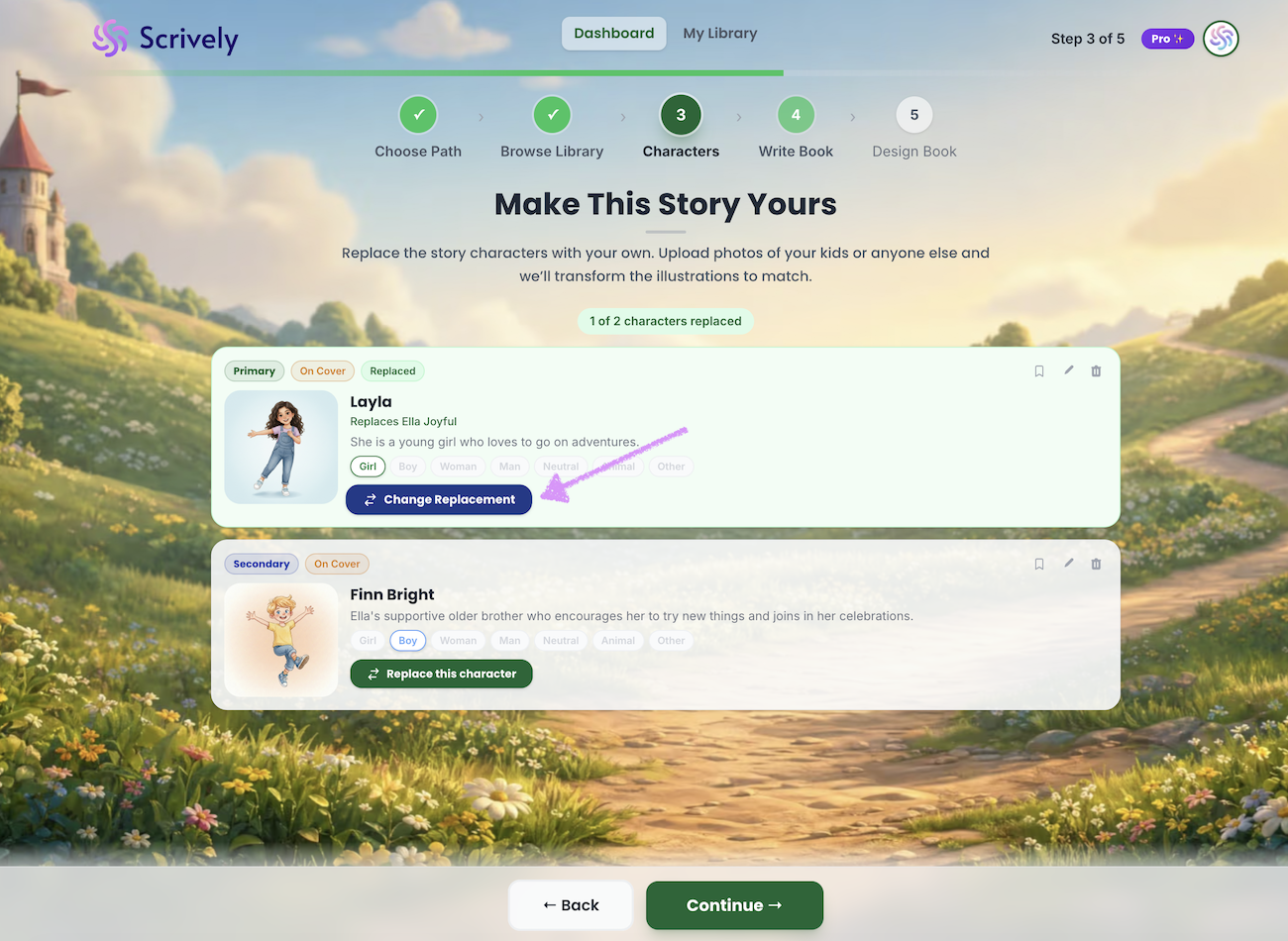
Not happy with the replaced character? Click on "Change Replacement" to add a new one.
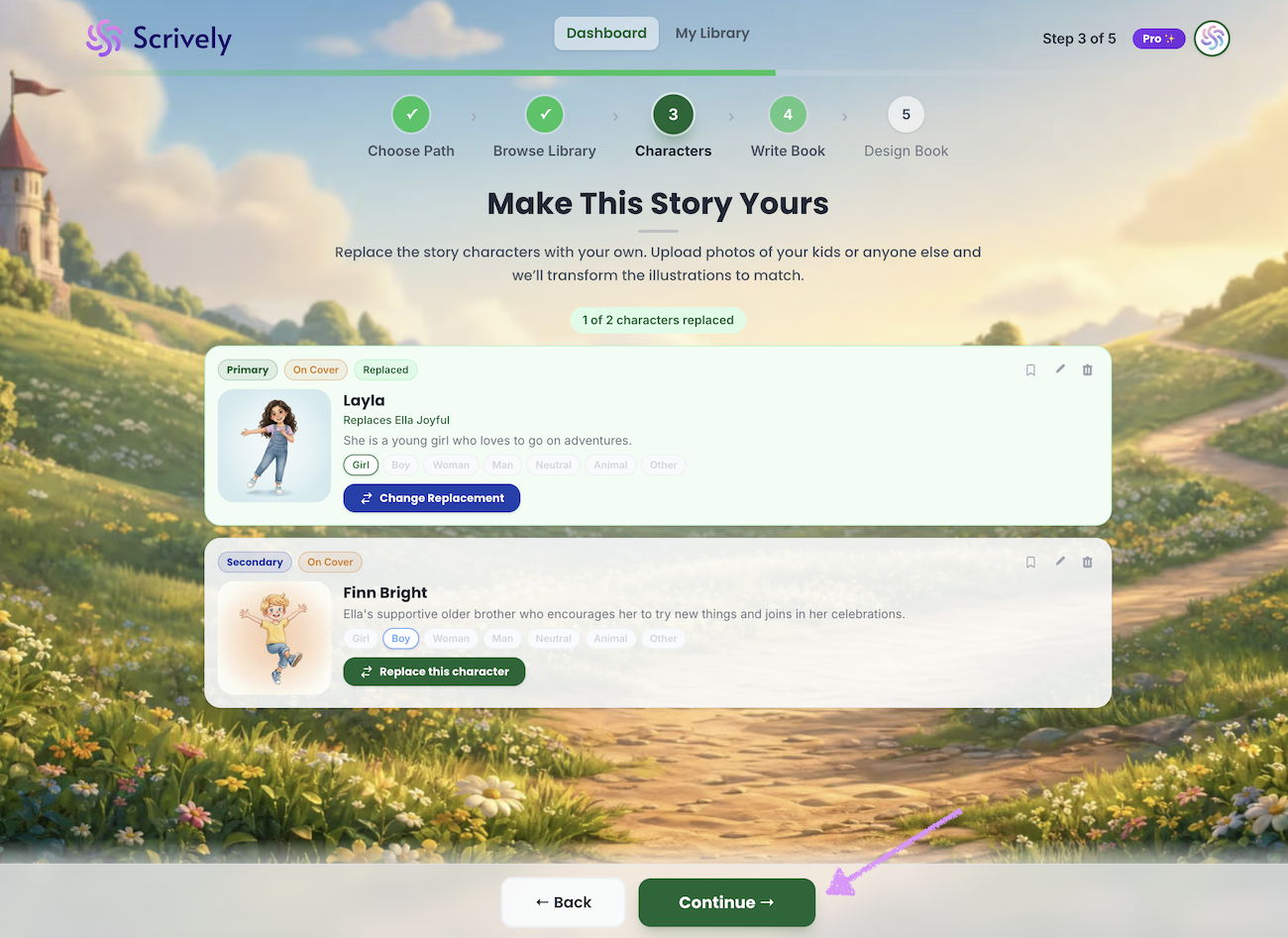
When you're ready click on "Continue."
Head over to our guide here to learn more about writing your book.
Was this article helpful?
That’s Great!
Thank you for your feedback
Sorry! We couldn't be helpful
Thank you for your feedback
Feedback sent
We appreciate your effort and will try to fix the article
