
The Scrively Library offers a wide range of ready-made templates designed to help you quickly begin your project. Selecting a book is simple, and once chosen, you can preview its contents and start building from a structured, pre-designed foundation tailored to your story.
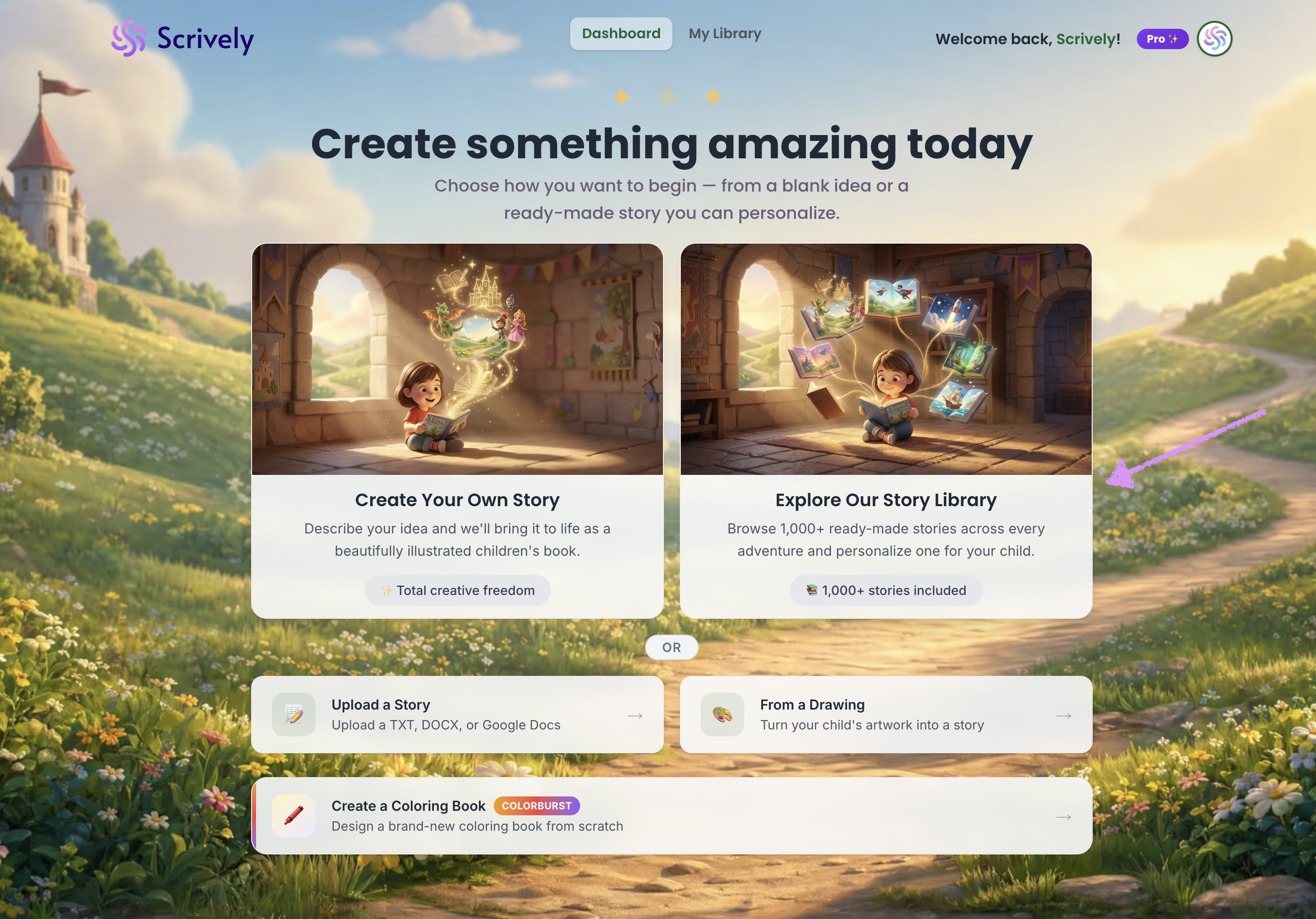
From the Dashboard, click on “Explore Our Story Library.”
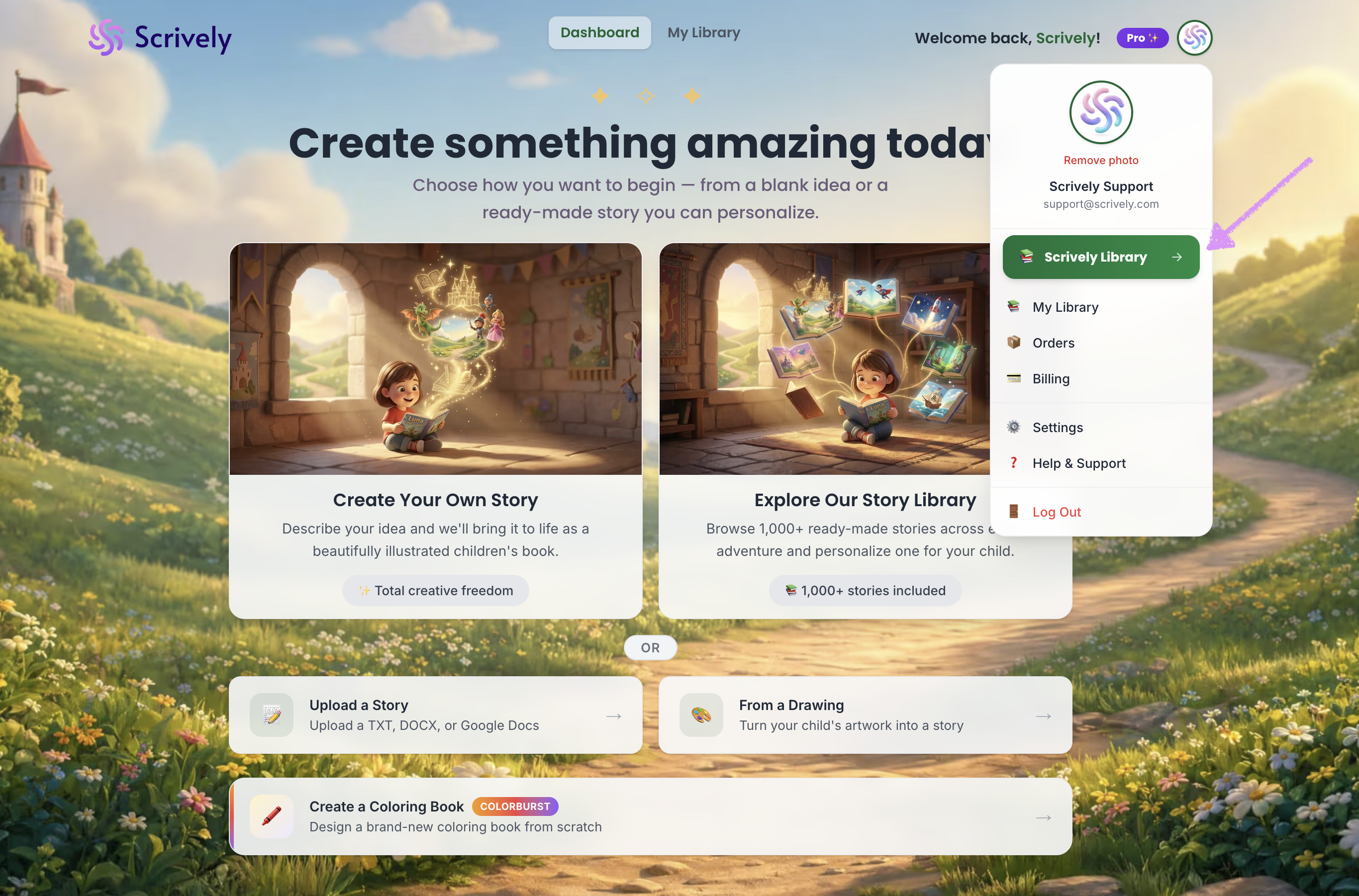
Alternatively, from your avatar click on "Scrively Library."
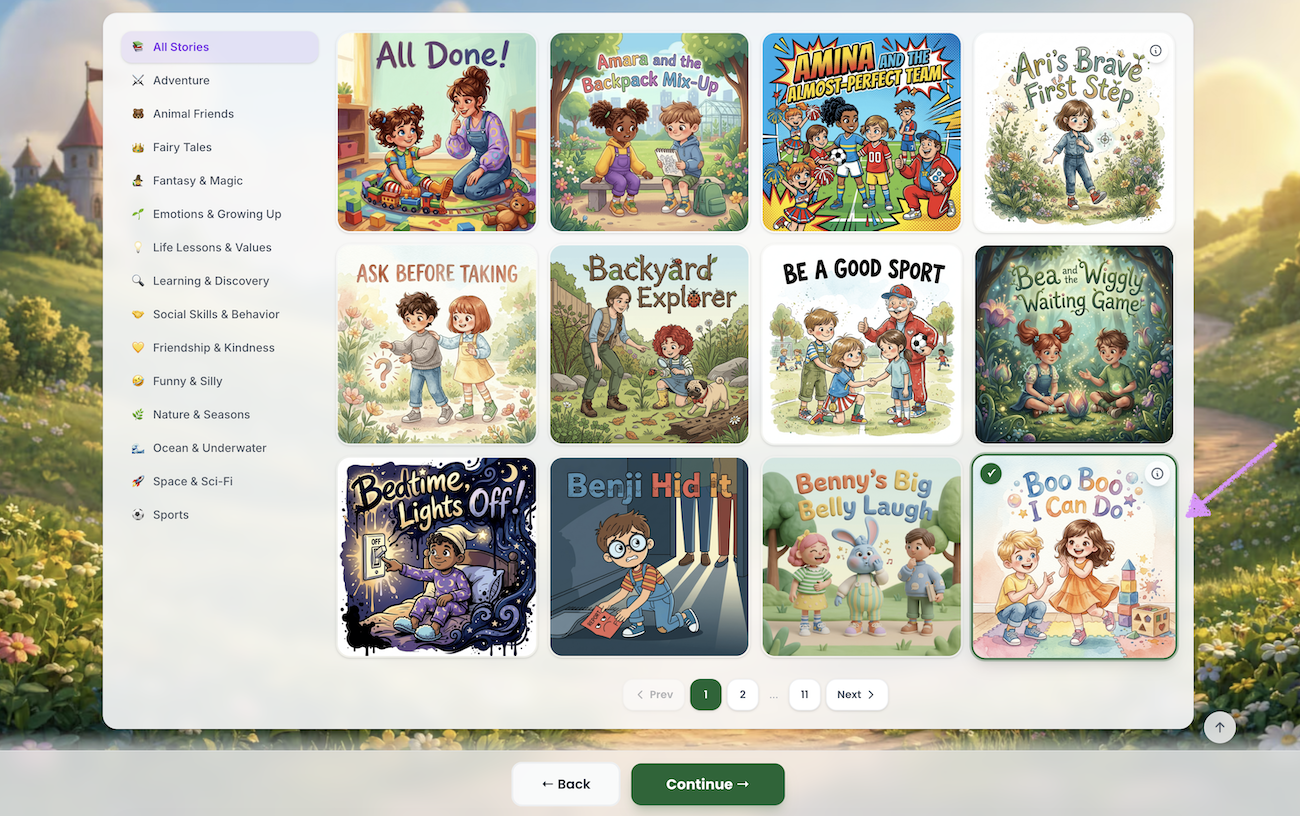
You’ll arrive at the Scrively Library, where you can browse hundreds of templates to kickstart your project. Click into the book you'd like to use.
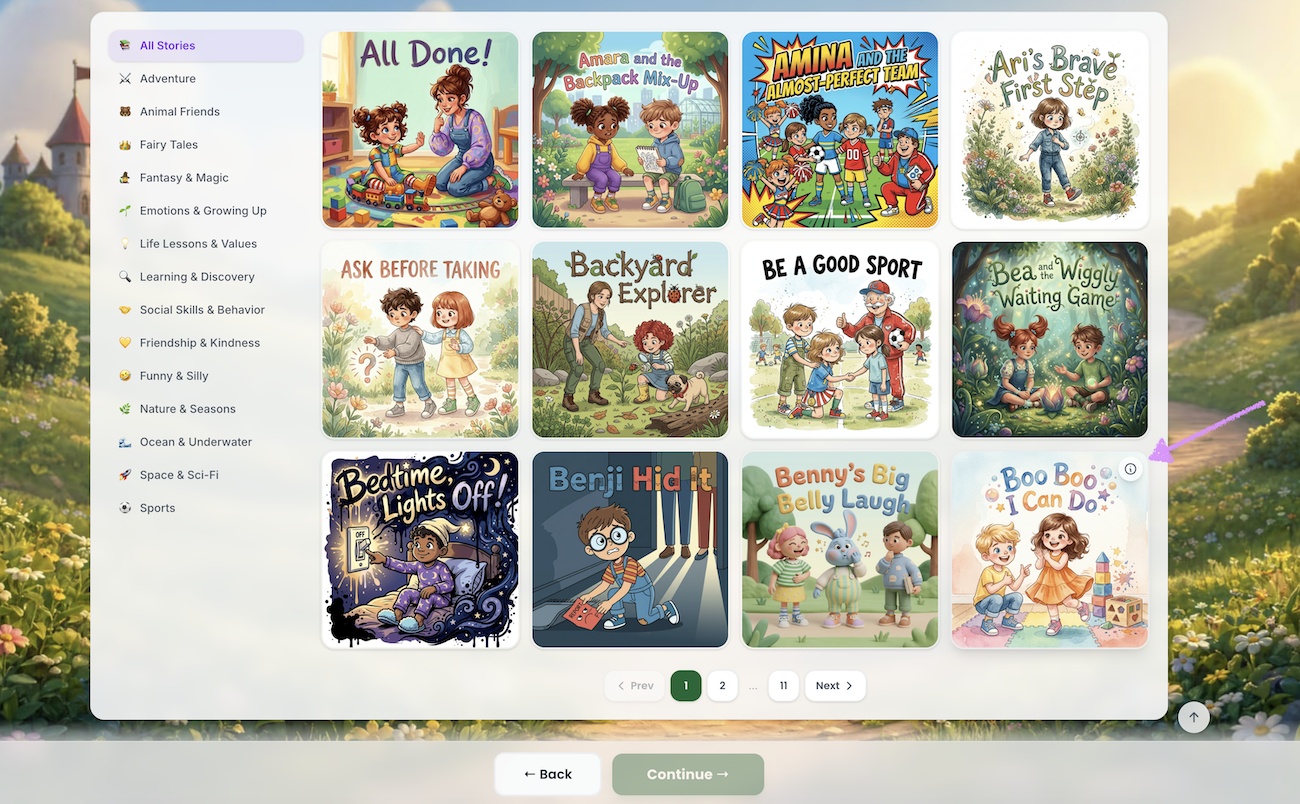
Alternatively, hover over the book and click the information icon.
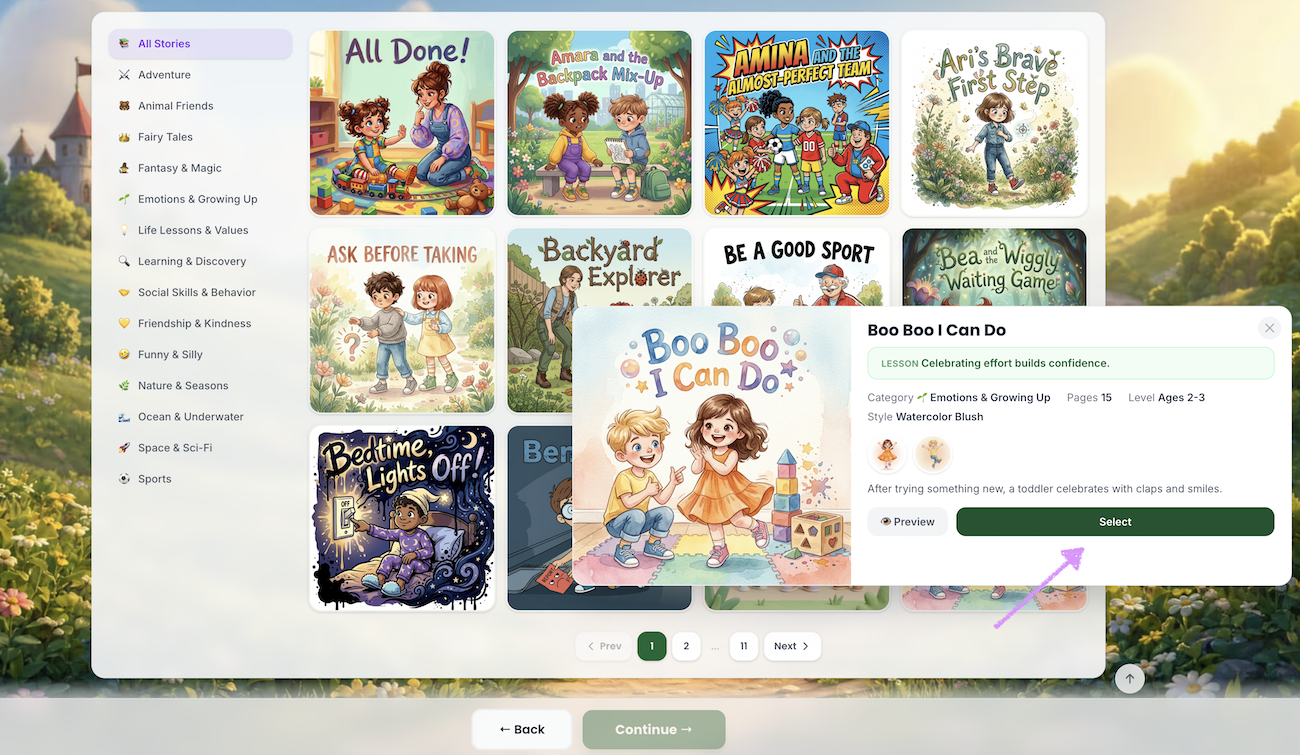
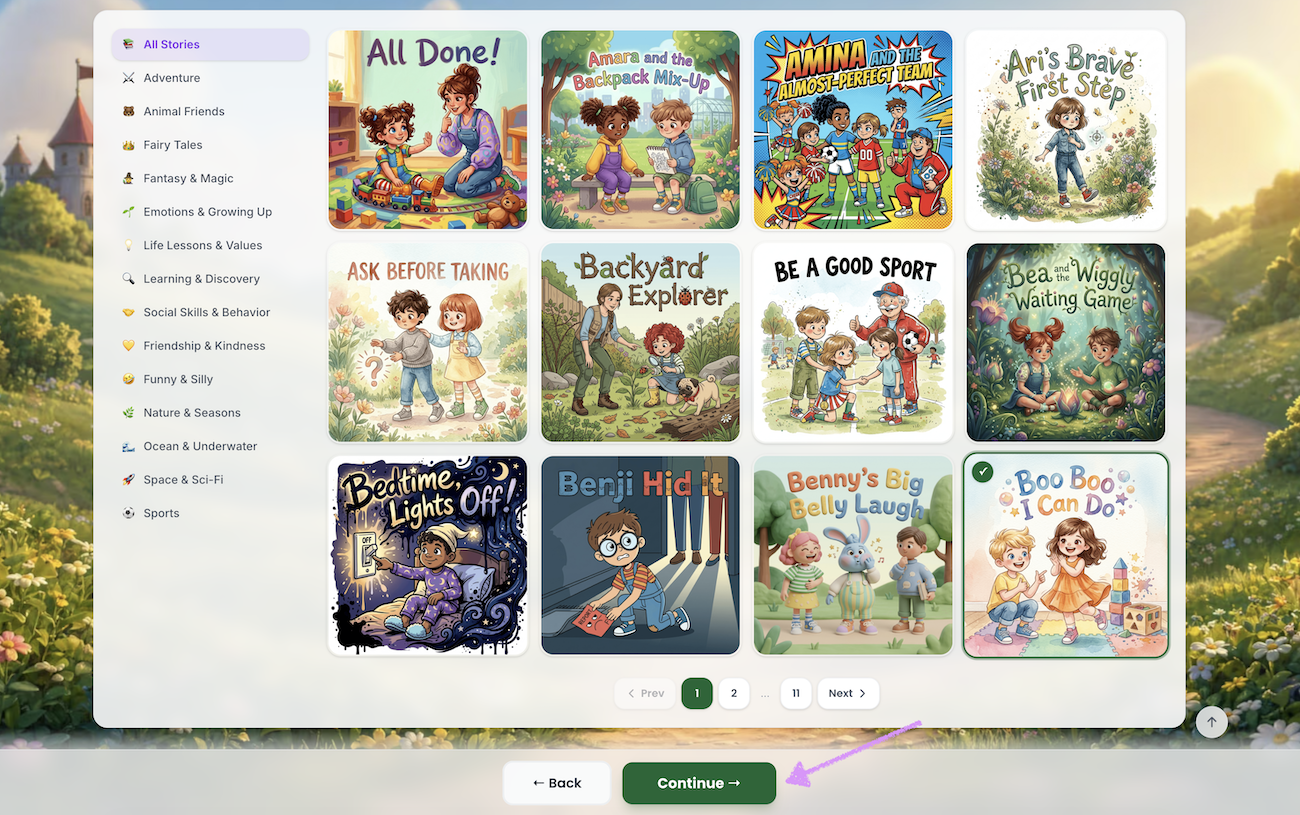
Click on "Continue."
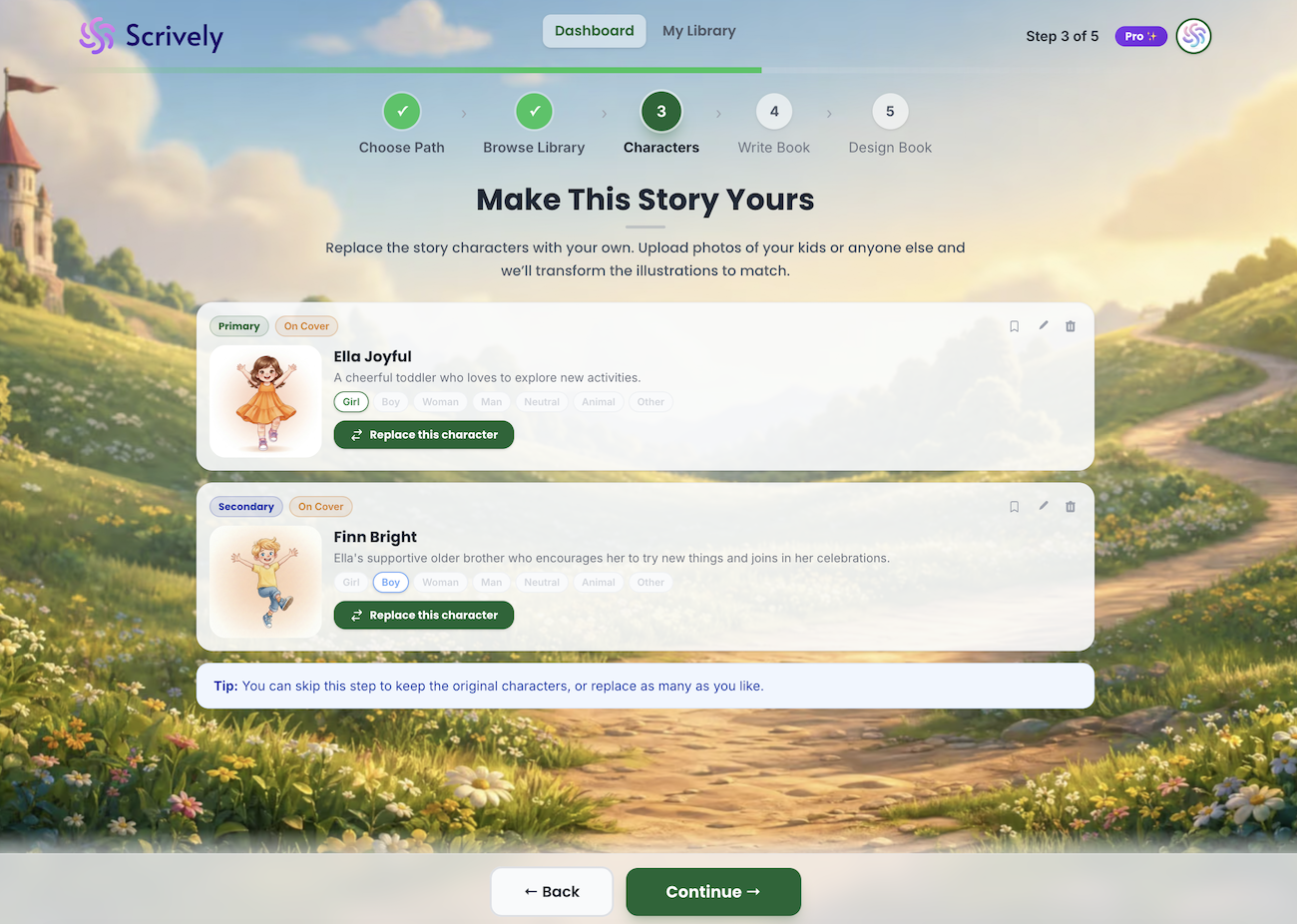
This will take you to the character view, where you can either use the existing characters as they are or replace them with your own.
Head over to our guide here to learn more about working with book template characters.
Was this article helpful?
That’s Great!
Thank you for your feedback
Sorry! We couldn't be helpful
Thank you for your feedback
Feedback sent
We appreciate your effort and will try to fix the article
