
Using Colorburst on the Desktop App
After you provide Scrively with your coloring book details, you’ll be taken to the Story Builder, where you can shape your coloring book exactly how you envision it.
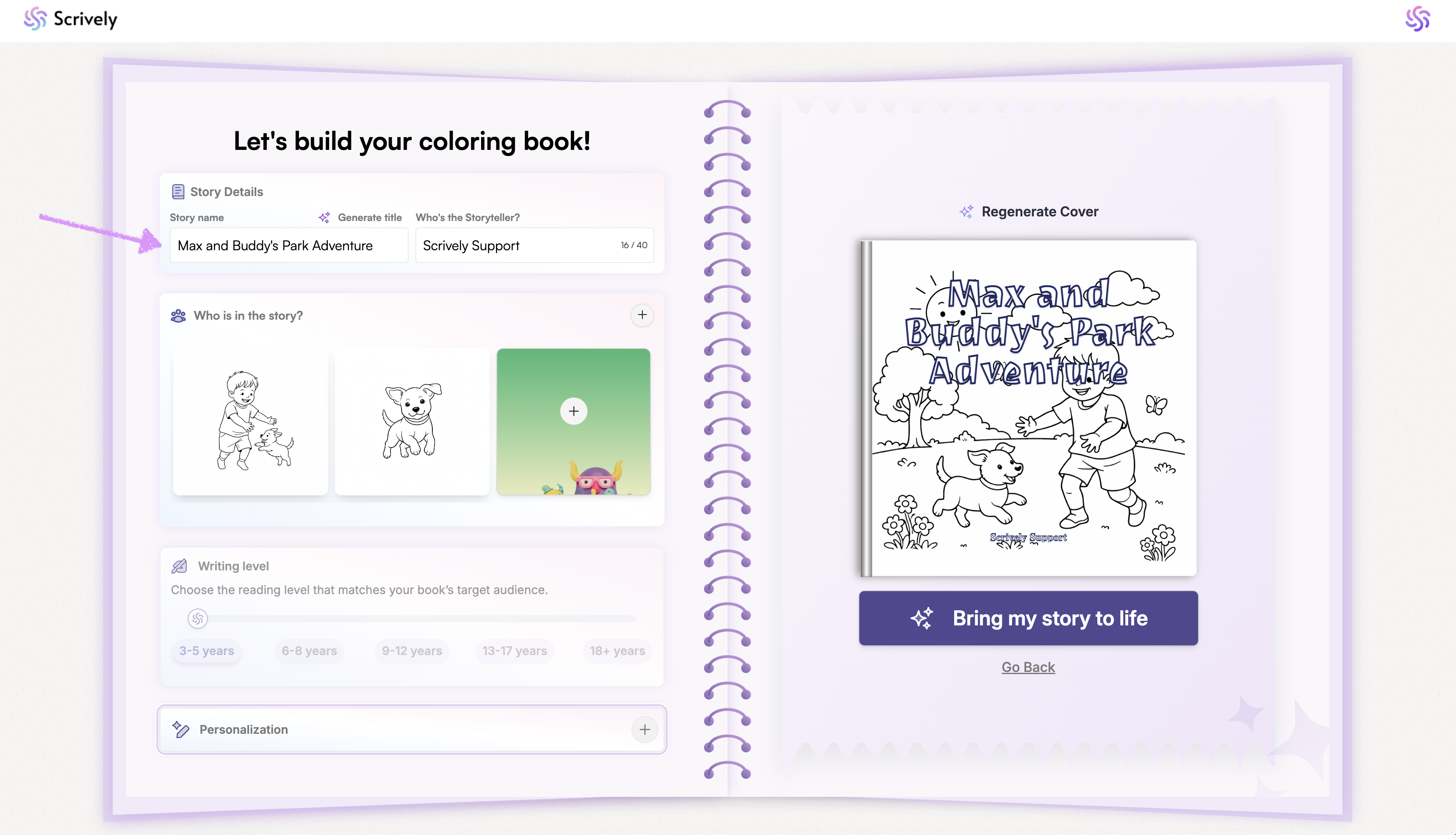
The first step in the story builder is to enter or modify the title for the story.
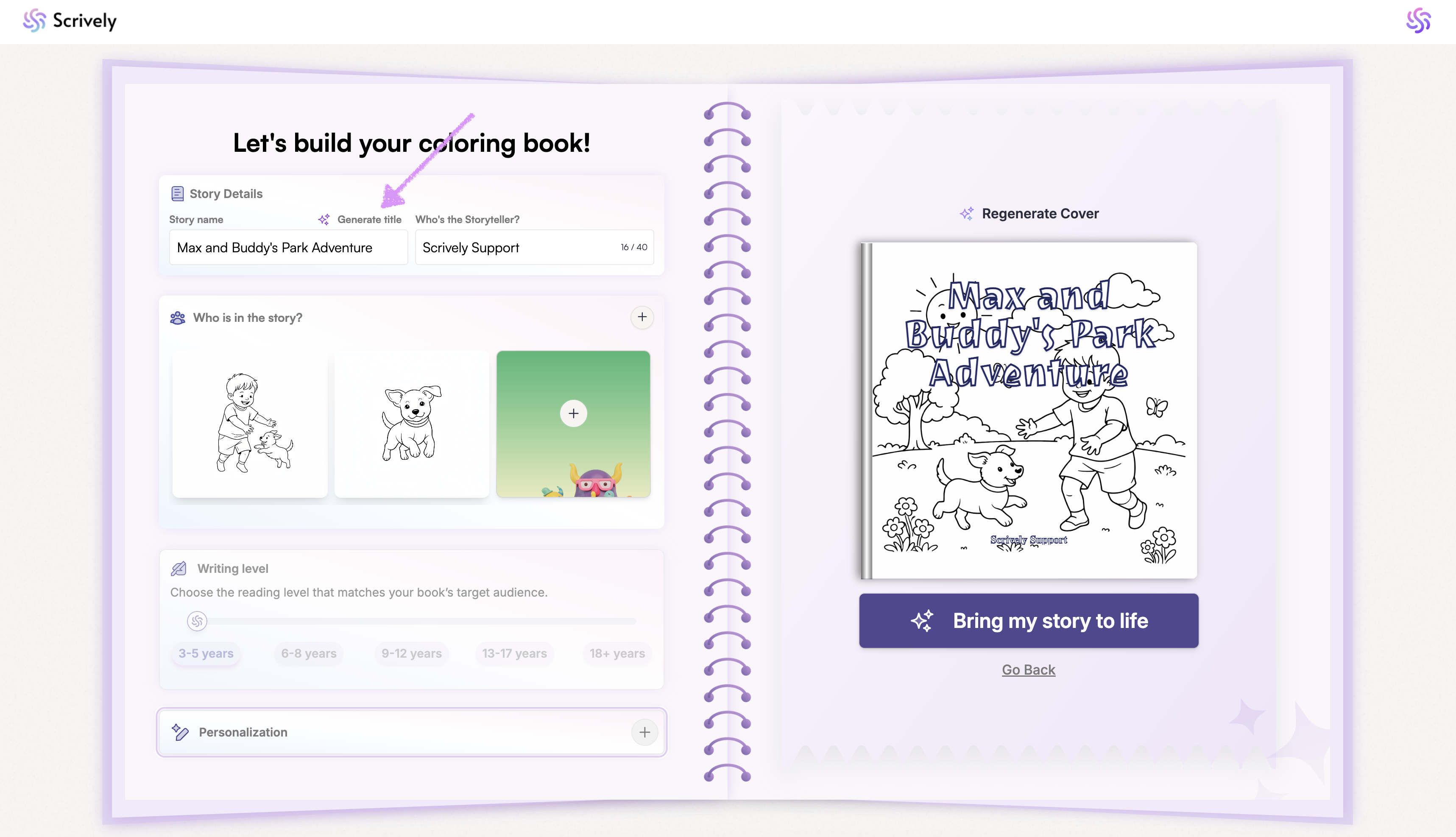
Want to automatically generate a new title? Click on "Generate title."
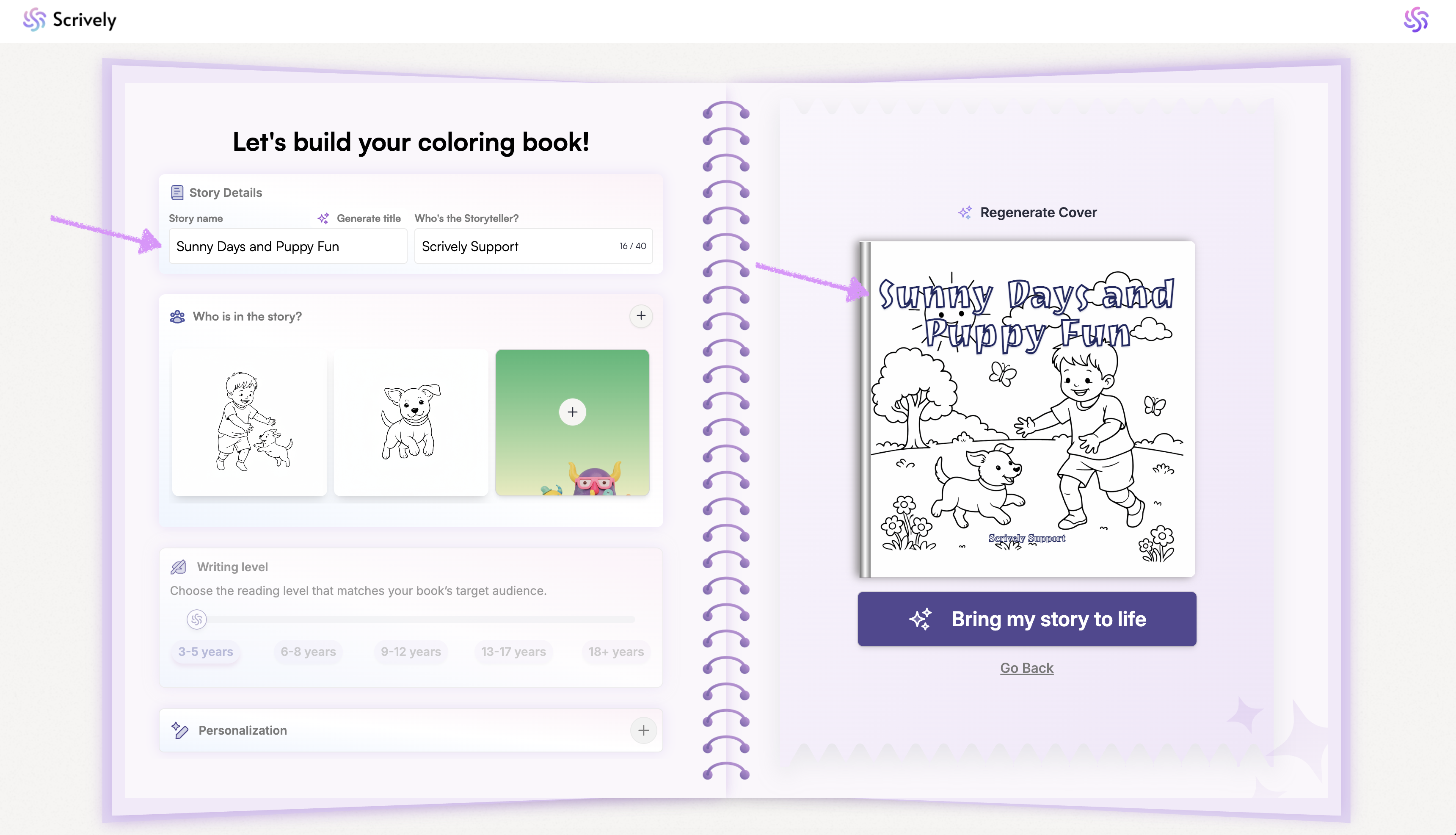
Scrively will add the new title to the provided field and automatically update the title on the book cover illustration.
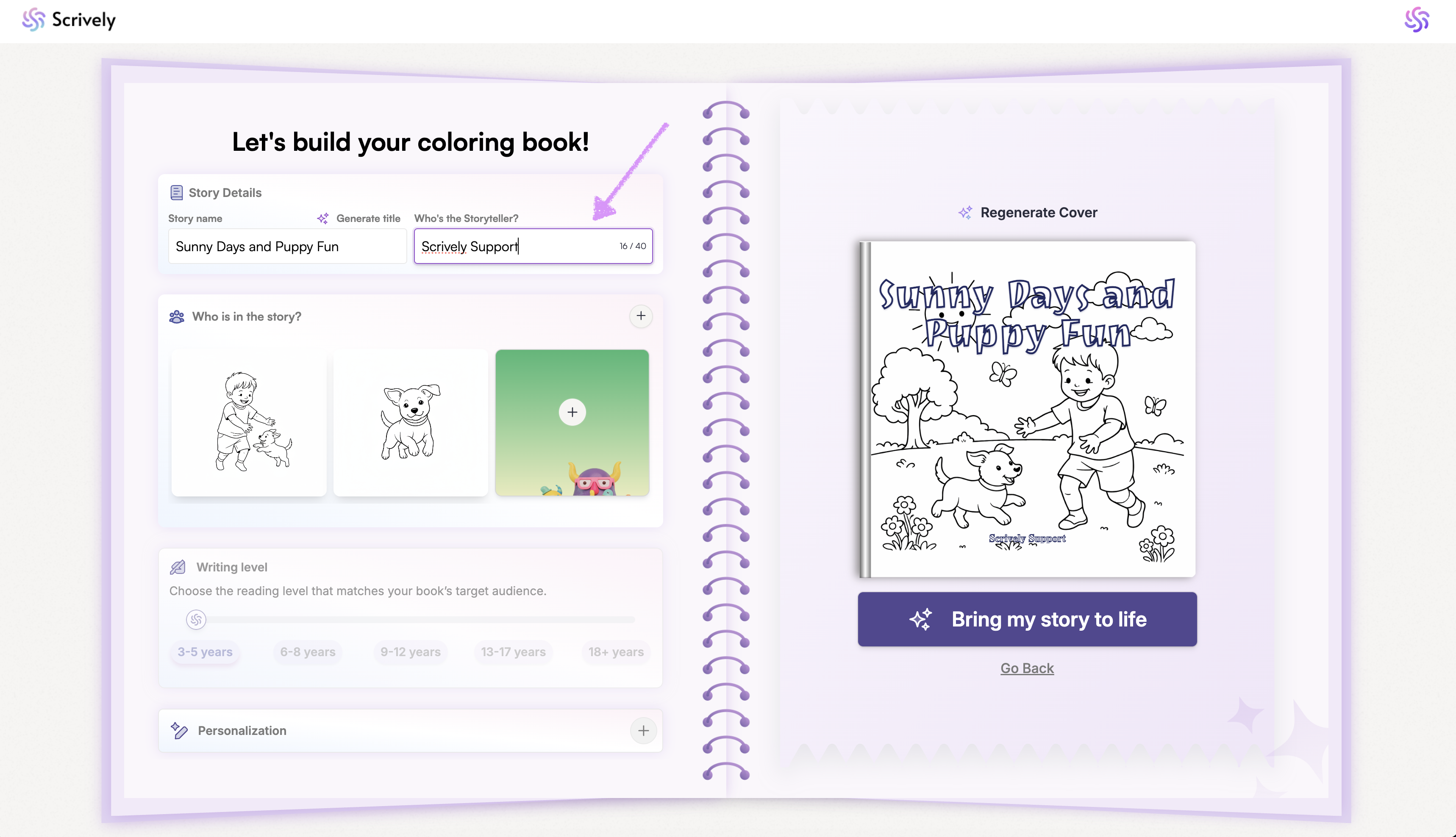
Next, enter or modify the storyteller's name. Head over to your guide here to learn more about working with characters.
Was this article helpful?
That’s Great!
Thank you for your feedback
Sorry! We couldn't be helpful
Thank you for your feedback
Feedback sent
We appreciate your effort and will try to fix the article
