
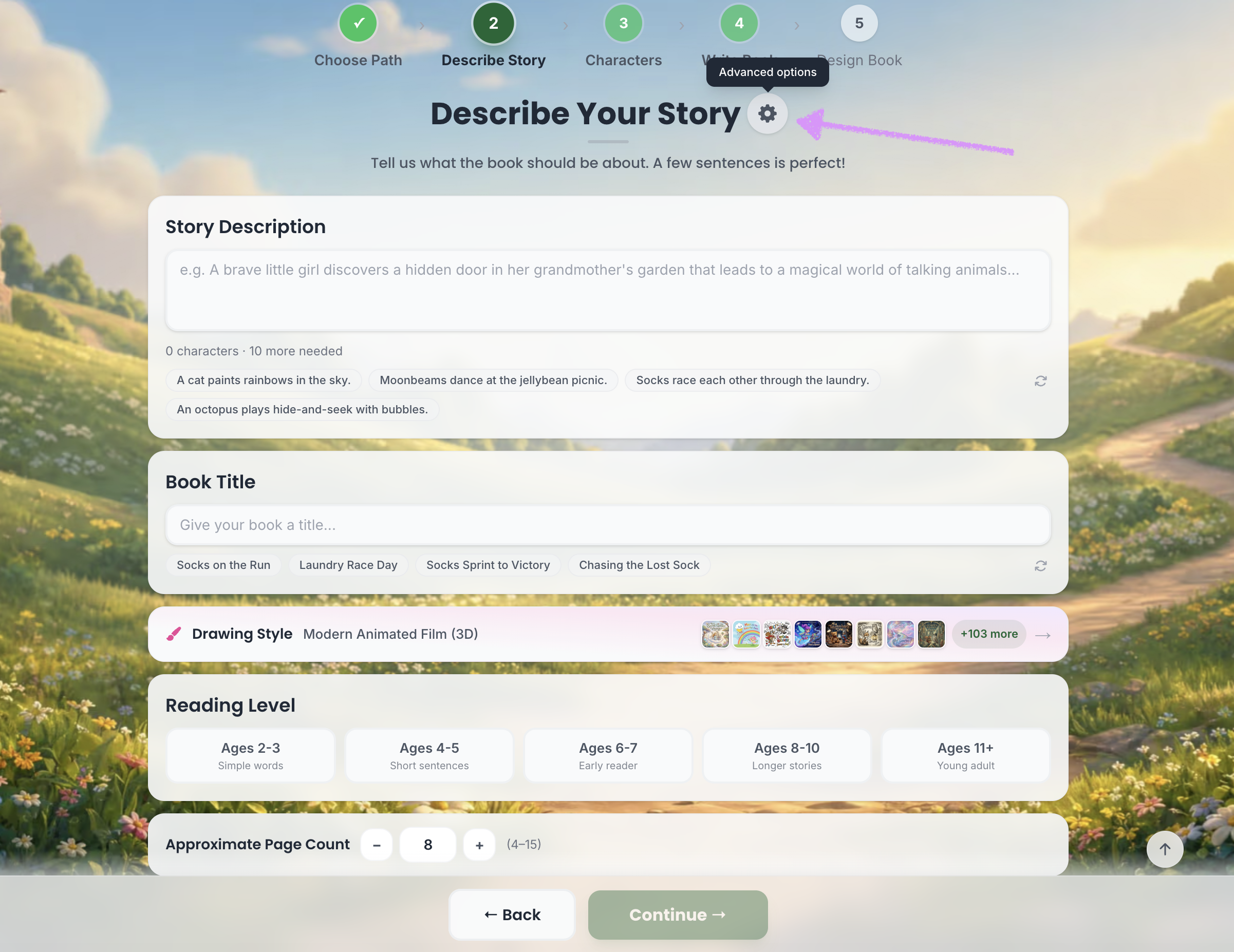
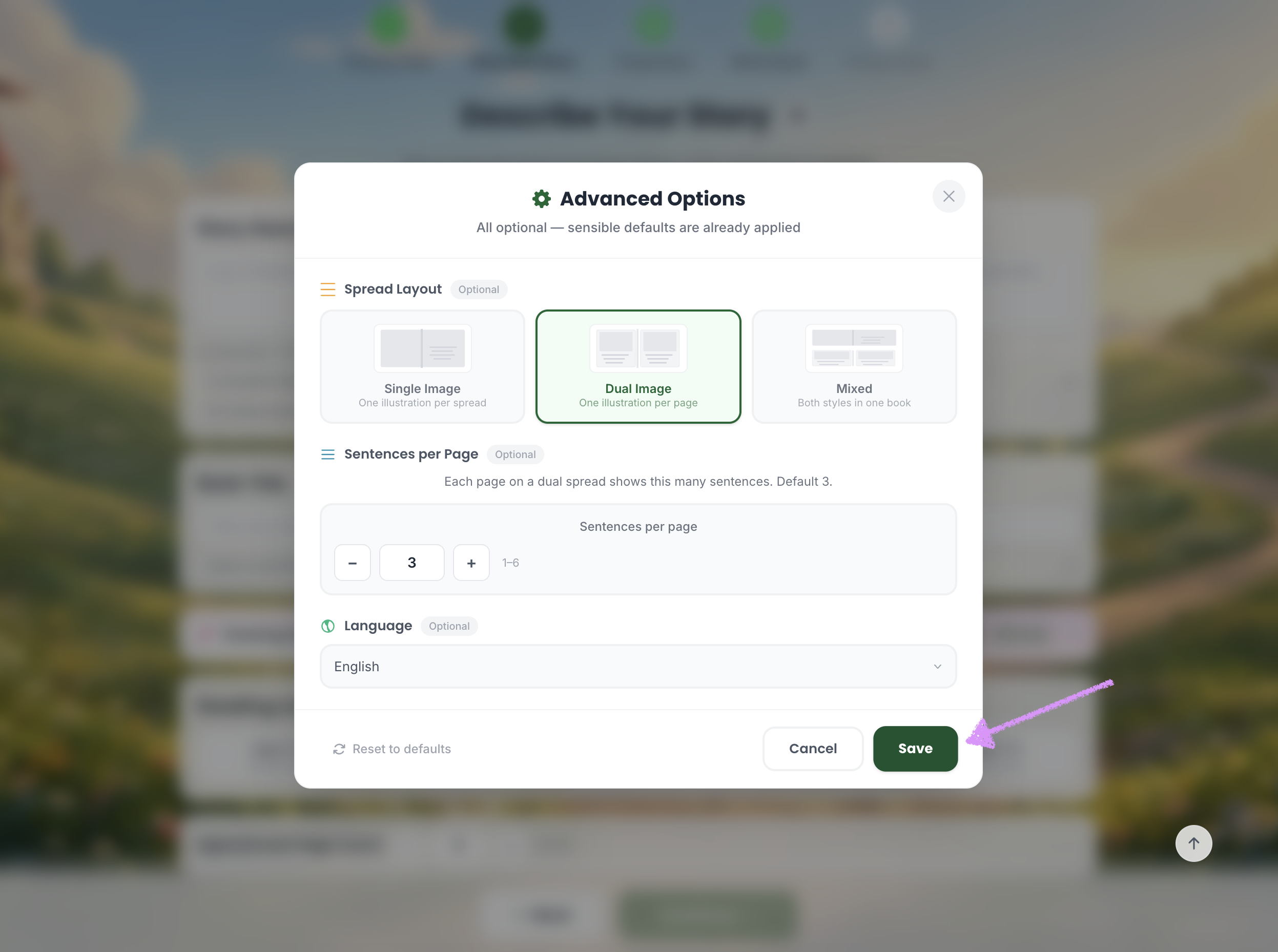
In Step 2 of story creation, you can configure additional “Advanced Settings” by clicking the gear icon next to “Describe Your Story.”
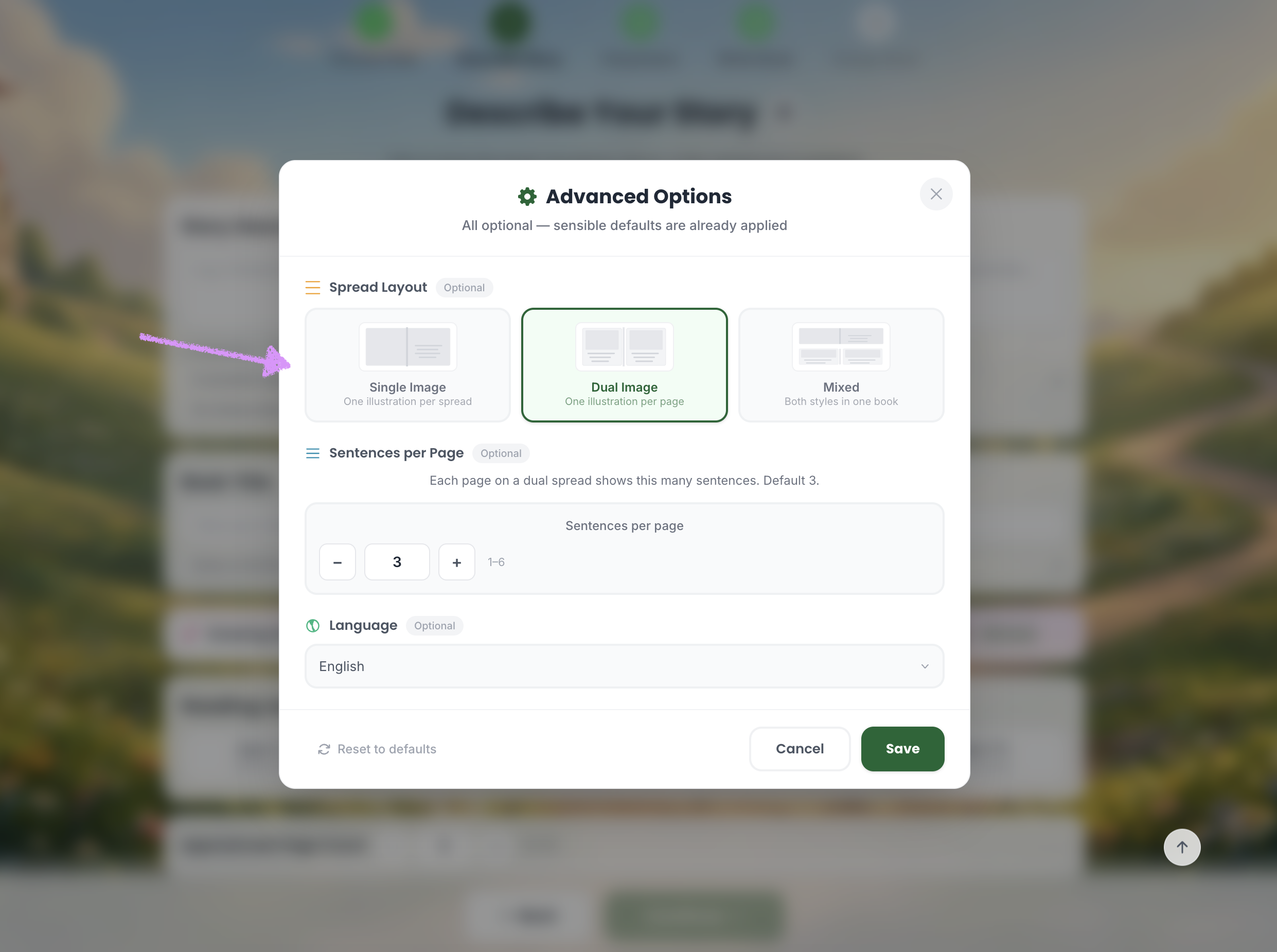
The first setting lets you choose your spread layout, with three options available: Single Image, Dual Image, and Mixed.
Single Image:
Displays one image per spread, ideal for full-focus illustrations or scenes where a single visual tells the story clearly.
Dual Image:
Splits the spread into two images, allowing you to show contrasting scenes, before-and-after moments, or two related perspectives side by side.
Mixed:
A flexible layout that combines both single and dual image spreads throughout your book for variety and dynamic storytelling.
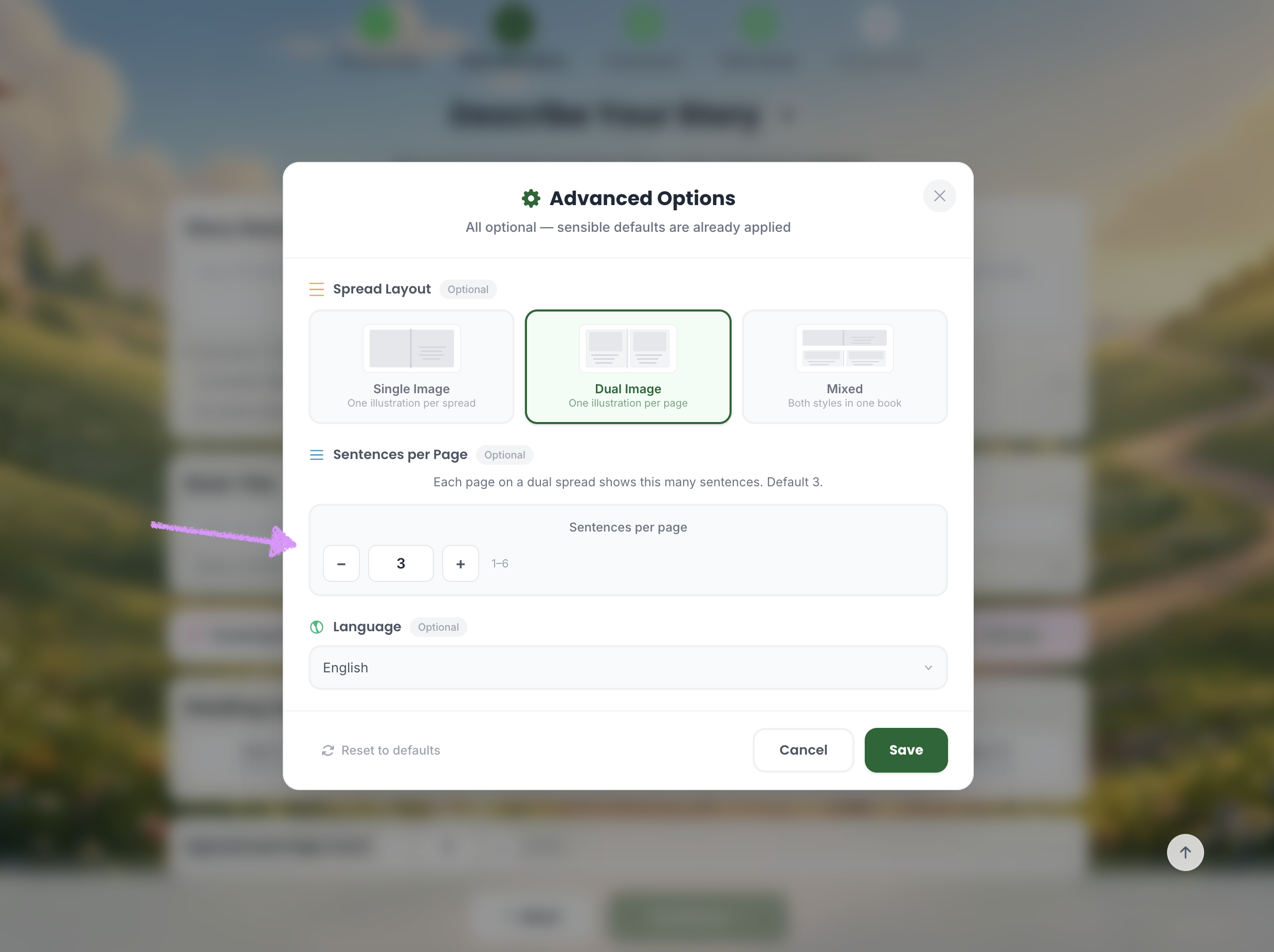
Choose how many sentences should show on each page.
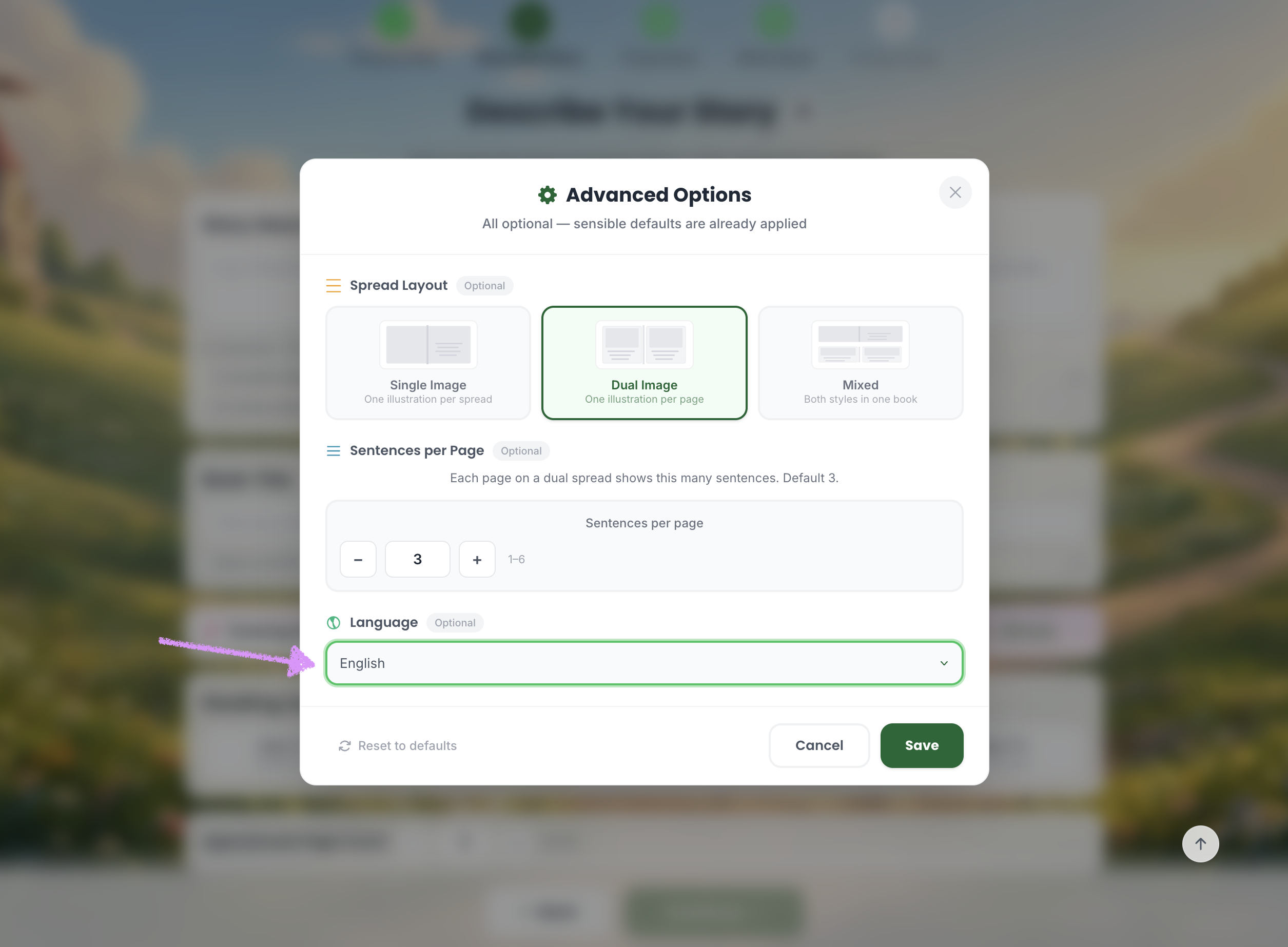
Select your preferred language.
Click on "Save." Head over to our guide here to learn more about describing your story.
Was this article helpful?
That’s Great!
Thank you for your feedback
Sorry! We couldn't be helpful
Thank you for your feedback
Feedback sent
We appreciate your effort and will try to fix the article
