
The Scrively Library makes it easy to find exactly what you need by browsing books manually through categories. Instead of scrolling through hundreds of options, you can quickly narrow your search by selecting a specific category to discover relevant book templates.
From the Dashboard, click on “Explore Our Story Library.”
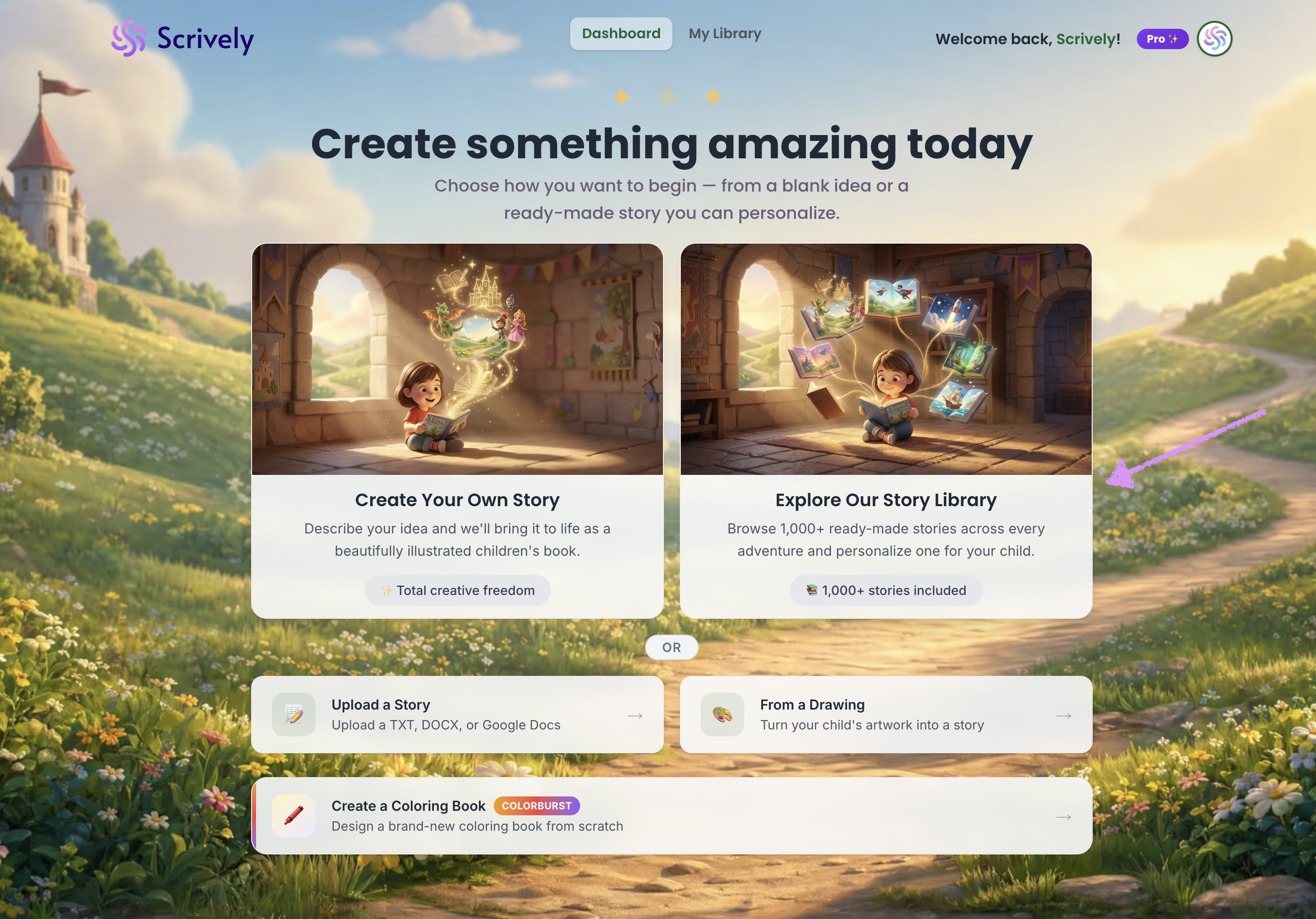
Alternatively, from your avatar click on "Scrively Library."
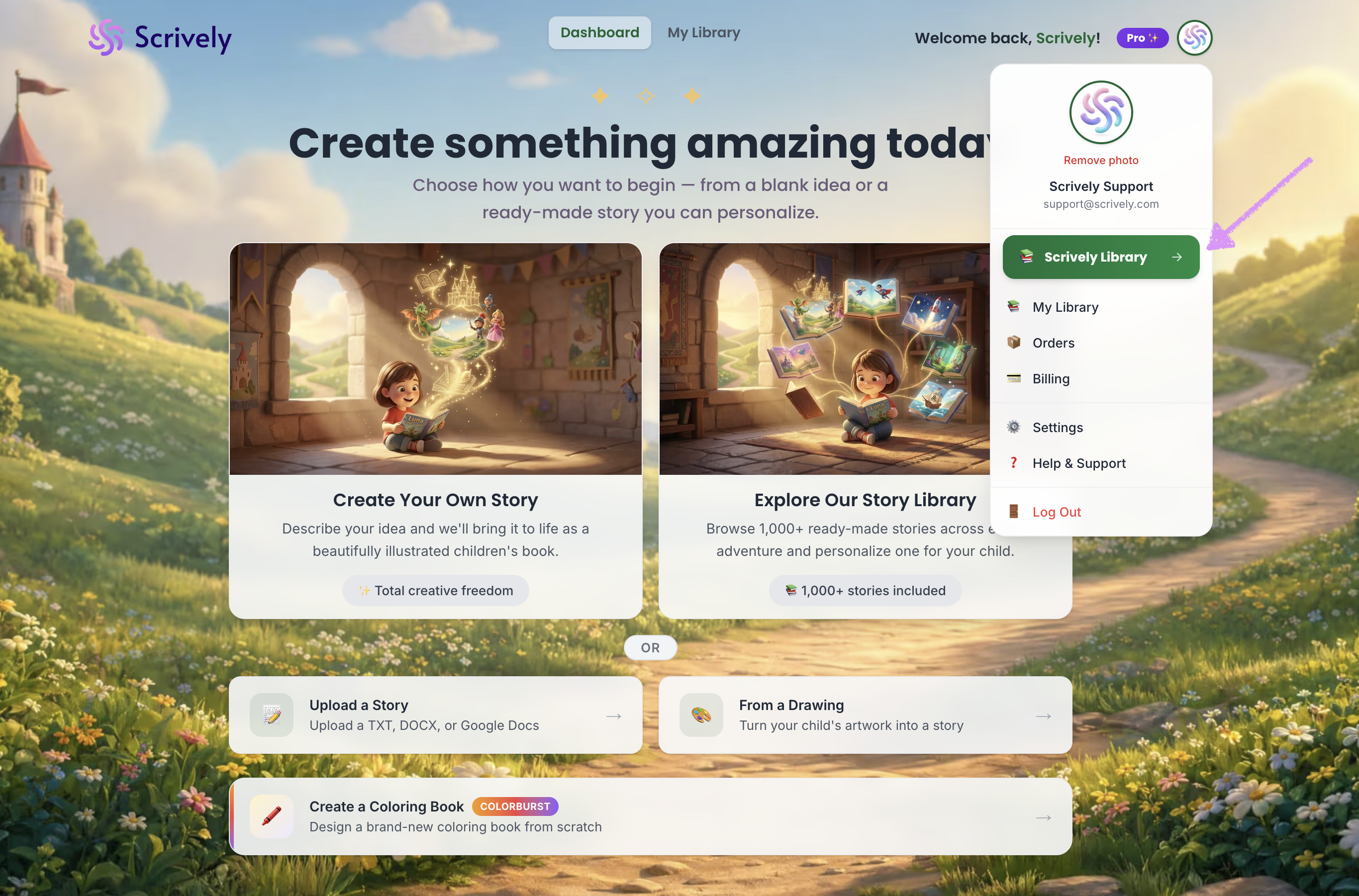
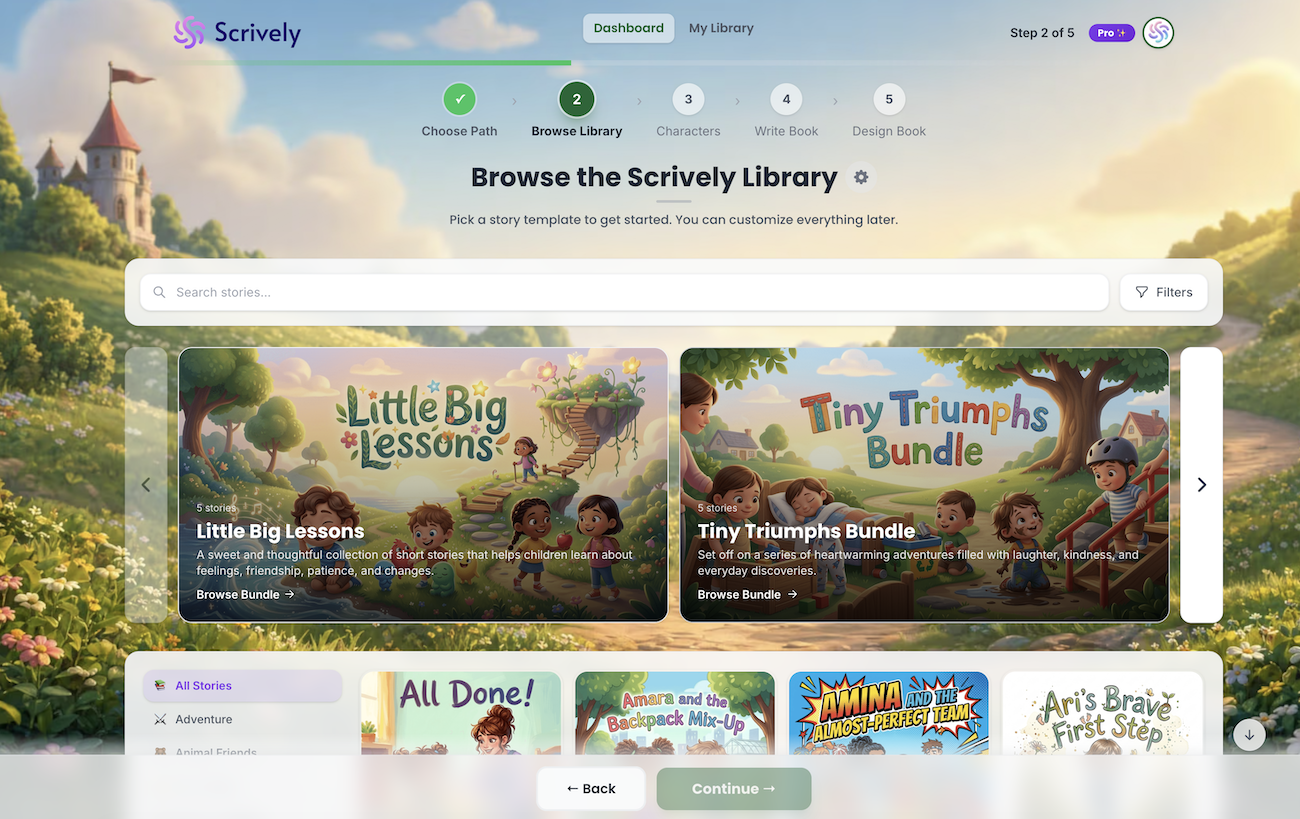
You’ll arrive at the Scrively Library where you can choose from hundreds of templates to help you get started with your project.
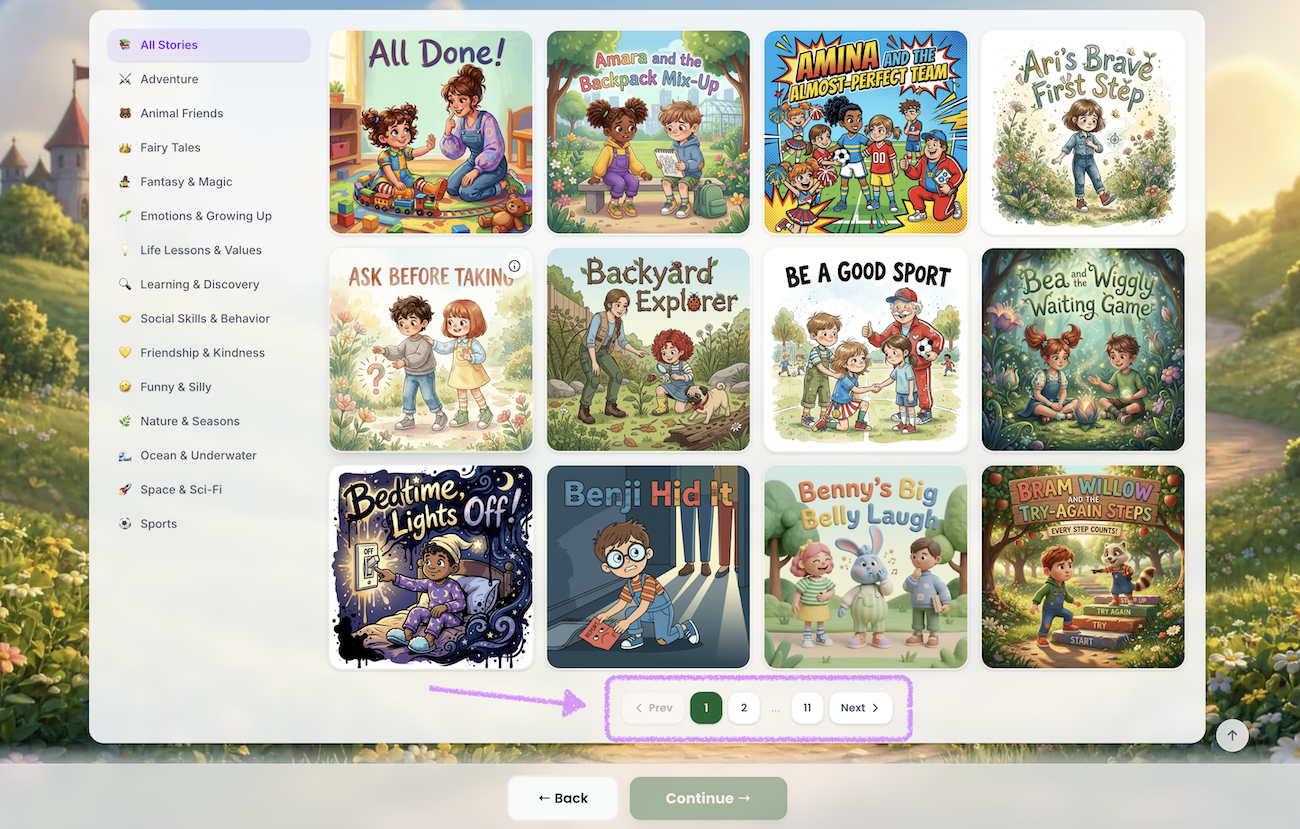
Scroll down and the category will be set to “All Stories” by default, allowing you to view every available storybook template.
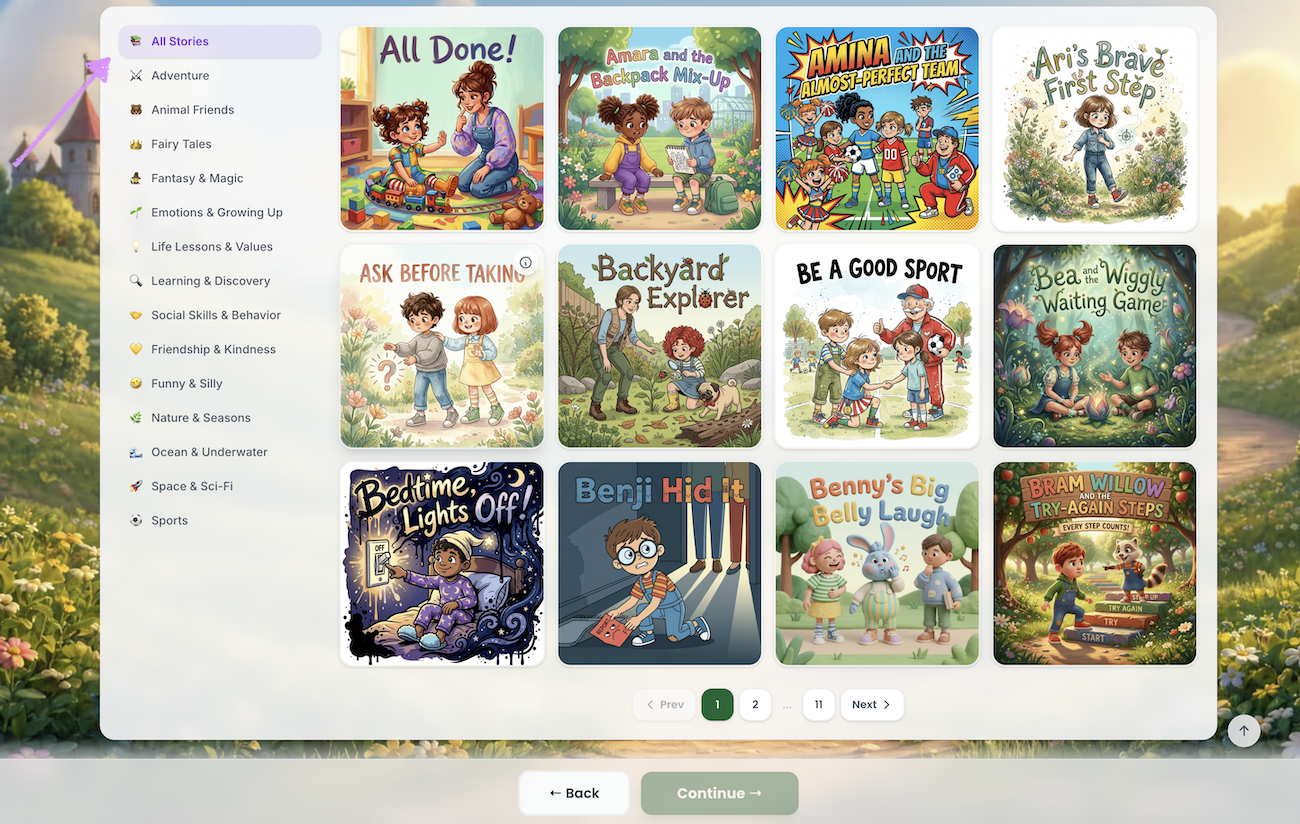
At the bottom of the page, you’ll find pagination options that let you move through the library by clicking Previous or Next, or by selecting specific page numbers to quickly jump to more templates.
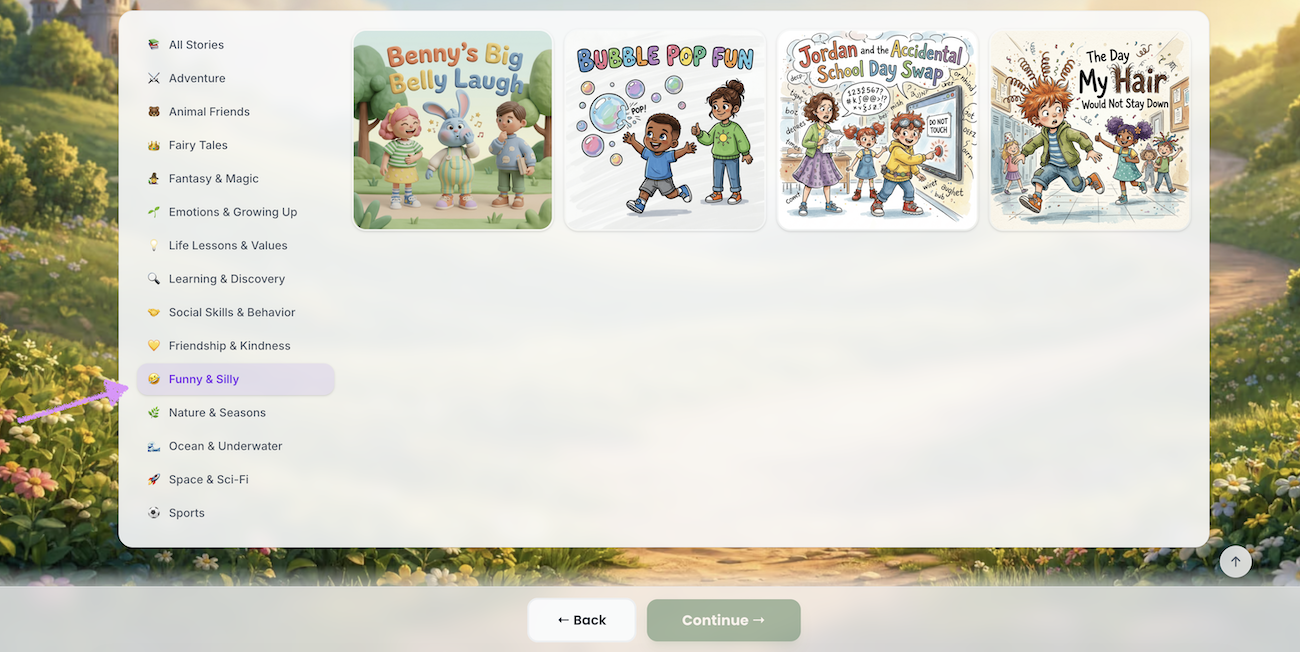
Alternatively, click into a specific category to see all related storybook templates.
Was this article helpful?
That’s Great!
Thank you for your feedback
Sorry! We couldn't be helpful
Thank you for your feedback
Feedback sent
We appreciate your effort and will try to fix the article
