
You can record your own voice-over directly in Scrively Studio to add a personal touch to your interactive books. This feature allows you to capture custom narration for your content, giving you full control over tone, pacing, and delivery to create a more authentic and engaging reading experience for your audience.
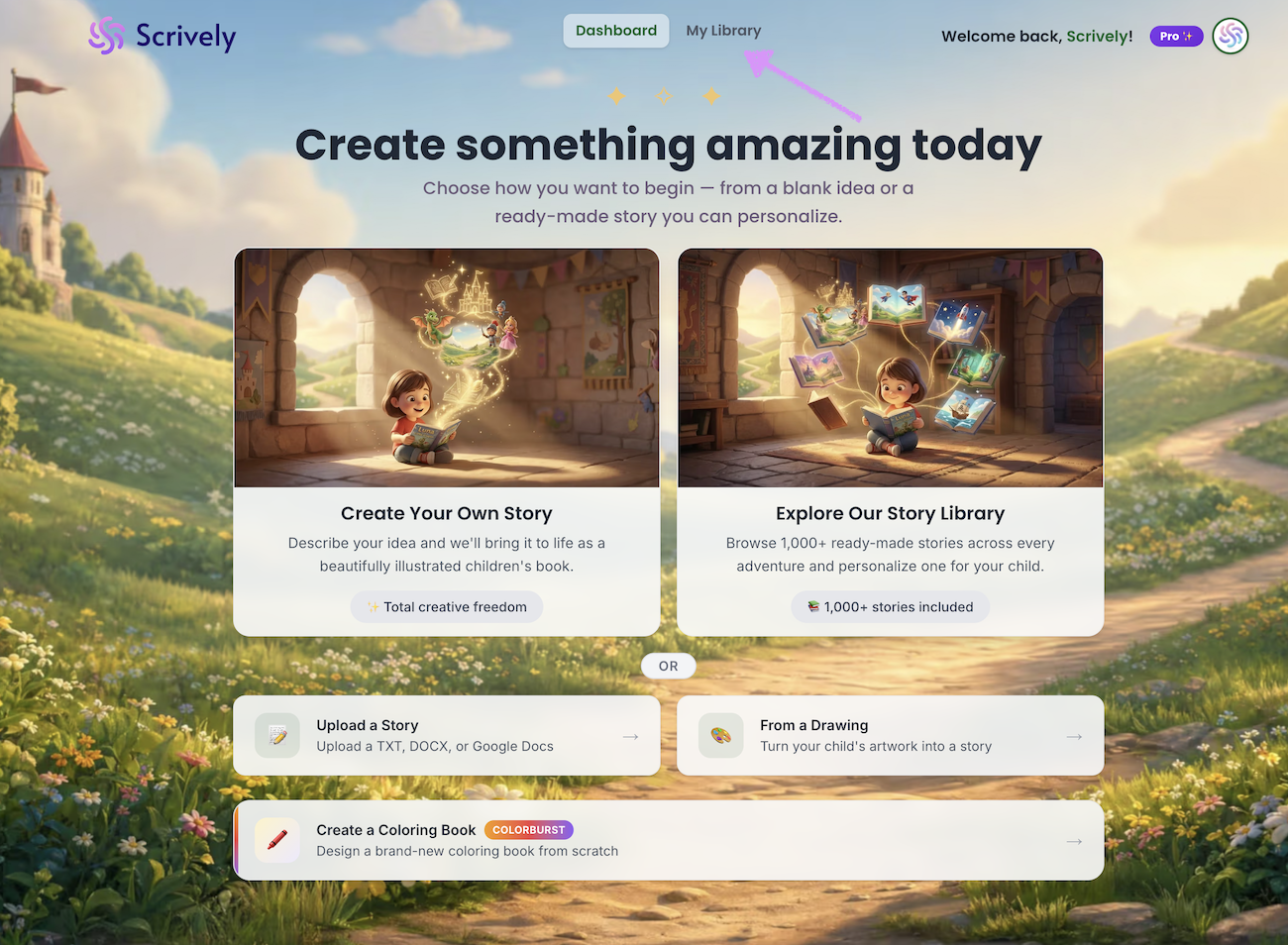
Head over to the "My Library" tab.
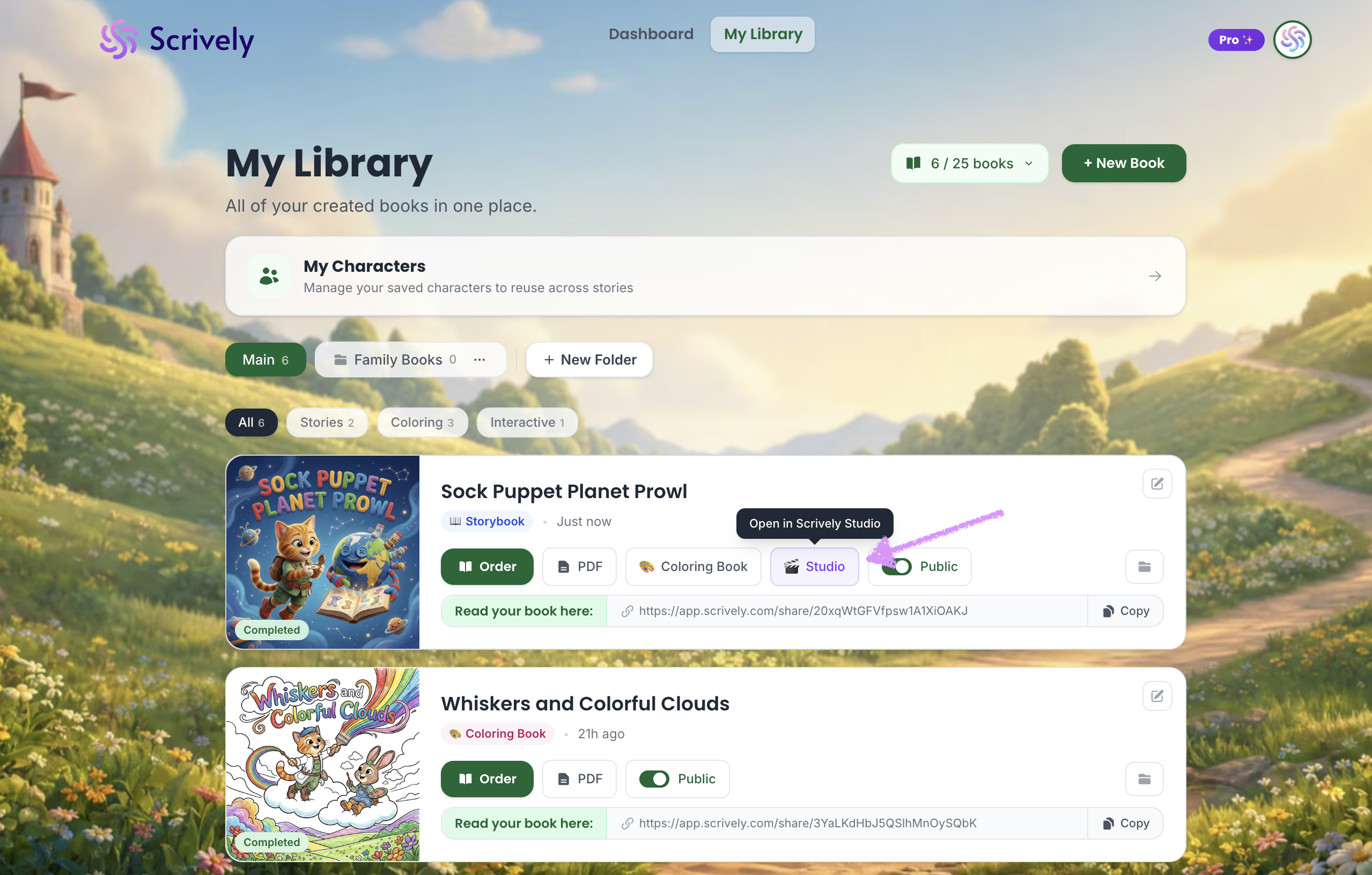
Click “Studio” on the book you want to add a custom narration to.
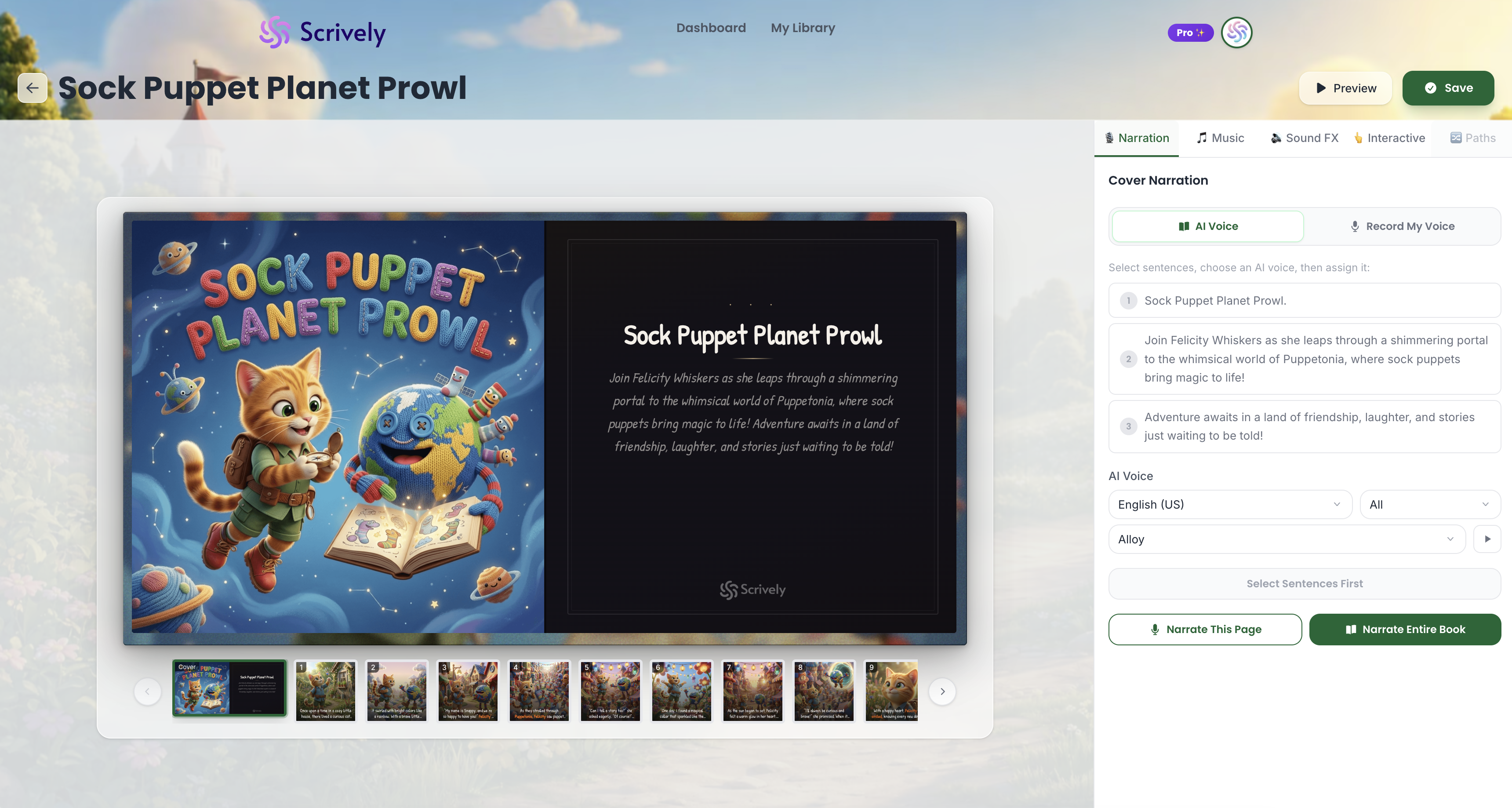
The book will open in Scrively Studio, where you can start adding narration.
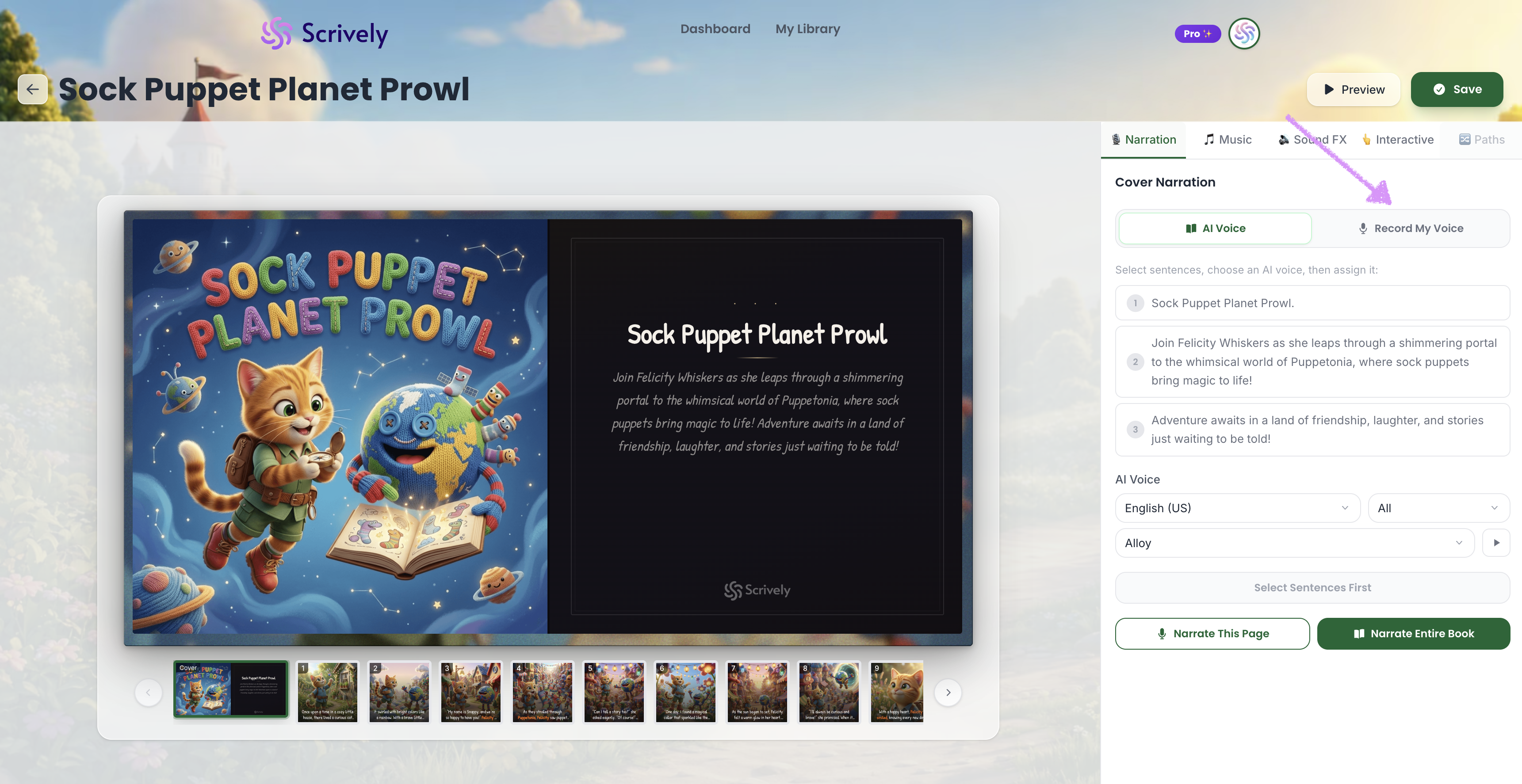
Click on the "Record My Voice" tab.
Enter a name for the narrator.
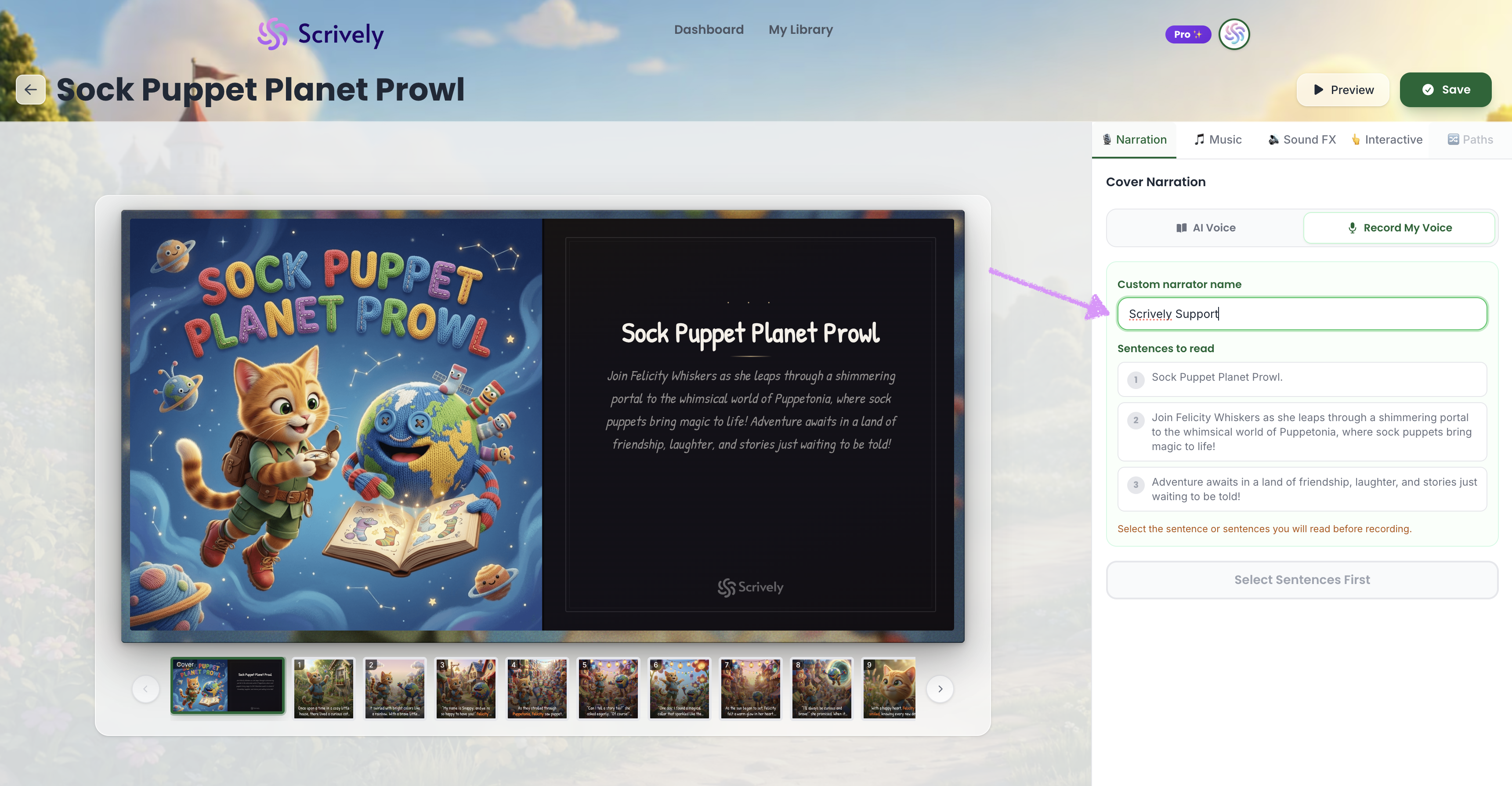
Select the sentence or sentences to narrate.
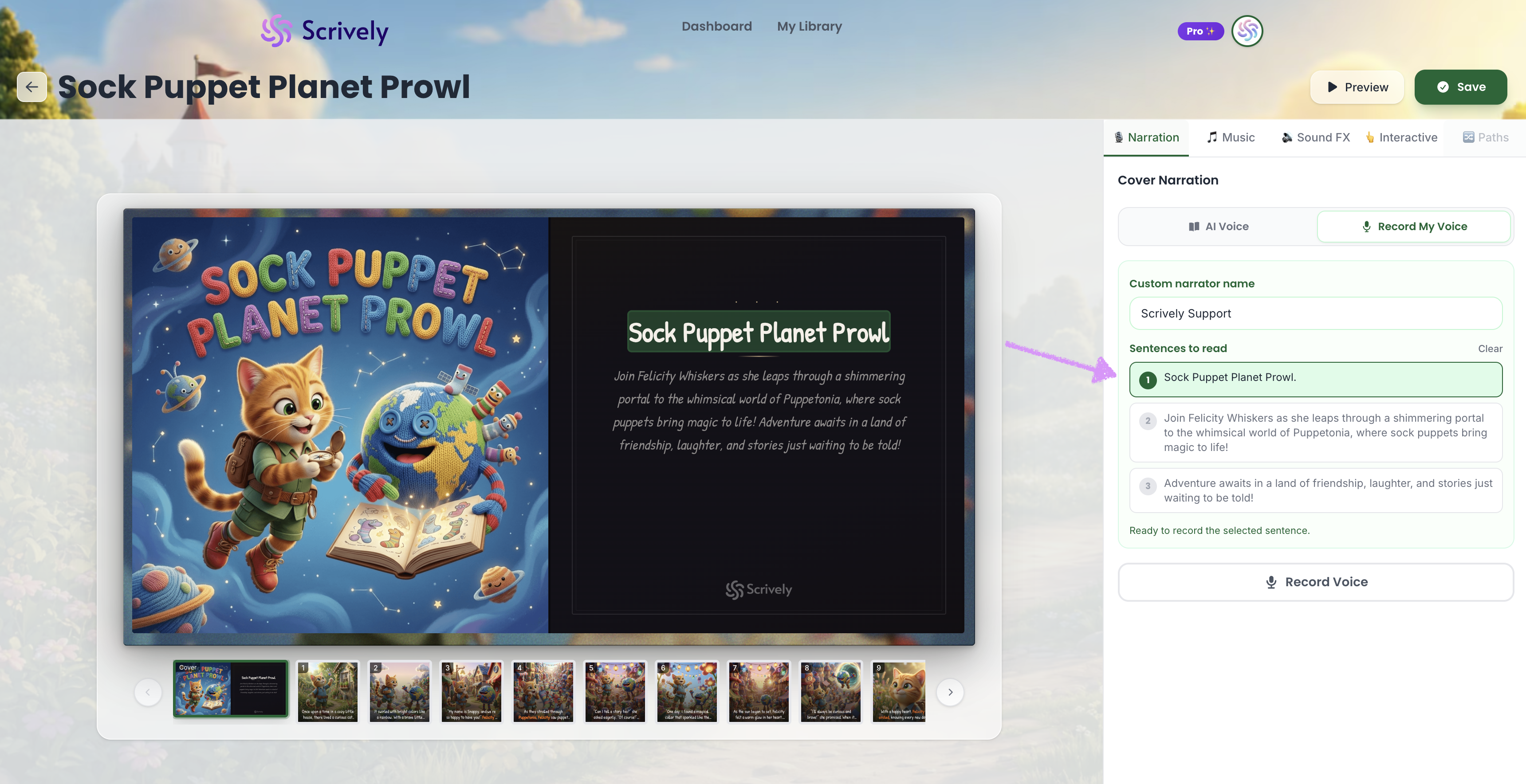
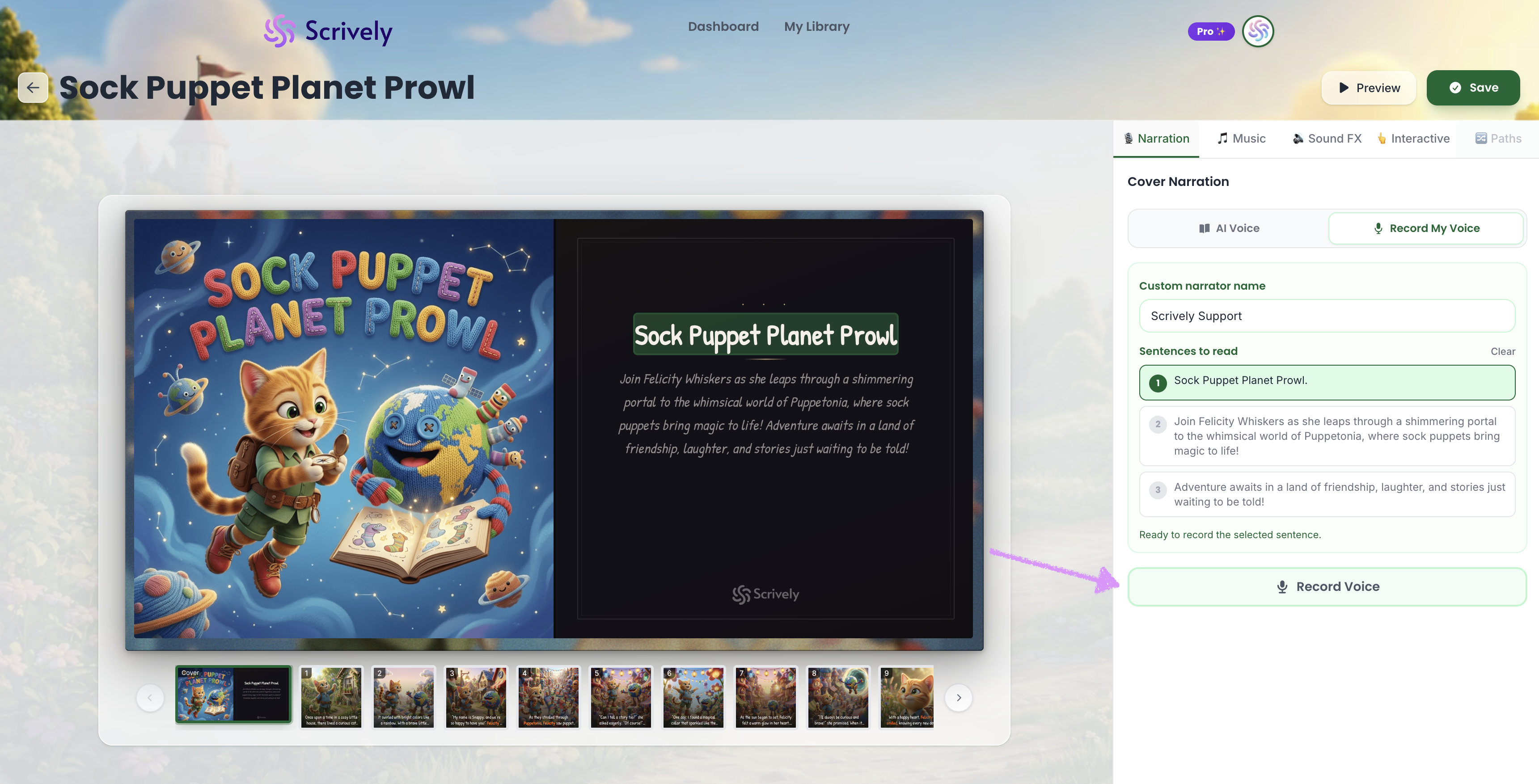
Click on "Record Voice."
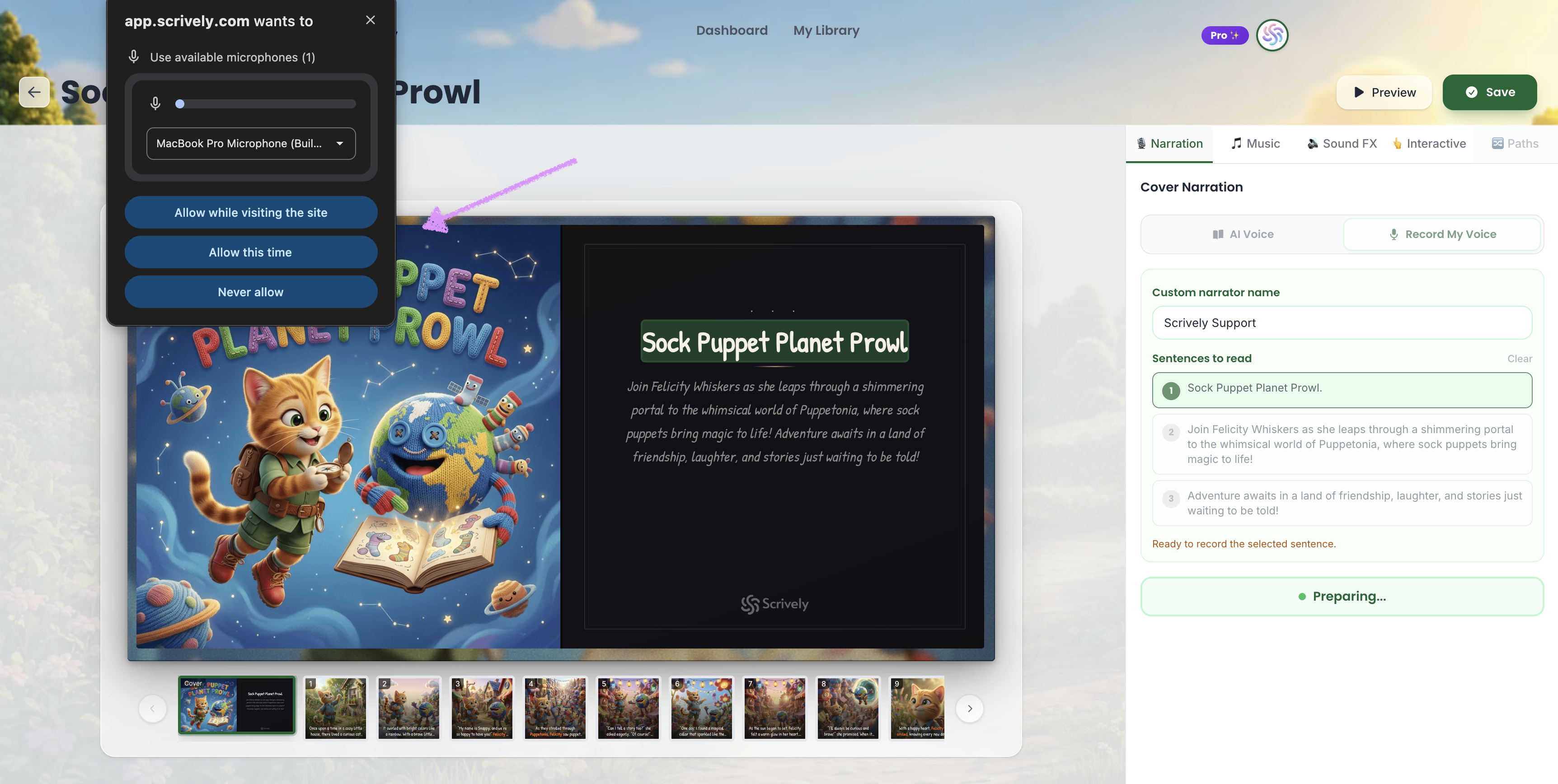
You'll need to grant access to your microphone.
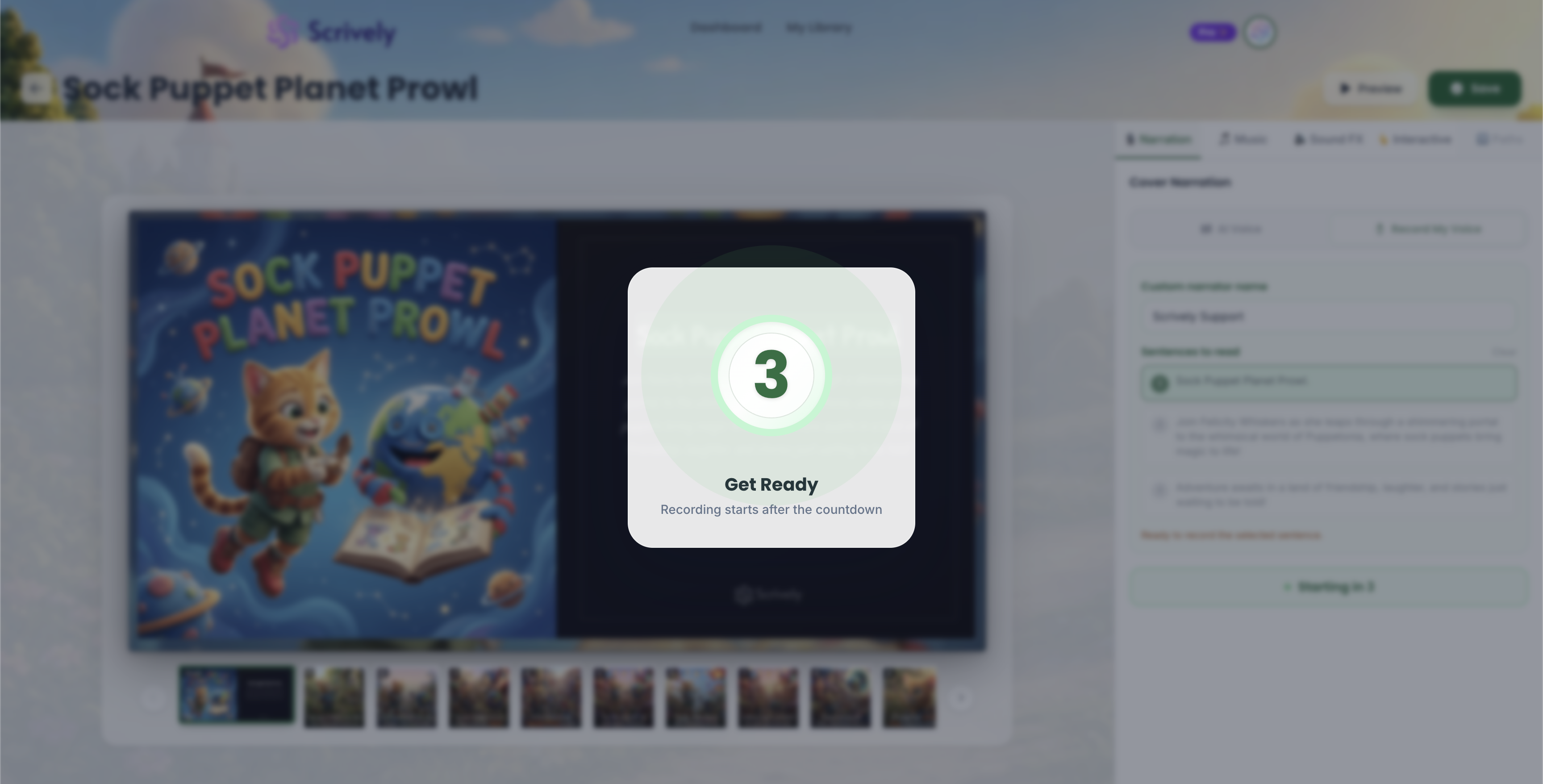
The recording will begin after the countdown.
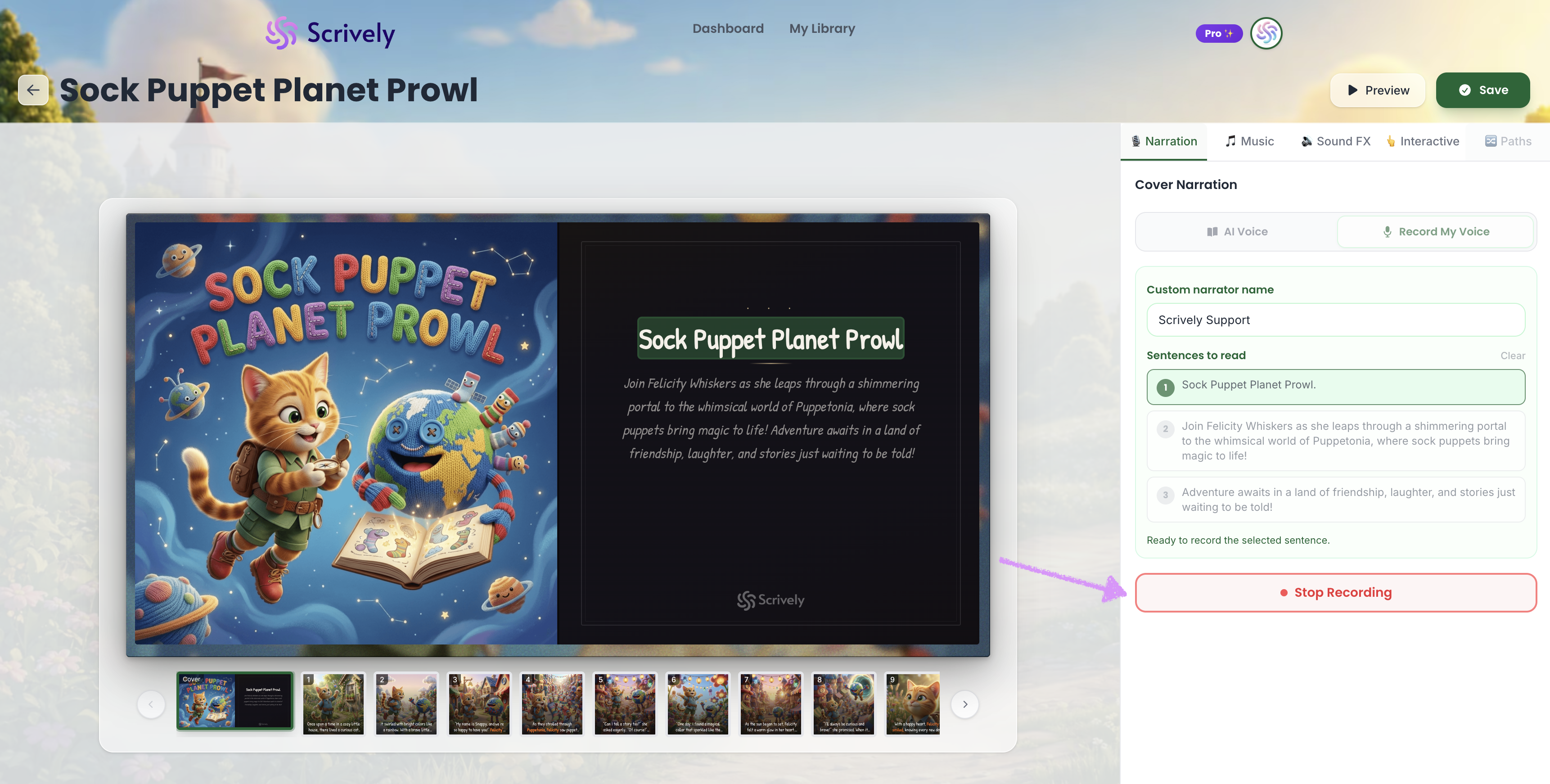
When you're all set click on "Stop Recording."
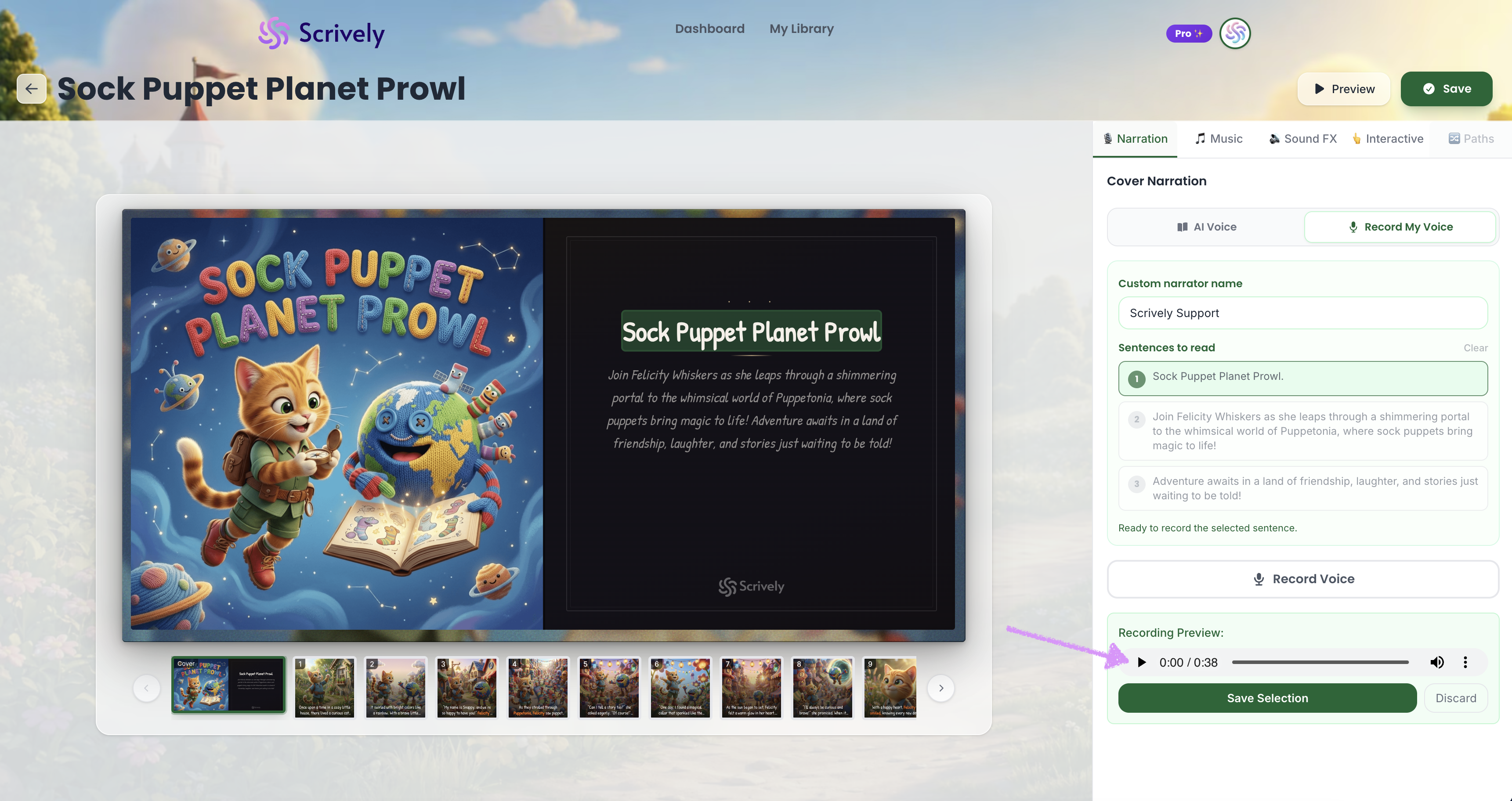
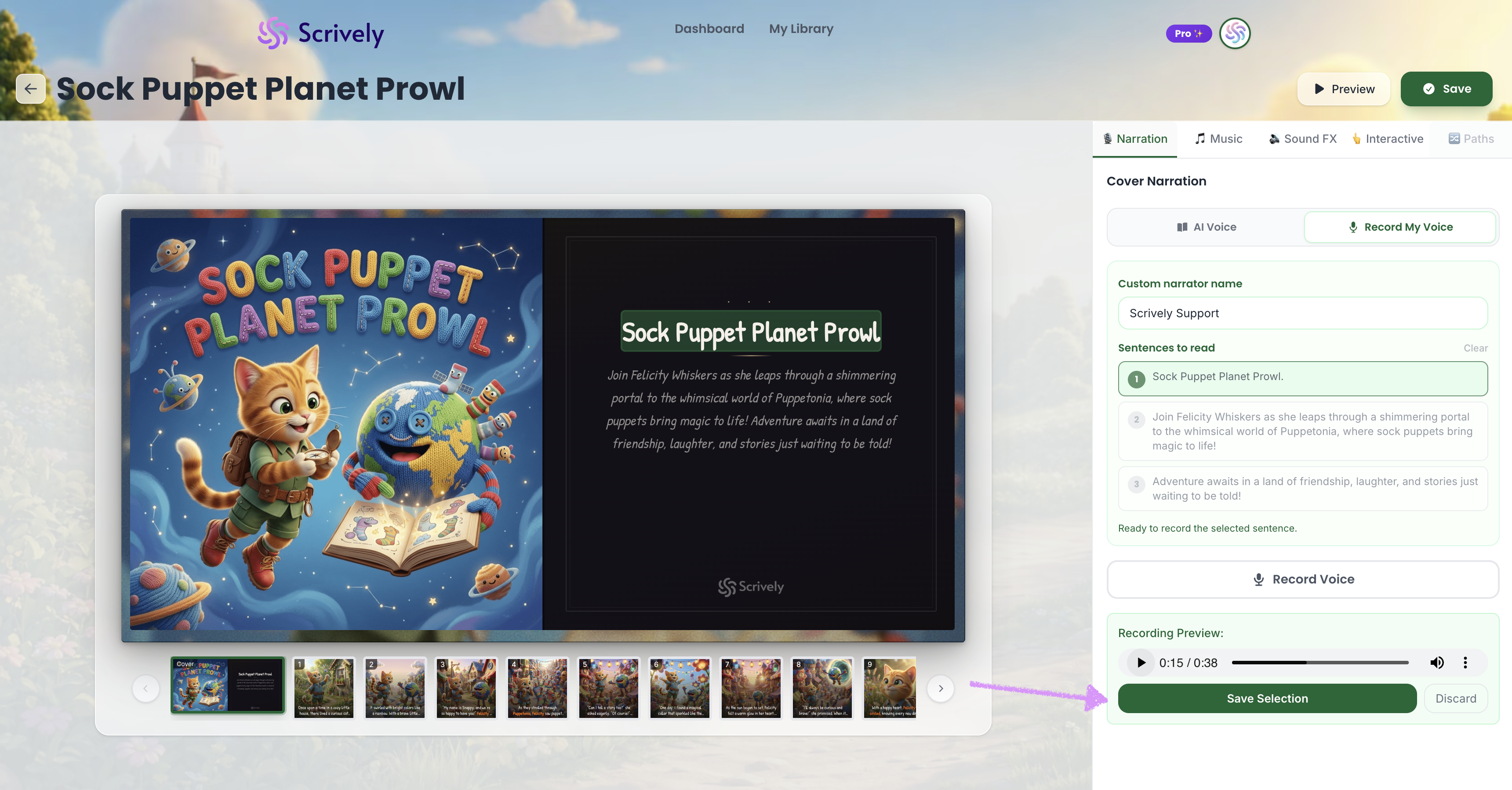
A preview of the recording will be displayed. Click on the play icon to listen.
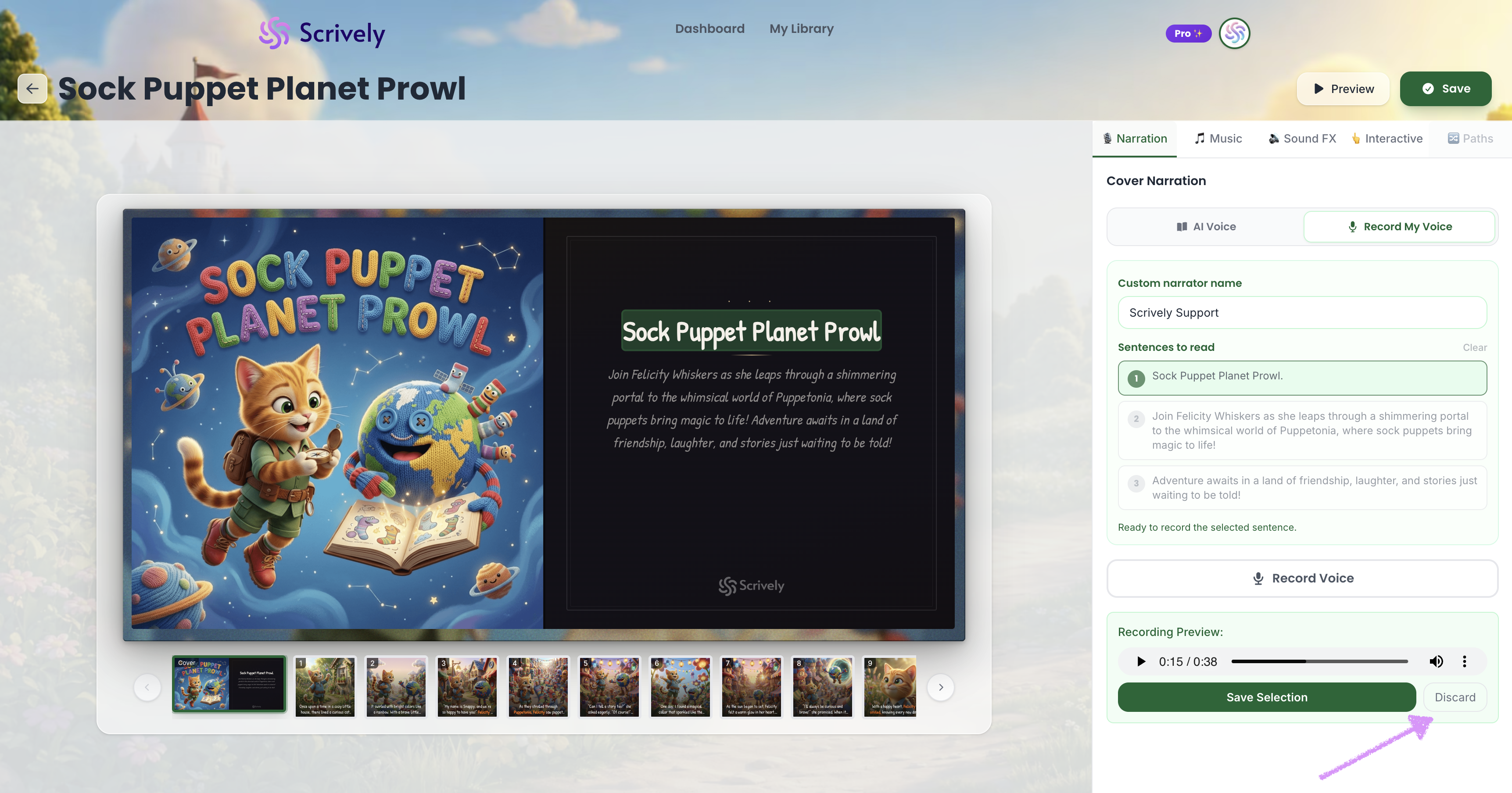
If you're not satisfied click on "Discard."
Click on "Save Selection" to apply the recording to the sentence(s).
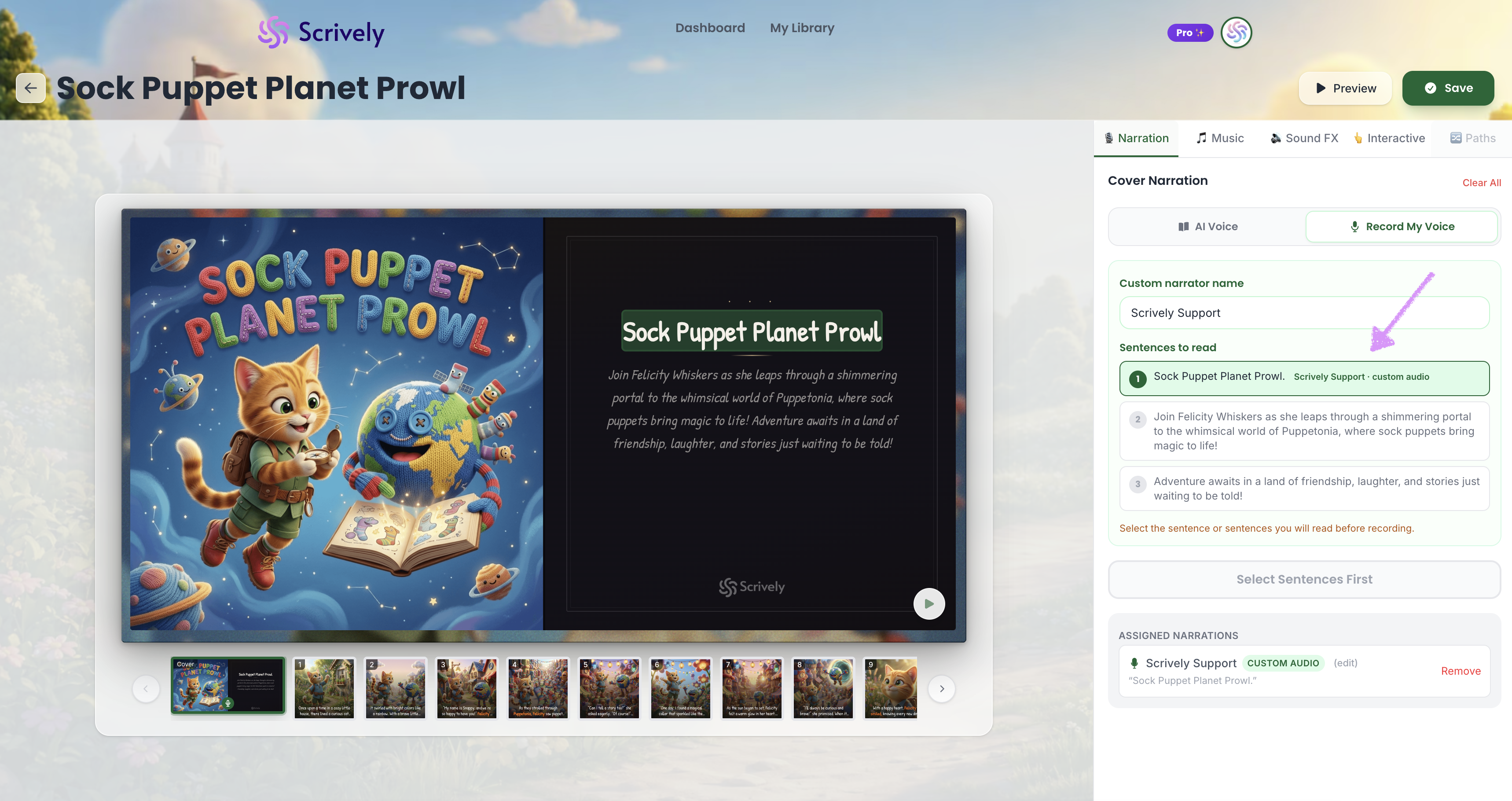
The narrator's name along with the custom audio tag will be displayed.
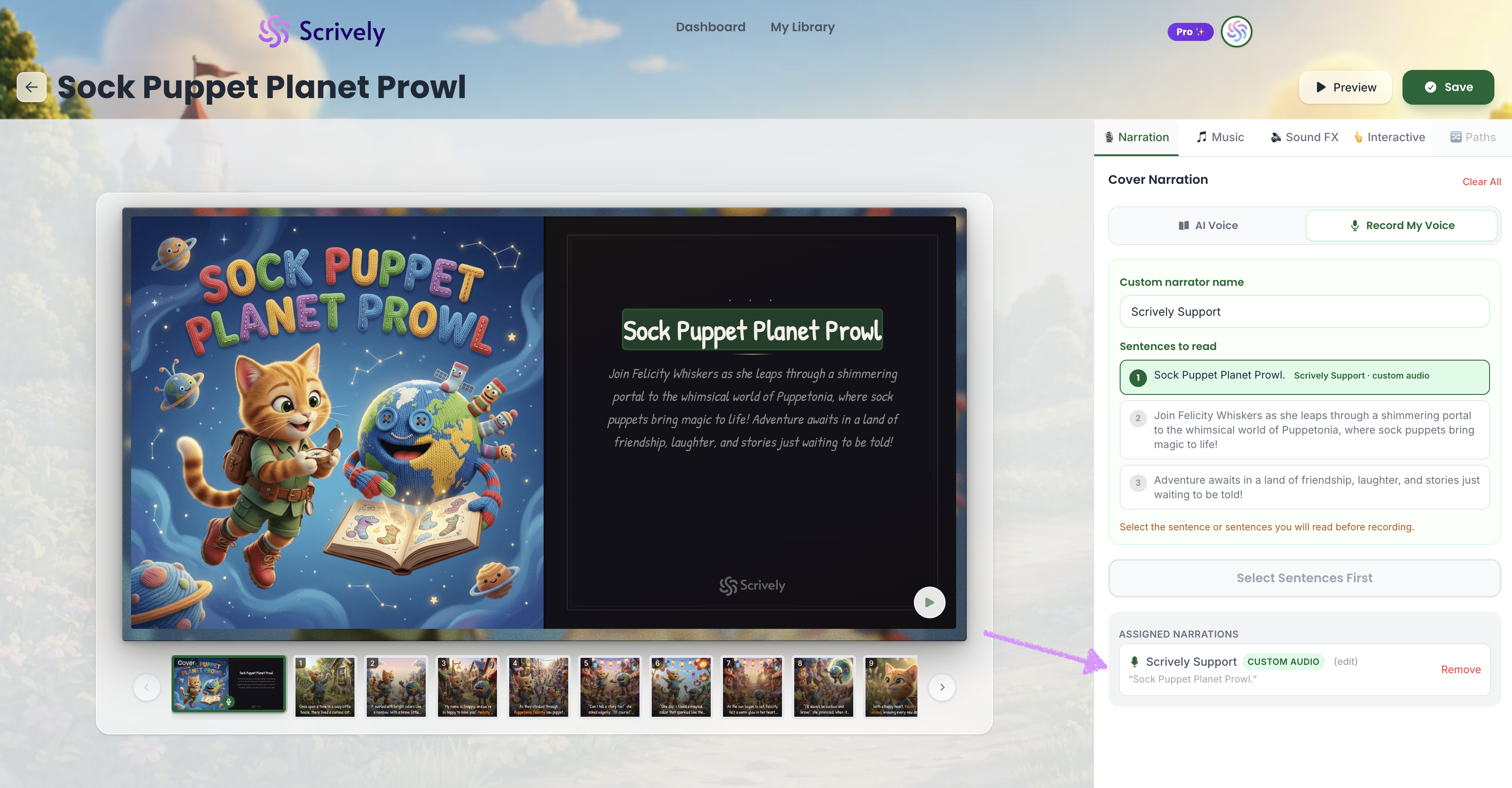
The narrator's details will also be displayed in the assigned narrator table.
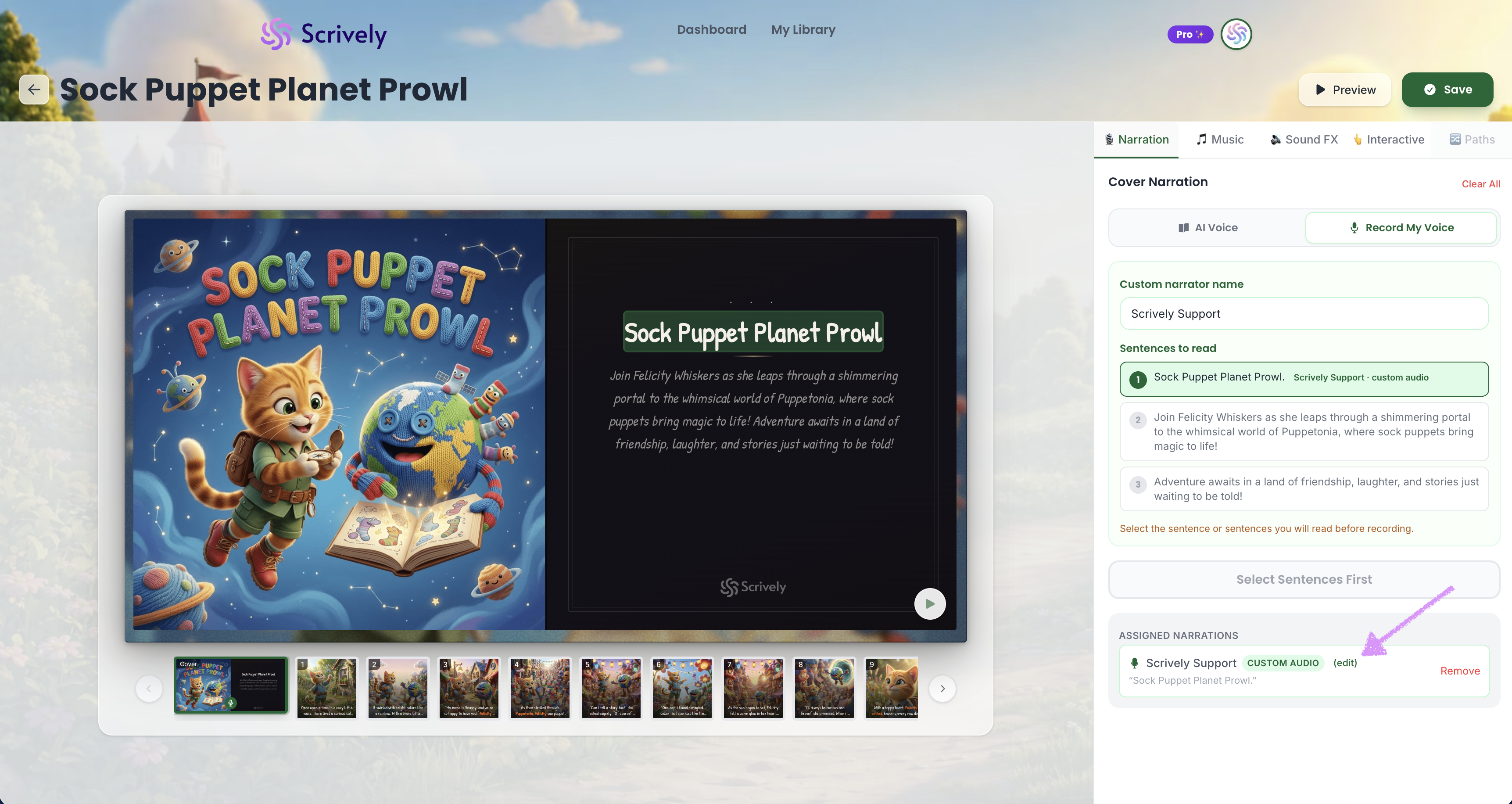
Want to change the narrator's details? Click on "edit."
Add the new custom name.
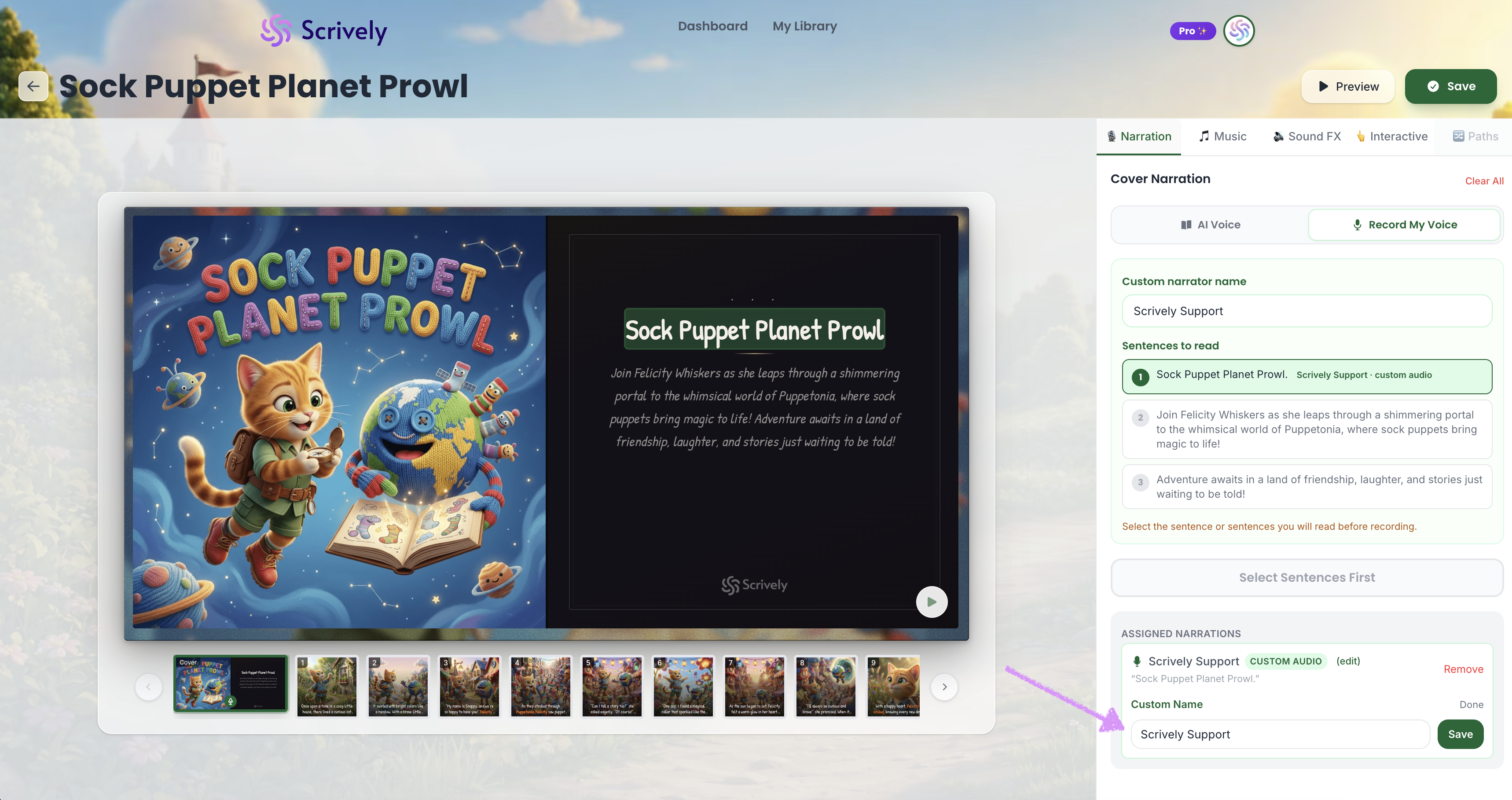
Click on "Save."
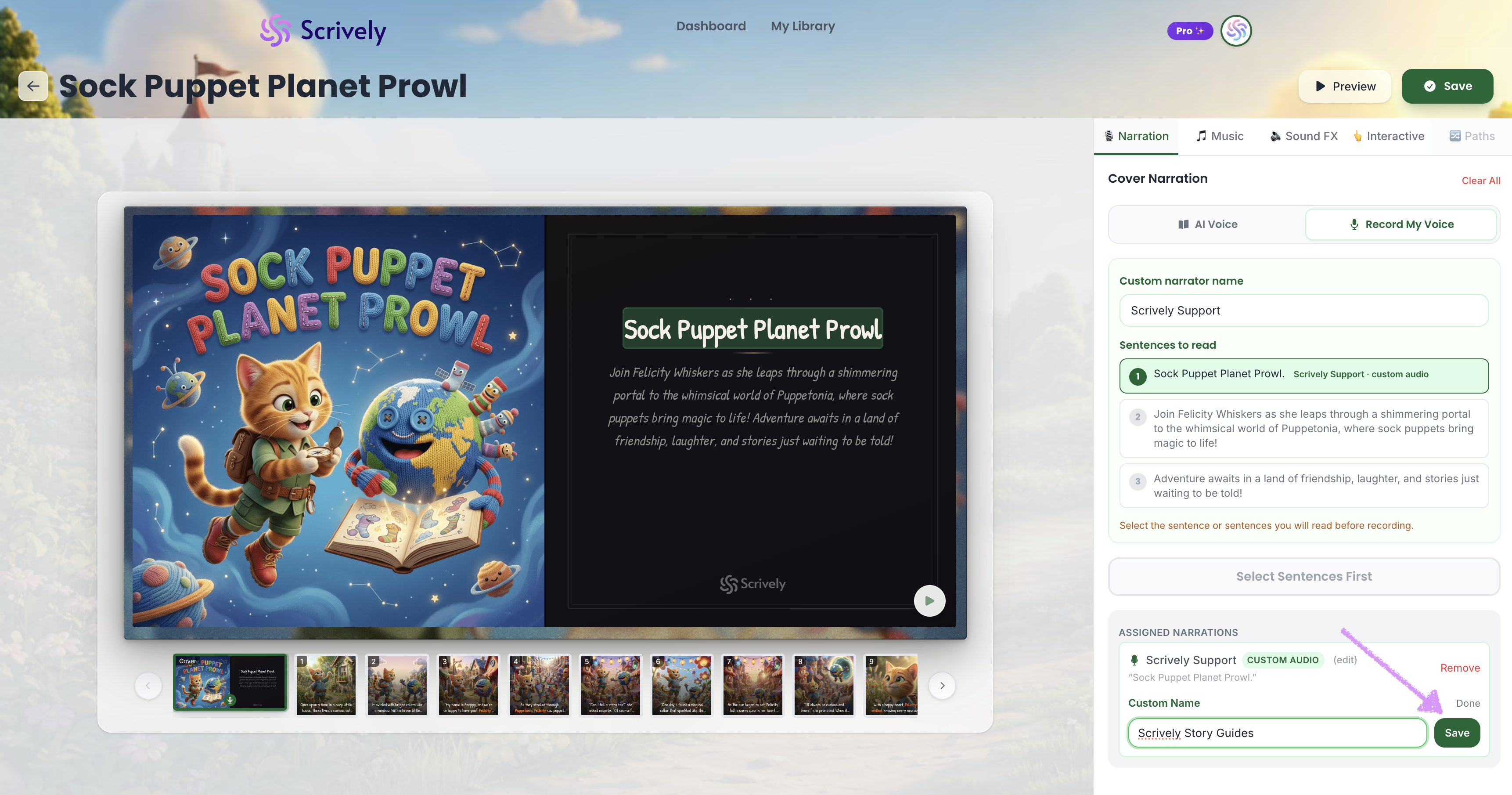
The new custom name will be displayed.
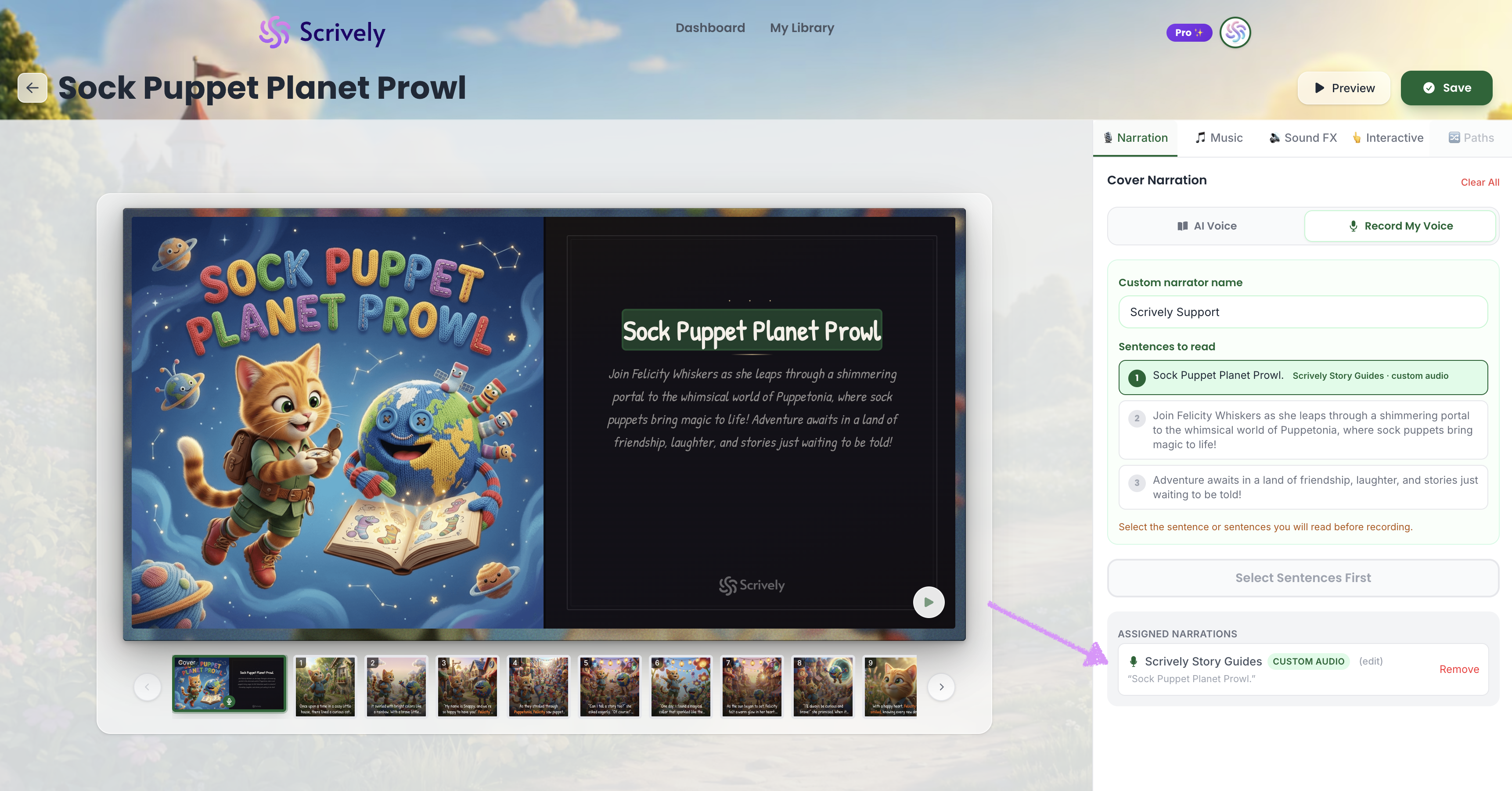
If you no longer want to use custom recording, click "Remove."
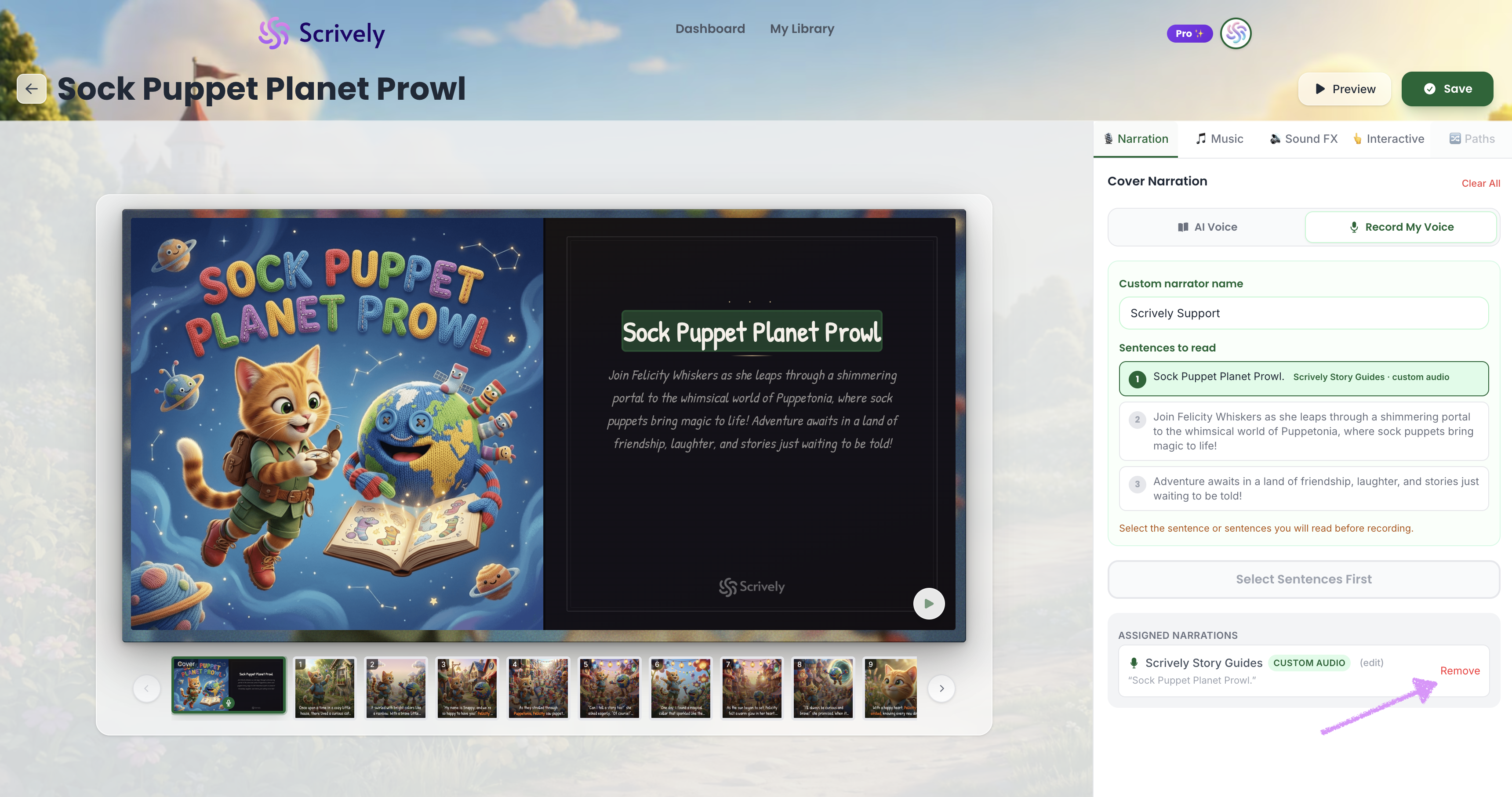
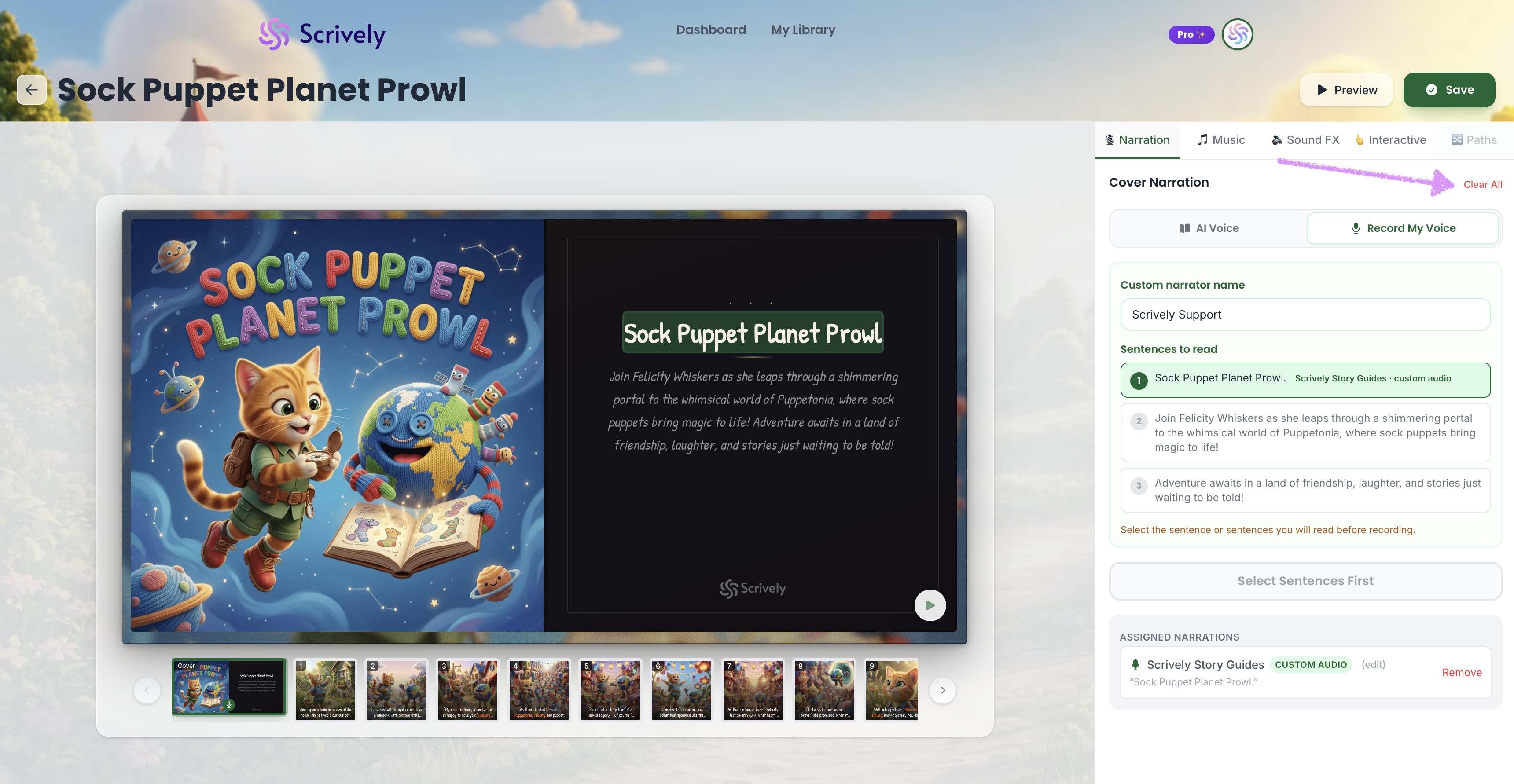
Want to start over? Click on "Clear All."
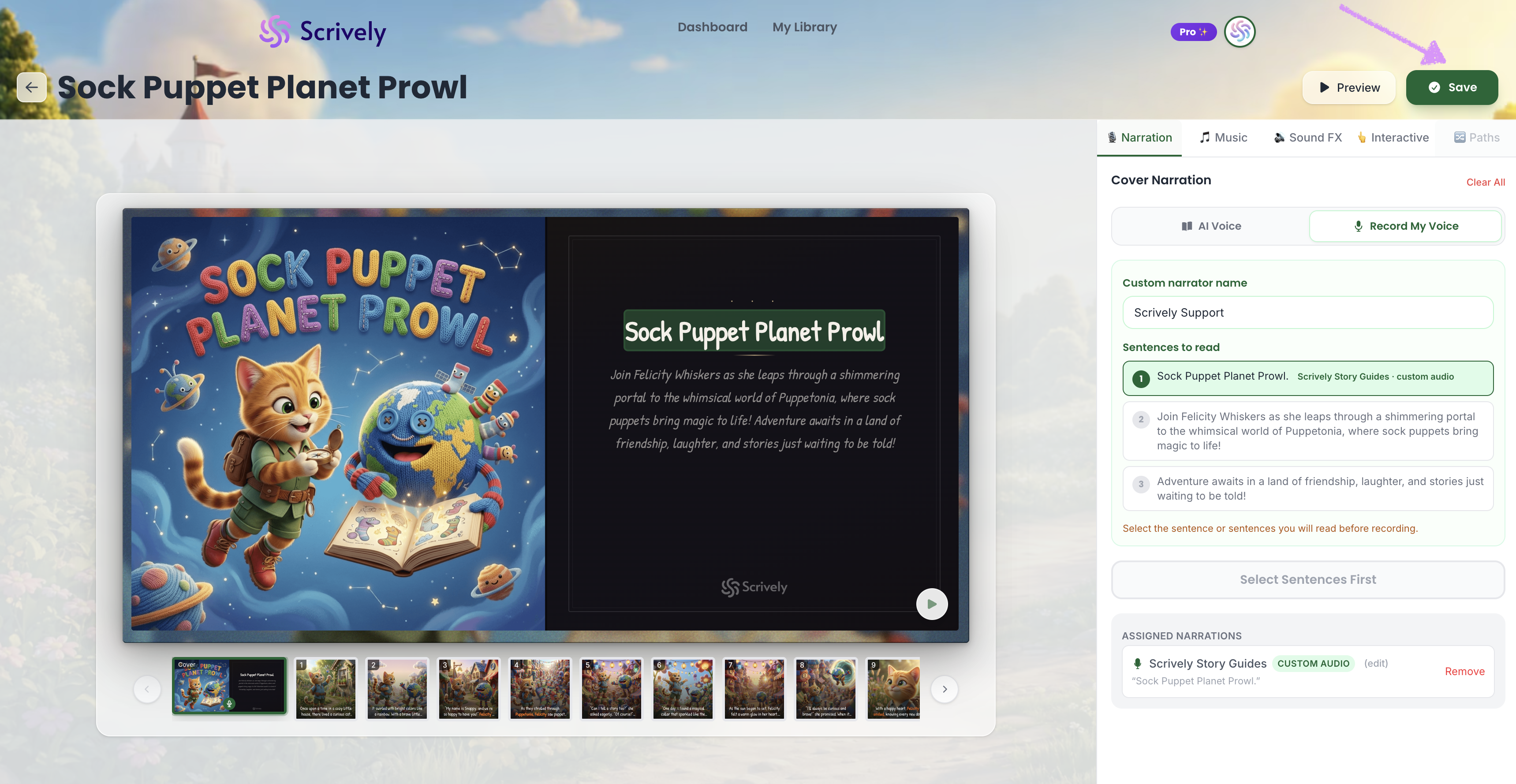
Once you’re satisfied with your changes, click “Save” in the top right corner to save them.
Head over to our guide here to learn more about adding music to your books.
Was this article helpful?
That’s Great!
Thank you for your feedback
Sorry! We couldn't be helpful
Thank you for your feedback
Feedback sent
We appreciate your effort and will try to fix the article
