
Studio makes it easy to turn your books into engaging, interactive experiences that go beyond simple reading. With a few simple tools, you can enhance your pages with interactive elements that bring your story to life, encourage engagement, and create a more dynamic reading experience for your audience.
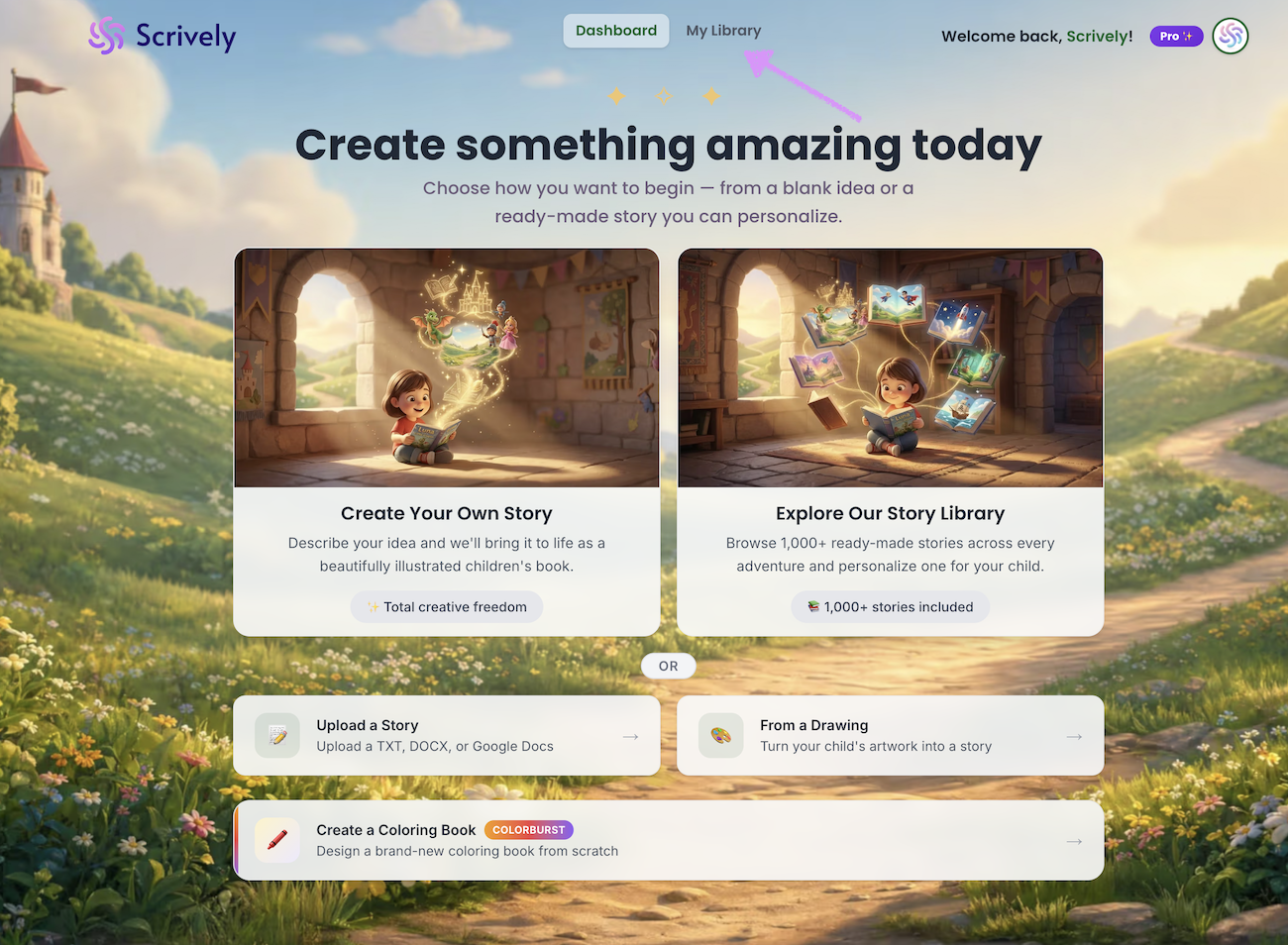
Head over to the "My Library" tab.
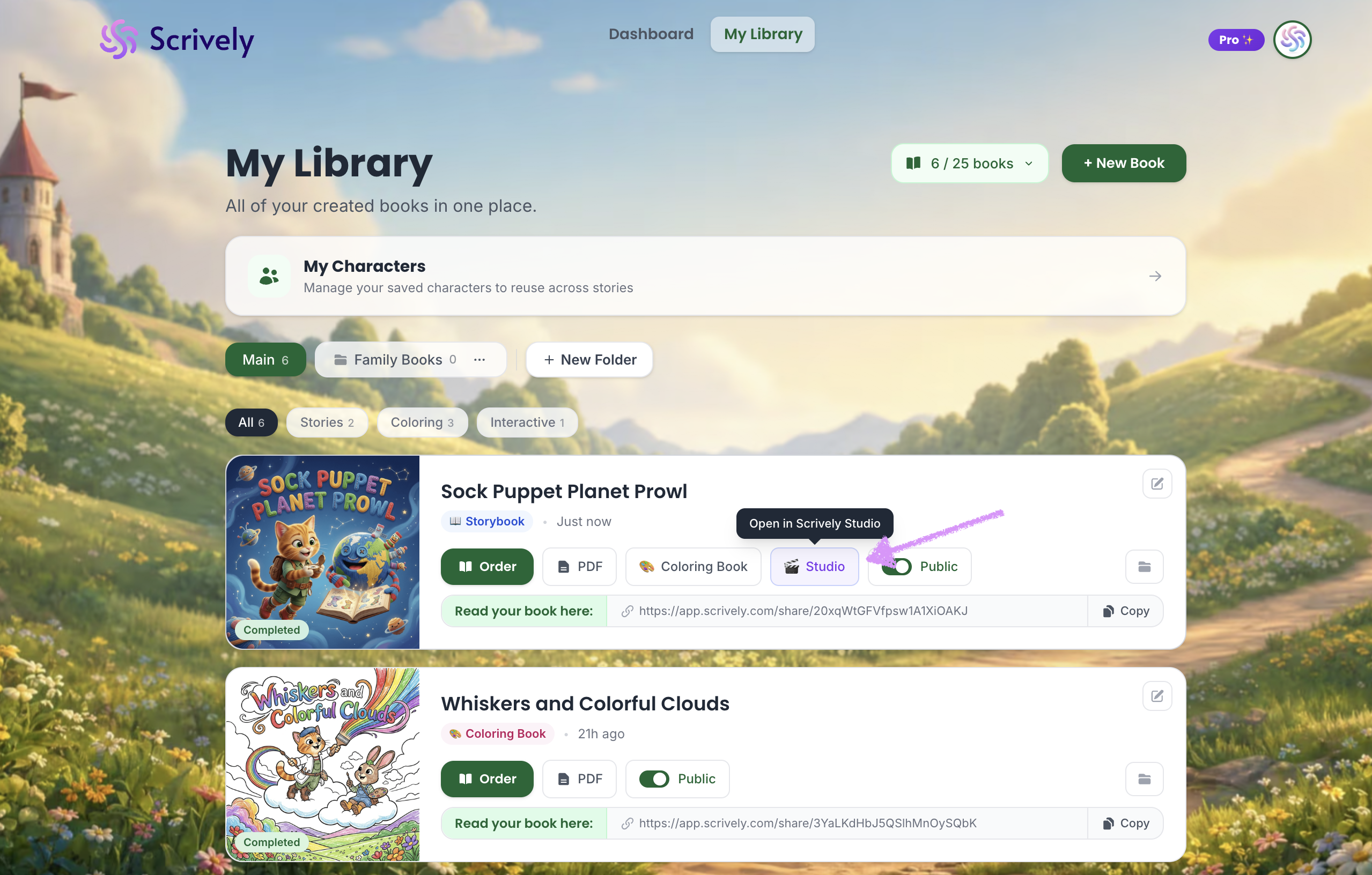
Hover over the book you’d like to make interactive. Click on "Studio."
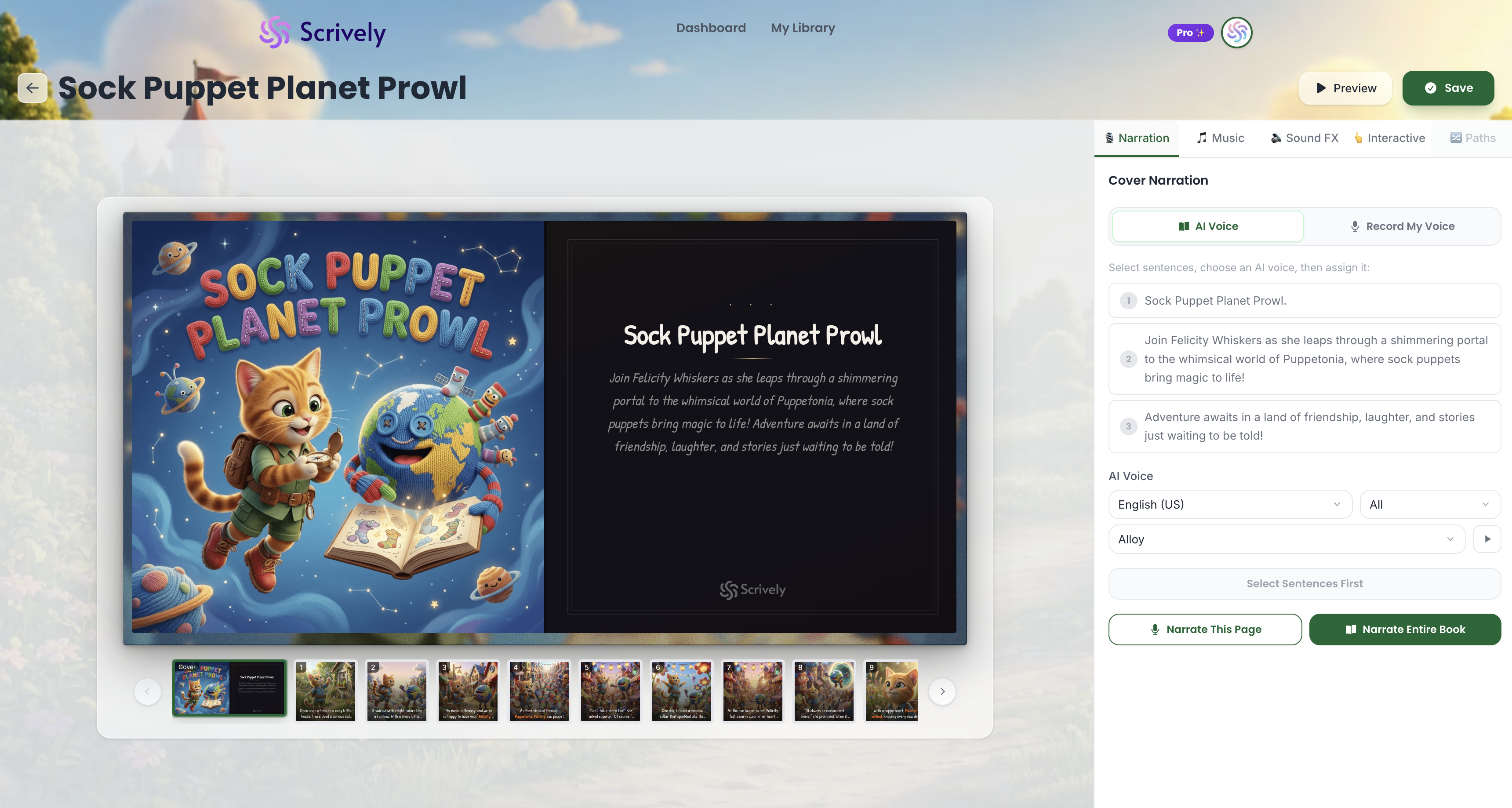
The book will open in Scrively Studio, where you can start adding narration, music, sound effects, interactive elements, and reading paths to create a more immersive reading experience.
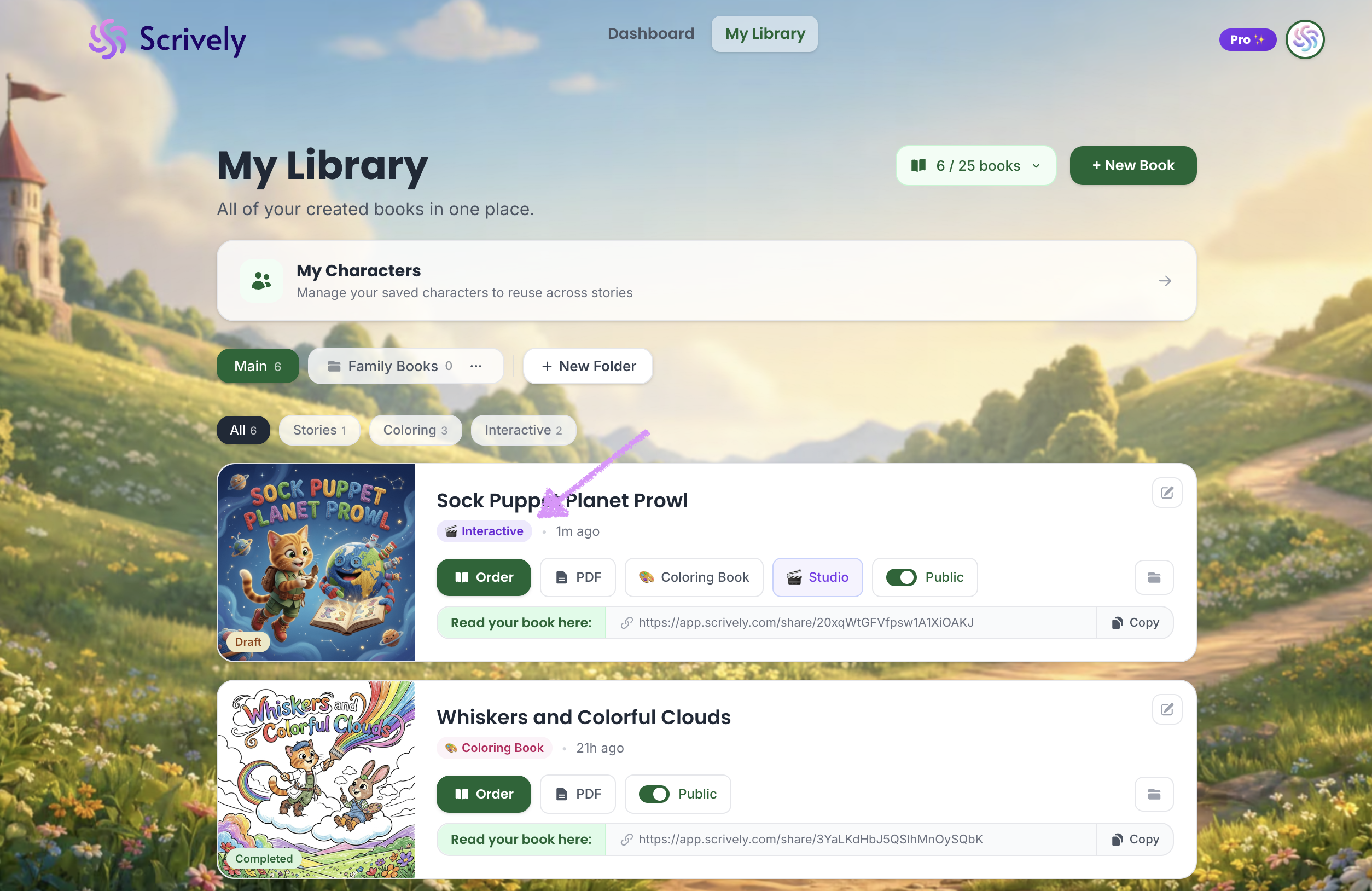
Currently, only storybooks can be interactive. Coloring books are not supported as an interactive format at this timeWhen you return to your library, your book will be tagged as “Interactive,” making it easy to identify all books that include interactive elements created using Studio.
Head over to our guide on previewing voice-overs here.
Was this article helpful?
That’s Great!
Thank you for your feedback
Sorry! We couldn't be helpful
Thank you for your feedback
Feedback sent
We appreciate your effort and will try to fix the article
