
Previewing narration voices in Scrively Studio allows you to hear how your story will sound before publishing. This helps you choose the right tone, pacing, and style for your content, ensuring the narration matches the mood and experience you want to create.
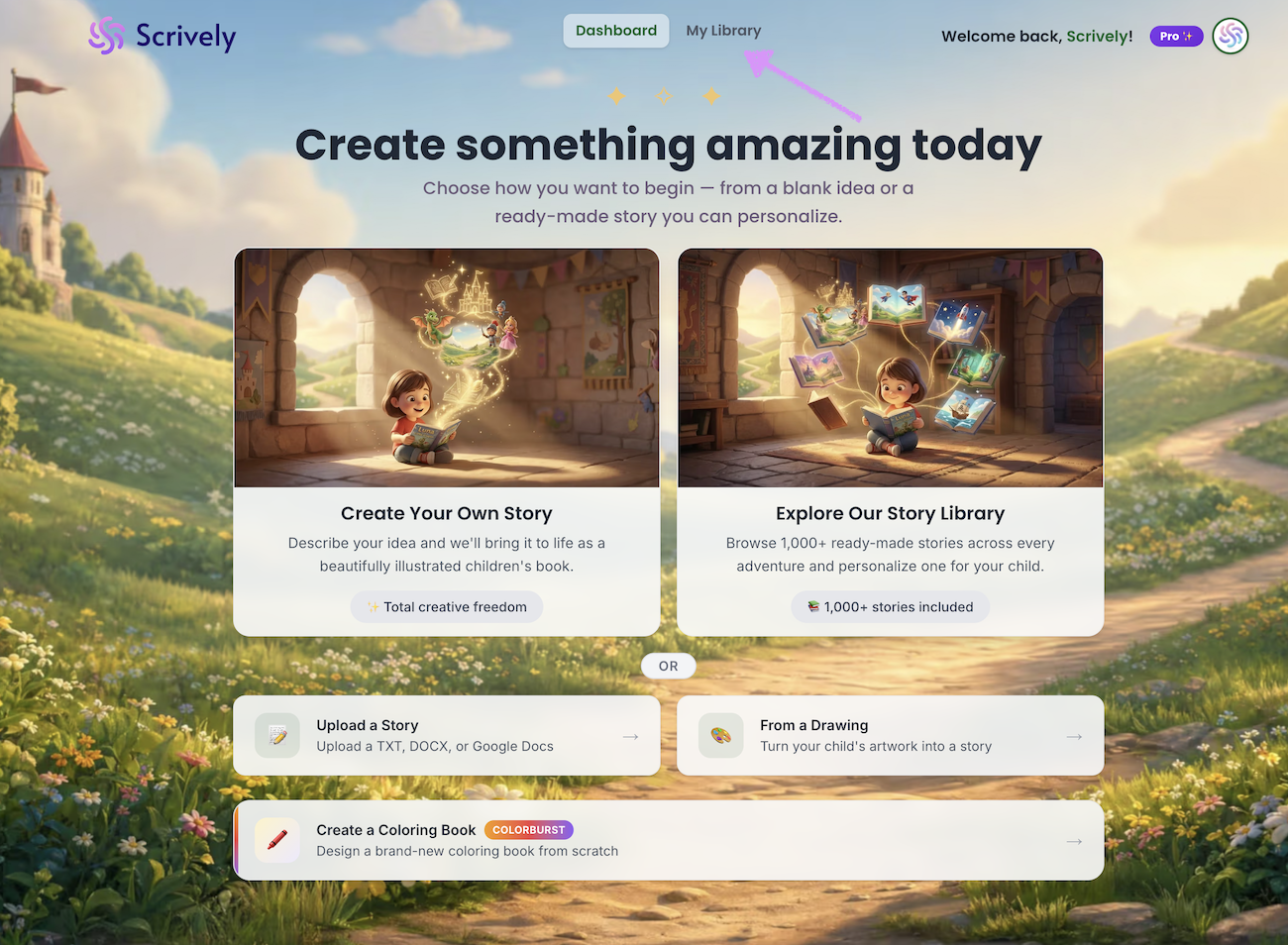
Head over to the "My Library" tab.
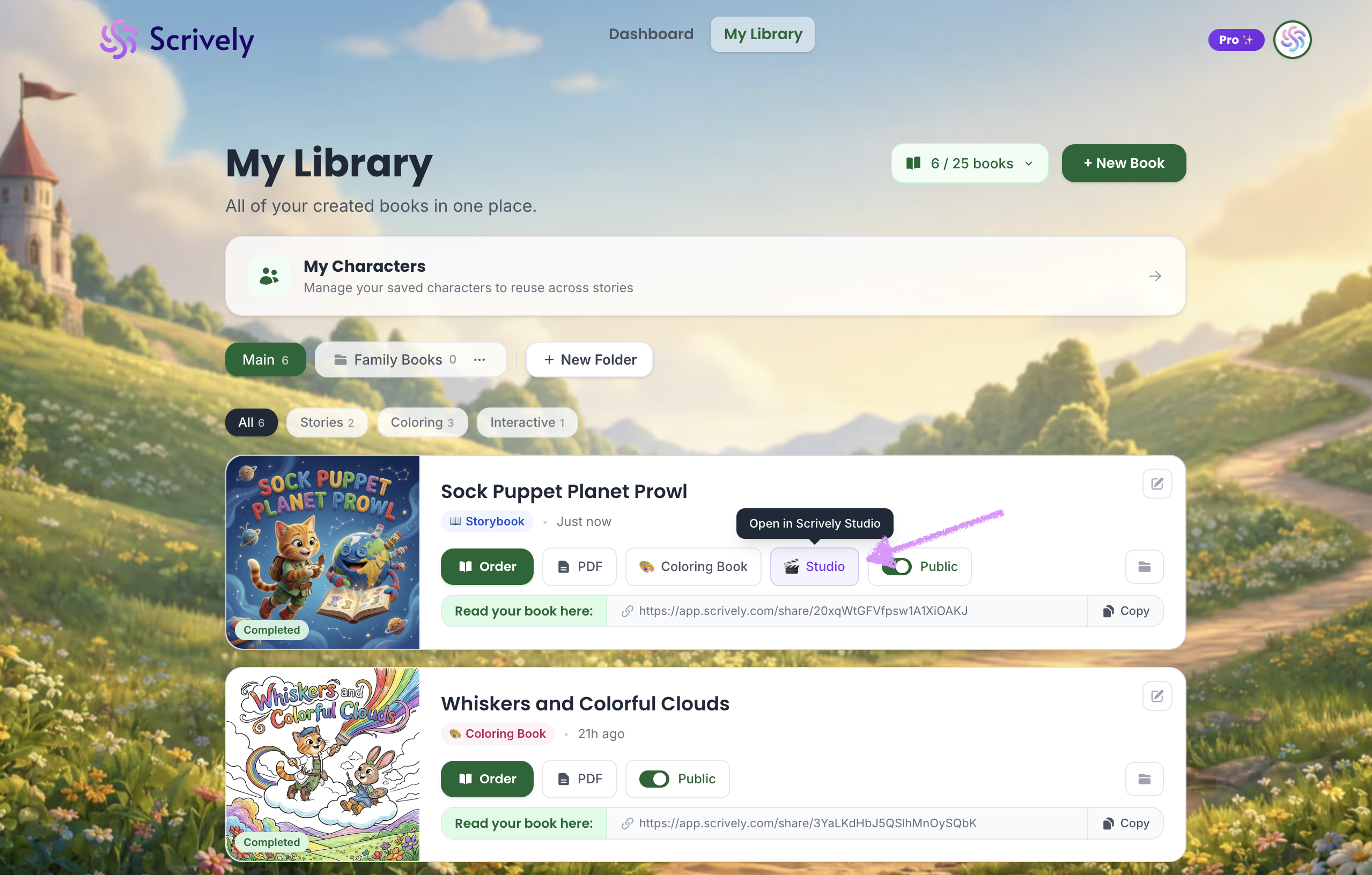
Hover over the book you’d like to make interactive. Click on "Studio."
The book will open in Scrively Studio.
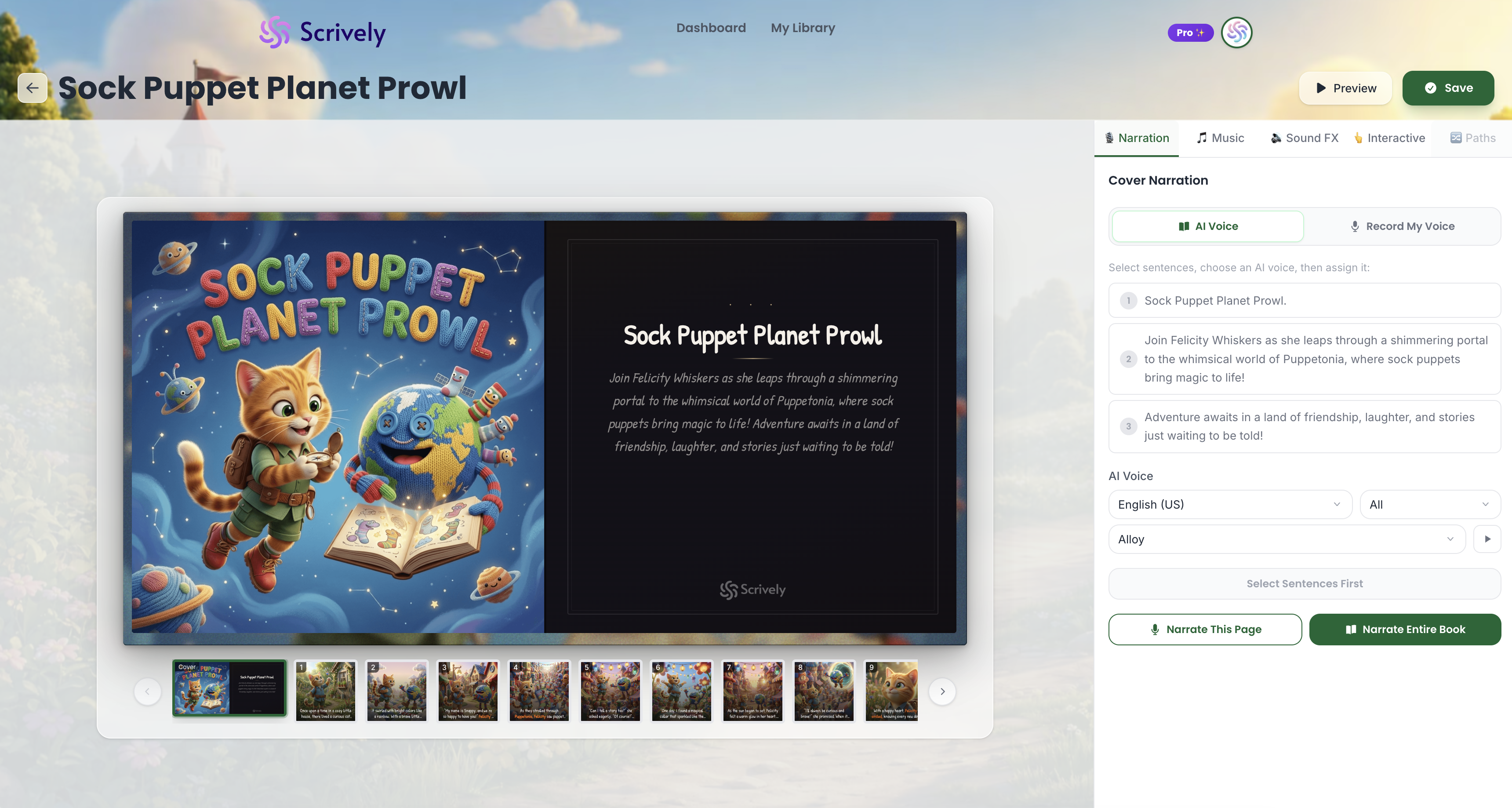
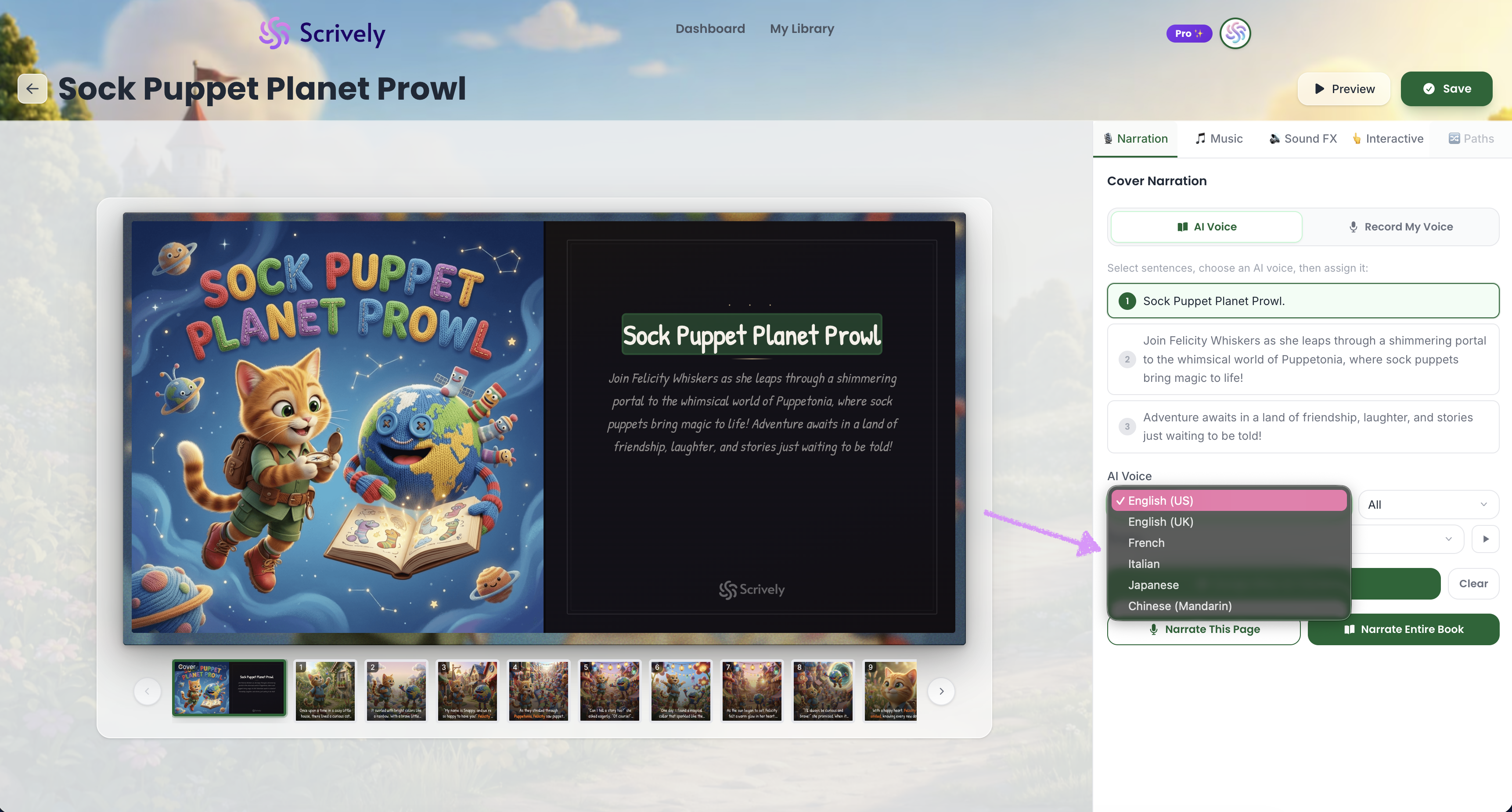
In the AI Voice table, click the dropdown menu to view the available voice-over language options.
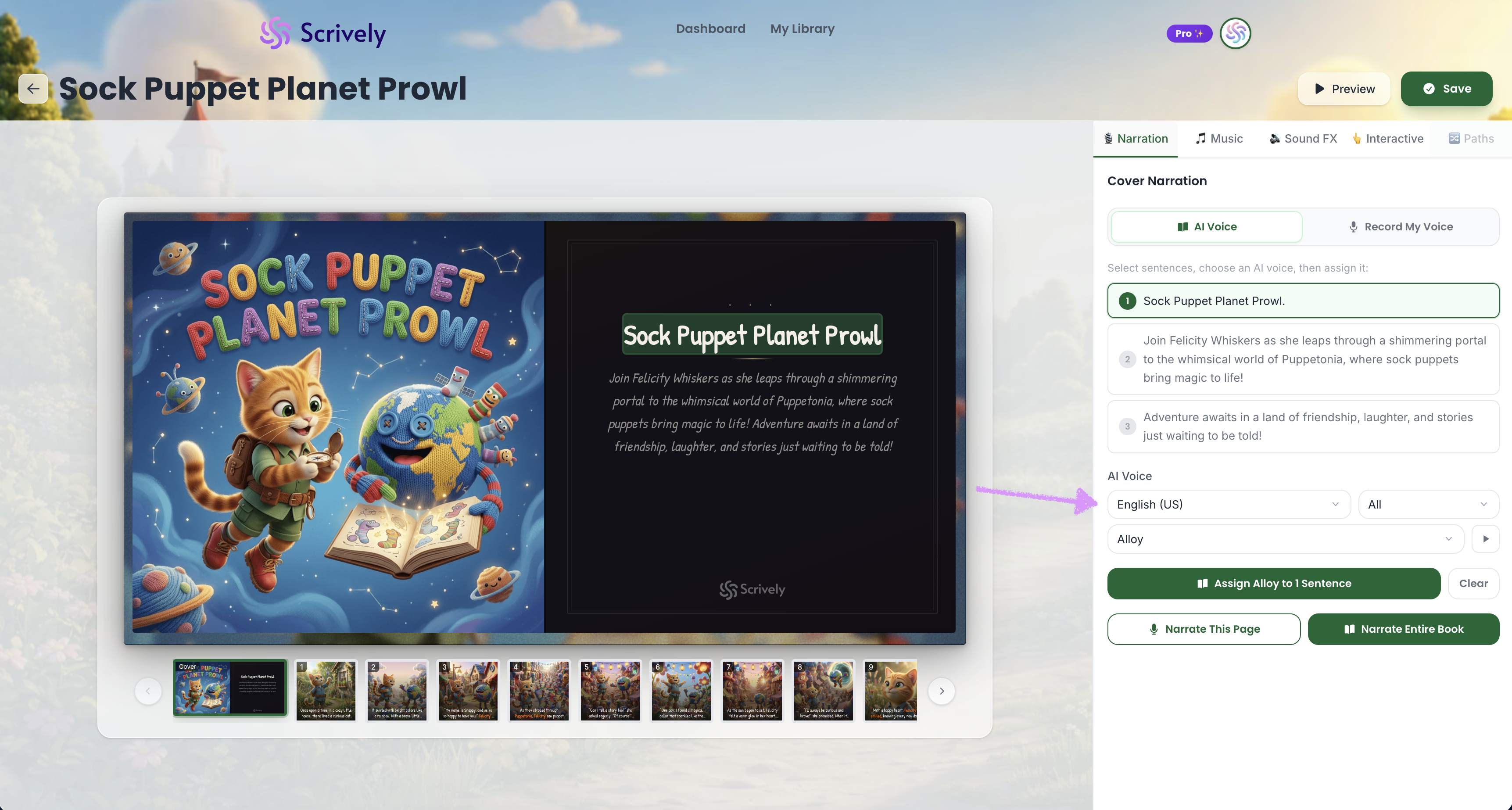
You’ll see options such as English, French, and other supported languages.
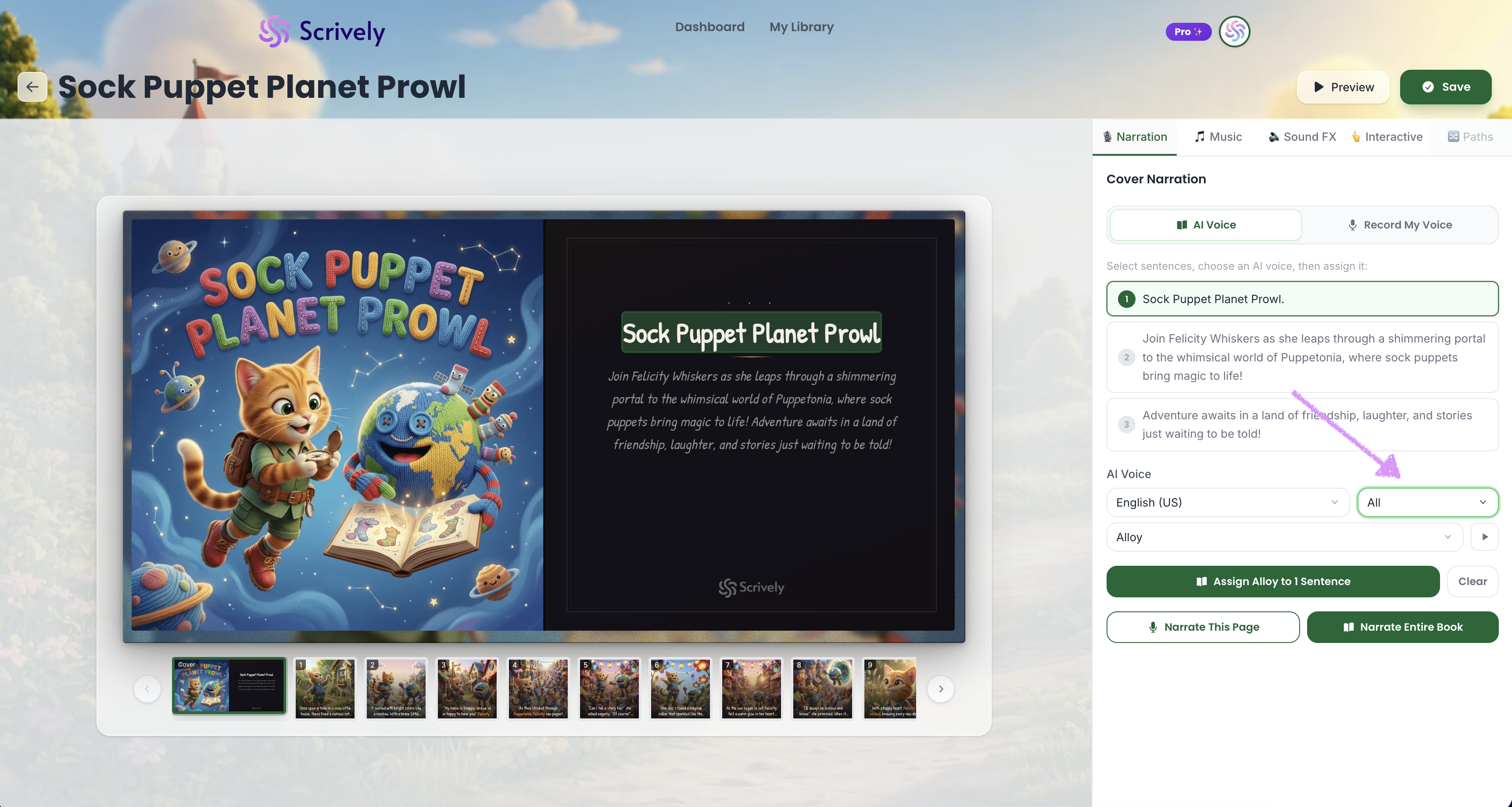
Click the “All” dropdown to choose female, male, or both voice options.
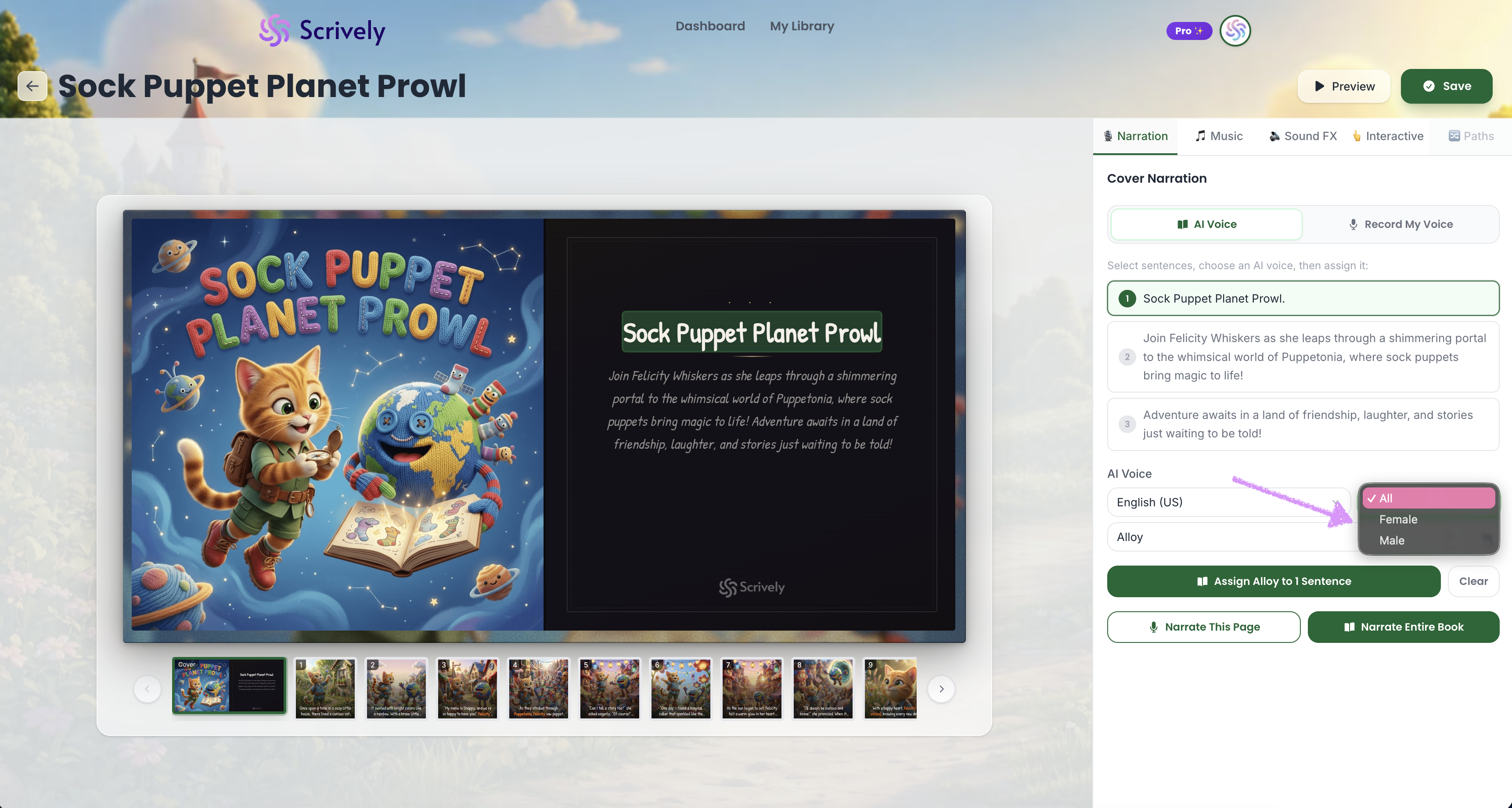
Select your preferred voice option: All, Female, or male.
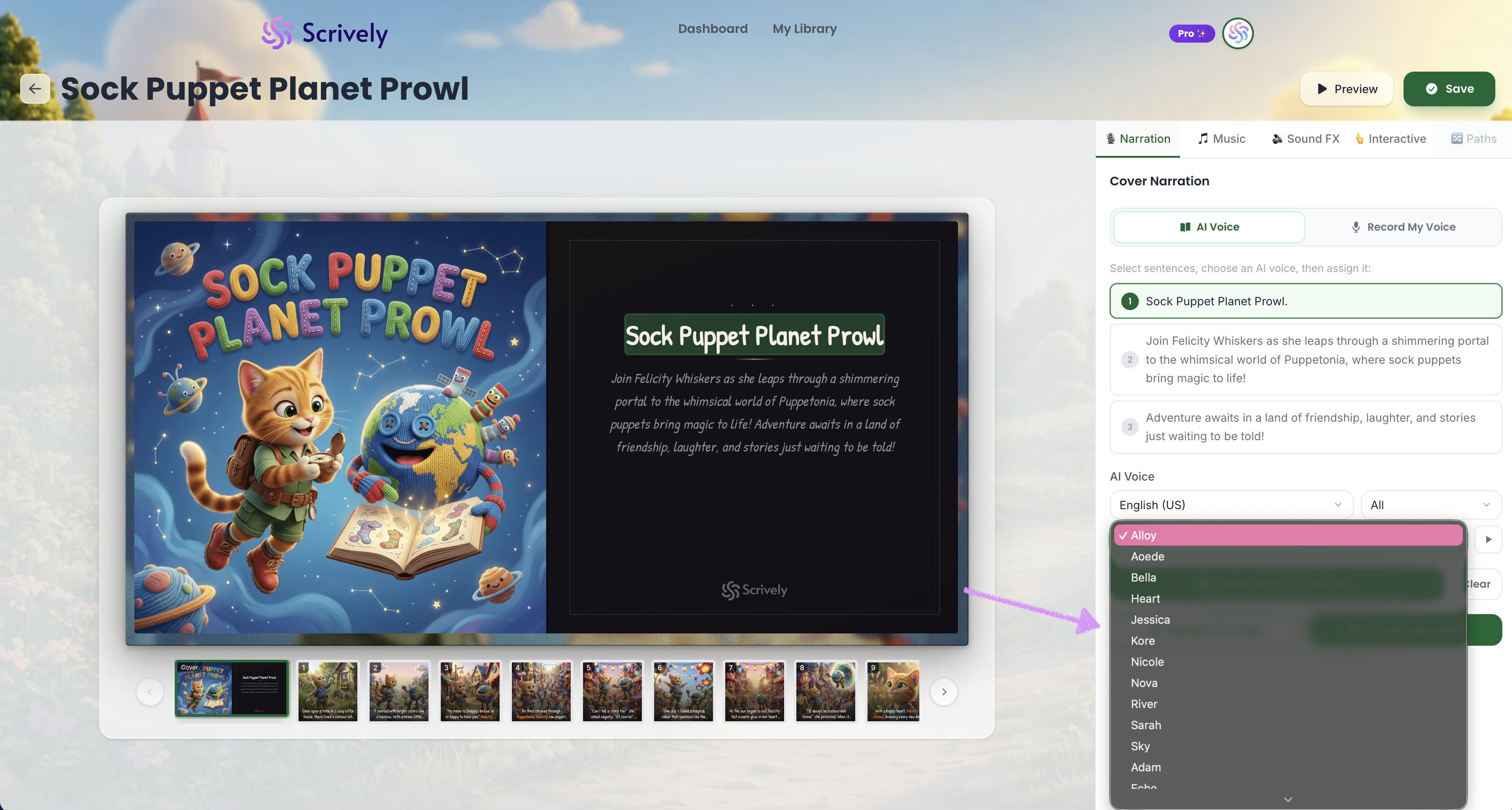
Click the dropdown to view available voices.
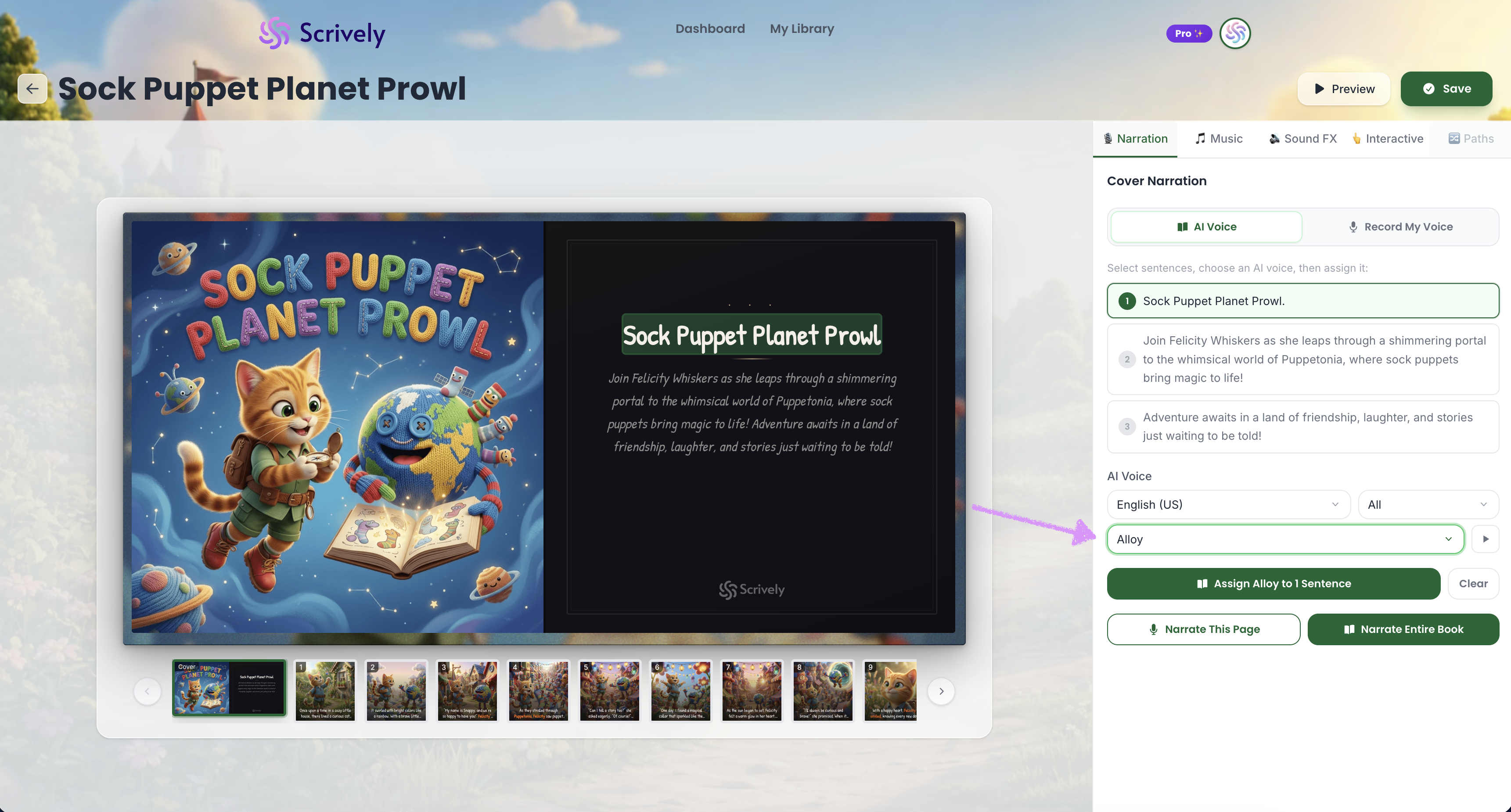
Select the voice-over you’d like to preview or use.
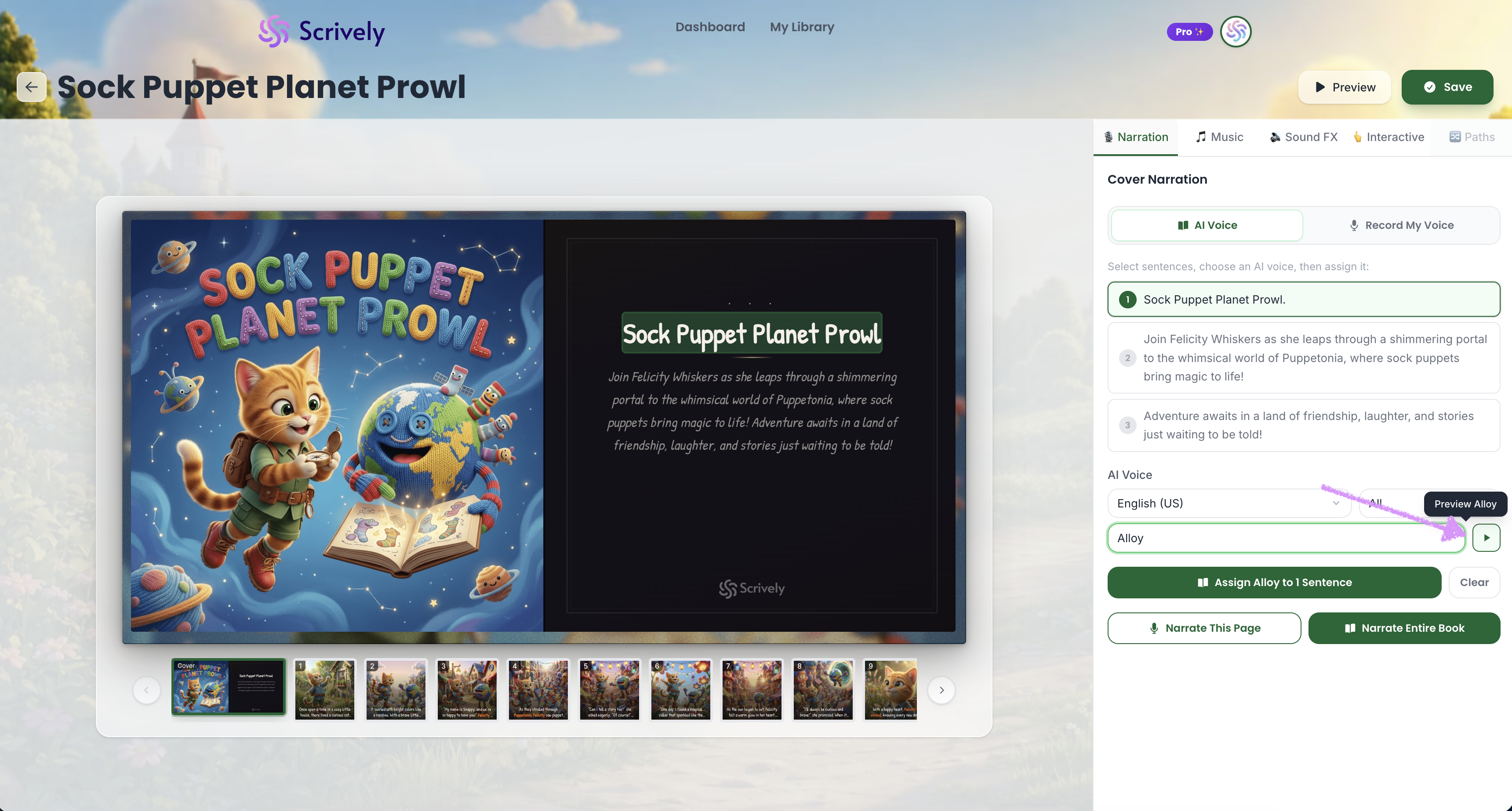
Click “Preview [voice name]” to listen to a preview of the selected voice-over.
Head over to our guide here to learn more about adding narrations to your books.
Was this article helpful?
That’s Great!
Thank you for your feedback
Sorry! We couldn't be helpful
Thank you for your feedback
Feedback sent
We appreciate your effort and will try to fix the article
