
Adding characters from your library to your book helps you quickly build out your story using existing character profiles you’ve already created. Instead of starting from scratch, you can select characters from your saved library and place them directly into your book, keeping your workflow fast, consistent, and organized.
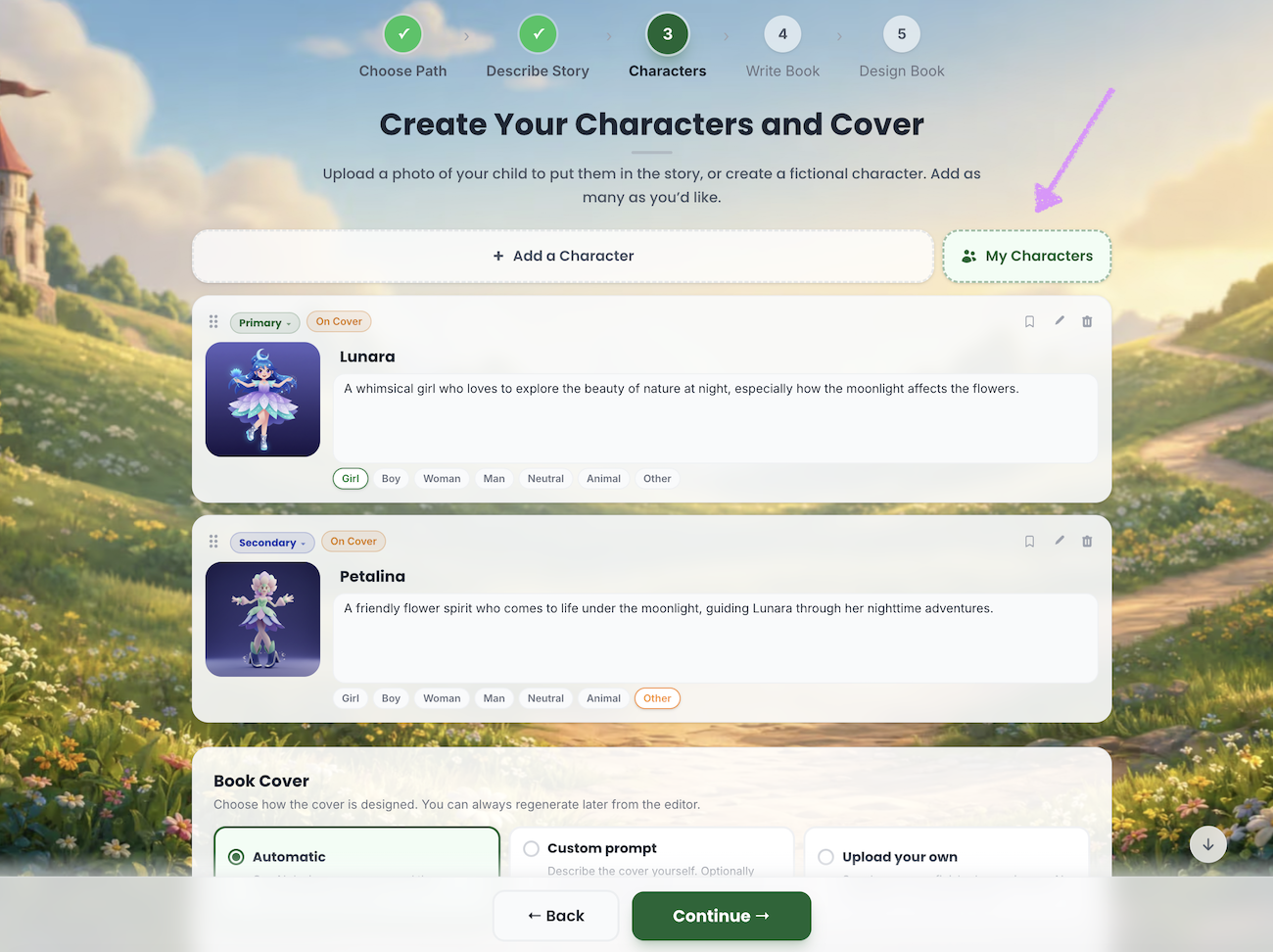
In the Create Your Characters and Cover step, Scrively gives you the option to manually add characters from your characters library. To begin, click “My Characters.”
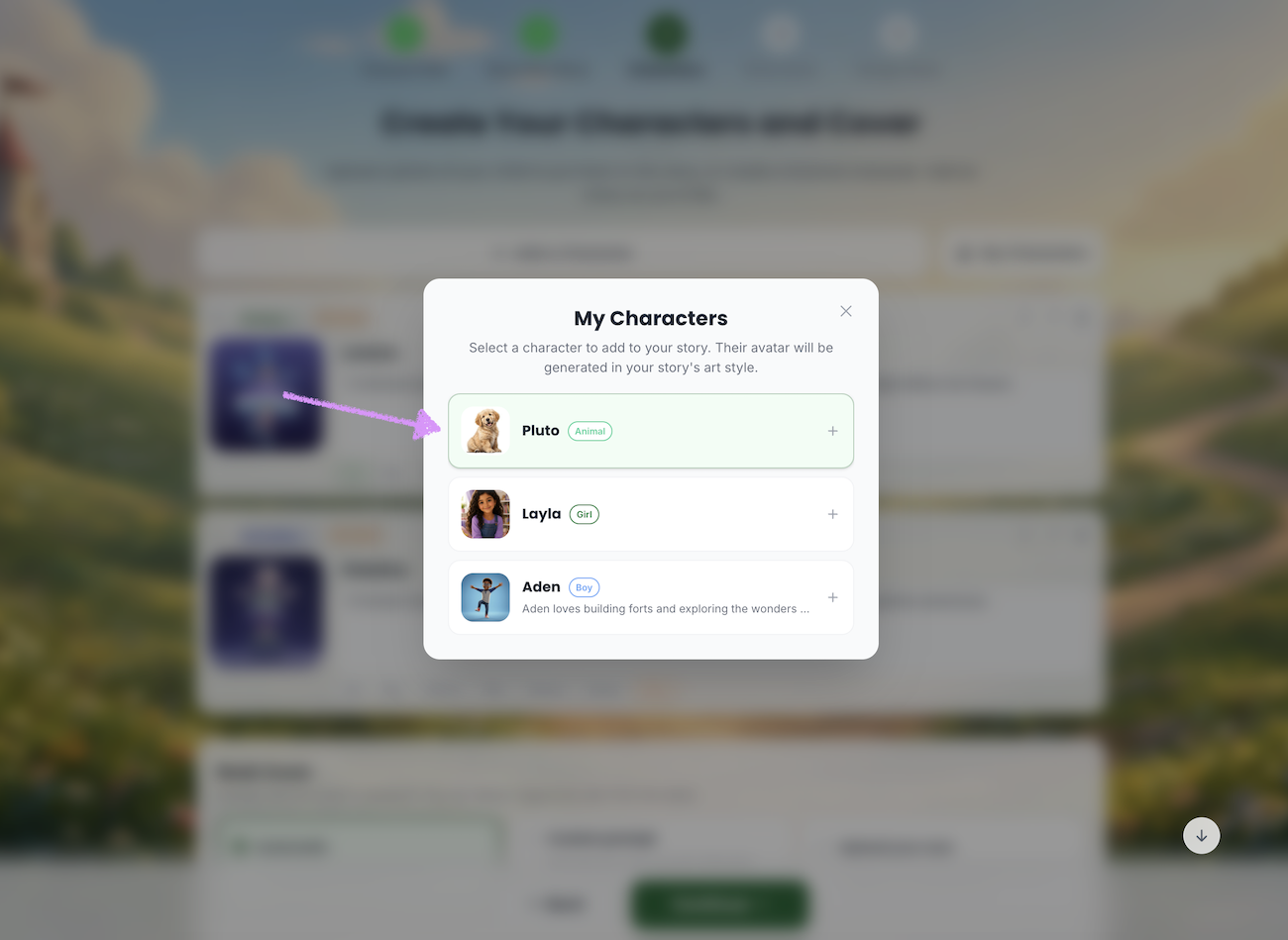
A list of your saved characters will be displayed, allowing you to quickly browse and select the ones you want to add to your book. Click on the character to add it to your book.
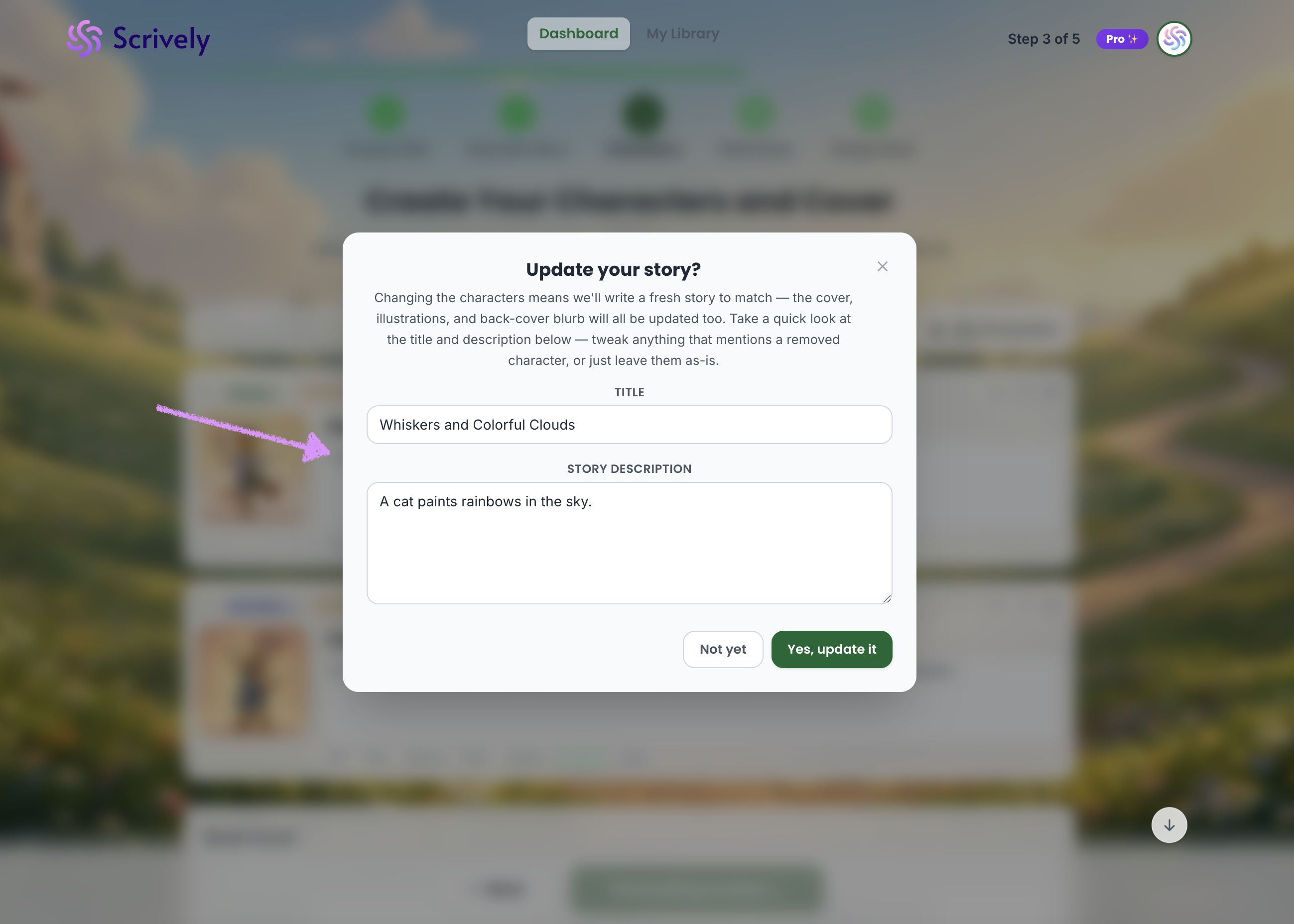
⚠️ If you try to use a character in an existing book, please note that this is considered a change to the story. A warning like the one below will be displayed to inform you that Scrively will generate a fresh version of the story and also update the cover illustrations and back cover blurb. You can also adjust the title and story description to reflect any updates where a removed character may be mentioned, if applicable, or leave them as they are.
The selected character will be added to your list.
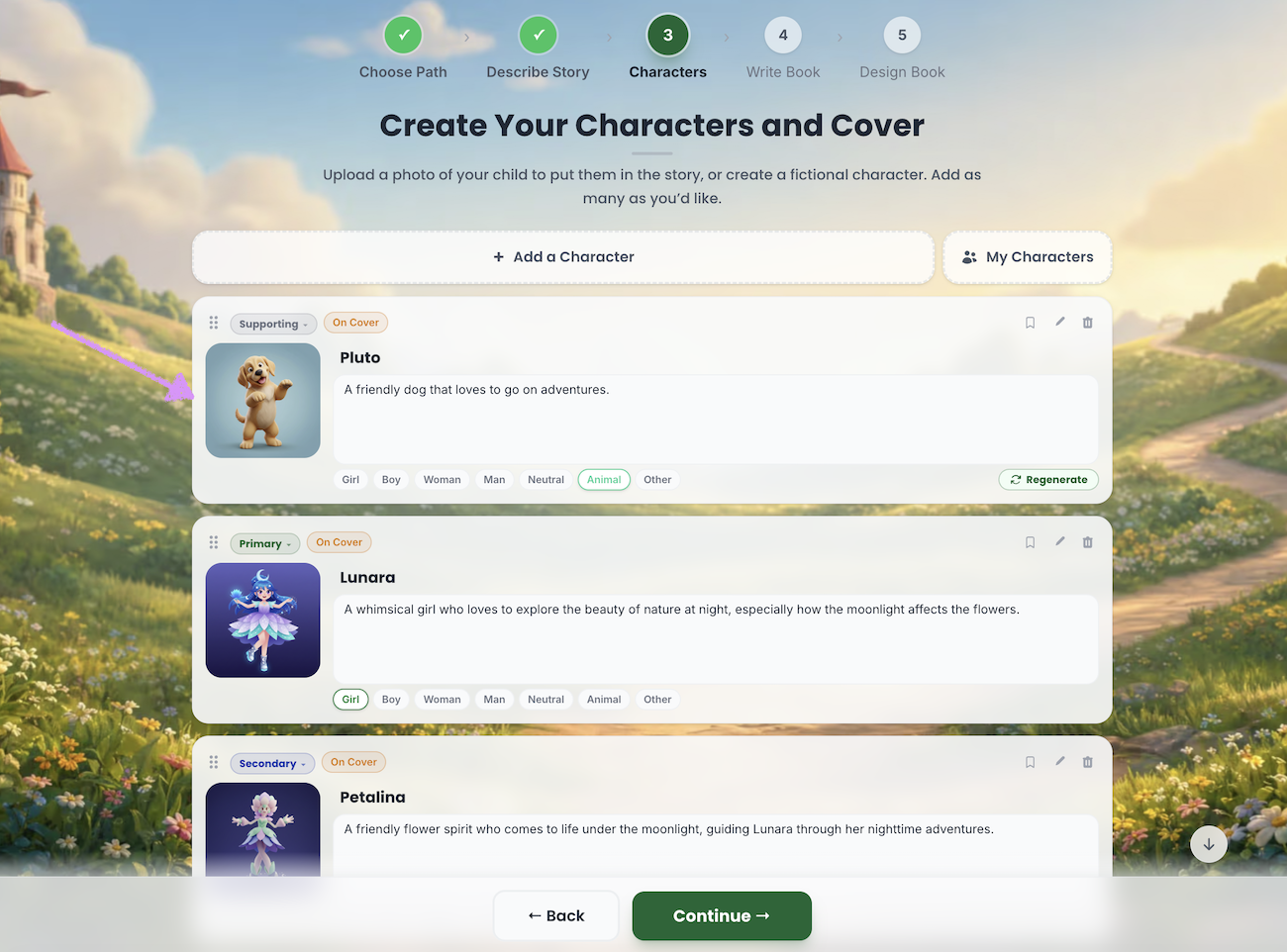
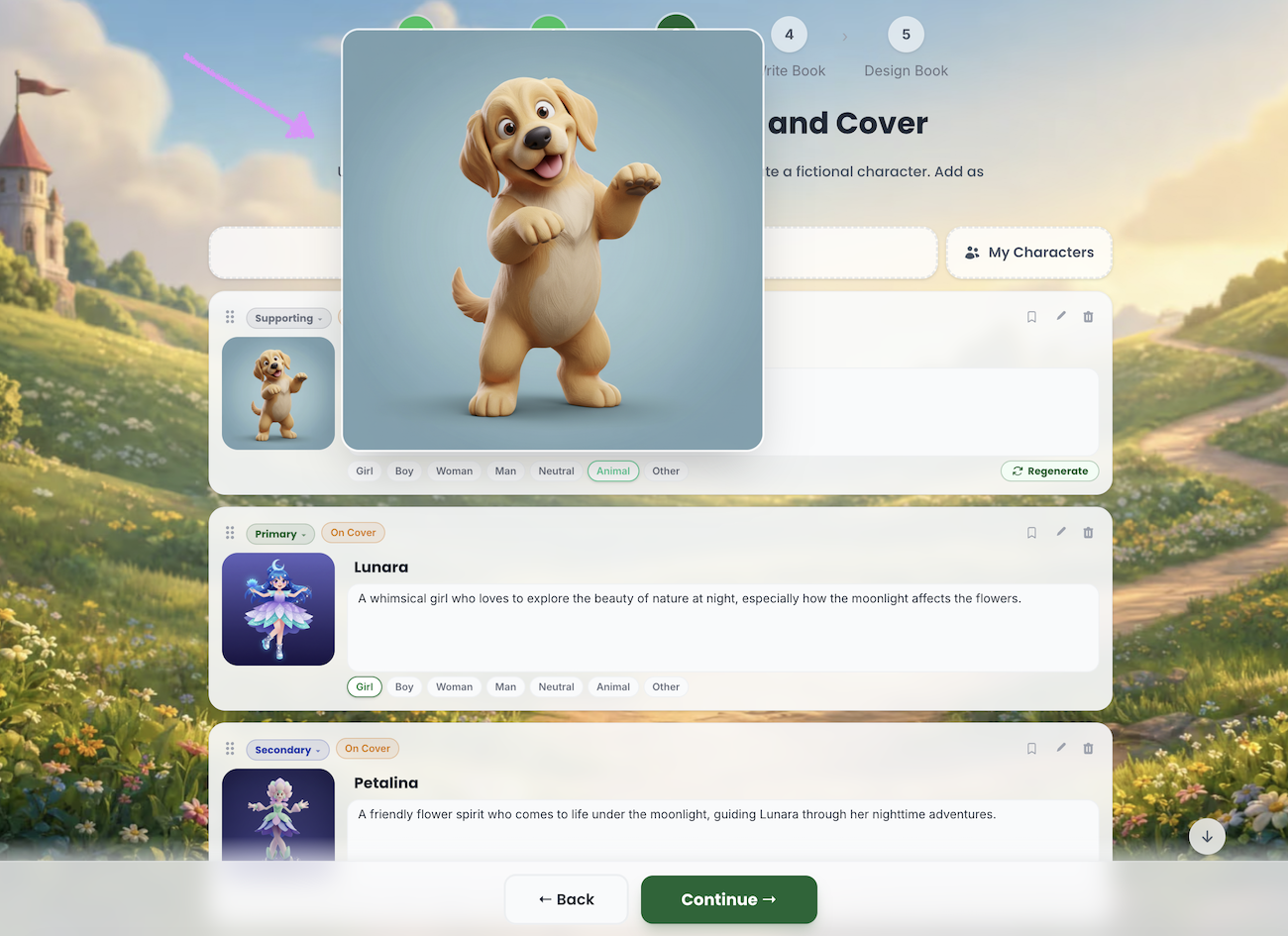
Hover over the avatar to see a full preview of how the character appears in the selected book’s art style.
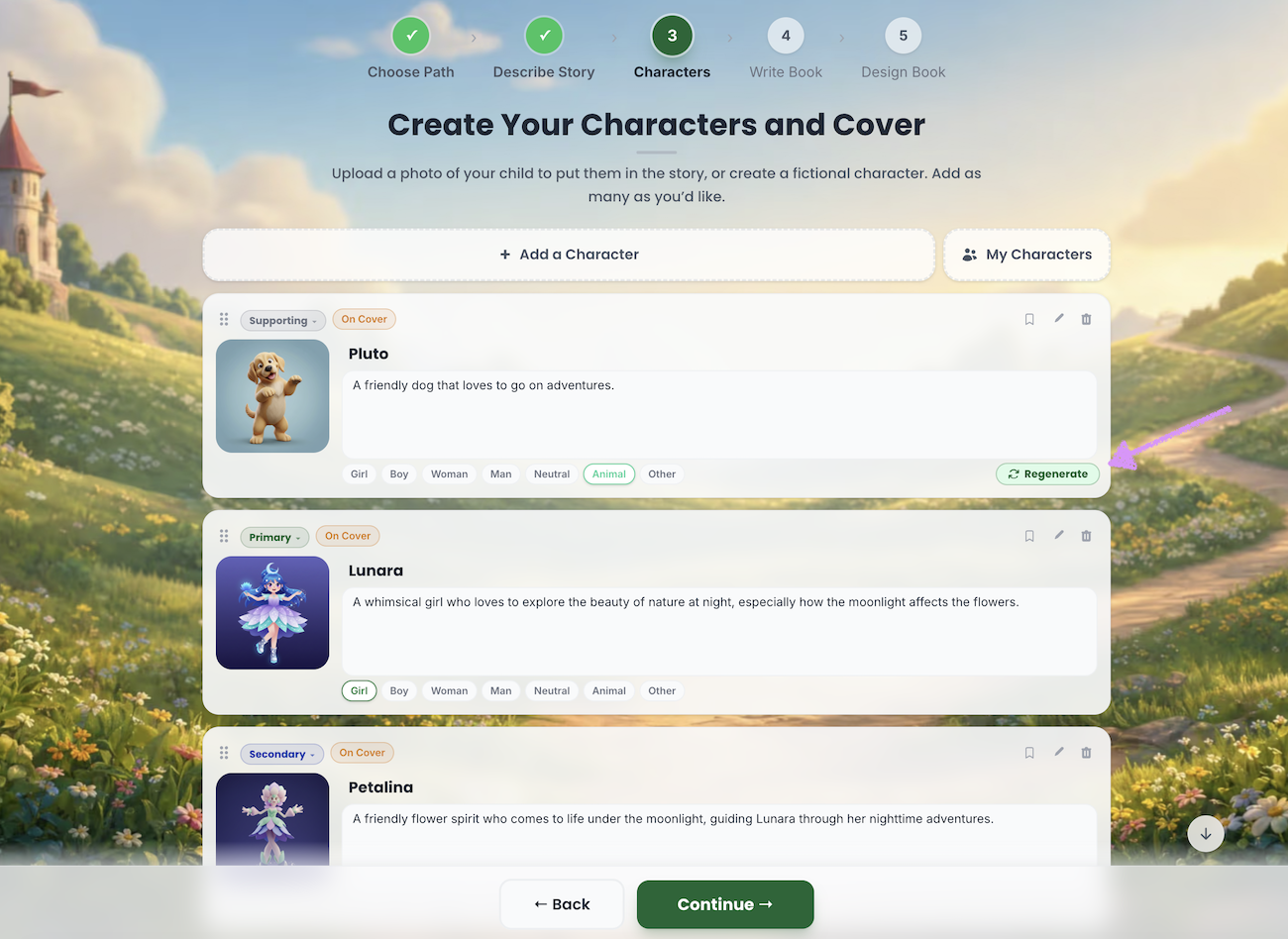
If needed, click “Regenerate” to create a new avatar for the character. Please note that this option is only available for characters whose art style has not been adjusted. See the note below for more details.
⚠️ When creating characters as outlined in our guide here, you’ll have the option to customize the character’s style. Please note that any selected style will be preserved when the character is added to a book, even if the book uses a different overall style. If you want your characters to match the book’s style, we recommend leaving the character style unchanged during creation.Was this article helpful?
That’s Great!
Thank you for your feedback
Sorry! We couldn't be helpful
Thank you for your feedback
Feedback sent
We appreciate your effort and will try to fix the article
