Platform: Web App
Works On: Mobile, Tablet, Desktop Browser
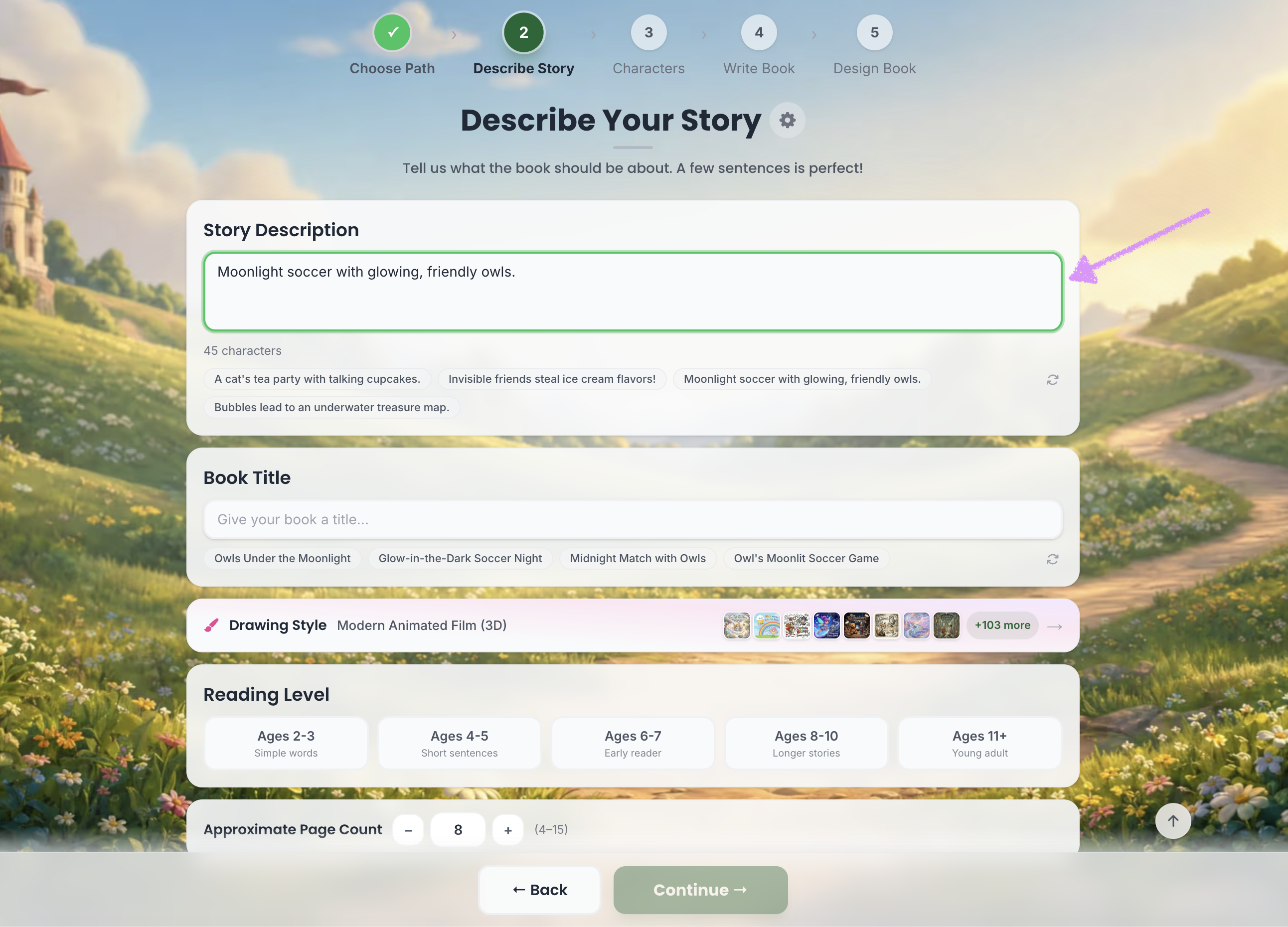
After selecting your writing path, you can either write your own story description or choose from the provided options to help you get started quickly.
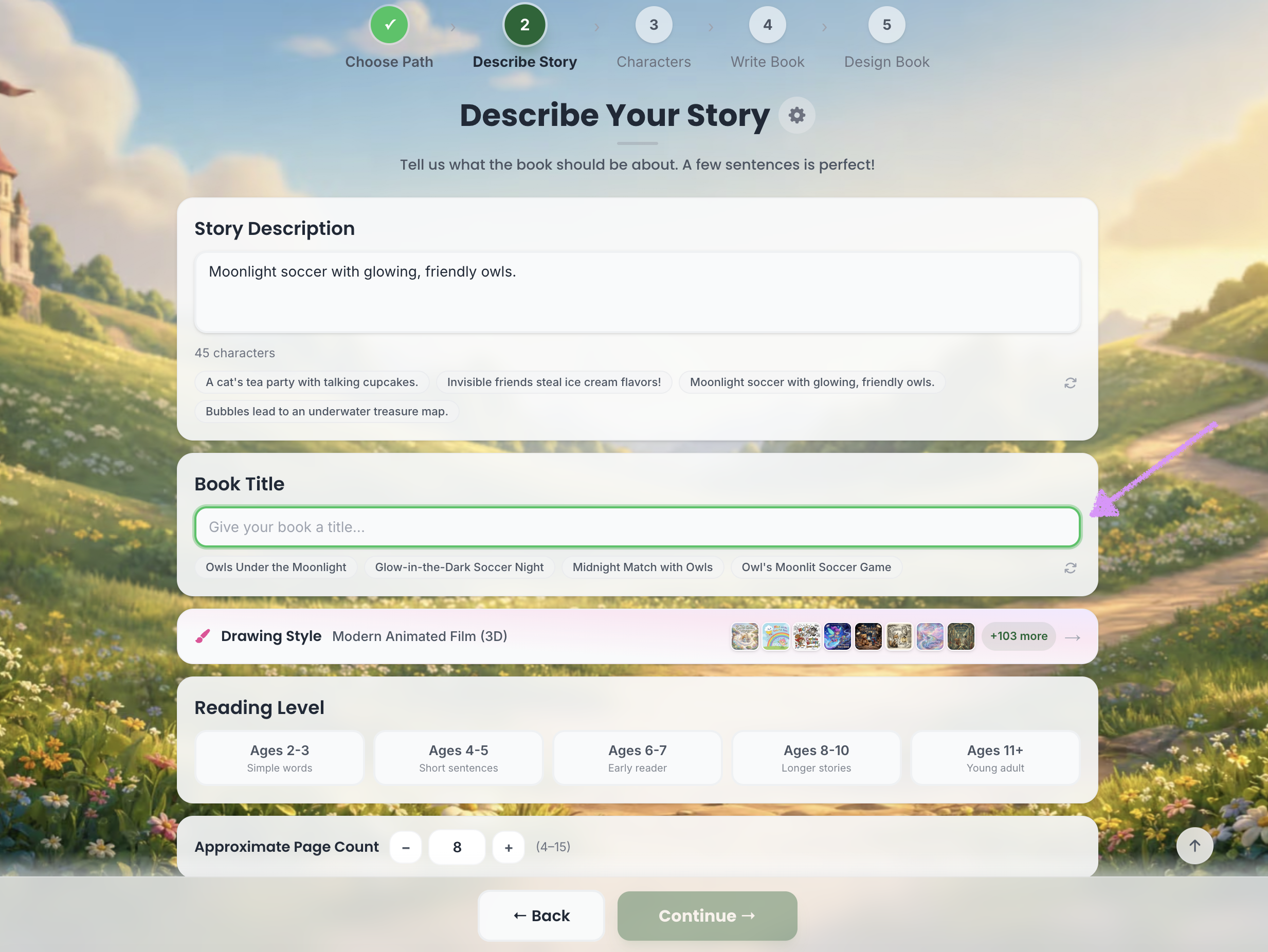
Next, give your book a title or choose from the provided titles.
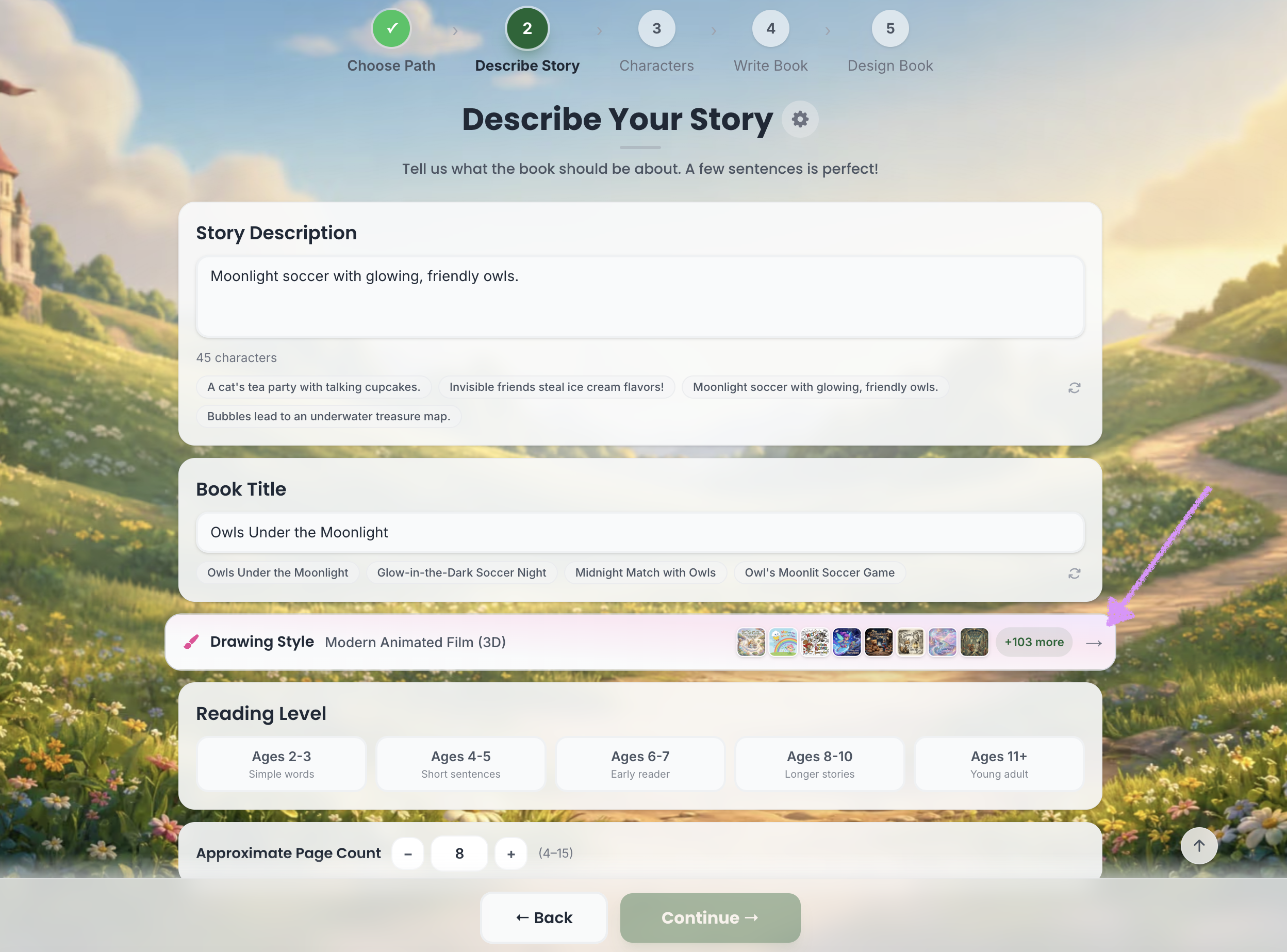
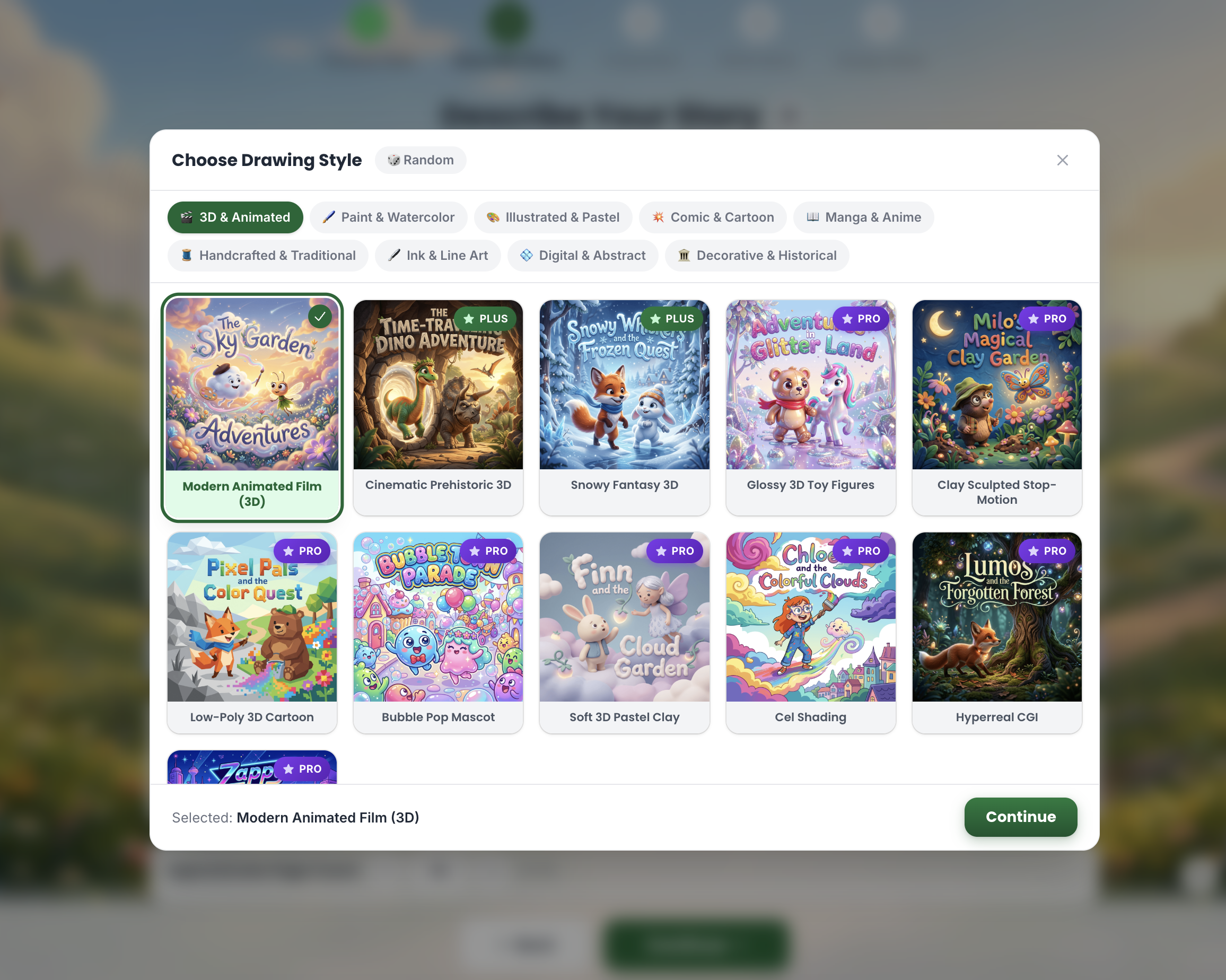
Select your drawing style.
The Starter plan includes one style. One-time purchases include one style in each category. The Plus plan includes three styles per category, while the Pro plan unlocks all styles.
Select the reading level.
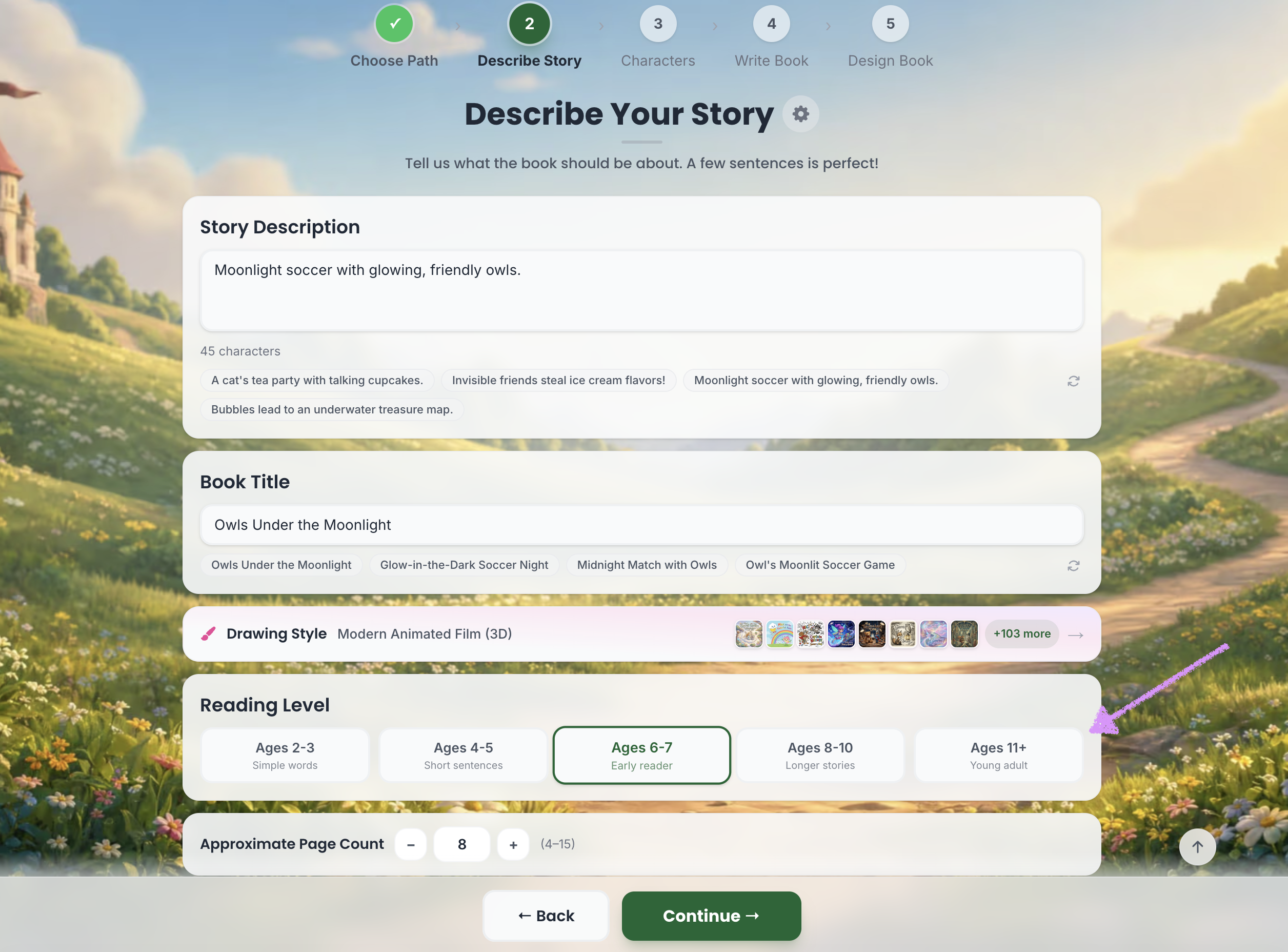
Set the approximate page count for the book.
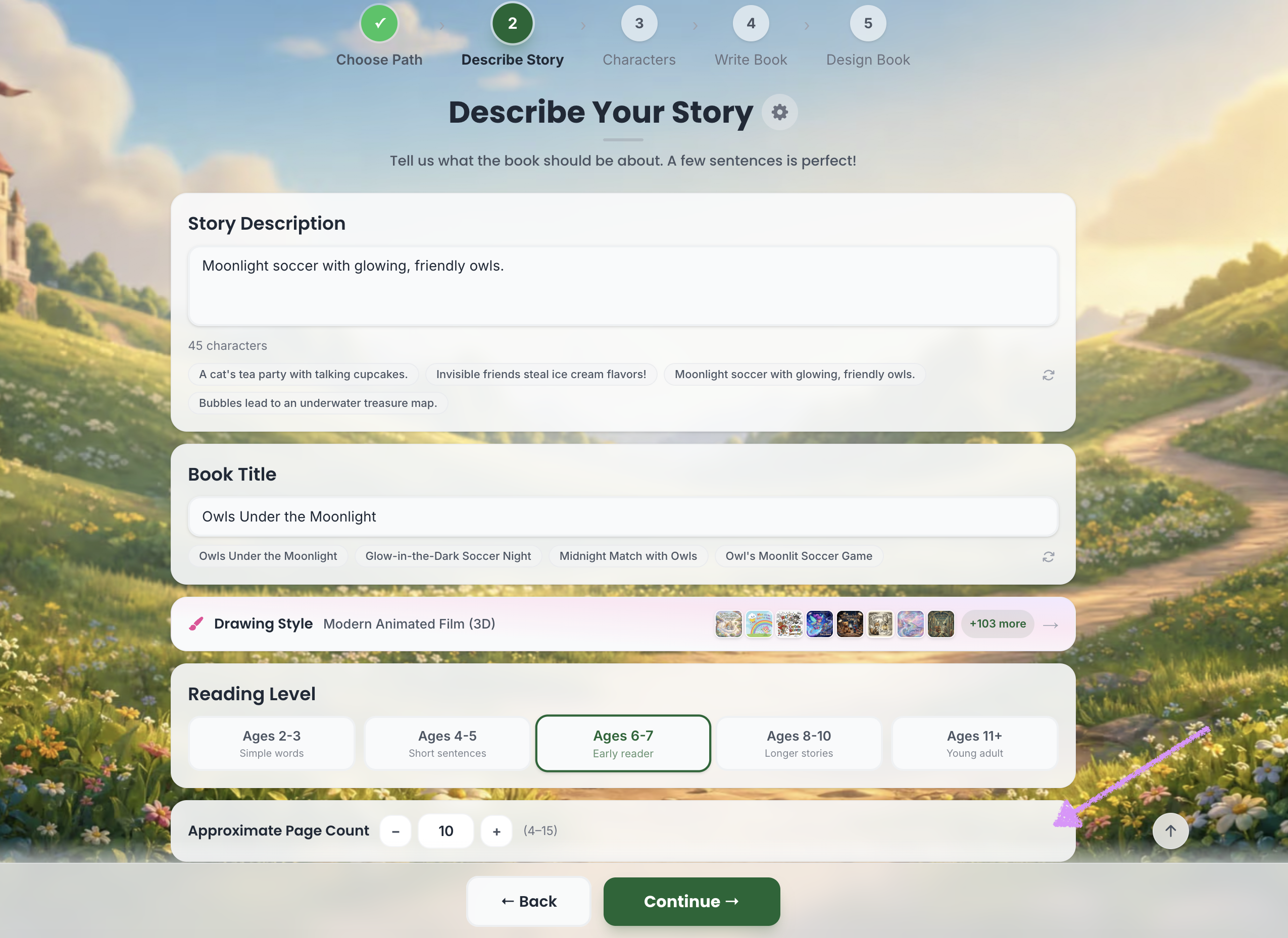
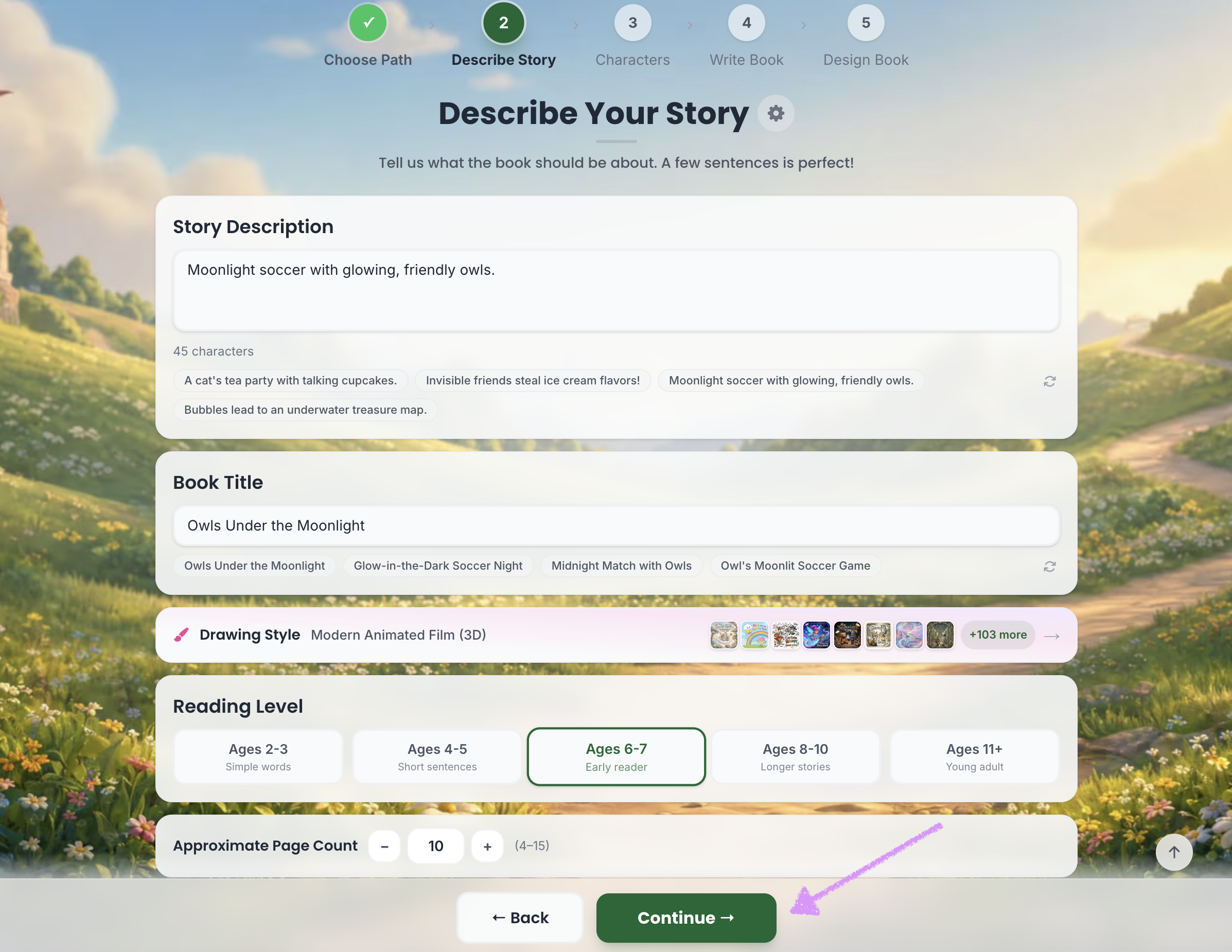
The Starter plan includes up to 15 pages. One-time purchases and the Plus plan includes up to 30 pages, while the Pro plan unlocks up to 50 pages.Click on "Continue." Head over to our guide here to learn more about creating characters.
Was this article helpful?
That’s Great!
Thank you for your feedback
Sorry! We couldn't be helpful
Thank you for your feedback
Feedback sent
We appreciate your effort and will try to fix the article
