Platform: Web App
Works On: Mobile, Tablet, Desktop Browser
On the Pricing page here click on "Create Your First Book."
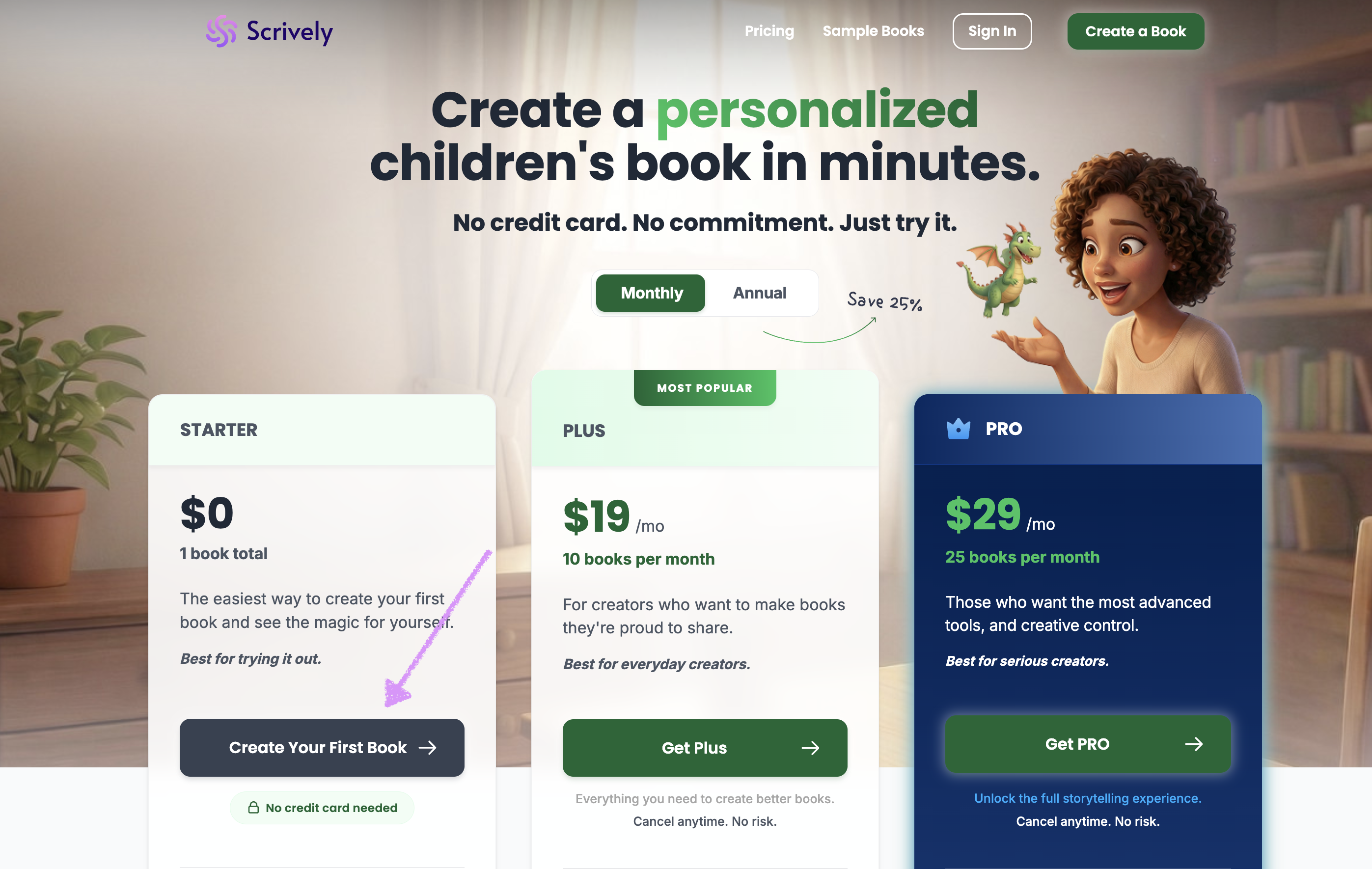
You will be redirected to the Dashboard.
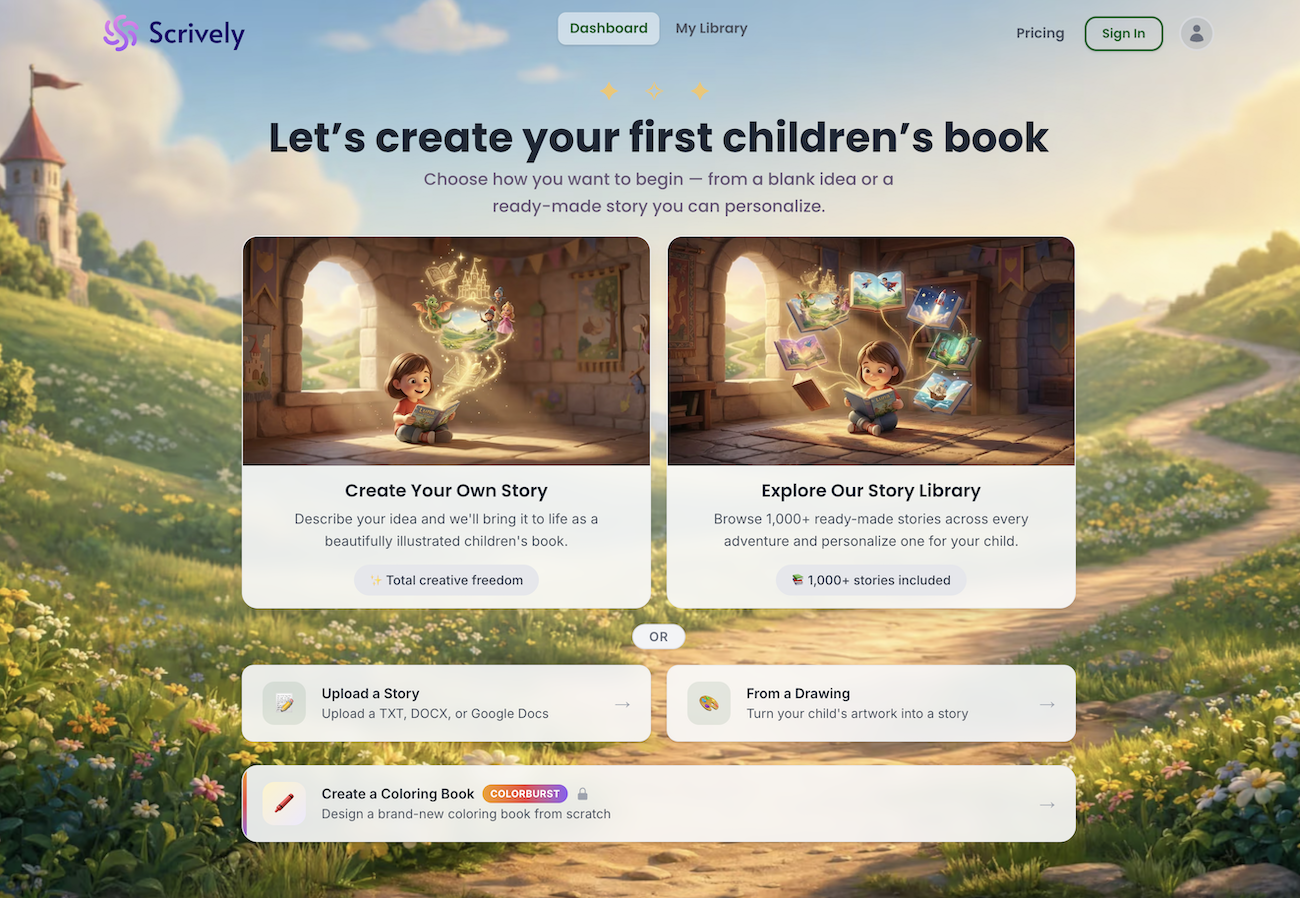
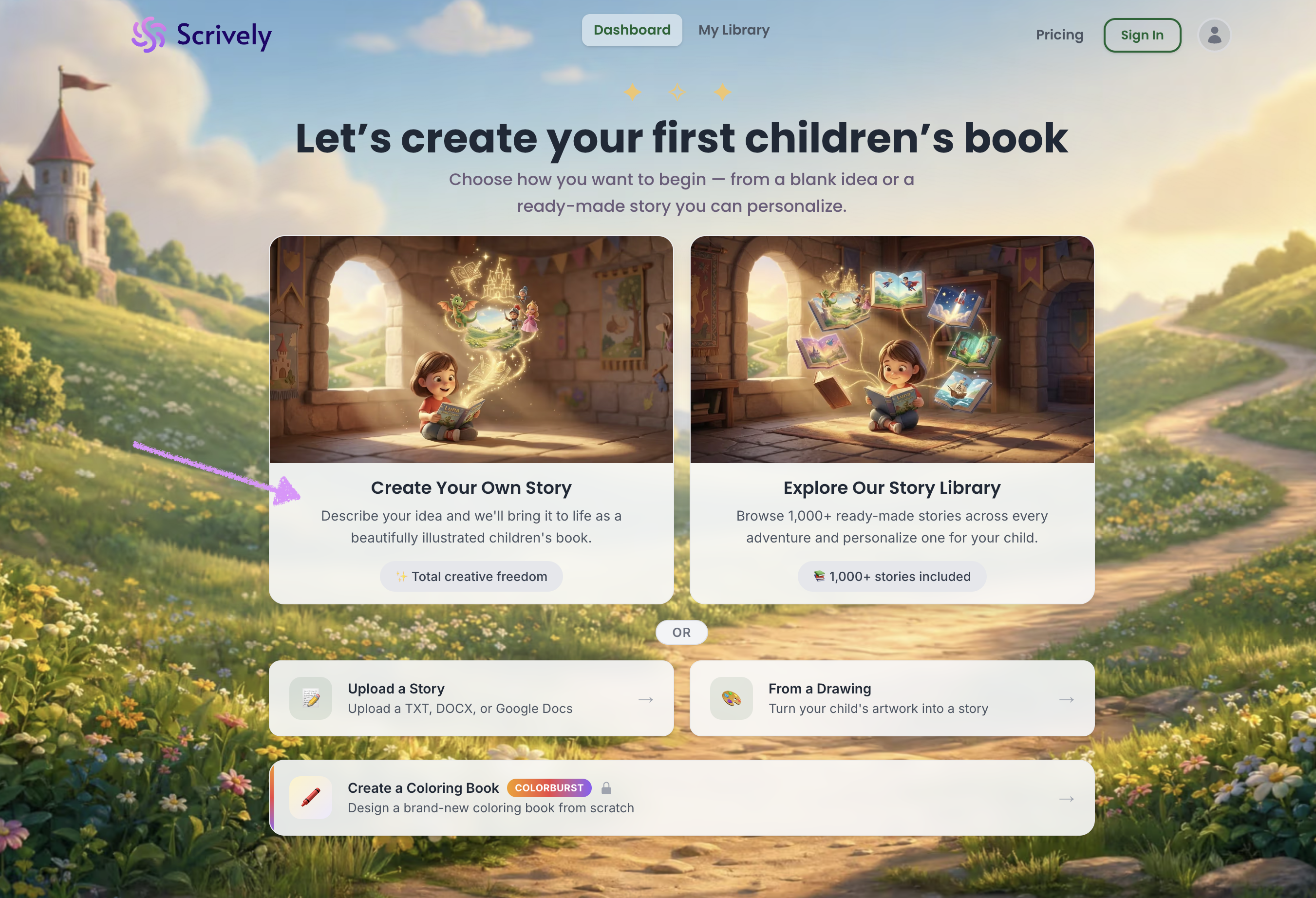
Choose either “Create Your Own Story” or “Explore Our Story Library.”
Create Your Own Story gives you full creative freedom to describe your idea and build your story from scratch.
The Story Library includes hundreds of pre-made books that you can use as-is or customize by replacing the characters with your own.
We’ll begin by selecting Create Your Own Story. Head over to our guide here to continue with the next steps on describing your story.
Was this article helpful?
That’s Great!
Thank you for your feedback
Sorry! We couldn't be helpful
Thank you for your feedback
Feedback sent
We appreciate your effort and will try to fix the article
