
After you enter your story details in the Story Builder, Scrively automatically generates your book’s front cover based on the characters you choose, giving you a polished starting point right away. When you move into the Designer view, you can further tweak, adjust, and personalize the visuals so everything looks exactly the way you imagined.
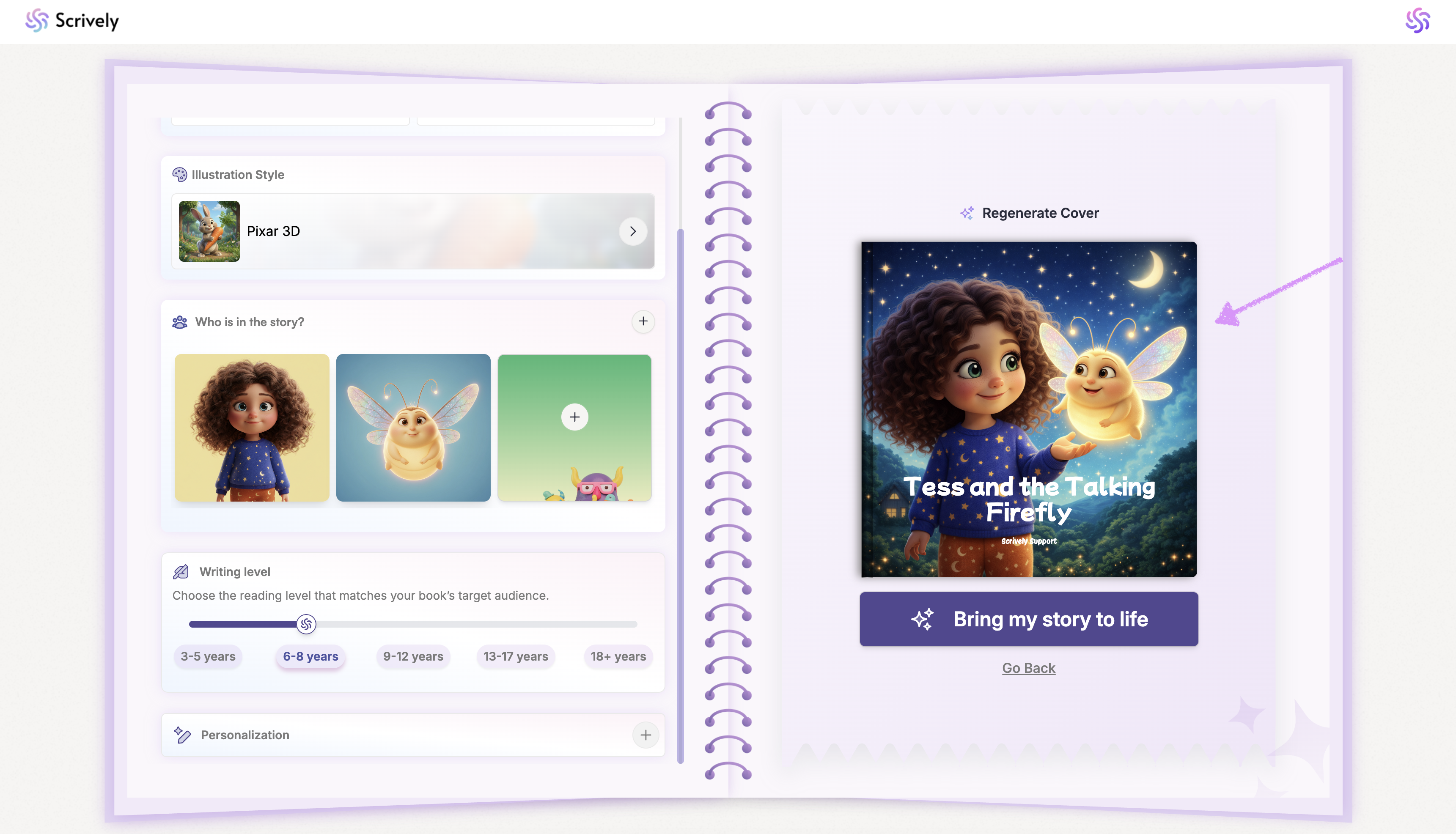
Not satisfied with the cover? Click on "Regenerate Cover" to try again.
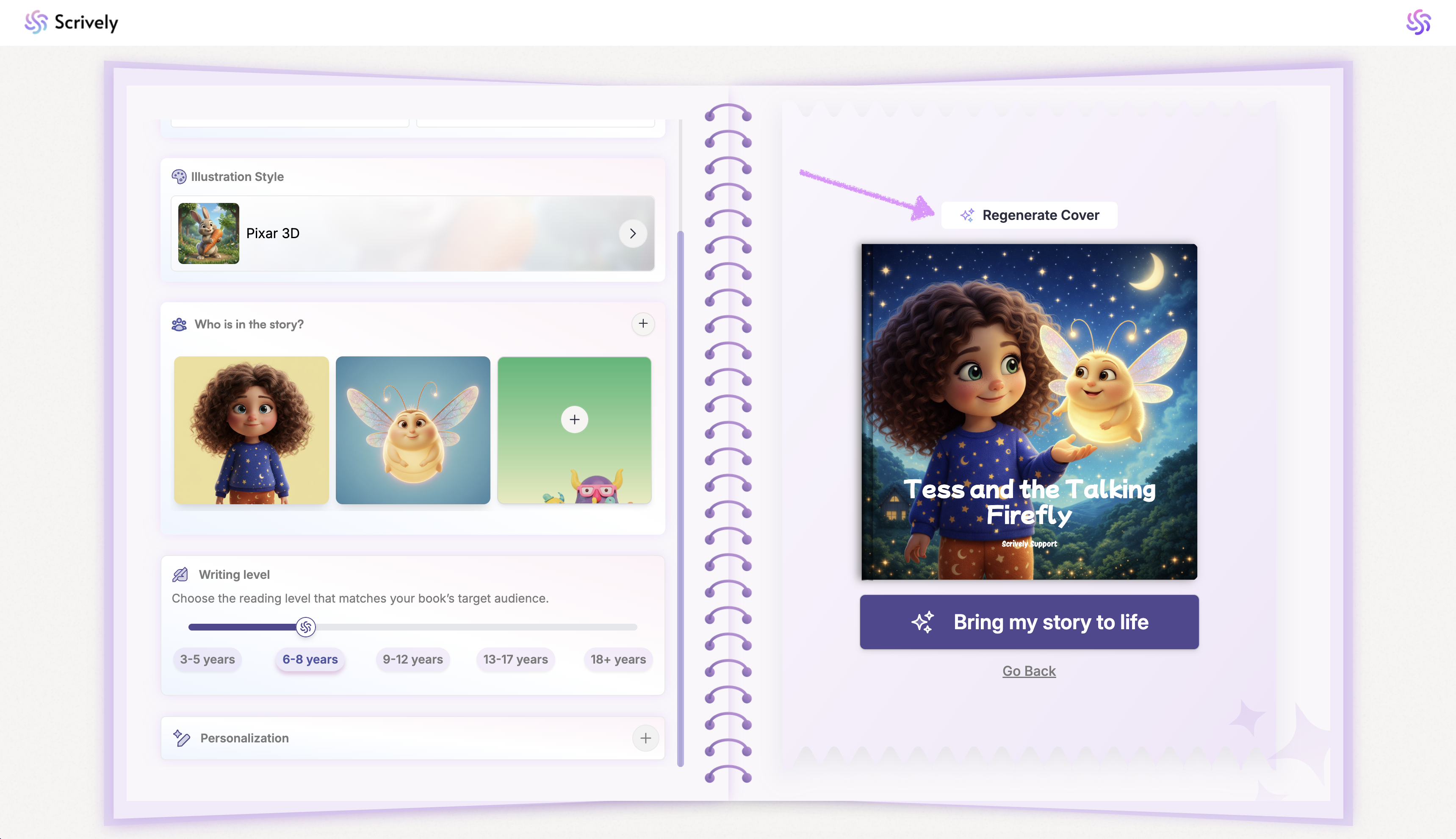
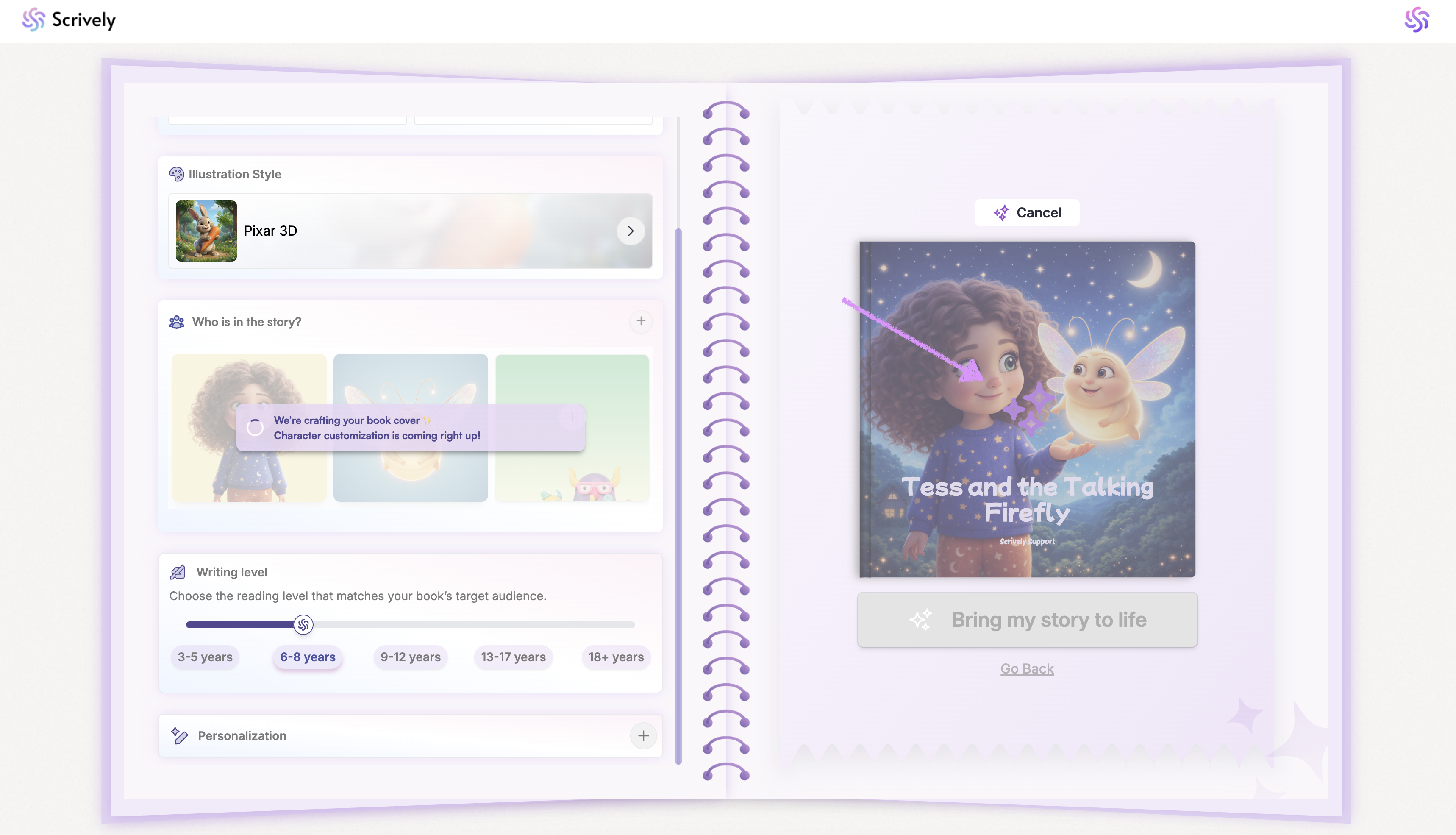
Scrively will generate a new cover page illustration.
When you're ready click on "Bring my story to life."
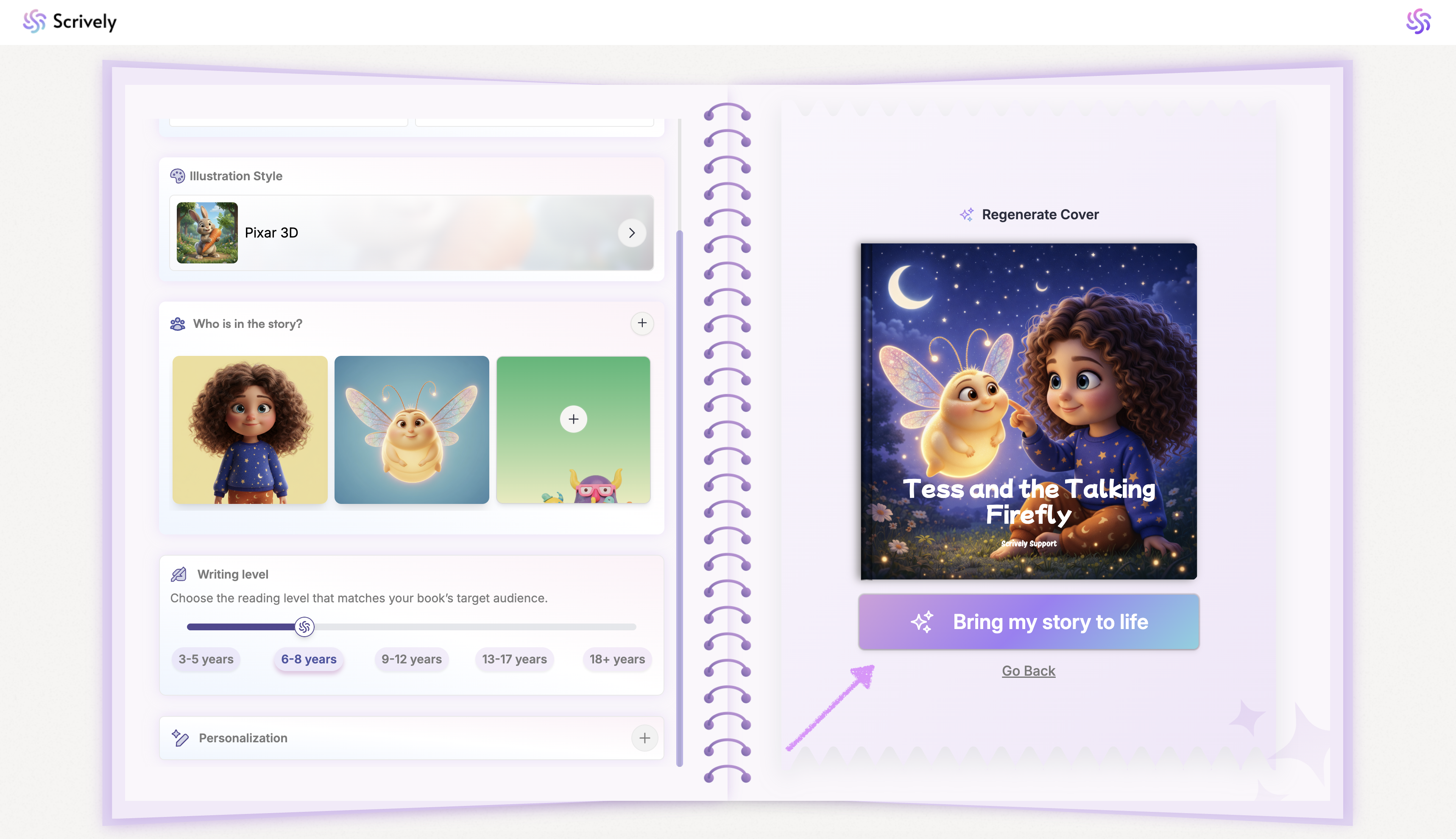
Scrively will create your book and you'll be taken to the Designer (book layout view). Check out our guide here on editing text in the Designer view.

Was this article helpful?
That’s Great!
Thank you for your feedback
Sorry! We couldn't be helpful
Thank you for your feedback
Feedback sent
We appreciate your effort and will try to fix the article
