
My Library
You can easily organize your books by adding them to folders. This helps keep your library structured and easy to navigate.
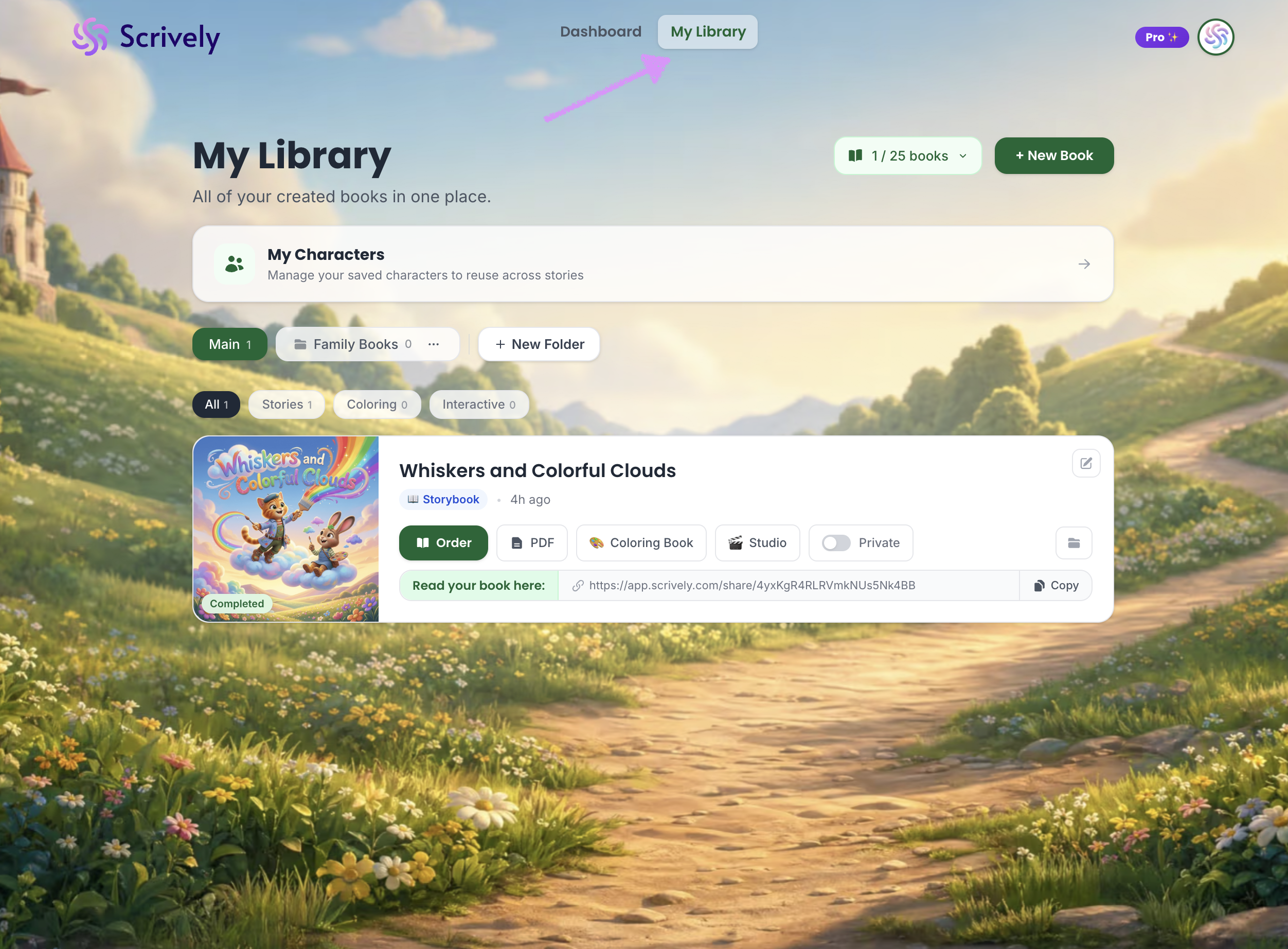
Head over to the "My Library" tab.
Click and drag the book over the folder it should be added to.
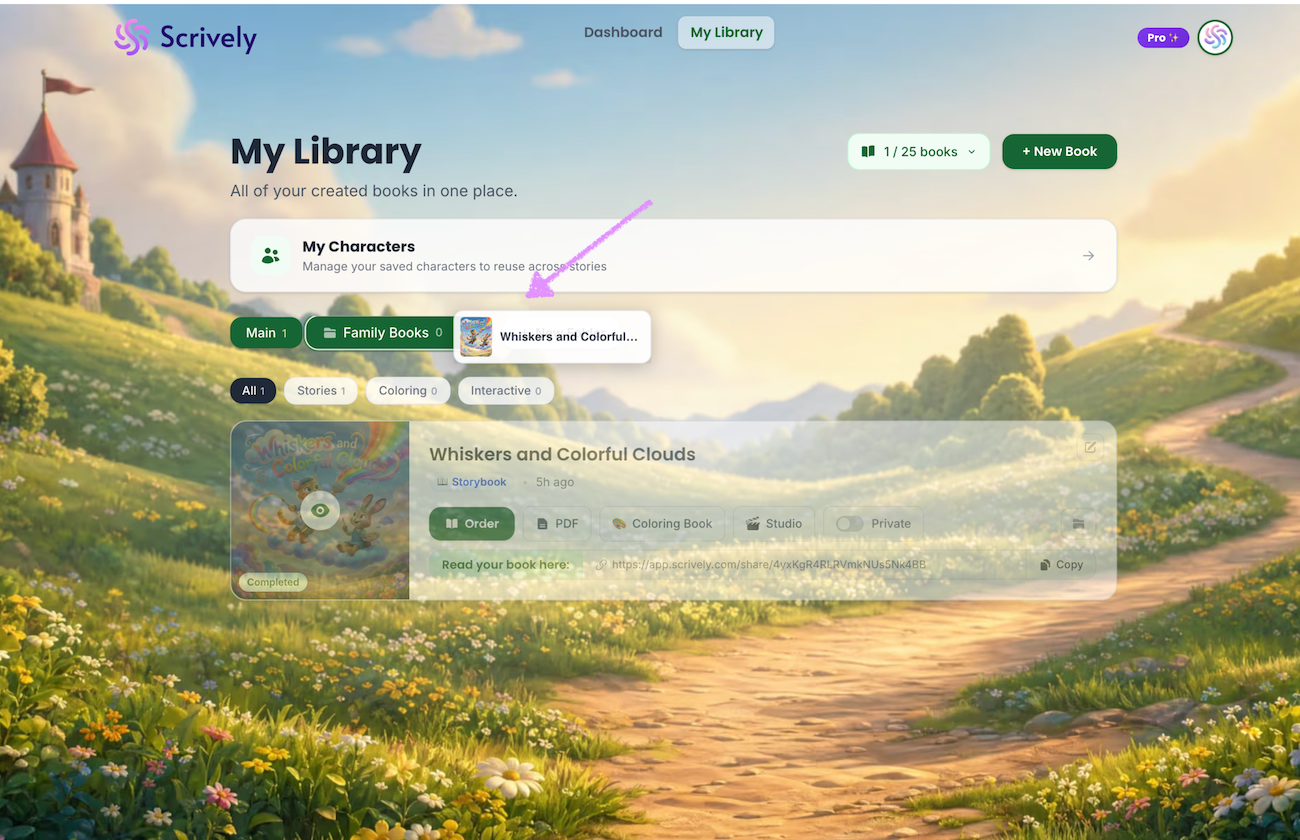
Release the book and it will be added to the folder.
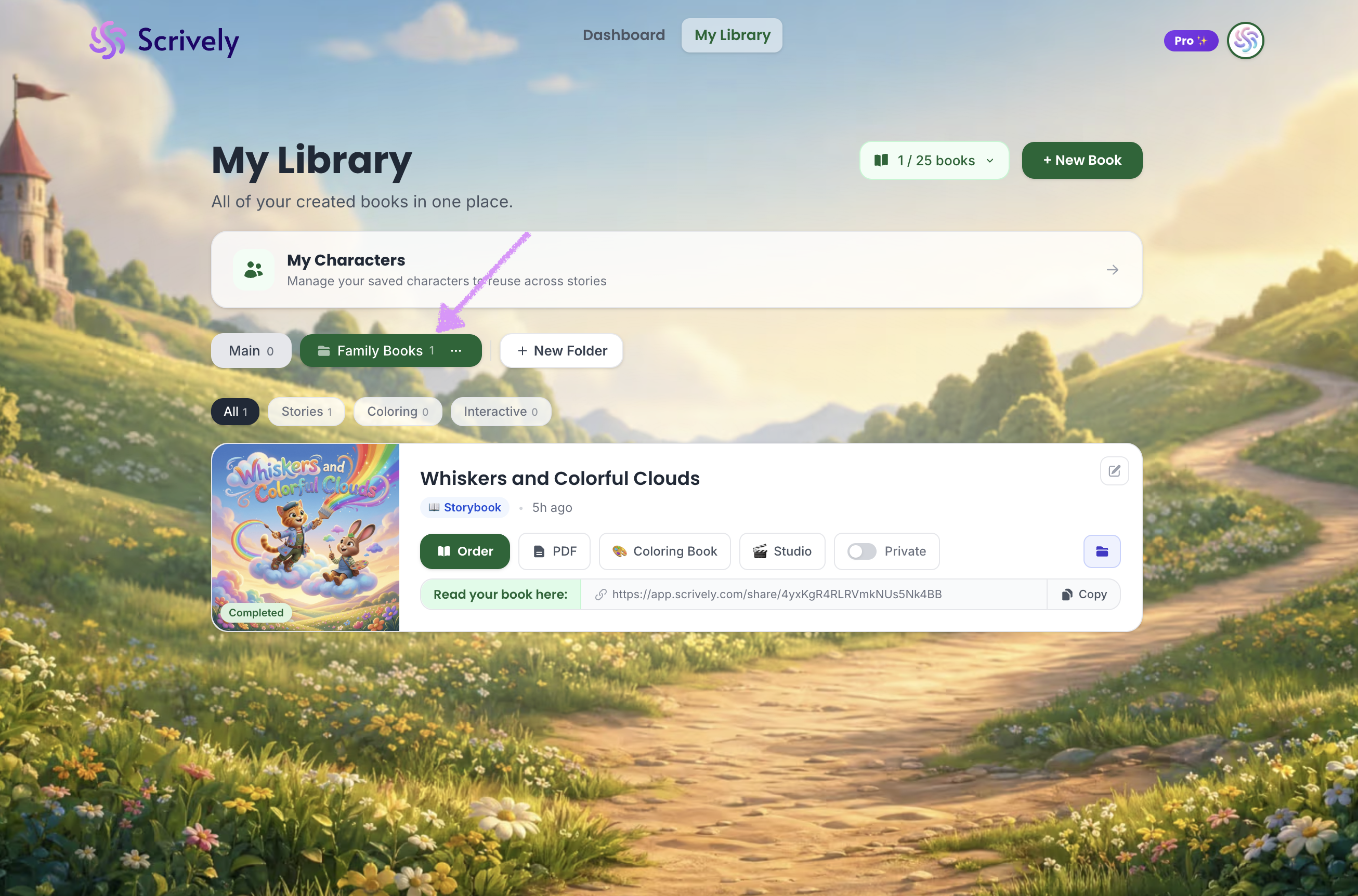
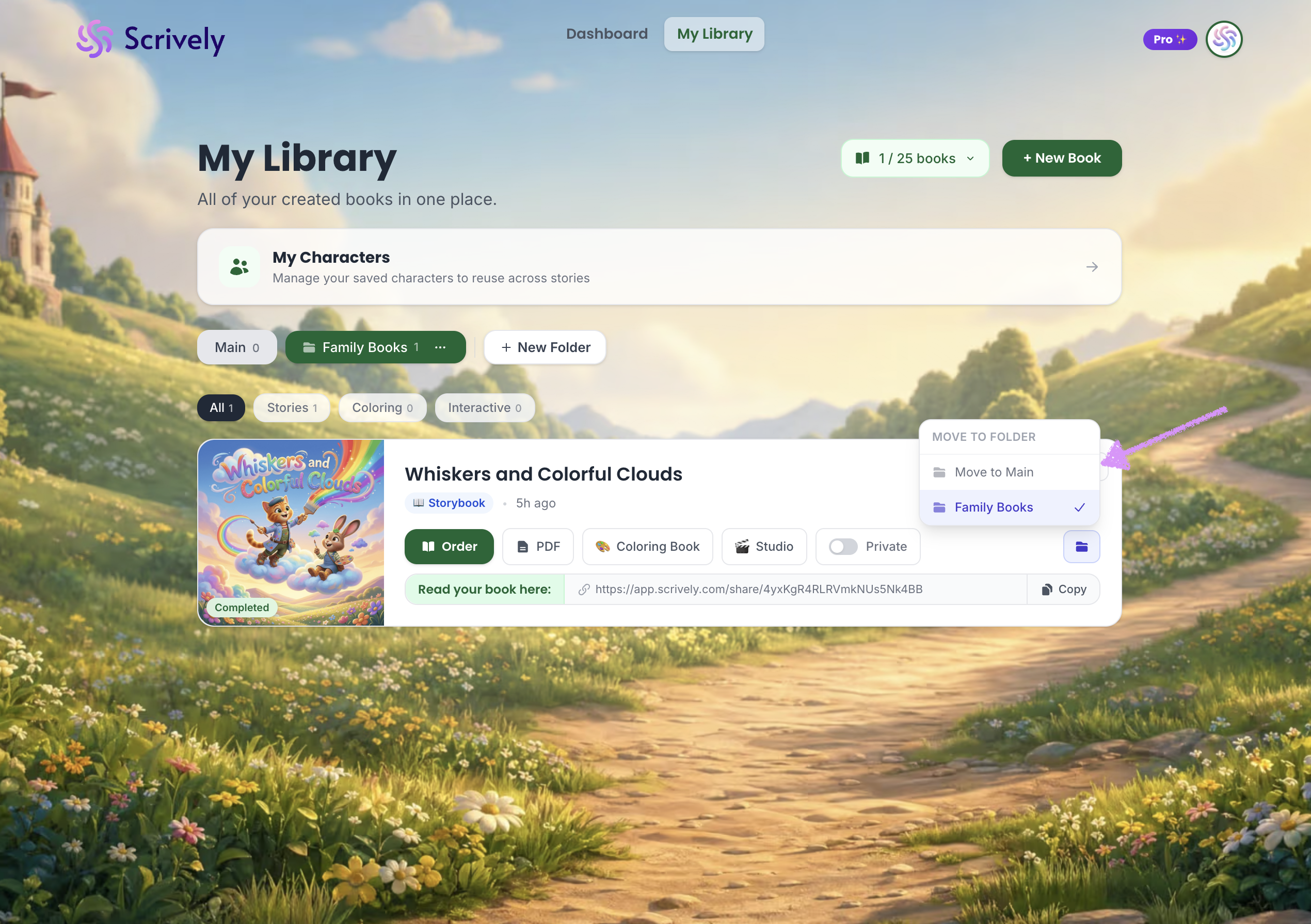
Alternatively, click on the folder icon on the right side of the book.
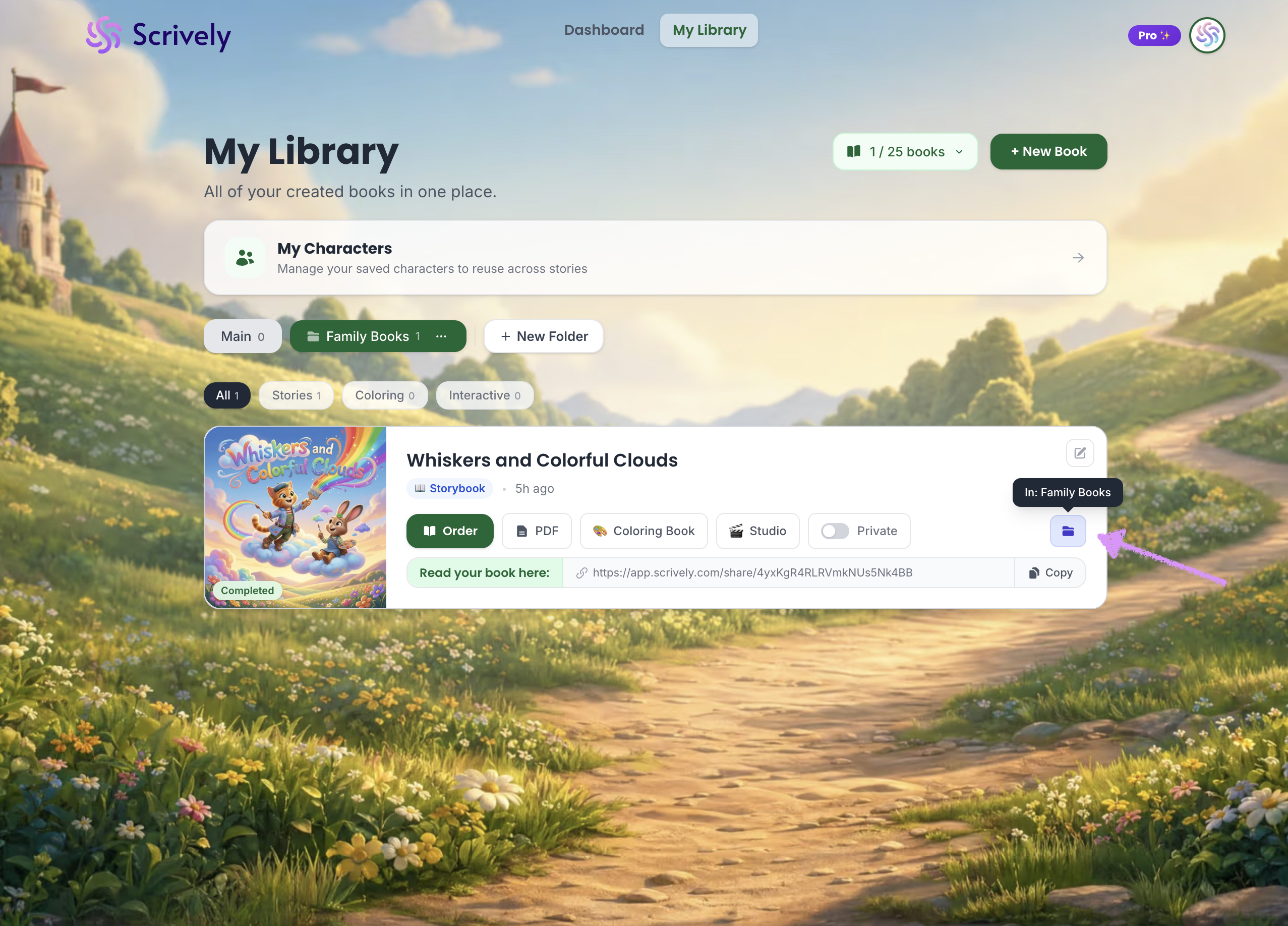
Choose the folder to move it to.
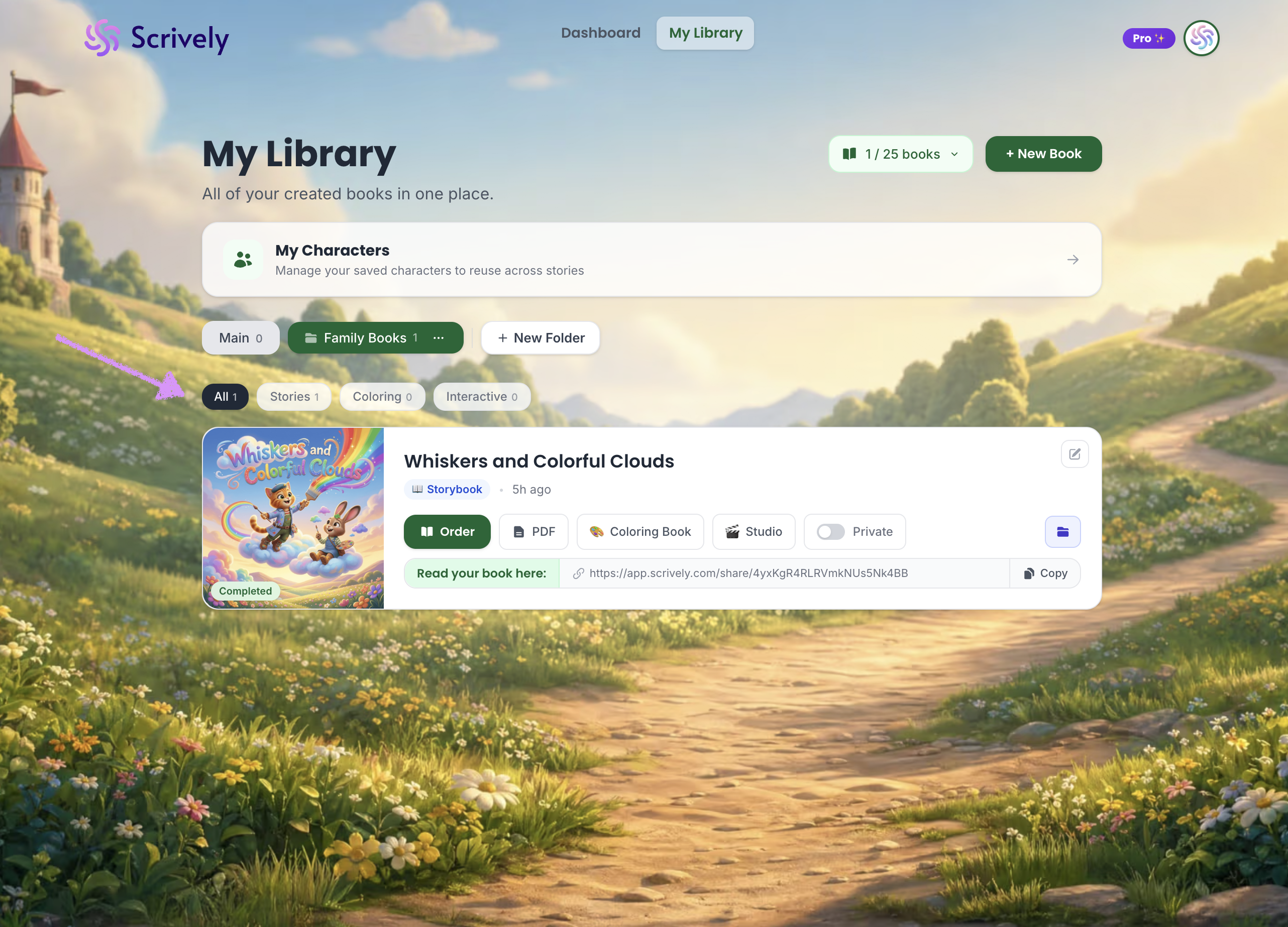
Folders containing books will automatically organize them into All, Stories, Coloring, and Interactive for easier navigation.
Was this article helpful?
That’s Great!
Thank you for your feedback
Sorry! We couldn't be helpful
Thank you for your feedback
Feedback sent
We appreciate your effort and will try to fix the article
