
You can easily see how many books you’ve used and how many are left in your current billing period. This helps you stay on top of your plan limits and manage your usage with confidence.
Head over to the "My Library" tab.
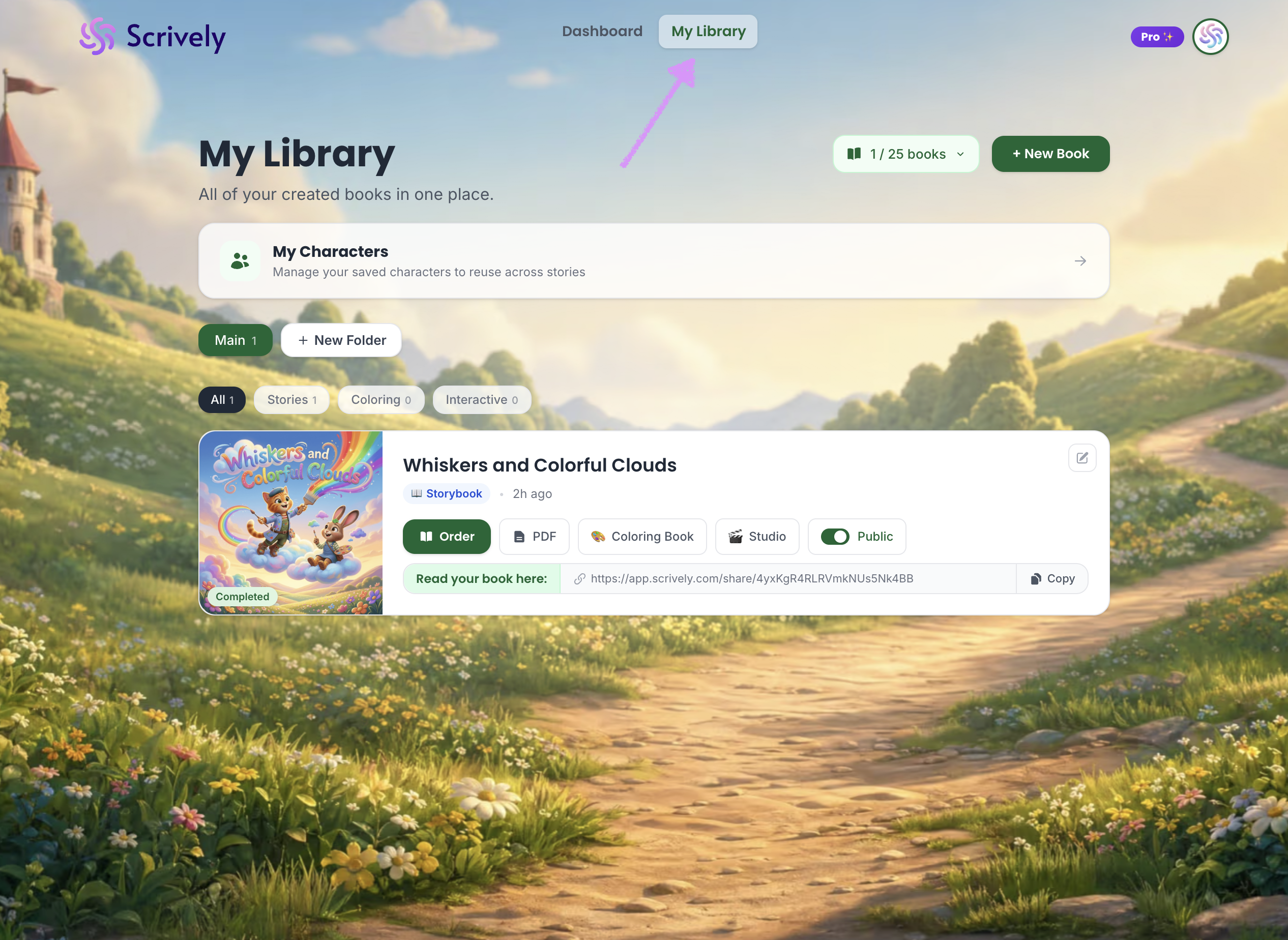
At the top right, you’ll see X of your allocated books used.
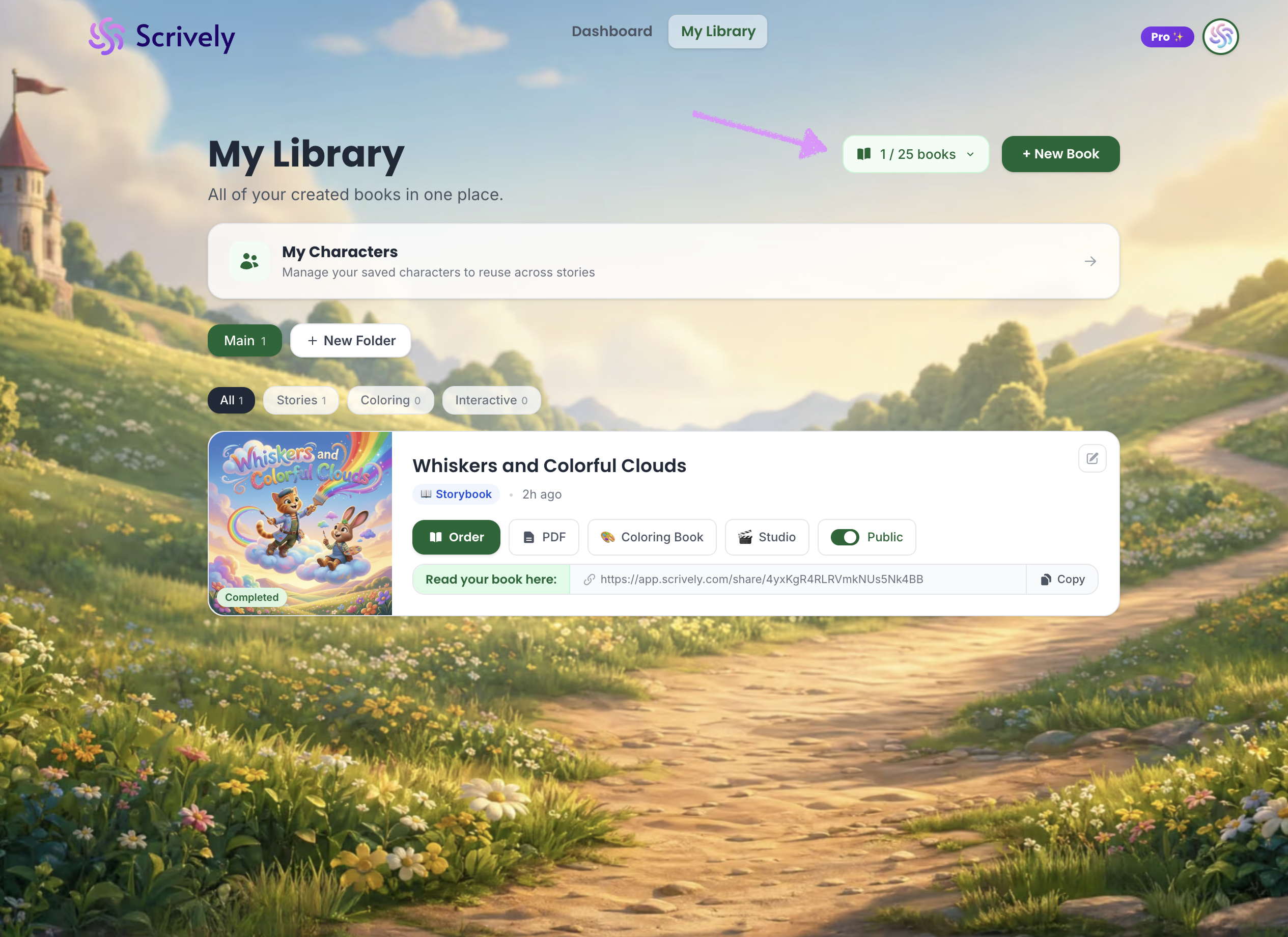
Your available book allowance depends on your plan or purchase type:

Free accounts: 1 book
One-time $67 purchase: 15 books total
One-time Studio purchase: 5 books total
One-time Colorburst purchase: 15 coloring books total
Plus plan: 10 books per month
Pro plan: 25 books per month
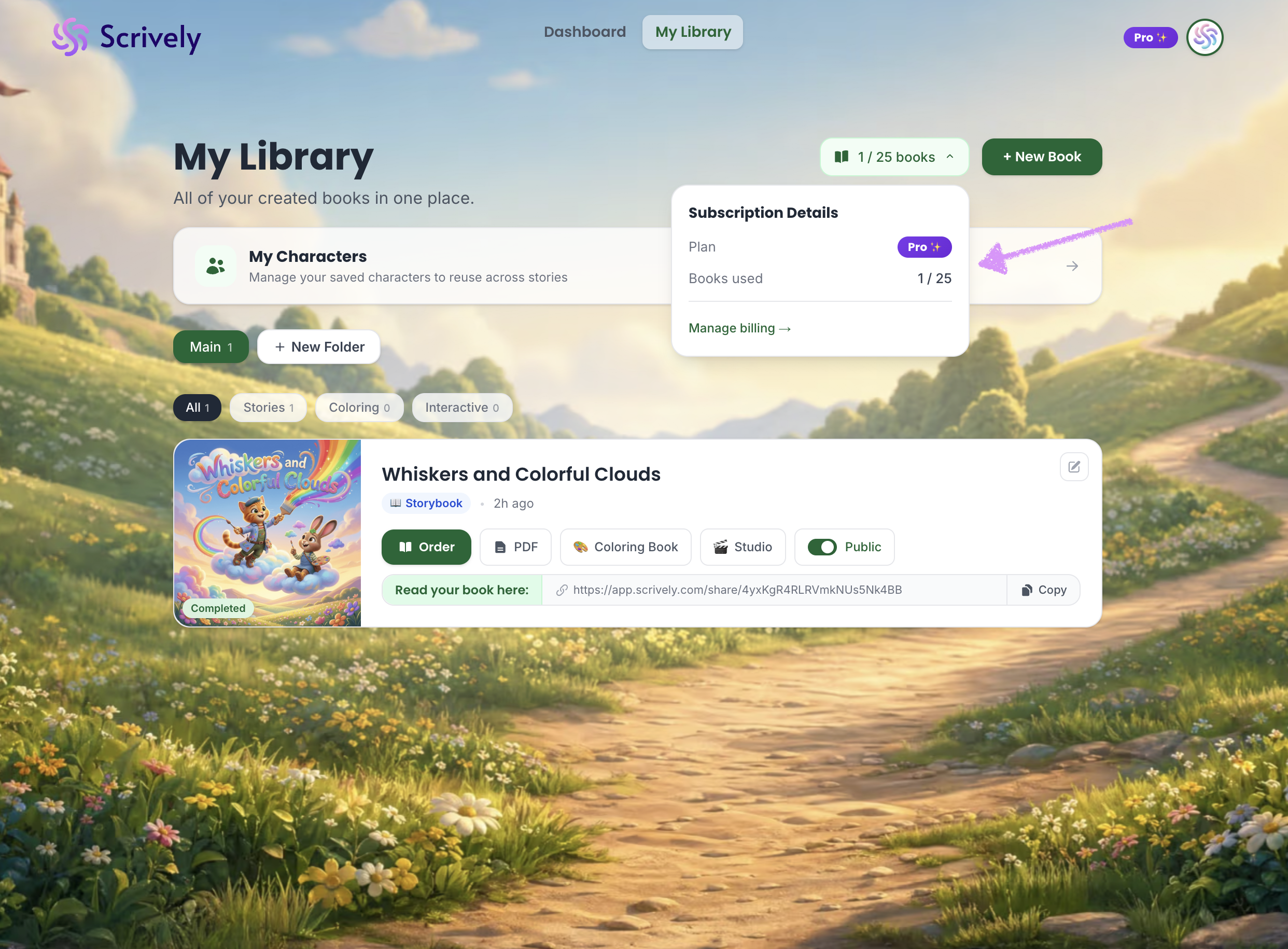
Clicking into the allocated books dropdown will reveal your subscription details including your books used.
Was this article helpful?
That’s Great!
Thank you for your feedback
Sorry! We couldn't be helpful
Thank you for your feedback
Feedback sent
We appreciate your effort and will try to fix the article
