
My Library
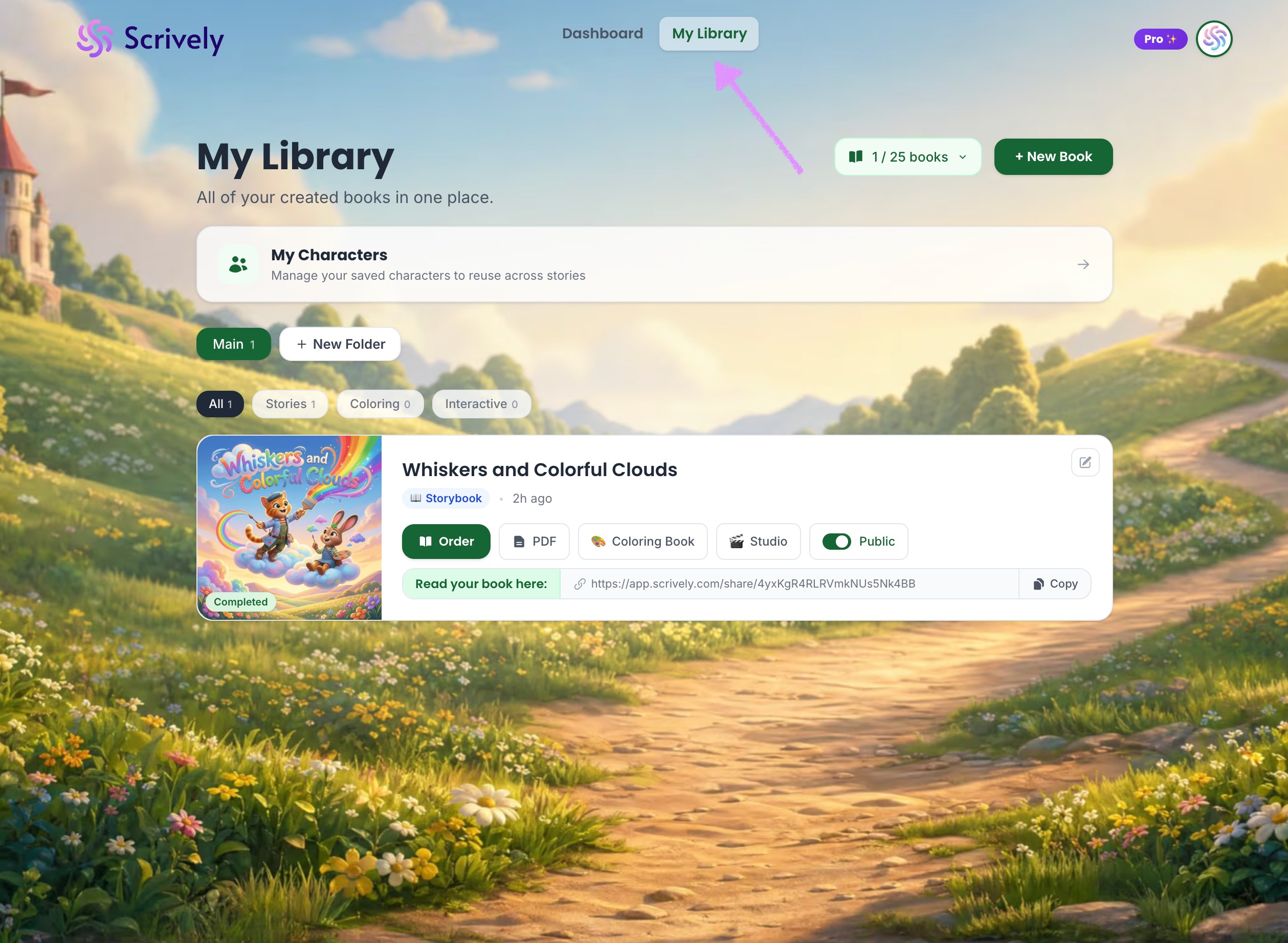
You can easily create a new book directly from the My Library tab. This is where you start your story, choose your format, and begin building your book in Scrively.
From the "My Library" tab.
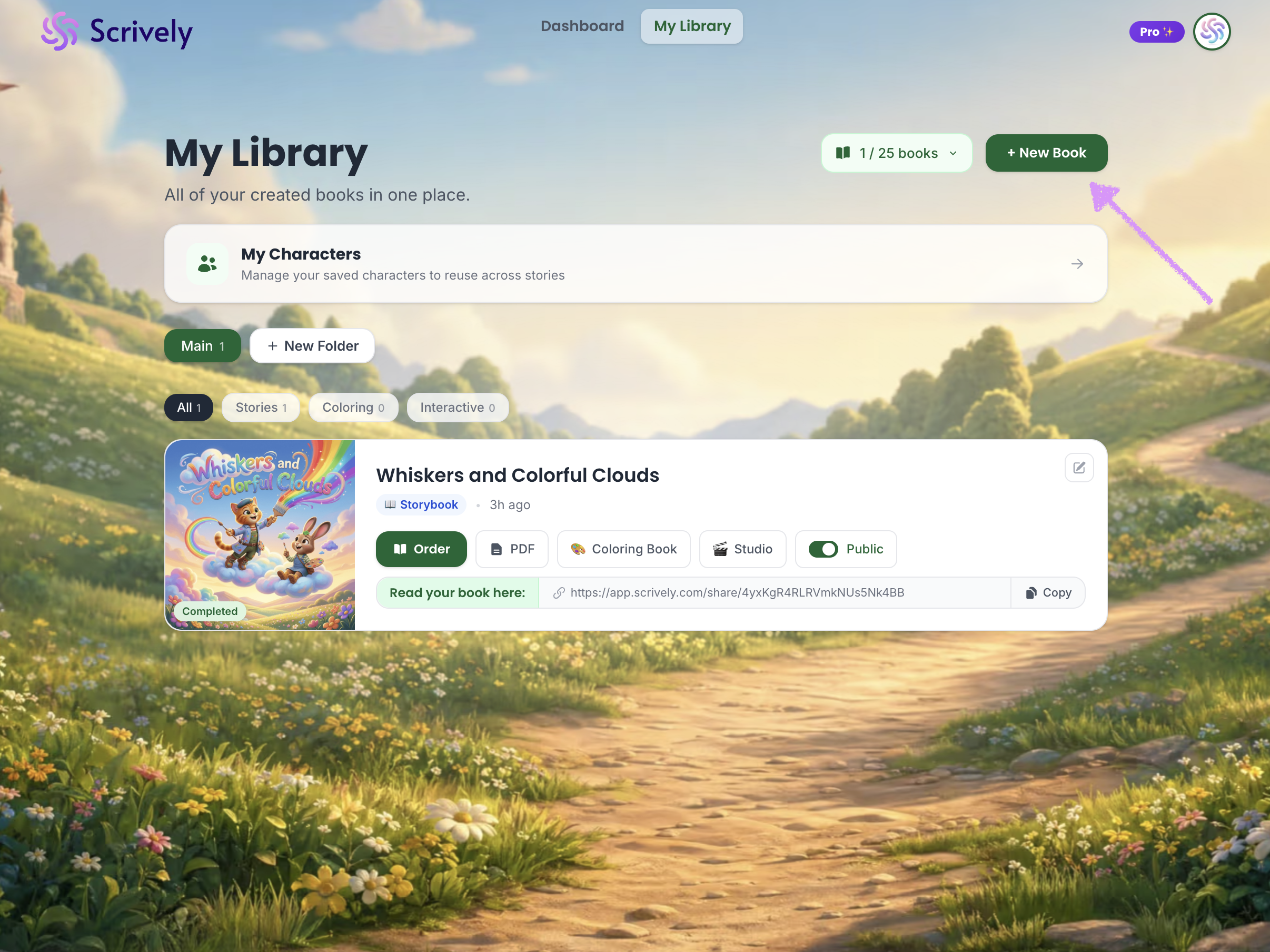
Click on "New Book."
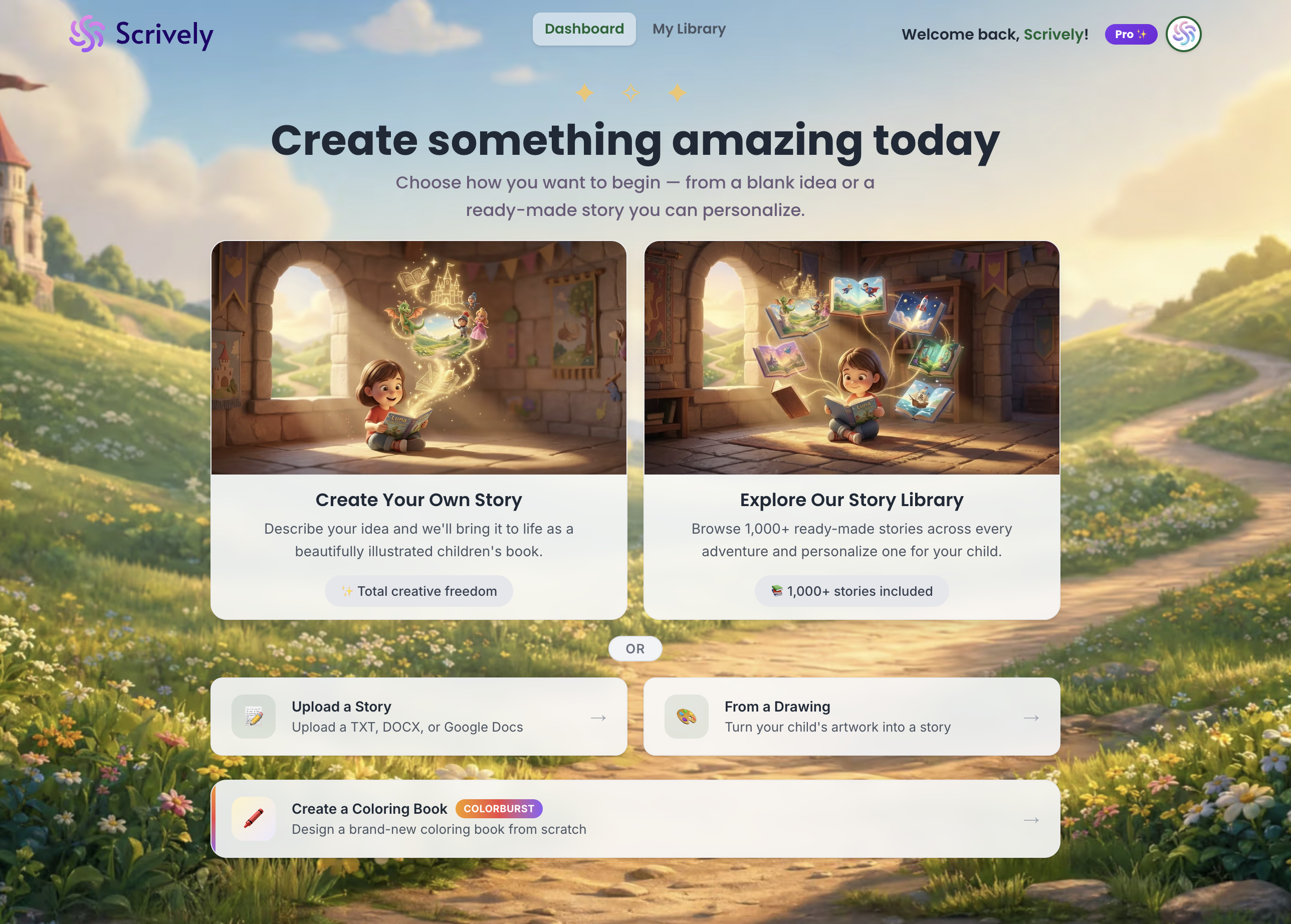
You’ll be redirected to the Dashboard, where you can choose your path and start creating your book.
Was this article helpful?
That’s Great!
Thank you for your feedback
Sorry! We couldn't be helpful
Thank you for your feedback
Feedback sent
We appreciate your effort and will try to fix the article
