Keeping your Scrively library tidy is simple when you can quickly move books where they belong. If you’ve placed a book on the wrong shelf or just want to reorganize, removing it from a bookshelf only takes a moment.
Head over to the "My Library" tab.
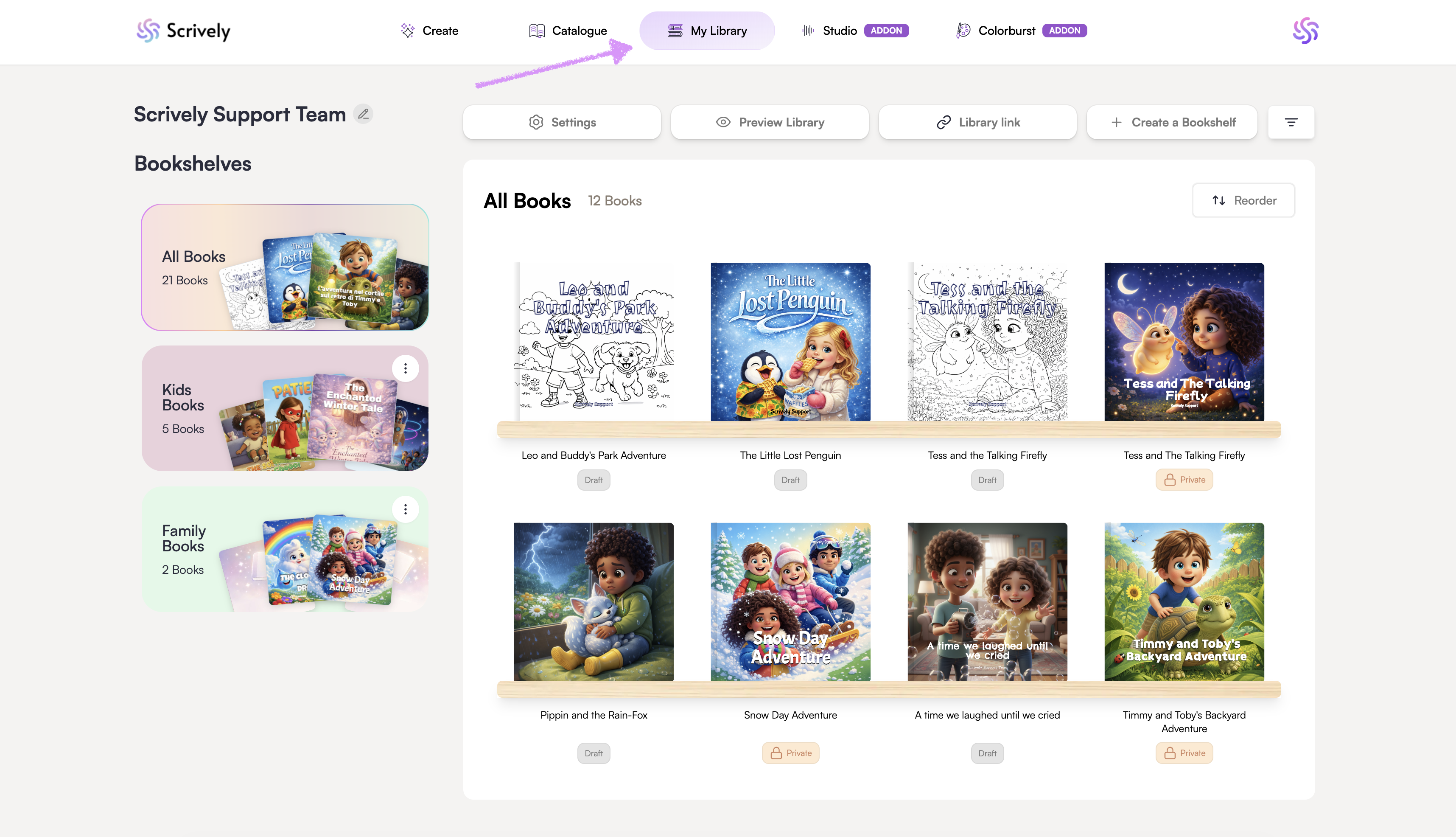
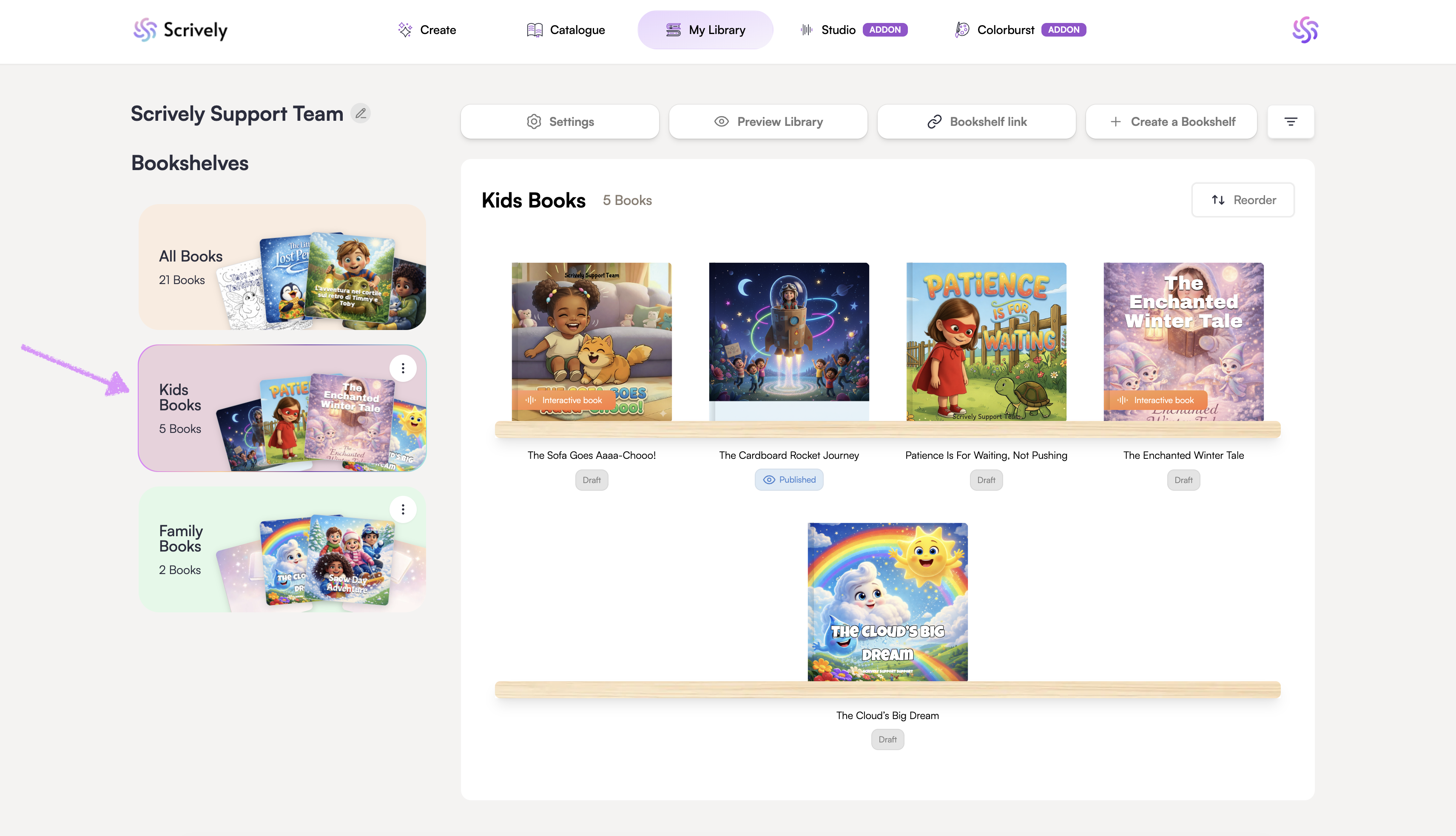
Click into the folder/bookshelf where the book is located.
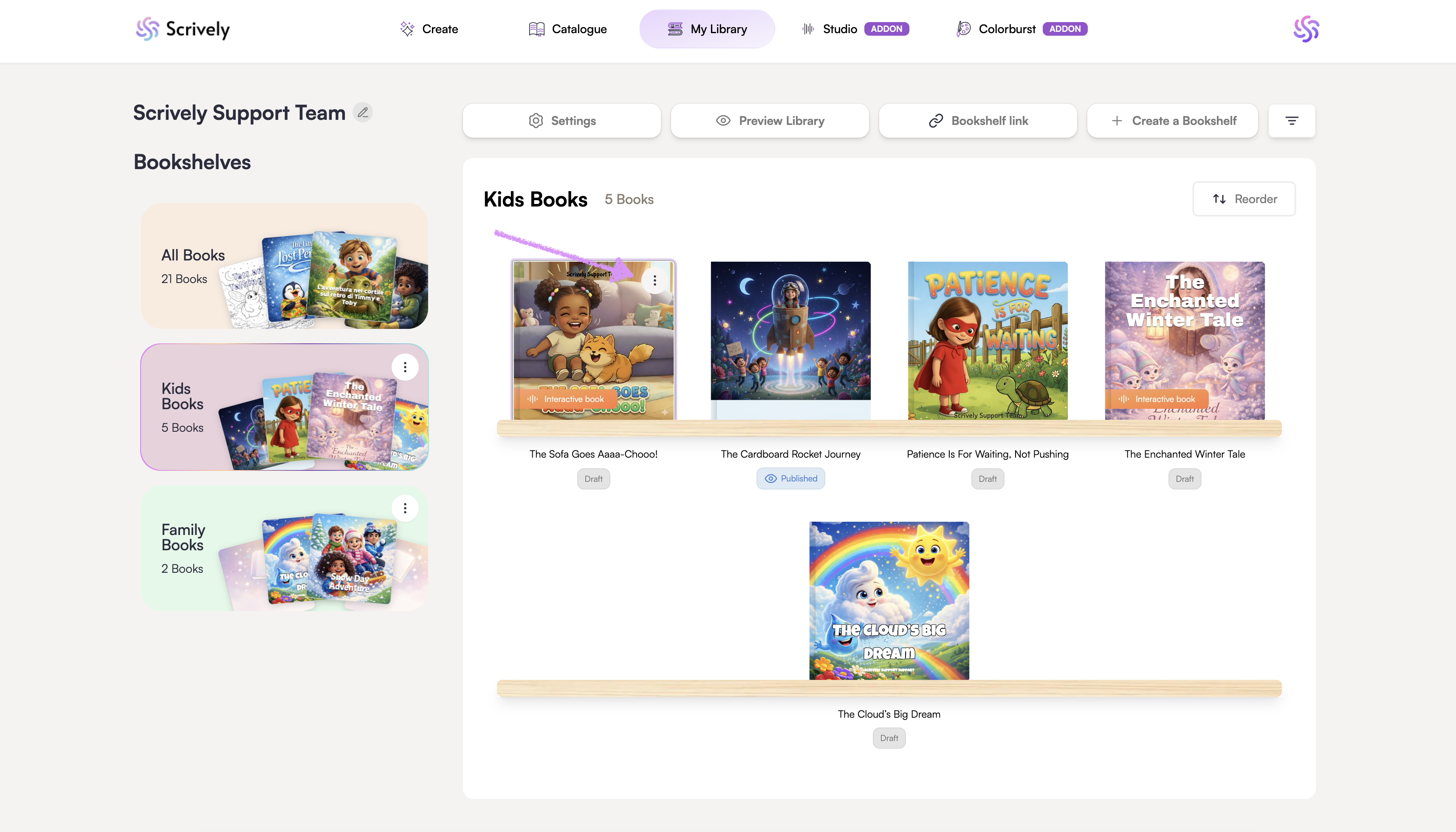
Hover over the book you'd like to remove and click the ellipsis (⋮) menu that appears.
Click on "- Remove book from folder" and the book will be removed.
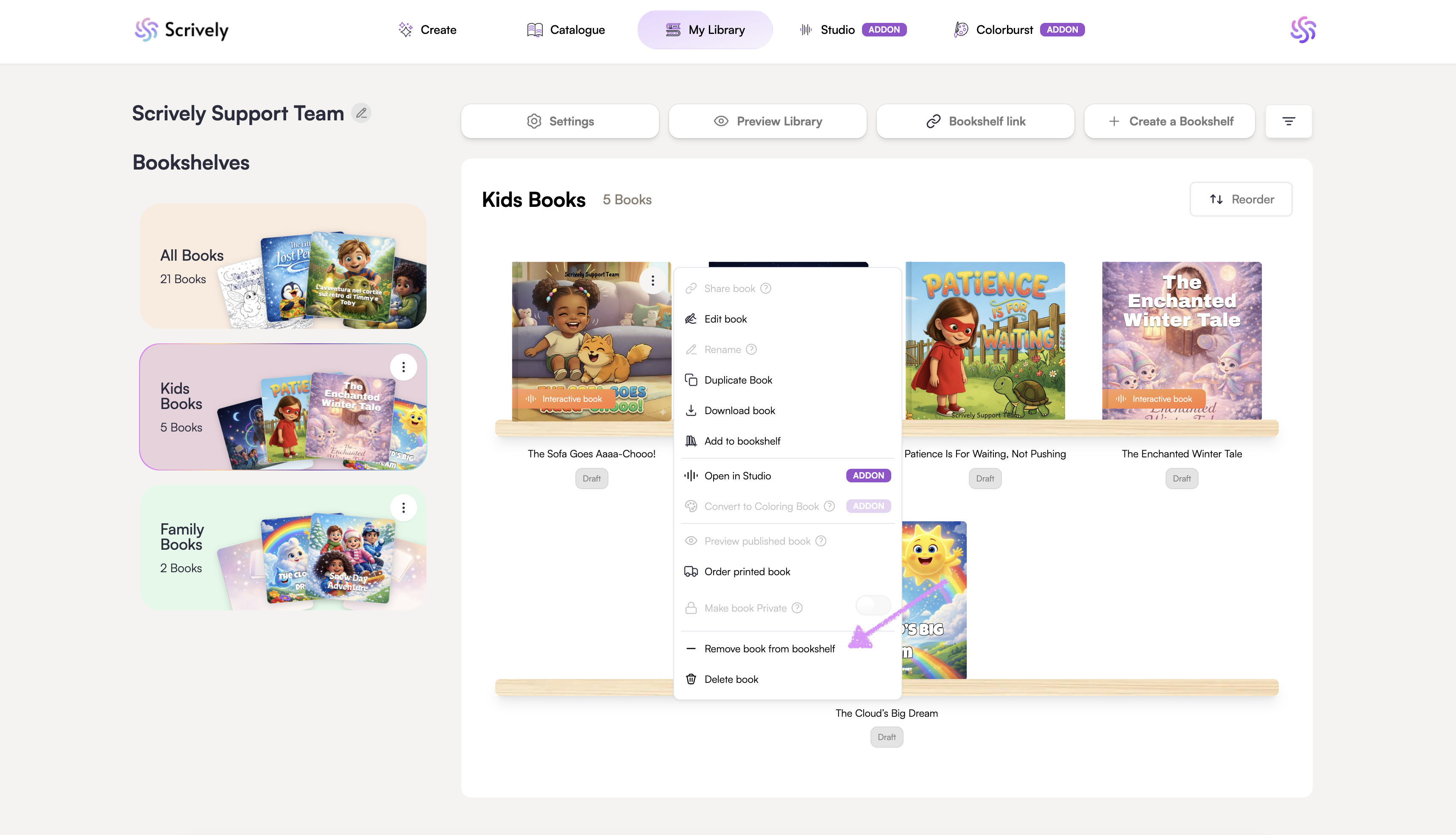
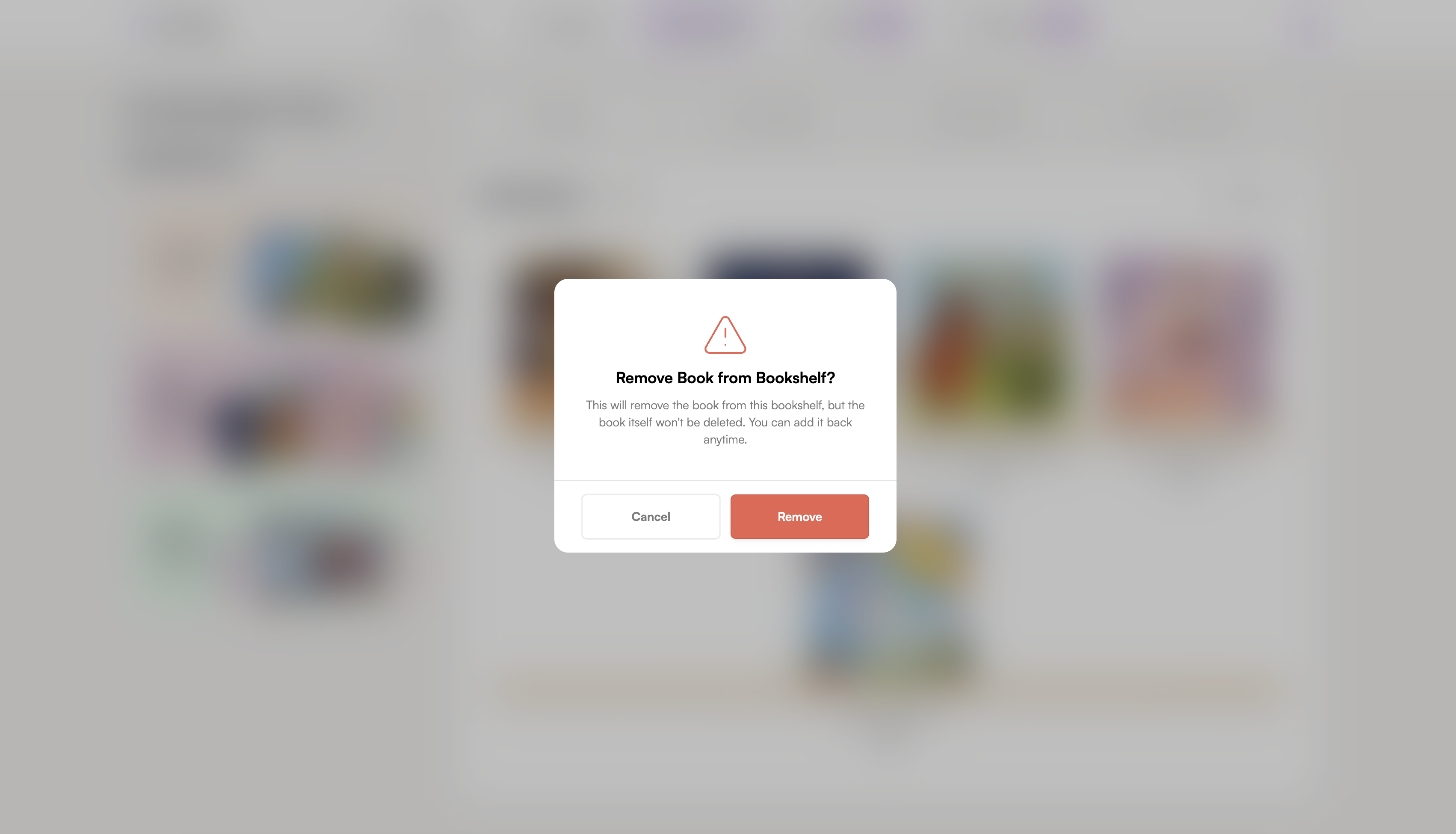
Confirm the removal from the bookshelf.
Was this article helpful?
That’s Great!
Thank you for your feedback
Sorry! We couldn't be helpful
Thank you for your feedback
Feedback sent
We appreciate your effort and will try to fix the article
