
Settings Guide
Keeping your profile image up to date helps personalize your account.
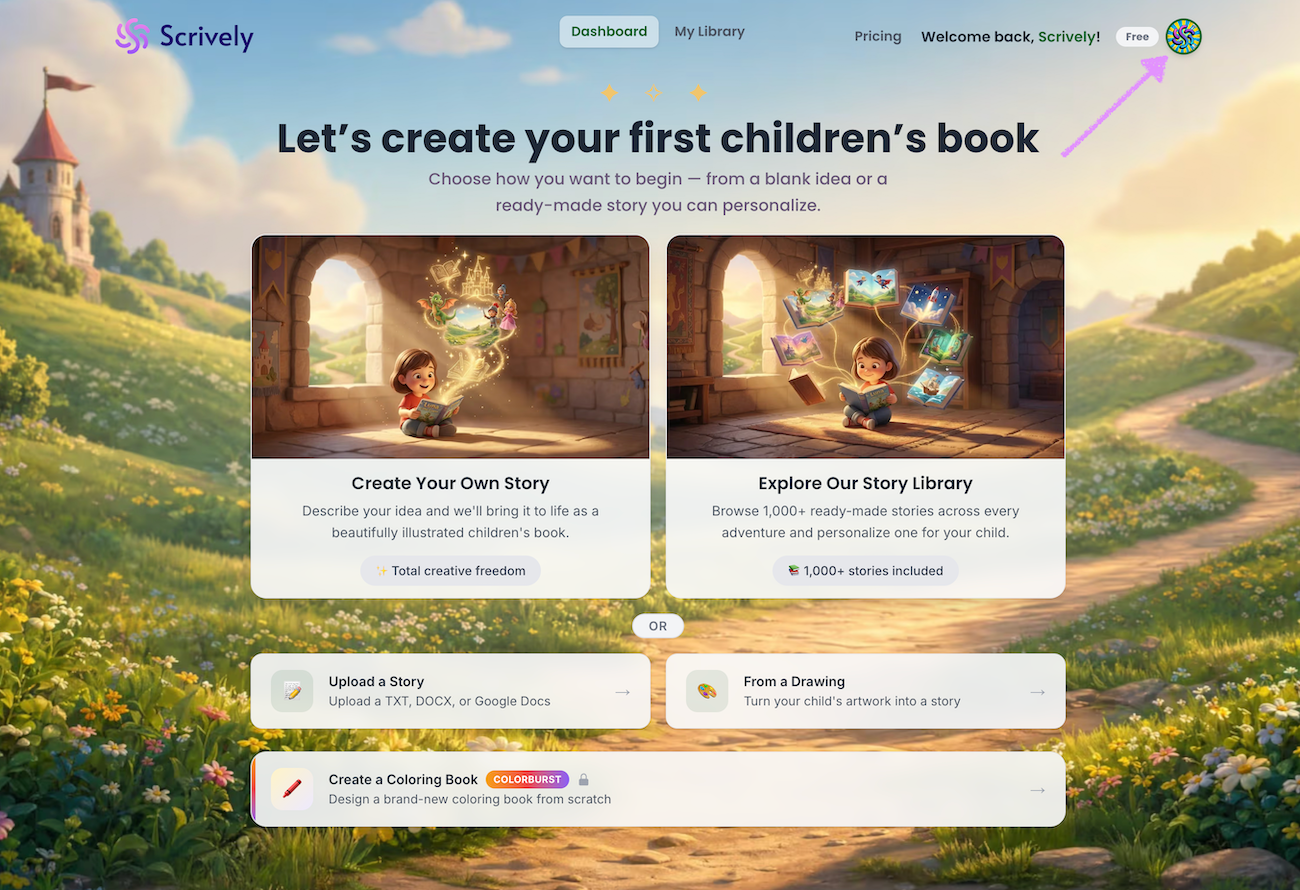
Click on your photo at the top right side of the dashboard.
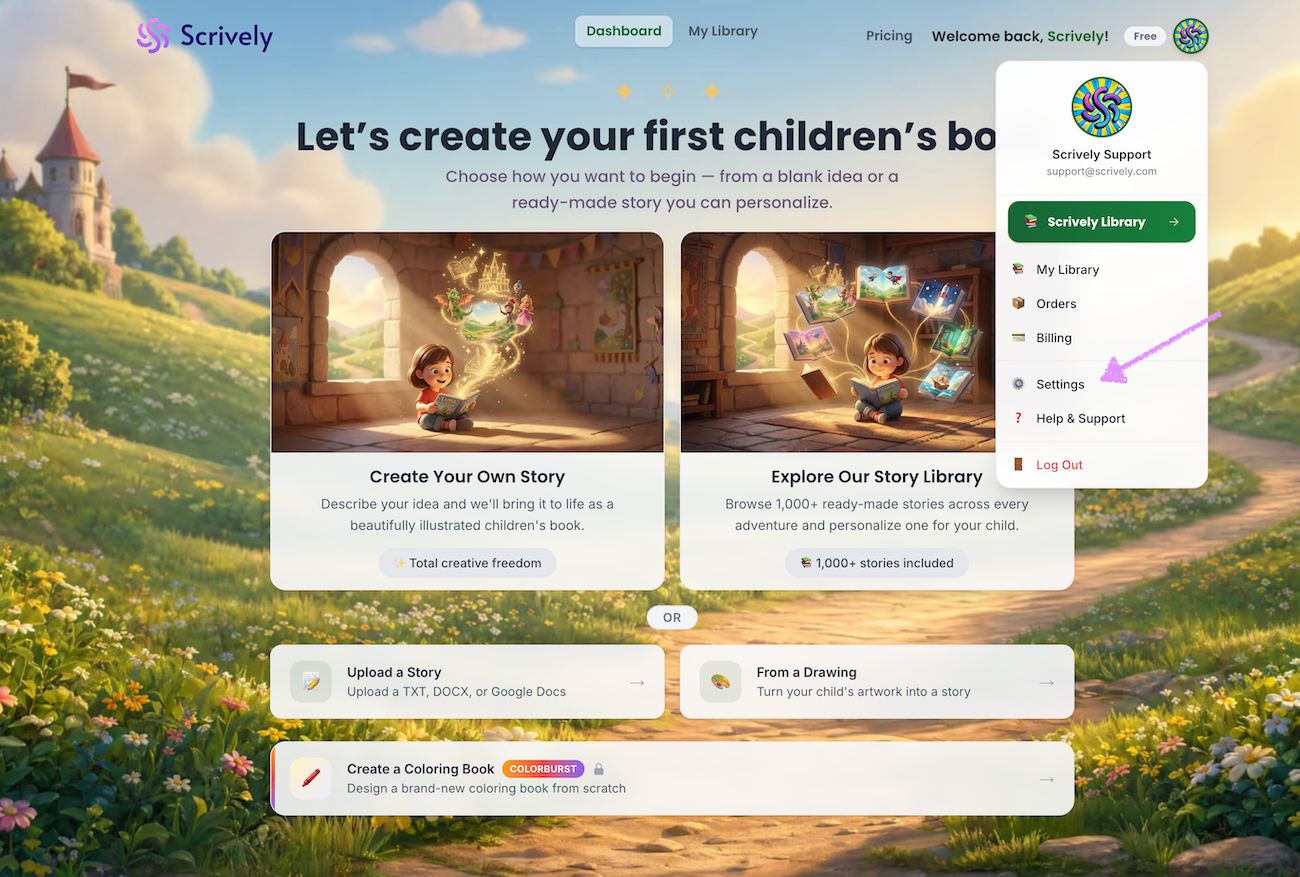
Click on "Settings."
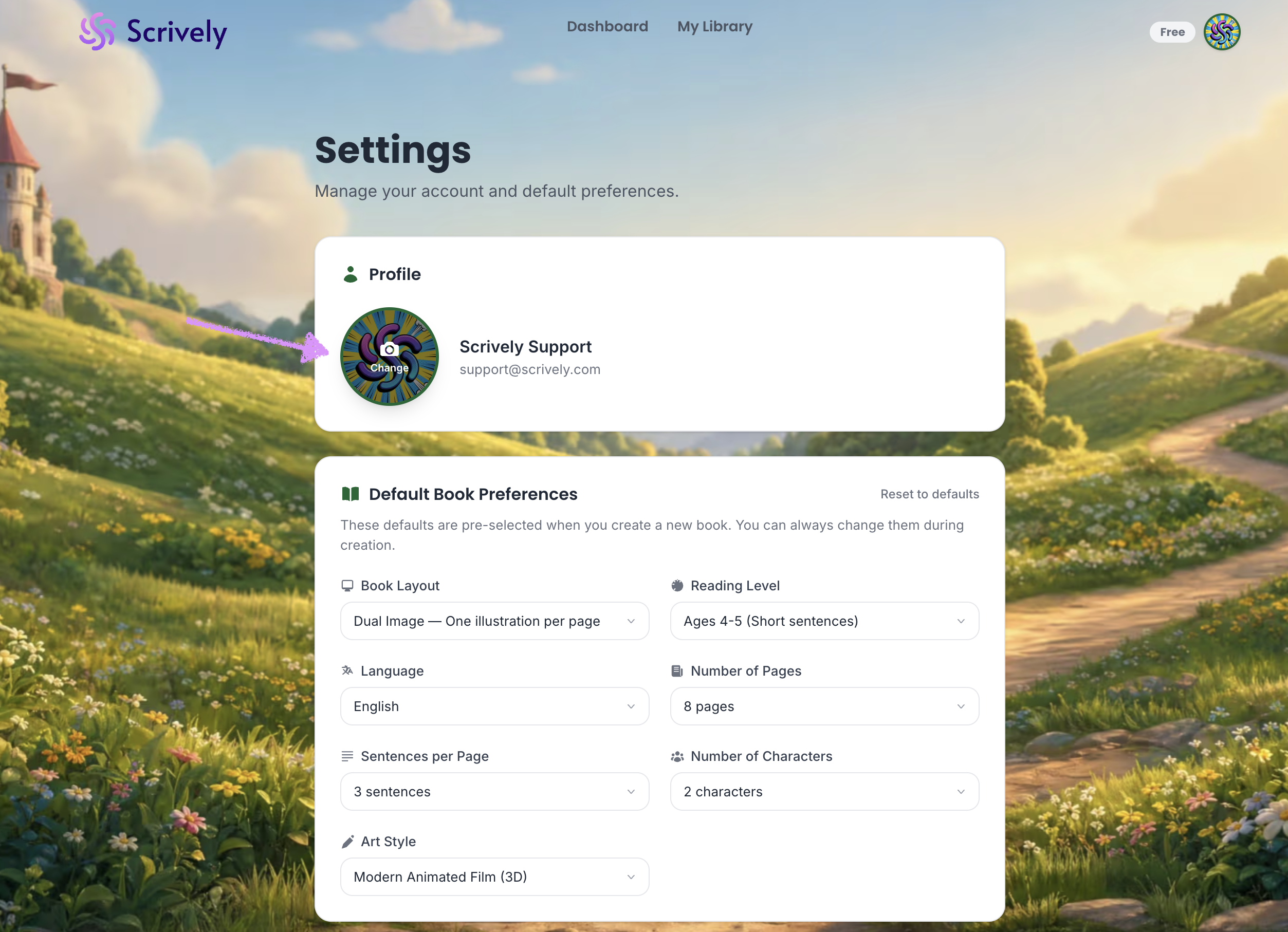
Hover over and click the image icon to choose a profile image from your device.
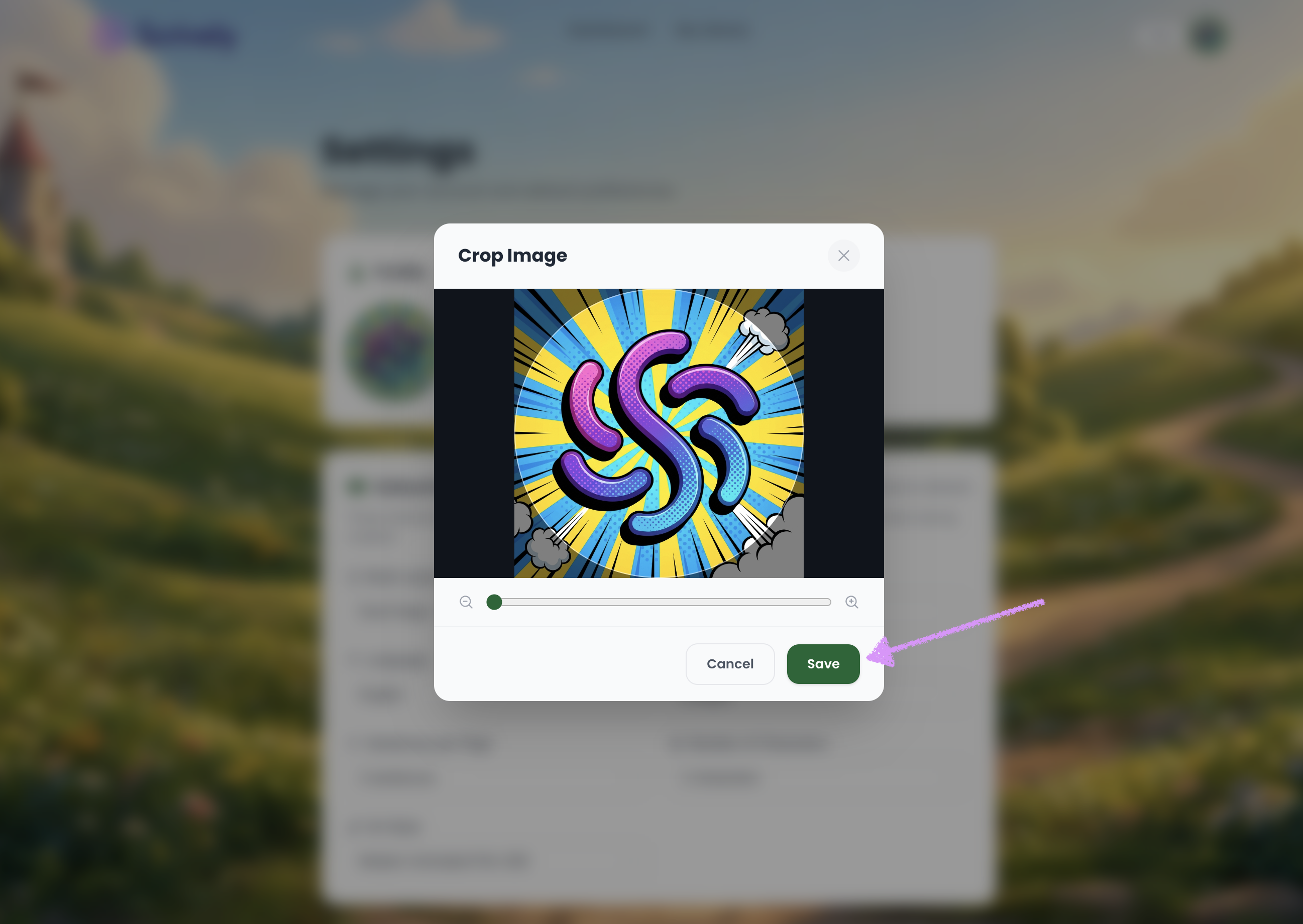
Click the “– / +” controls in the crop image tool to zoom in or out of the image.
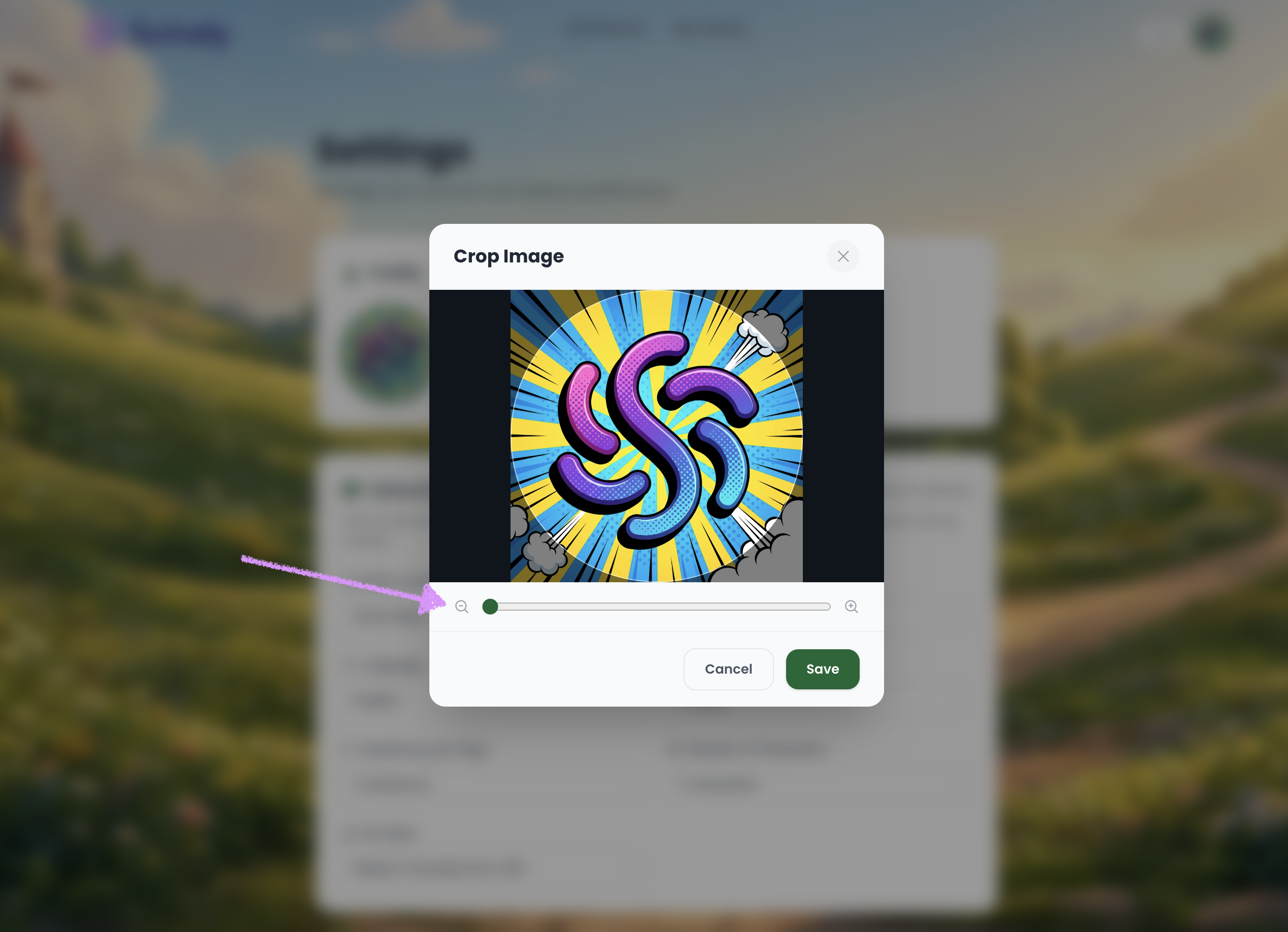
Click on "Save" and your profile image will be updated.
Was this article helpful?
That’s Great!
Thank you for your feedback
Sorry! We couldn't be helpful
Thank you for your feedback
Feedback sent
We appreciate your effort and will try to fix the article
