To keep your helpdesk profile current, log into your customer support account at support.scrively.com.
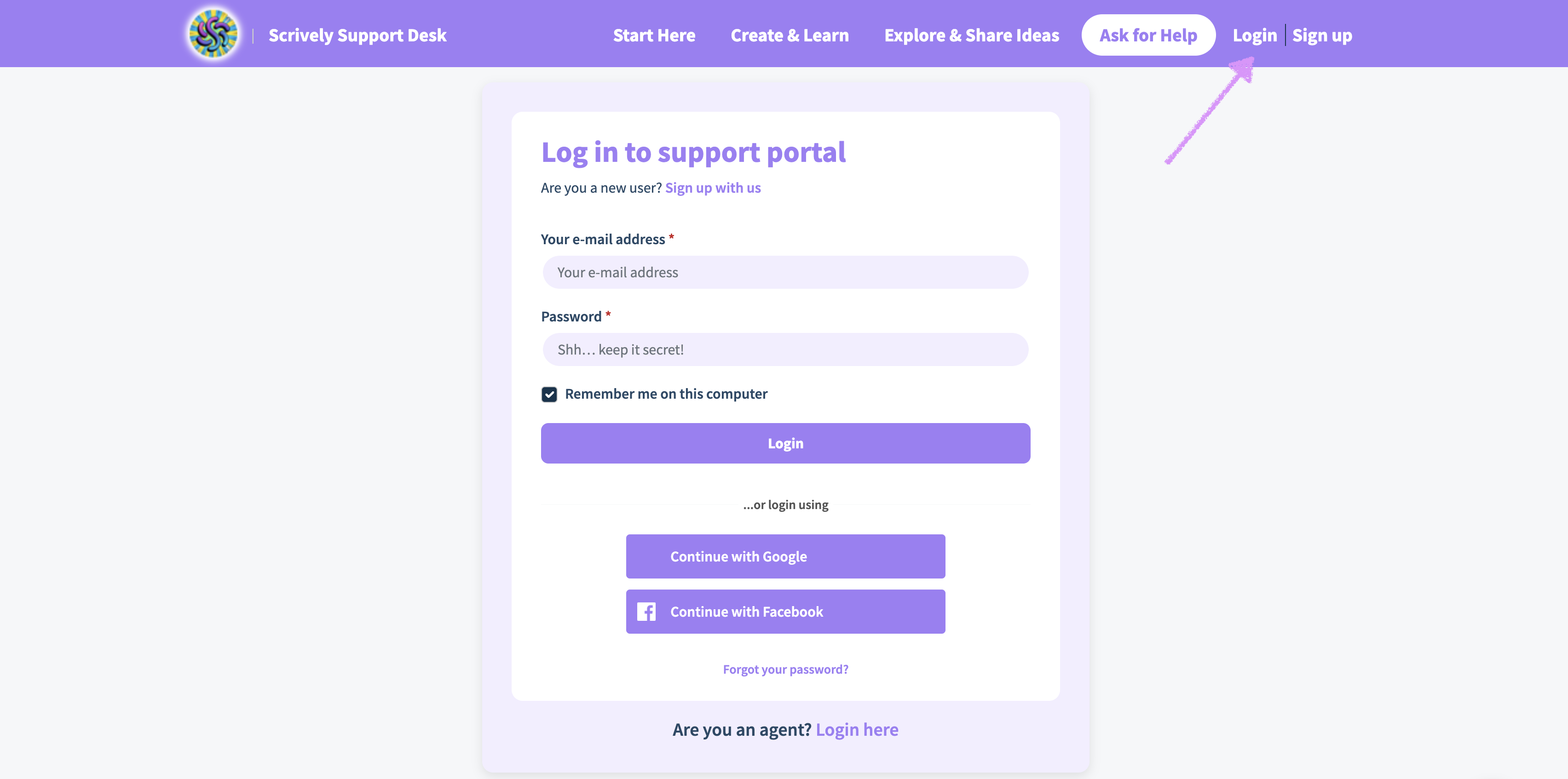
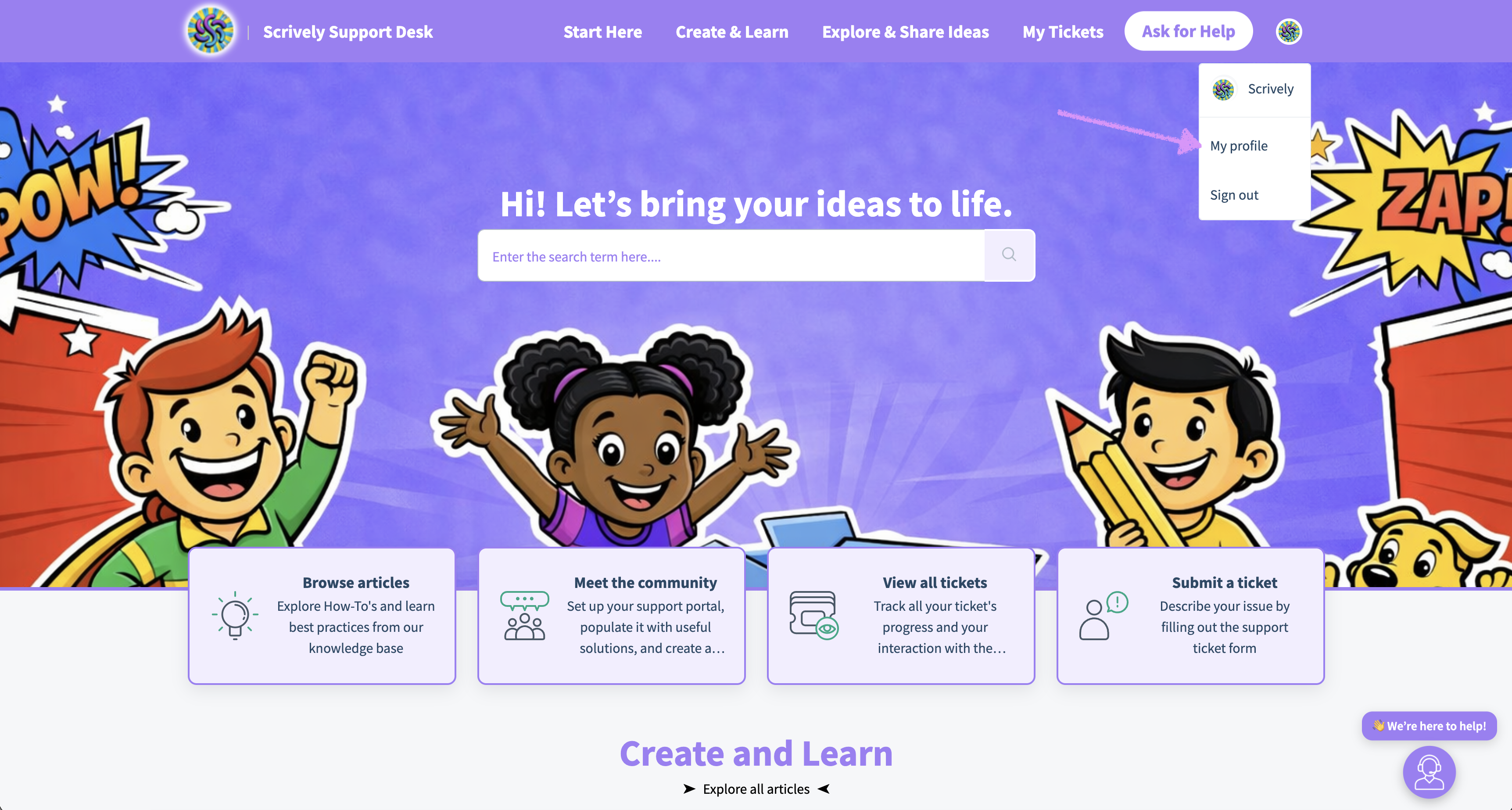
At the top right side you'll click on your avatar/photo and "My profile."
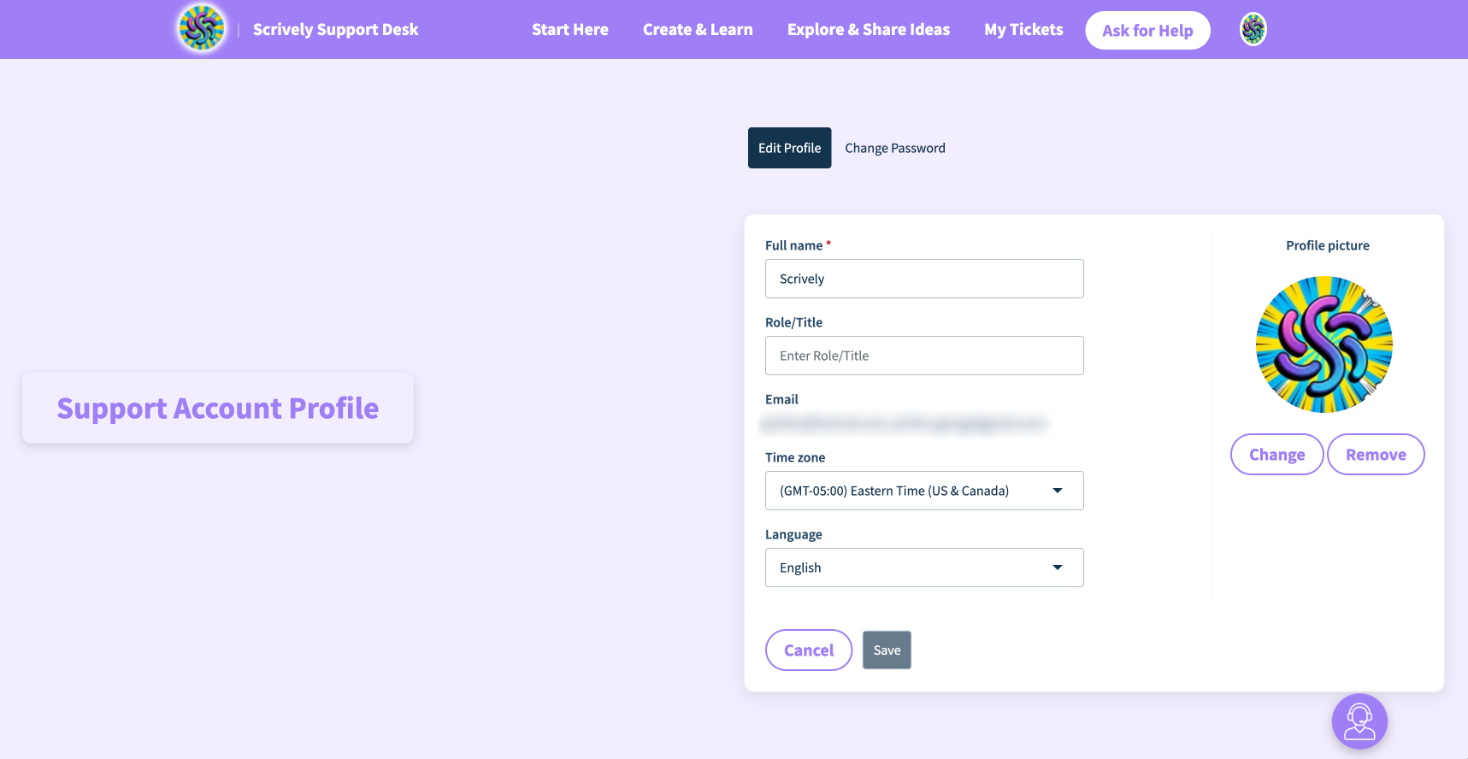
Here, you can update details such as your profile picture, name, role/title, email address, timezone, and language.
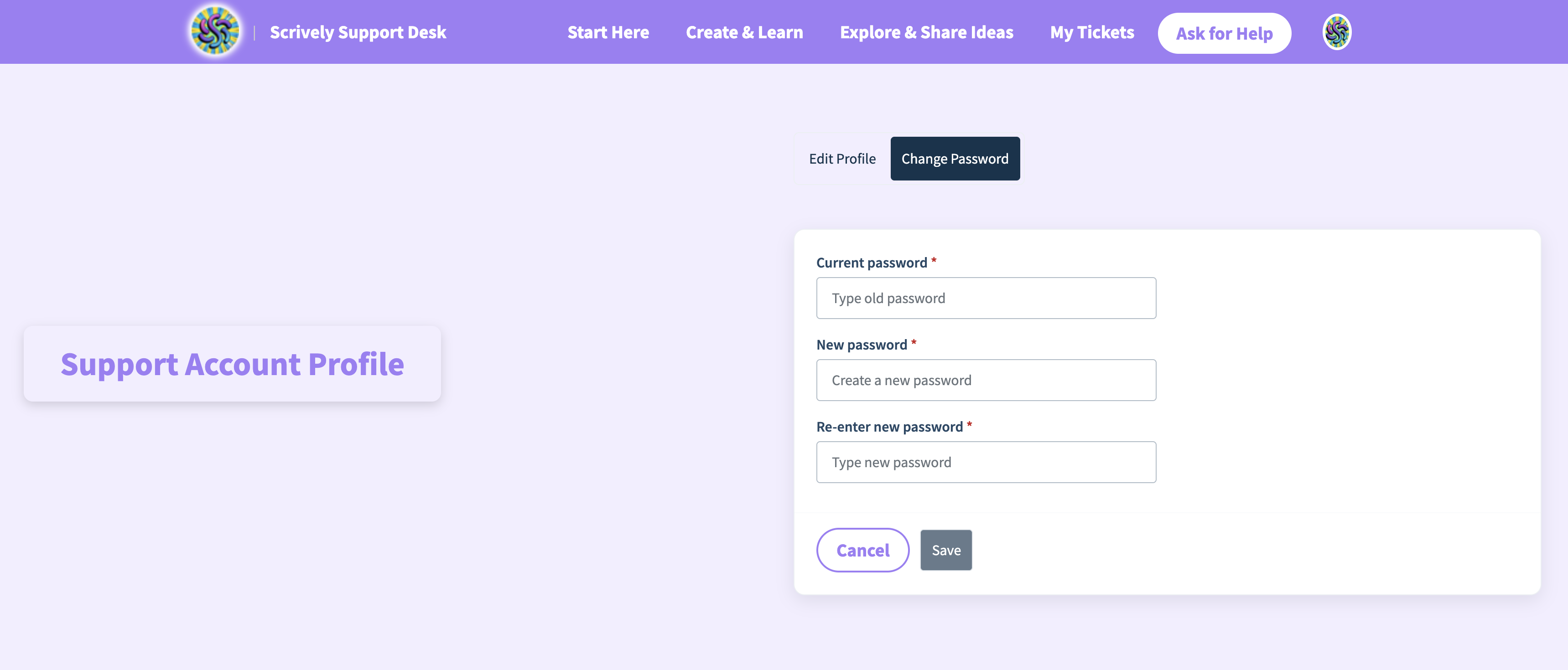
Additionally, you’ll have the option to change your helpdesk account password if needed. Be sure to slick "Save" once completed.
Was this article helpful?
That’s Great!
Thank you for your feedback
Sorry! We couldn't be helpful
Thank you for your feedback
Feedback sent
We appreciate your effort and will try to fix the article
