
Account and Login
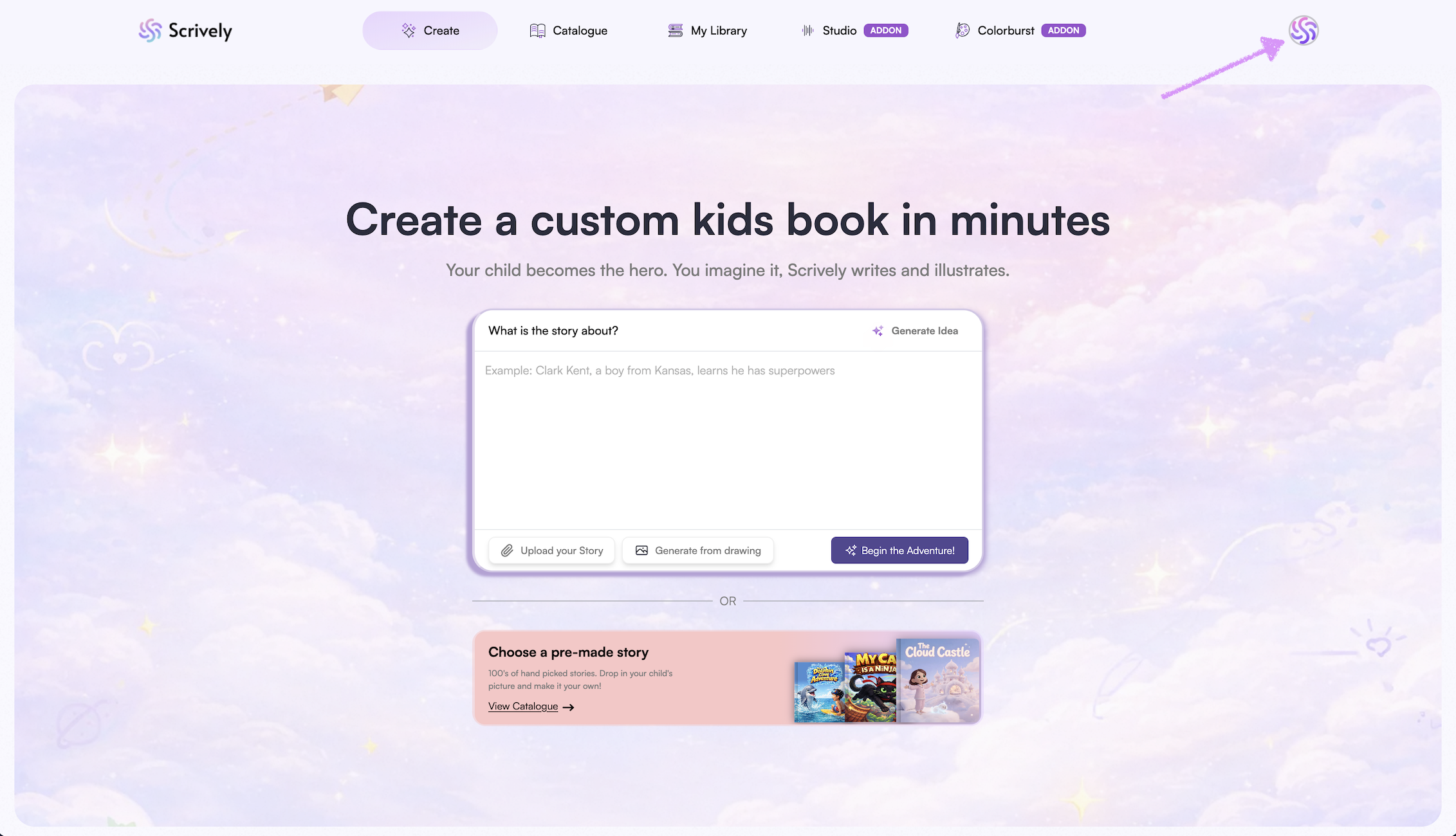
To view your profile details, click your avatar in the top-right corner of the app.
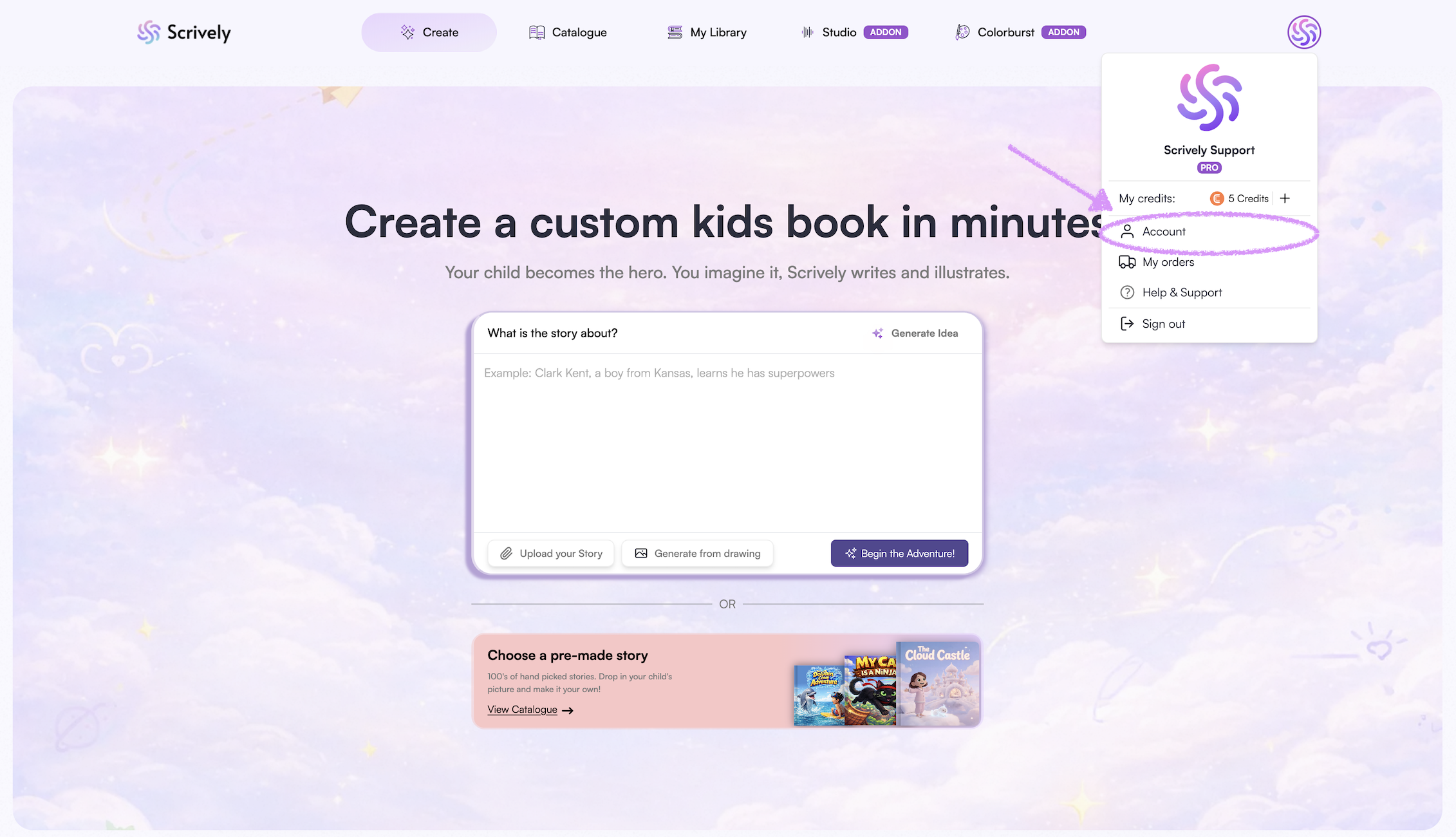
Click on "Account."
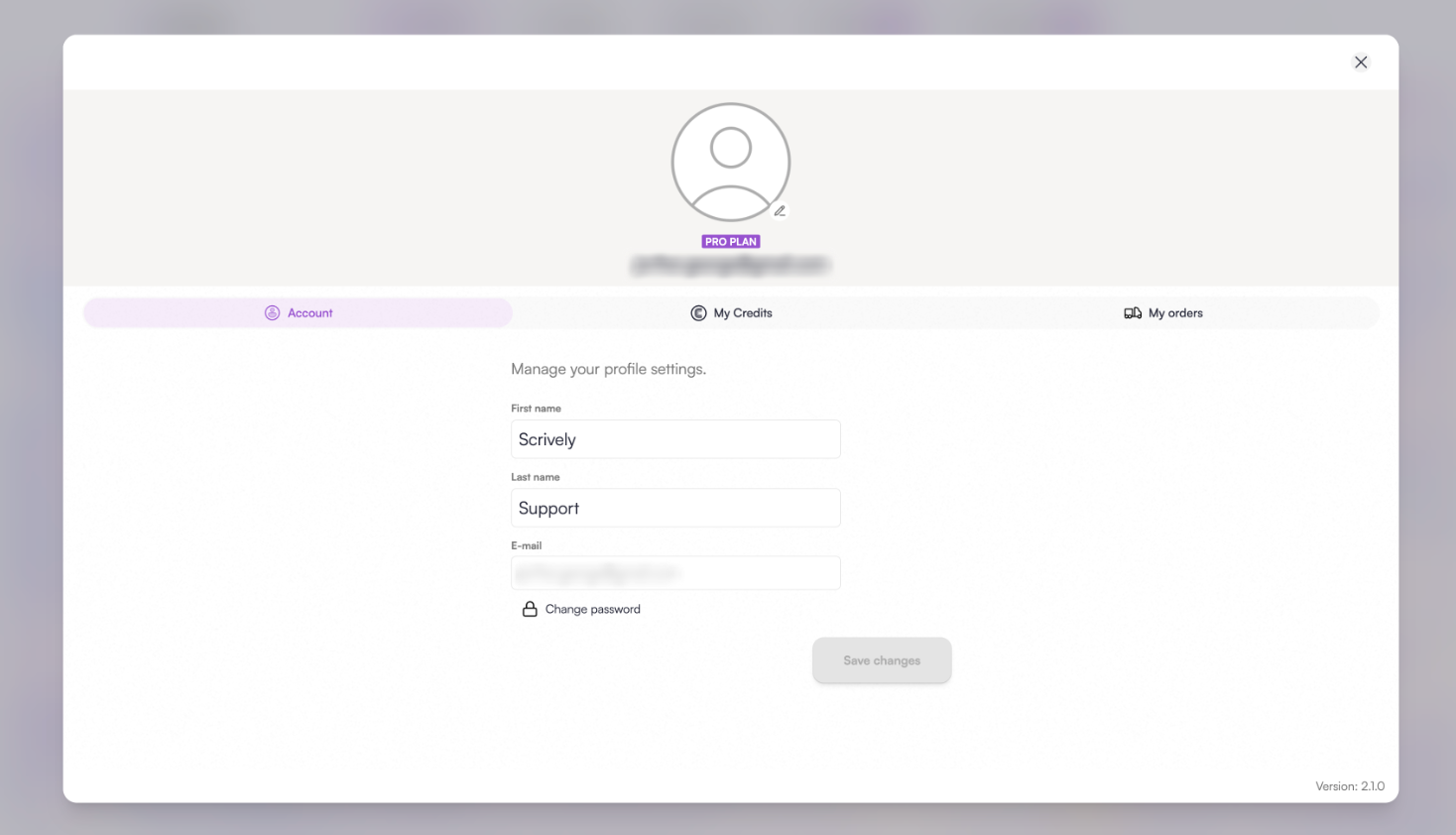
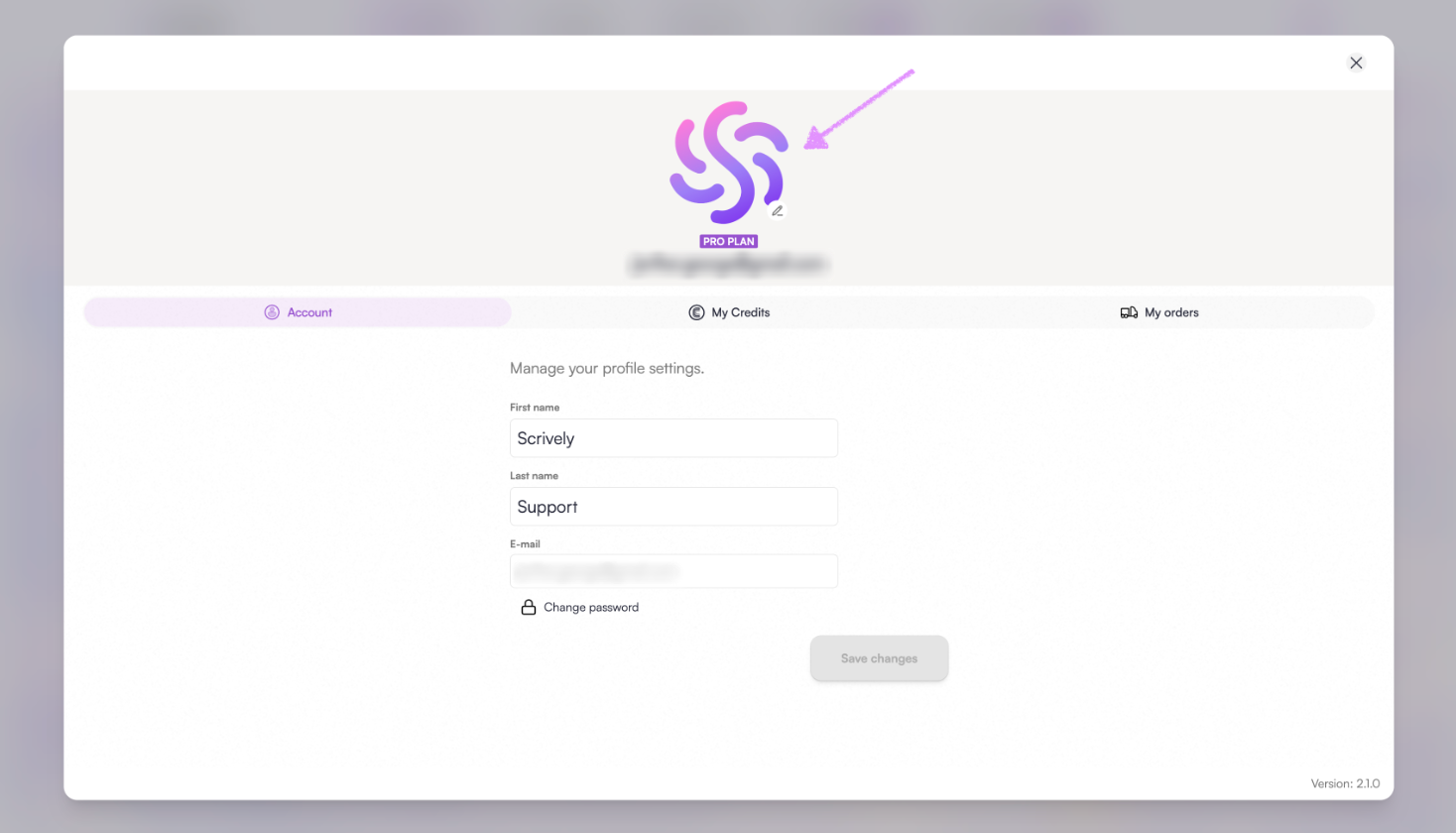
You can conveniently view and modify your profile image, name, and password.
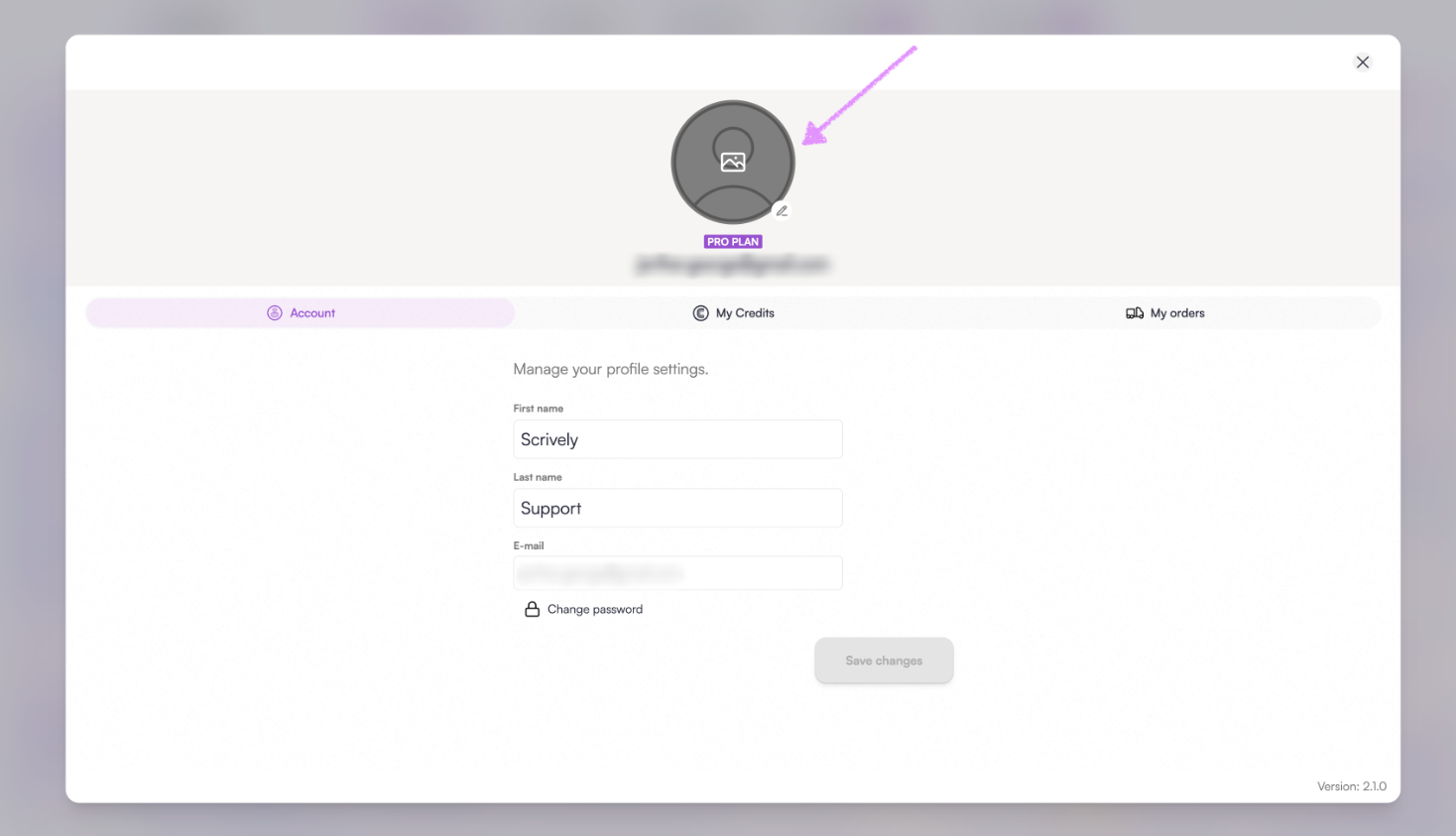
Hover over the image icon to make changes as needed.
You will have the option to crop and fit your profile image as needed.
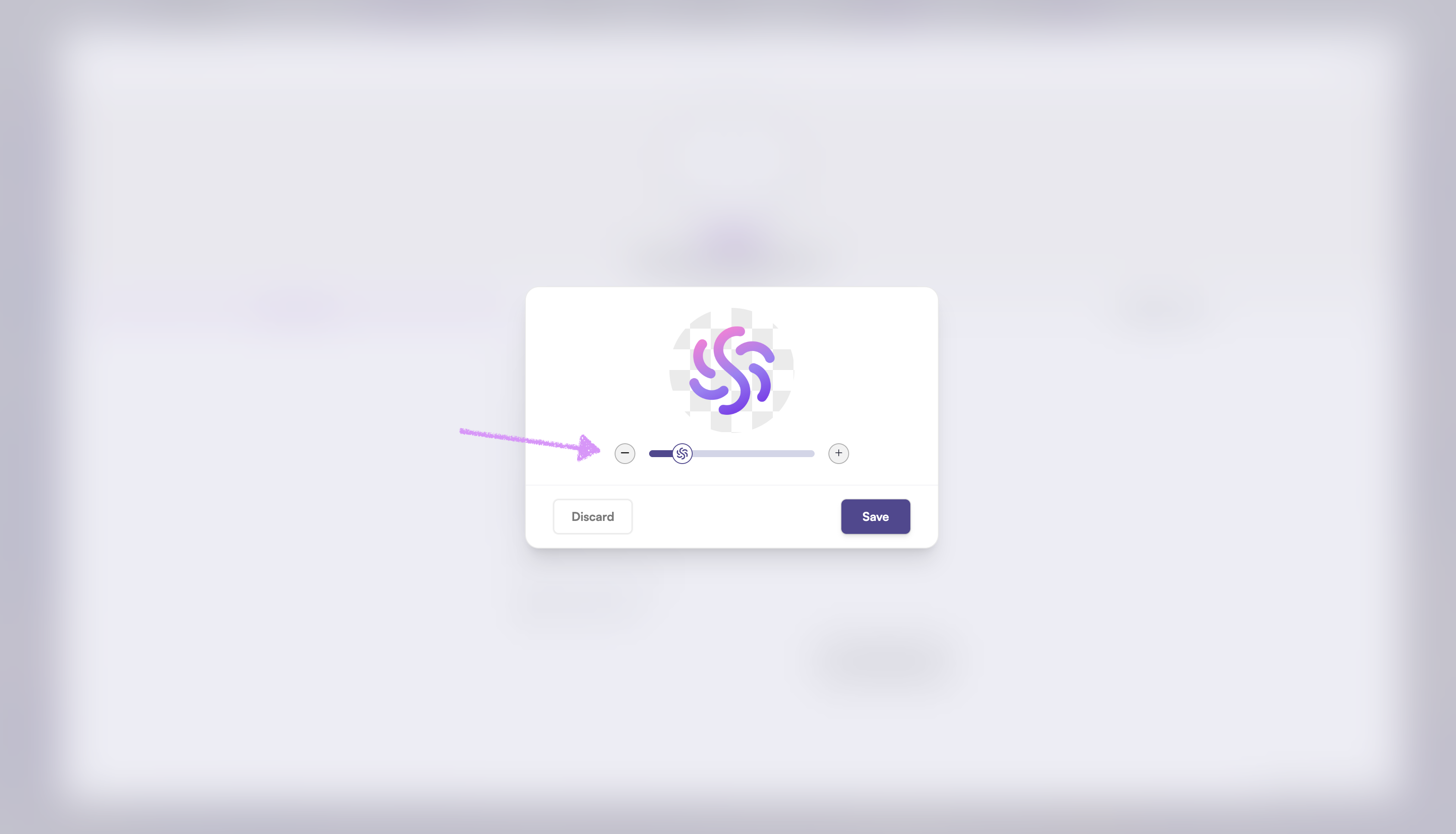
Once you're ready click on "Save."
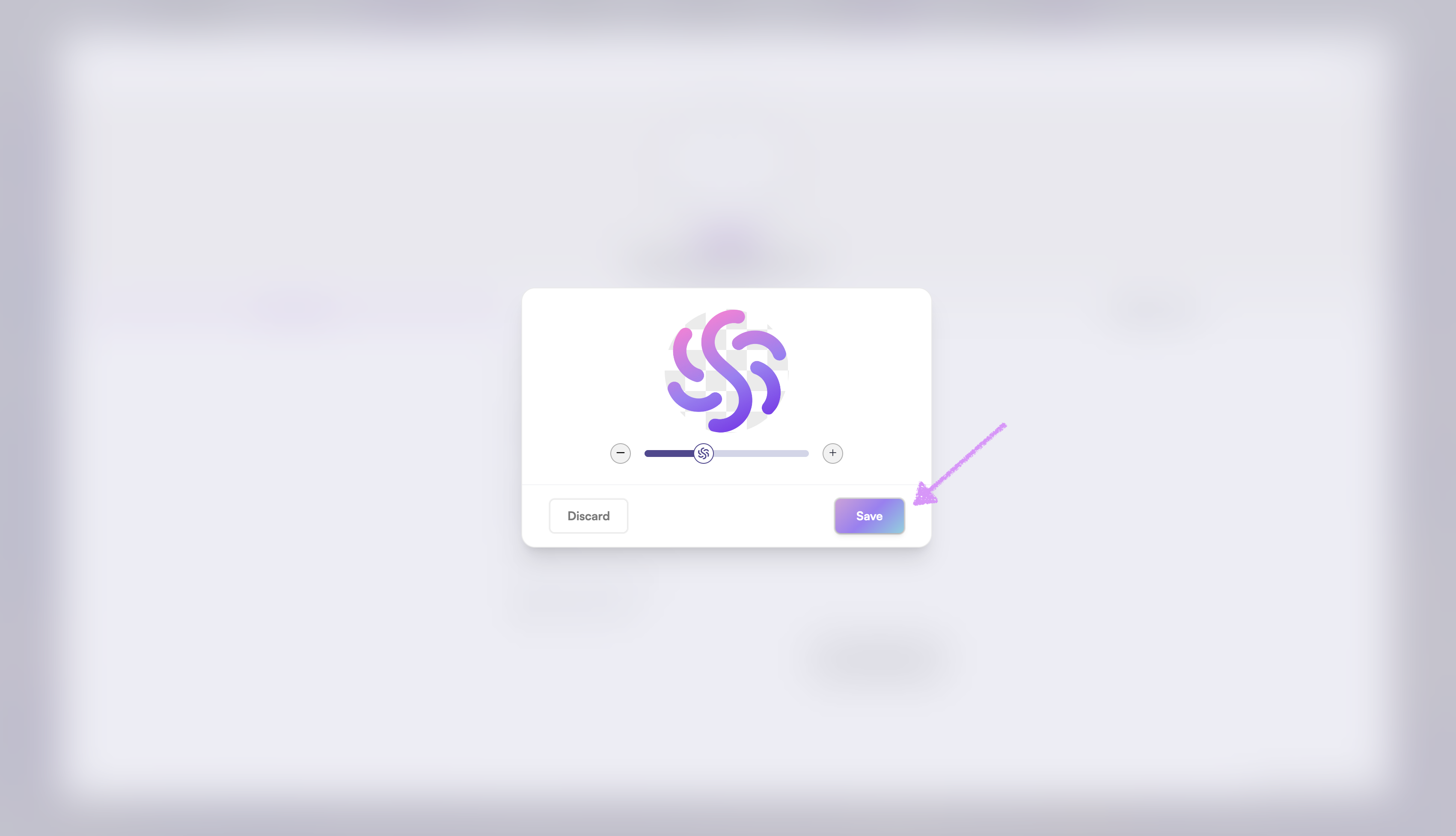
The image will be associated with your account's profile.
Click the First Name or Last Name field to update your information.
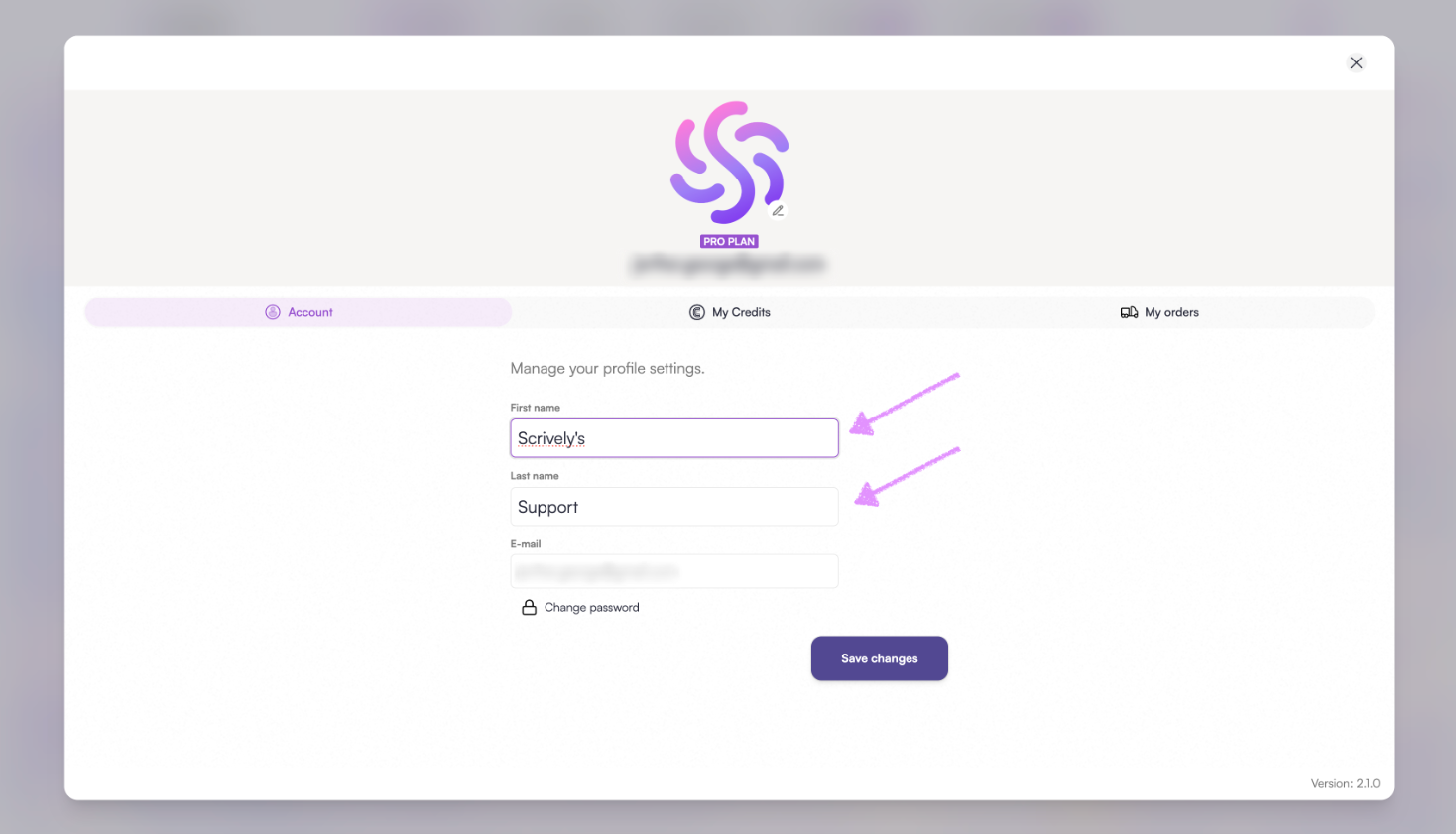
Don’t forget to click “Save changes” to apply your updates.
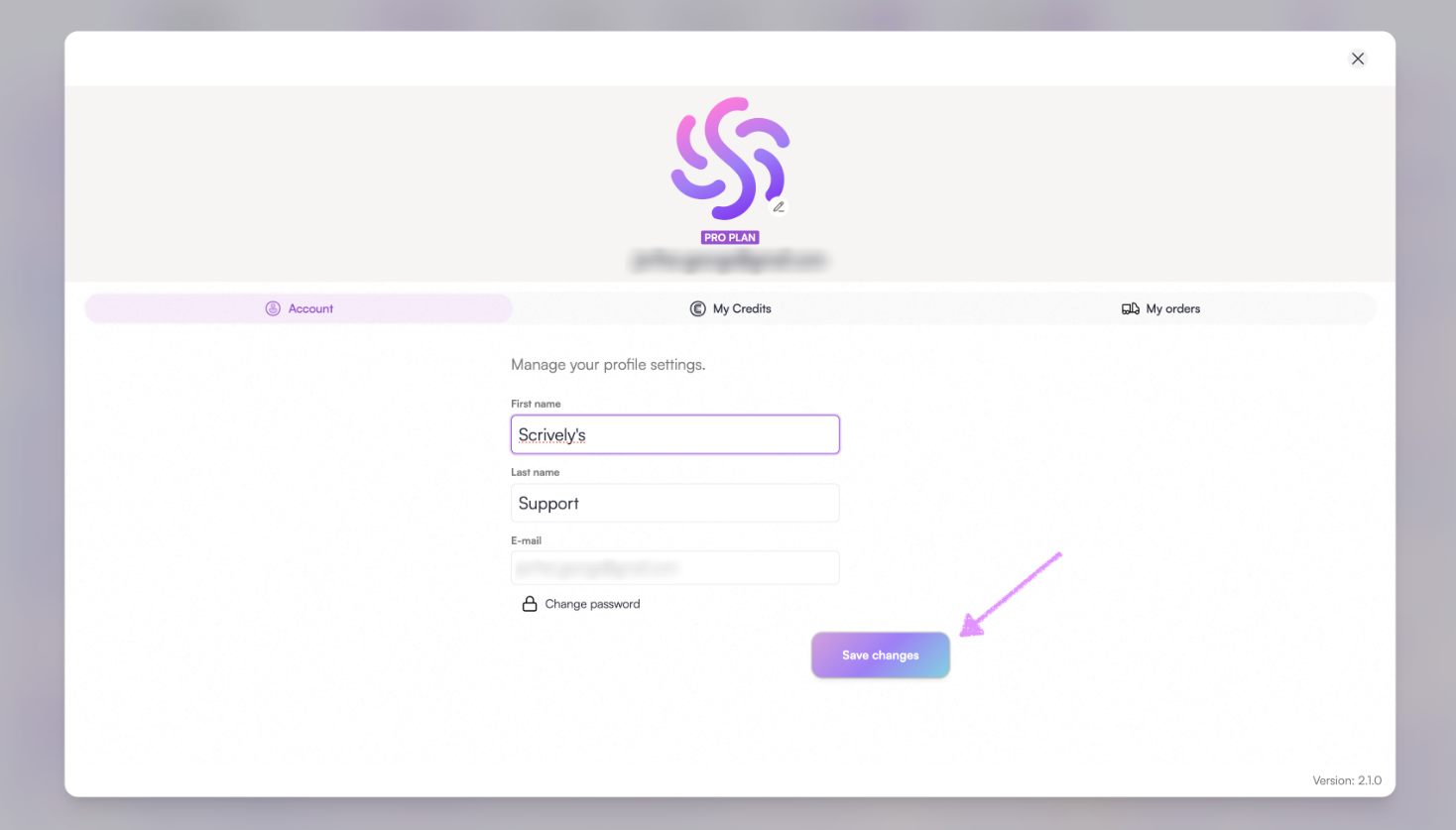
Note: To update your account's email address, please reach out to our customer experience team. To facilitate this change, we will need proof of purchase, which can be provided in the form of the payment confirmation receipt sent to you.
Was this article helpful?
That’s Great!
Thank you for your feedback
Sorry! We couldn't be helpful
Thank you for your feedback
Feedback sent
We appreciate your effort and will try to fix the article
