Scrively’s personalization options make it simple to tailor your storybook exactly how you envision it. Choose from a variety of templates, languages, book dimensions, and page counts to create a story that fits your audience, goals, and creative style.
Click on the "Personalization" tab.
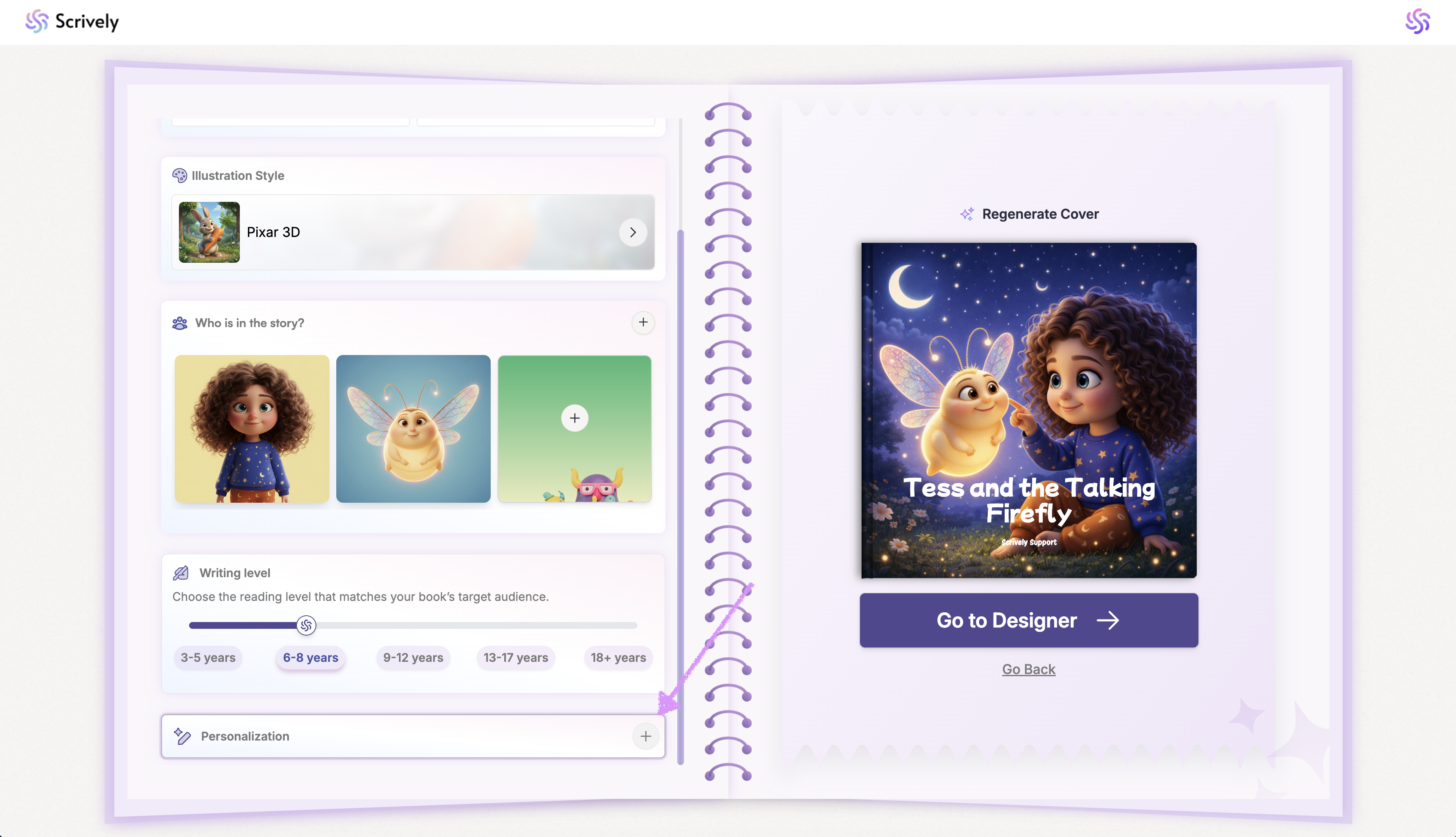
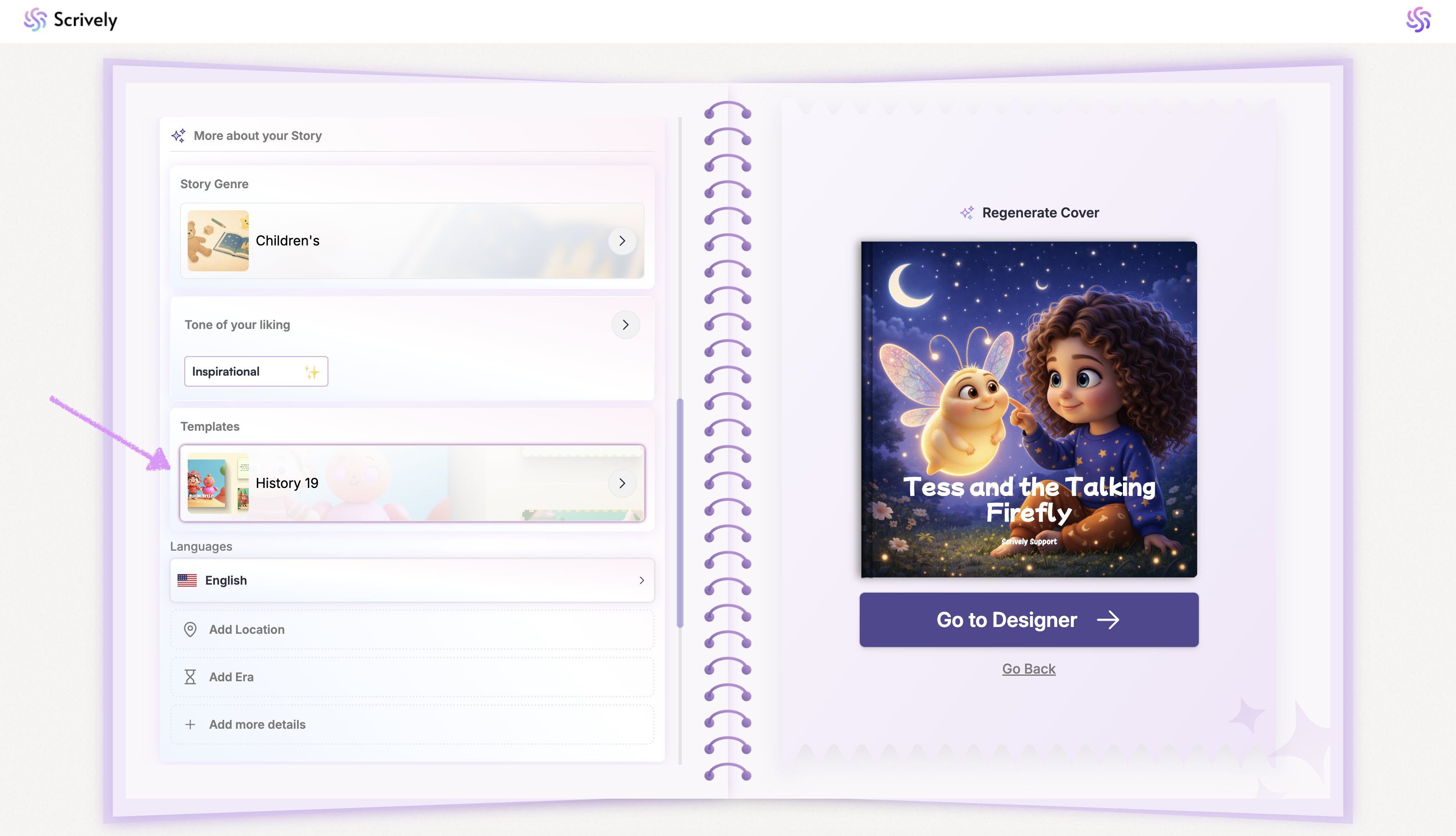
Click on the "Templates” dropdown to browse and choose the perfect template to shape your story.
All available templates will be displayed. Hover over and click into the template.
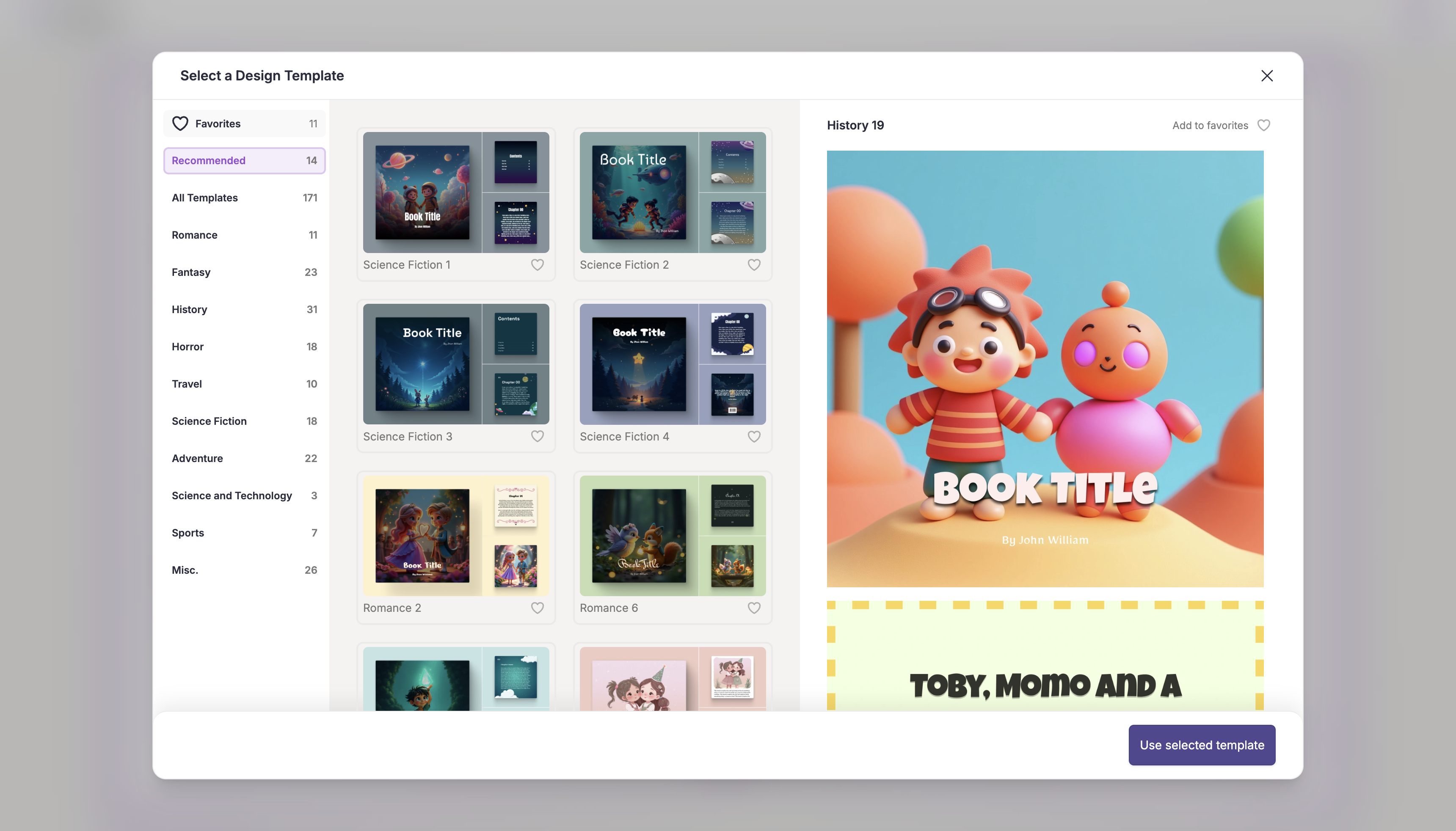
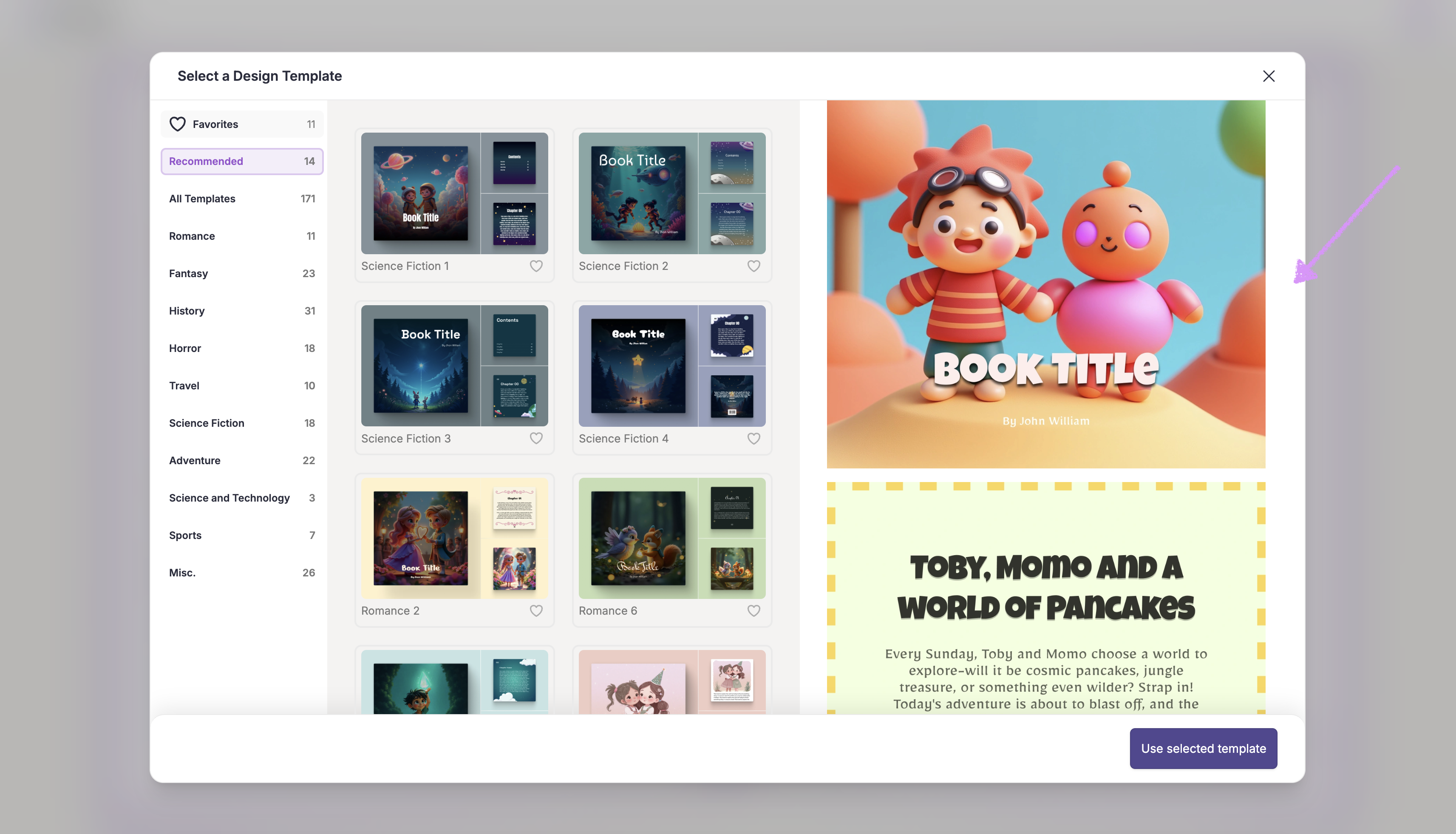
A scrollable preview of the selected template will be shown on the right-hand side.
The templates available to you depend on your current plan. Upgrade to PRO to unlock full access to all template options.

Note: Templates include built-in visual elements. For instance, choosing Adventure 12 will automatically apply jungle-themed graphics to your pages.
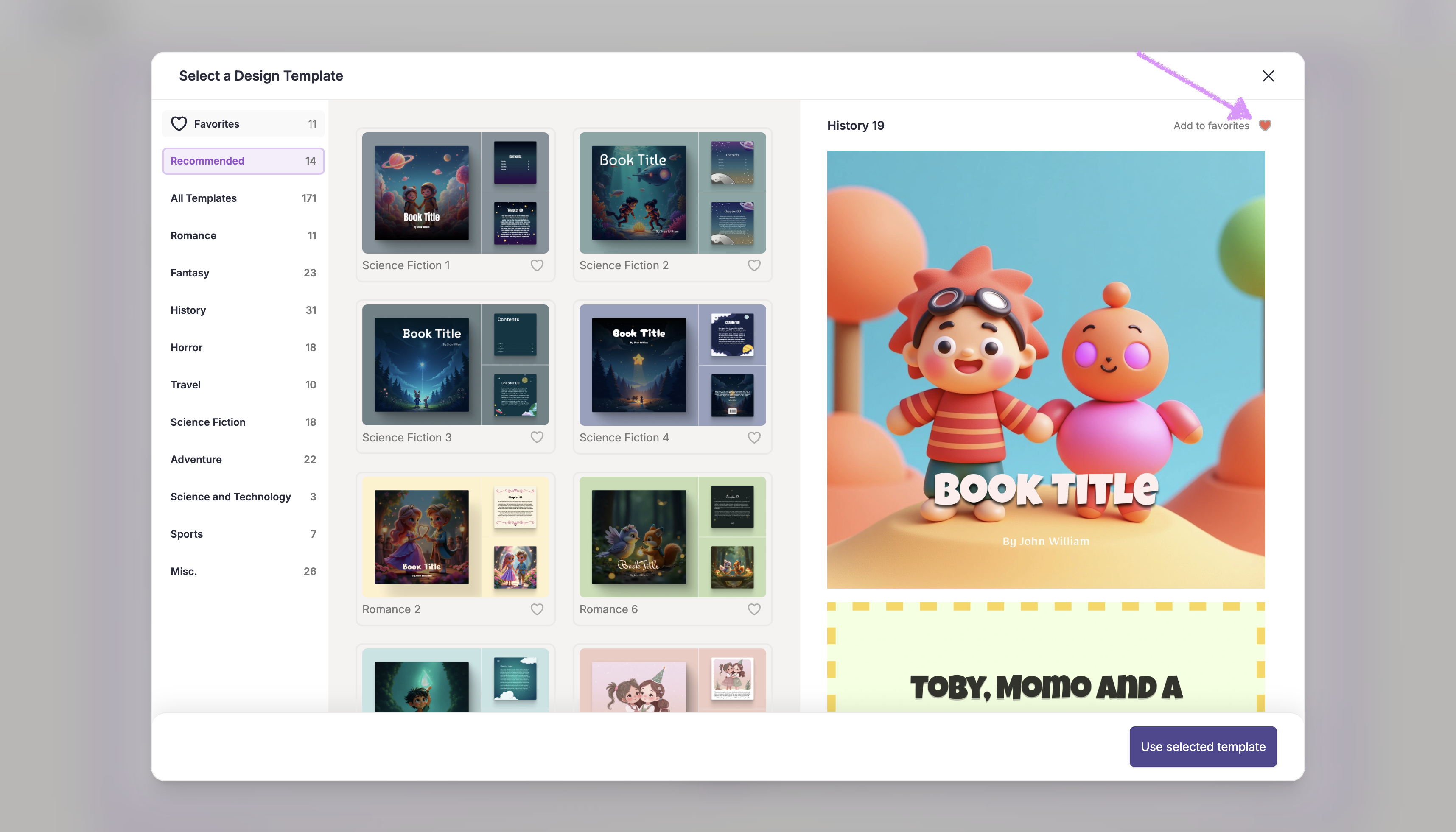
Want to add a template to your favorites? Click on the heart icon below the template or at the top right side when previewing the template.
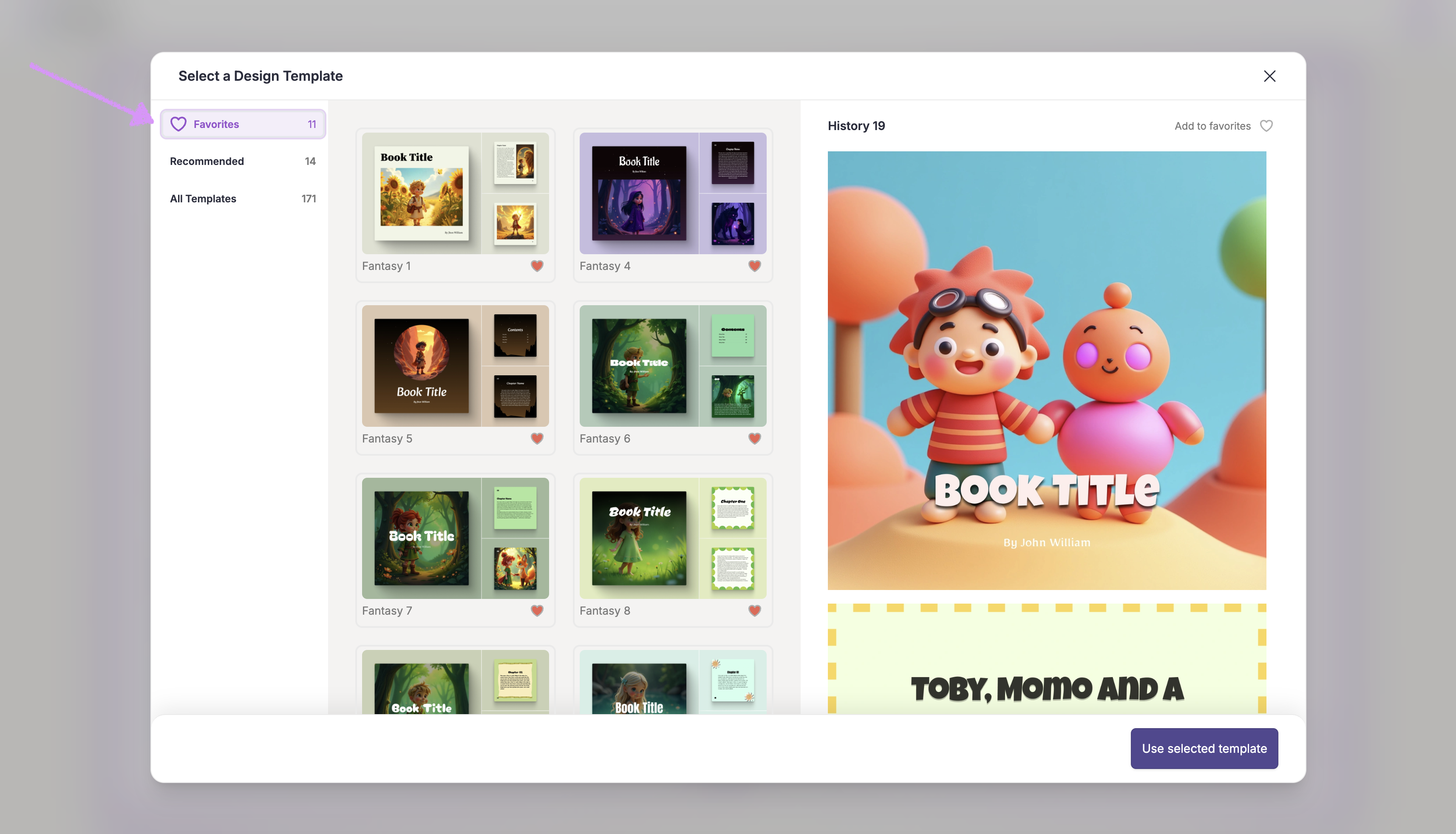
Click on the “Favorites” tab to browse and select from the templates you’ve marked as favorites.
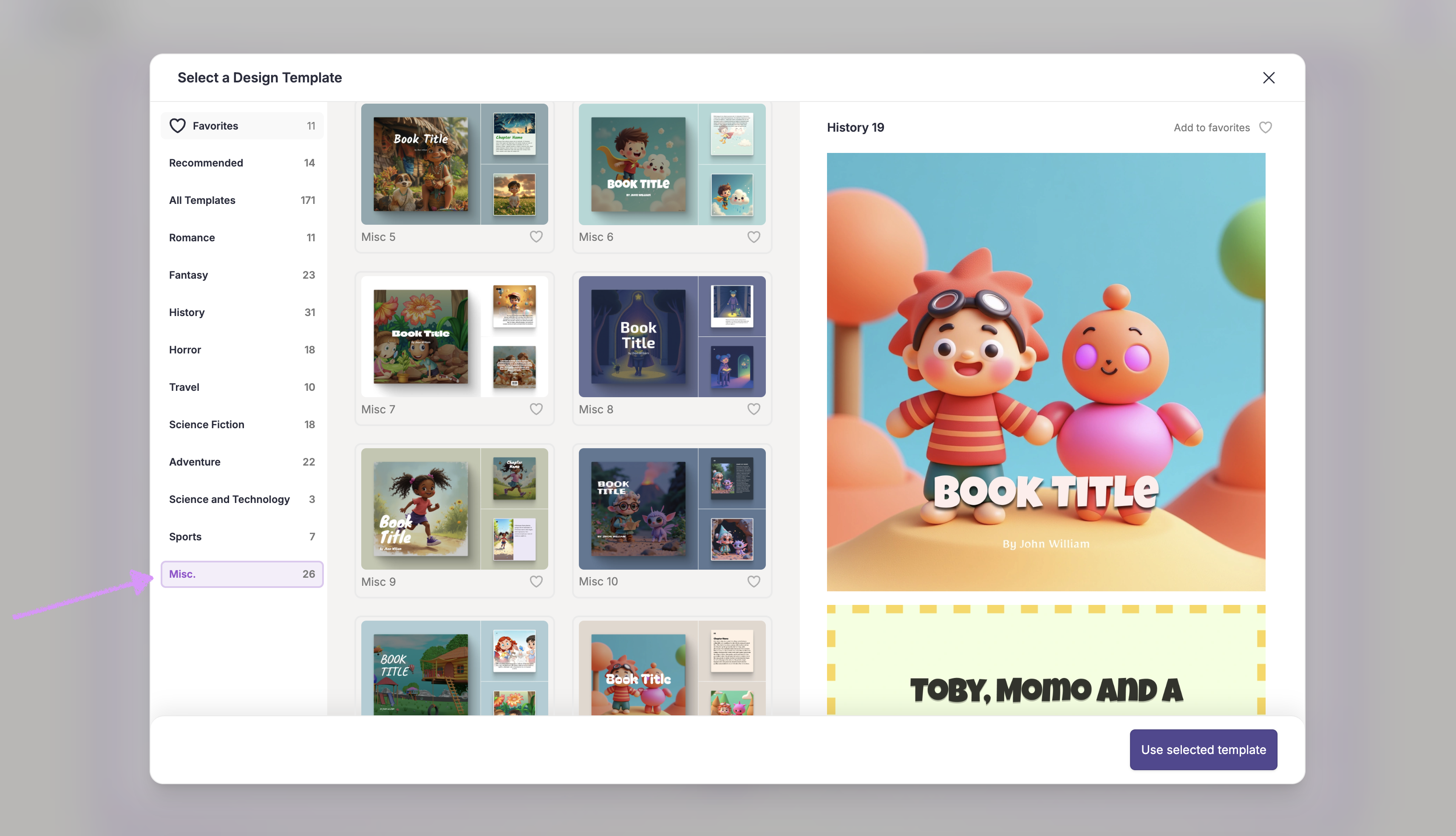
Alternatively, click into each category to view available templates.
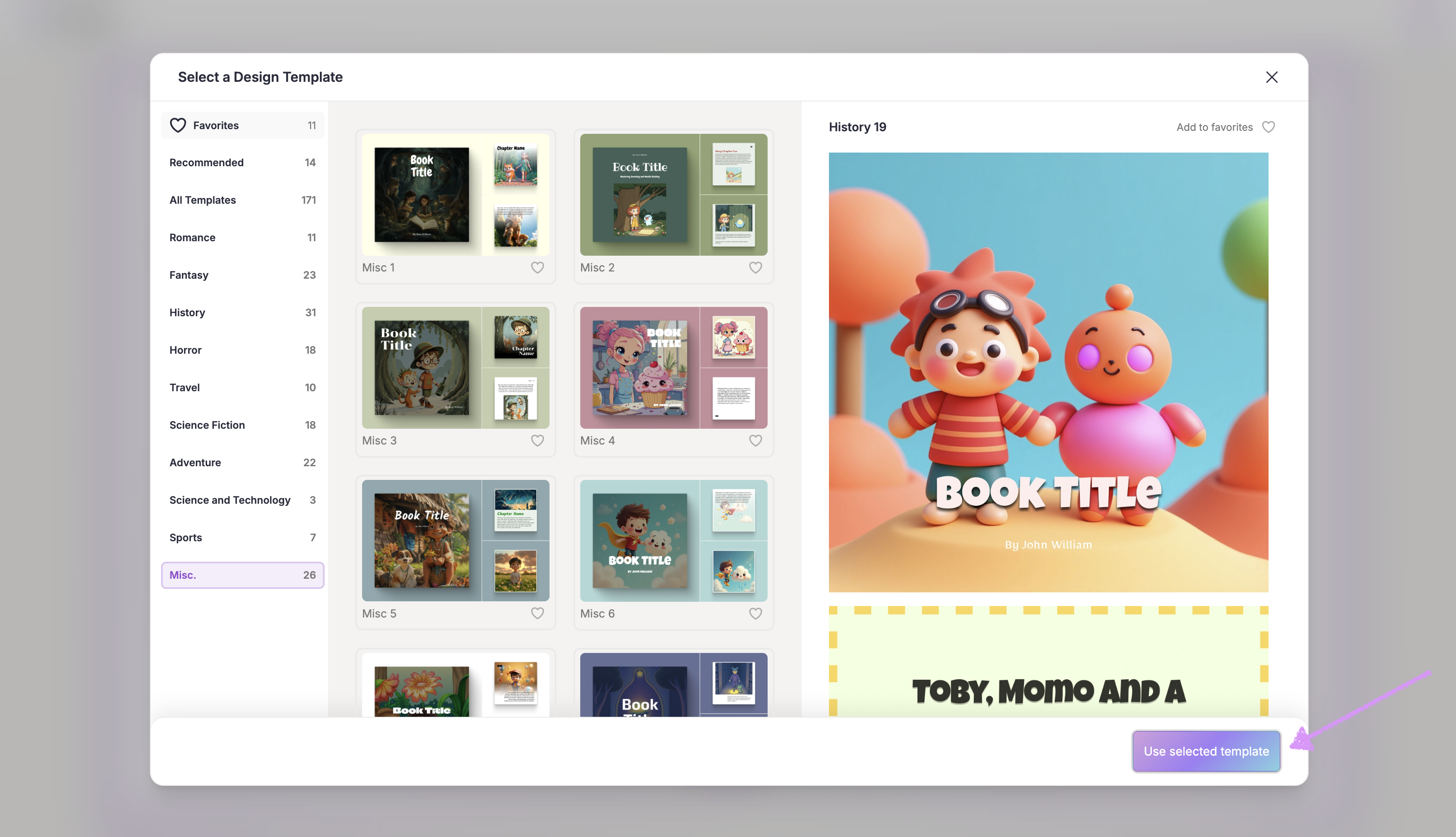
If you like the template in the preview modal click on "Use selected template" to apply it to your story.
Note: After selecting your template you will have full creative control to add or replace pages per our guide here.Next, choose your language.
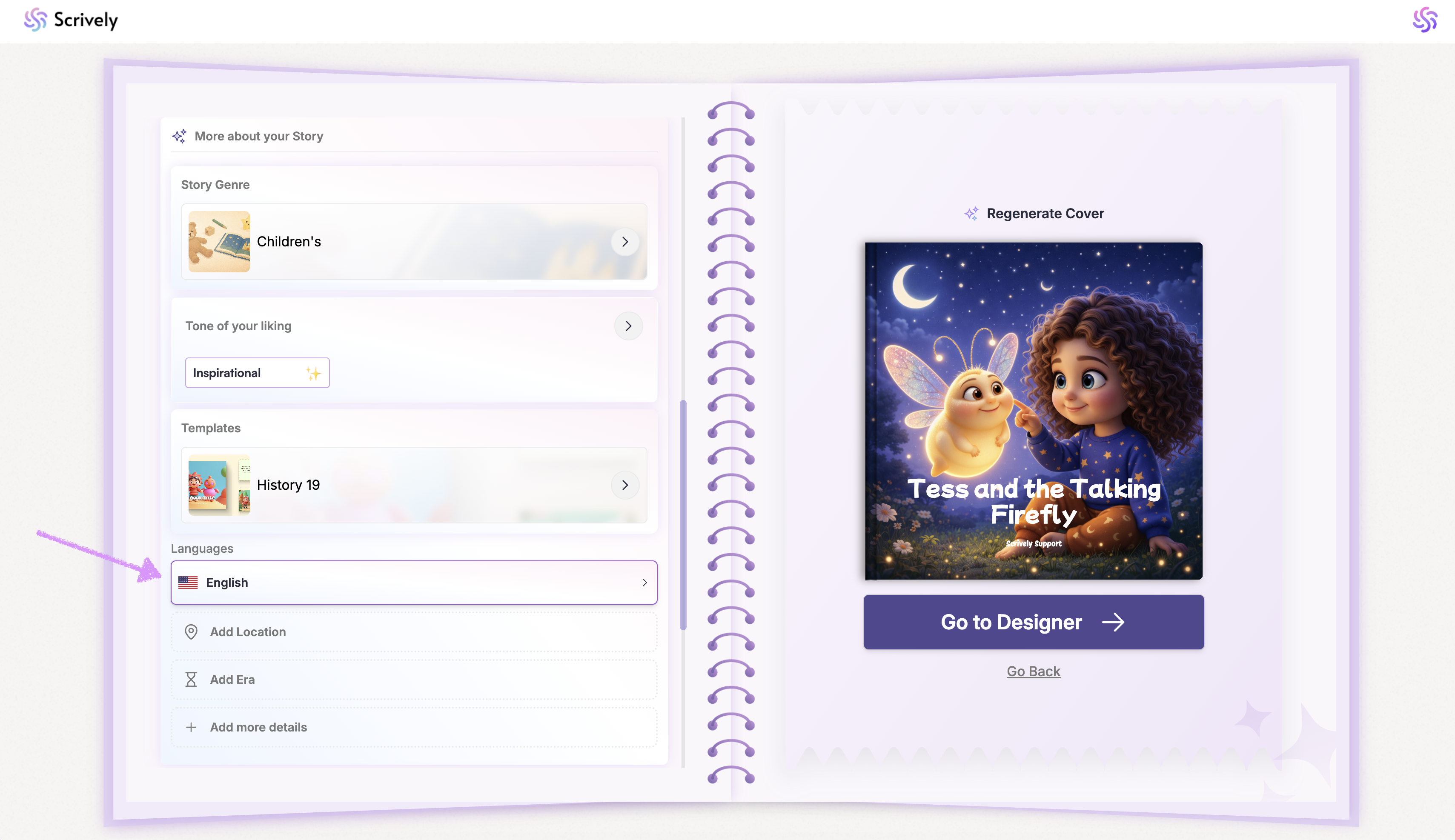
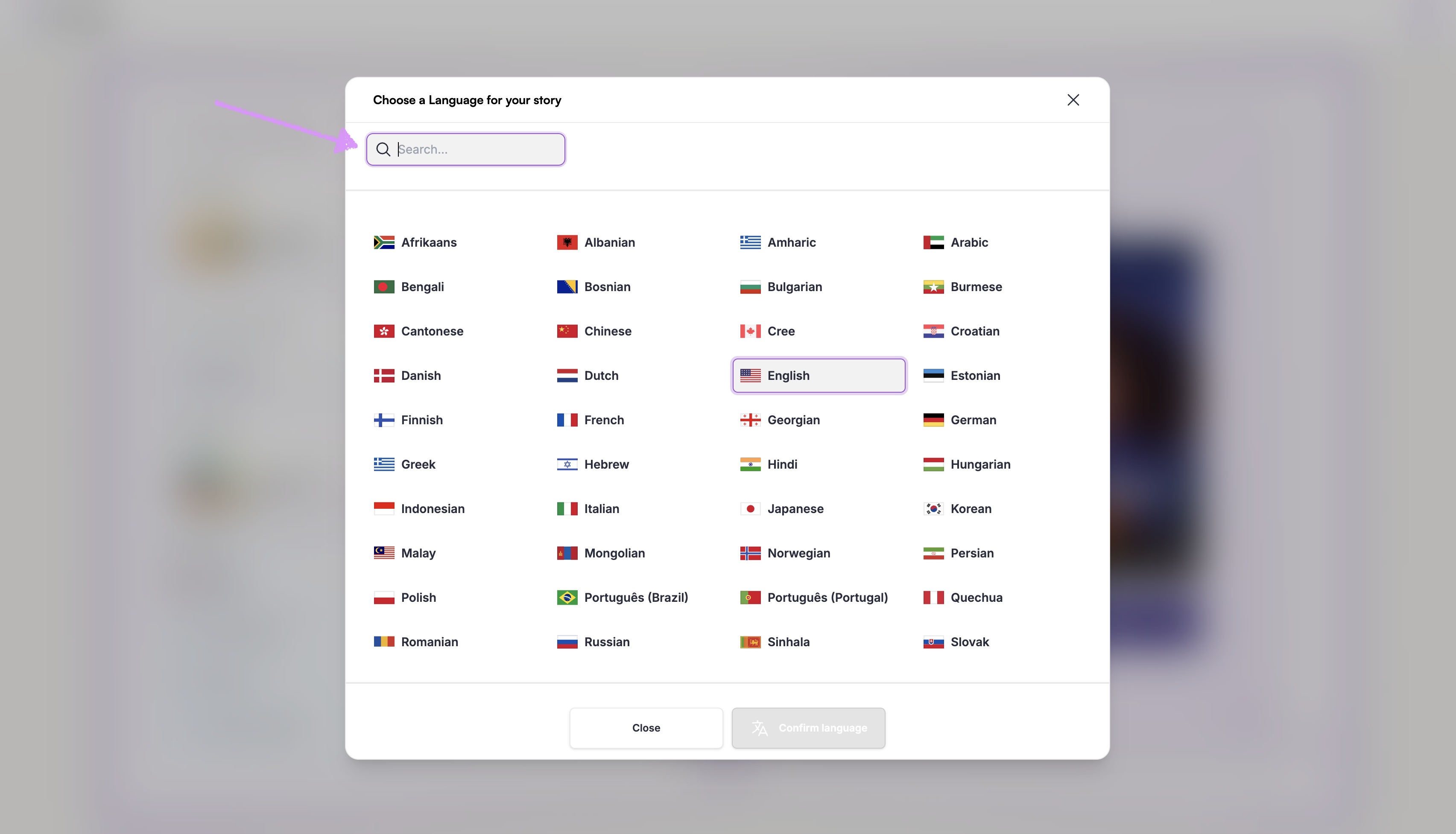
You can search for a language or manually scroll through the list of supported languages.
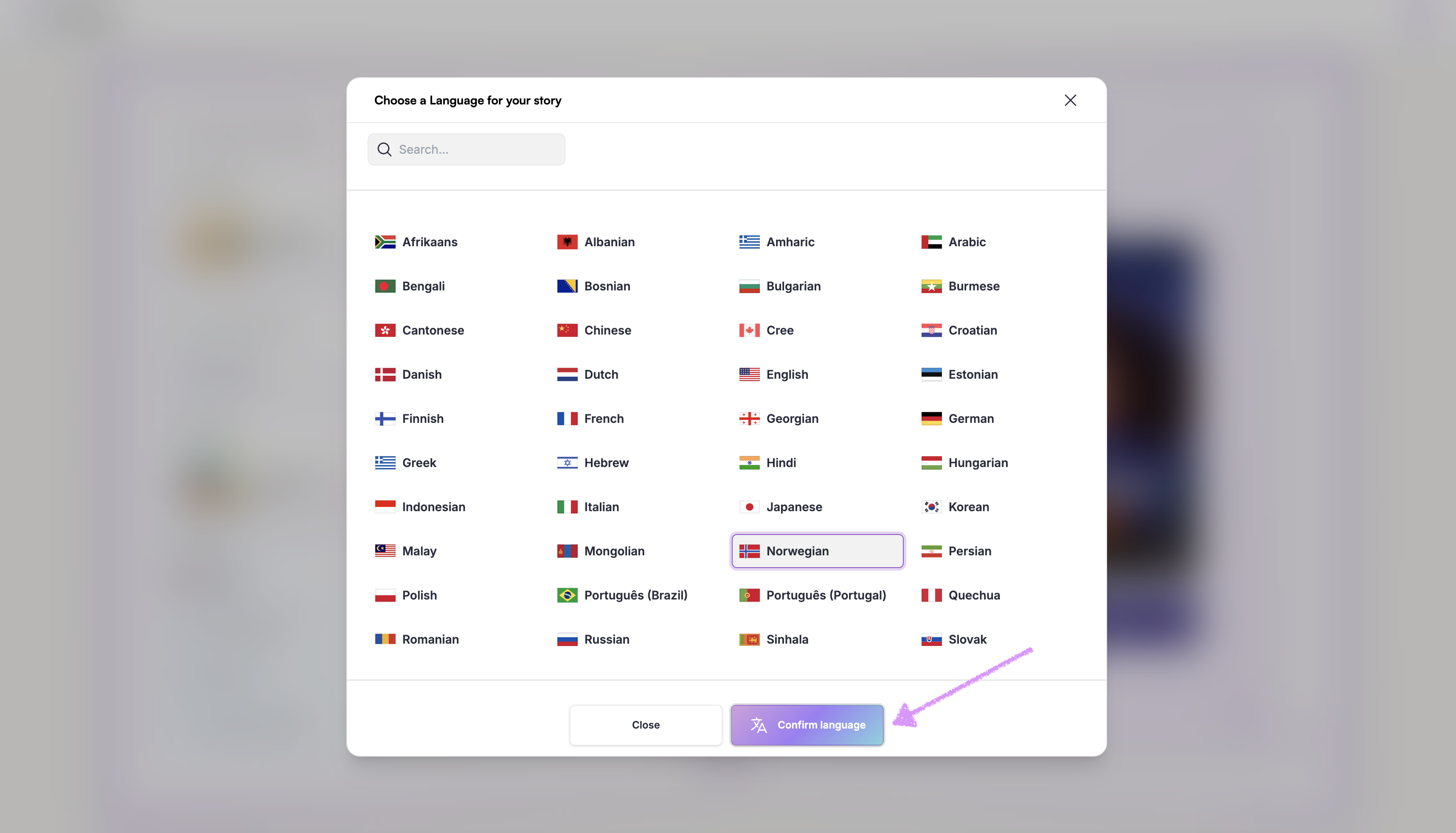
Click on "Confirm language" to apply it.
Choose your book's dimension.
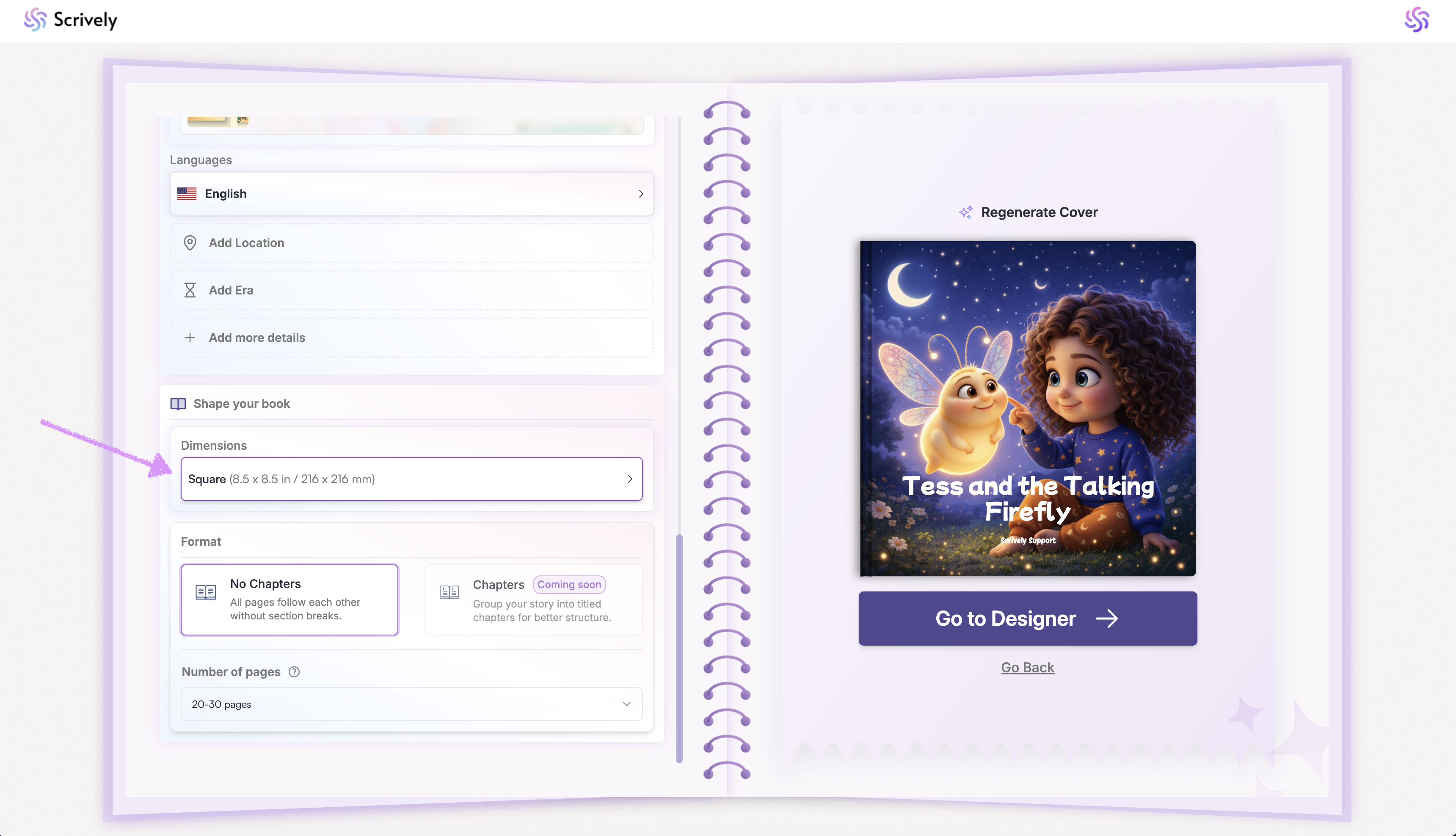
Note: Standard plan users have access to one book dimension.
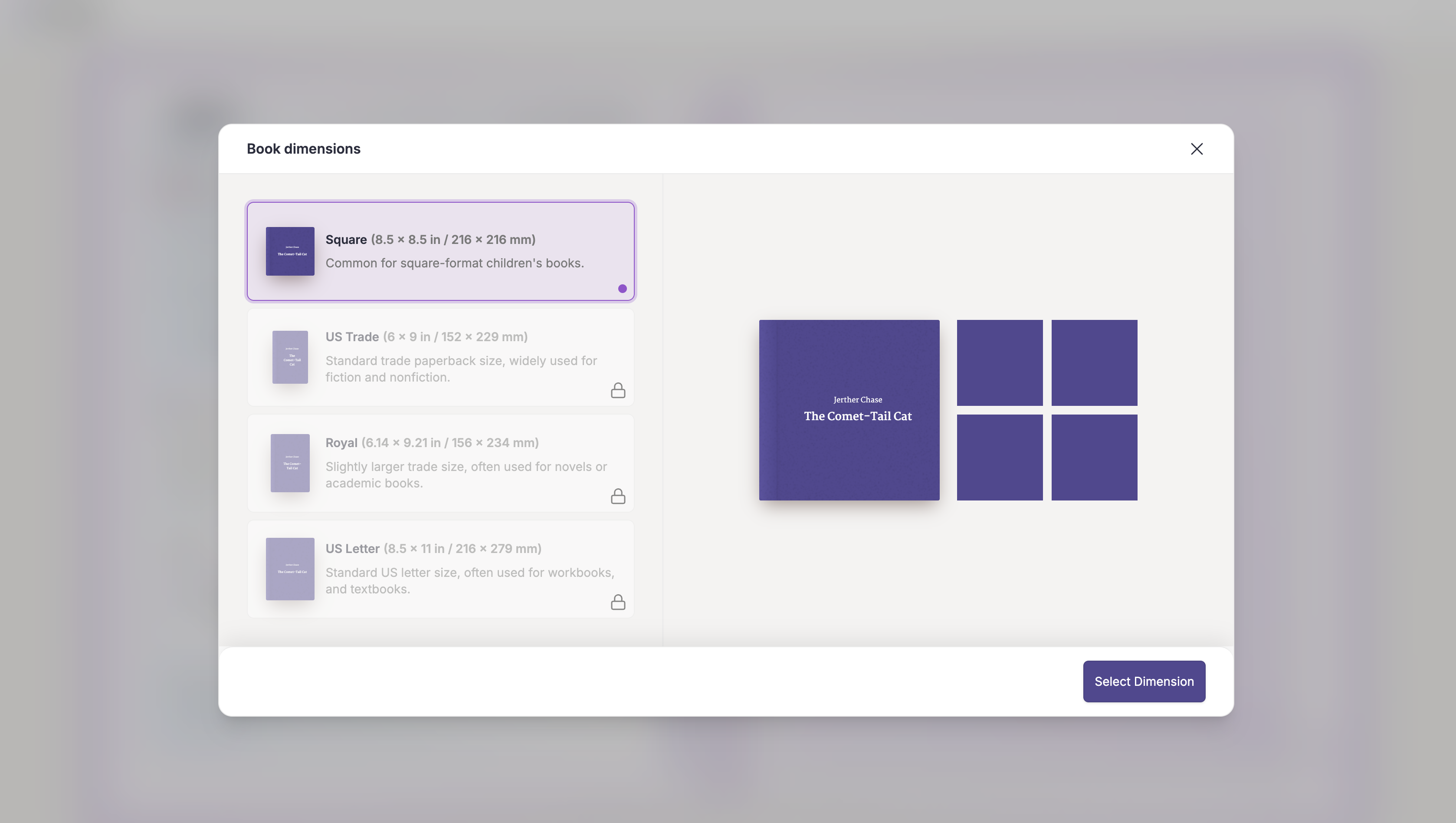
Pro users can choose from all available book dimensions. Each one will have a brief description of what its commonly used for.
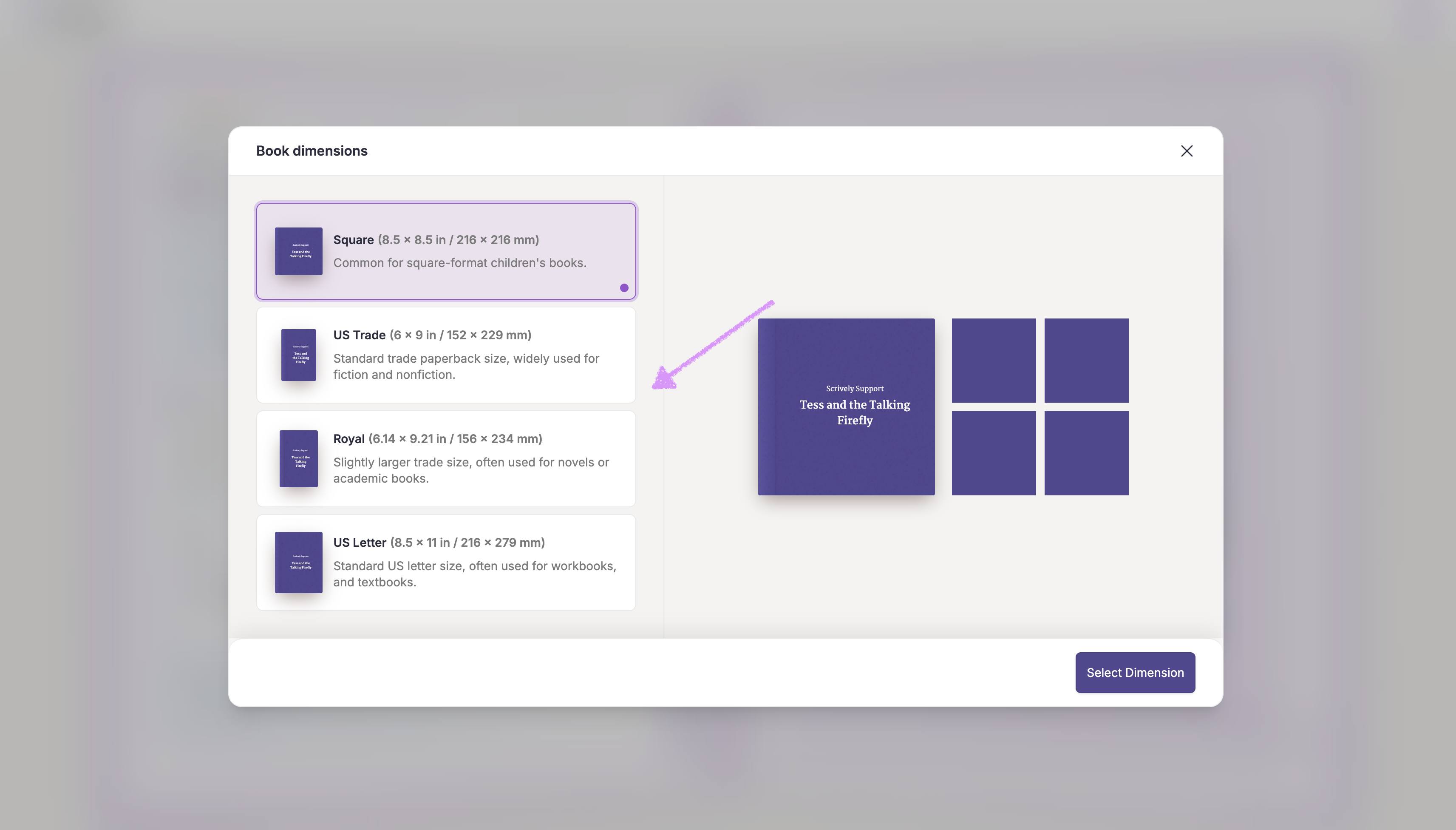
A preview of the selected dimension will be shown on the left and right hand side.
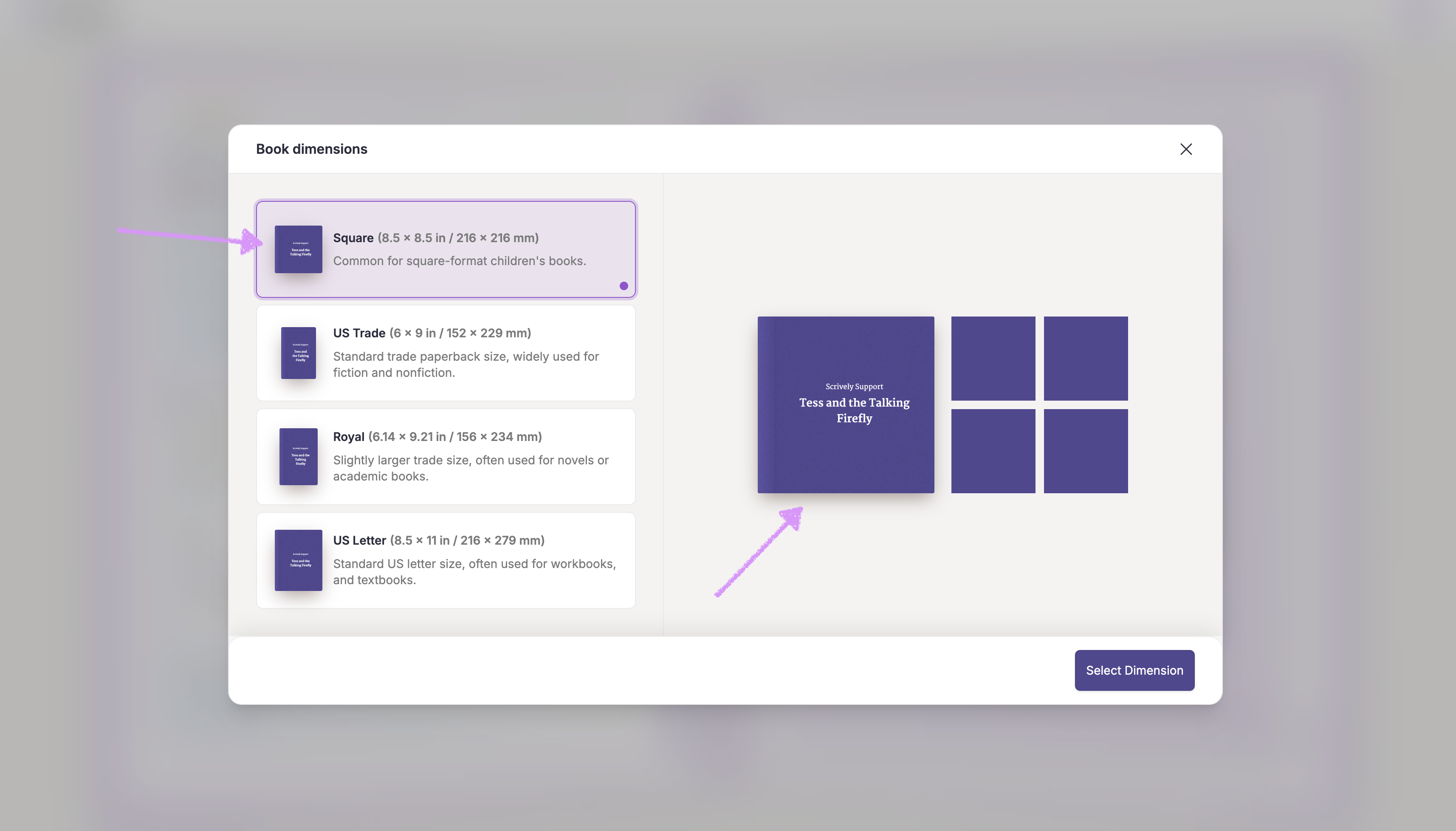
Note: The cover image frame will adjust dynamically in the story builder based on the selected dimension.
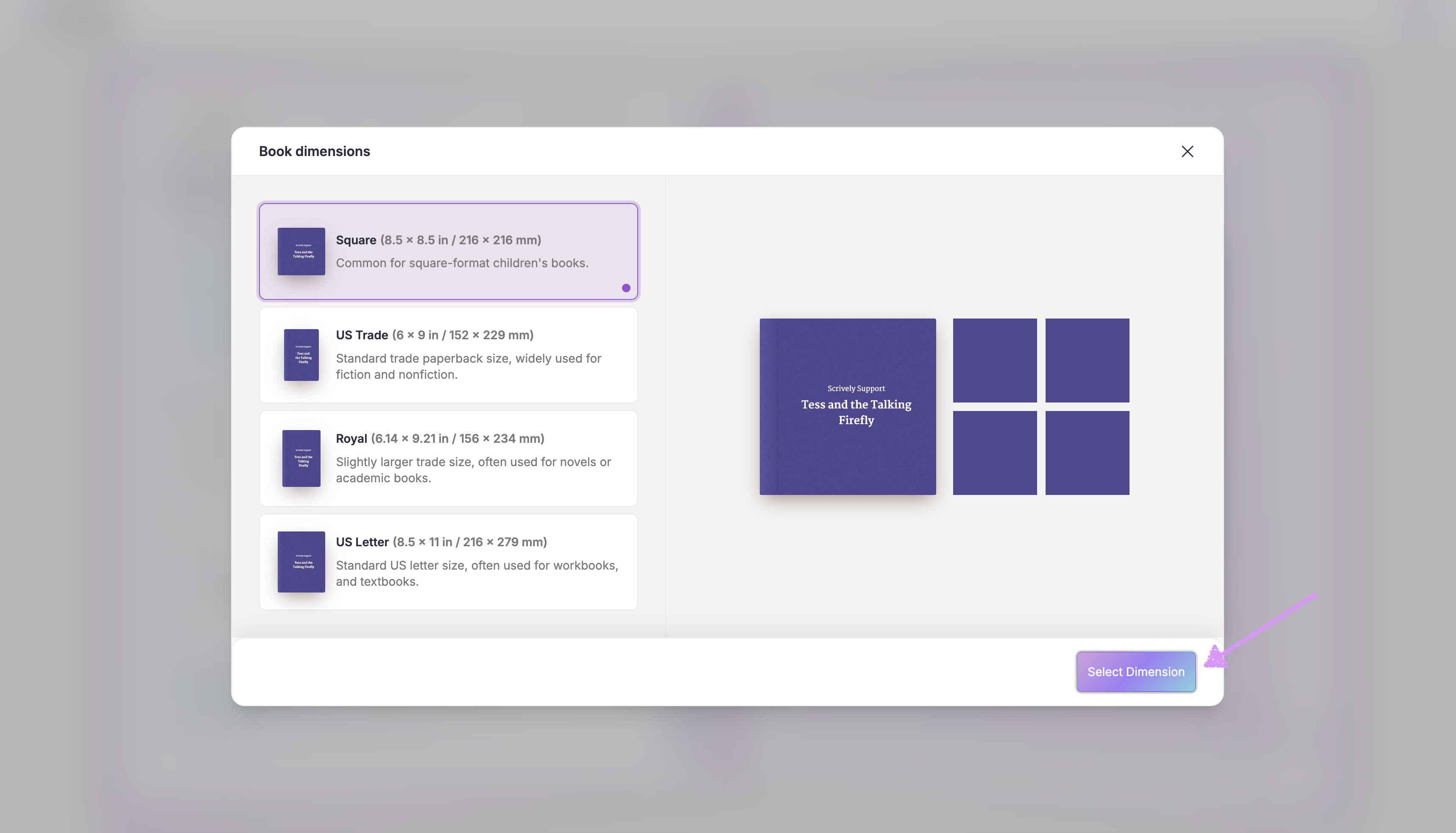
Click on "Select Dimension." Next, check out our guide here on applying additional personalized options.
Was this article helpful?
That’s Great!
Thank you for your feedback
Sorry! We couldn't be helpful
Thank you for your feedback
Feedback sent
We appreciate your effort and will try to fix the article
