
Stuck on what to write next? The Generate Idea feature helps spark your creativity by instantly creating fun, engaging story concepts based on your preferences. Whether you need inspiration for a bedtime story, or your next children’s book, this tool gives you a starting point so you can focus on bringing your story to life.
From the Create tab click on "Generate Idea."
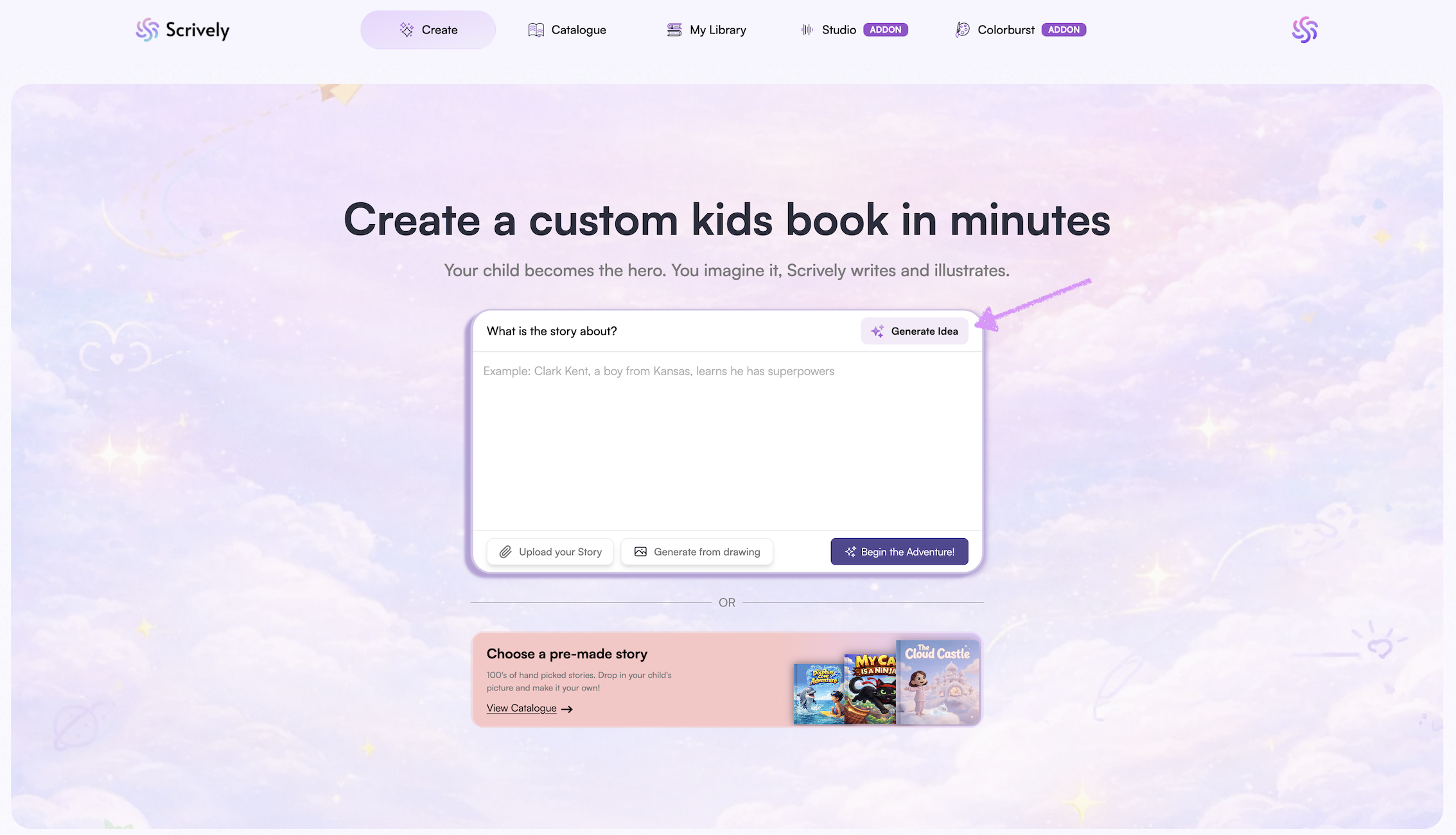
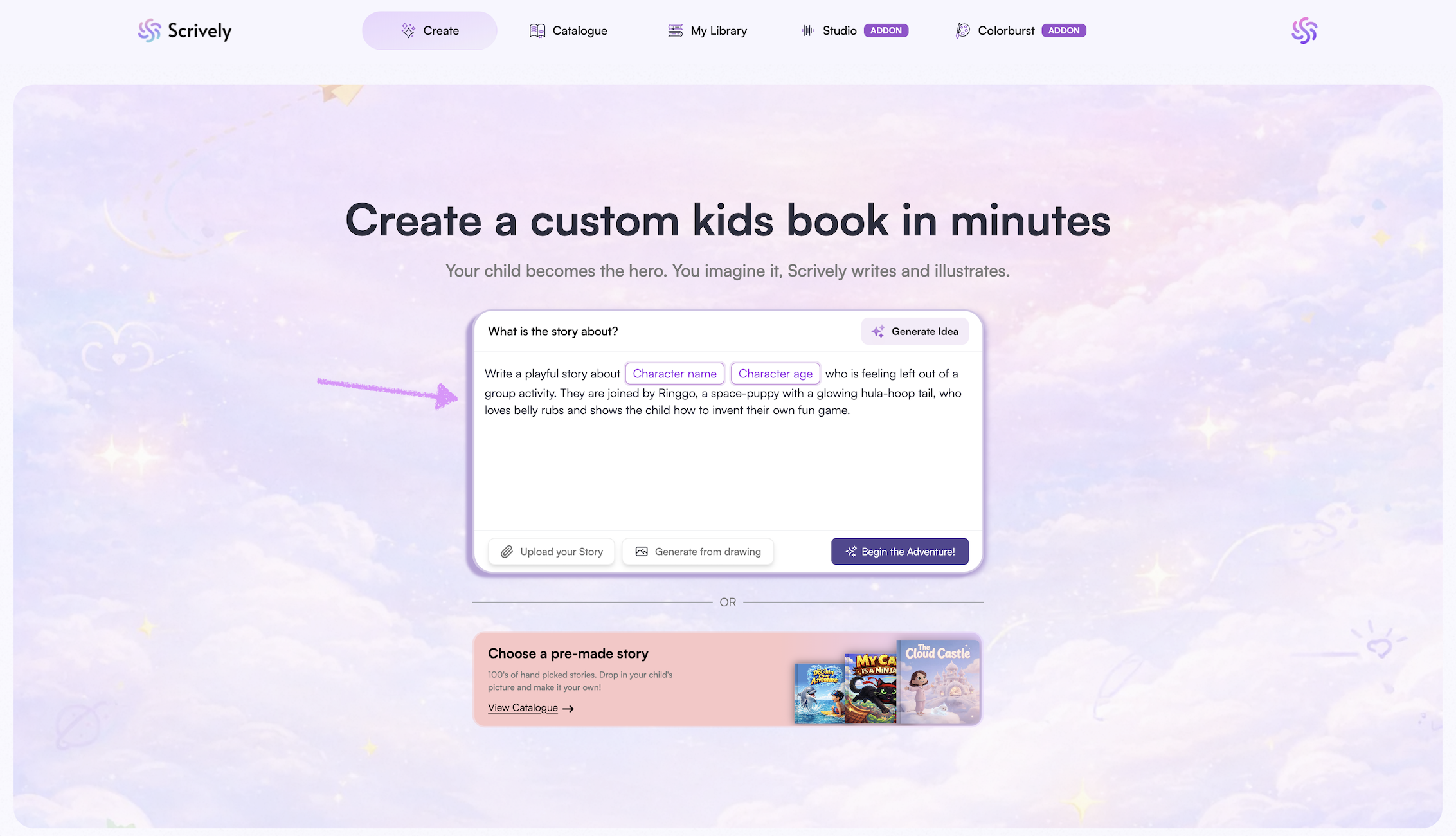
A story will be generated for you.
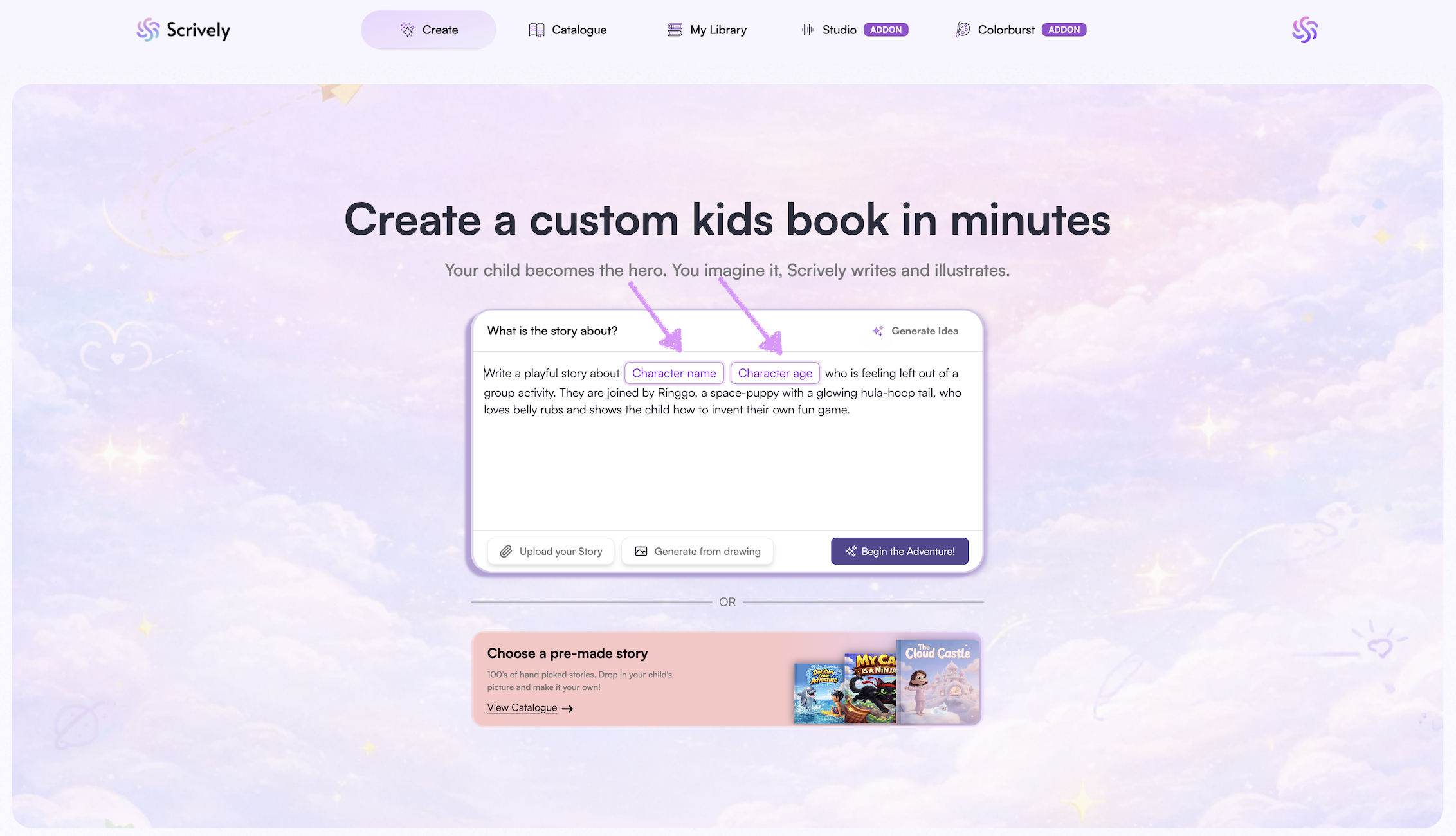
If applicable, enter the character(s) details.
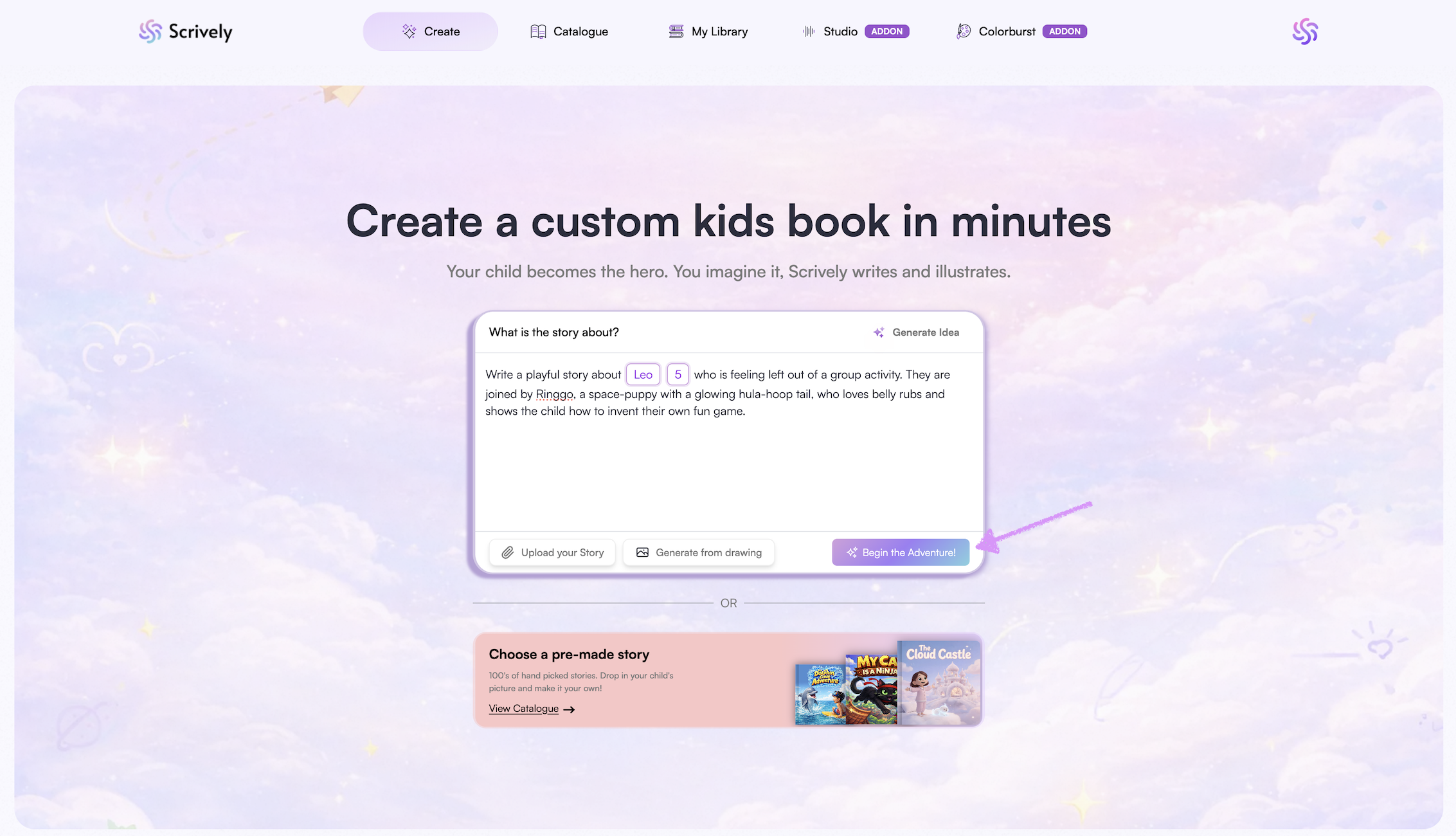
Click on "Begin the Adventure."
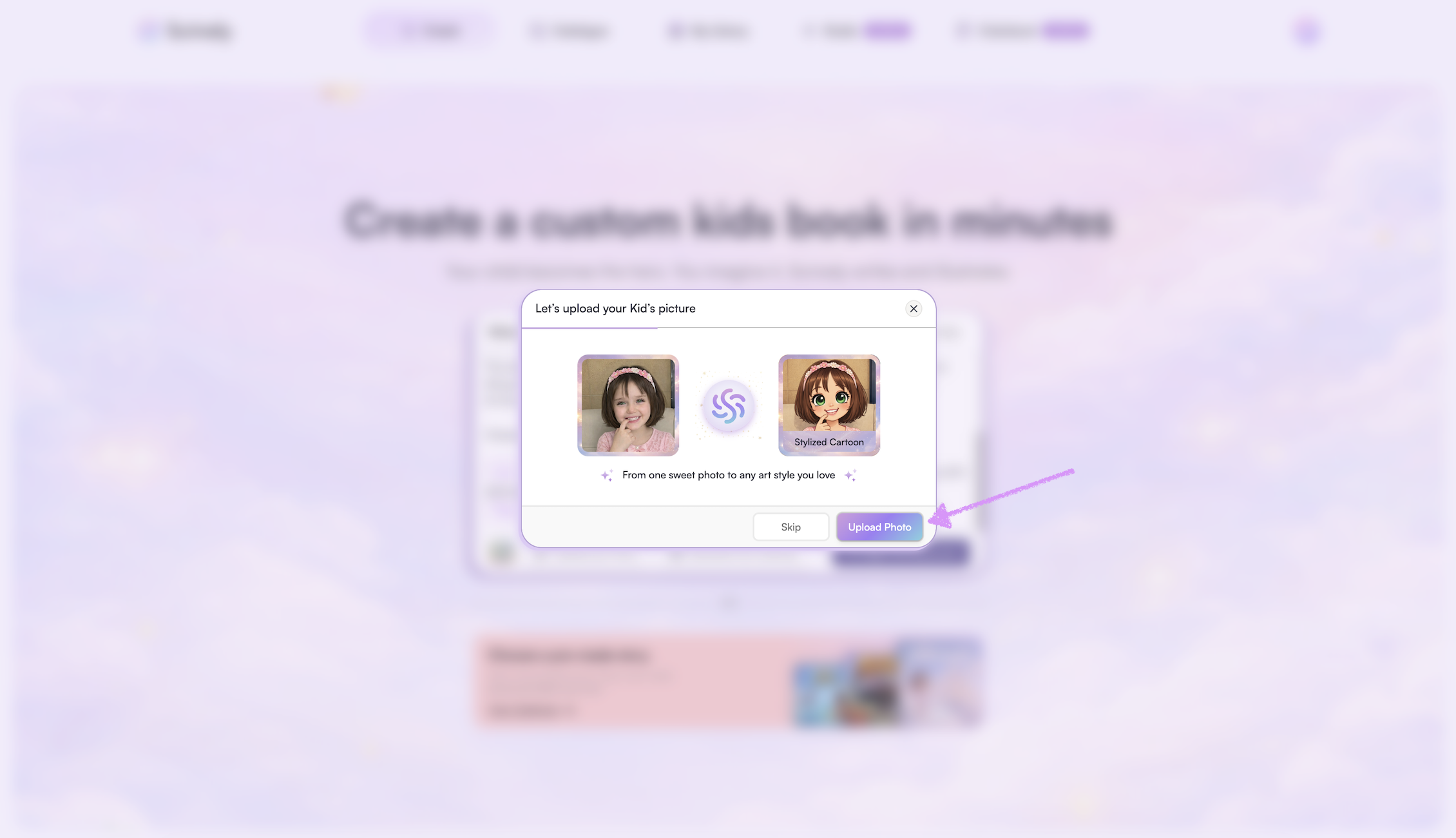
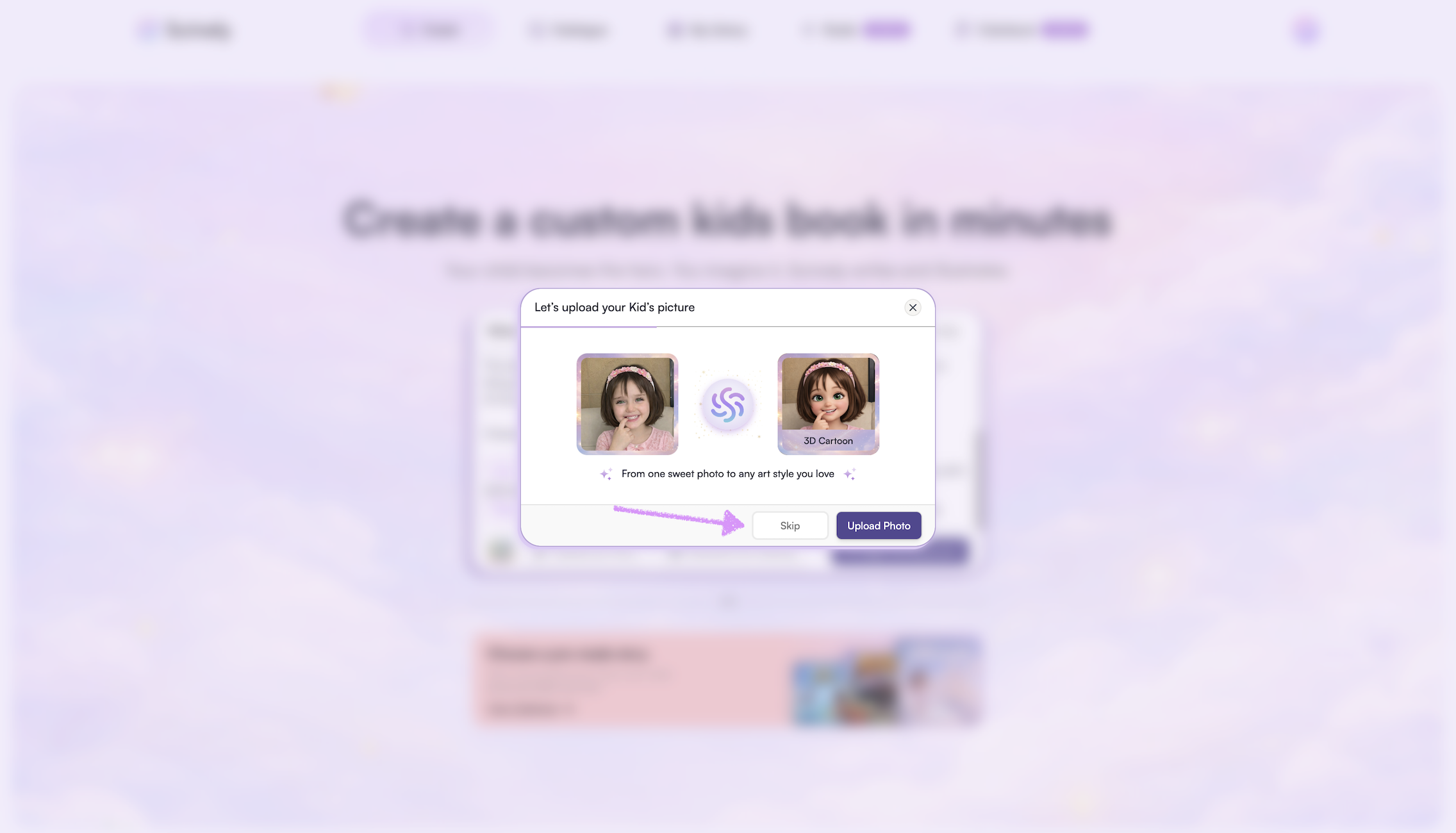
A modal will appear where you can "Upload Photo" to add your child’s image to feature them as the main character in the story.
Once the image is added you will have the option to adjust the character’s details.
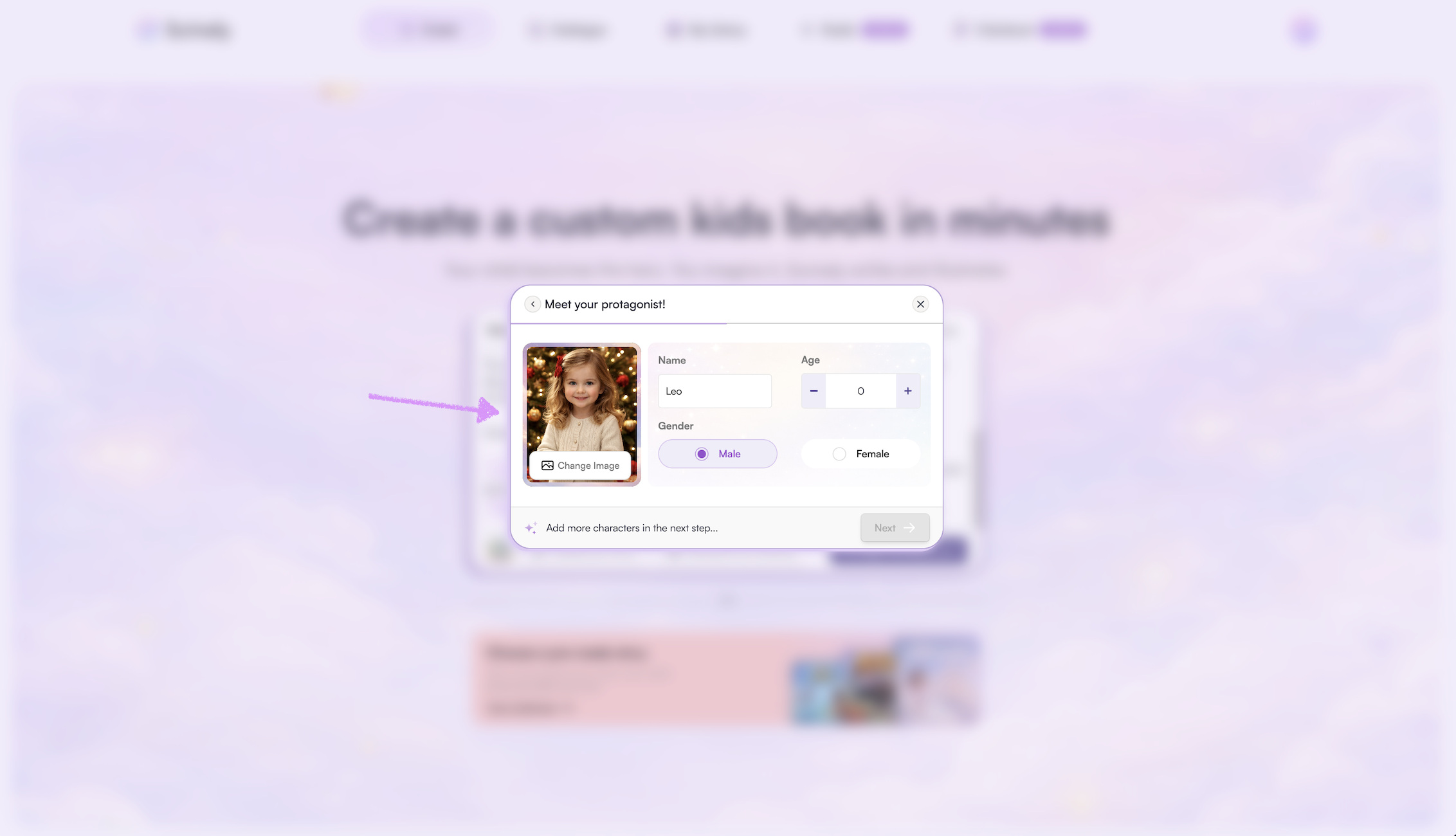
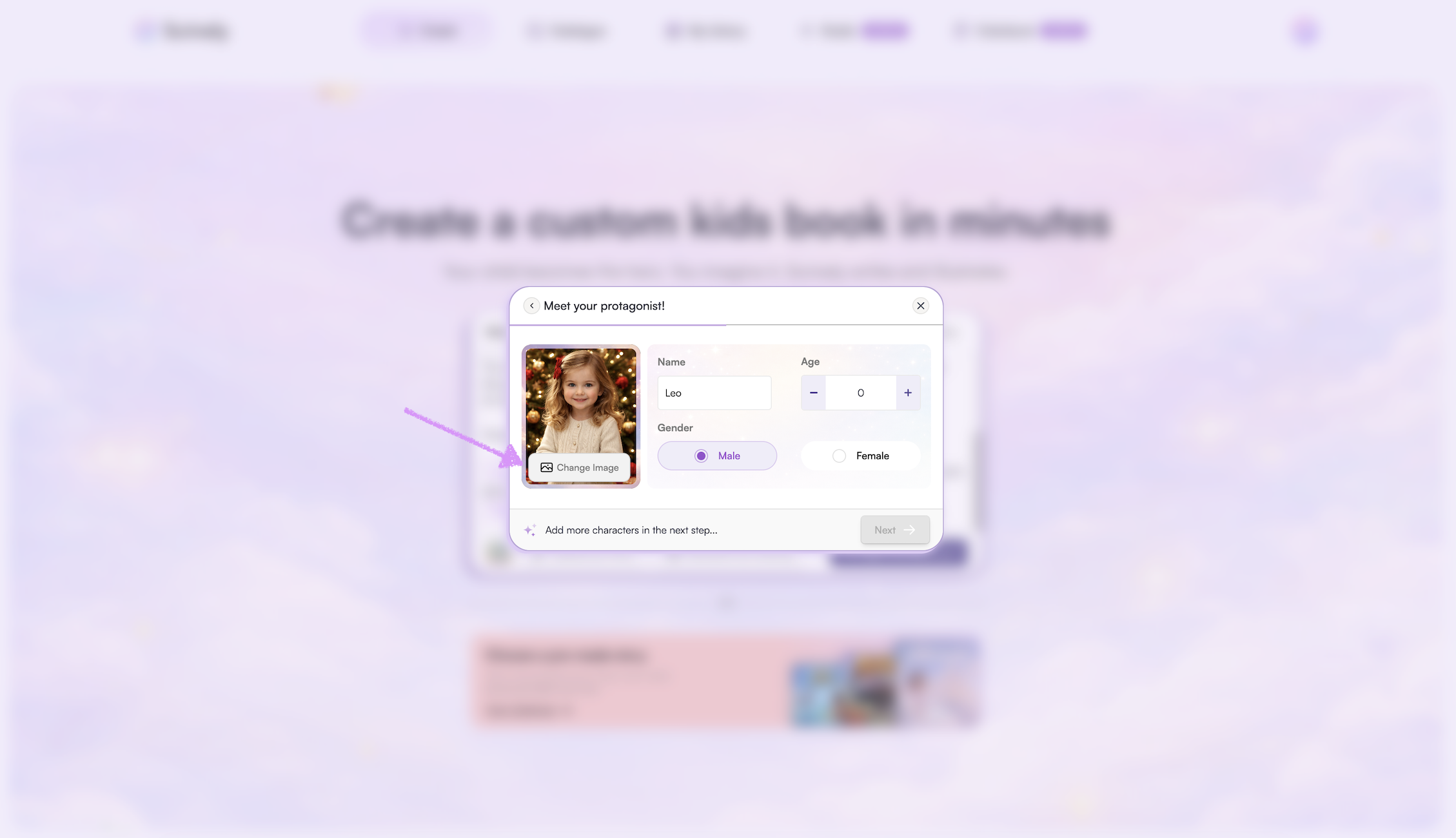
Click on "Change Image" if the character's image needs to be replaced.
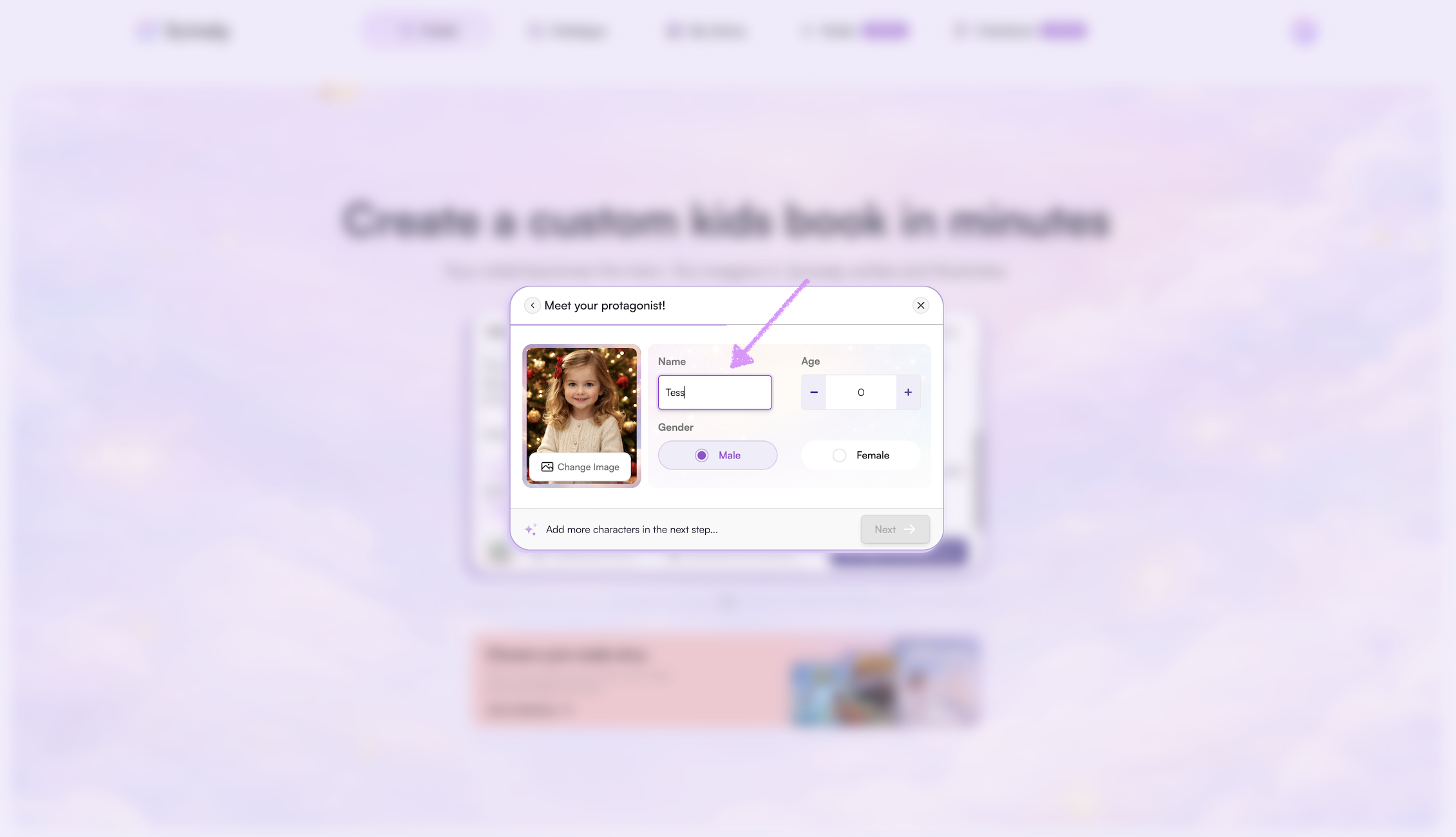
Give the character a name.
Choose an age for your character to help personalize the story.
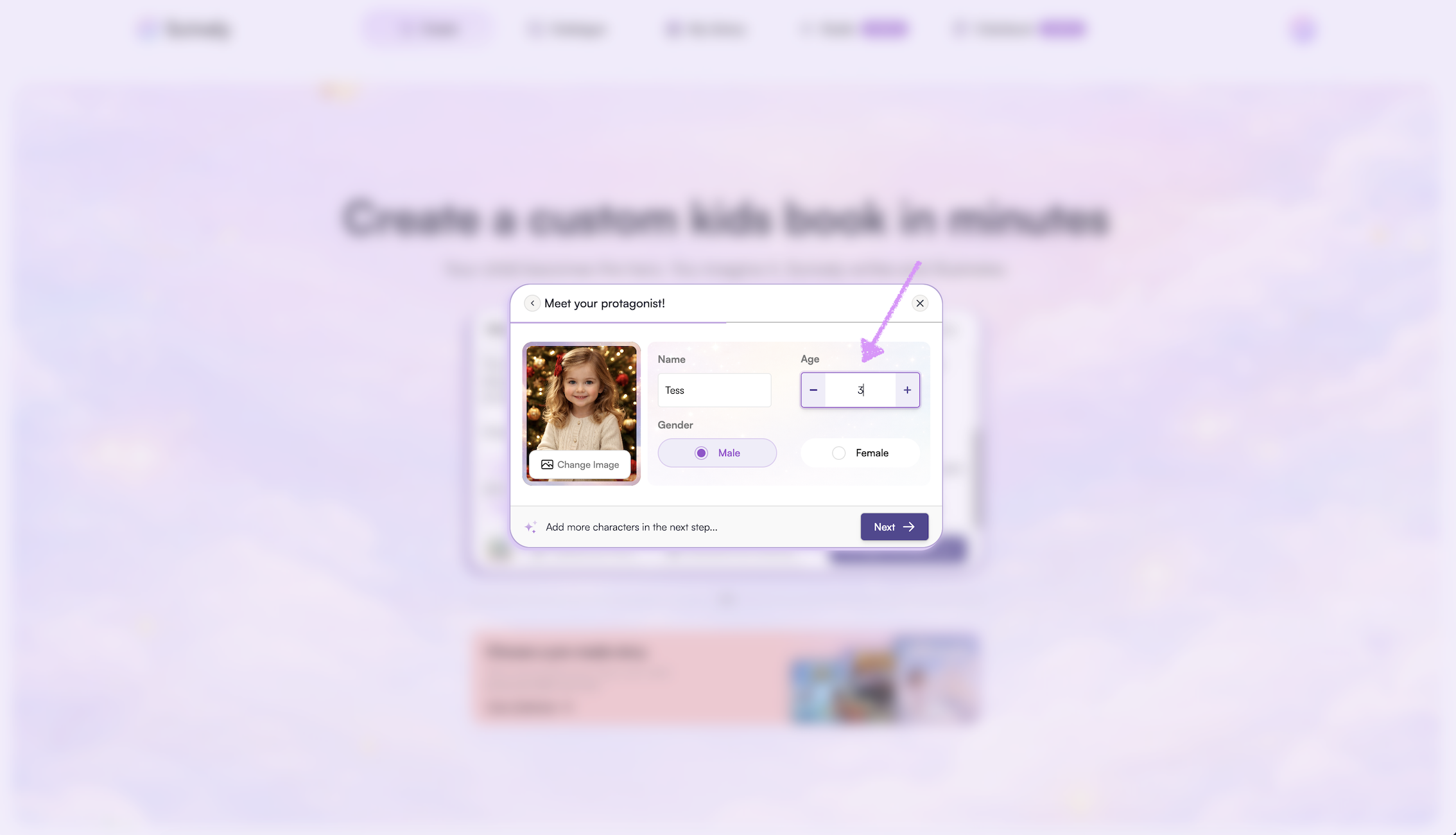
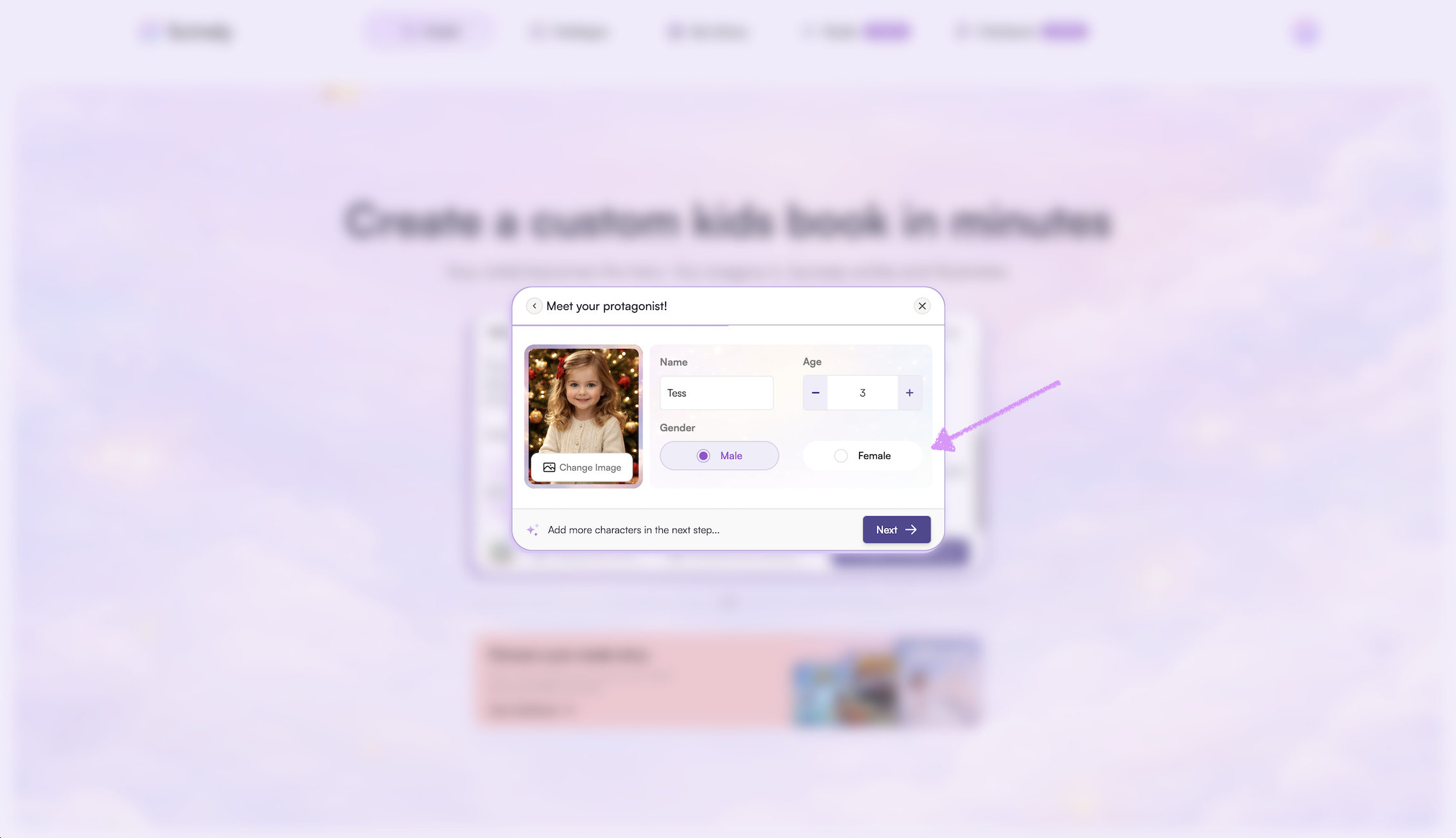
Select a gender.
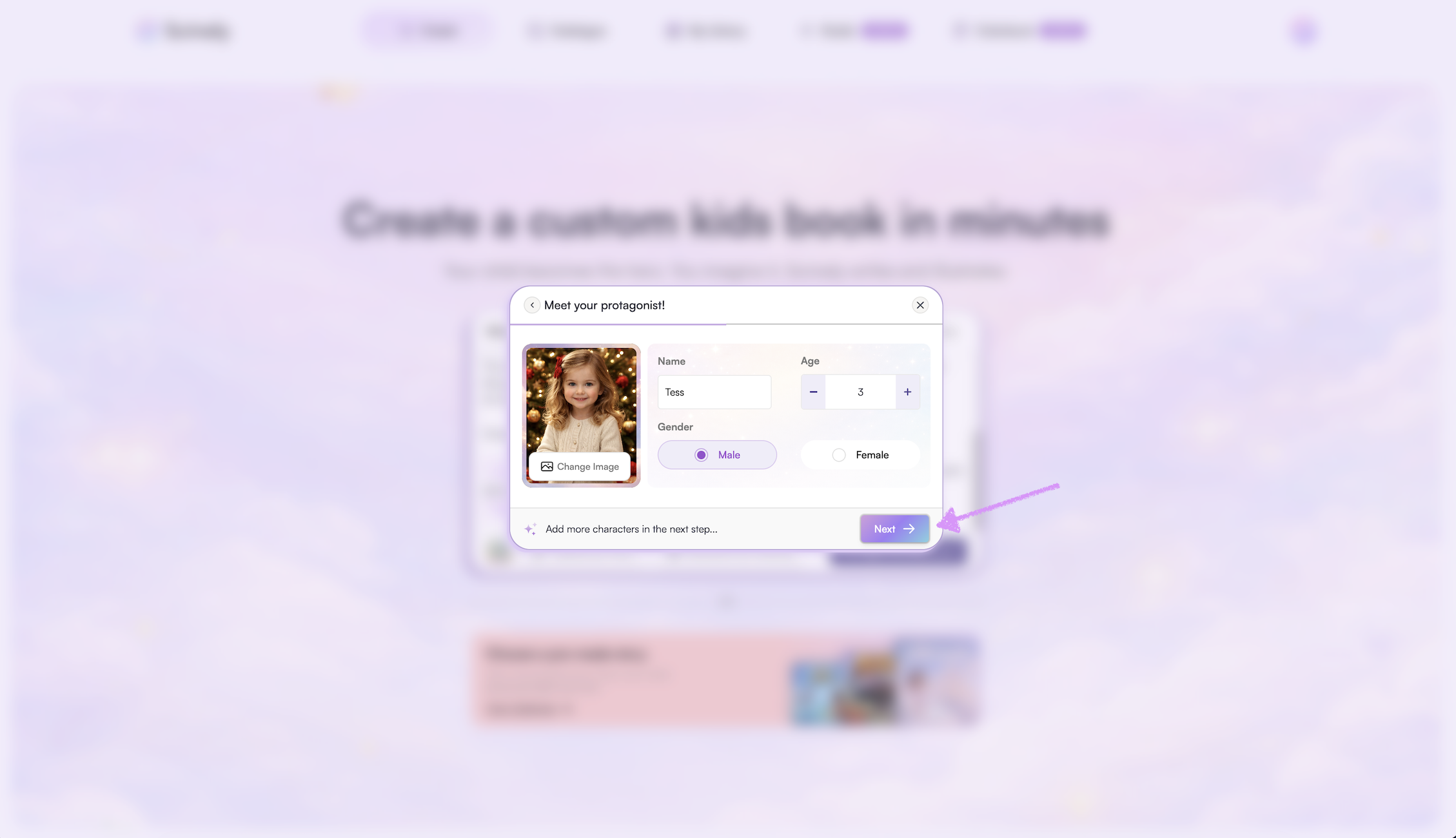
Click on "Next."
If you’d prefer not to upload your child’s image right now, click on "Skip." Head over to our guide here to learn more about building your story.
Was this article helpful?
That’s Great!
Thank you for your feedback
Sorry! We couldn't be helpful
Thank you for your feedback
Feedback sent
We appreciate your effort and will try to fix the article
