
Using Scrively on the Desktop App
Drag and drop makes adding images to your book simple and seamless. Instead of manually inserting files, you can quickly move images directly into your project and place them exactly where you want them. This intuitive workflow helps you design faster, organize visuals more easily, and maintain creative control over your pages.
Hover over the image in the "AI Media" or "Uploads" view.
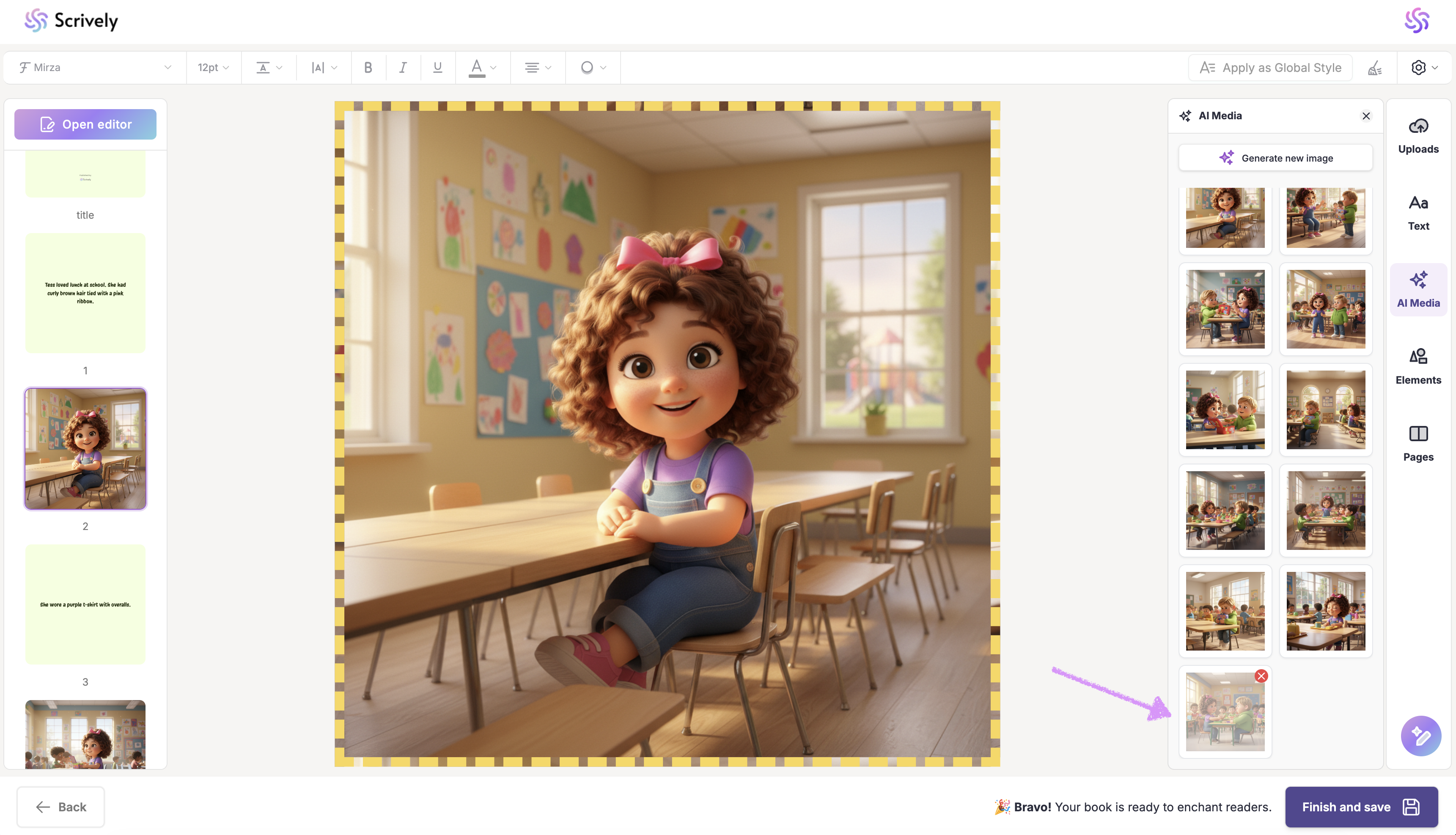
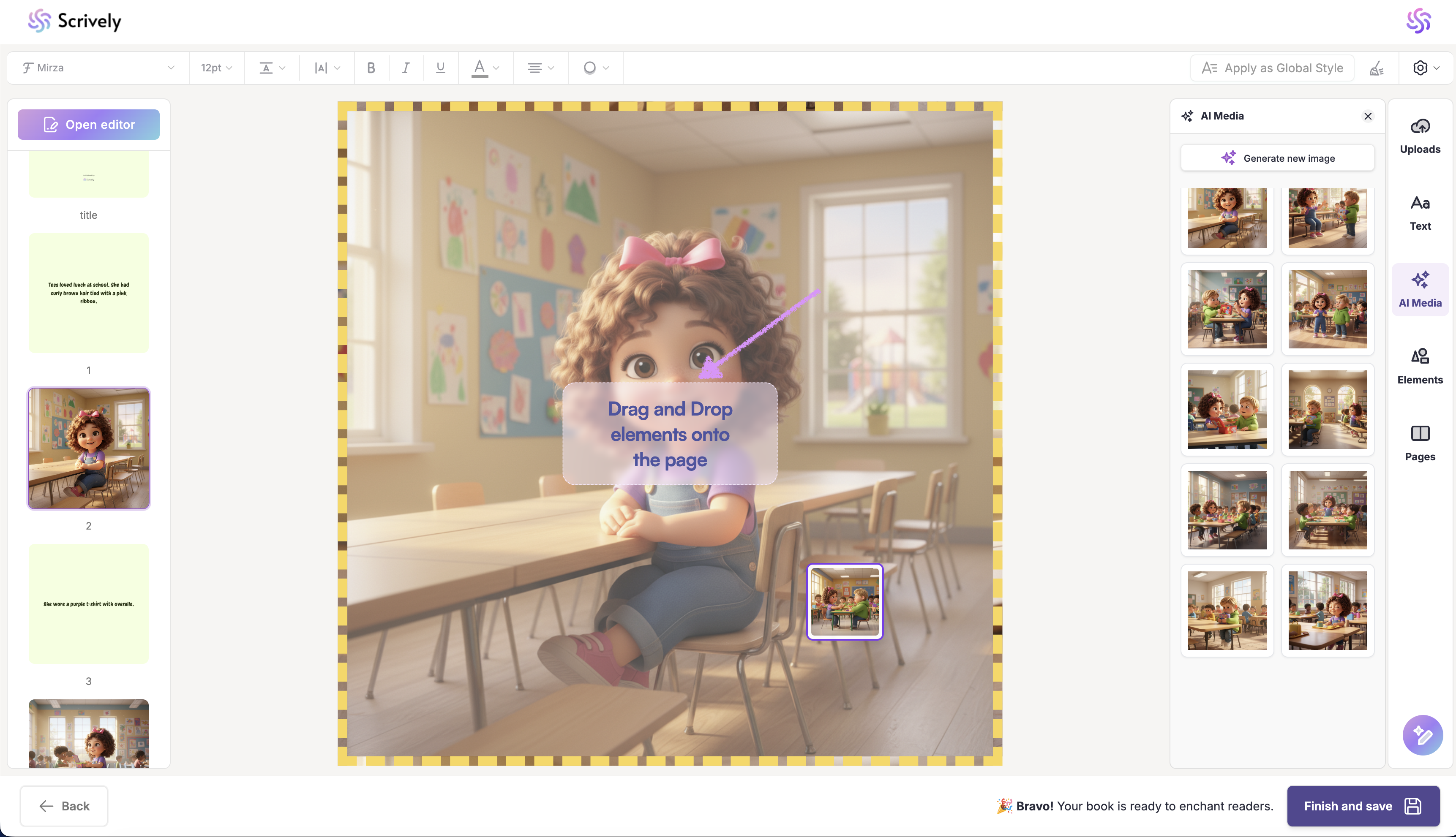
Drag and drop the image onto the page.
Was this article helpful?
That’s Great!
Thank you for your feedback
Sorry! We couldn't be helpful
Thank you for your feedback
Feedback sent
We appreciate your effort and will try to fix the article
