
Page images are a key part of bringing your story to life. If you want to use your own artwork, you can easily upload or replace a page image directly in the editor.
At the top left of the page, you’ll see the option to “Edit left/right illustration.”
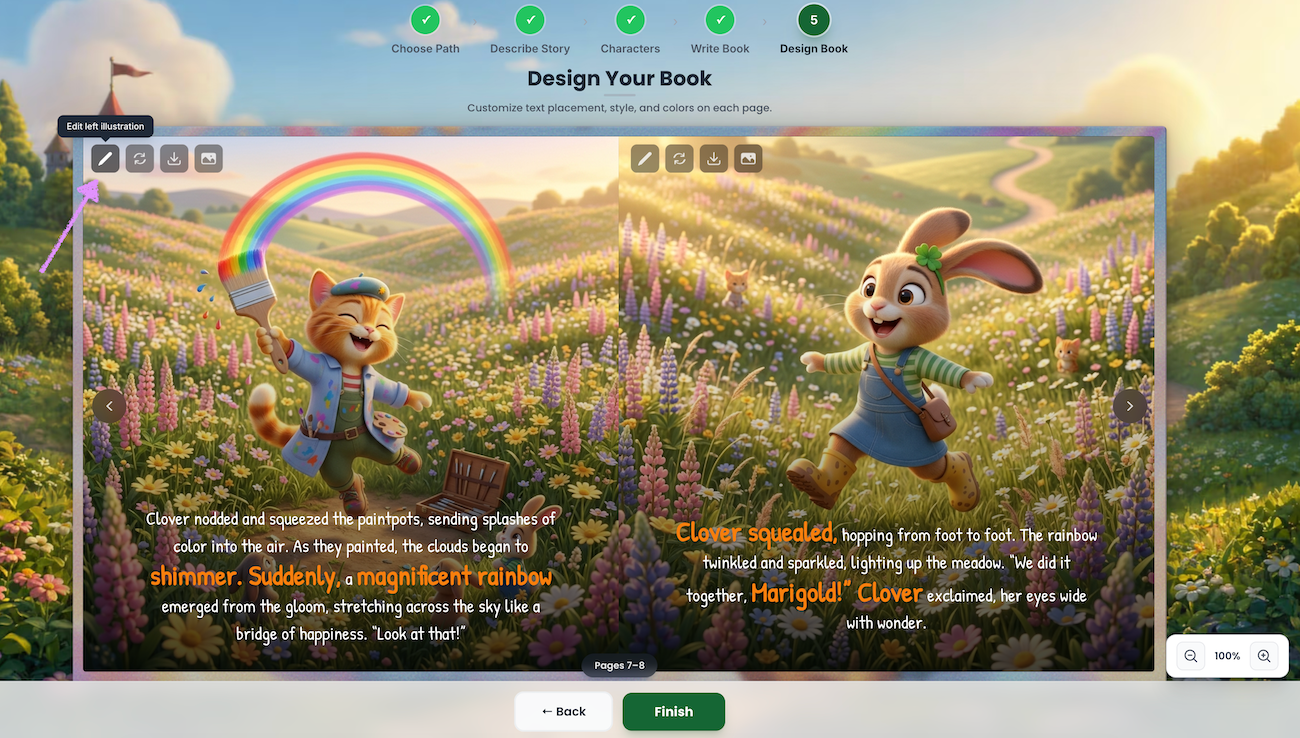
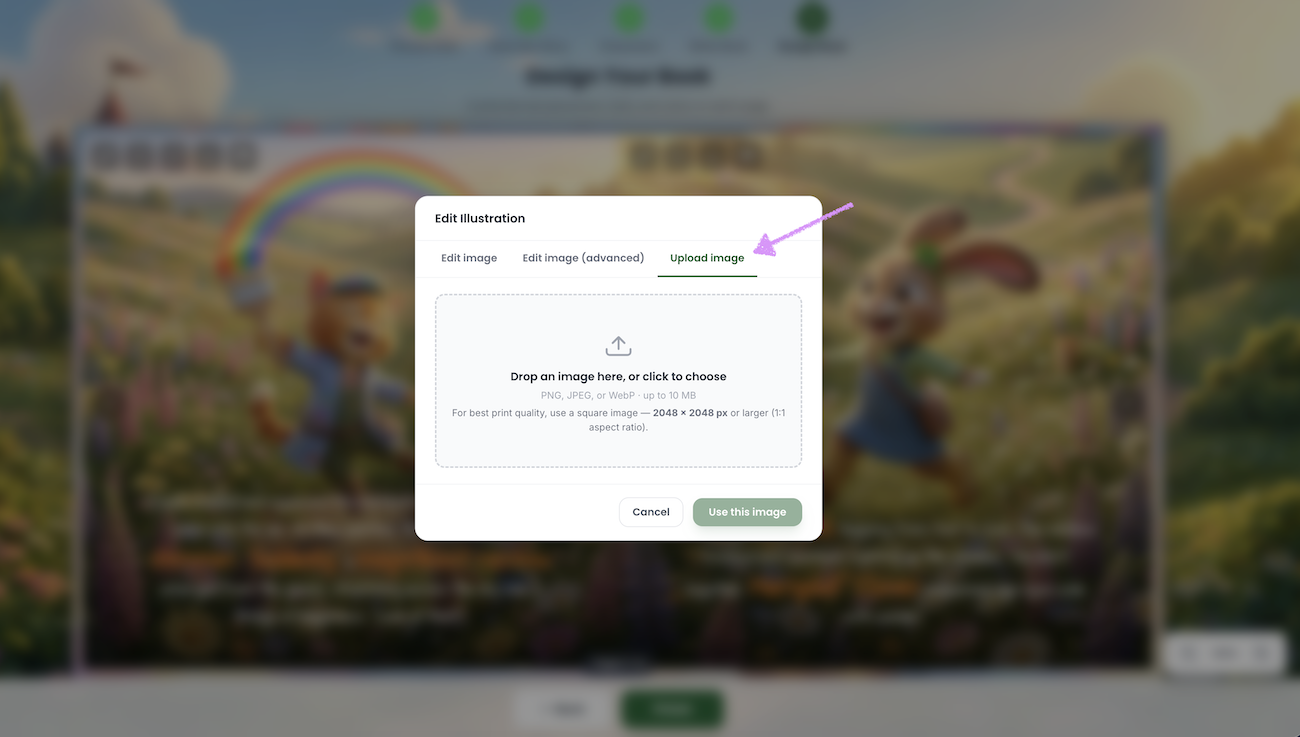
The "Edit Illustration" modal will appear with three options: "Edit Image", "Edit Image (advanced)" and Upload Image.

Click on "Upload Image."
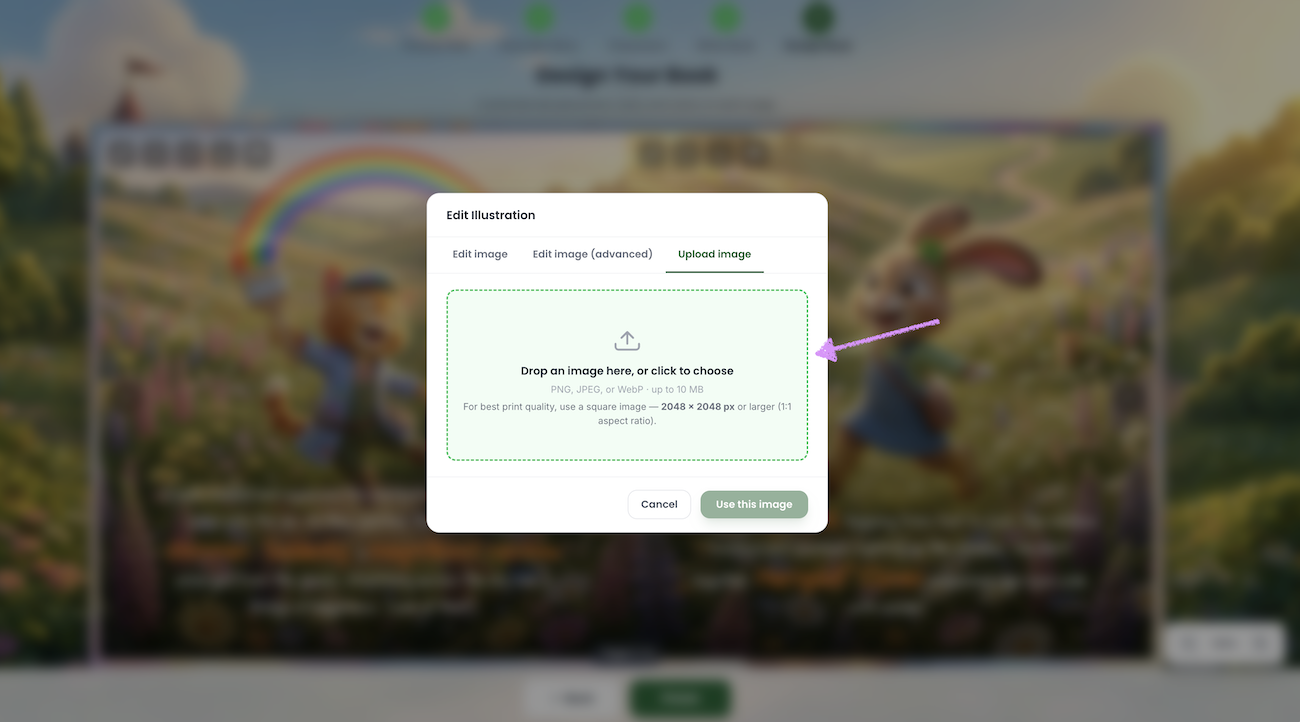
You can drag and drop or click to upload the image from your device into the provide field.
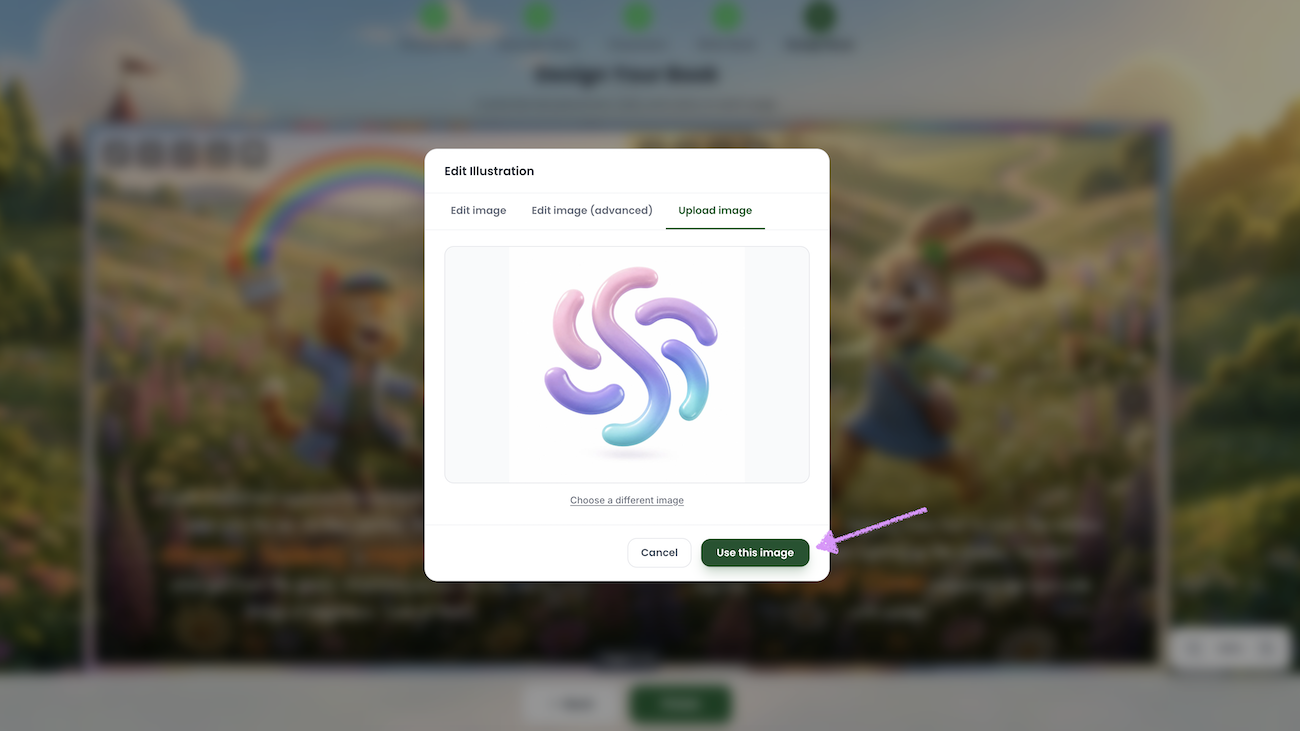
The uploaded image will be displayed.

Want to use a different image? Click “Choose a different image” to browse and select a new one.

Click on "Use this image."
The image will be added to the page.
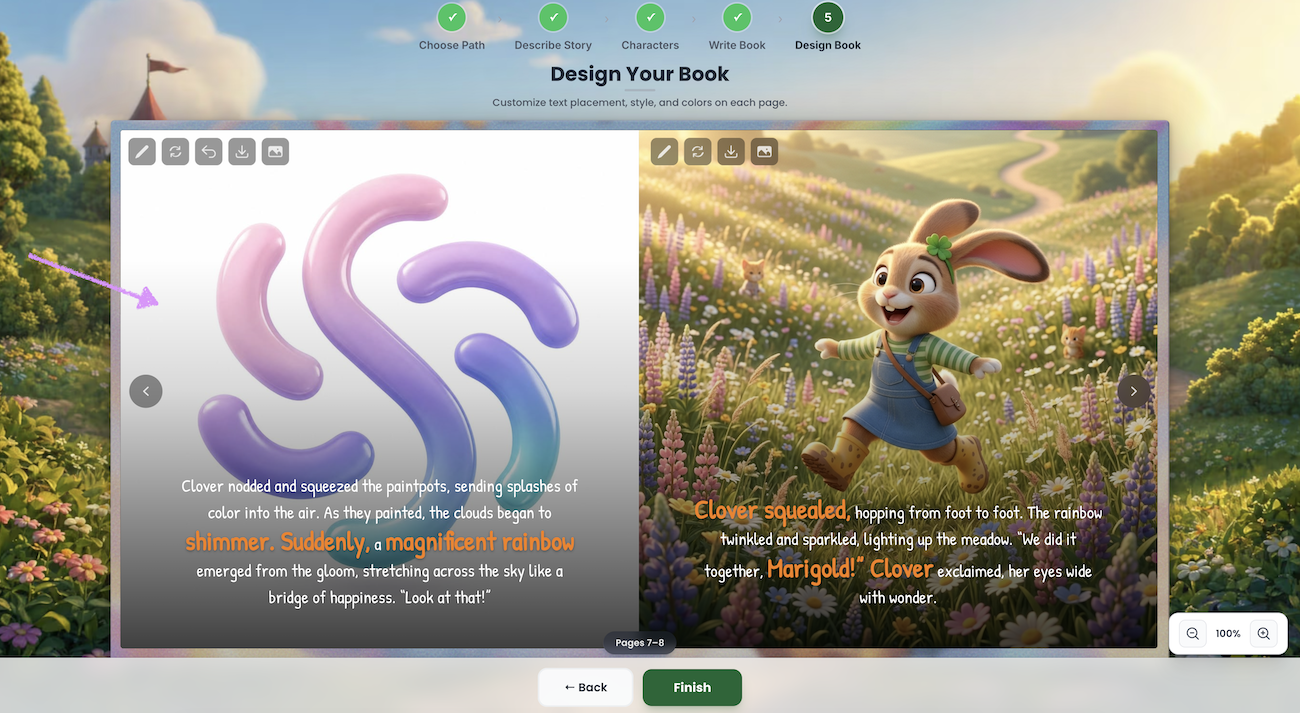
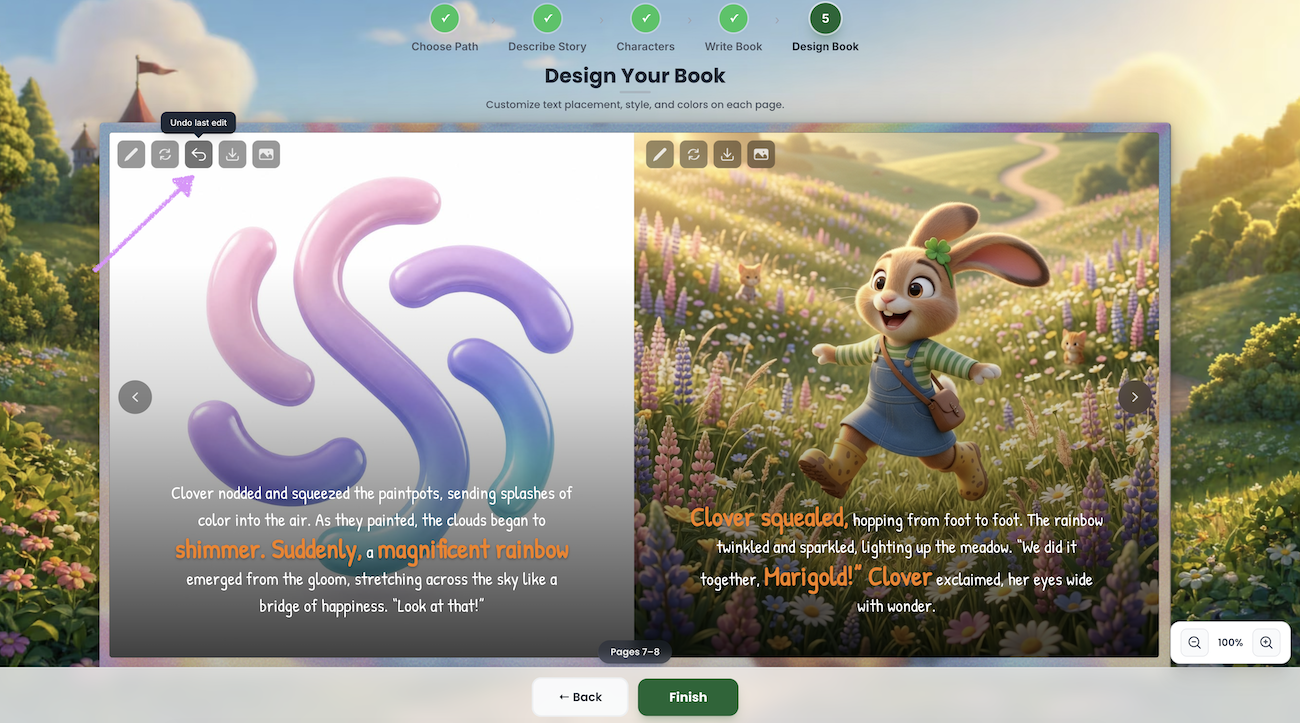
Change your mind? Click on "Undo last edit" to revert back to the previous image.
Next, check out our guide here on regenerating page images.
Was this article helpful?
That’s Great!
Thank you for your feedback
Sorry! We couldn't be helpful
Thank you for your feedback
Feedback sent
We appreciate your effort and will try to fix the article
