
Using Scrively on the Desktop App
Uploading images allows you to personalize your book with photos, illustrations, or custom artwork. You can upload images directly from your device and place them onto your pages to enhance your story and bring your visuals together seamlessly.
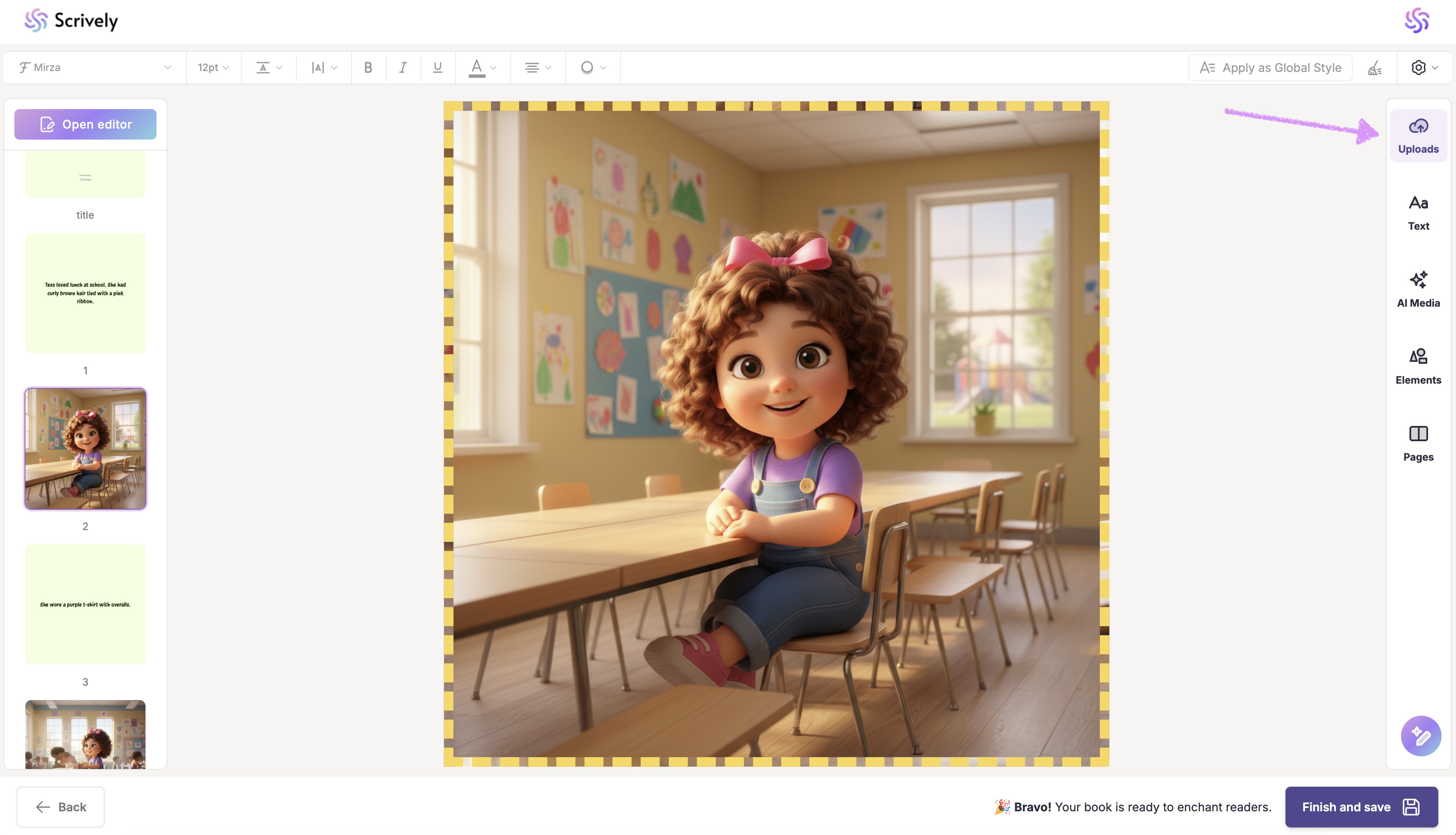
In the Designer (book layout view), open the "Uploads" tool from the panel on the right side.
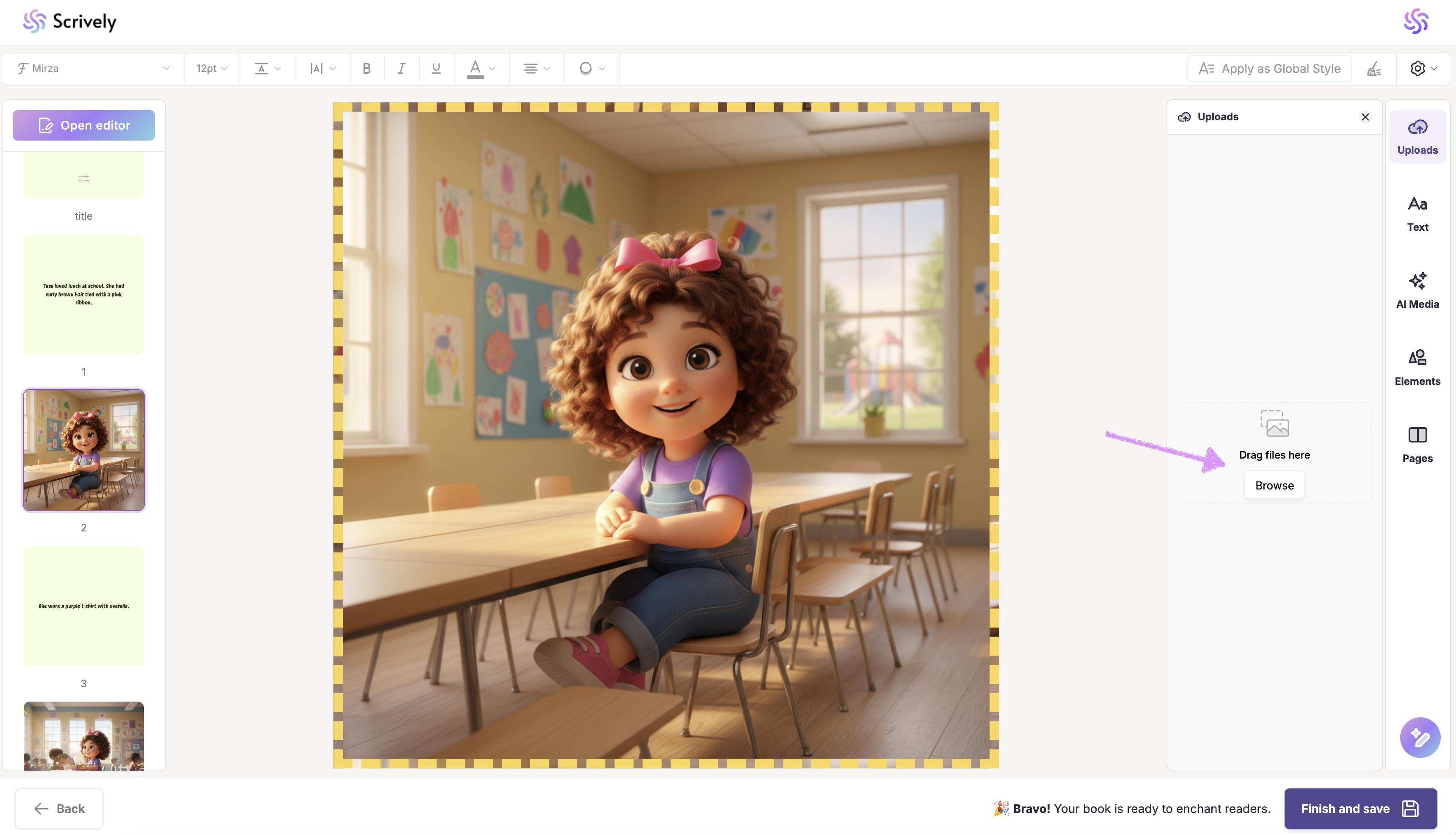
Drag and drop the file into the modal or use the "Browse" option to add it.
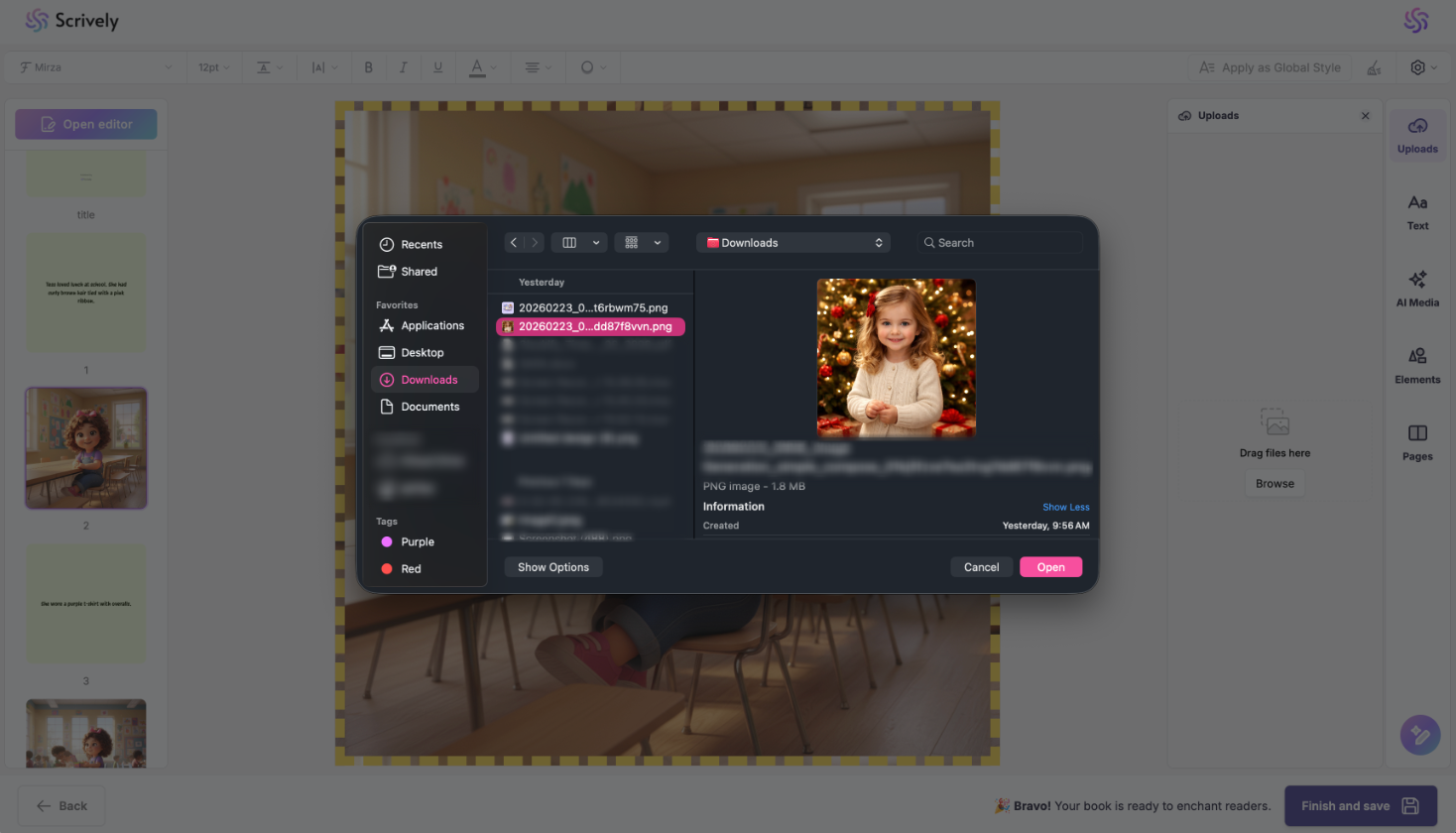
Choose the image from your device.
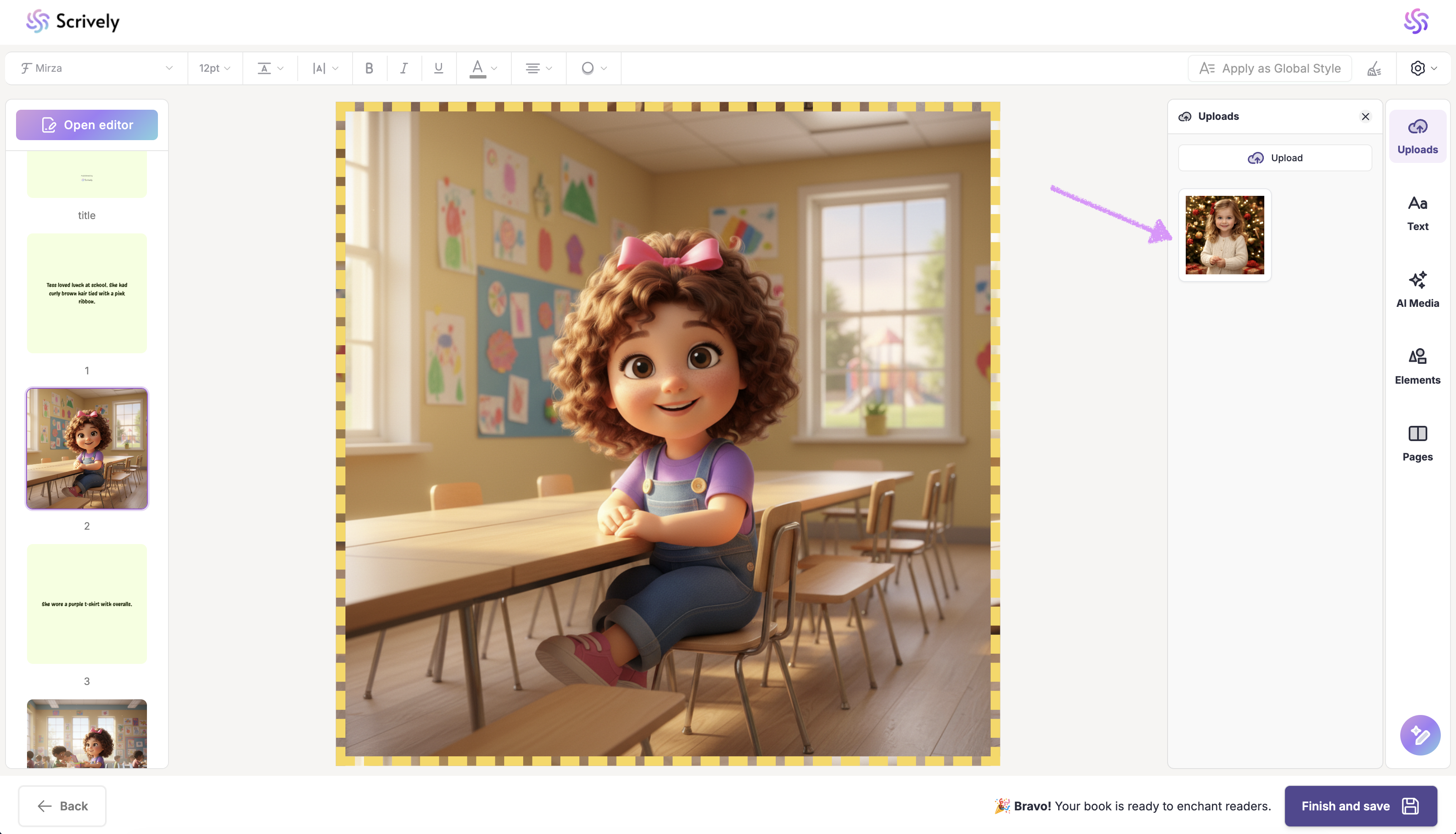
The image will appear in the "Uploads" view, ready to add to your pages.
Was this article helpful?
That’s Great!
Thank you for your feedback
Sorry! We couldn't be helpful
Thank you for your feedback
Feedback sent
We appreciate your effort and will try to fix the article
