
You can make your book private at any time in Scrively. This ensures only you can access and view your book, keeping it hidden from readers and shared links.
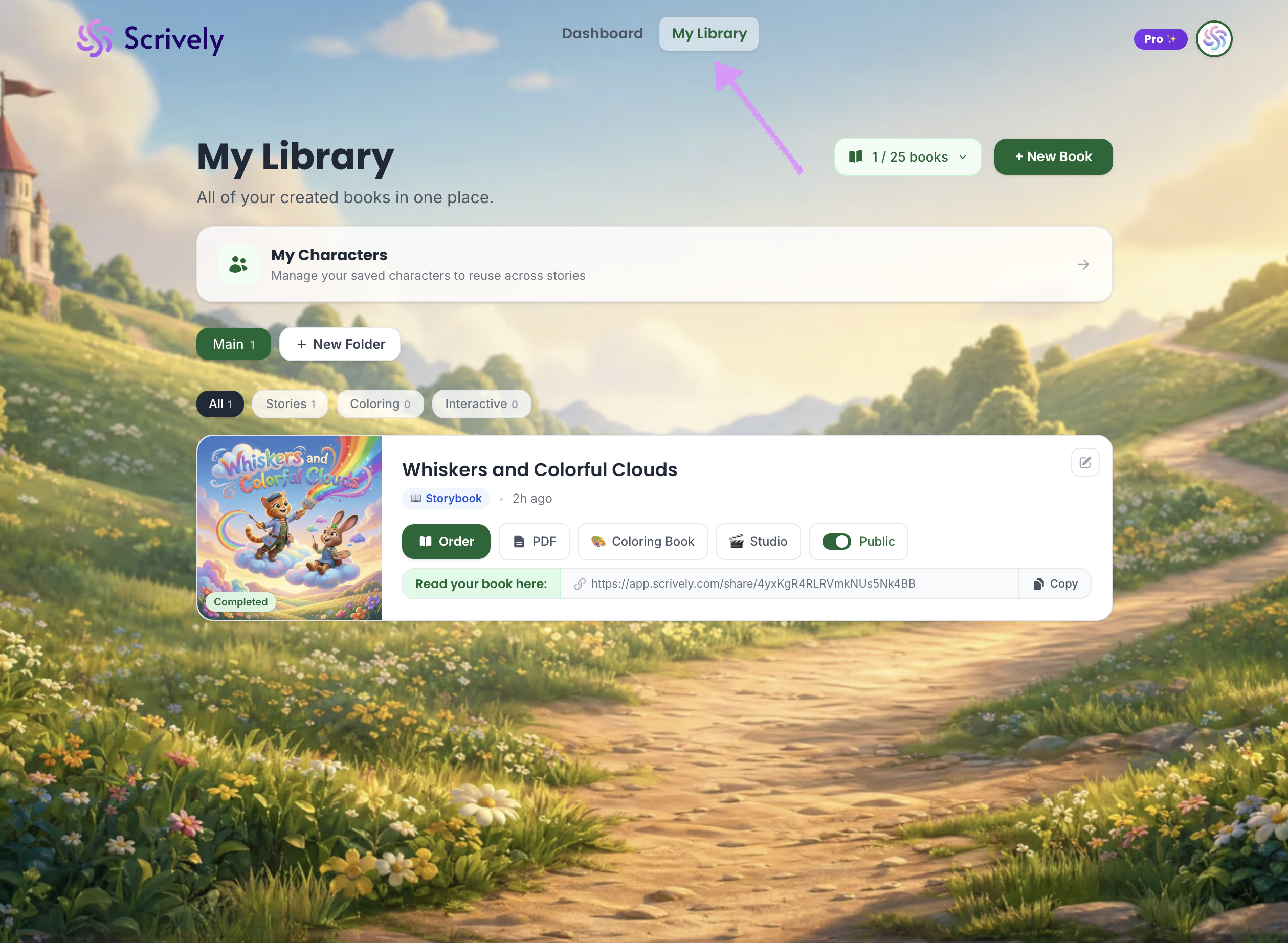
Head over to the "My Library" tab.
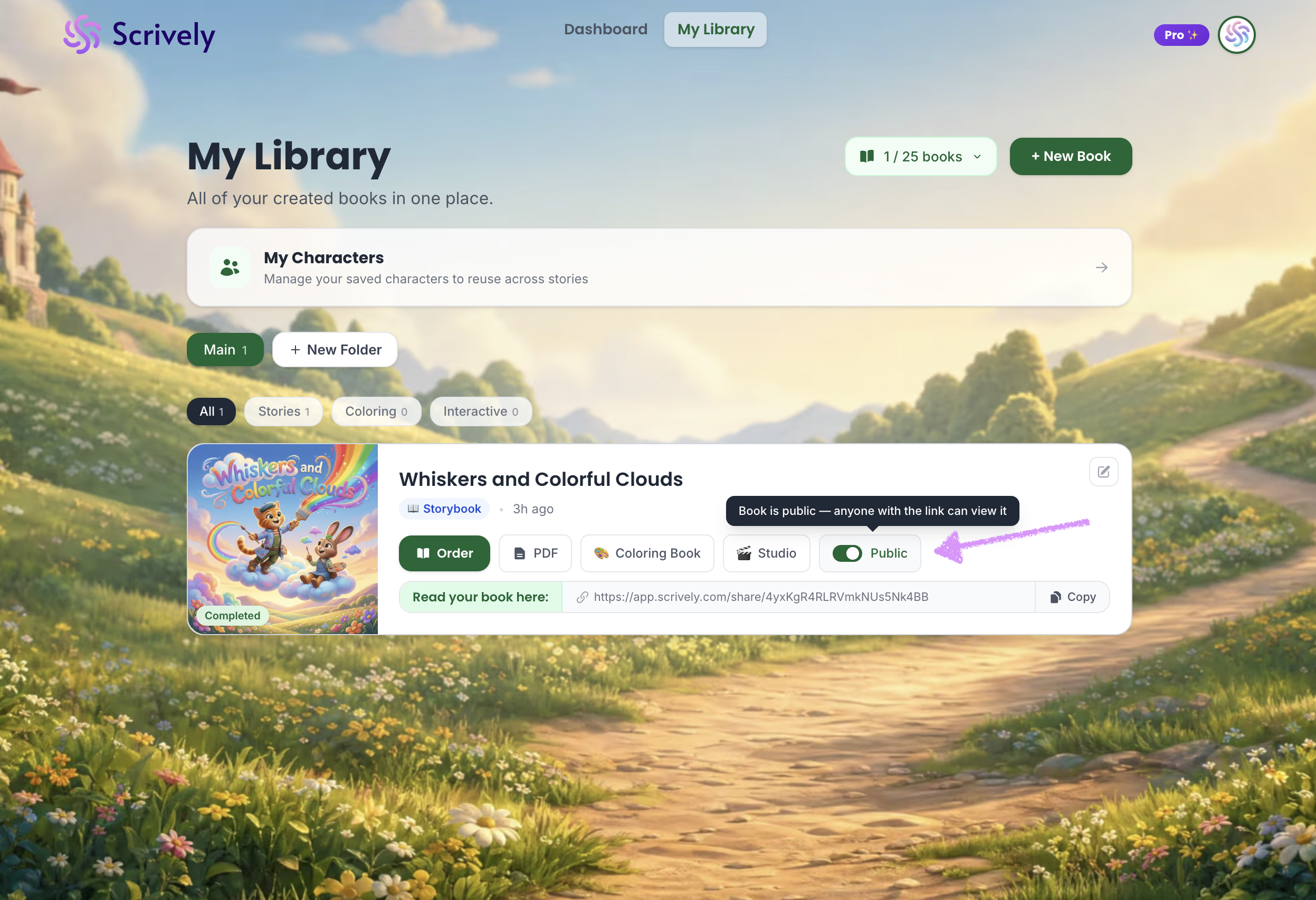
Toggle the "Public" setting to "Private."
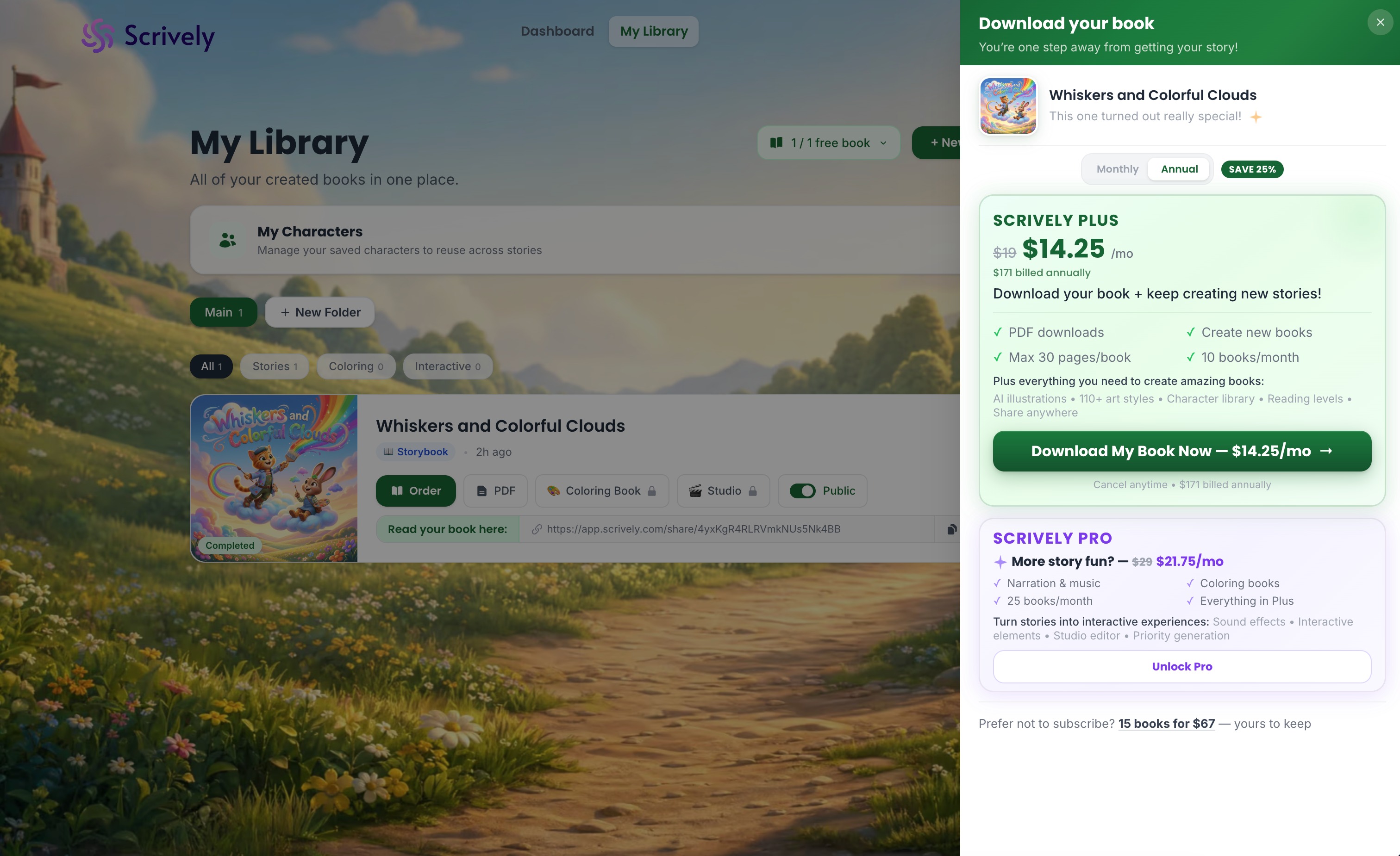
Full share links are available on one-time purchases, Plus, and Pro plans. Upgrade anytime to unlock this feature.
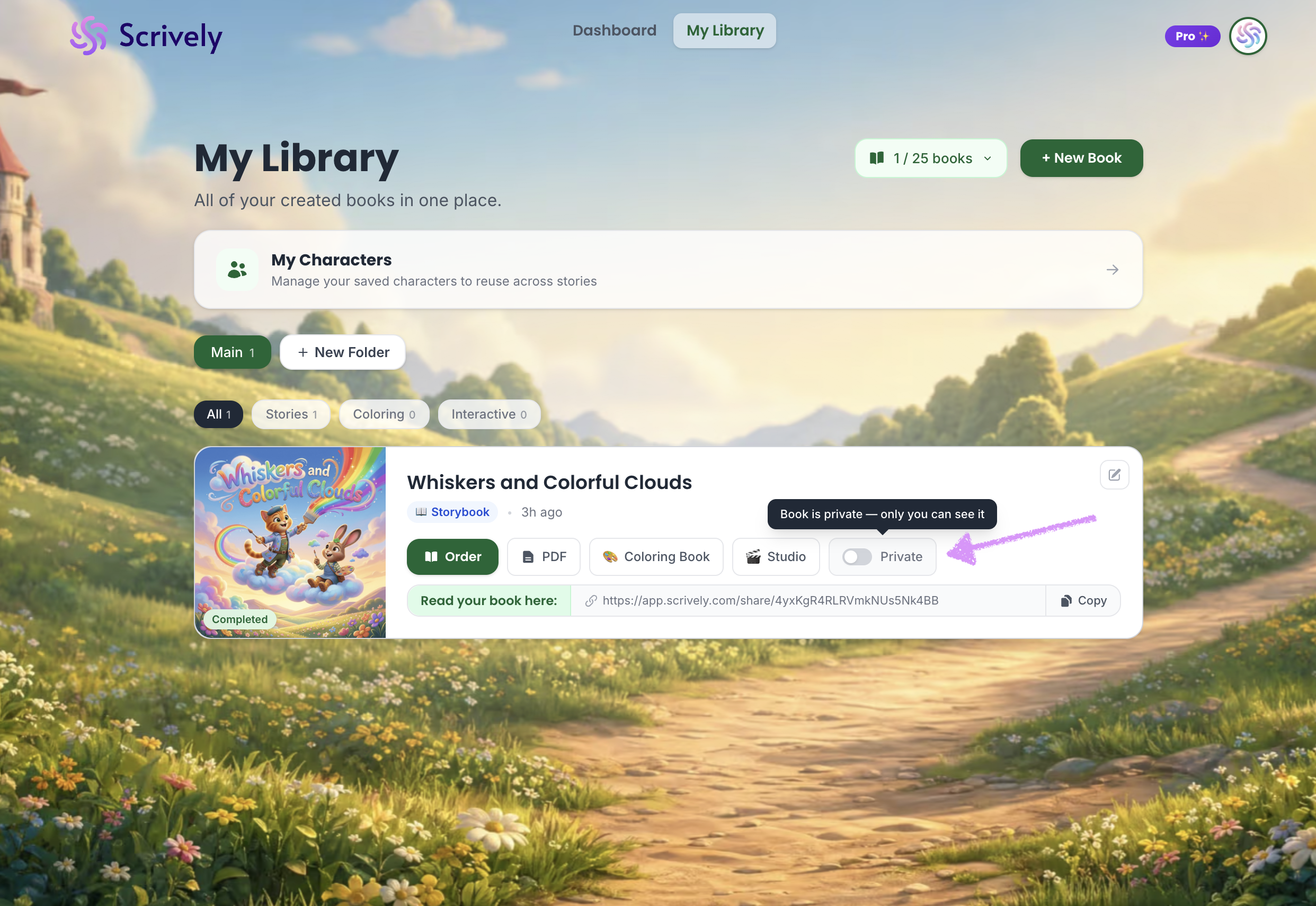
The book will be set to "Private" and only you can see it.
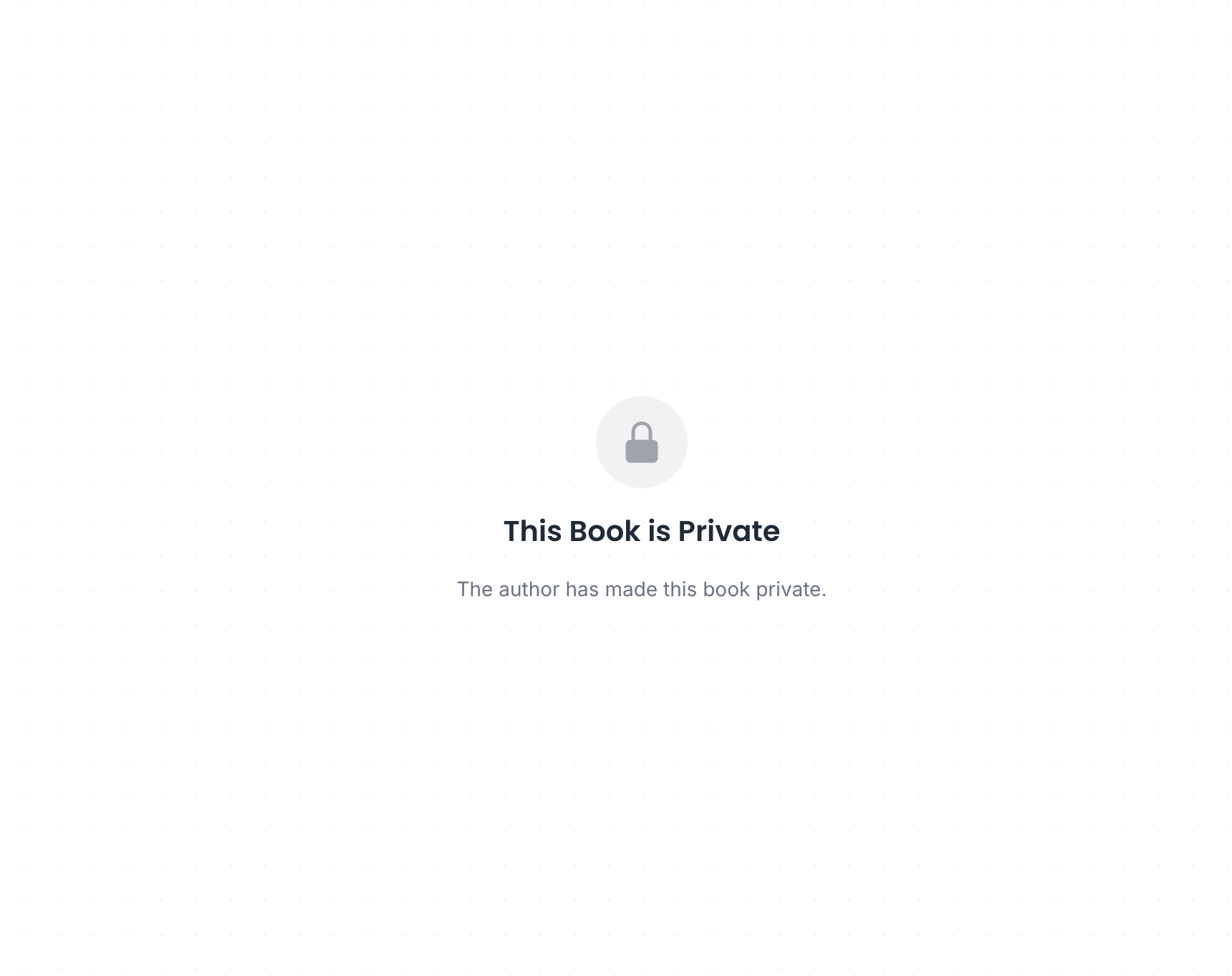
Readers with access to the shared link will see this message.
Was this article helpful?
That’s Great!
Thank you for your feedback
Sorry! We couldn't be helpful
Thank you for your feedback
Feedback sent
We appreciate your effort and will try to fix the article
