
My Library
Once your story is generated in the Scrively Web App, you can easily edit and refine every detail. Update your title, change the author name, rewrite sections, or adjust the tone to better match your vision.
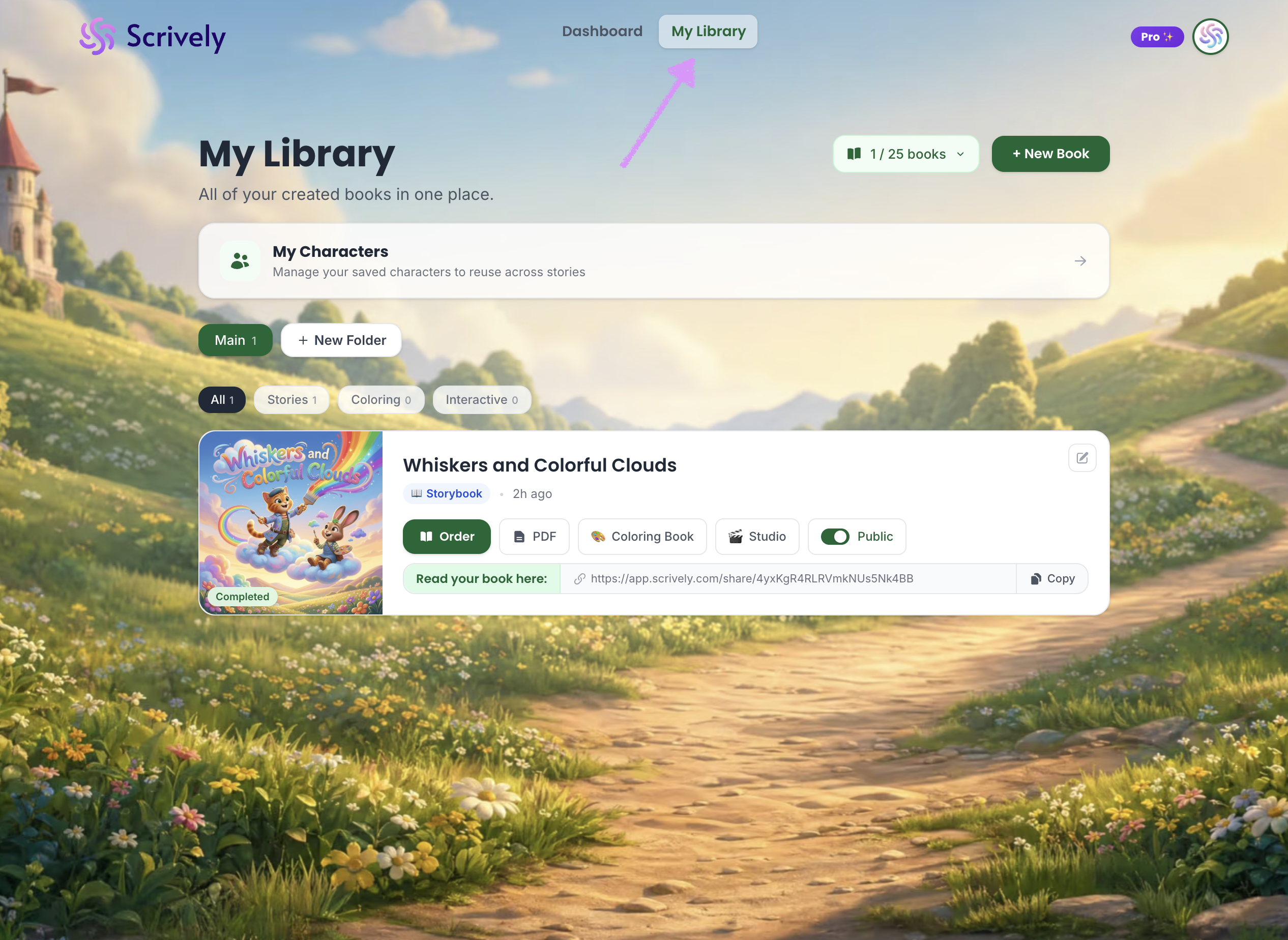
Head over to the "My Library" tab.
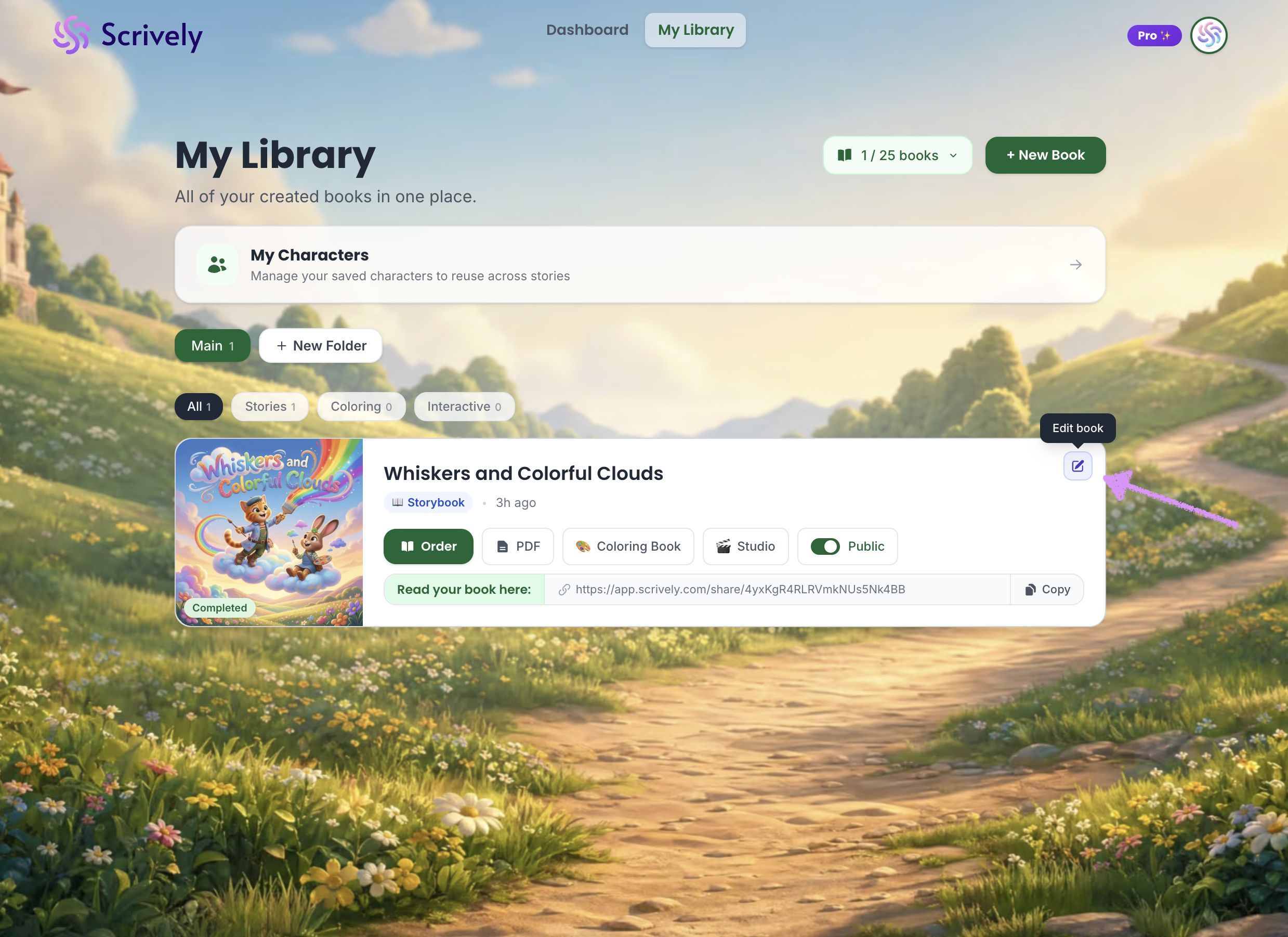
Click on "Edit book" at the top right of the book you've like to continue working on.
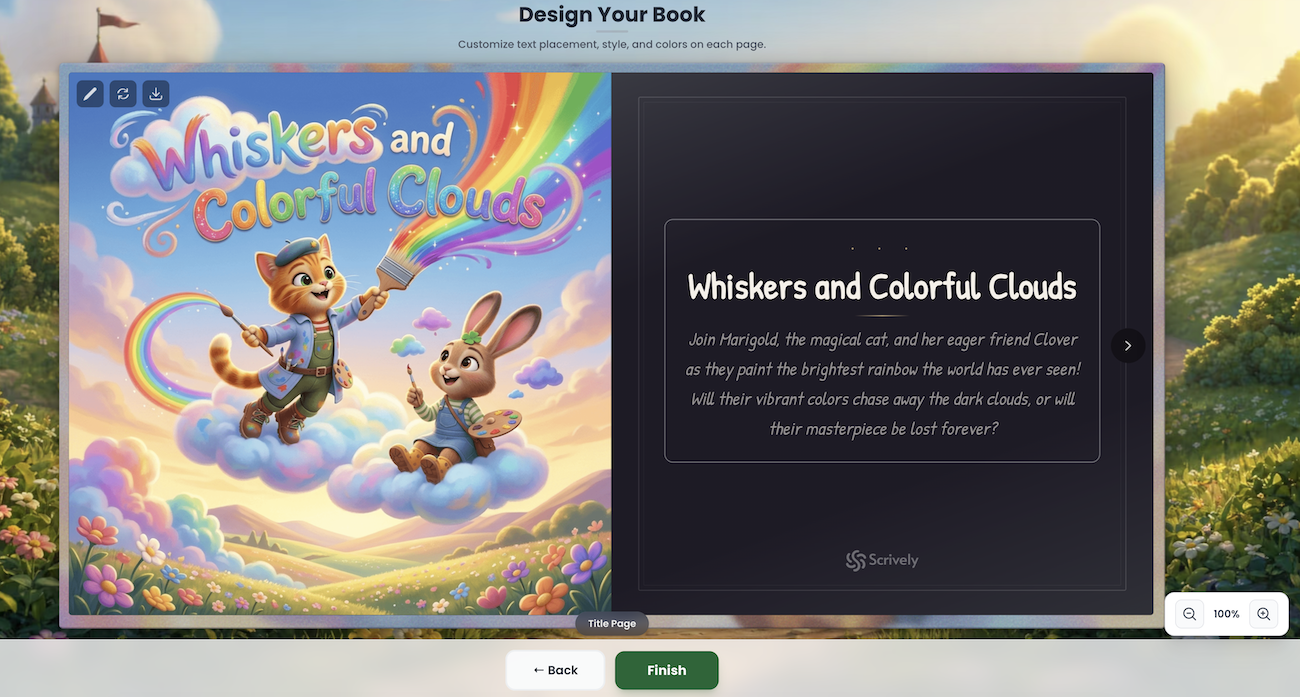
You'll be redirected to the editor where you can continue working on your book.
Was this article helpful?
That’s Great!
Thank you for your feedback
Sorry! We couldn't be helpful
Thank you for your feedback
Feedback sent
We appreciate your effort and will try to fix the article
