
You can easily download your book as a PDF directly from Scrively. This allows you to save, print, or share your book anytime with just a few clicks.
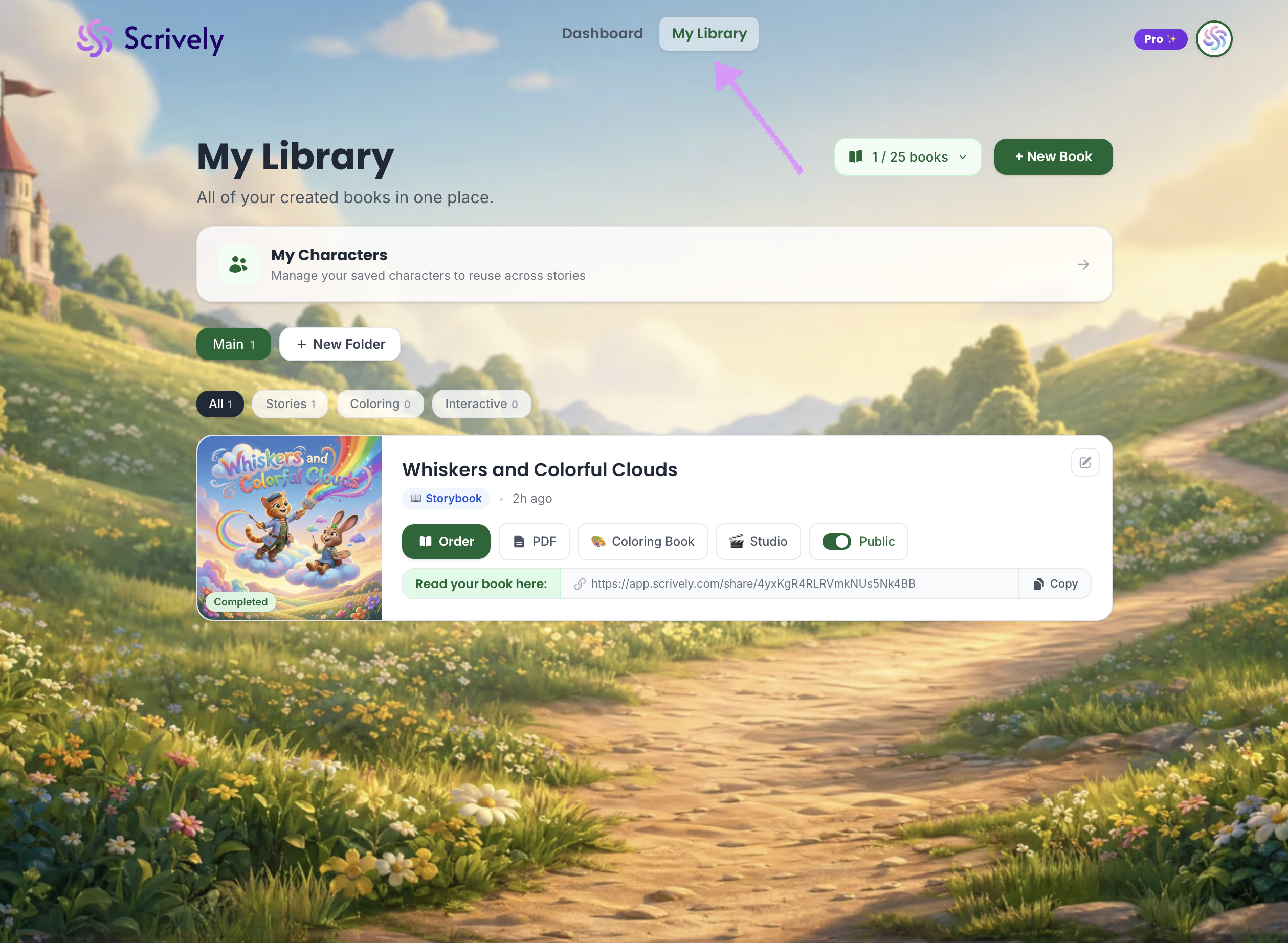
Head over to the "My Library" tab.
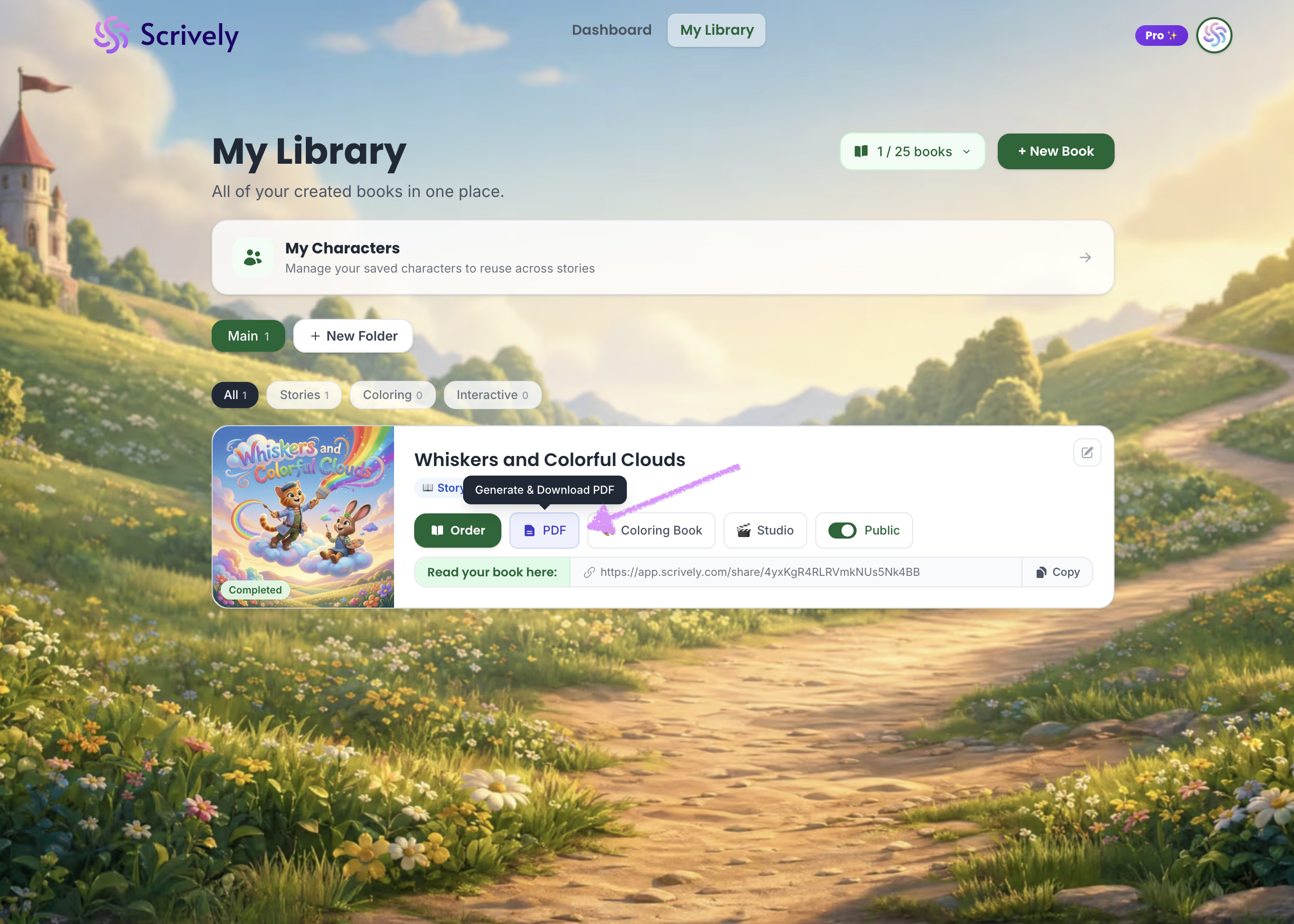
Click on "Generate and Download PDF."
PDF downloads are available on one-time purchases, Plus, and Pro plans. Upgrade anytime to unlock this feature.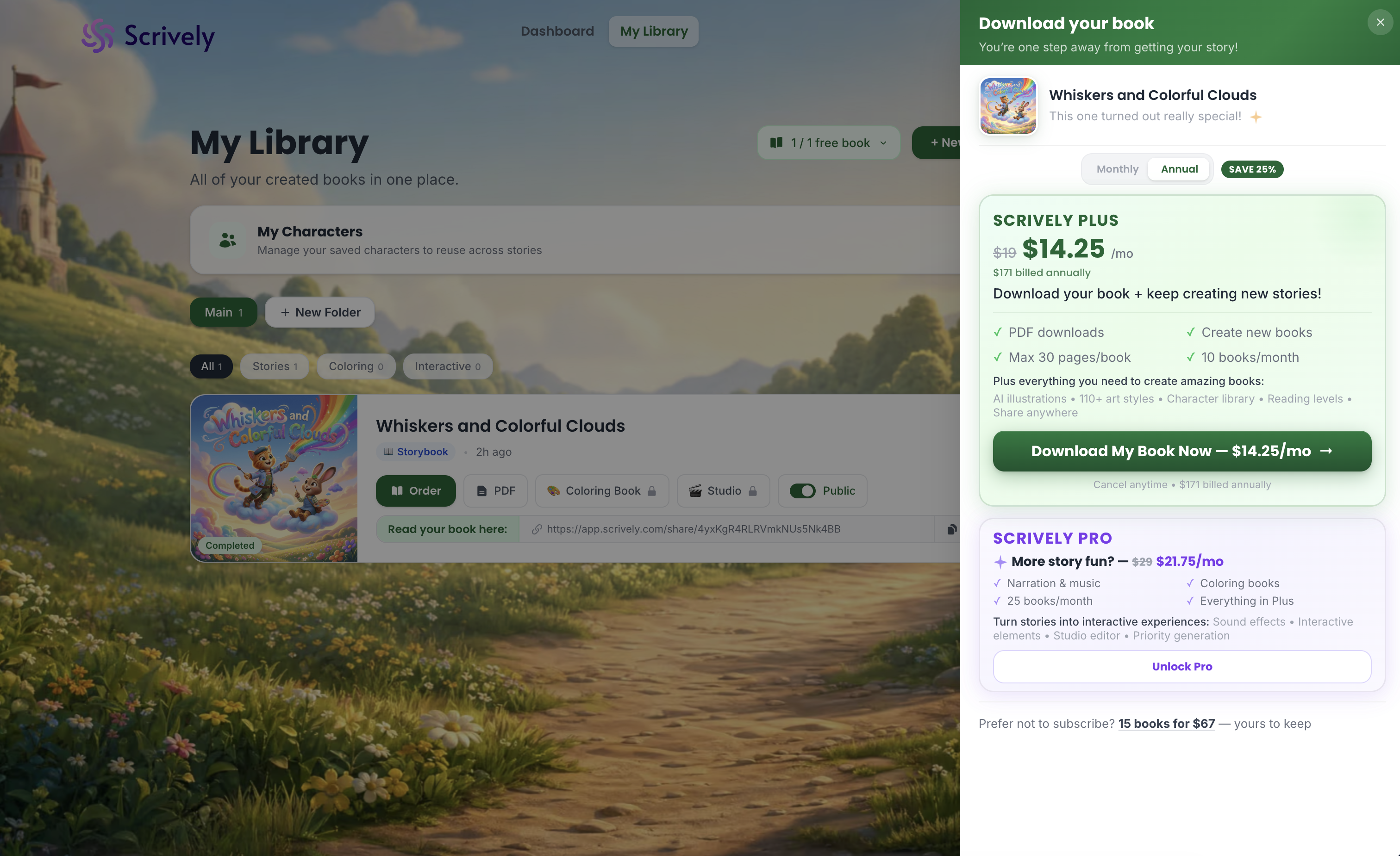
Scrively will take a few moments to generate the PDF file.
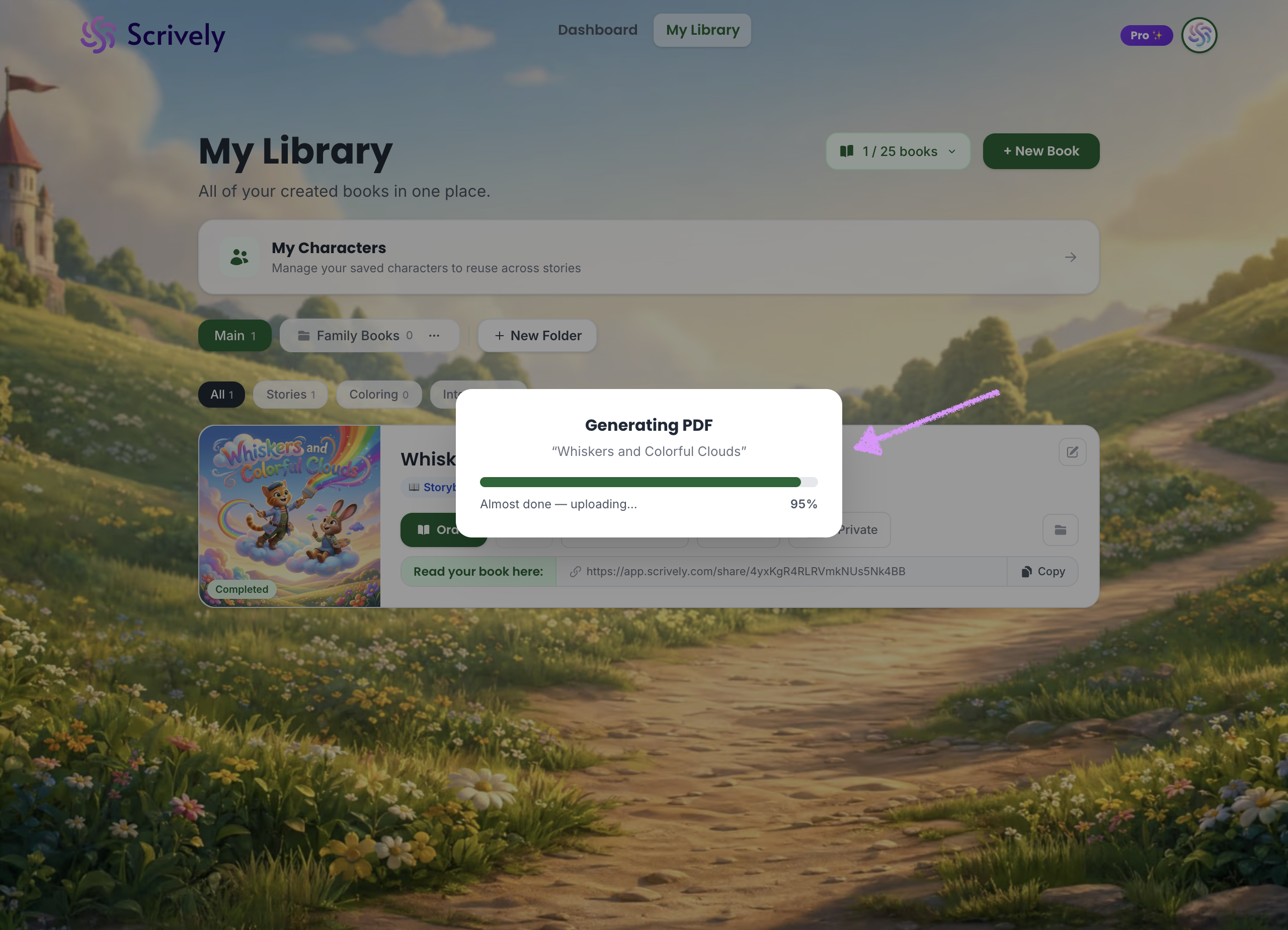
The PDF will open in a new window.
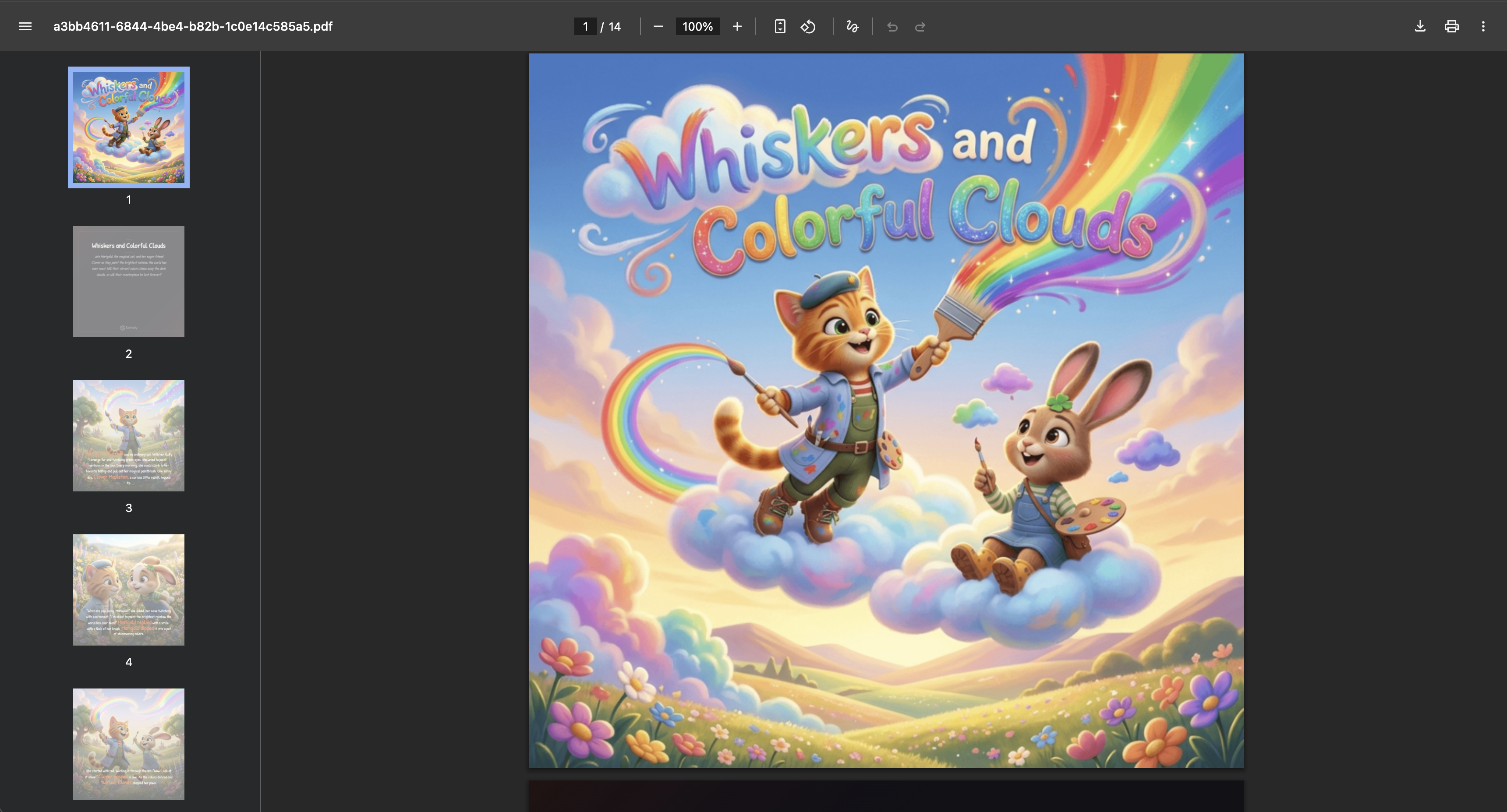
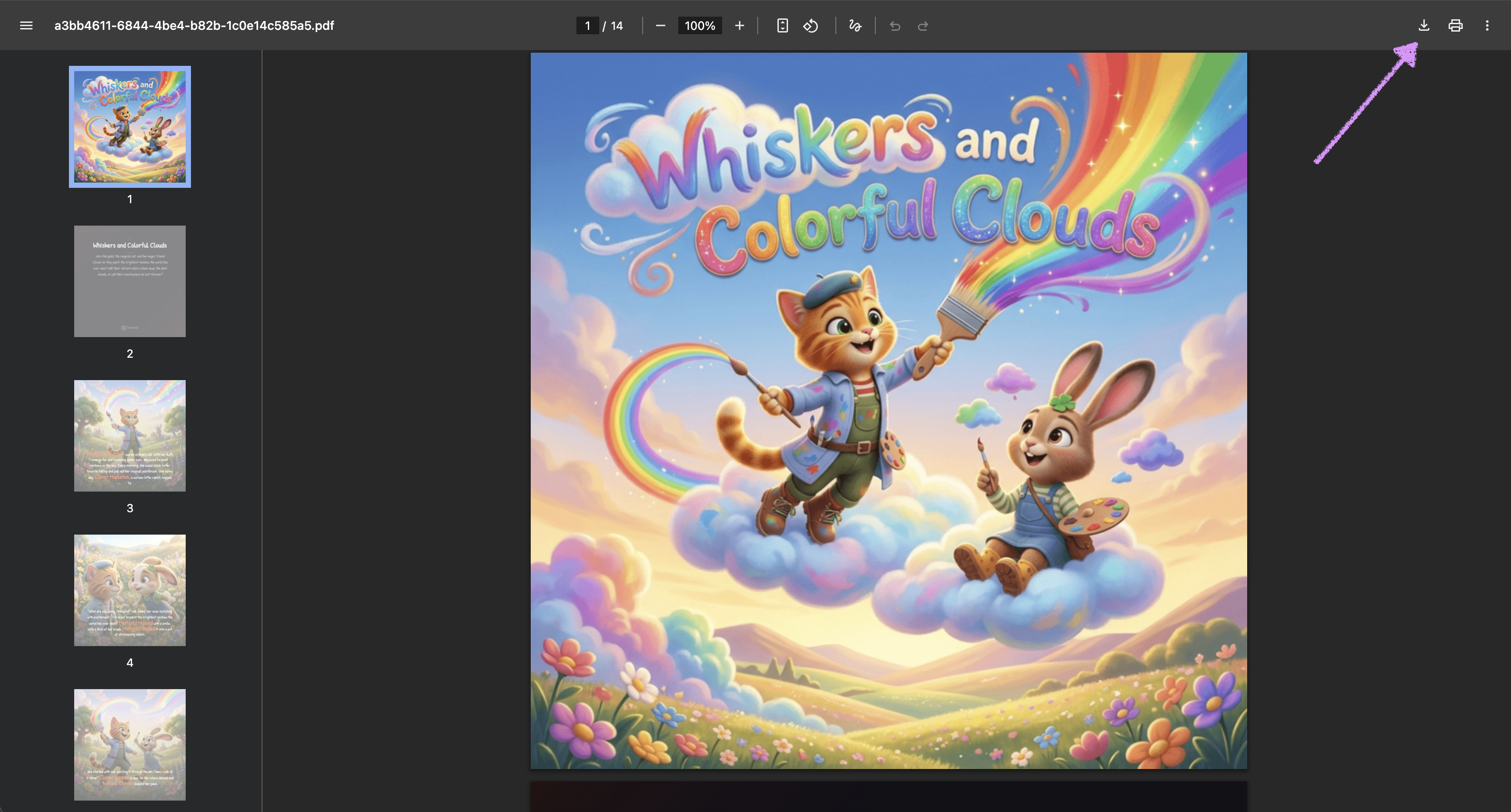
Click the download icon, then choose where to save the file on your device.
Was this article helpful?
That’s Great!
Thank you for your feedback
Sorry! We couldn't be helpful
Thank you for your feedback
Feedback sent
We appreciate your effort and will try to fix the article
