
Book Orders
Need to make a change after placing a book order in Scrively? No problem. Scrively allows you to cancel an order within one hour of placing it.
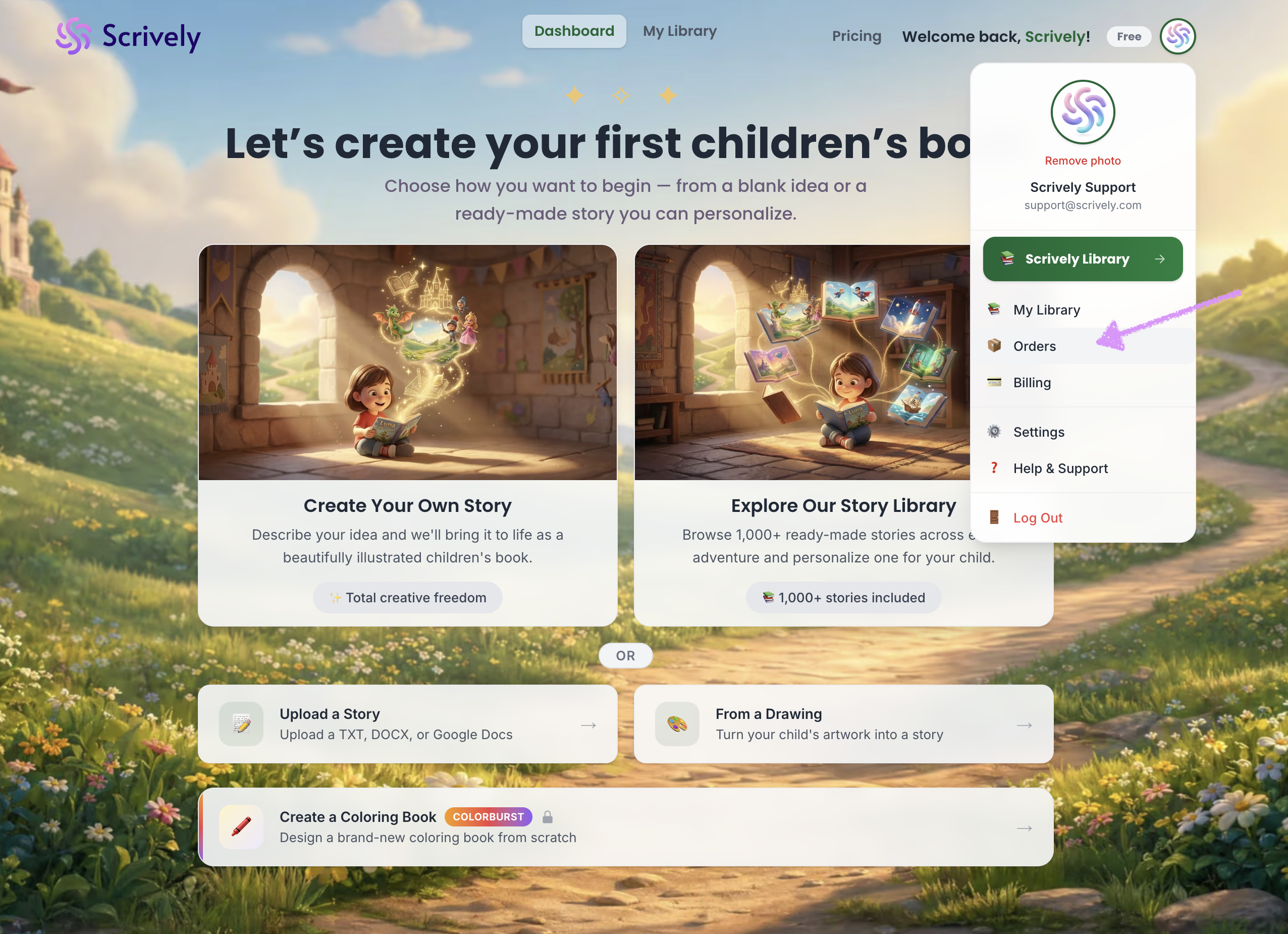
Click on your profile image at the top right of the app.

Select "Orders."
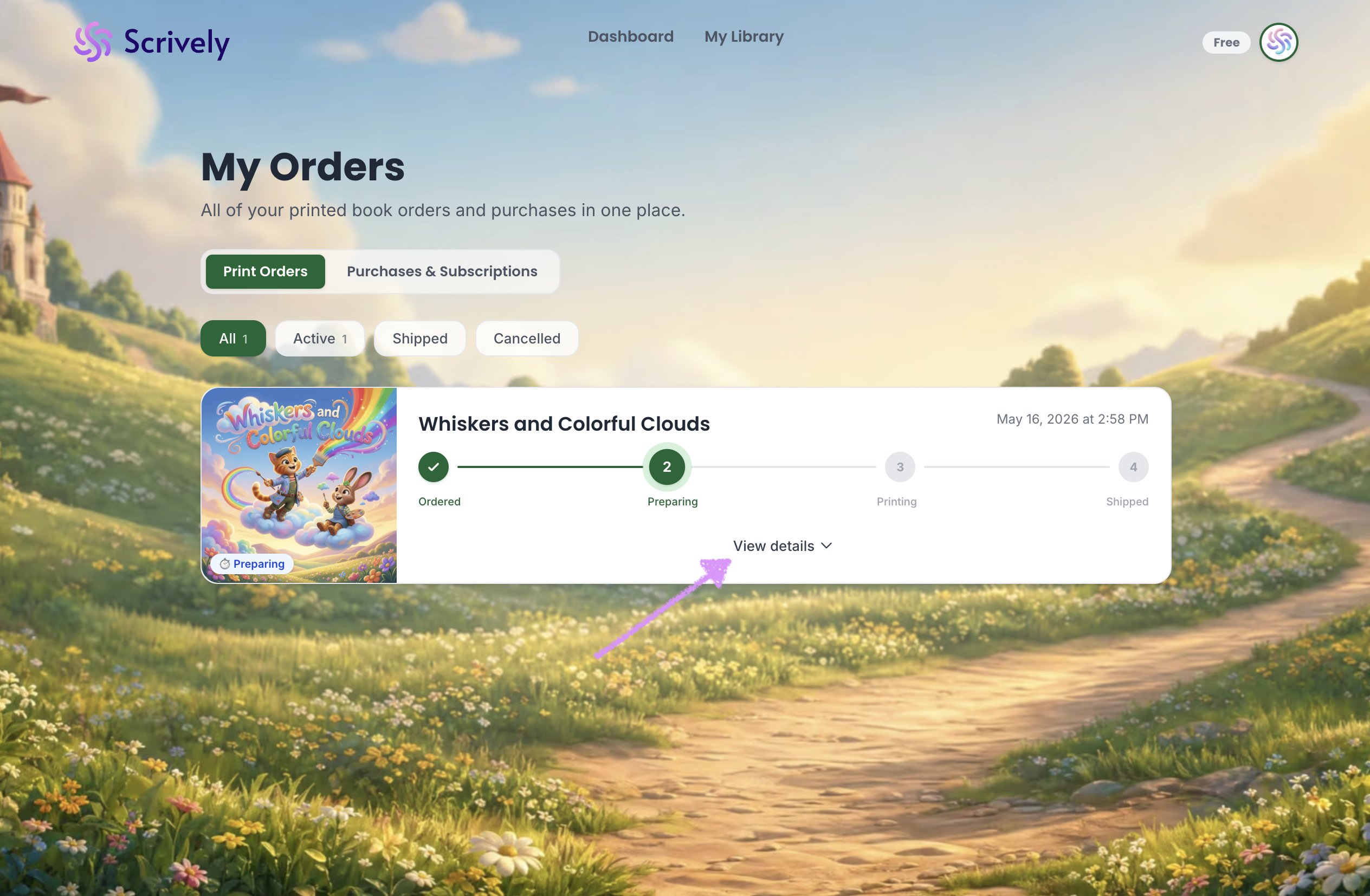
Click on "View details."
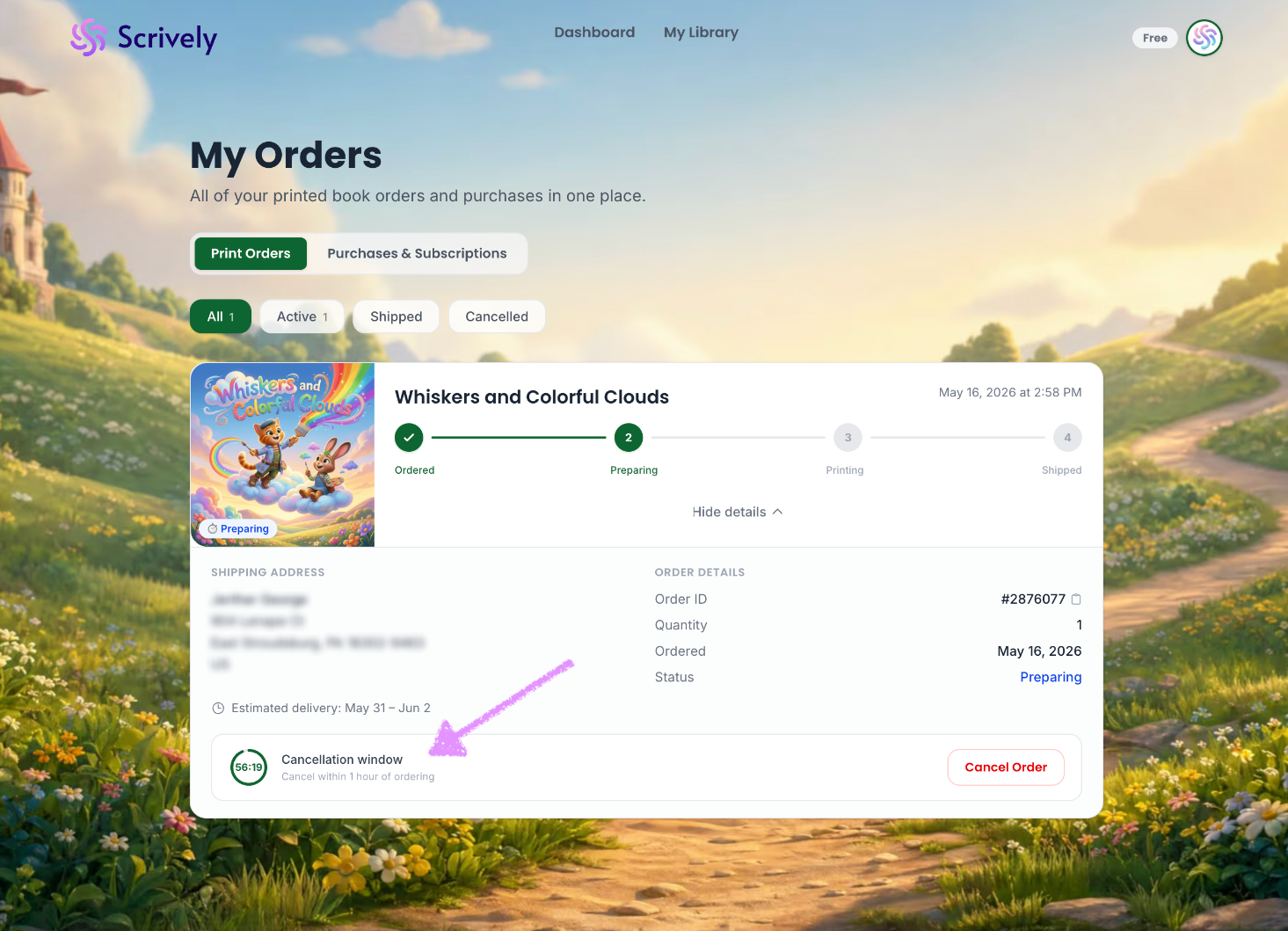
Scrively provides a one-hour window to cancel your order after it’s been placed. Once that time has passed, cancellations are no longer possible.
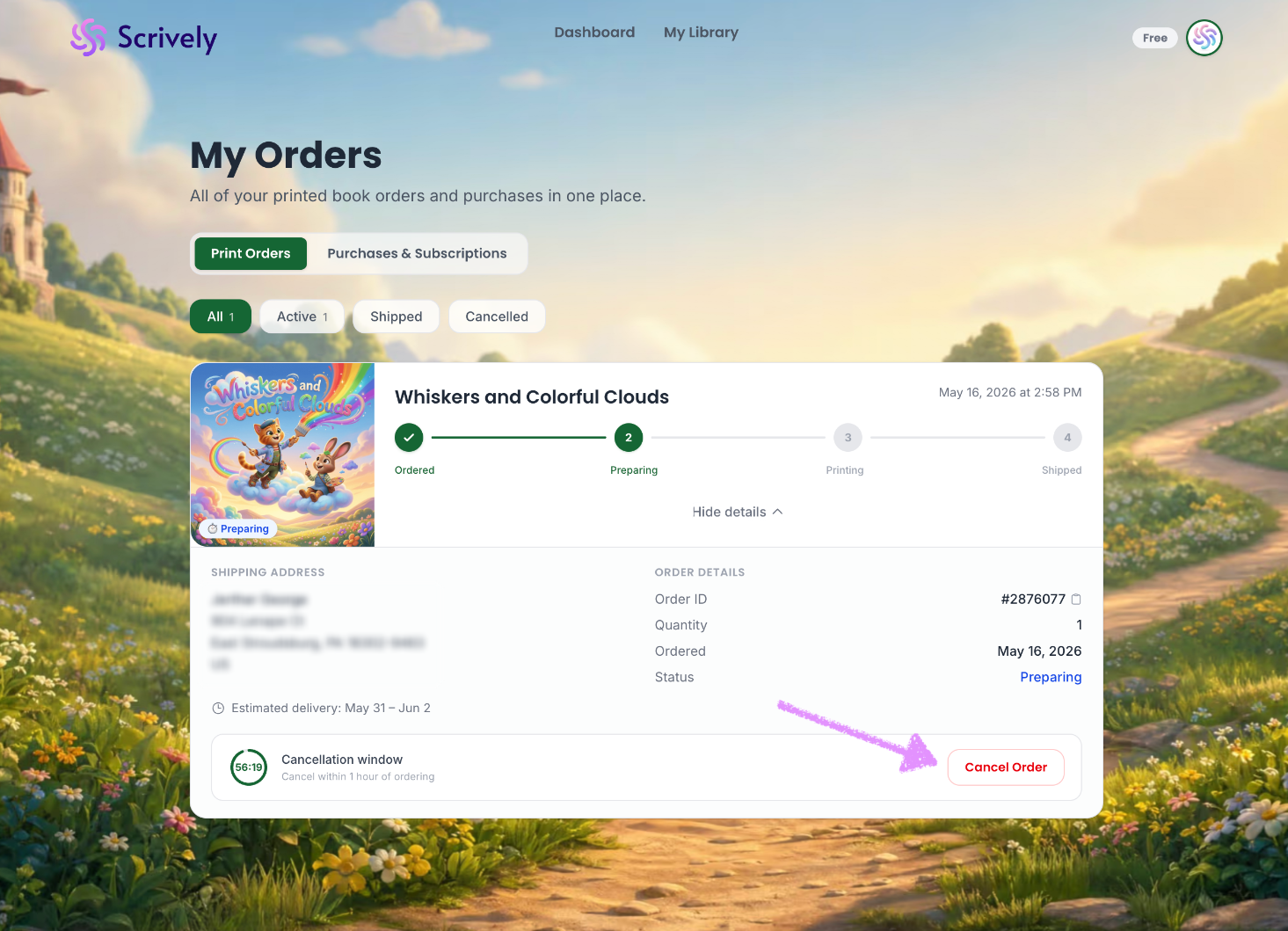
Click on "Cancel Order."
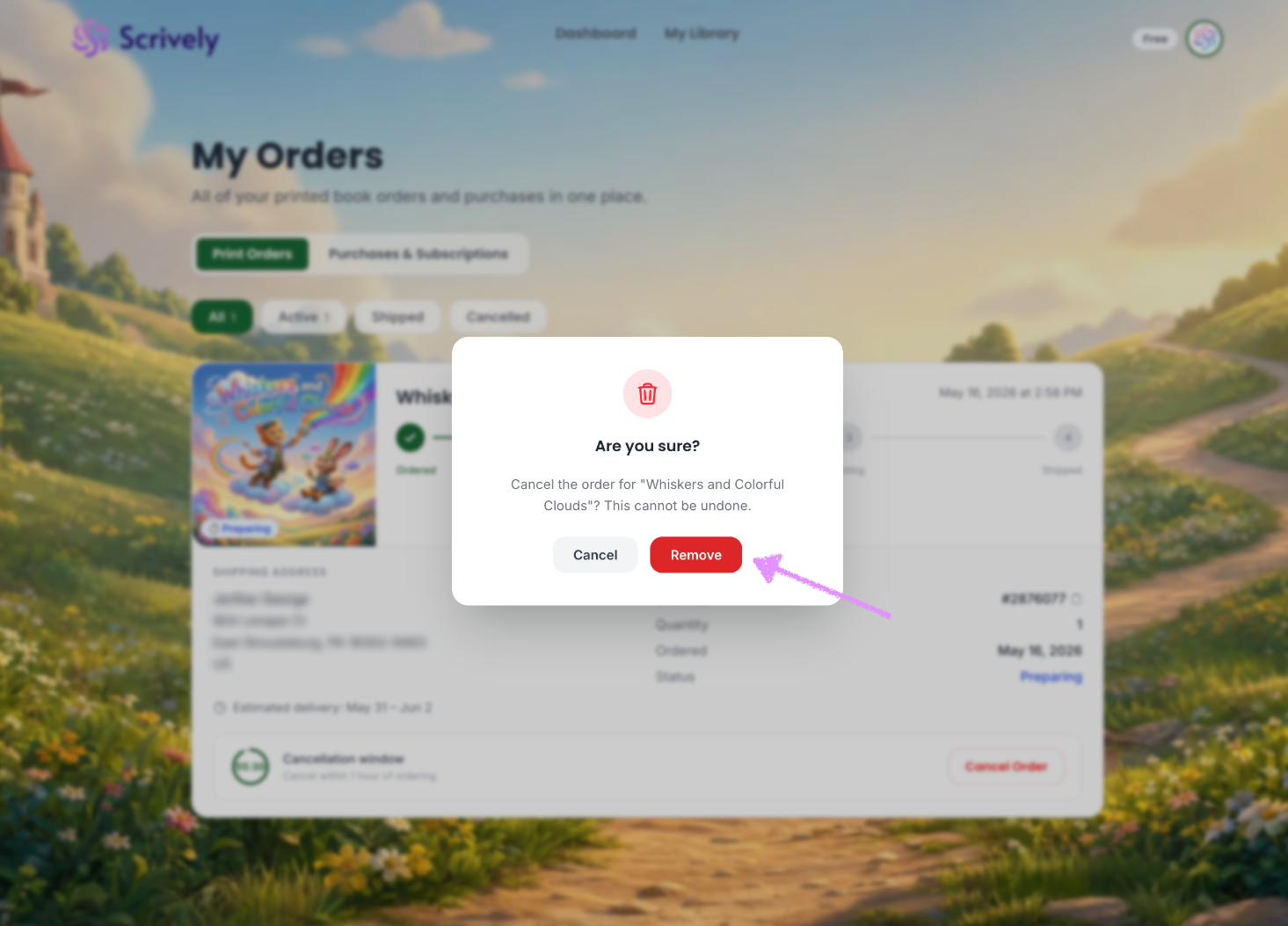
Confirm the order cancellation by clicking on "Cancel Order."
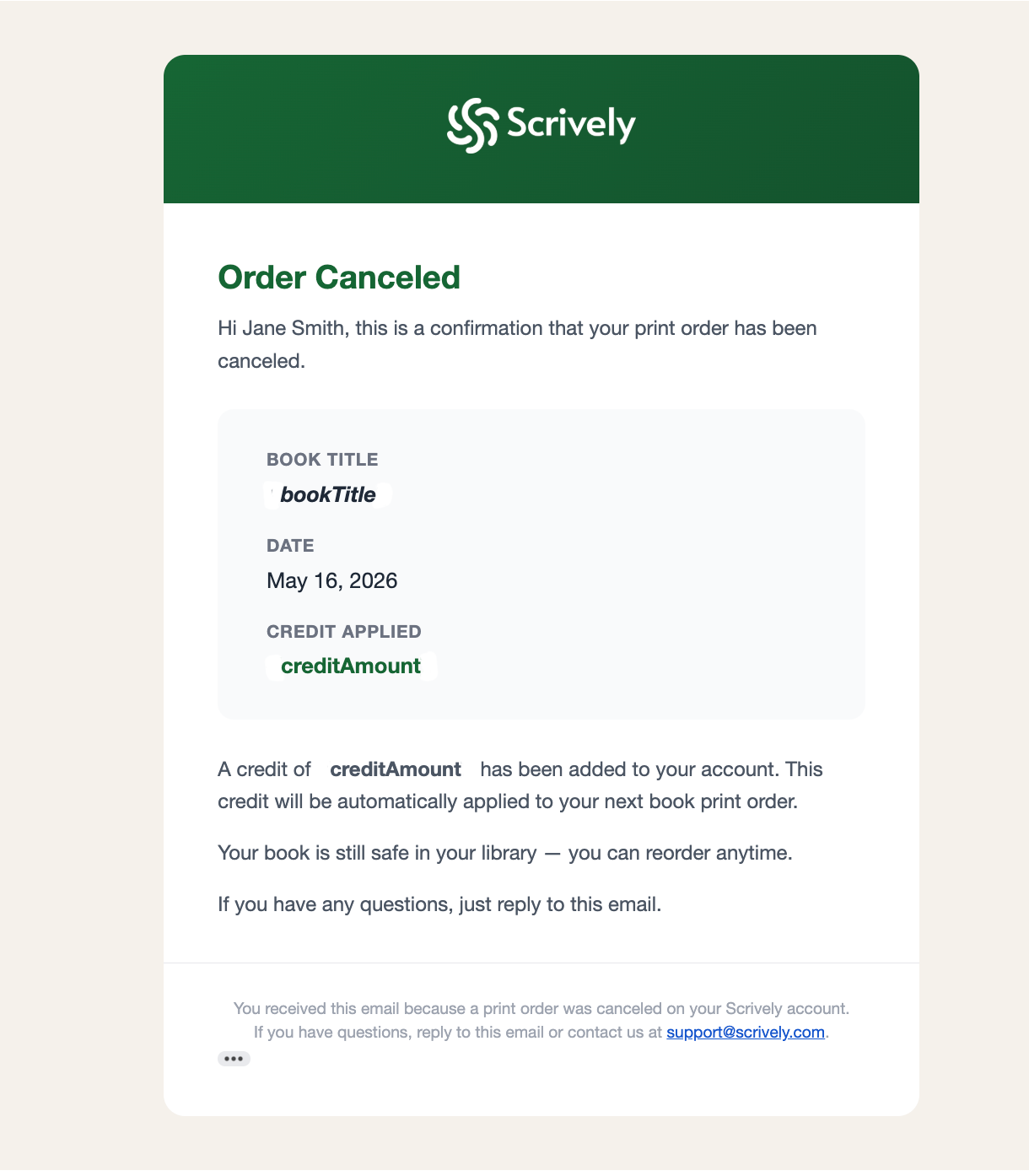
A cancellation email will be sent.
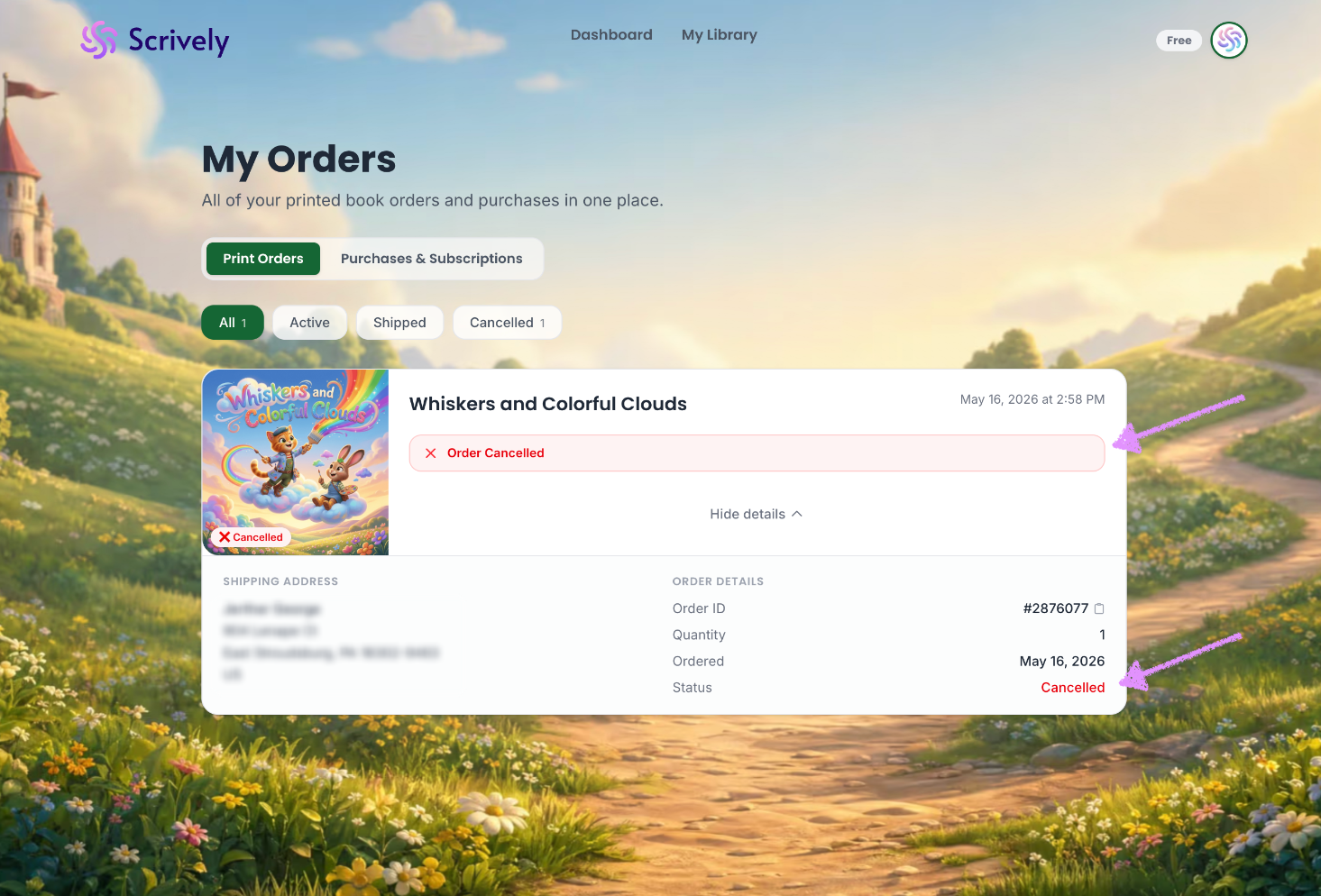
The order status will change to "Cancelled."
Was this article helpful?
That’s Great!
Thank you for your feedback
Sorry! We couldn't be helpful
Thank you for your feedback
Feedback sent
We appreciate your effort and will try to fix the article
