
Desktop App Library
Want to share a specific bookshelf with others? Scrively allows you to generate and share direct links to individual bookshelves, making it easy to showcase collections or provide quick access to curated content.
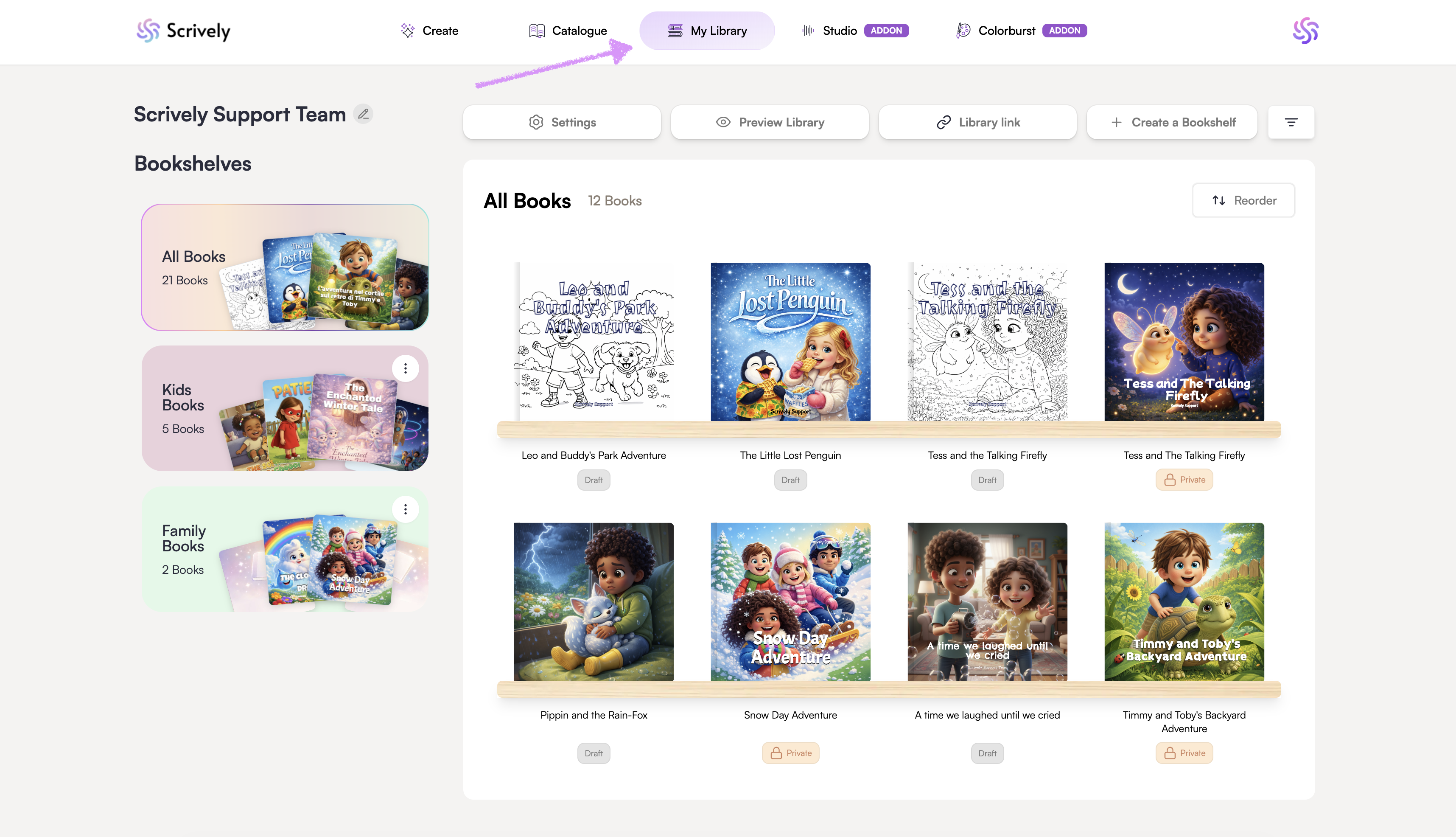
Head over to the "My Library" tab.
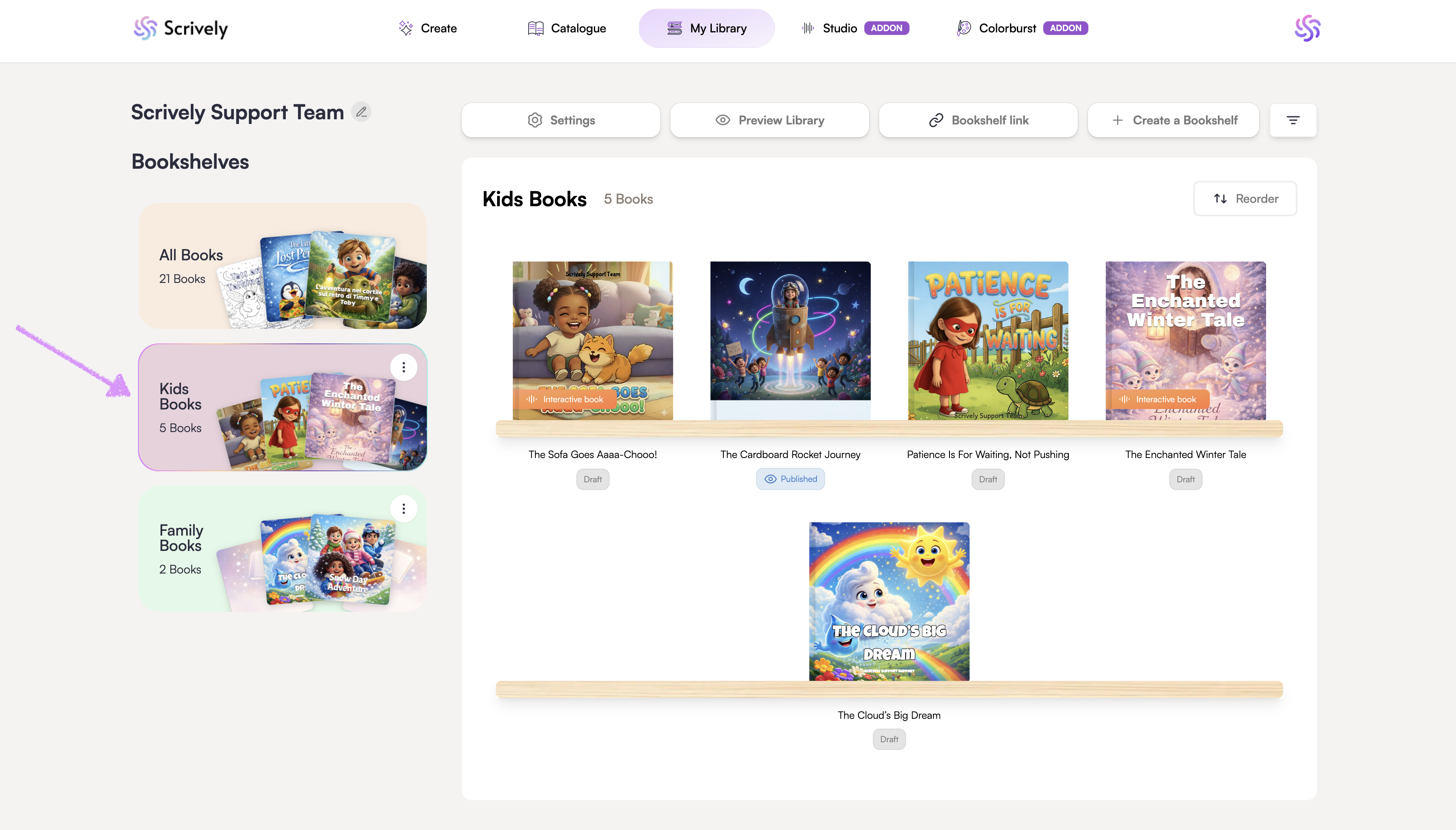
Click on the bookshelf you'd like to share.
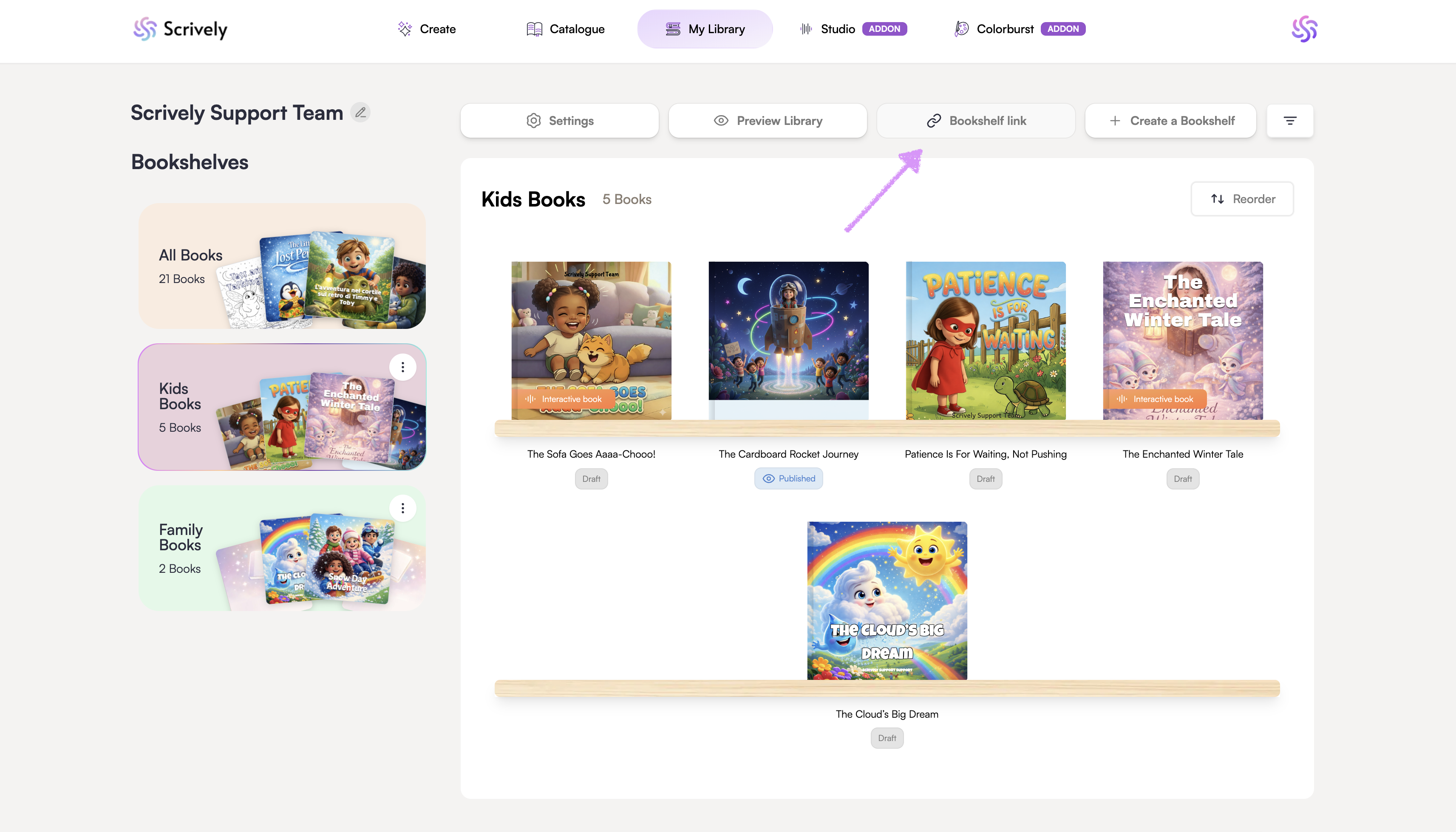
Click on "Bookshelf link."
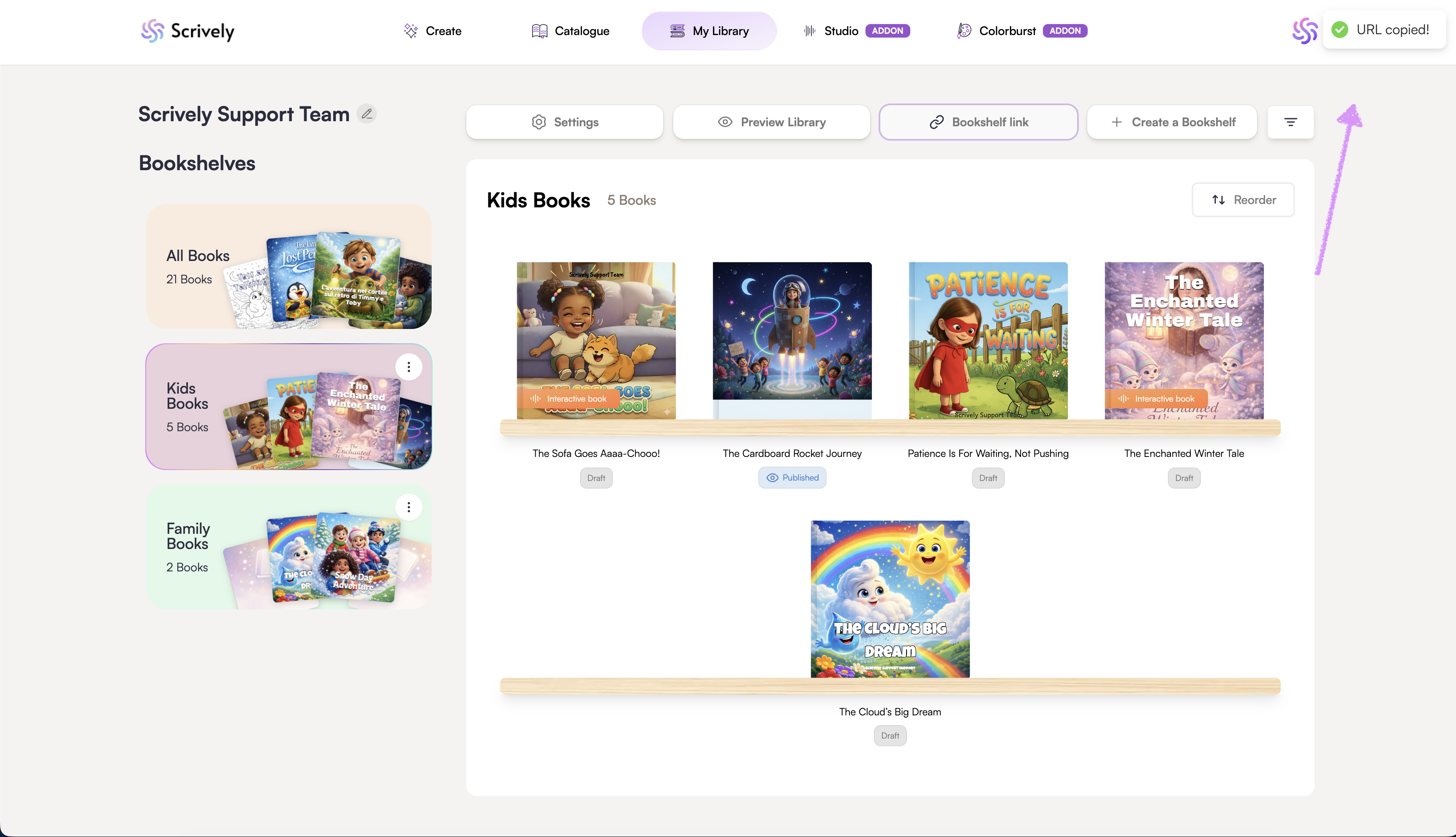
A link to the bookshelf is copied to your clipboard, ready to be shared with friends, family, or readers.
Was this article helpful?
That’s Great!
Thank you for your feedback
Sorry! We couldn't be helpful
Thank you for your feedback
Feedback sent
We appreciate your effort and will try to fix the article
