Personalize your Scrively experience by giving your library a unique name. It’s a simple way to make your collection feel truly yours and easily recognizable whenever you return to browse, read, or share your favorite books.
Navigate to the "My Library" tab.
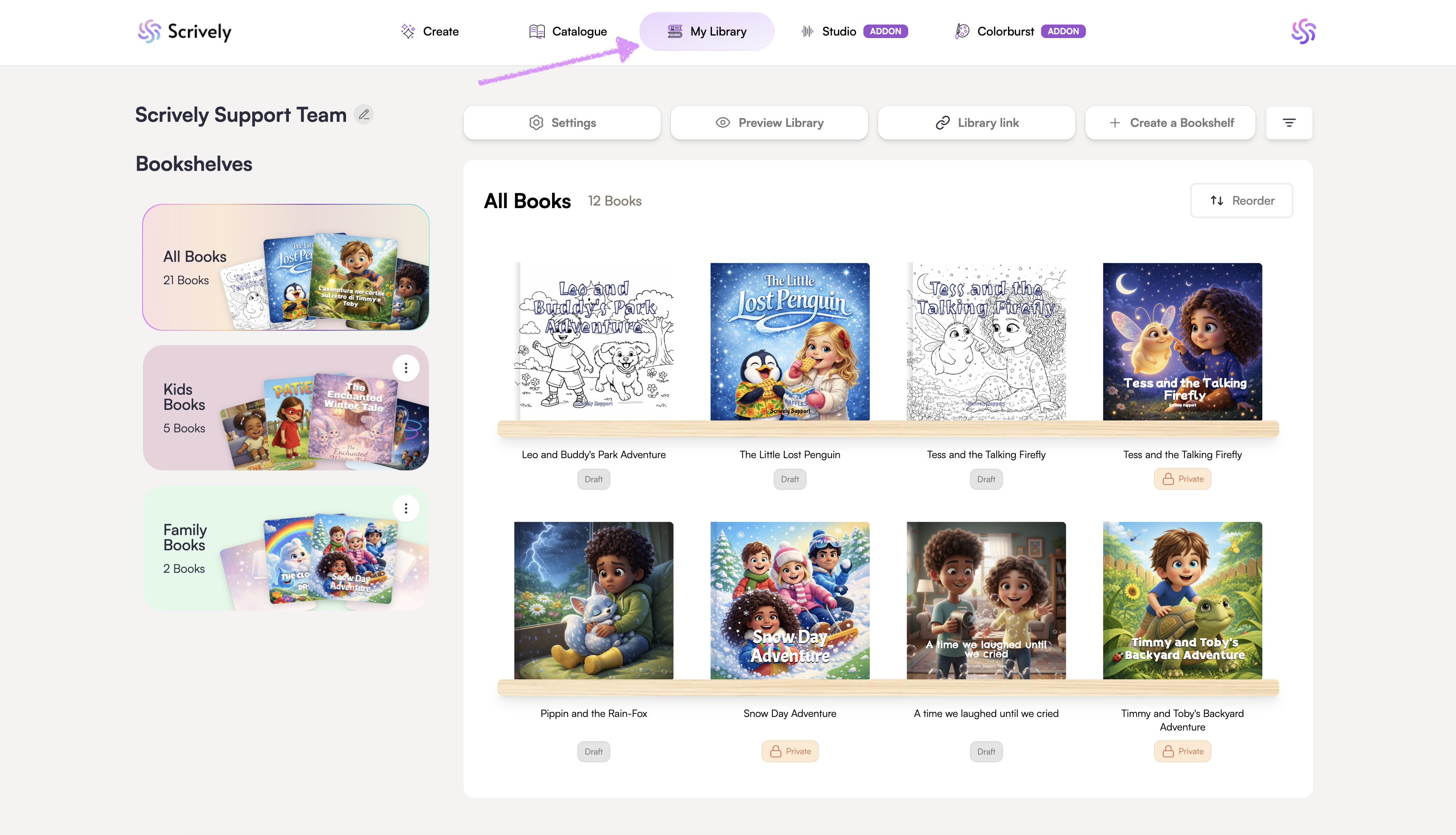
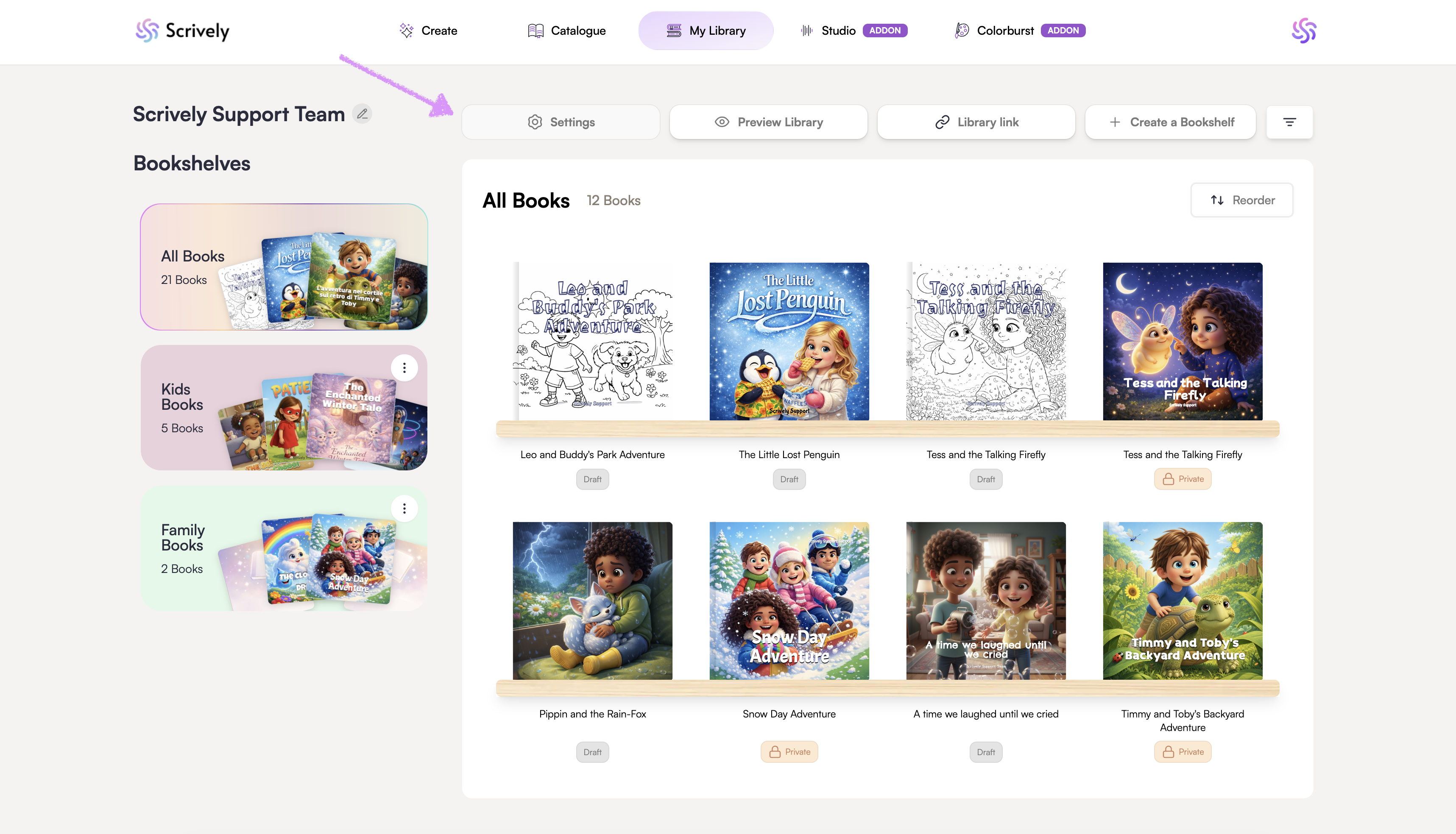
Click on "Settings."
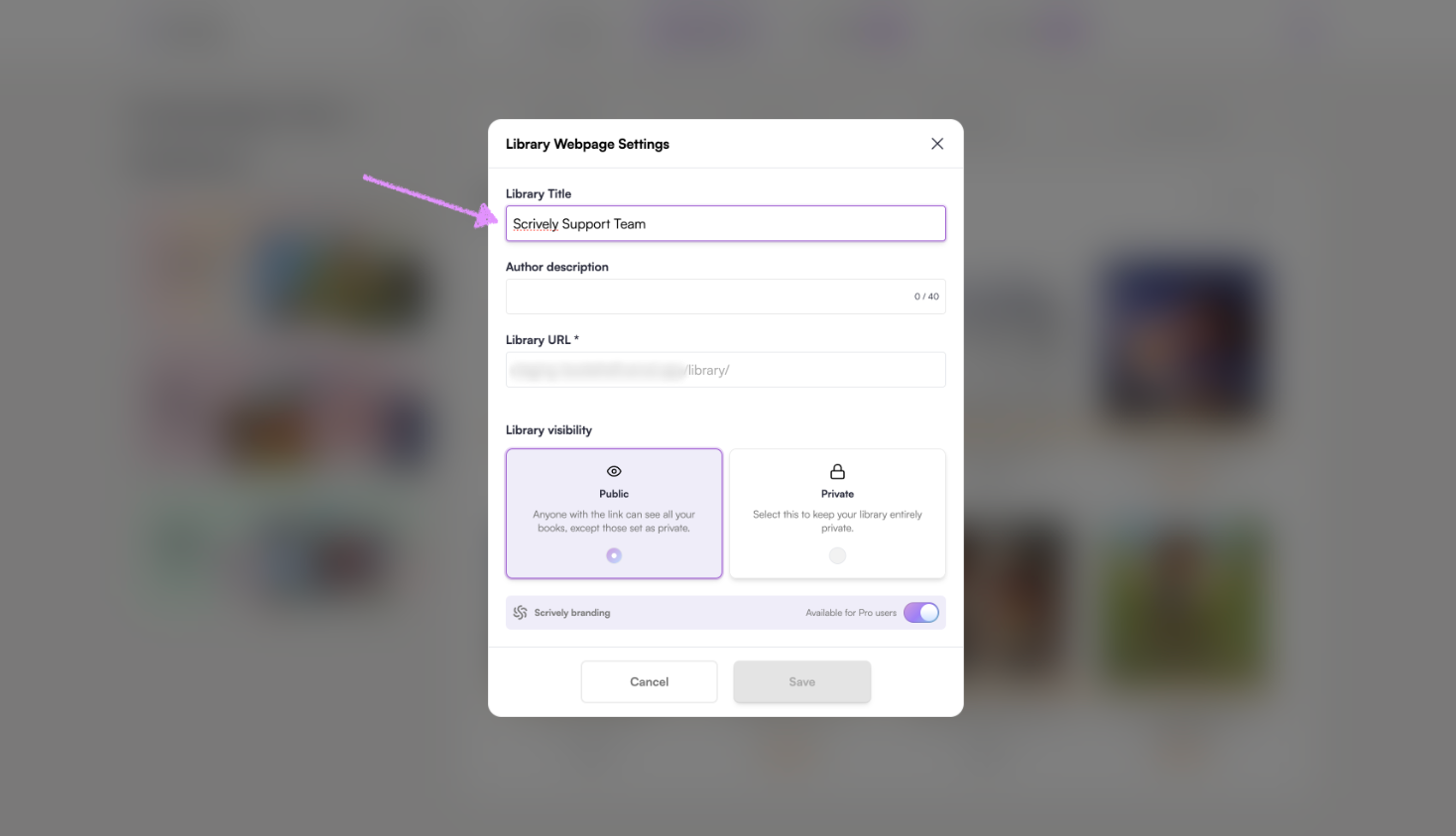
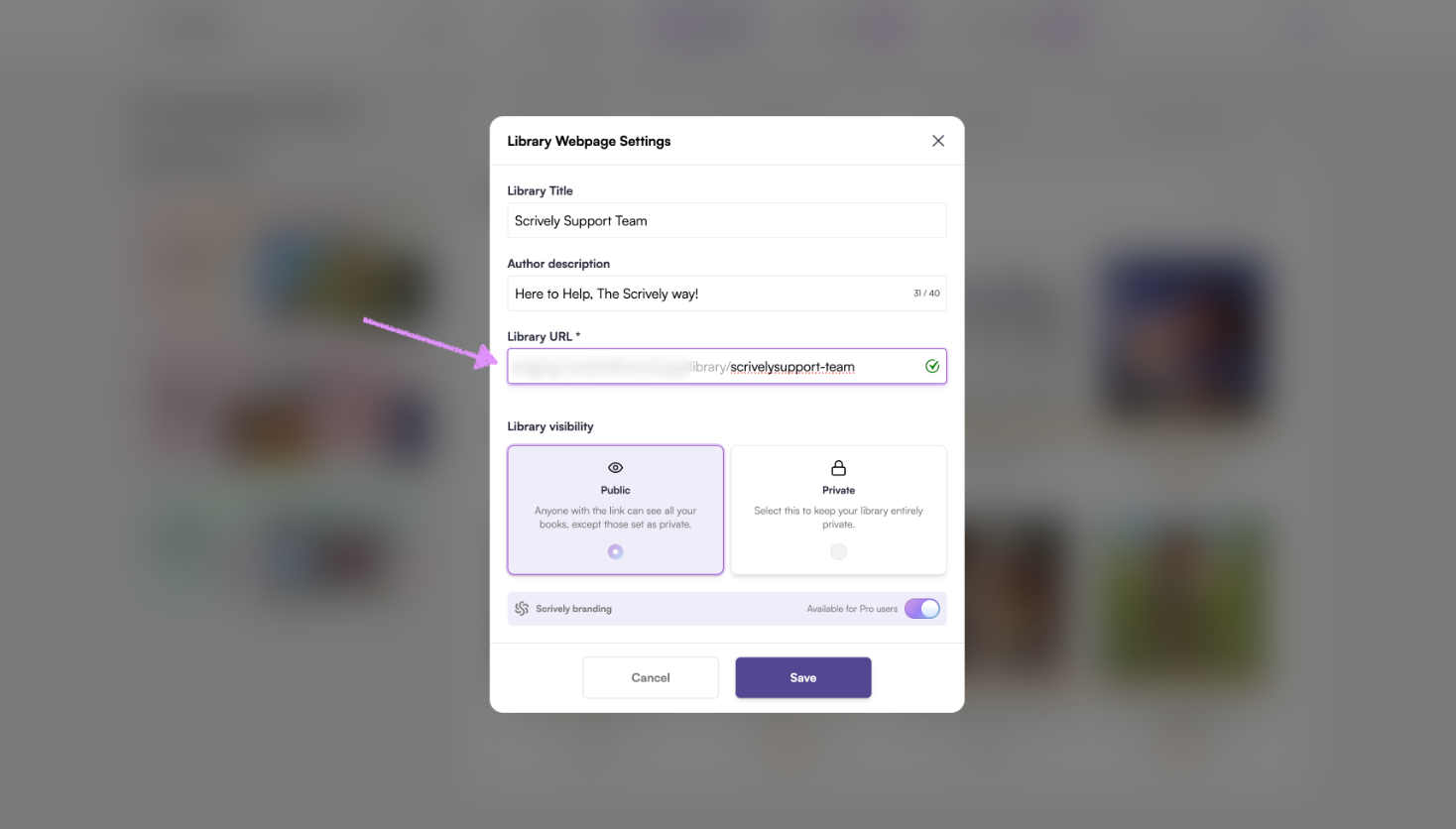
The library webpage settings will open up where you can give it a title.
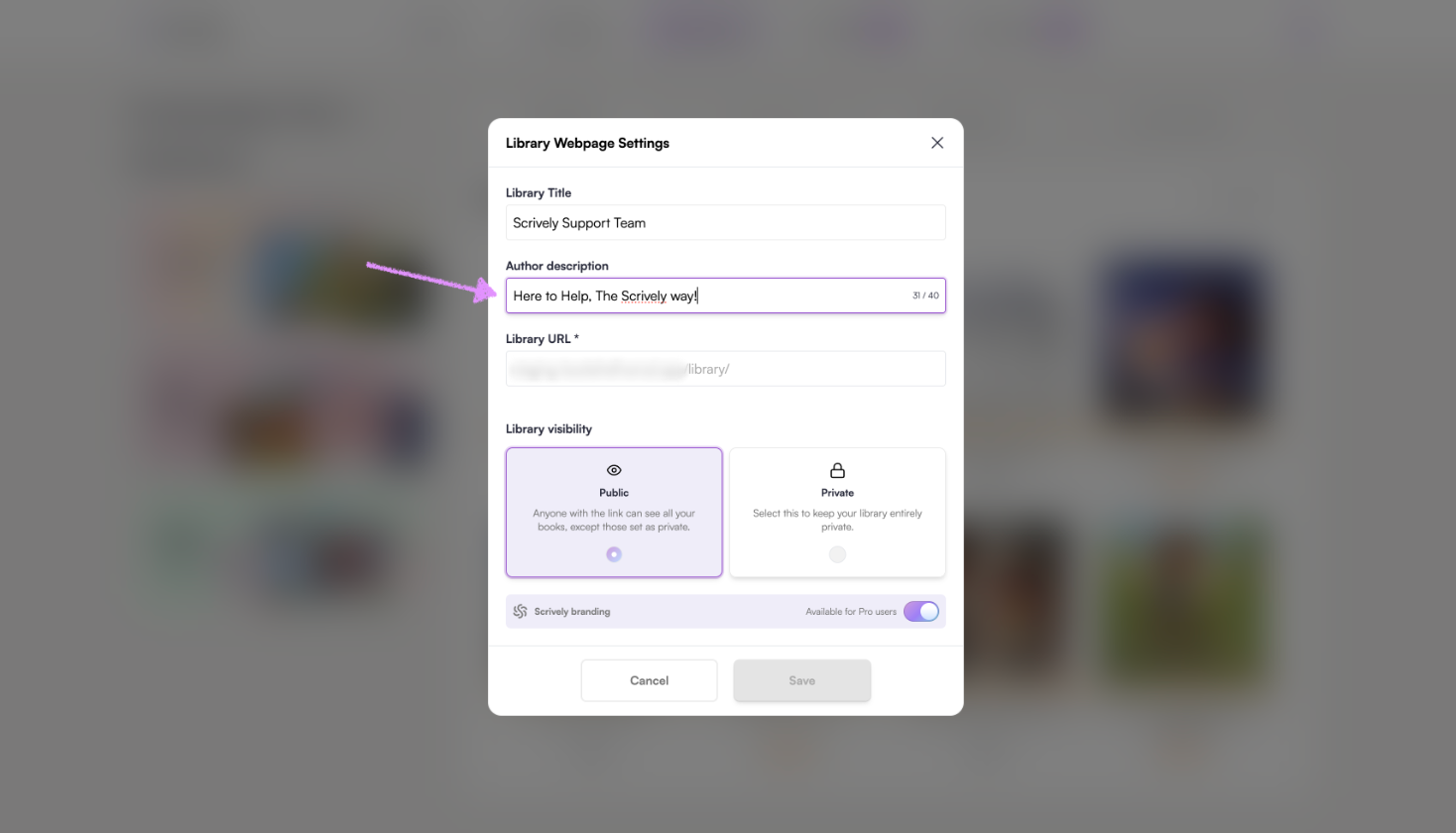
Next, add your "Author description."
Add a name to your URL.
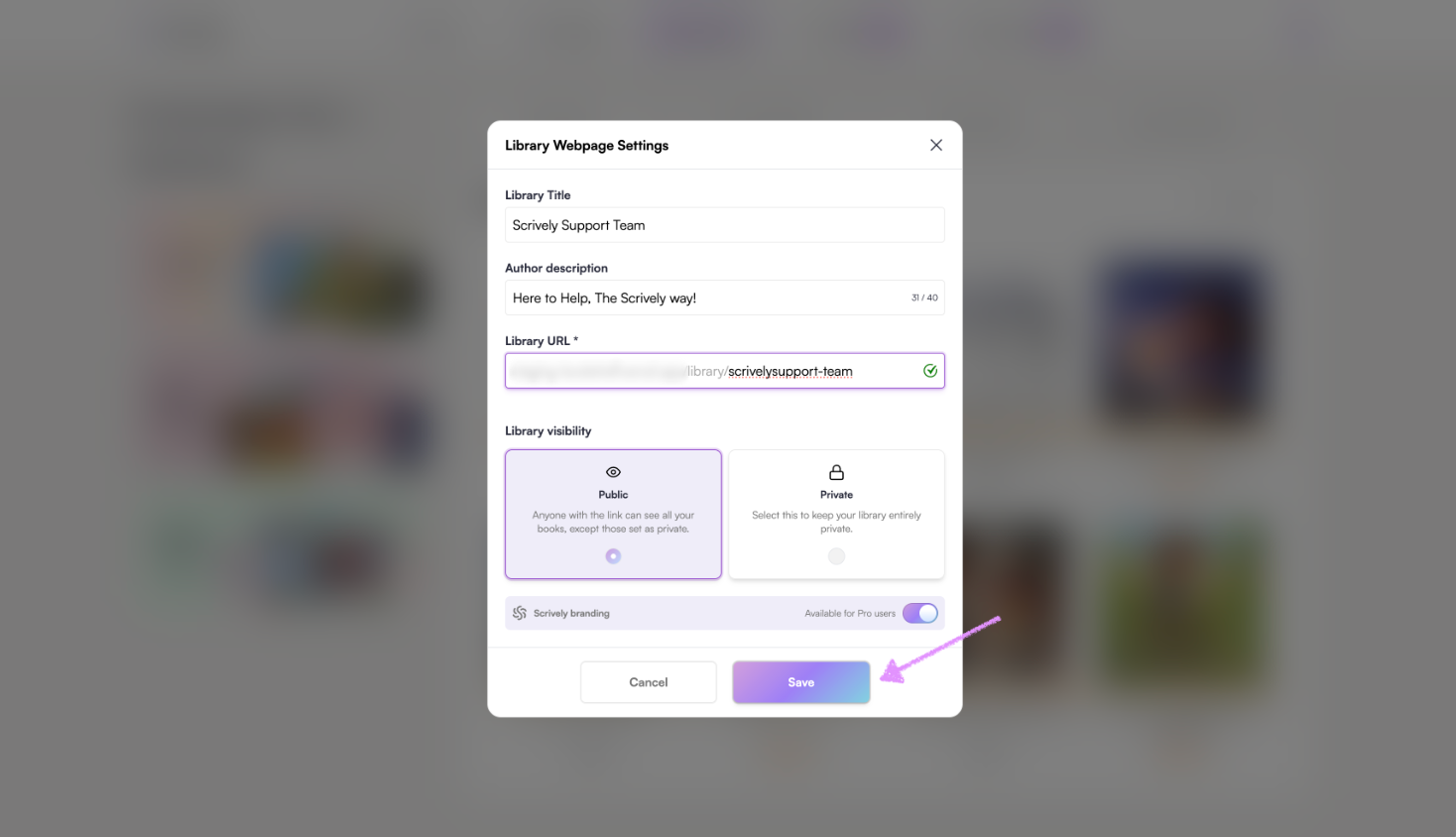
Click on "Save."
Was this article helpful?
That’s Great!
Thank you for your feedback
Sorry! We couldn't be helpful
Thank you for your feedback
Feedback sent
We appreciate your effort and will try to fix the article
