Keeping your Scrively library organized is simple when you can quickly switch between your bookshelves. Whether you’ve set up multiple shelves for different projects or genres, toggling between them helps you locate your stories faster and manage your collection more efficiently.
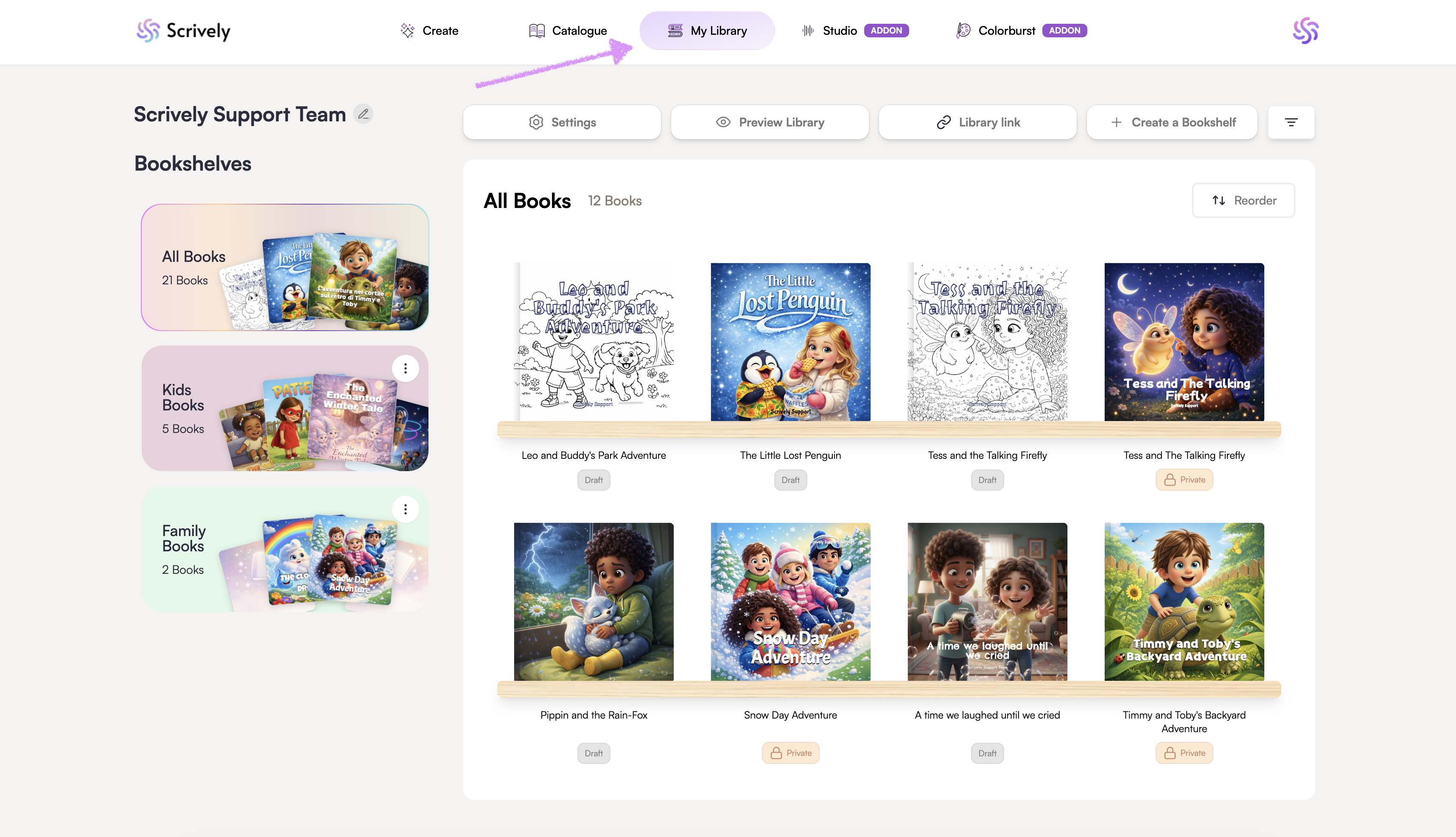
Head over to the "My Library" tab.
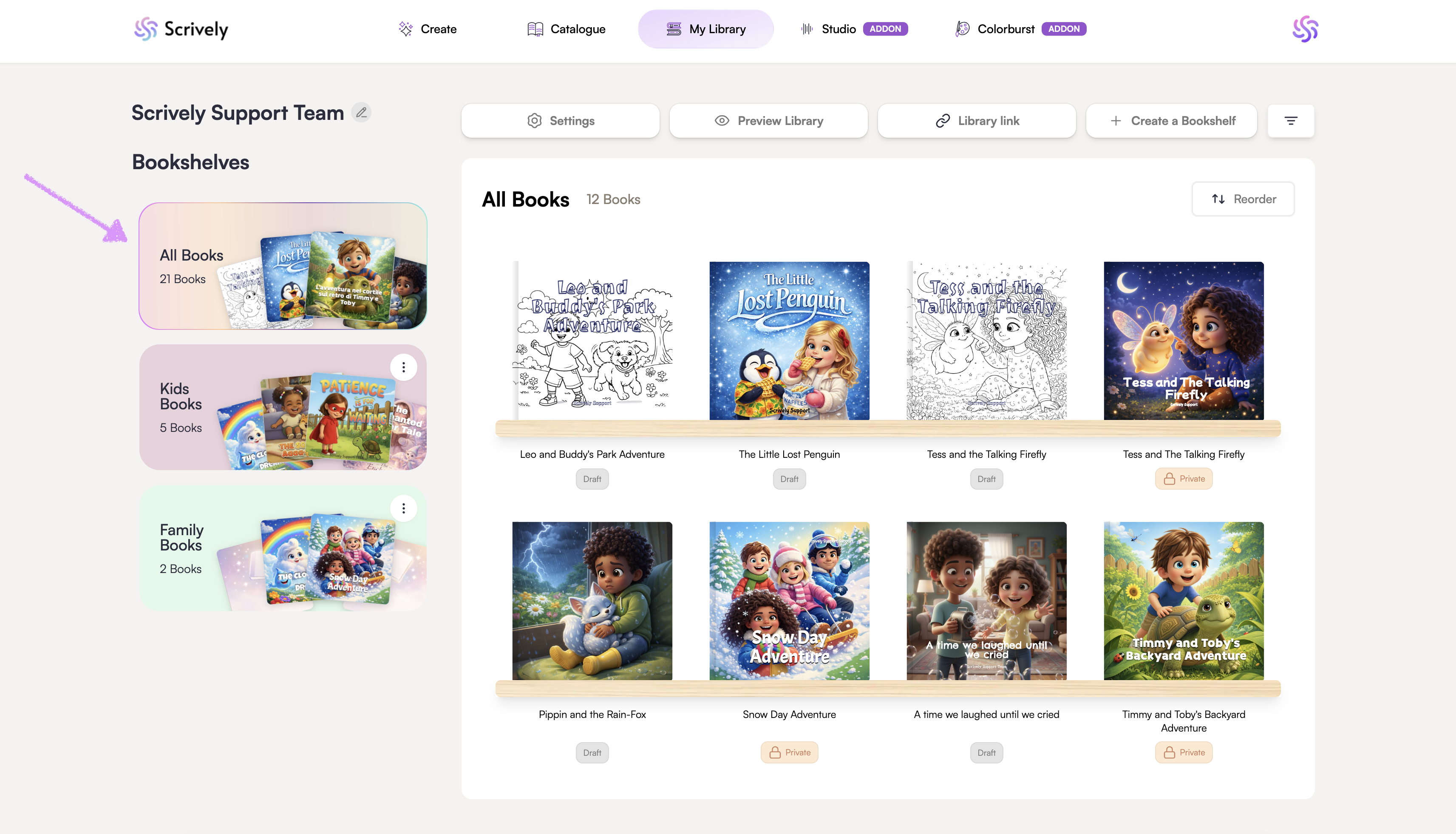
By default, you’ll start on the "All Books" bookshelf.
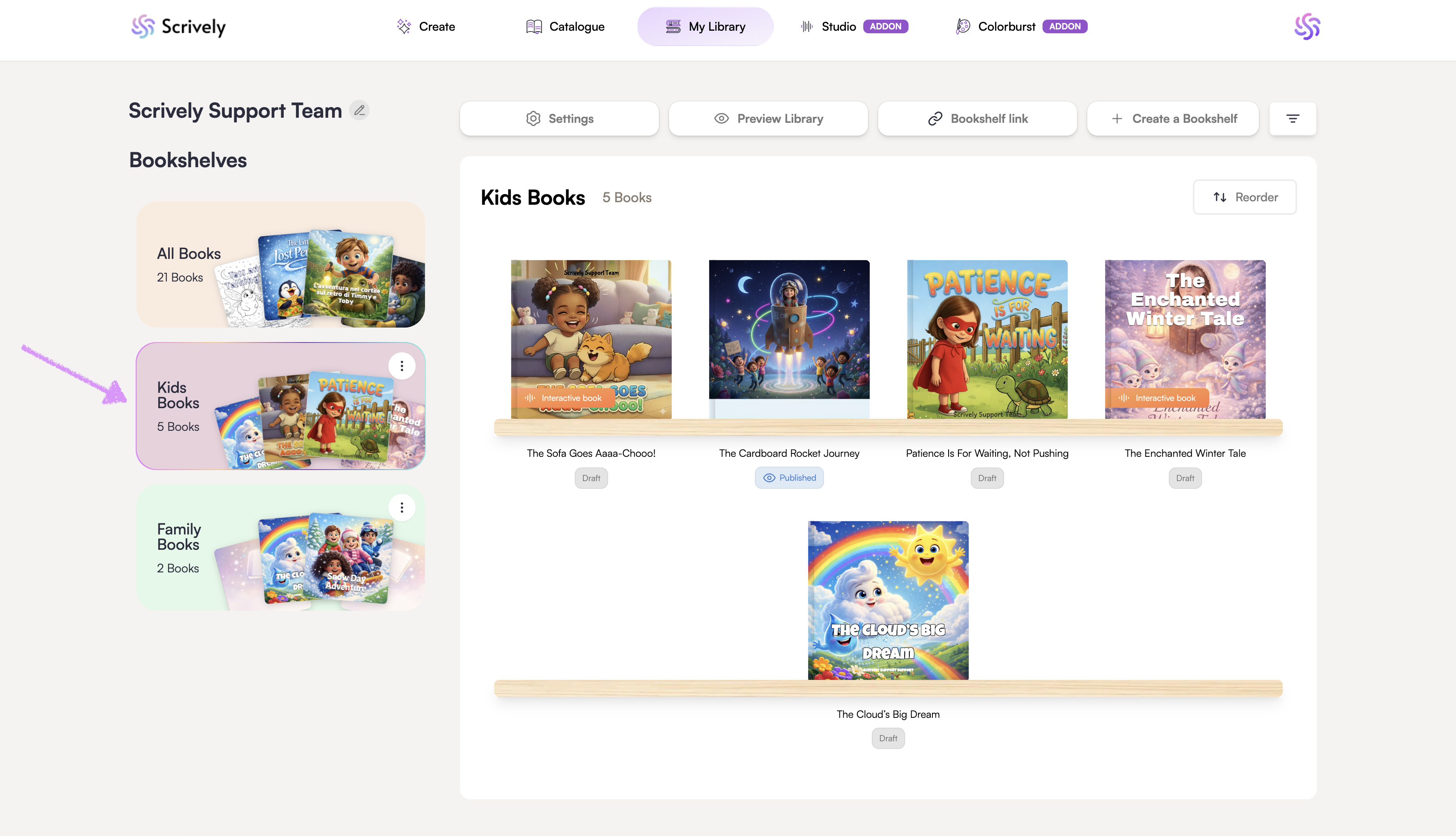
Click into your other bookshelves to access them.
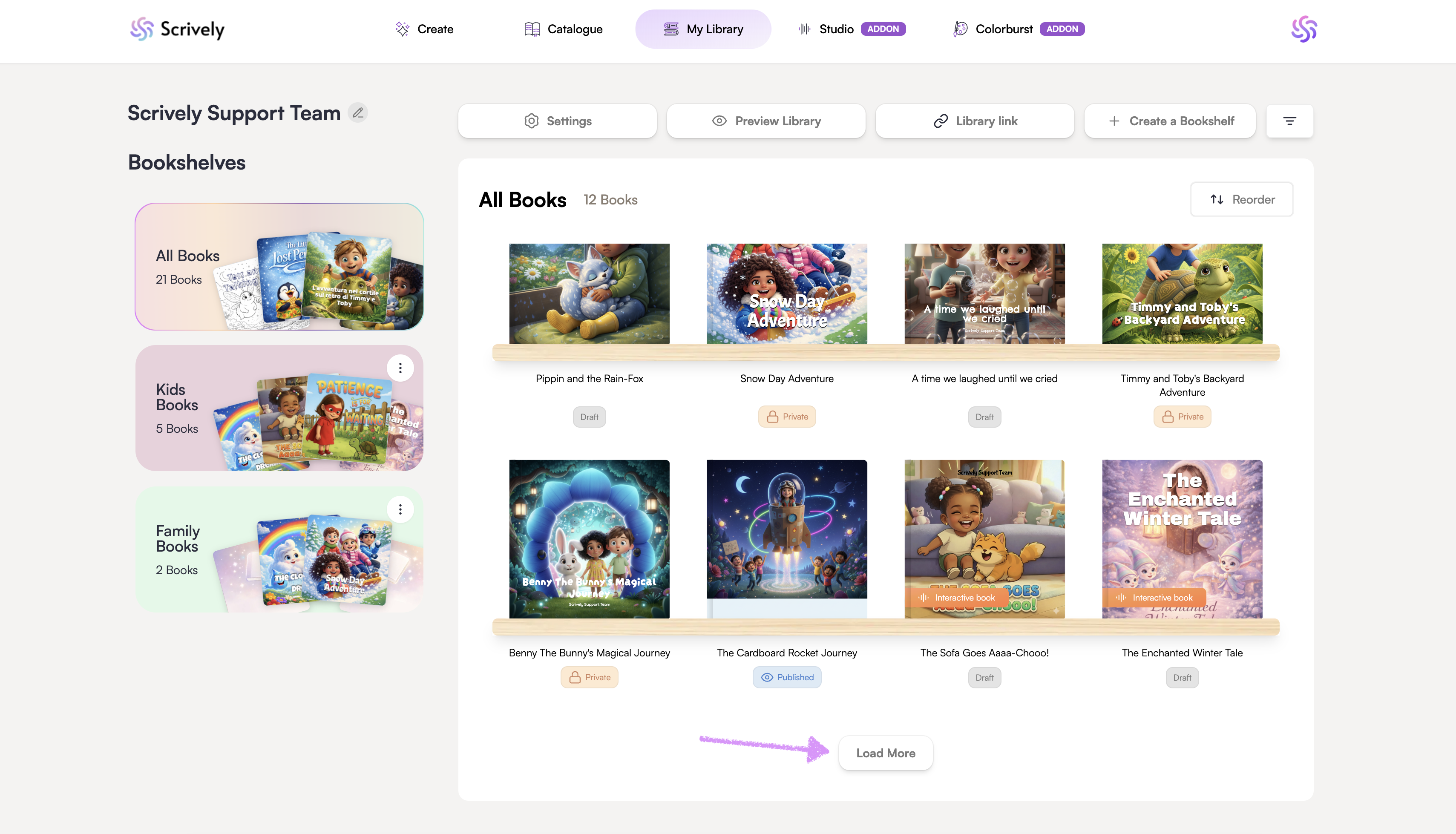
Scroll down to reveal the "Load More" button where applicable to view all books on the bookshelf.
Was this article helpful?
That’s Great!
Thank you for your feedback
Sorry! We couldn't be helpful
Thank you for your feedback
Feedback sent
We appreciate your effort and will try to fix the article
