Keeping your Scrively workspace organized means removing folders you no longer need. Deleting a folder is simple and helps you manage your stories more efficiently.
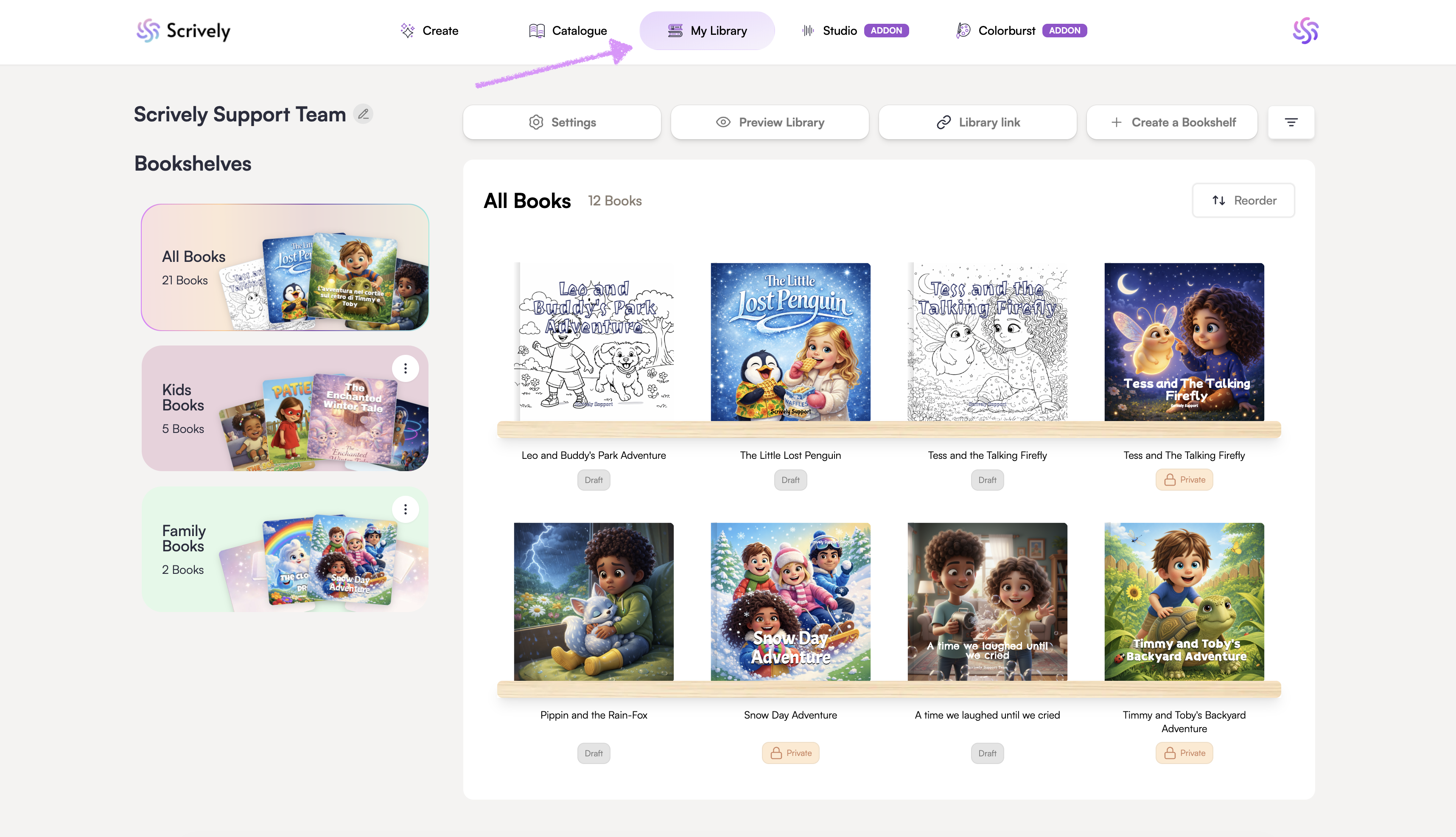
Head over to the "My Library" tab.
Click the ellipsis (⋮) menu for the bookshelf and select "Delete Bookshelf."
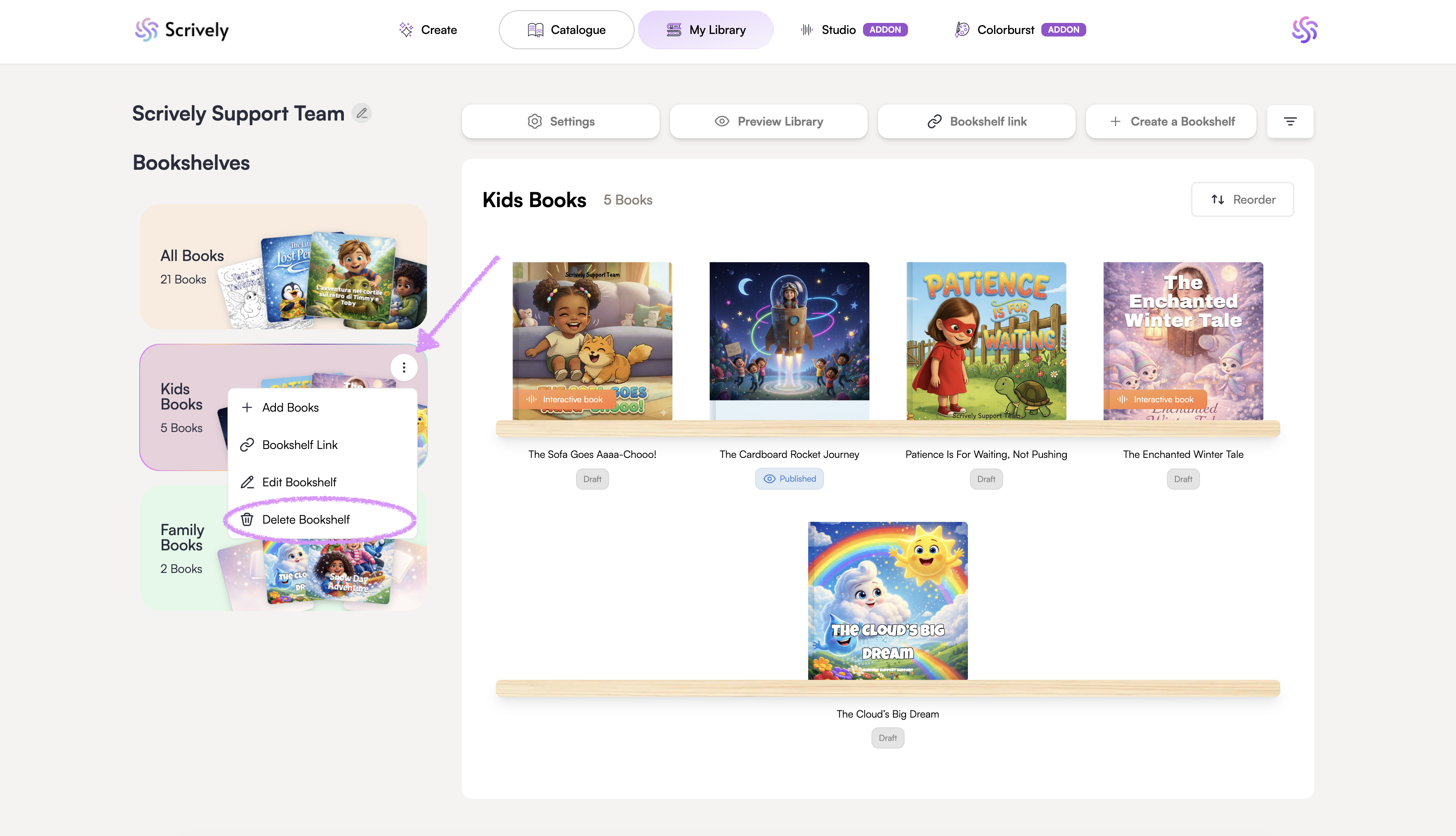
Confirm the deletion.

Was this article helpful?
That’s Great!
Thank you for your feedback
Sorry! We couldn't be helpful
Thank you for your feedback
Feedback sent
We appreciate your effort and will try to fix the article
