
Your library is the hub where readers discover your published storybooks. Personalize its settings to reflect your style, control who can view your books, and make sharing simple.
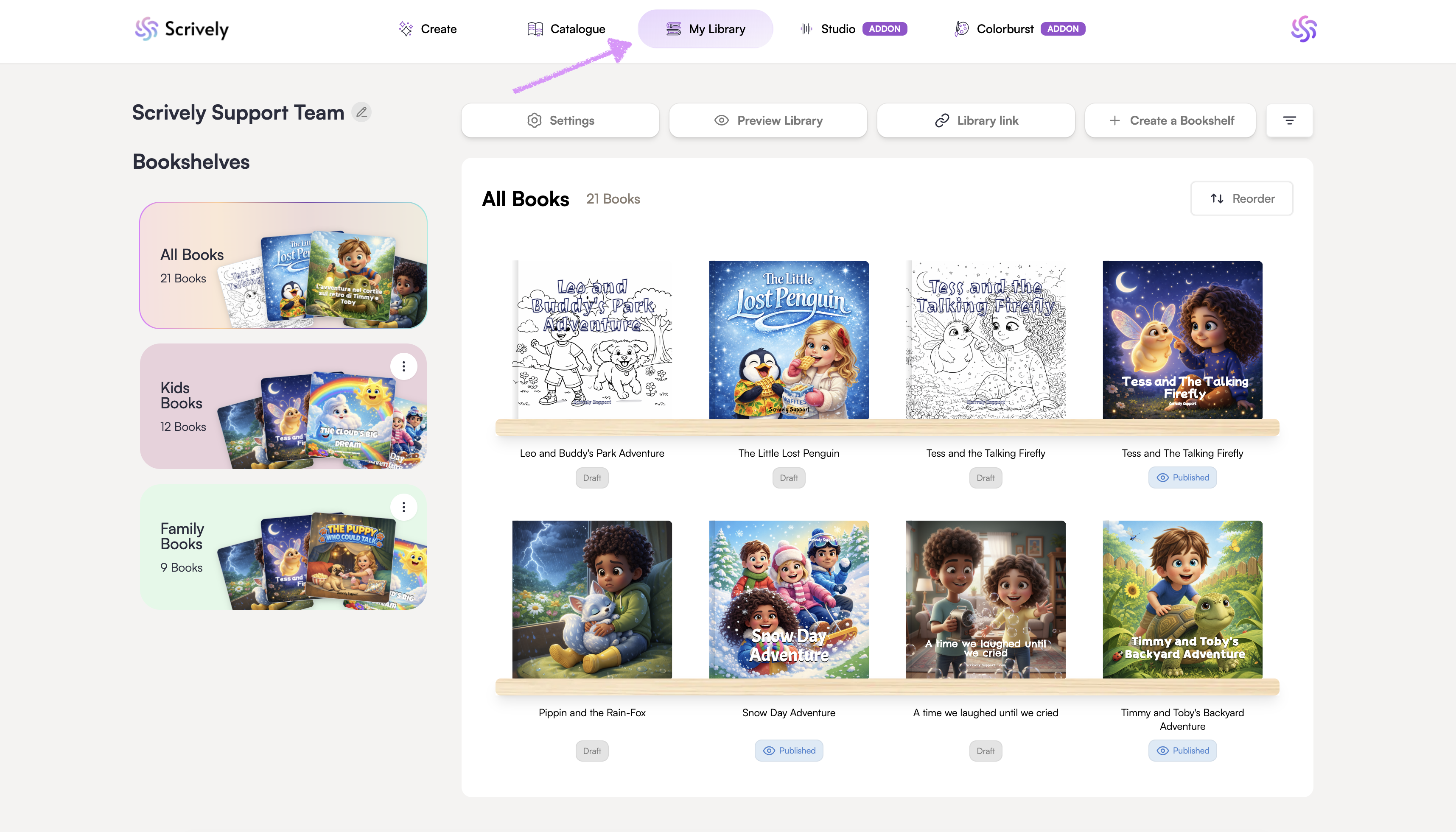
Head over to the "My Library" tab.
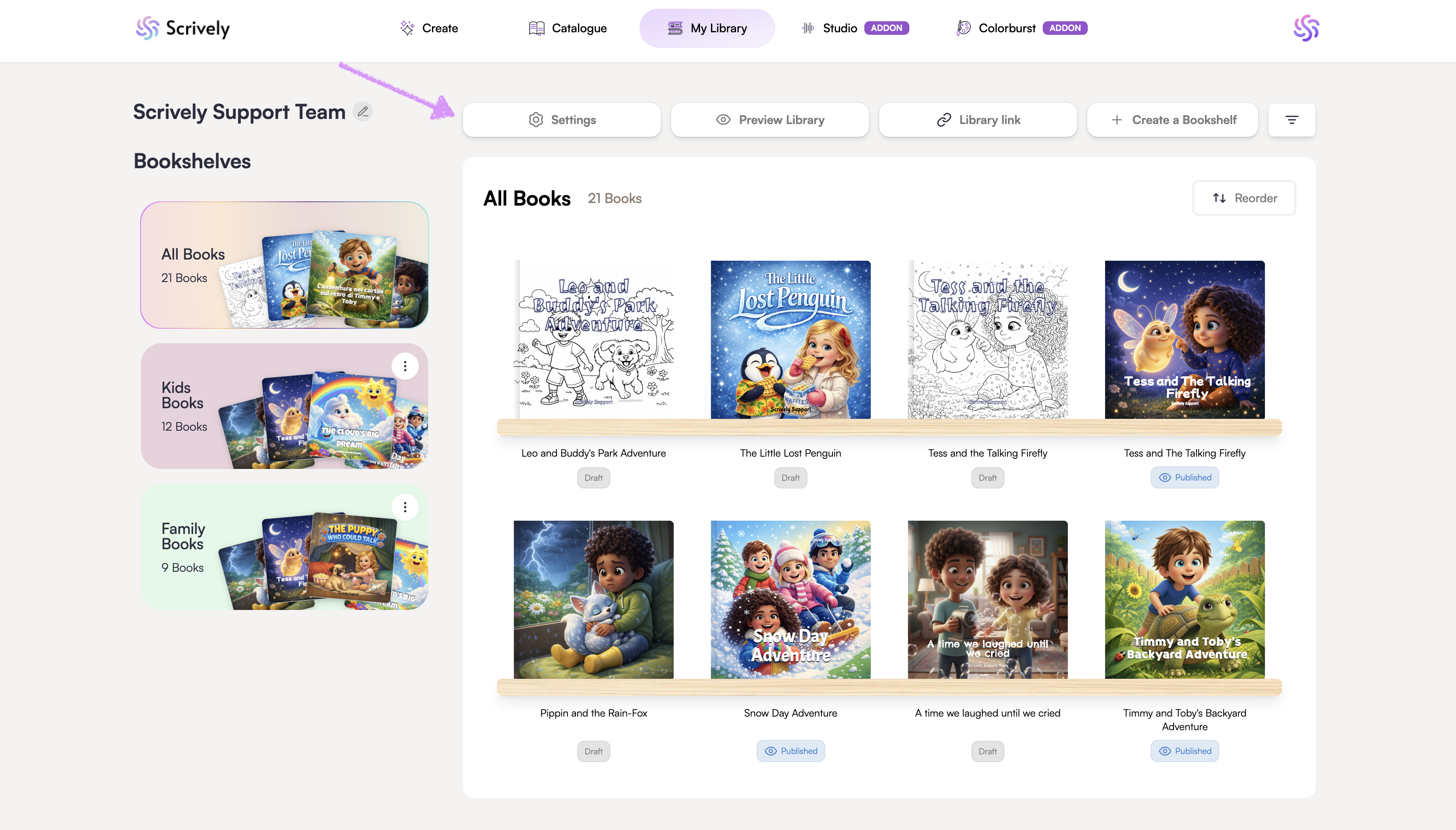
Click on "Settings."
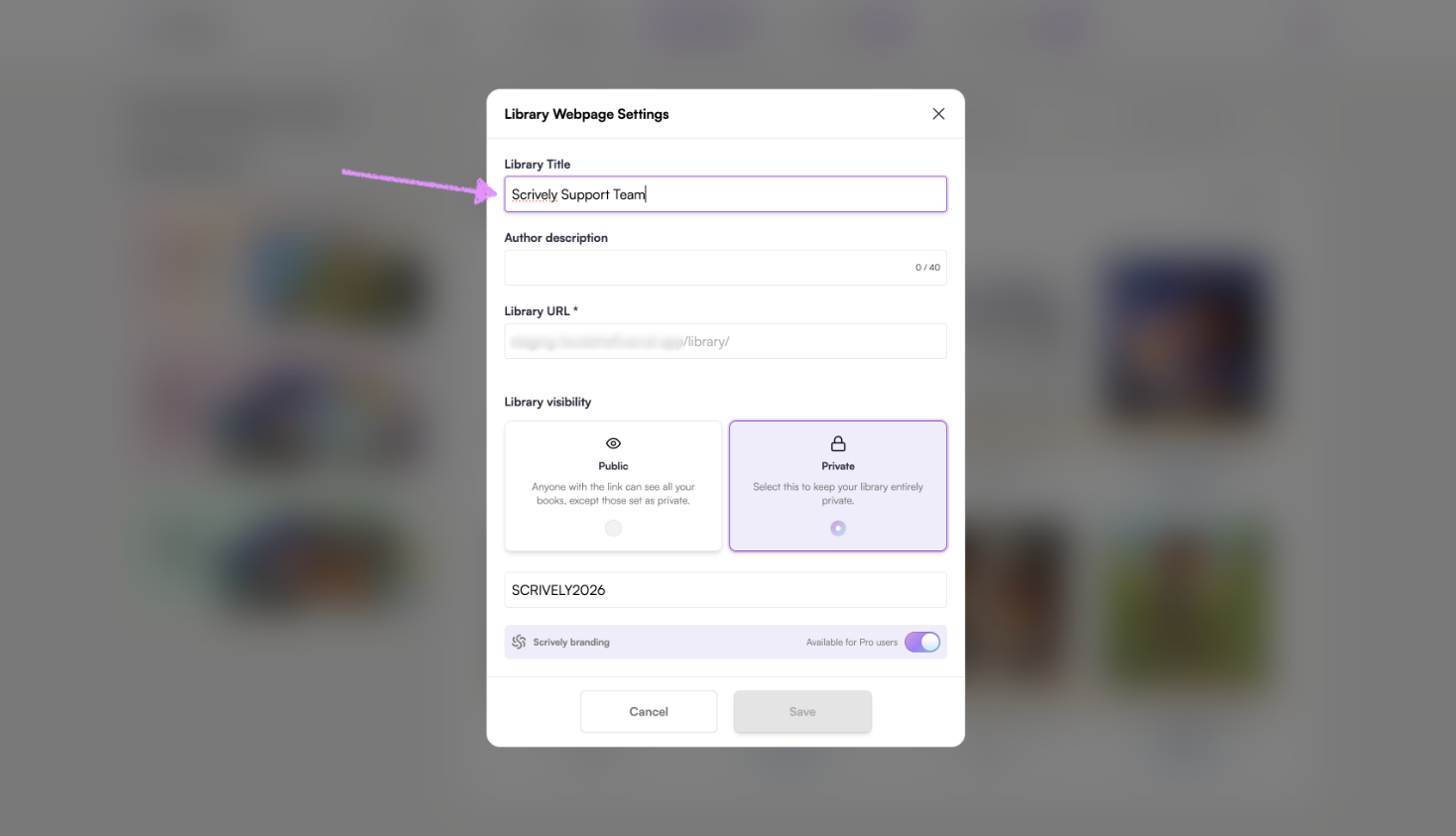
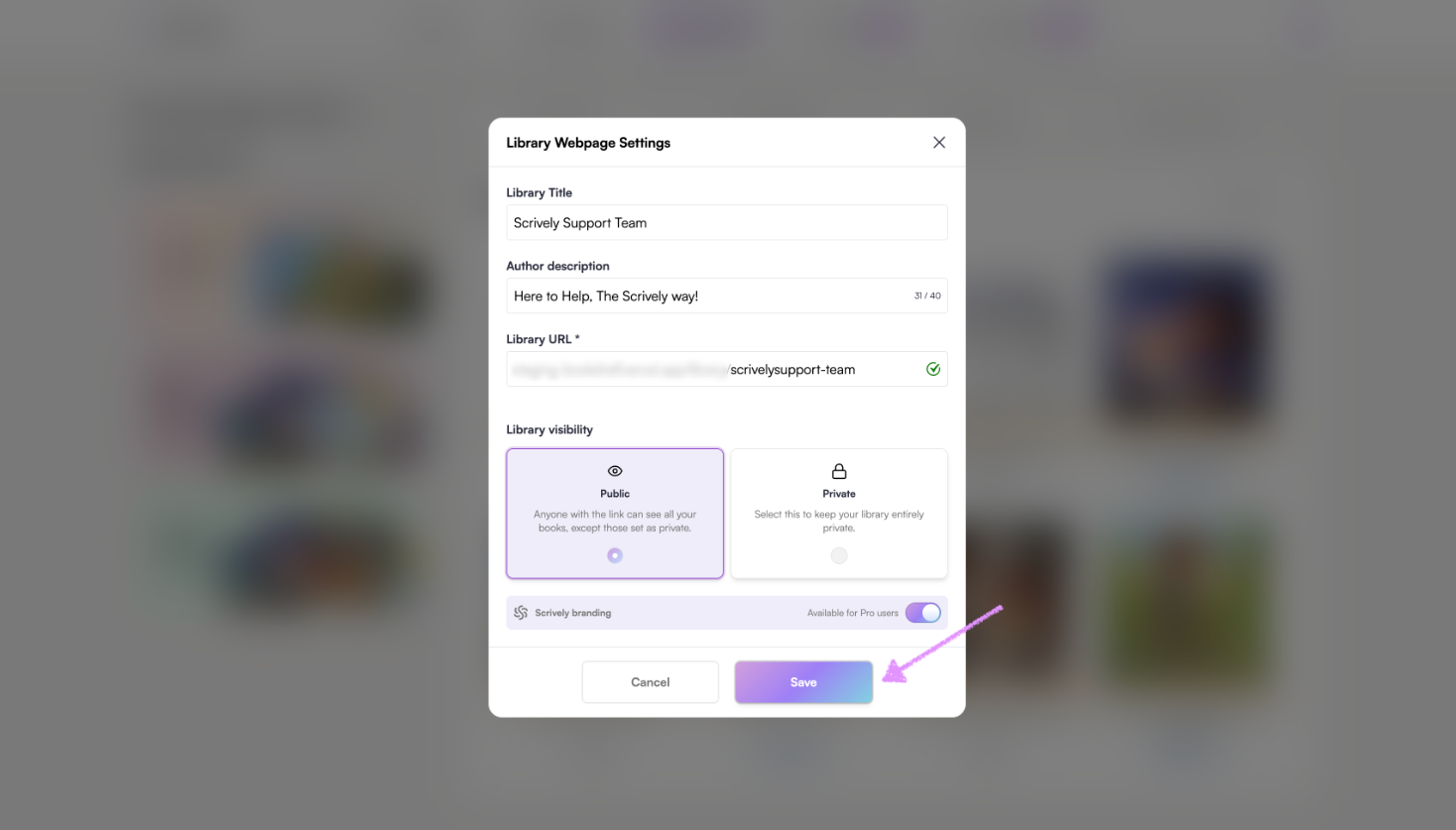
Give your library a title.
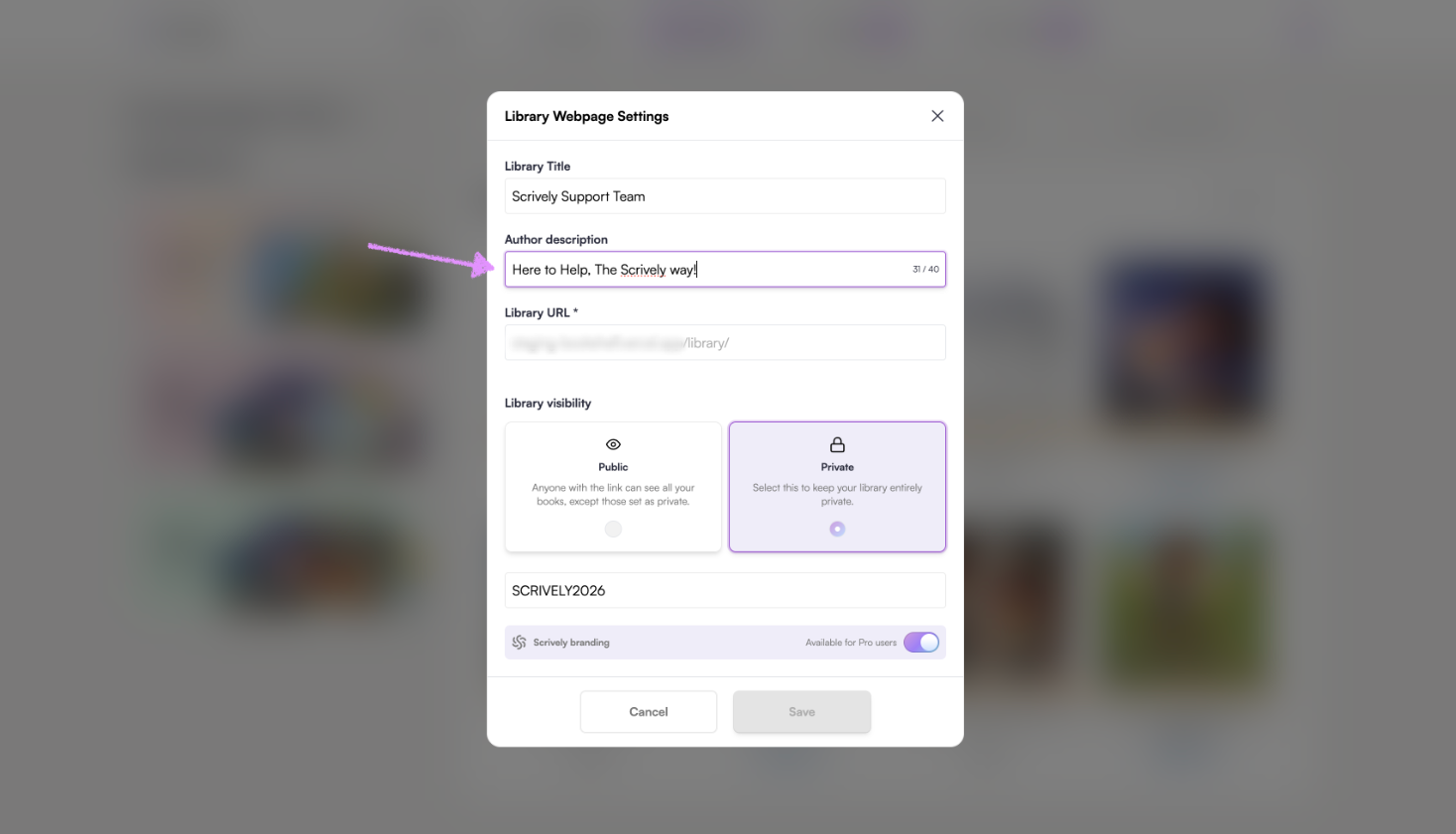
Add the author's description.
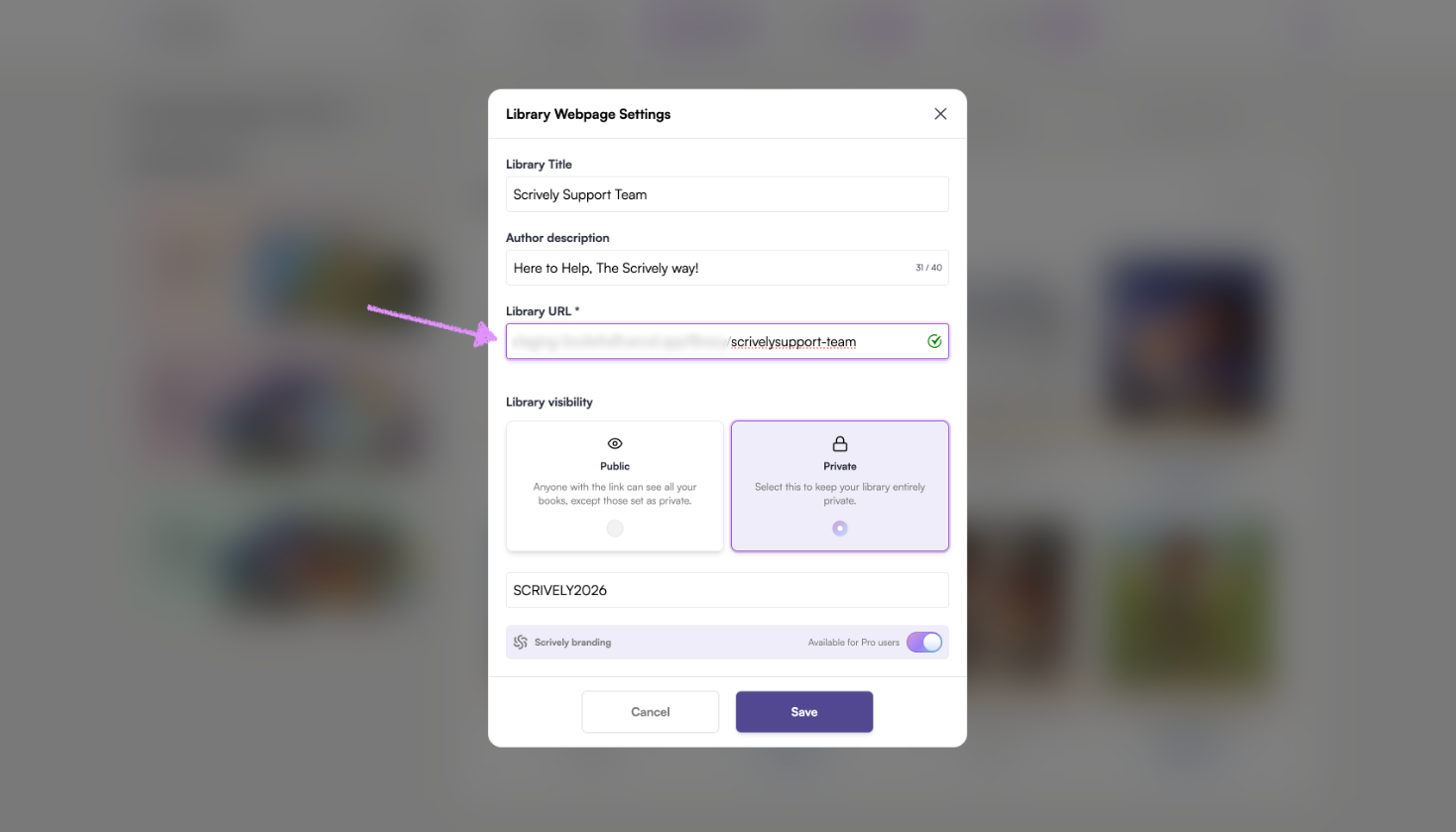
Choose the library's URL name. In this example, it's scrivelysupport-team.
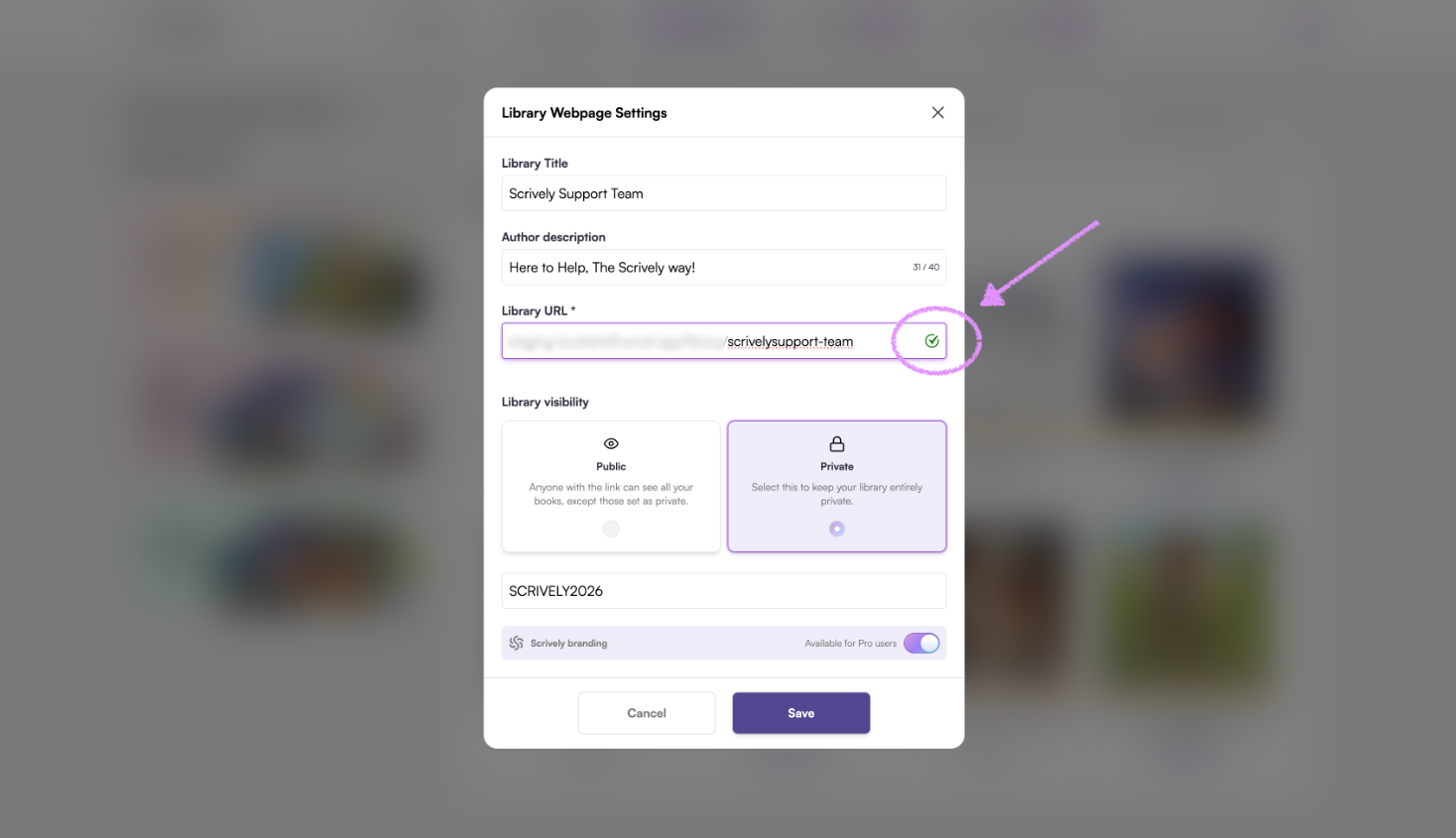
If the name is available you will see a check mark on the right side.
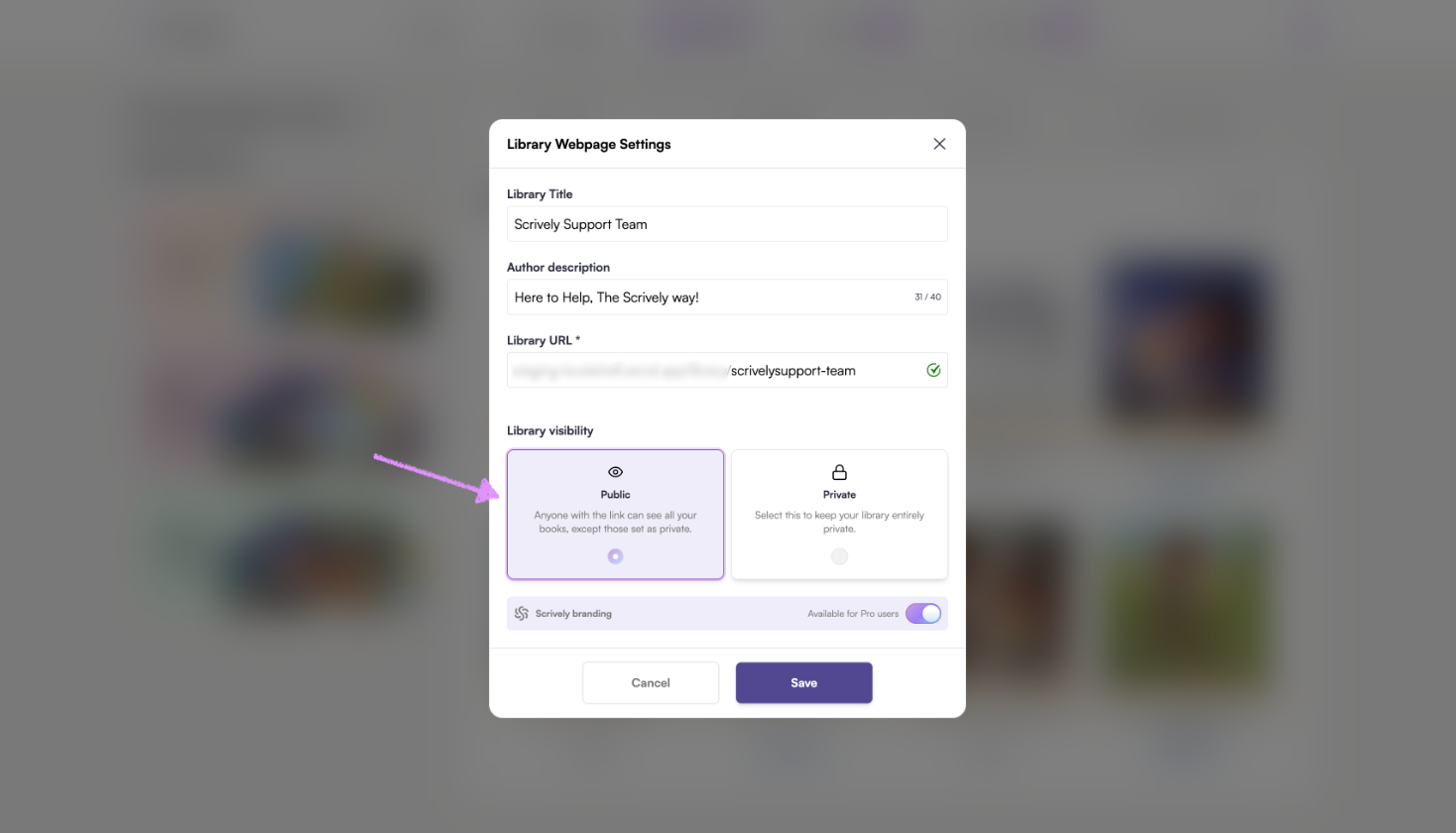
Set the library's visibility to "Public."
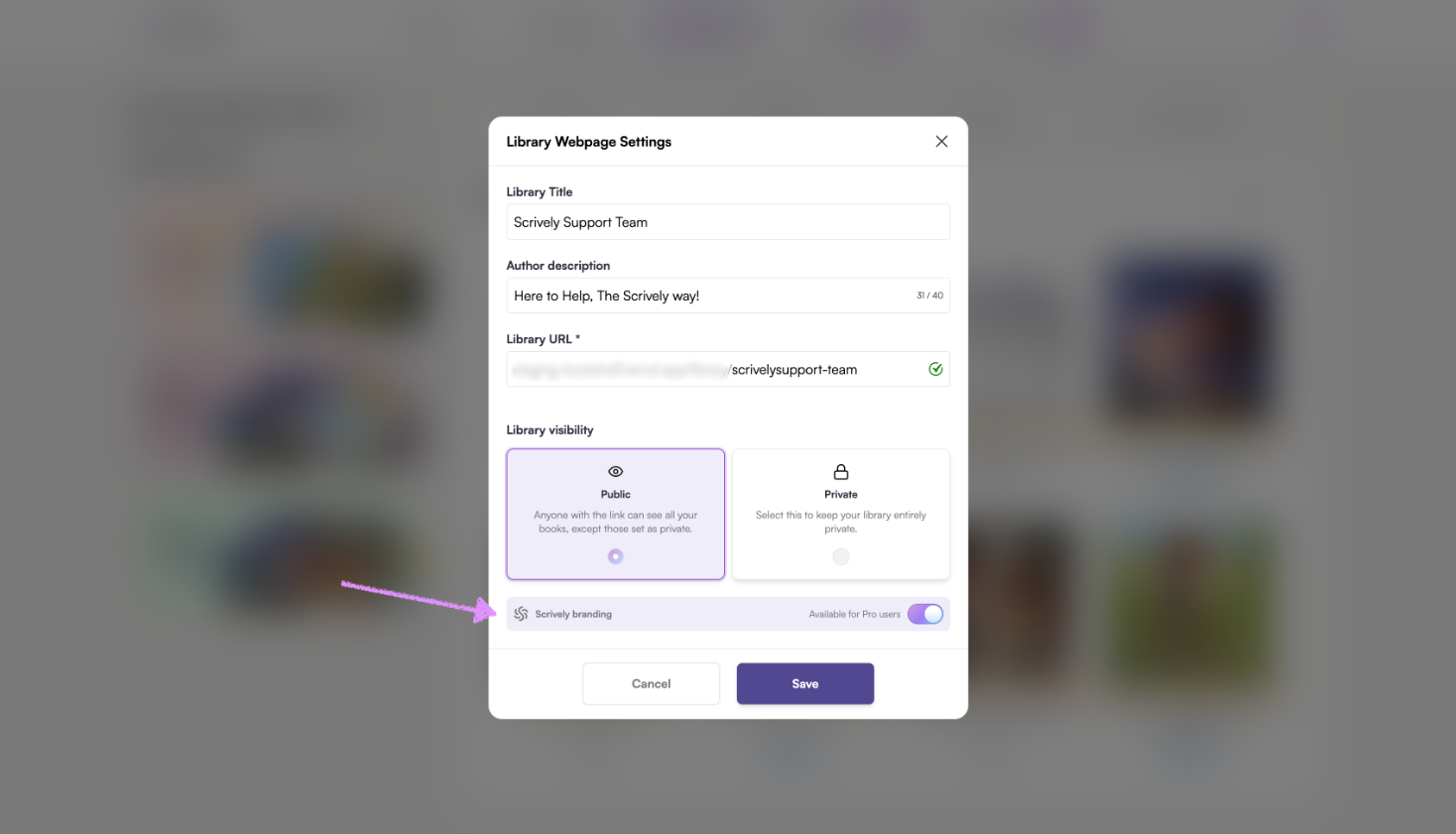
Pro users have the option to toggle the Scrively branding on/off for their library.
Click on "Save."
Was this article helpful?
That’s Great!
Thank you for your feedback
Sorry! We couldn't be helpful
Thank you for your feedback
Feedback sent
We appreciate your effort and will try to fix the article
