
Each book in Scrively includes clear status and type indicators so you can easily understand where it is in the creation process and what kind of book it is. Viewing these details helps you quickly track progress and stay organized as you work through your projects.
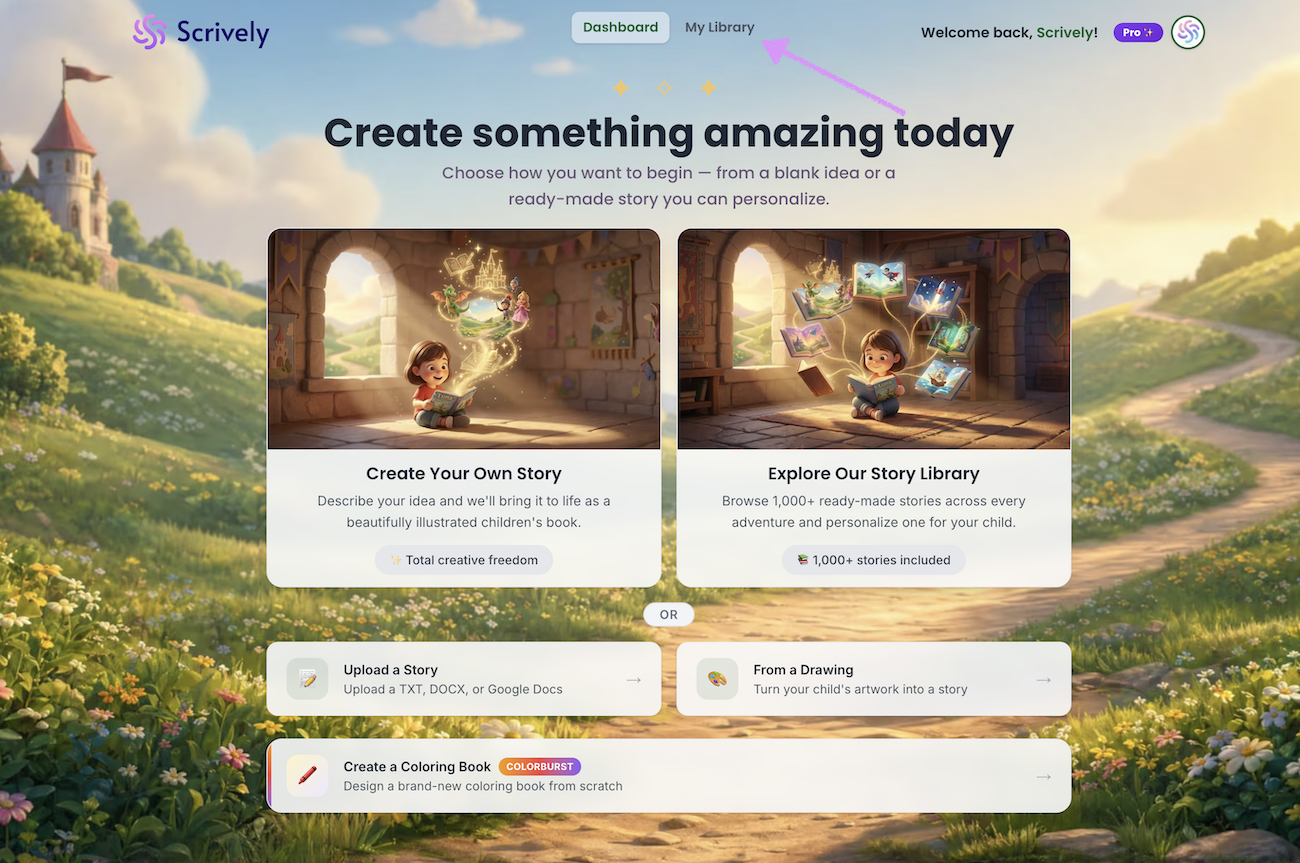
Head over to the "My Library" tab.
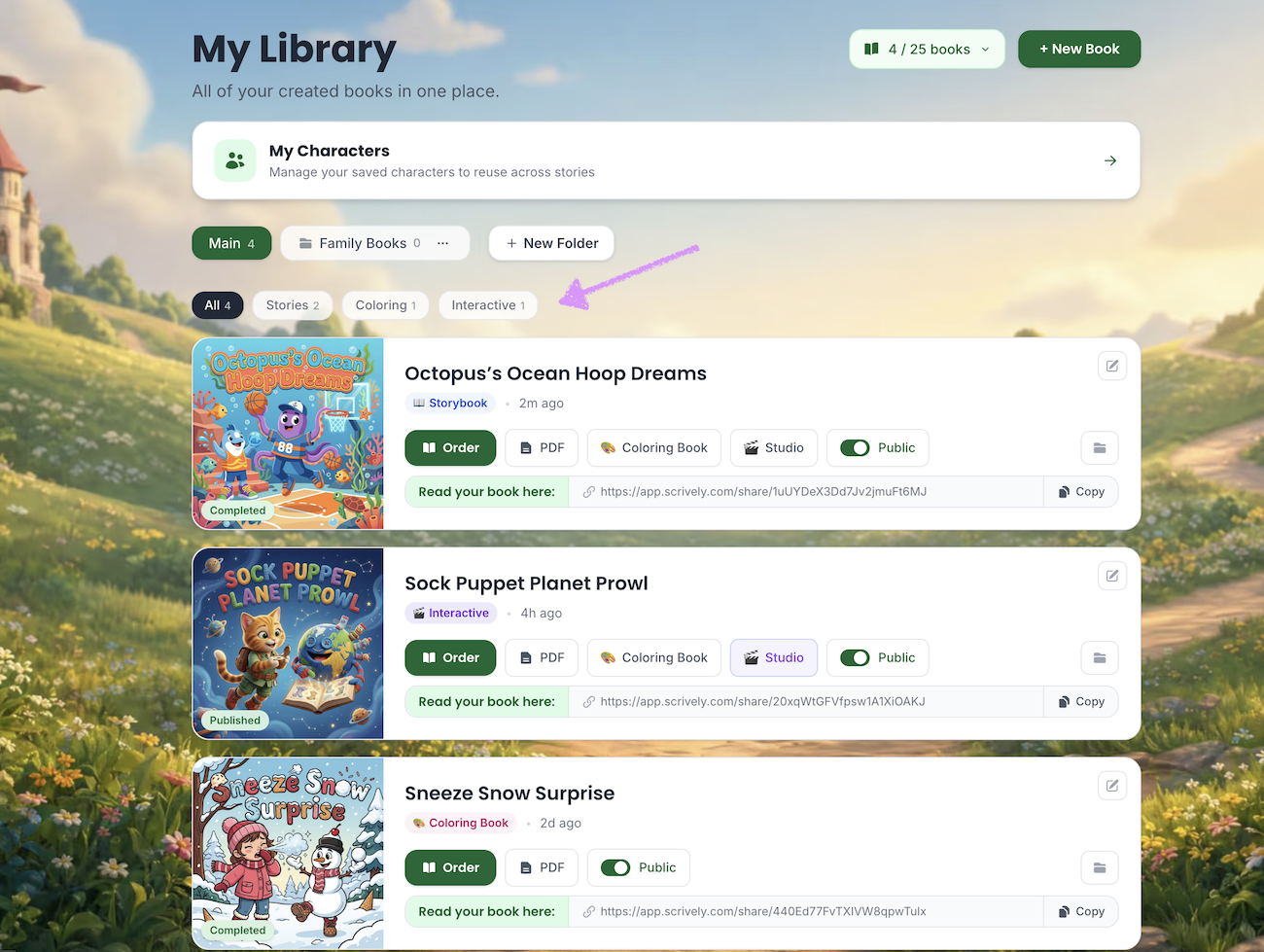
At the top of the page, you’ll find a list of available book types, including story, coloring, and interactive books for easy sorting.
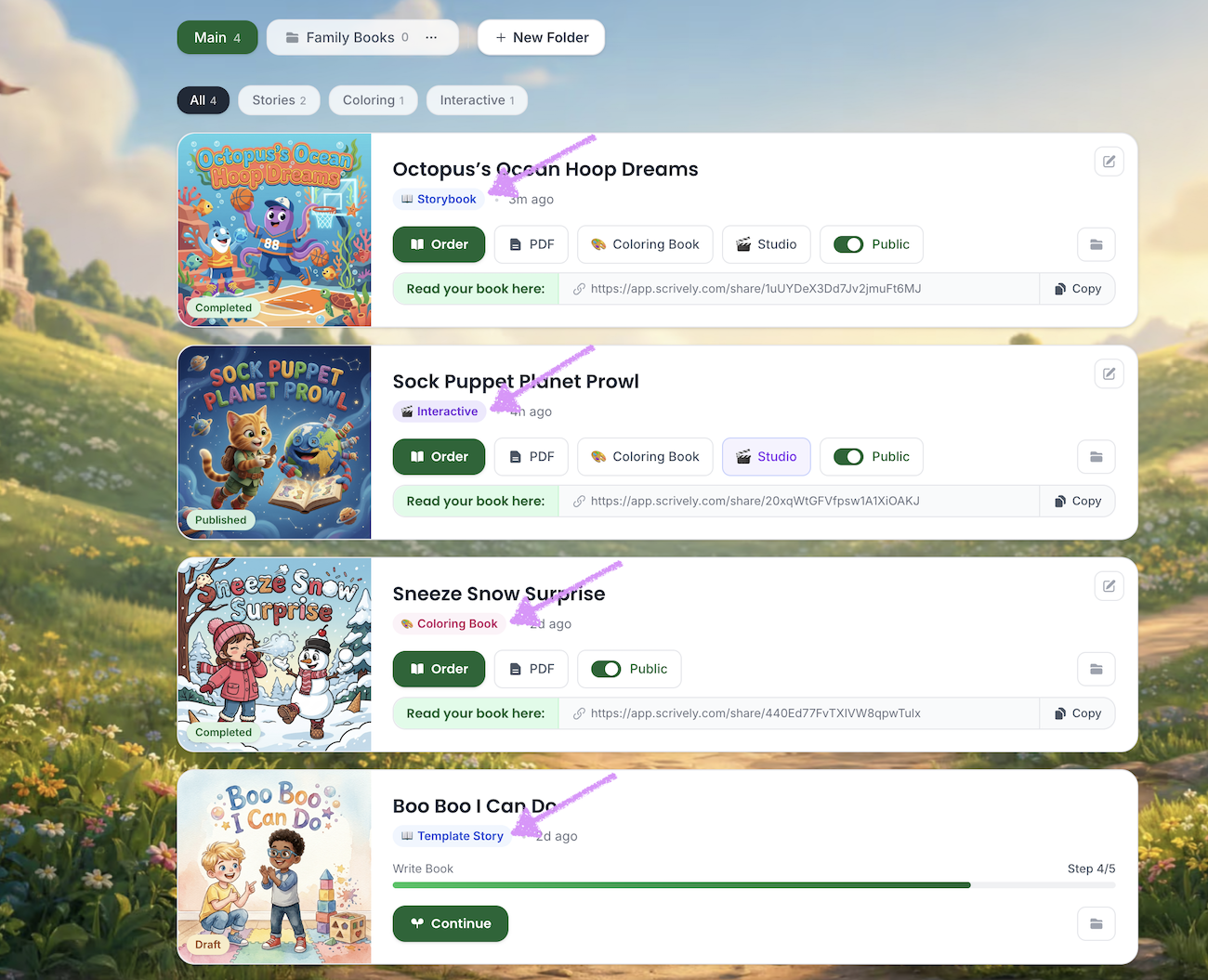
The book type will also be displayed below the title.
- Storybook: Books created from scratch.
- Interactive: Books that have been edited in Scrively Studio.
- Coloring Book: Coloring books created from scratch or converted from a storybook.
- Template Story: Books created using a template from the Scrively Library.
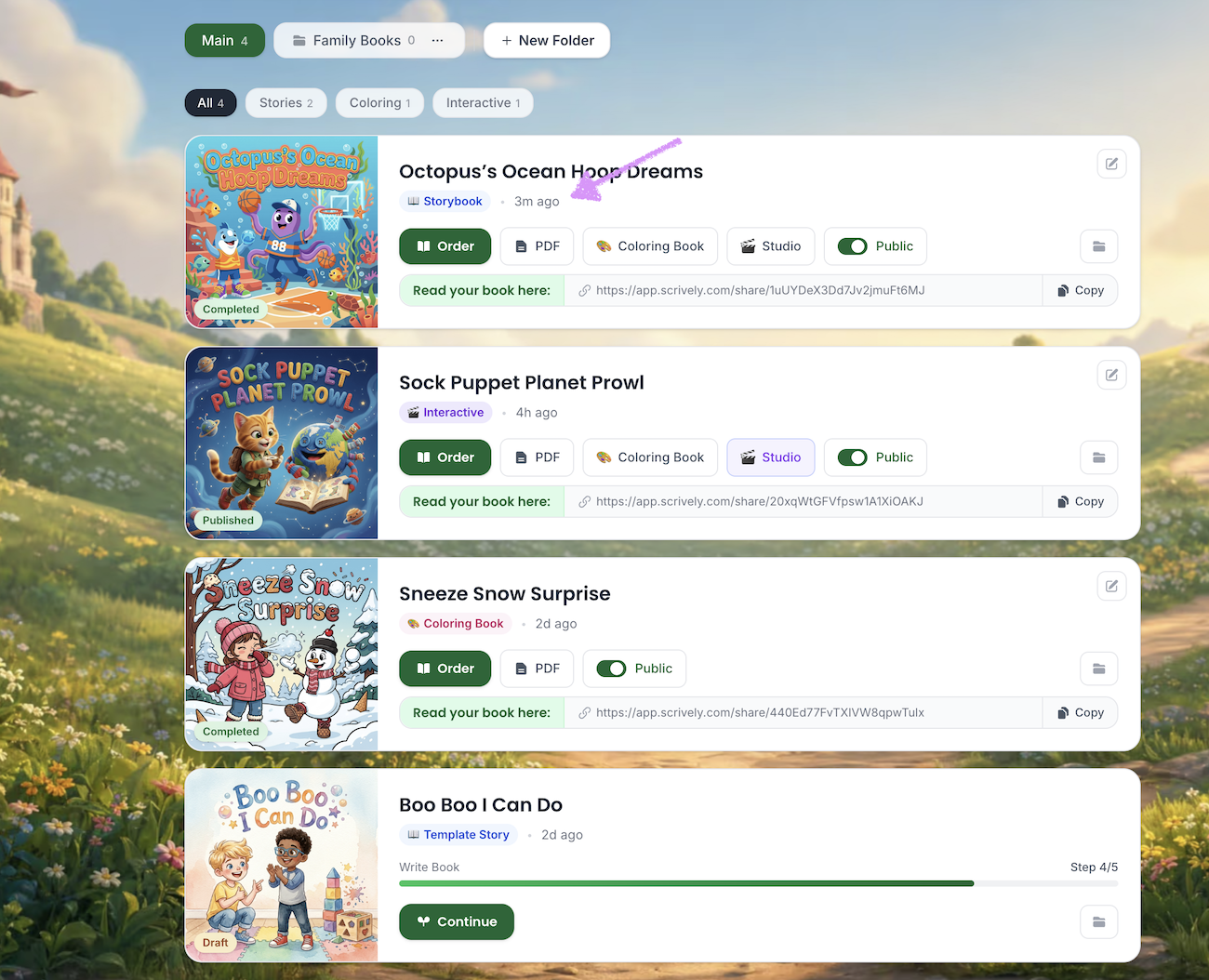
Next to the book type, you’ll be able to see a timestamp showing when the book was last edited.
The status of each book will be displayed on the cover.
- Completed: Storybooks that have been fully completed.
- Published: Interactive books created in Scrively Studio that have been published.
- Draft: Books that are still in progress.
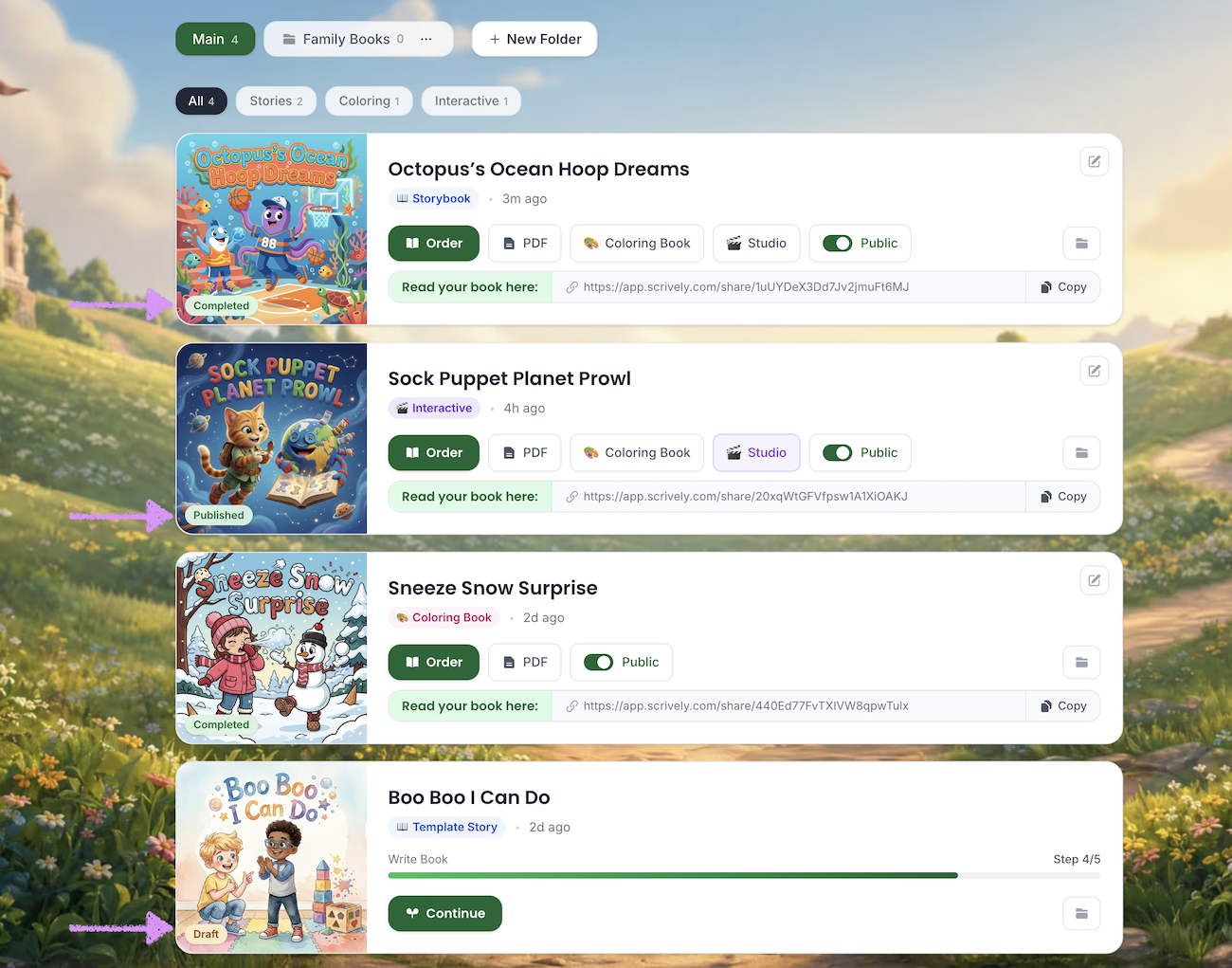
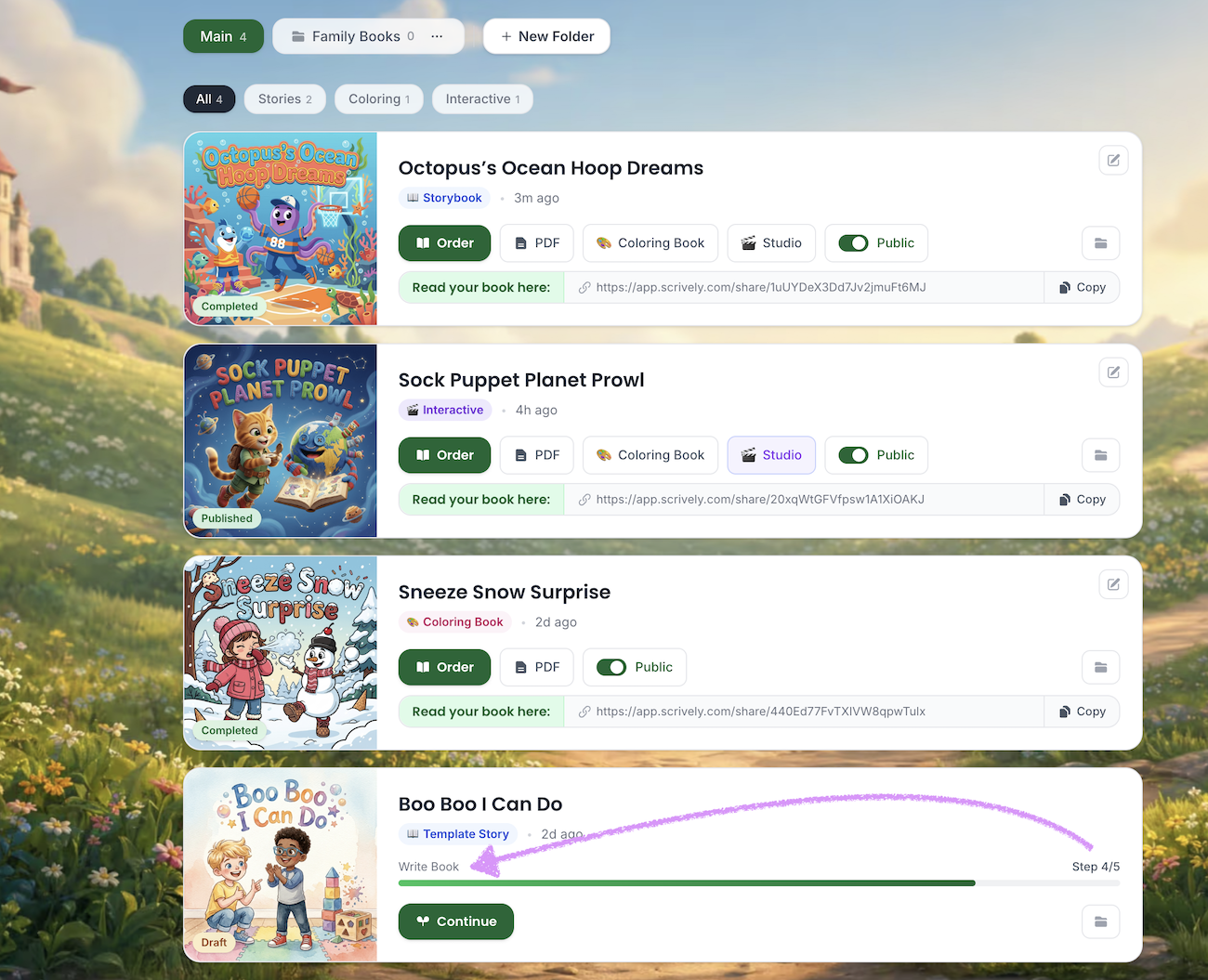
Books in draft will show which step of the creation process they are currently in.
Was this article helpful?
That’s Great!
Thank you for your feedback
Sorry! We couldn't be helpful
Thank you for your feedback
Feedback sent
We appreciate your effort and will try to fix the article
