Platform: Web App
Works On: Mobile, Tablet, Desktop Browser
As a Starter user, you get the full experience of creating a book from start to finish, no subscriptions and no payments required. If you’d like to continue editing your book, simply register an account by following the steps below.
You can create your free account by signing in with Google, Apple or manually adding your email.
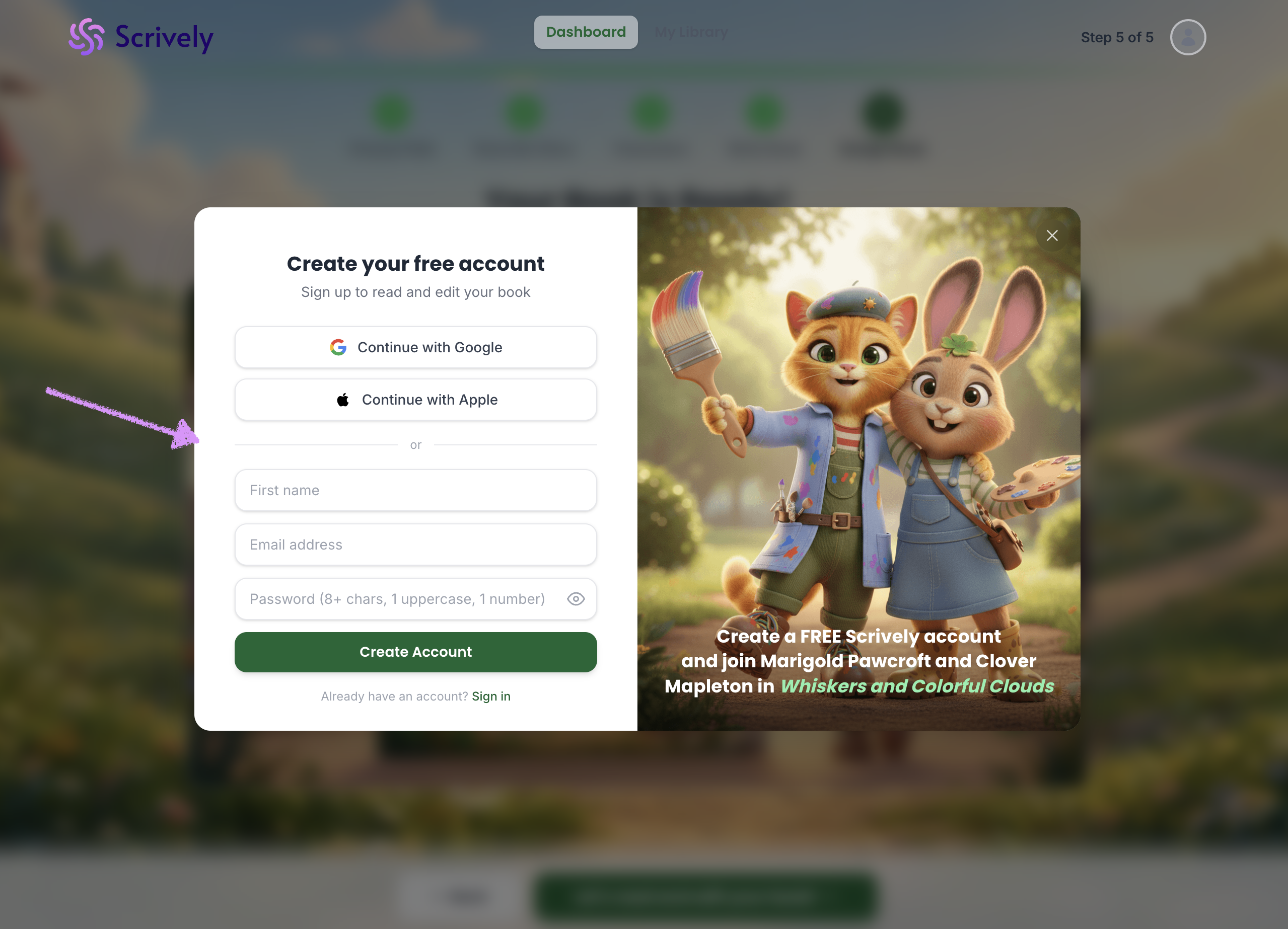
Click on "Create Account."
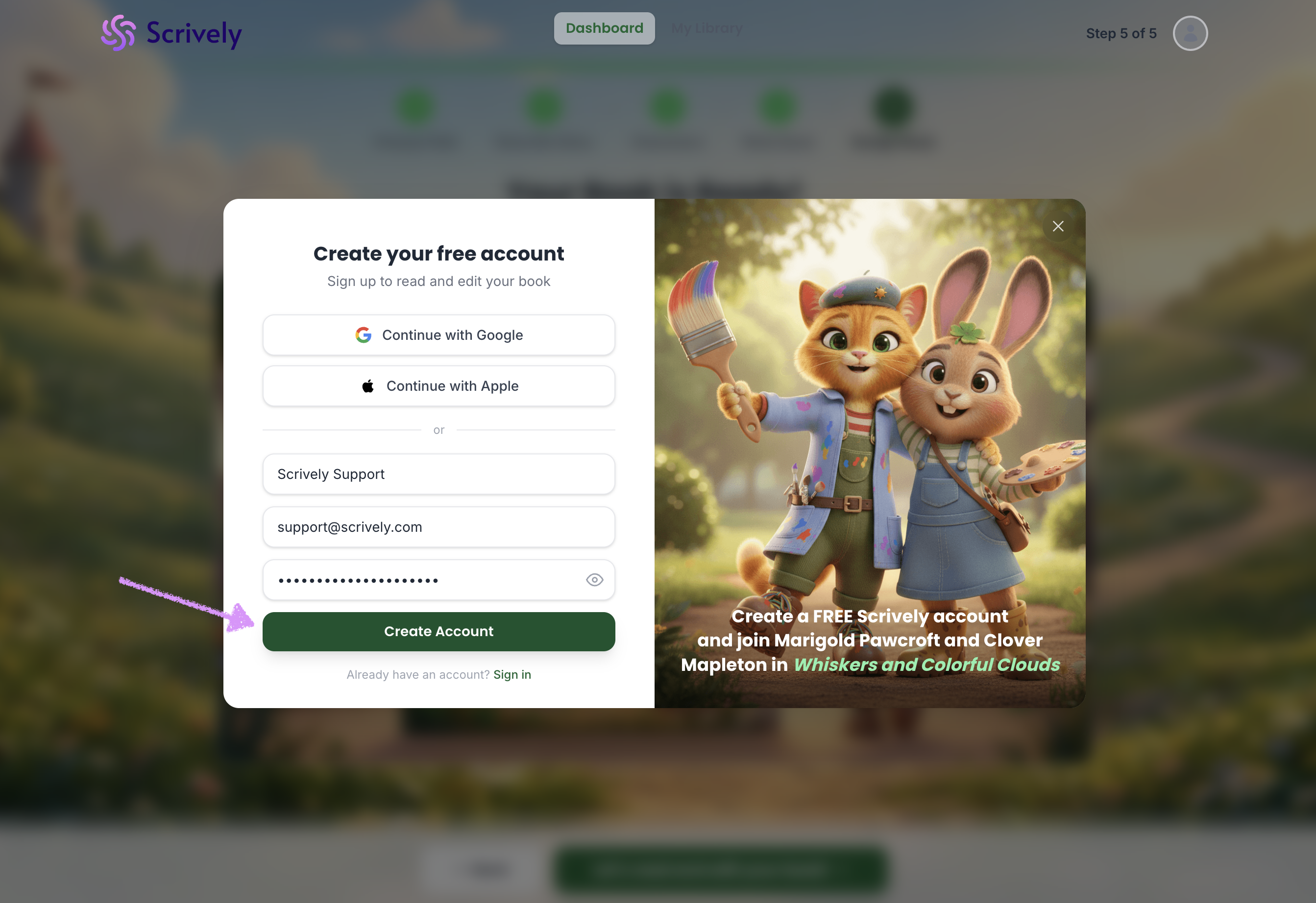
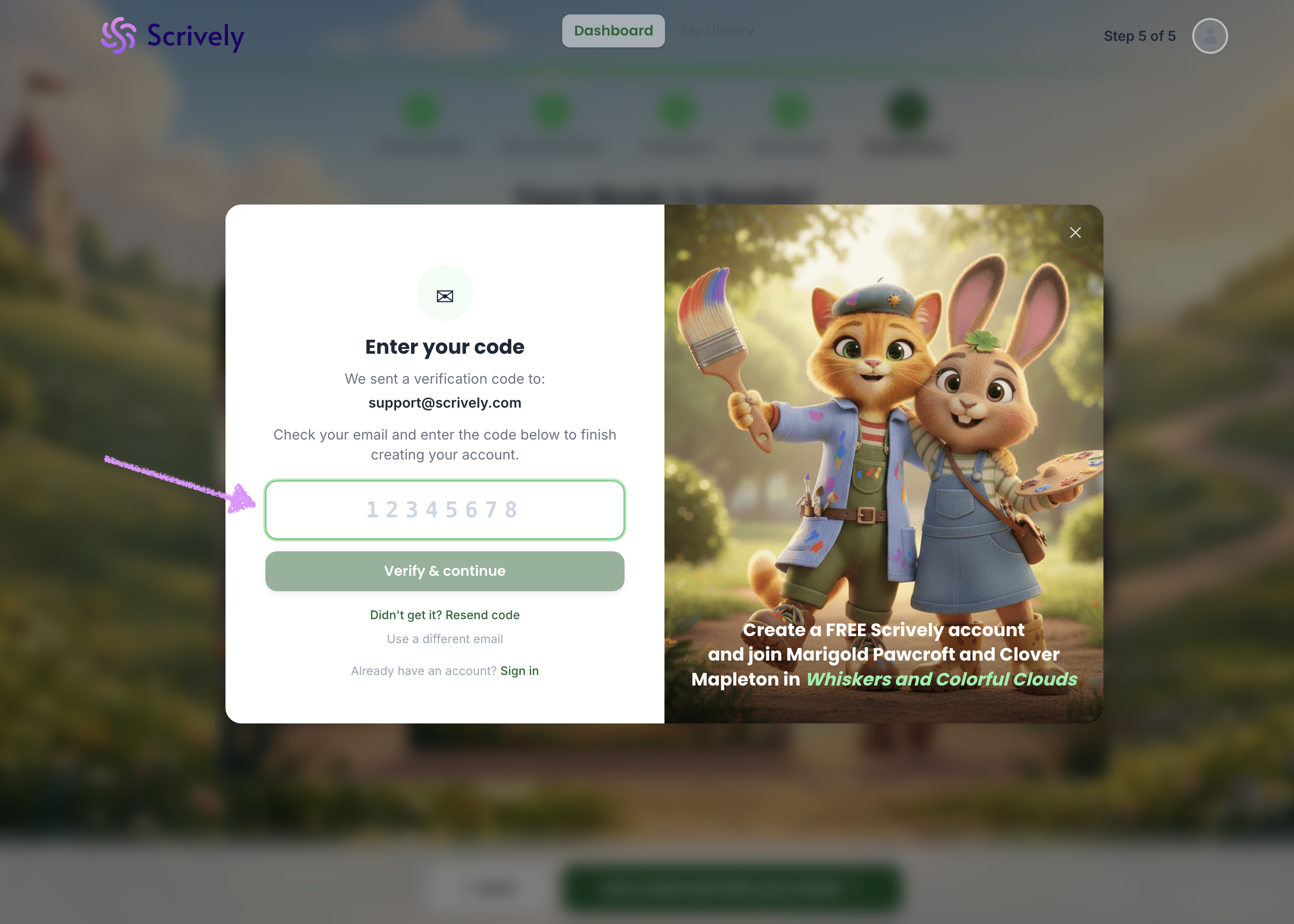
A verification code will be sent to your email that you can then, enter to access the account.
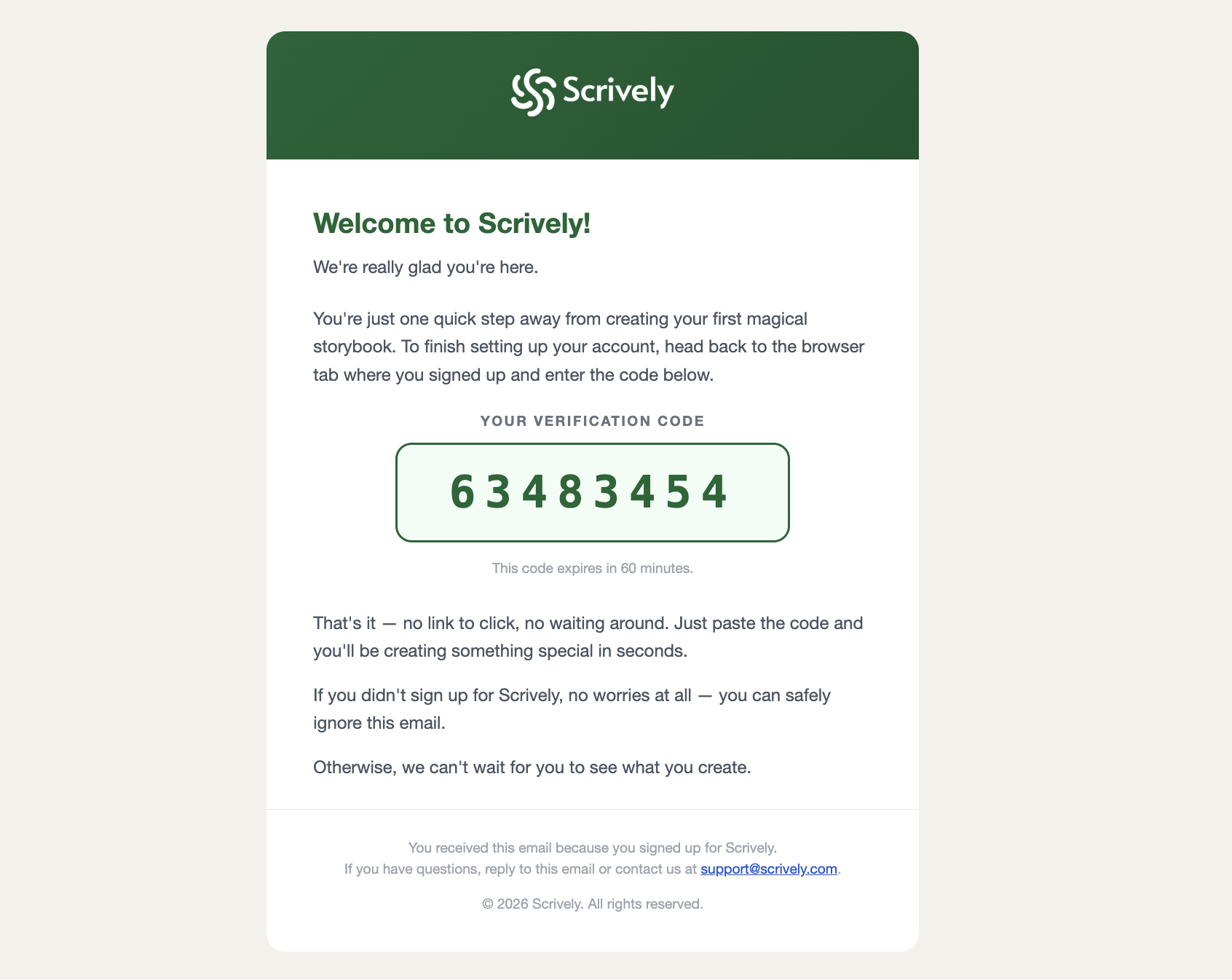
The verification code email will look like the one below.
That's it! Welcome to the editor, where you can continue designing your book!
Was this article helpful?
That’s Great!
Thank you for your feedback
Sorry! We couldn't be helpful
Thank you for your feedback
Feedback sent
We appreciate your effort and will try to fix the article
