Platform: Web App
Works On: Mobile, Tablet, Desktop Browser
Scrively gives you three powerful options to design your book cover.
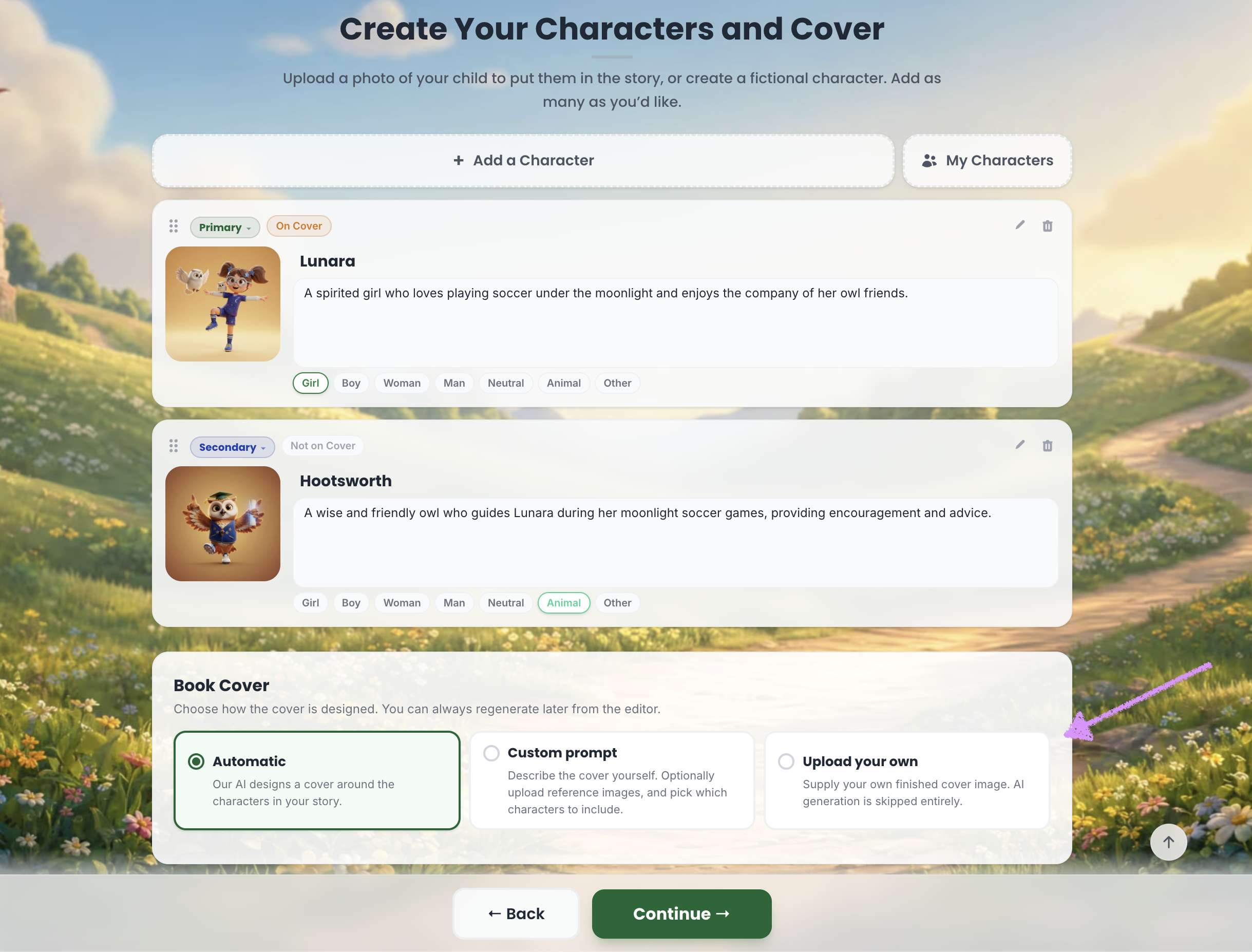
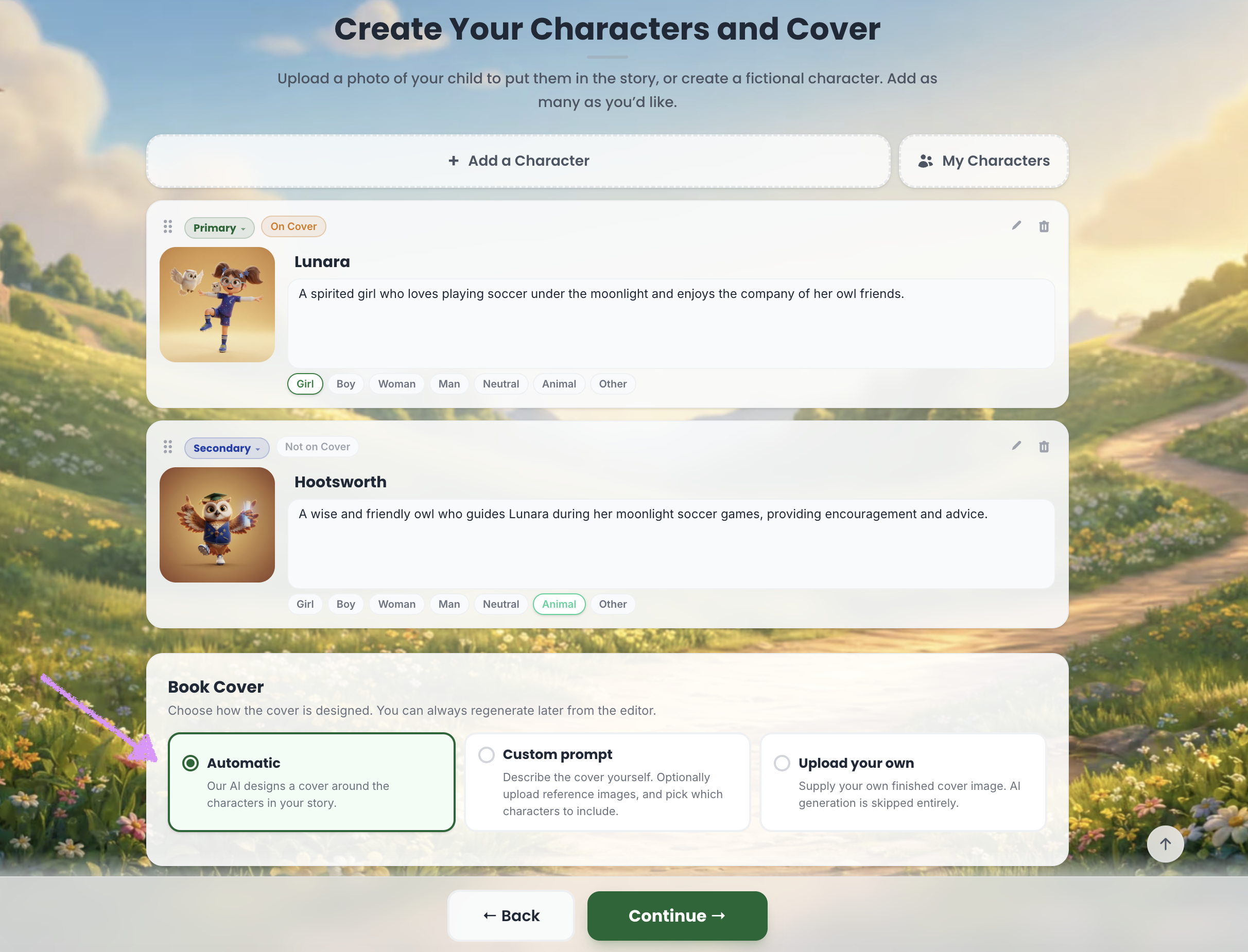
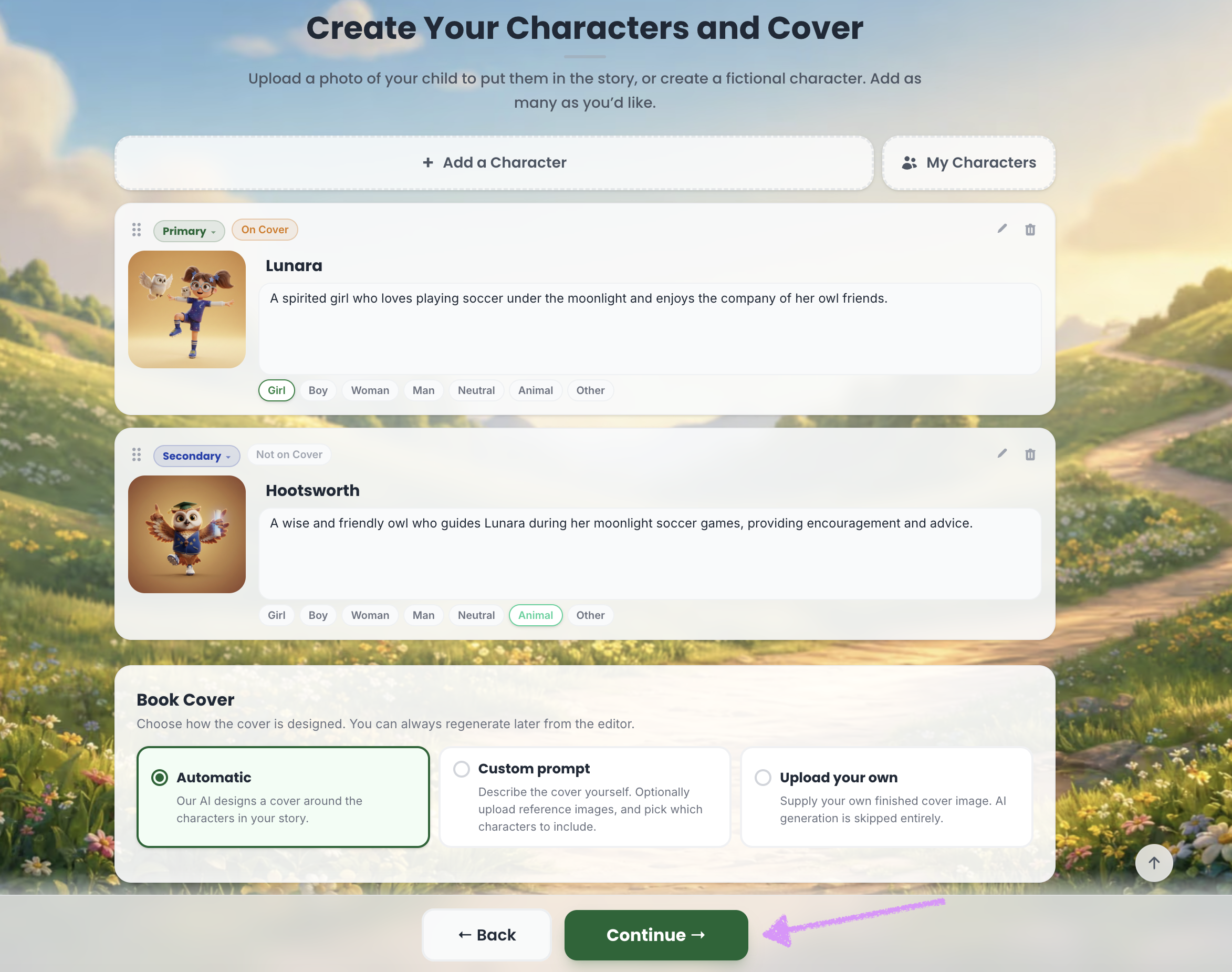
The first option is an "Automatic" book cover. Scrively will design a cover based on the characters in your story.
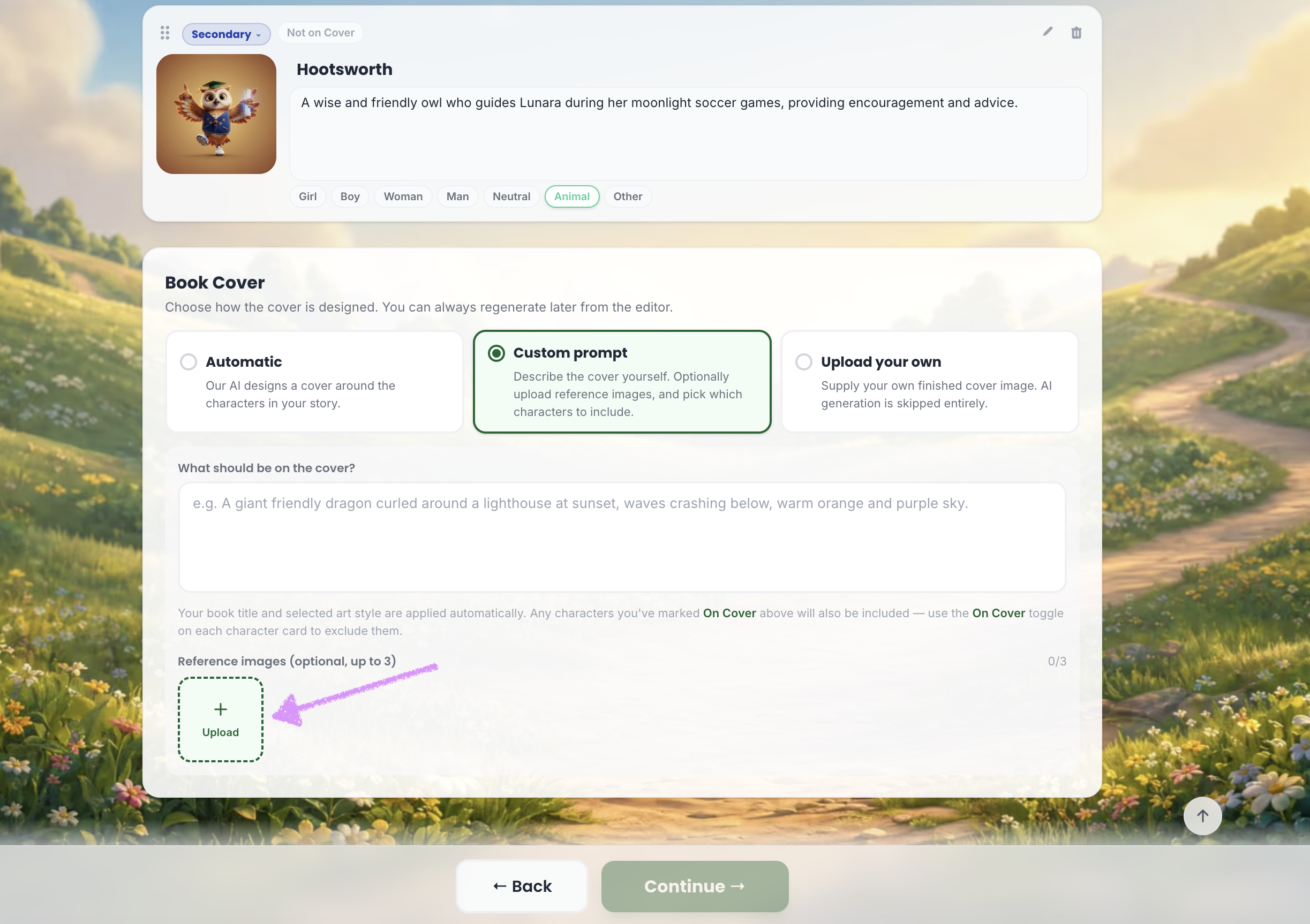
The next option is a "Custom prompt." This option allows you to describe the cover yourself.
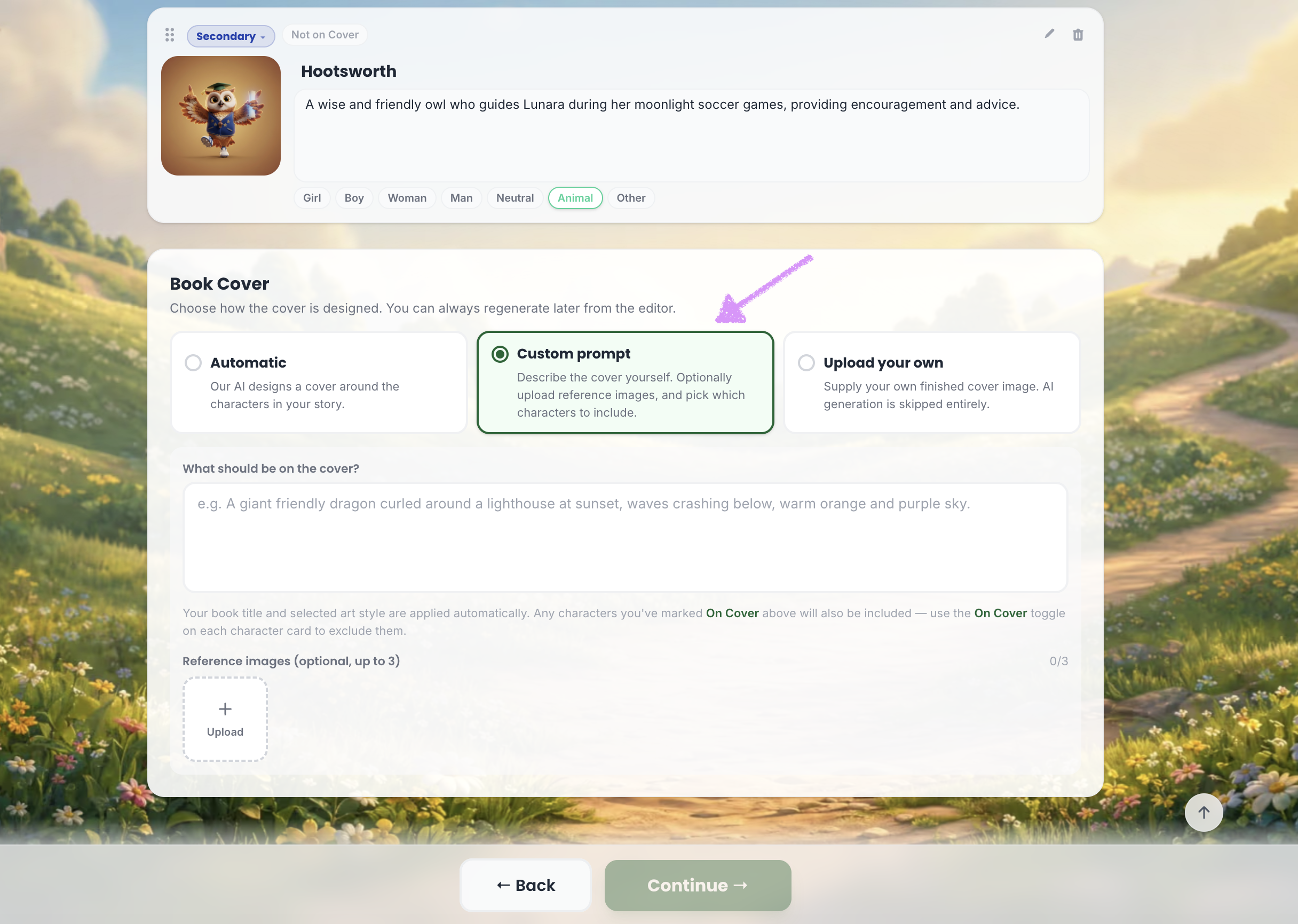
Enter your description in the “What should be on the cover?” field. The book title, selected style, and any characters marked “On Cover” will be automatically included.
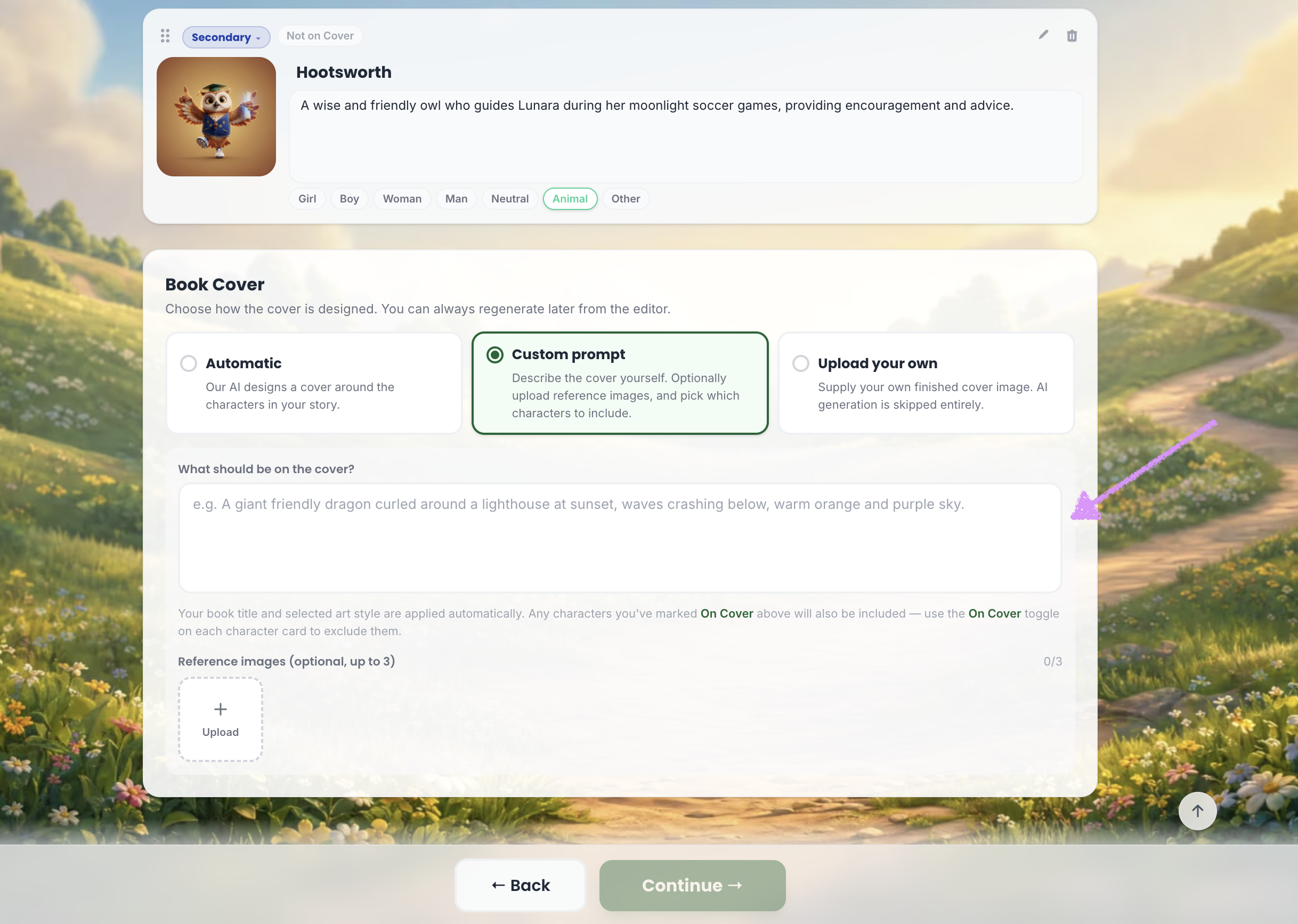
You also have the option to include up to three reference images.
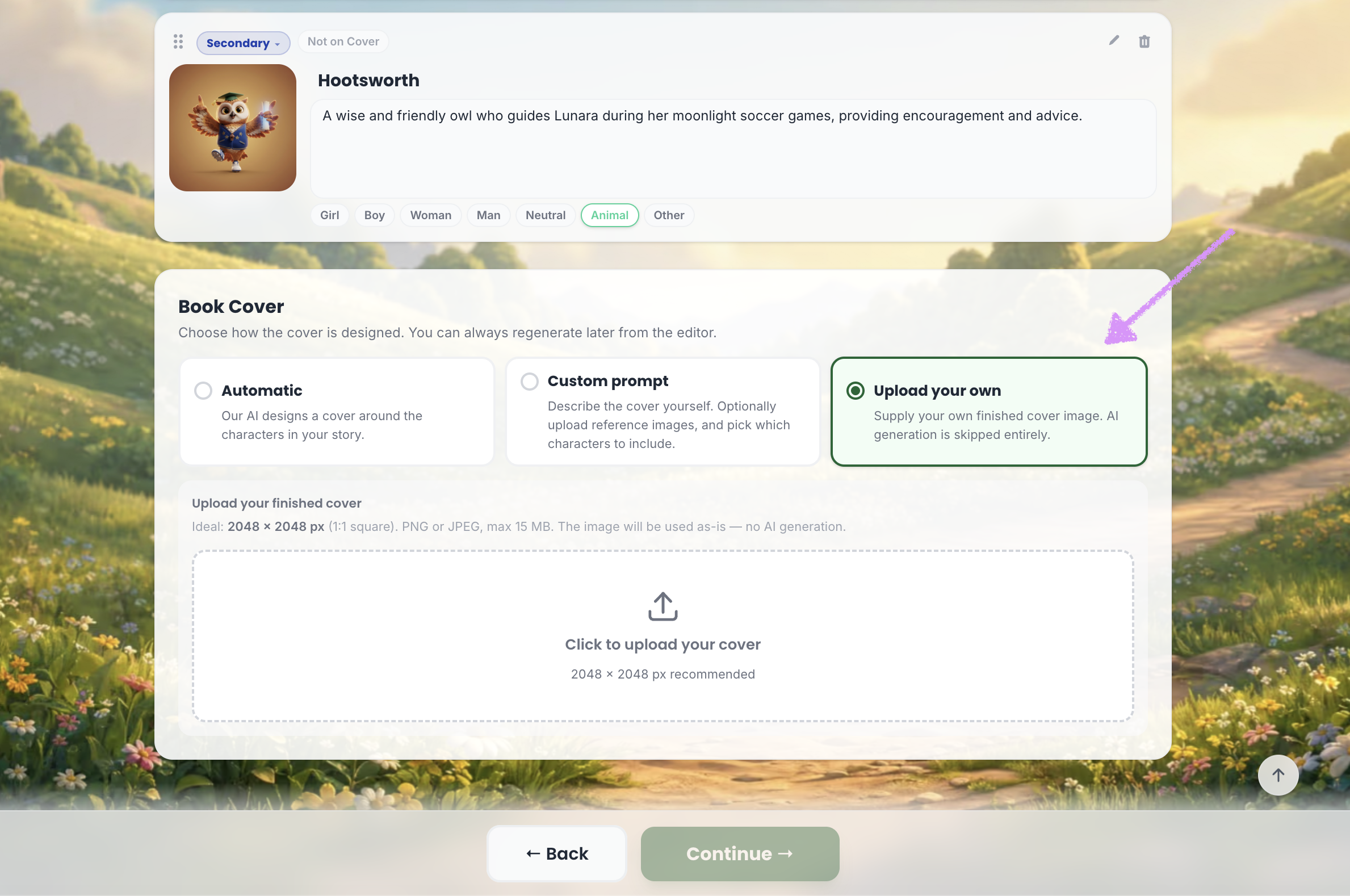
The last option is to upload your own cover image.
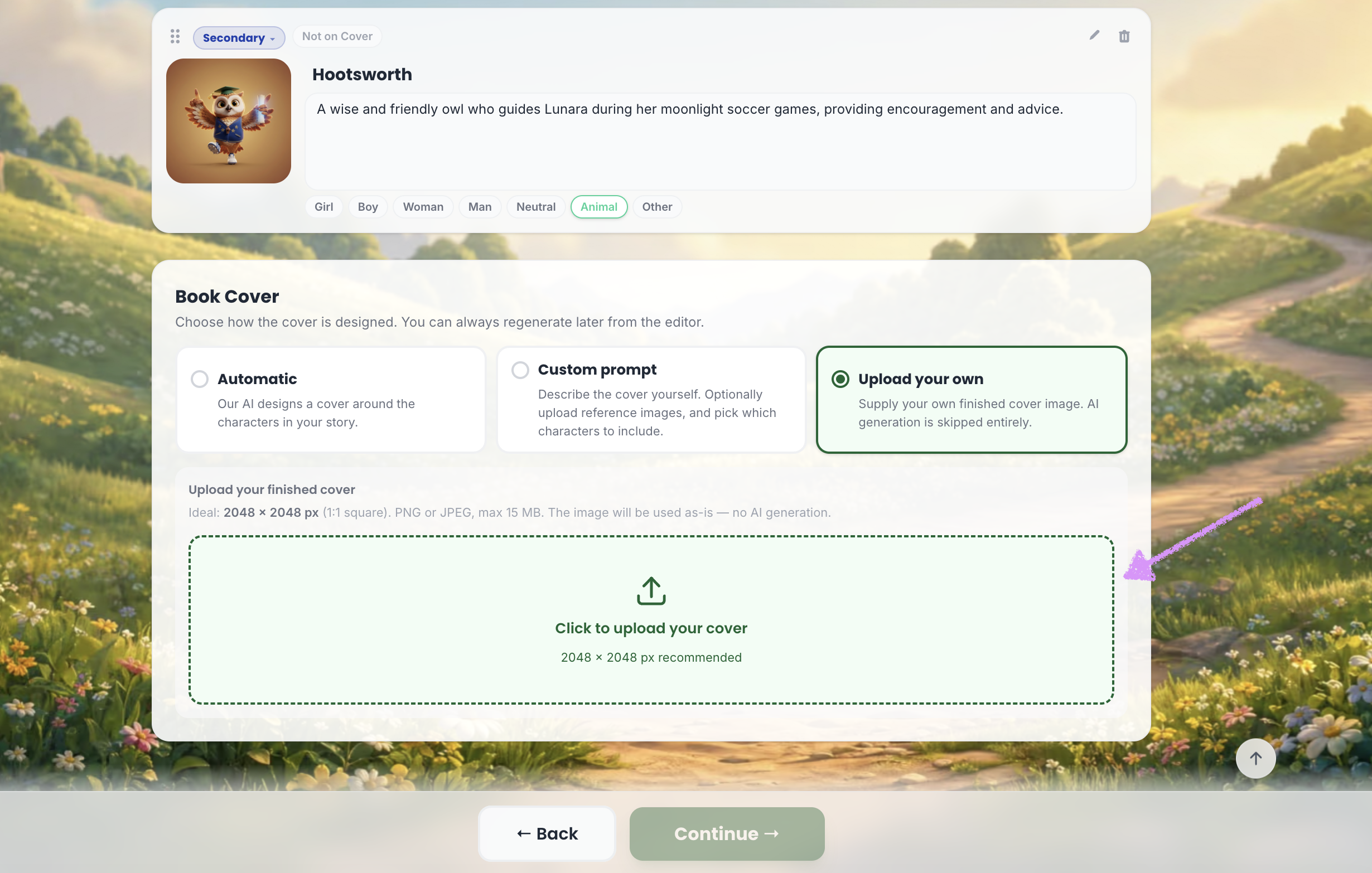
Click into the provided field to upload the cover image from your device.
When you're ready click on "Continue." You can always regenerate or edit the cover later in the editor. Head over to our guide here on writing your book.
Was this article helpful?
That’s Great!
Thank you for your feedback
Sorry! We couldn't be helpful
Thank you for your feedback
Feedback sent
We appreciate your effort and will try to fix the article
