Platform: Web App
Works On: Mobile, Tablet, Desktop Browser
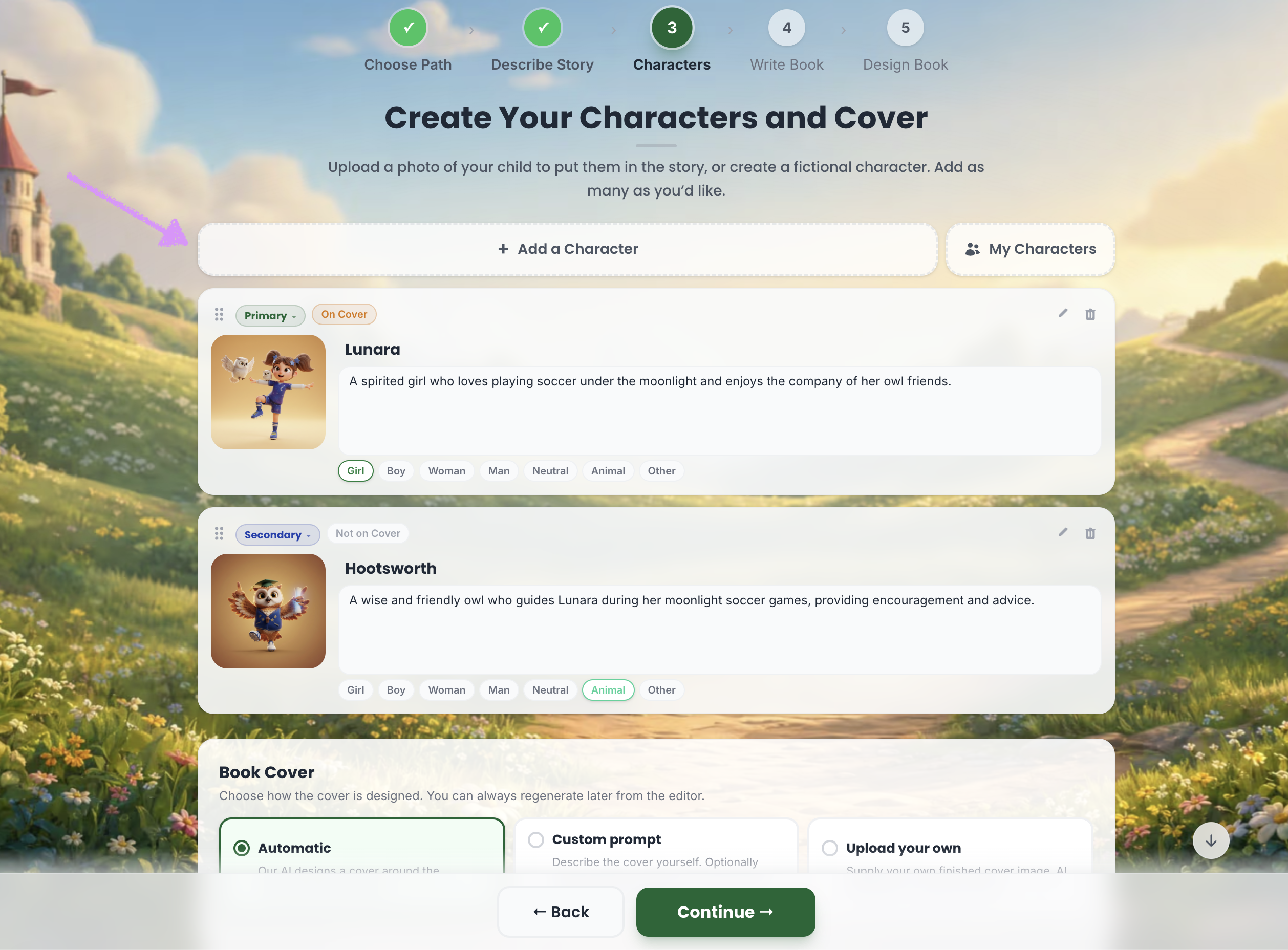
In the Characters step, Scrively gives you the option to manually add your own characters. To begin, click “Add Characters.”
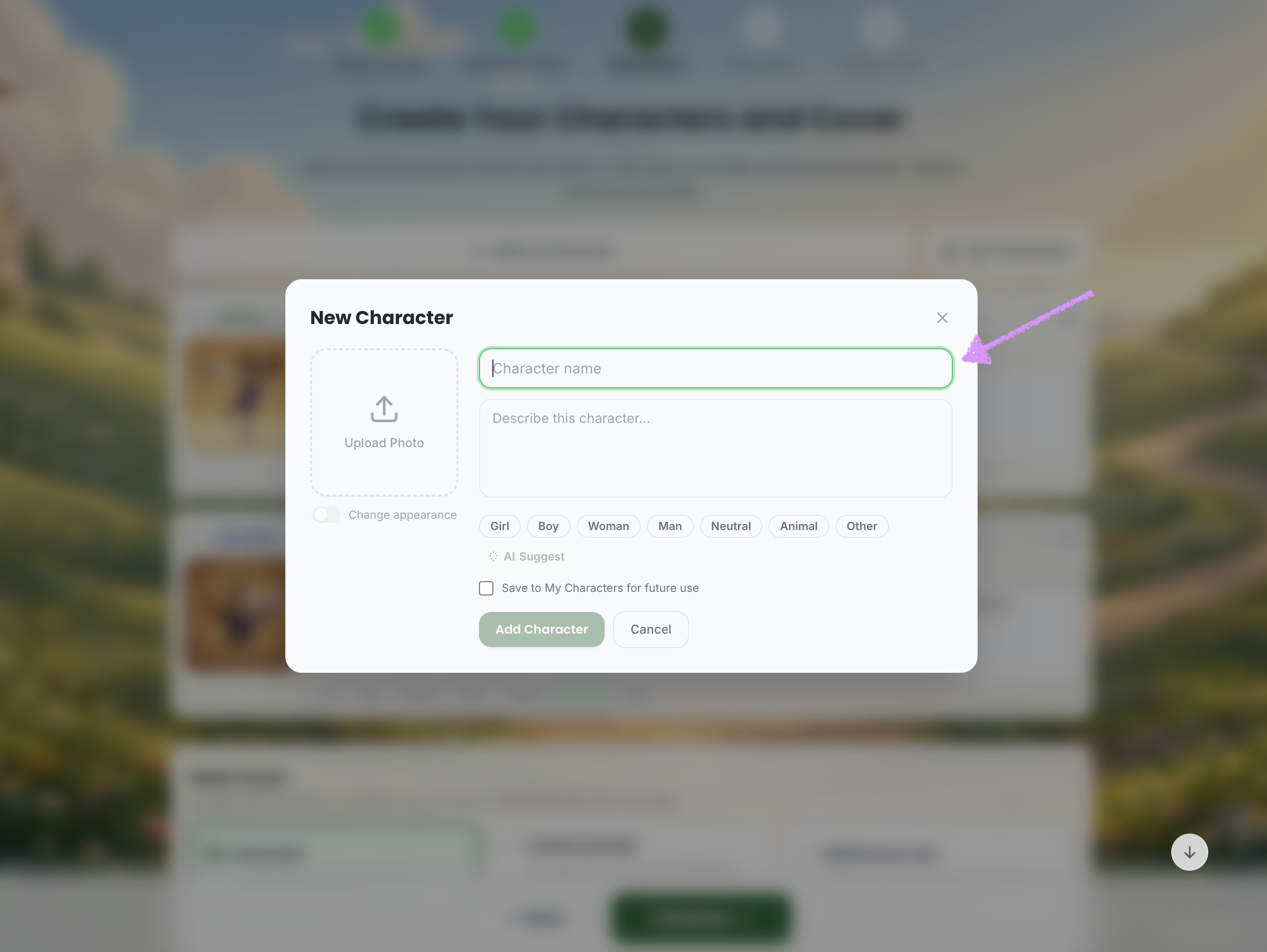
Add your character's name.
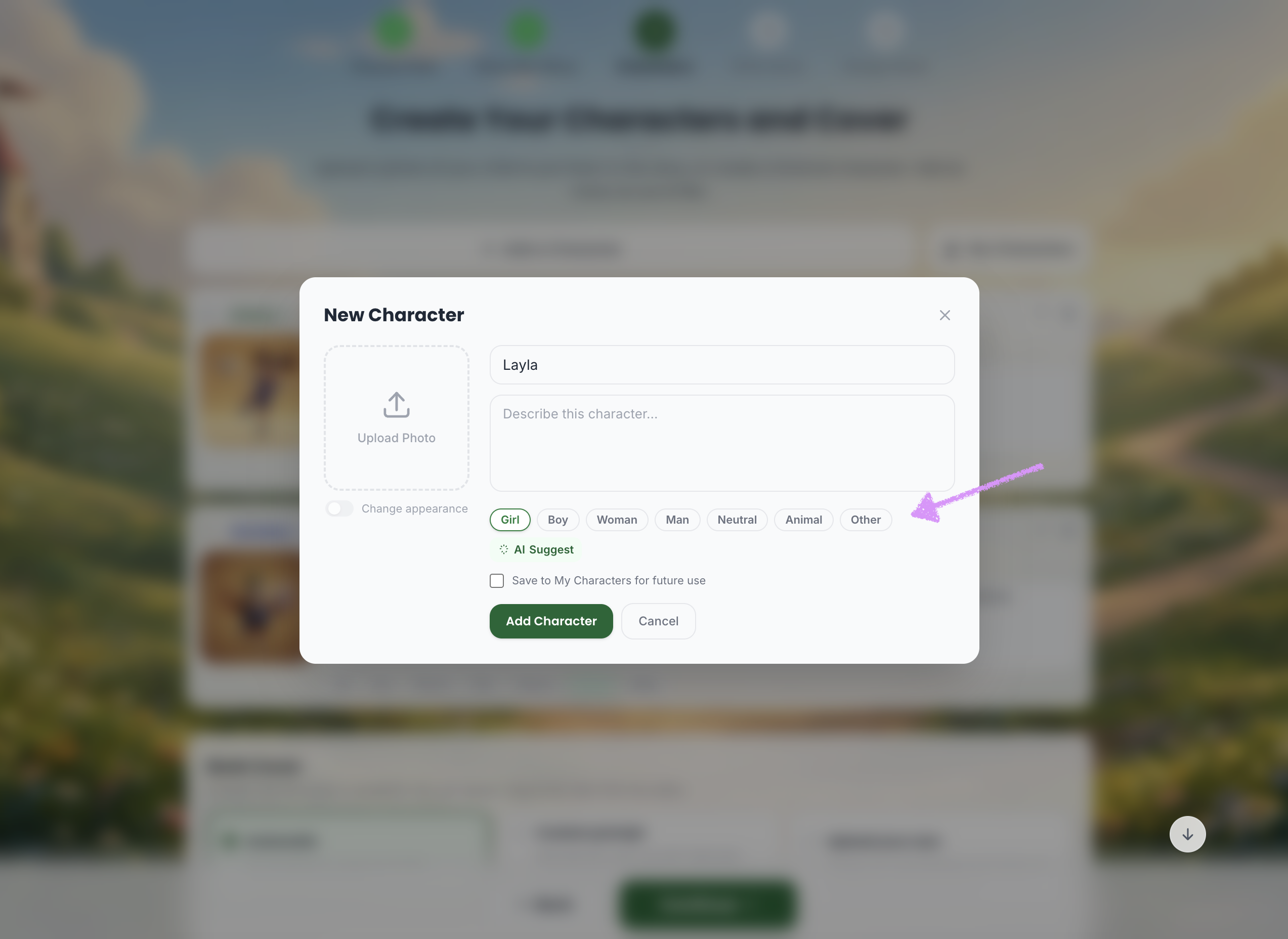
A character type will be automatically set based on the provided name which can be adjusted.
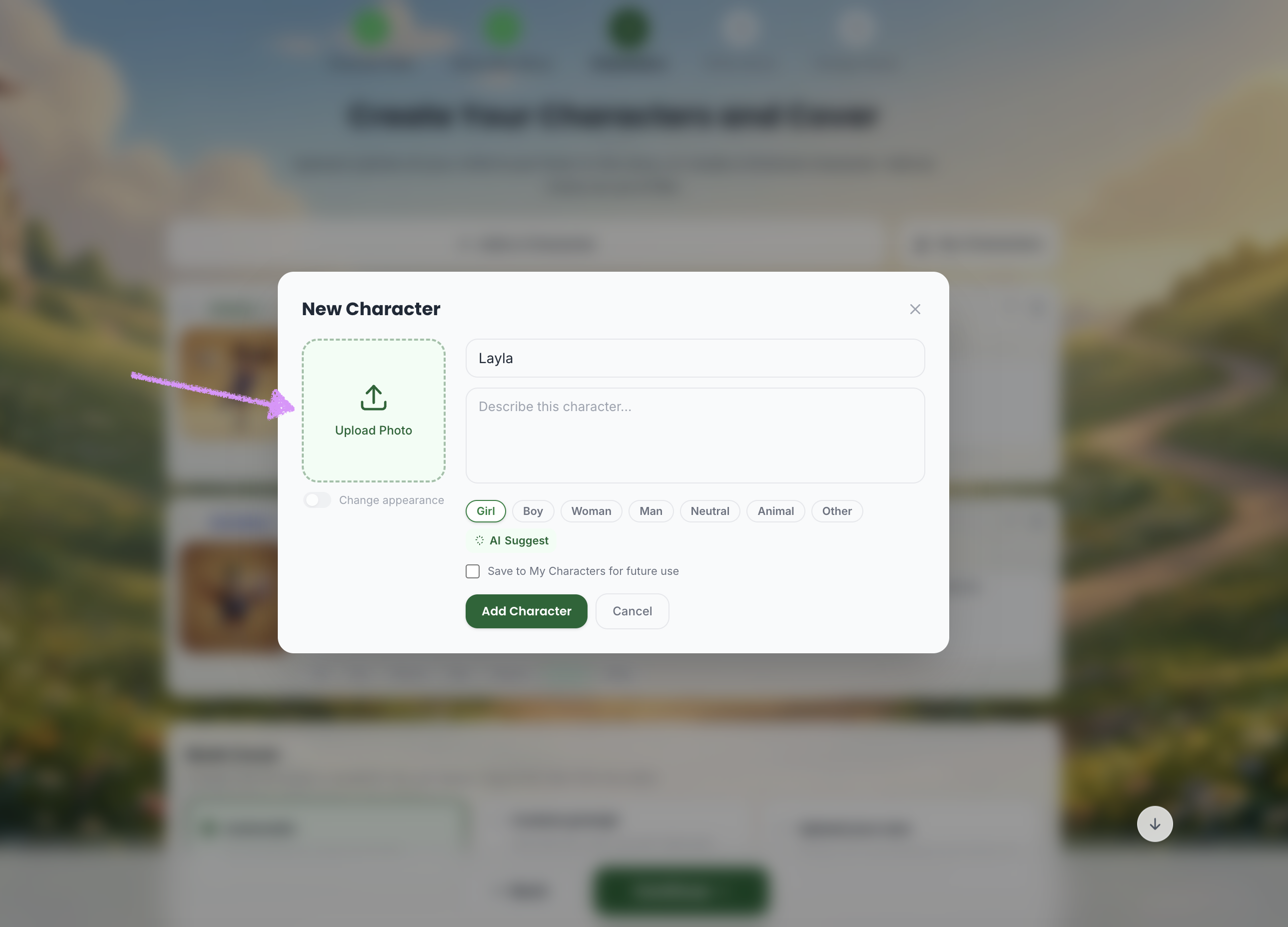
Upload the character's photo.
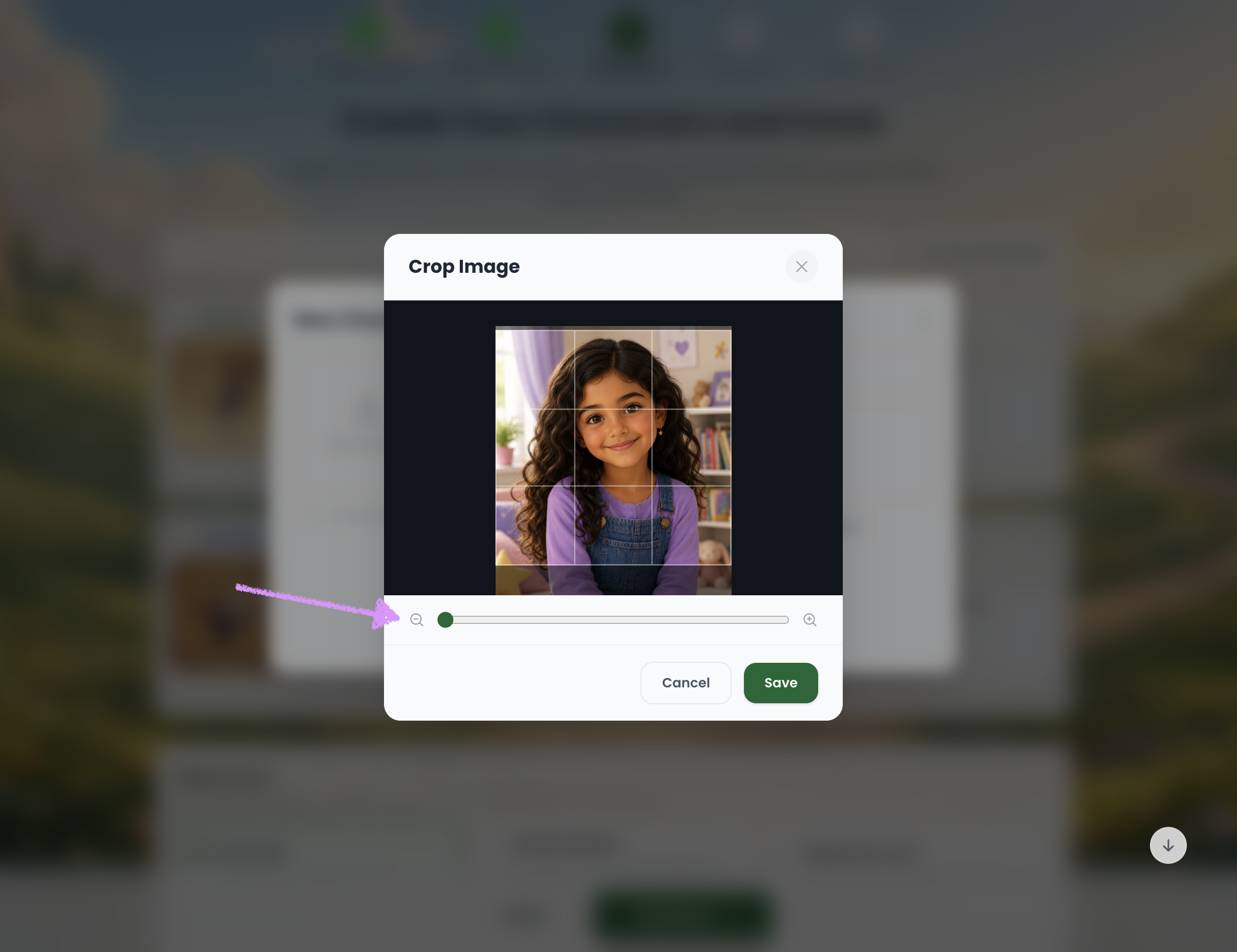
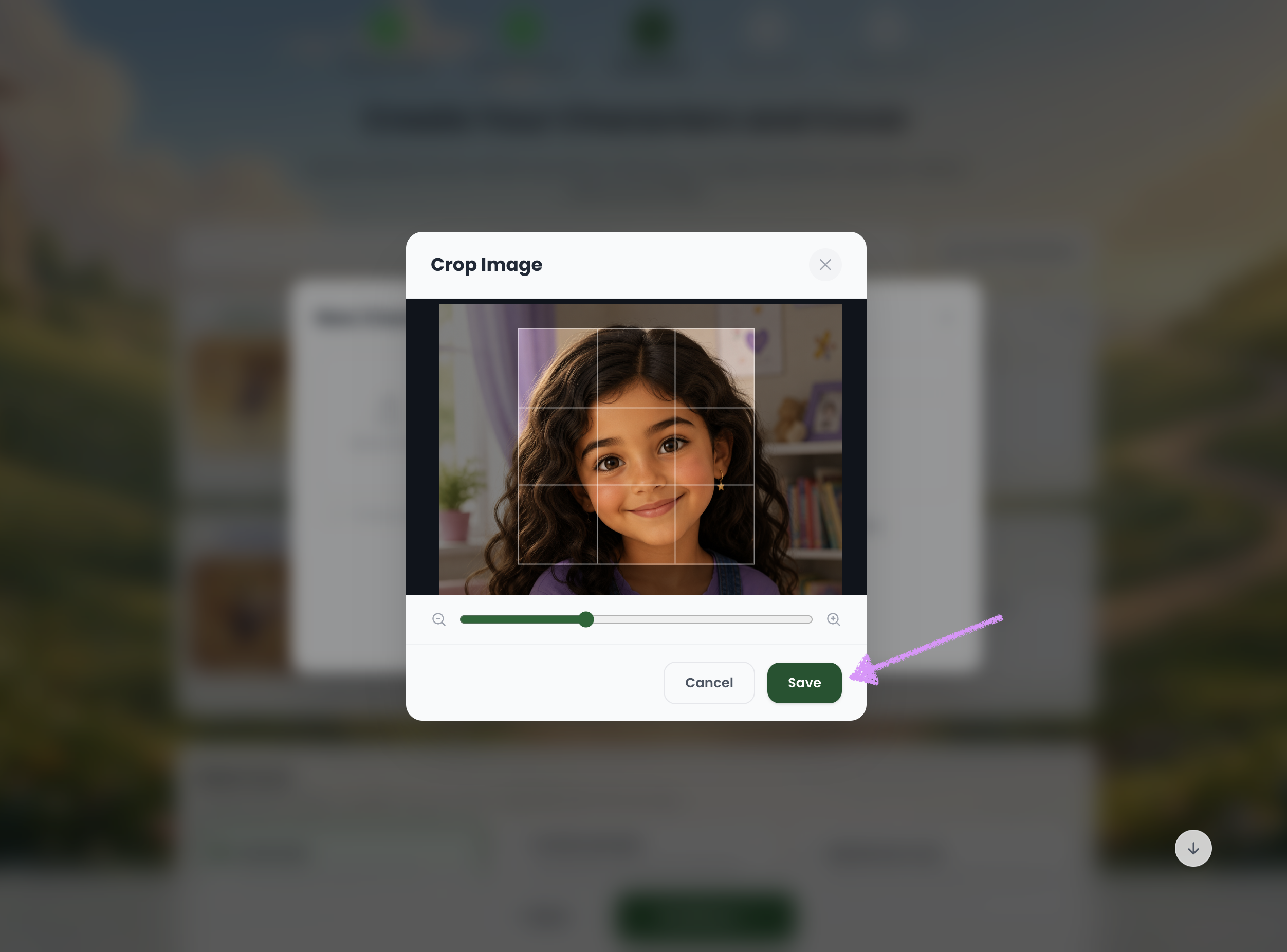
Use the crop image tool to determine what part of the image to focus on.
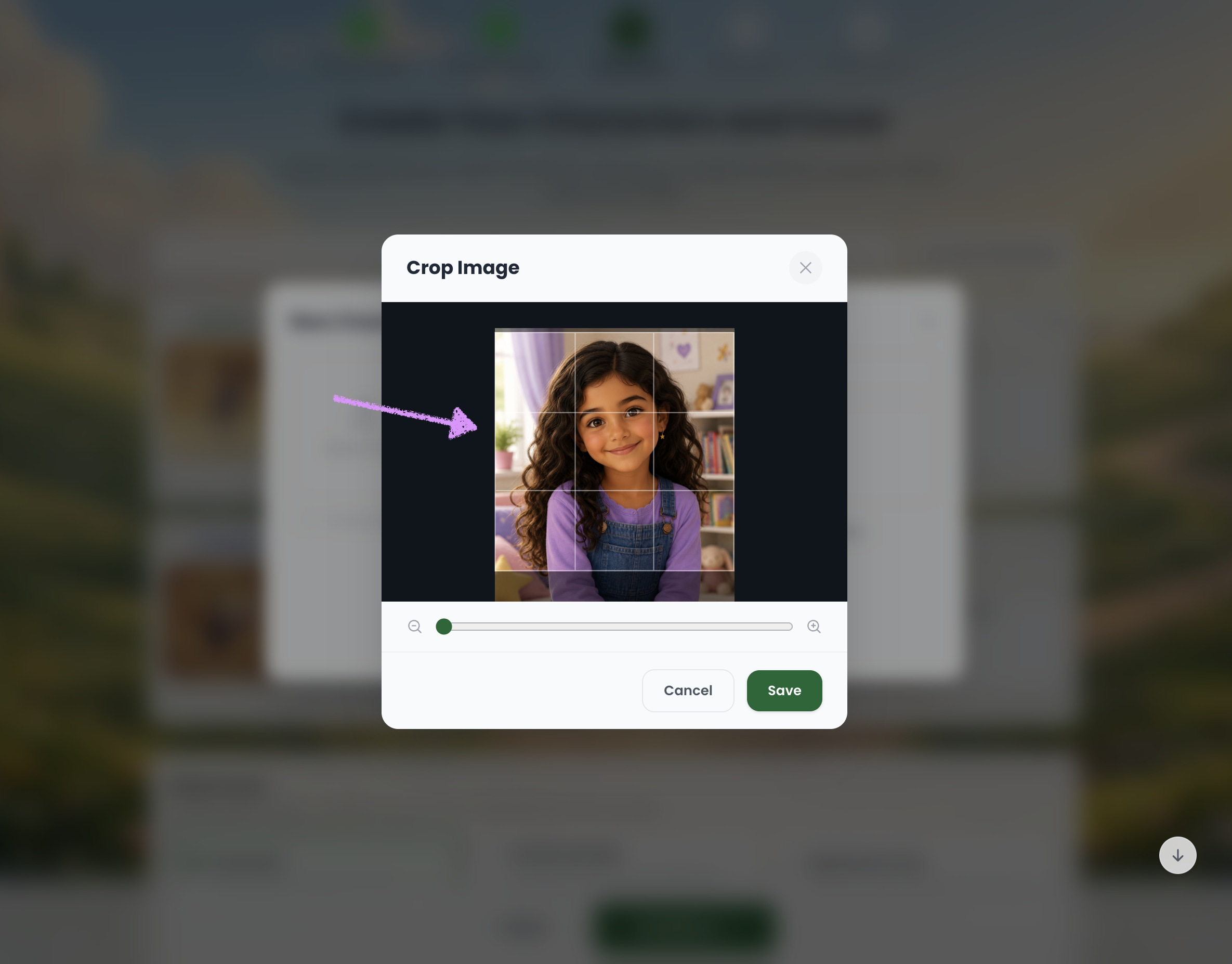
If needed zoom in/out of the image.
When you're ready click on "Save."
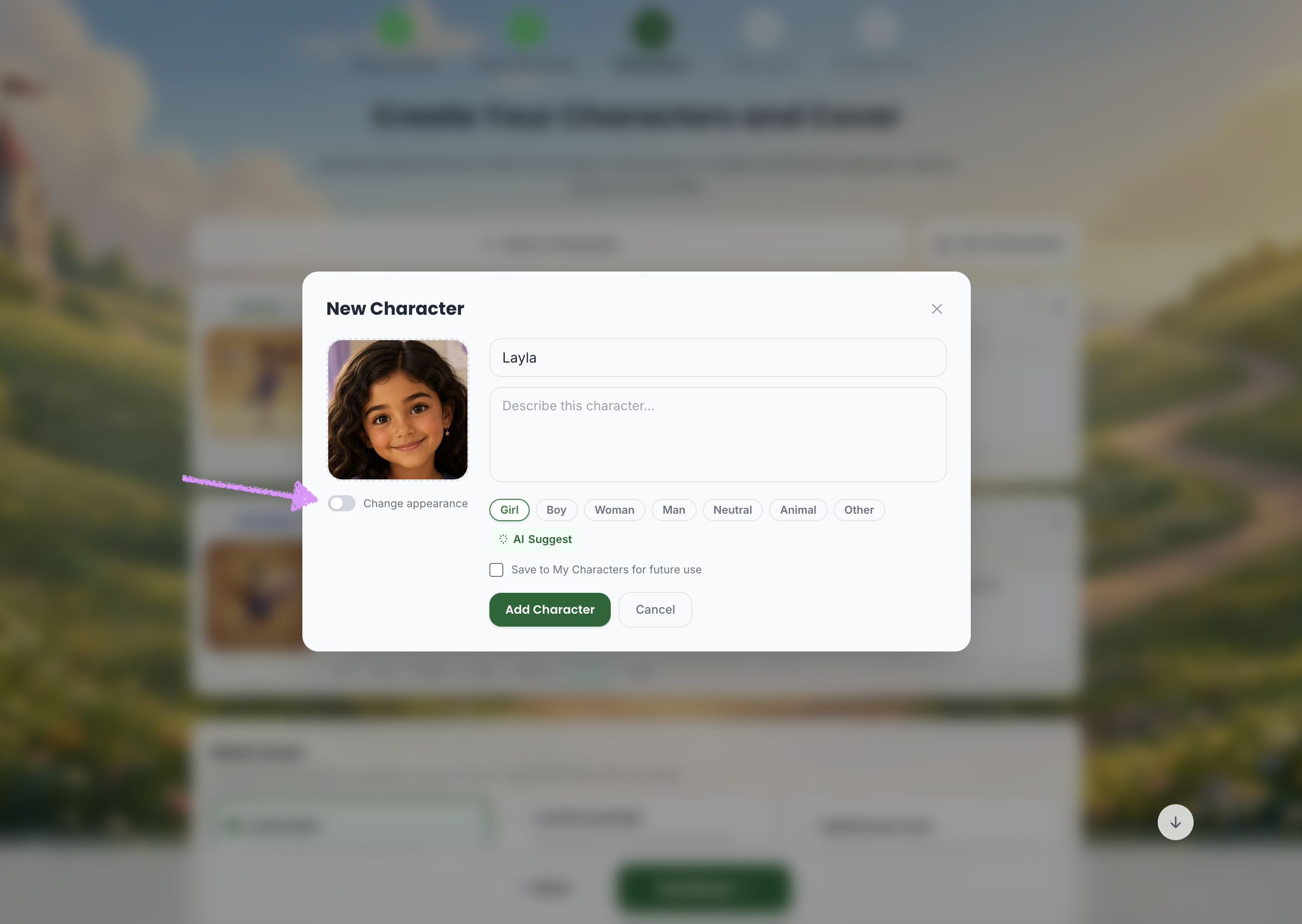
Toggle on the option to change the character's appearance.
Click on "Change style."
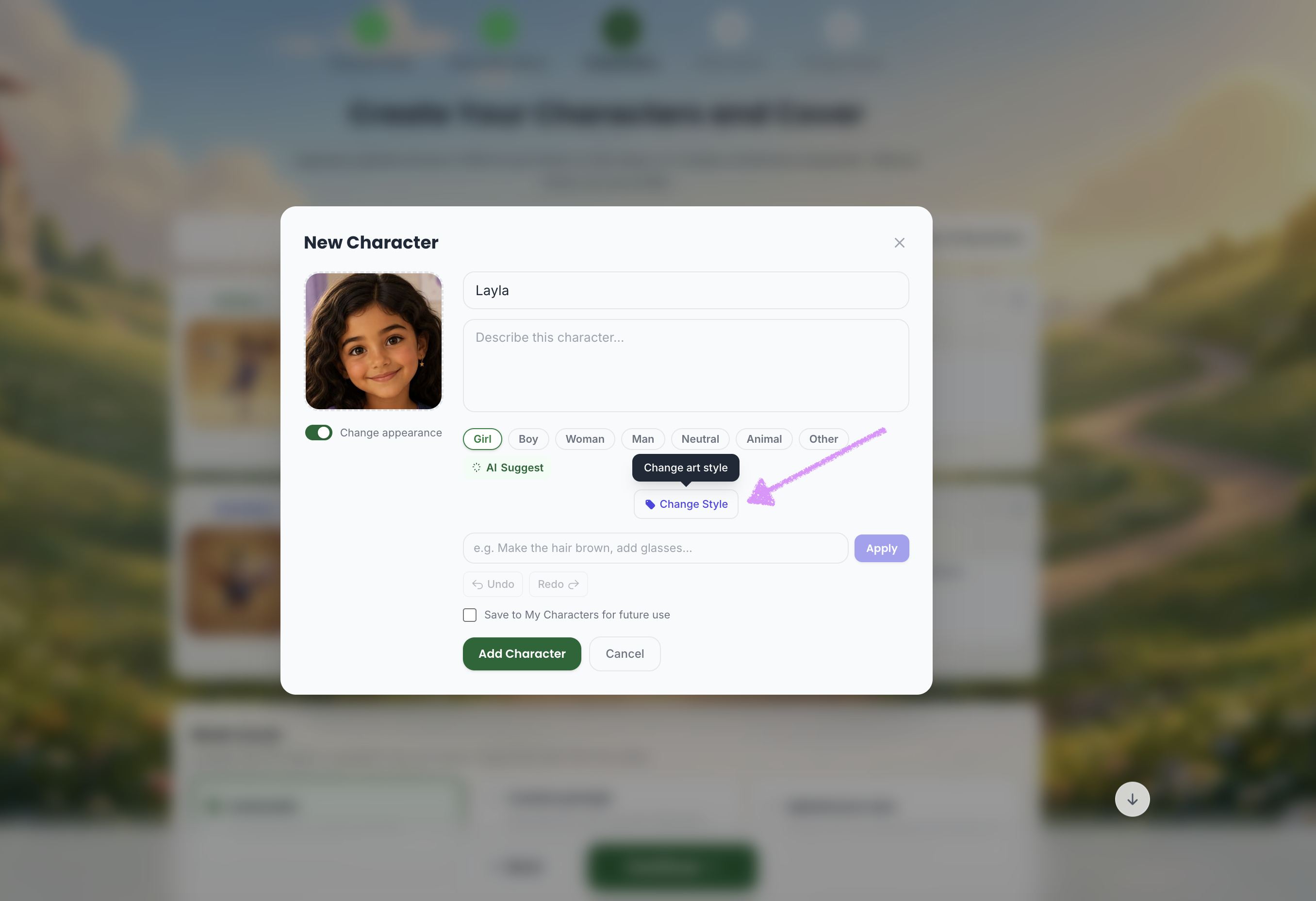
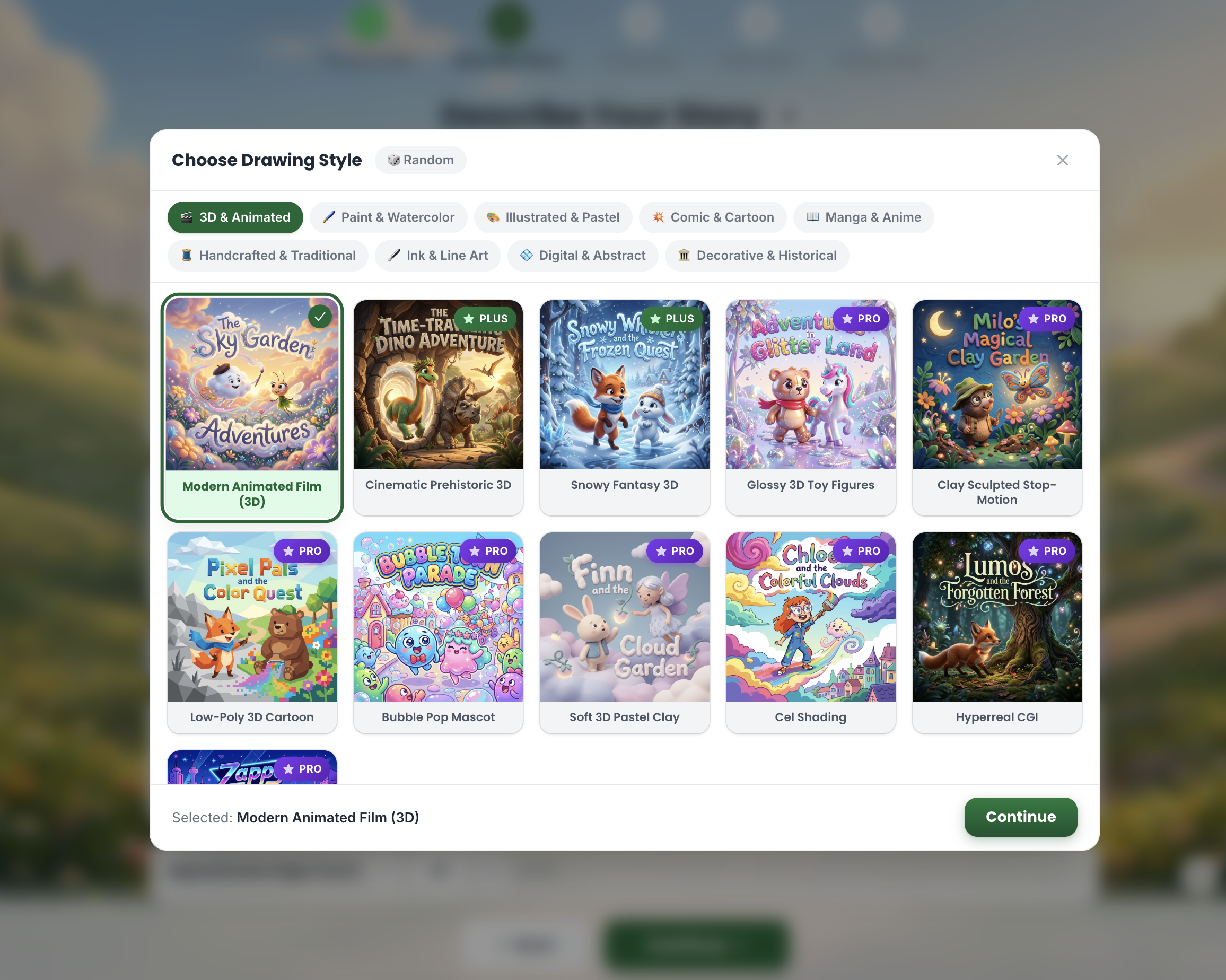
The styles available to you will be based on your plan level. The Starter plan includes one style. One-time purchases include one style in each category. The Plus plan includes three styles per category, while the Pro plan unlocks all styles.
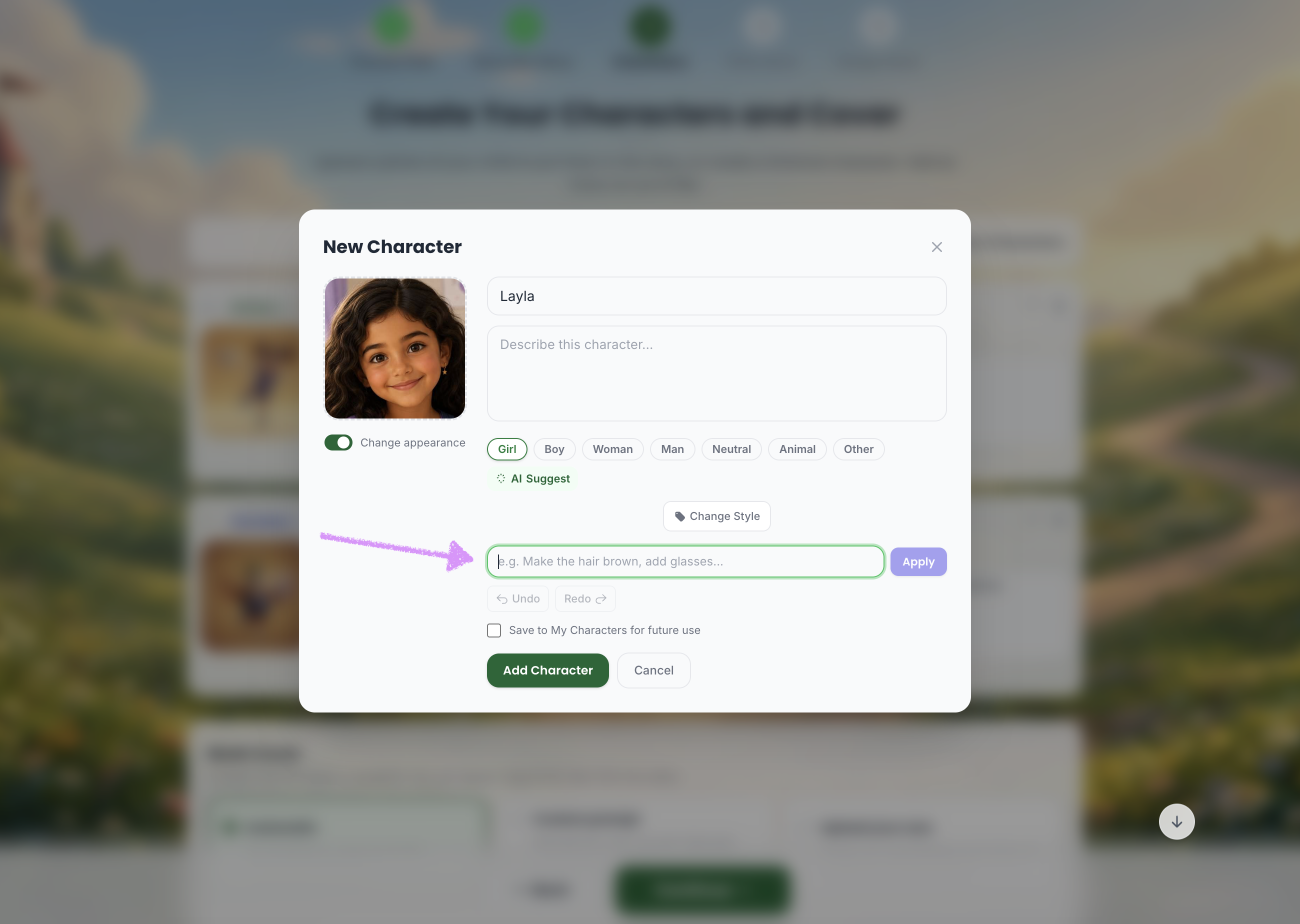
Add or change details about the character as needed.
You can either manually enter a character description or click “AI Suggest” to let Scrively generate one for you.
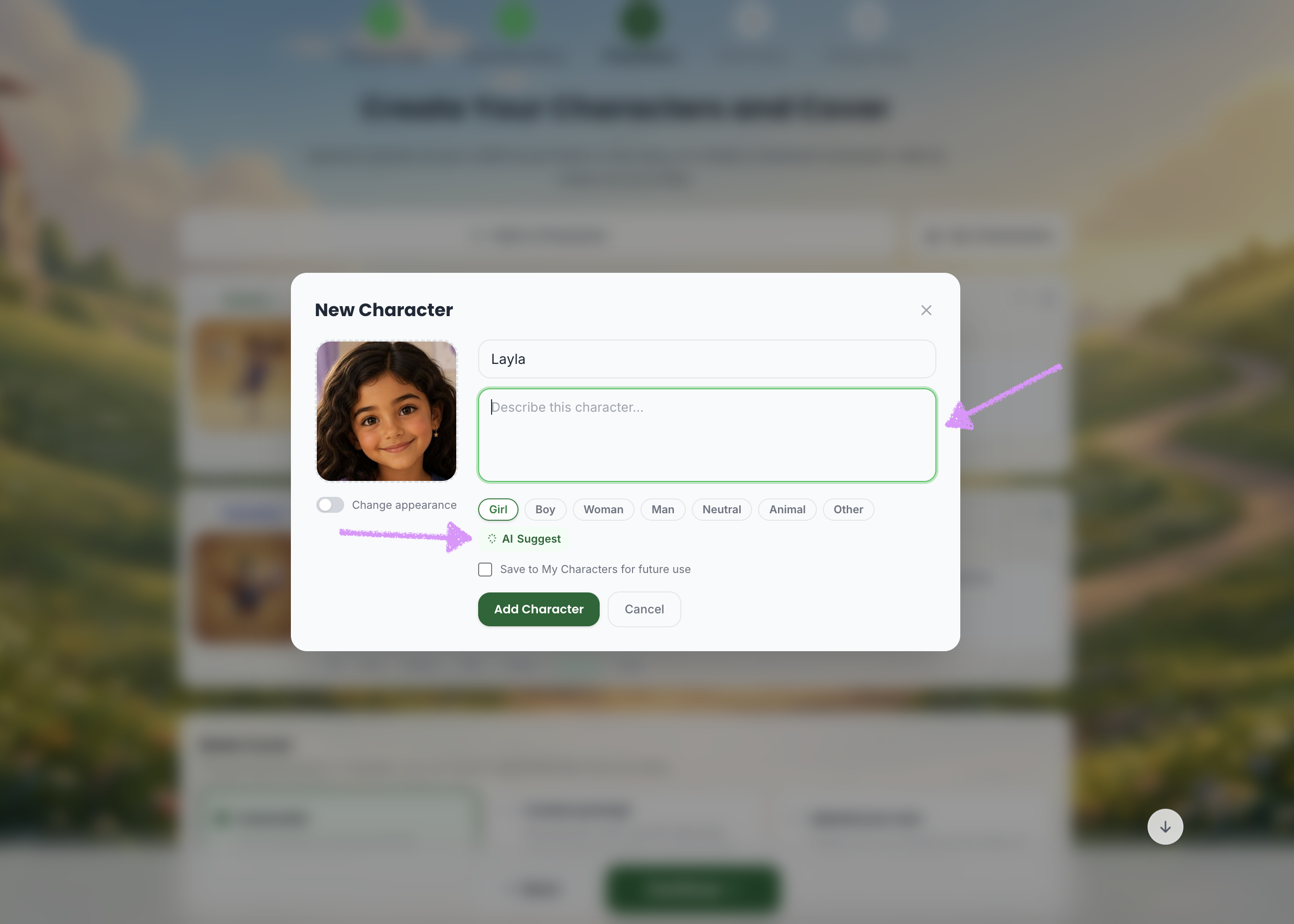
Click “Save to My Characters for Future Use” to add this character to your character library.
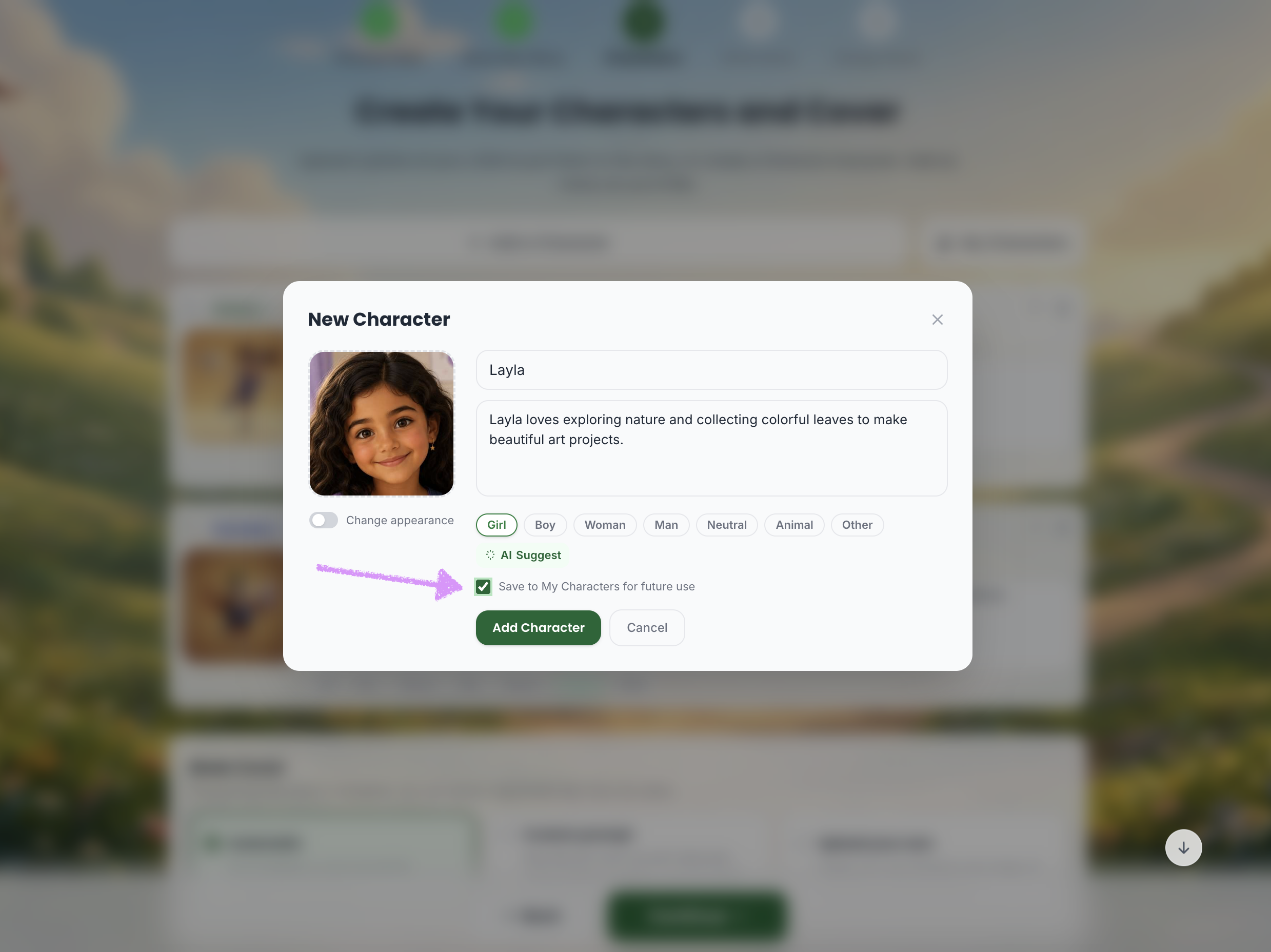
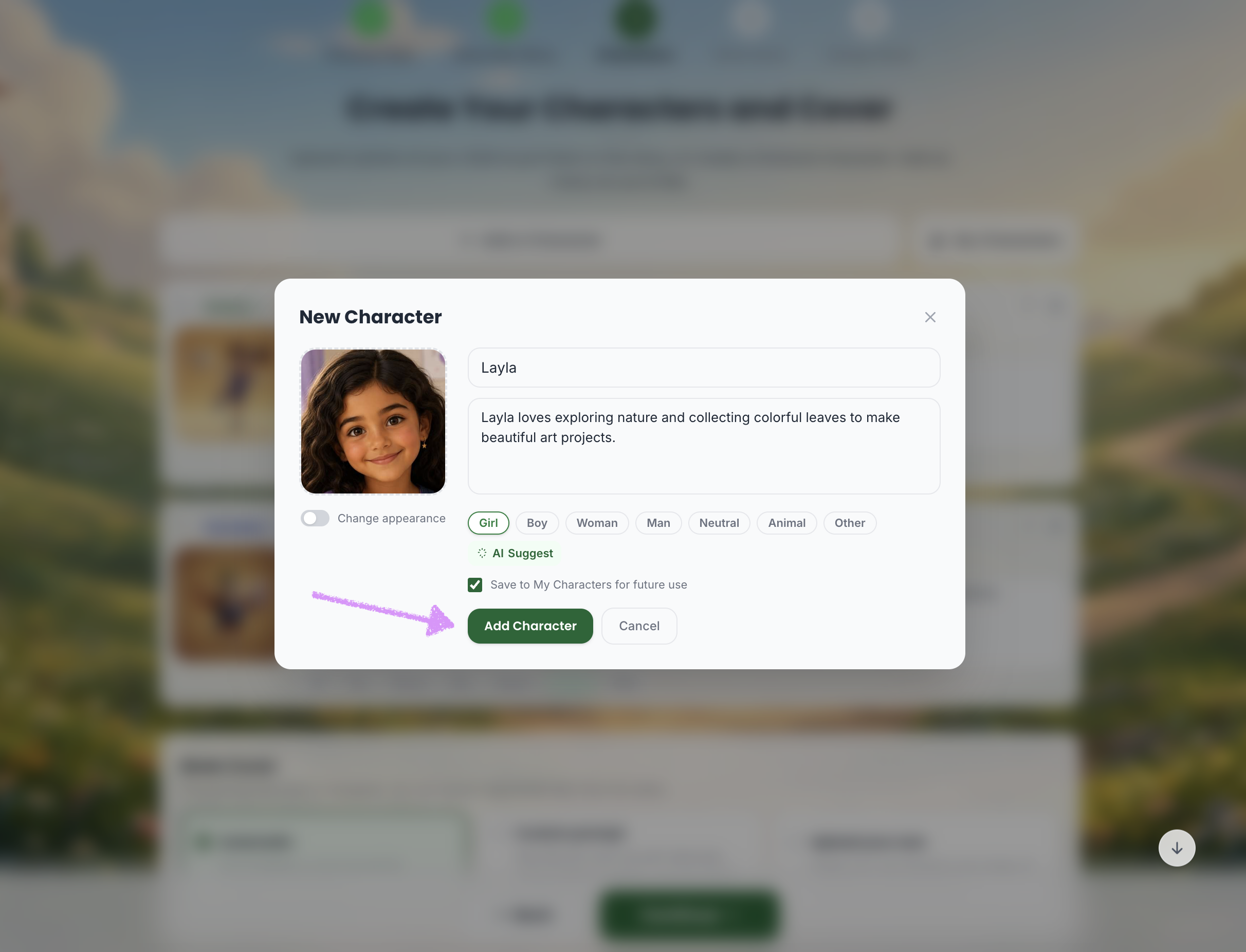
Click on "Add Character."
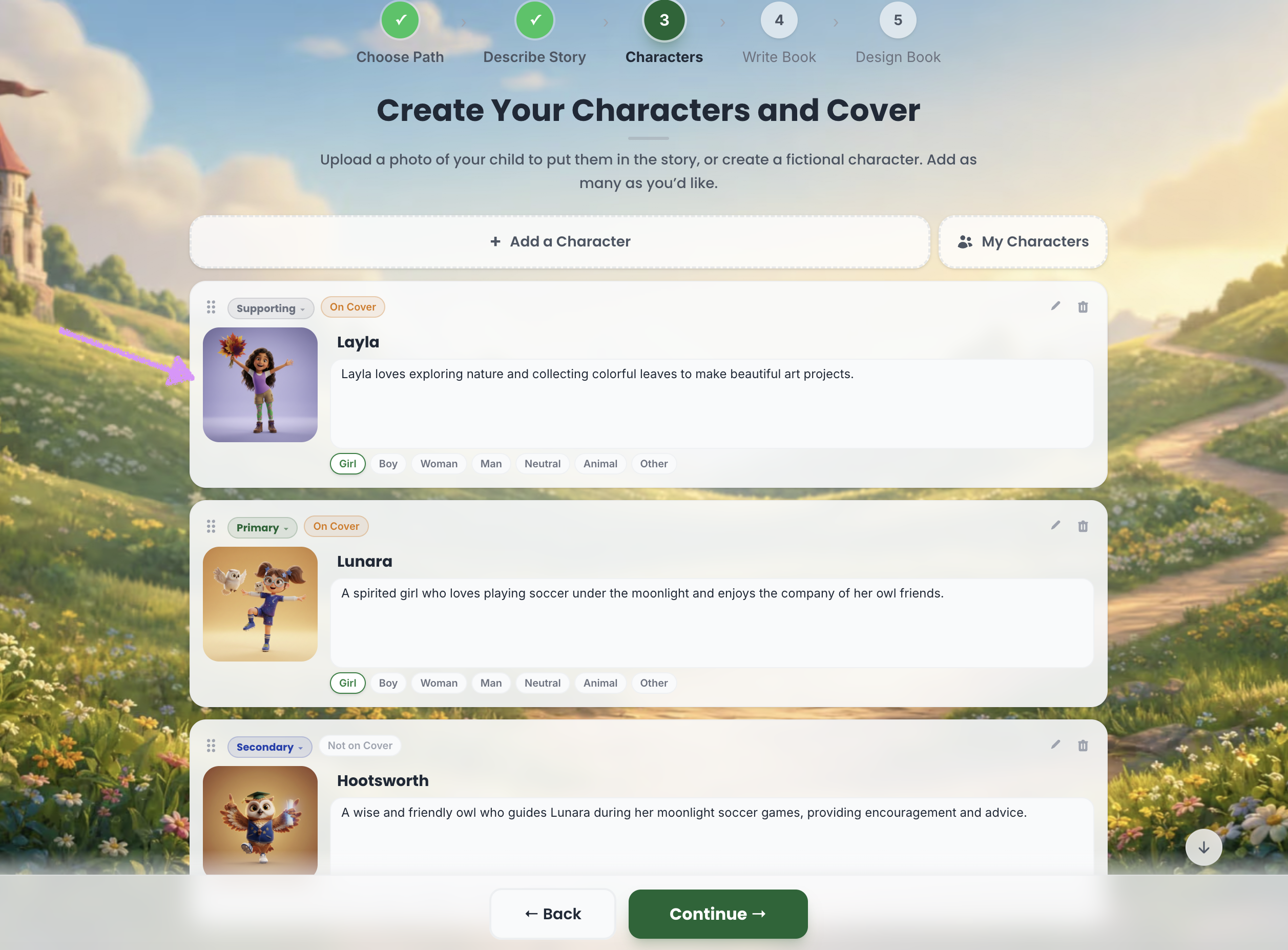
Congratulations! Your character has been created and will now appear in your characters list.
Was this article helpful?
That’s Great!
Thank you for your feedback
Sorry! We couldn't be helpful
Thank you for your feedback
Feedback sent
We appreciate your effort and will try to fix the article
