
An ISBN (International Standard Book Number) is a unique identifier used to track and sell books. If you plan to publish your book commercially or distribute it through retailers, adding an ISBN is an important step.
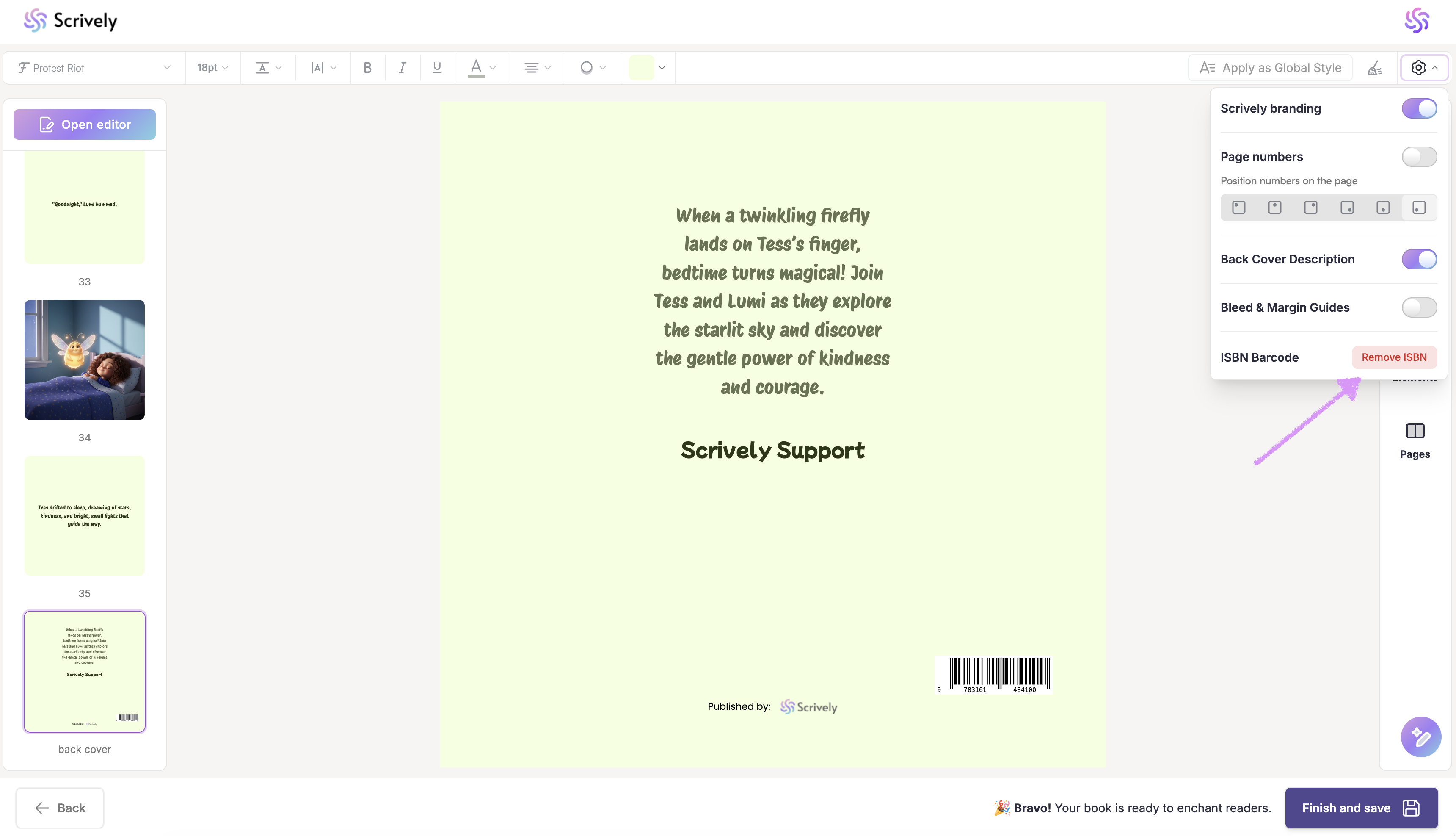
In the Designer (book layout view), scroll down to the back cover of your book. Click on the settings toggle in the quick actions menu located in the top-right corner.
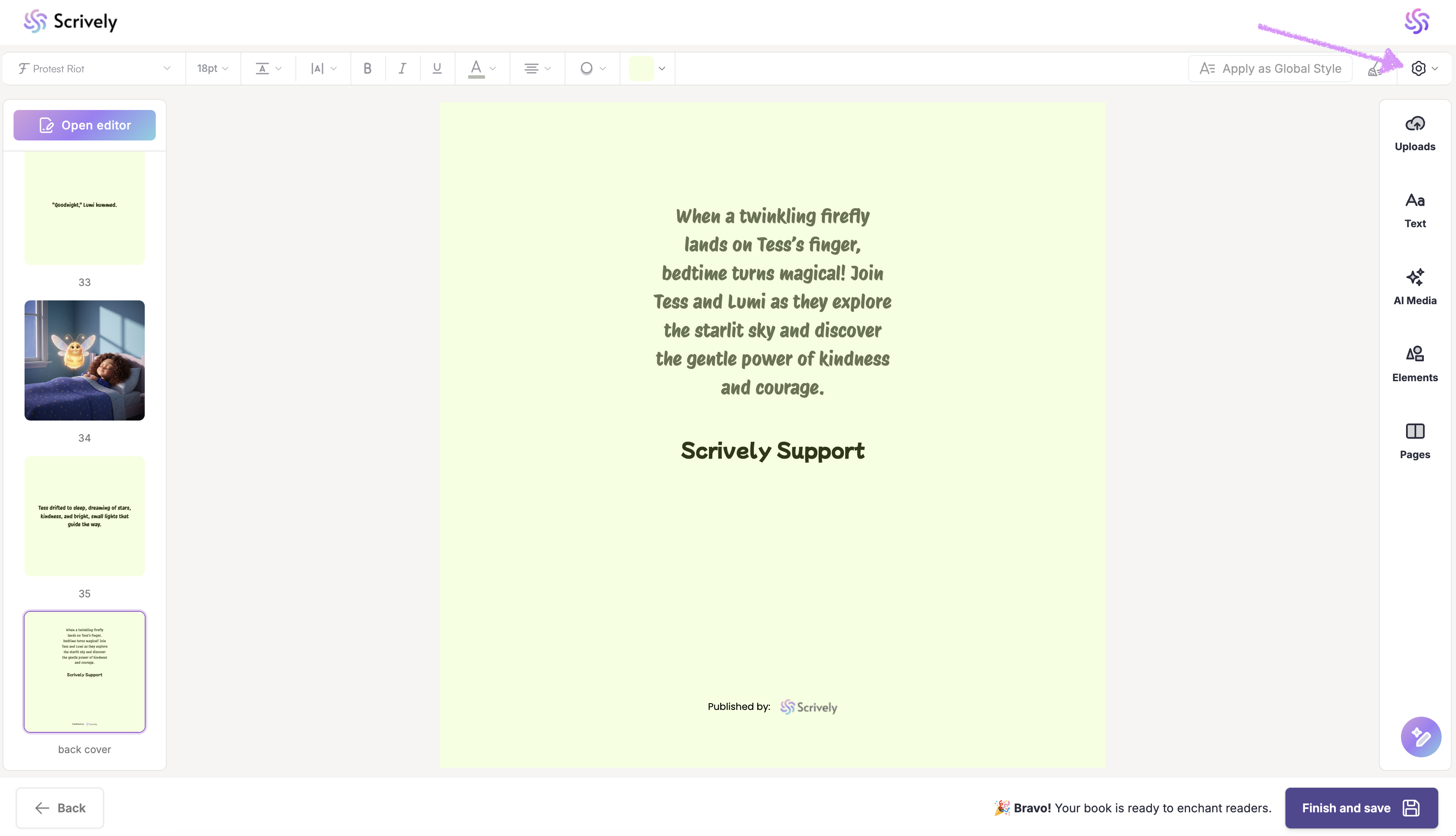
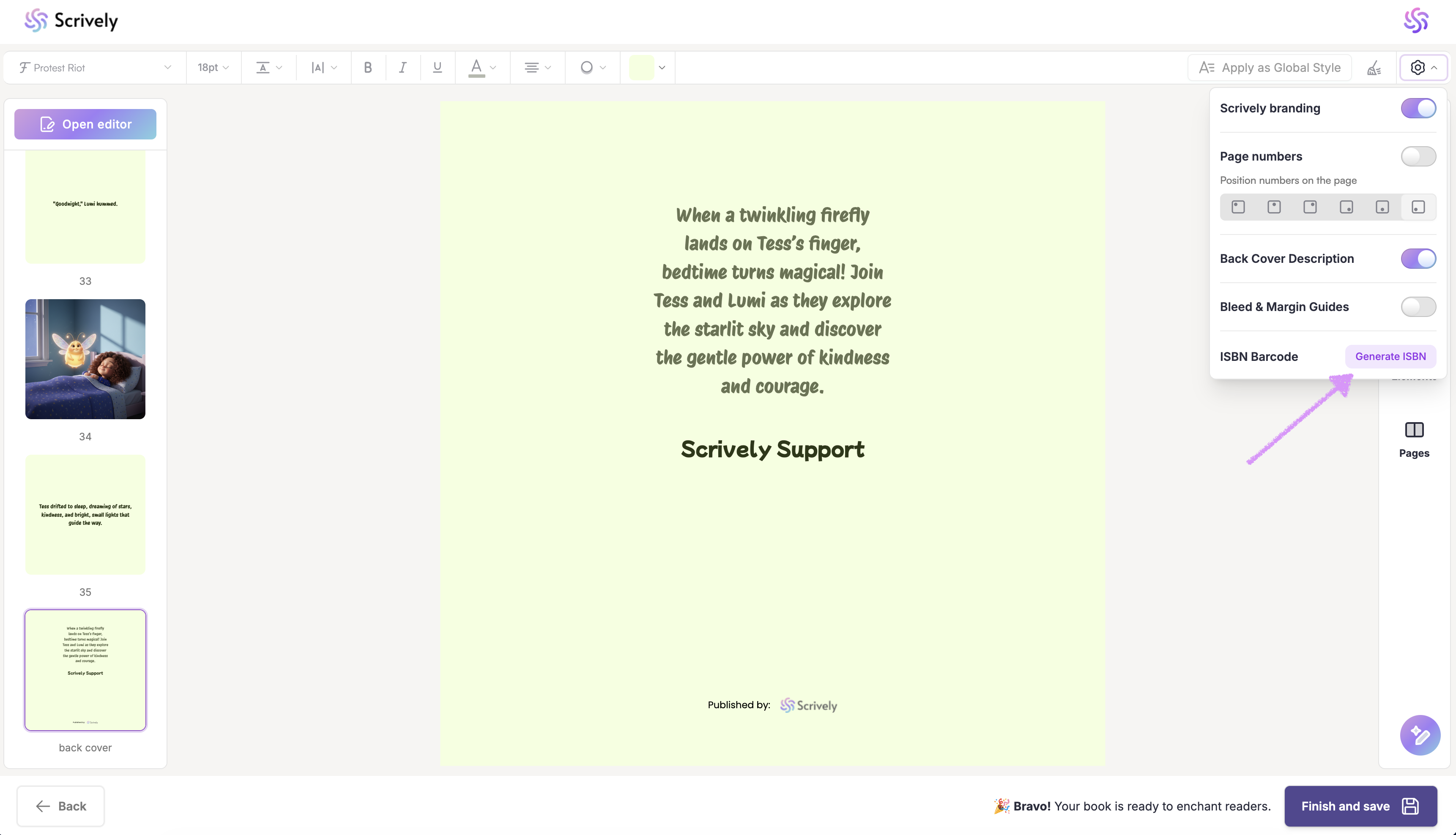
Click on "Generate ISBN."
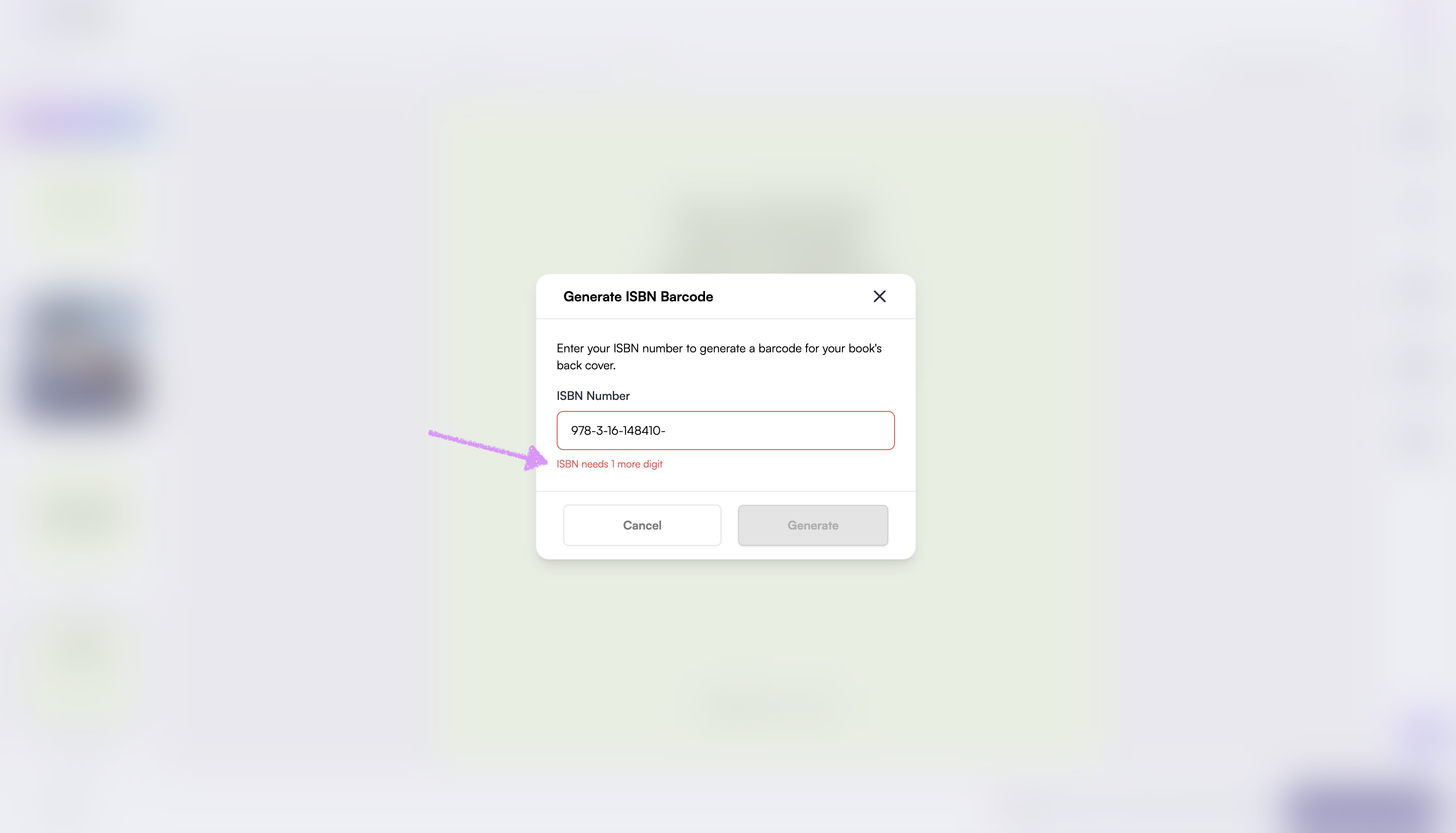
Enter the ISBN number.
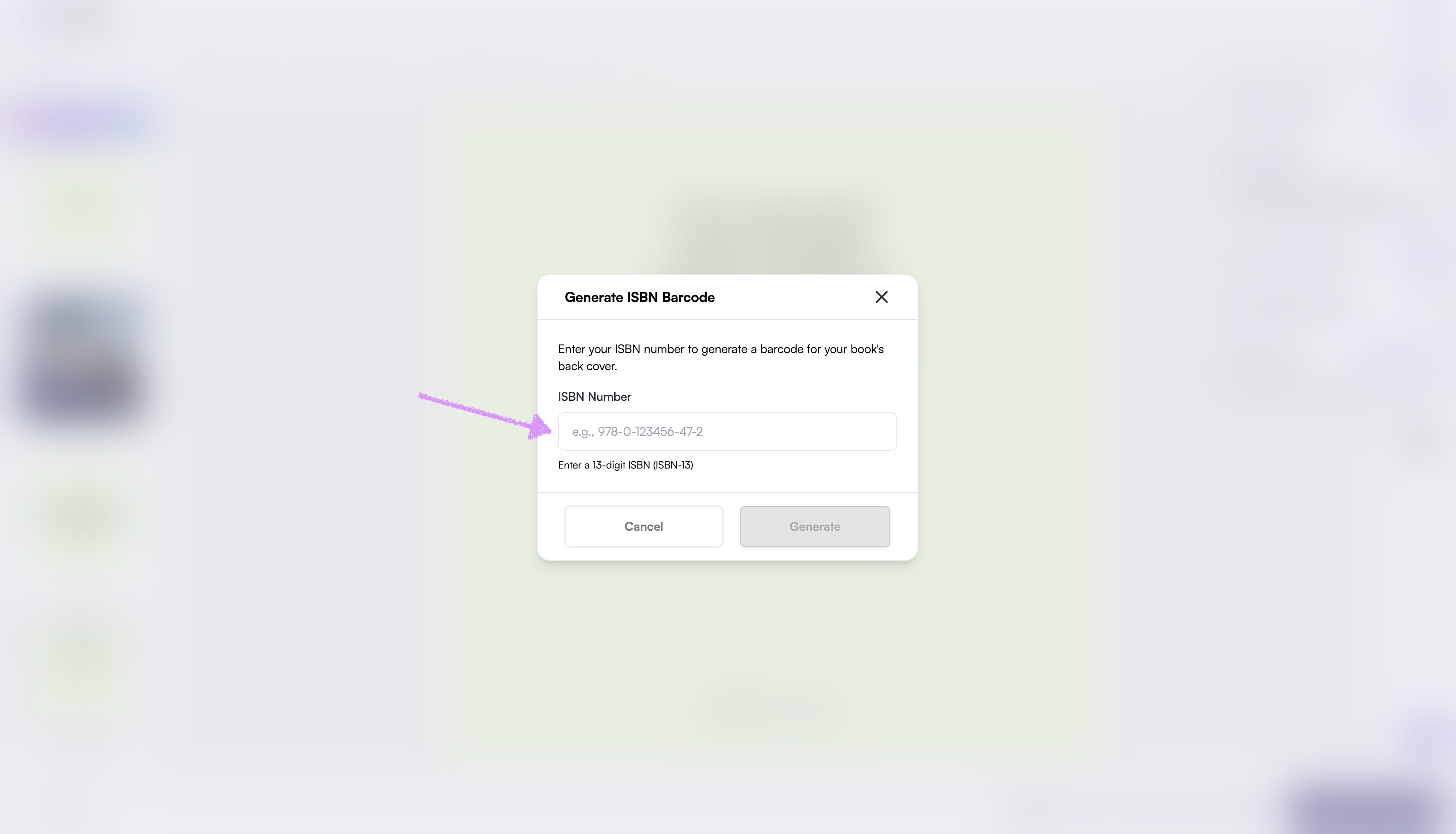
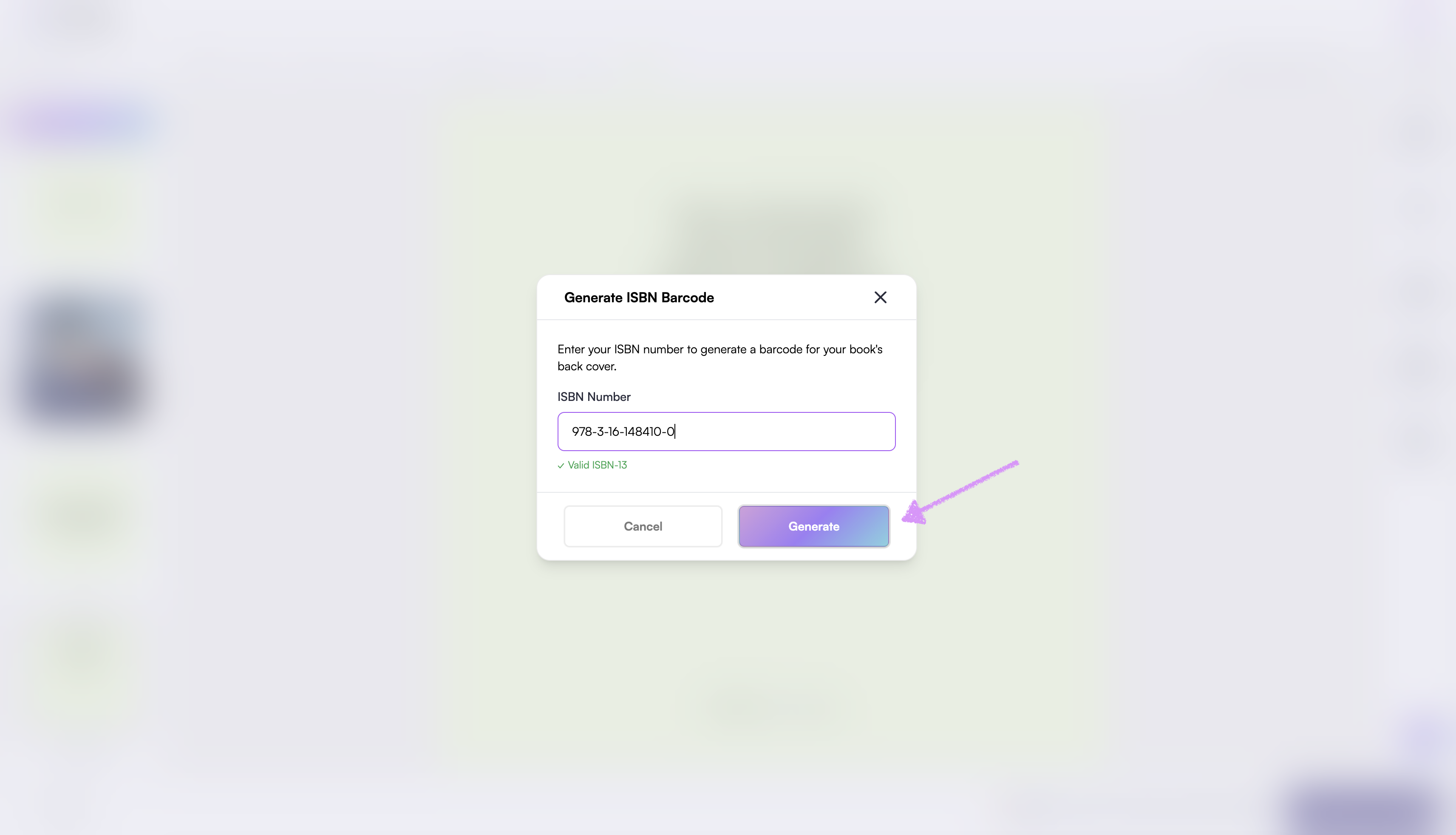
When a valid ISBN is entered, a confirmation message will appear below the field.
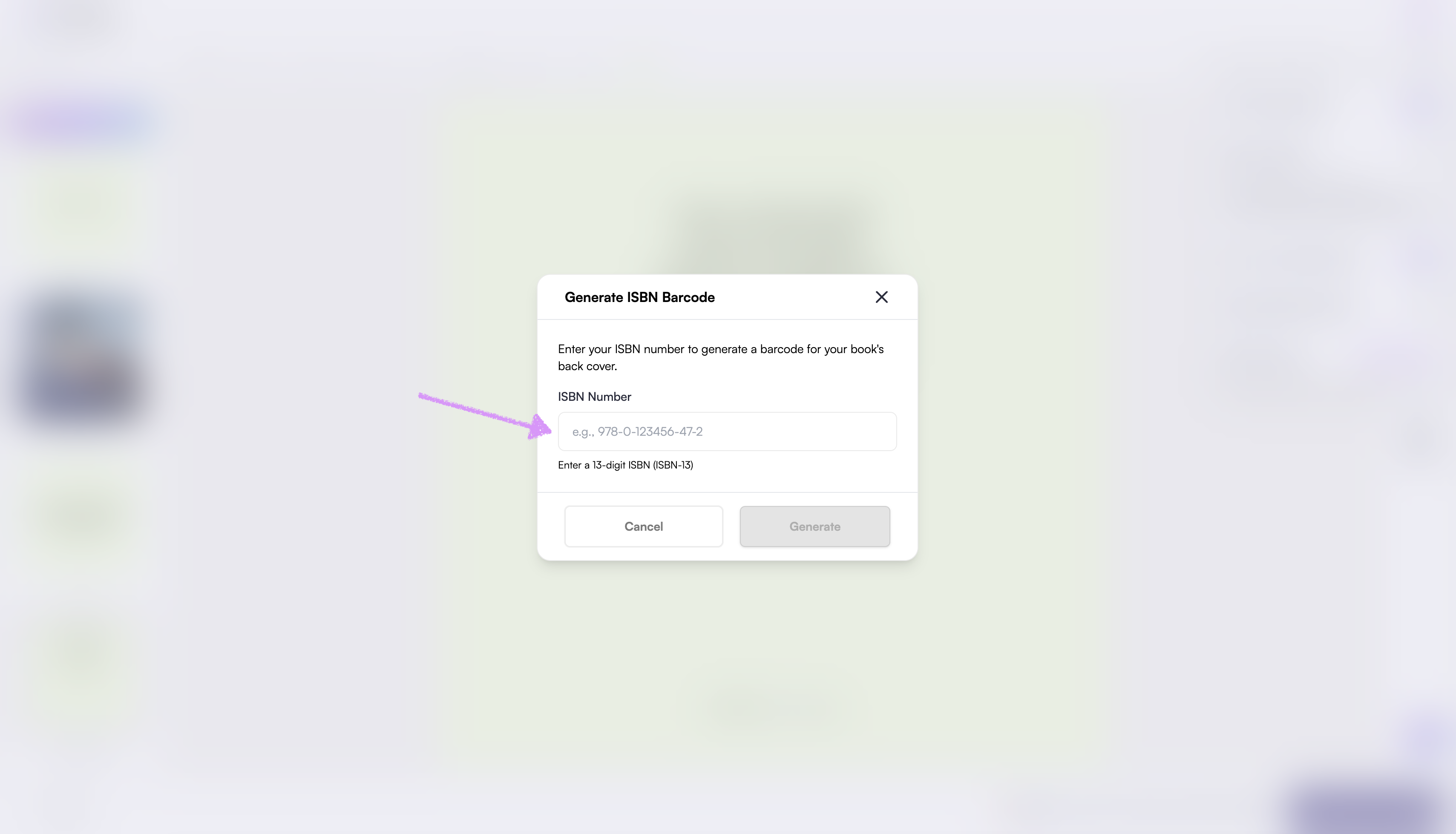
If the ISBN is invalid, a notification will appear explaining why.
Click on "Generate."
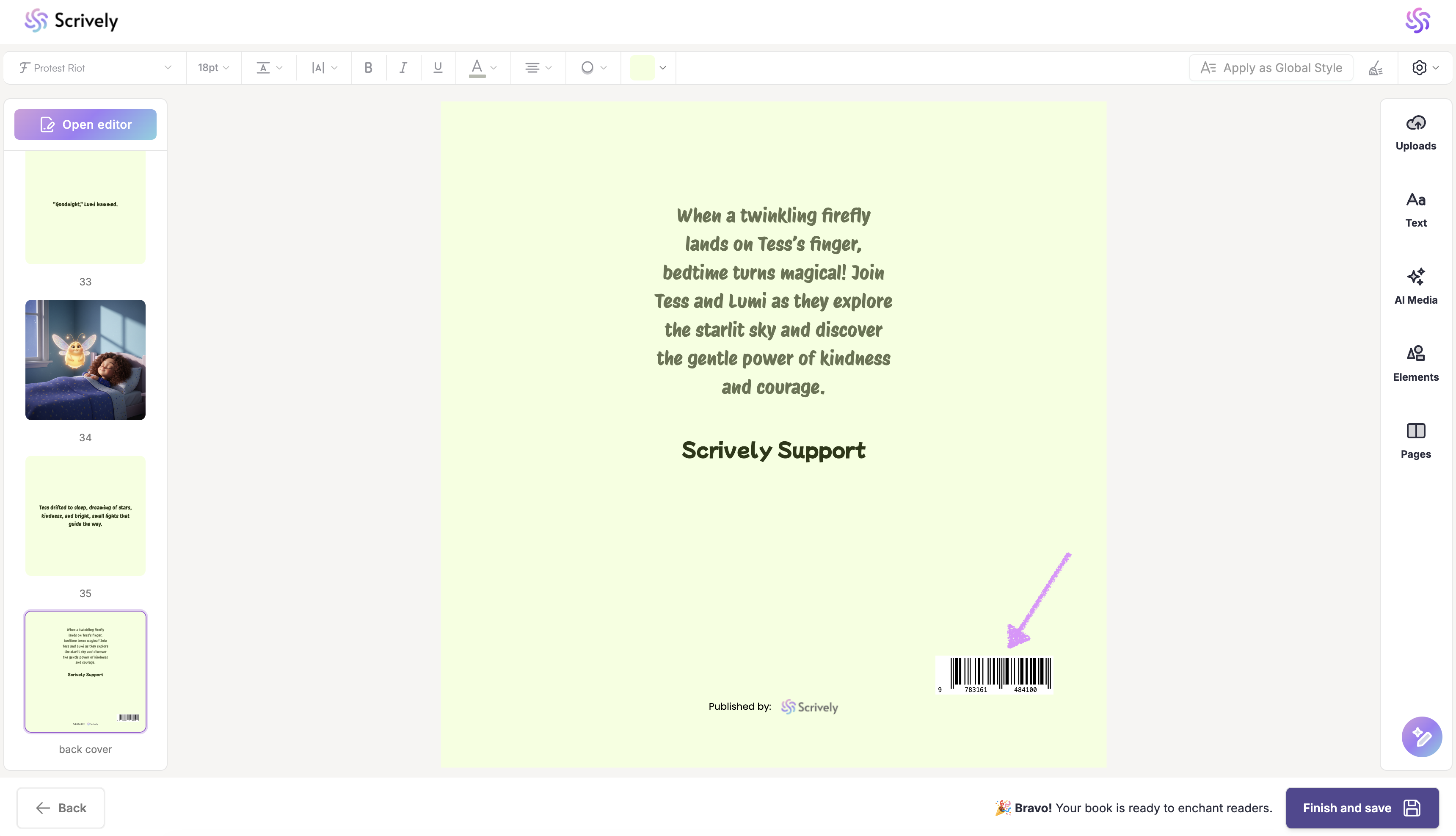
Once added, the ISBN barcode will be placed at the bottom-right corner of the back cover.
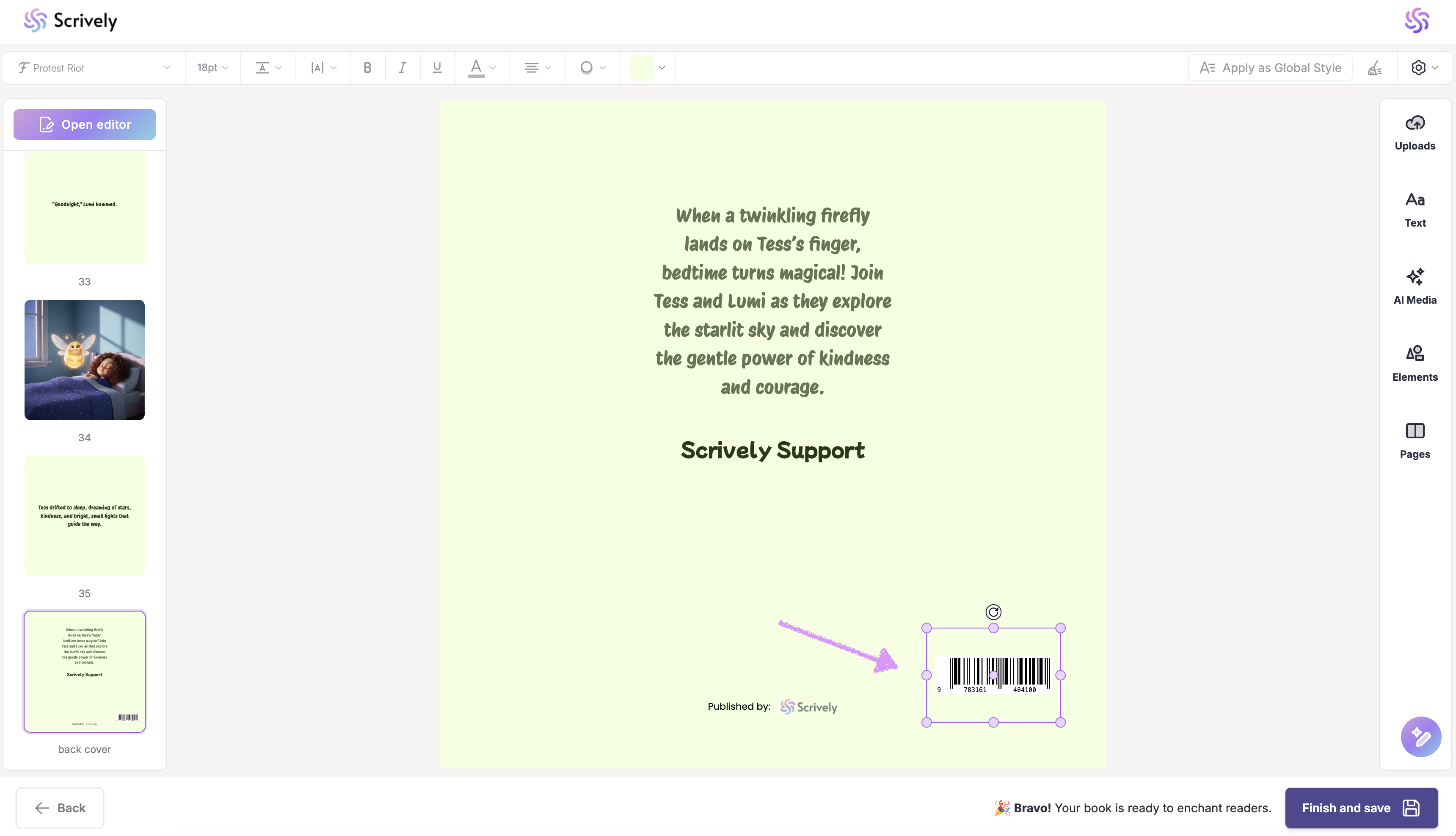
Double-click the barcode to display the resize handles. You can also click and drag it to reposition the barcode as needed.
If you no longer want to use the ISBN barcode, return to the settings toggle and select "Remove ISBN.
Note: ISBN barcodes are not available for premade book templates.
Was this article helpful?
That’s Great!
Thank you for your feedback
Sorry! We couldn't be helpful
Thank you for your feedback
Feedback sent
We appreciate your effort and will try to fix the article
