Keeping your library organized is easy when you can sort your bookshelves in Scrively. Sorting lets you arrange your books by title, date, or custom order, so you can quickly find what you need and manage your collection more efficiently.
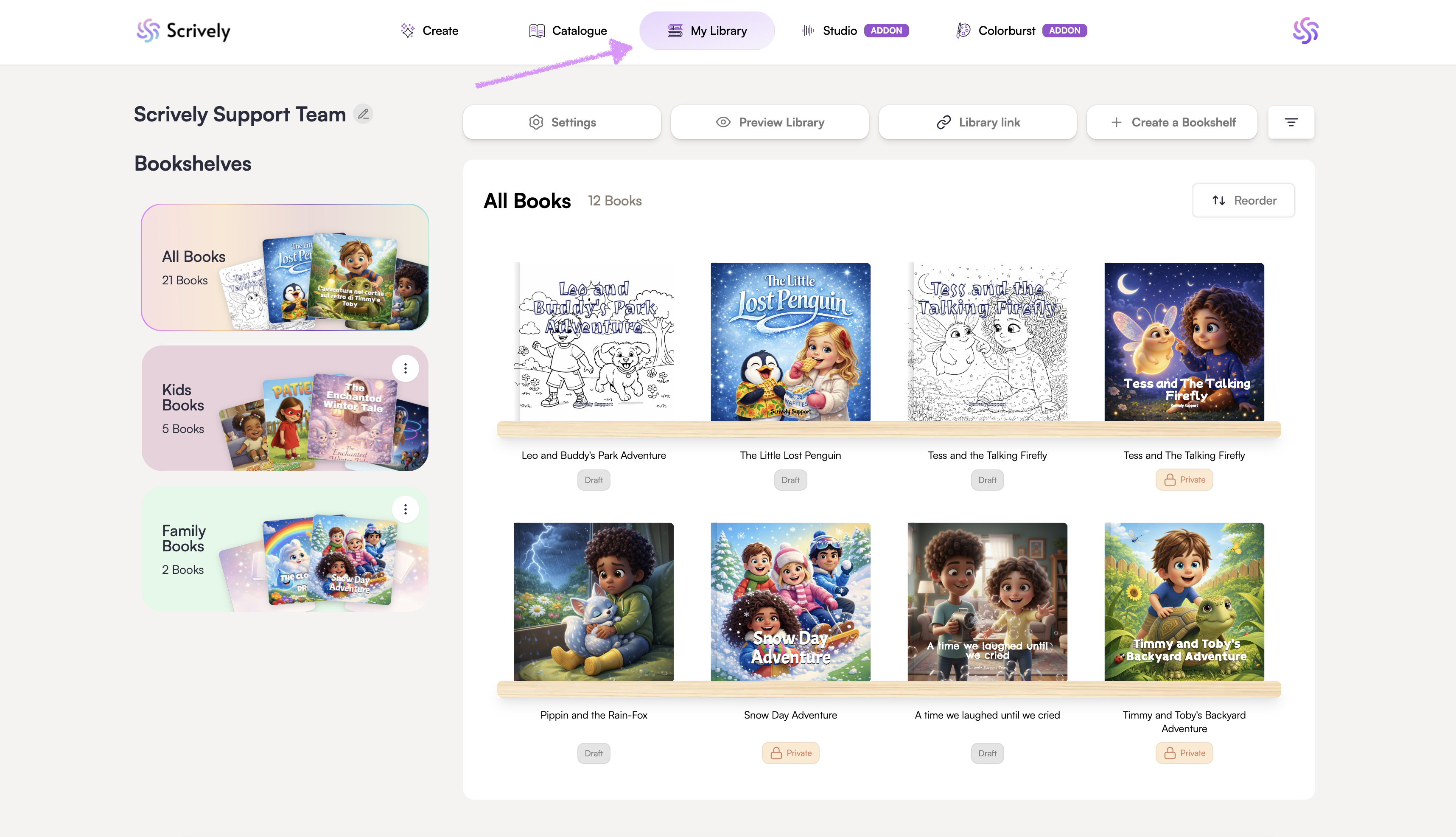
Head over to the "My Library" tab.
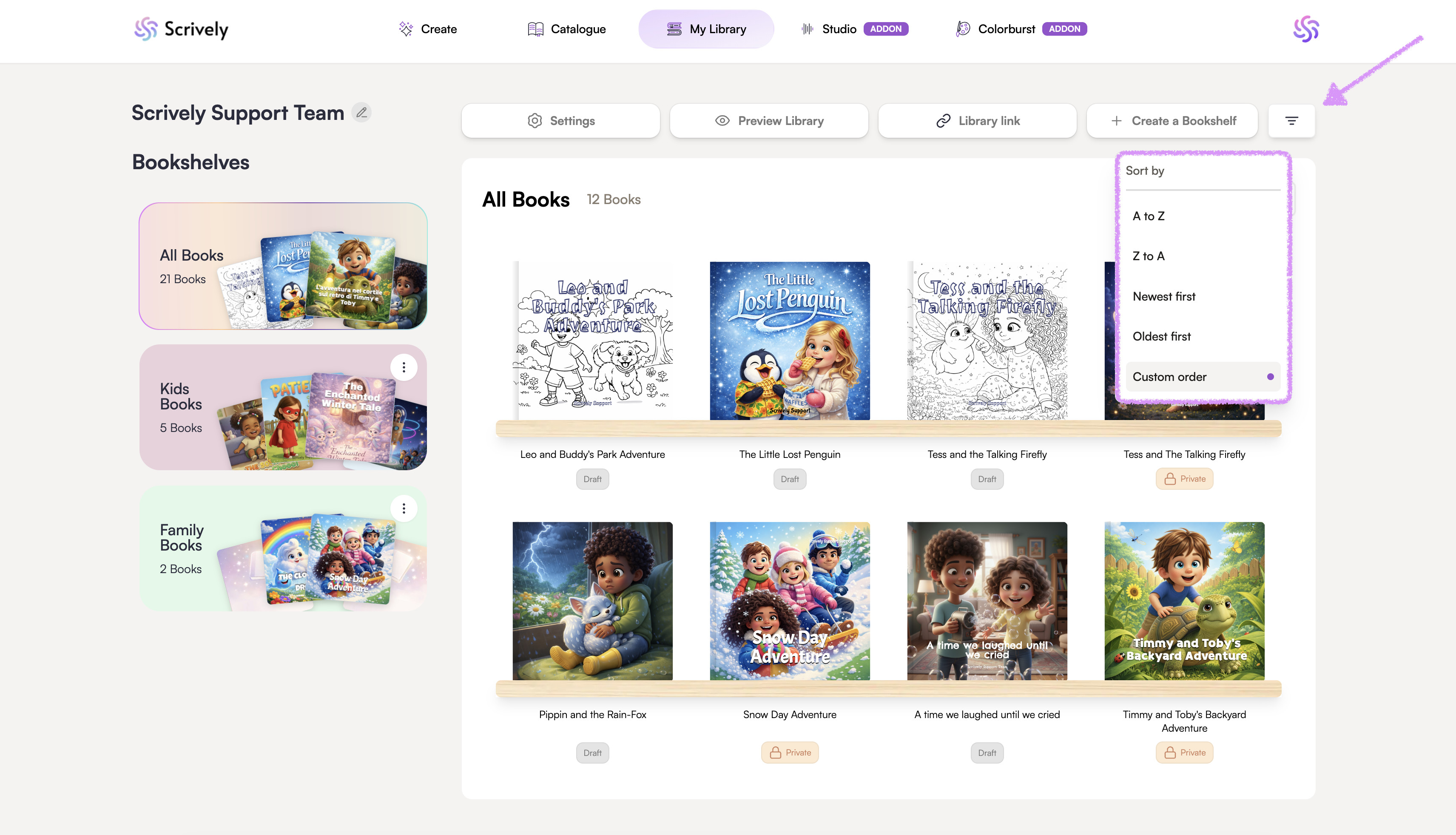
Click on the sort icon at the top right. Sort the bookshelf from A to Z, Z to A, newest or oldest first or custom order.
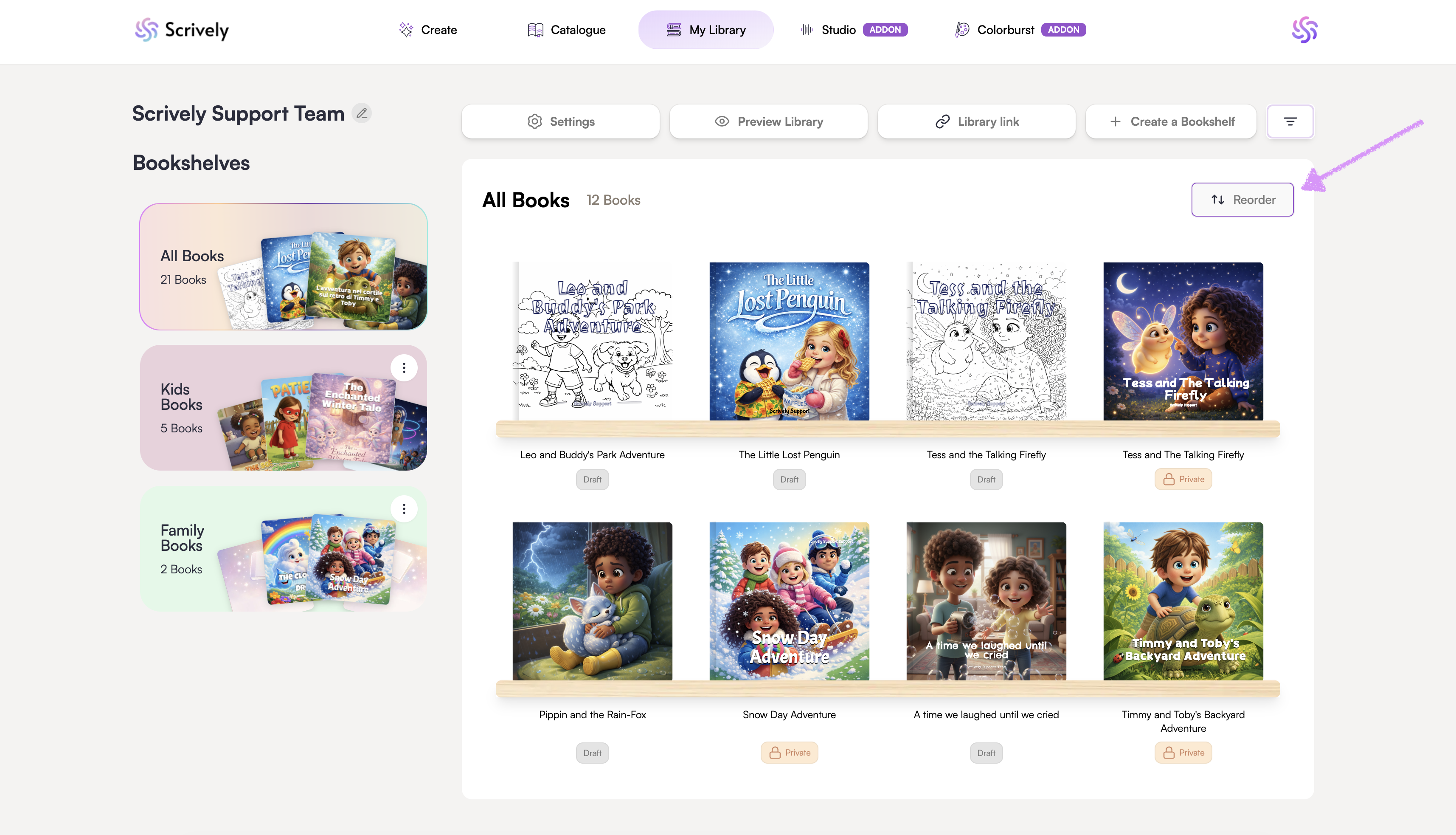
Alternatively, click on "Reorder."
Hover over and click into the book you would like to move.
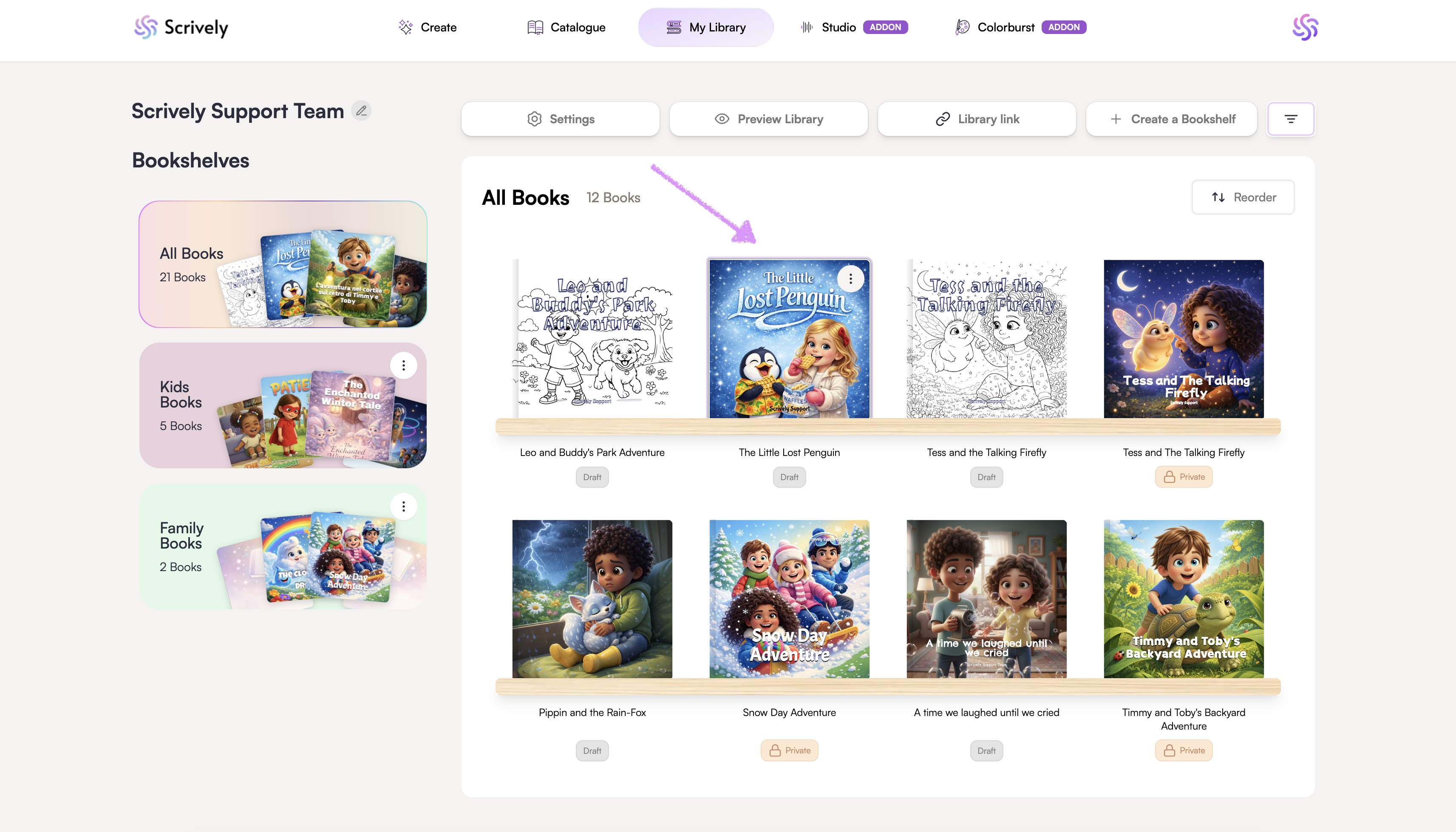
Drag the book into place.
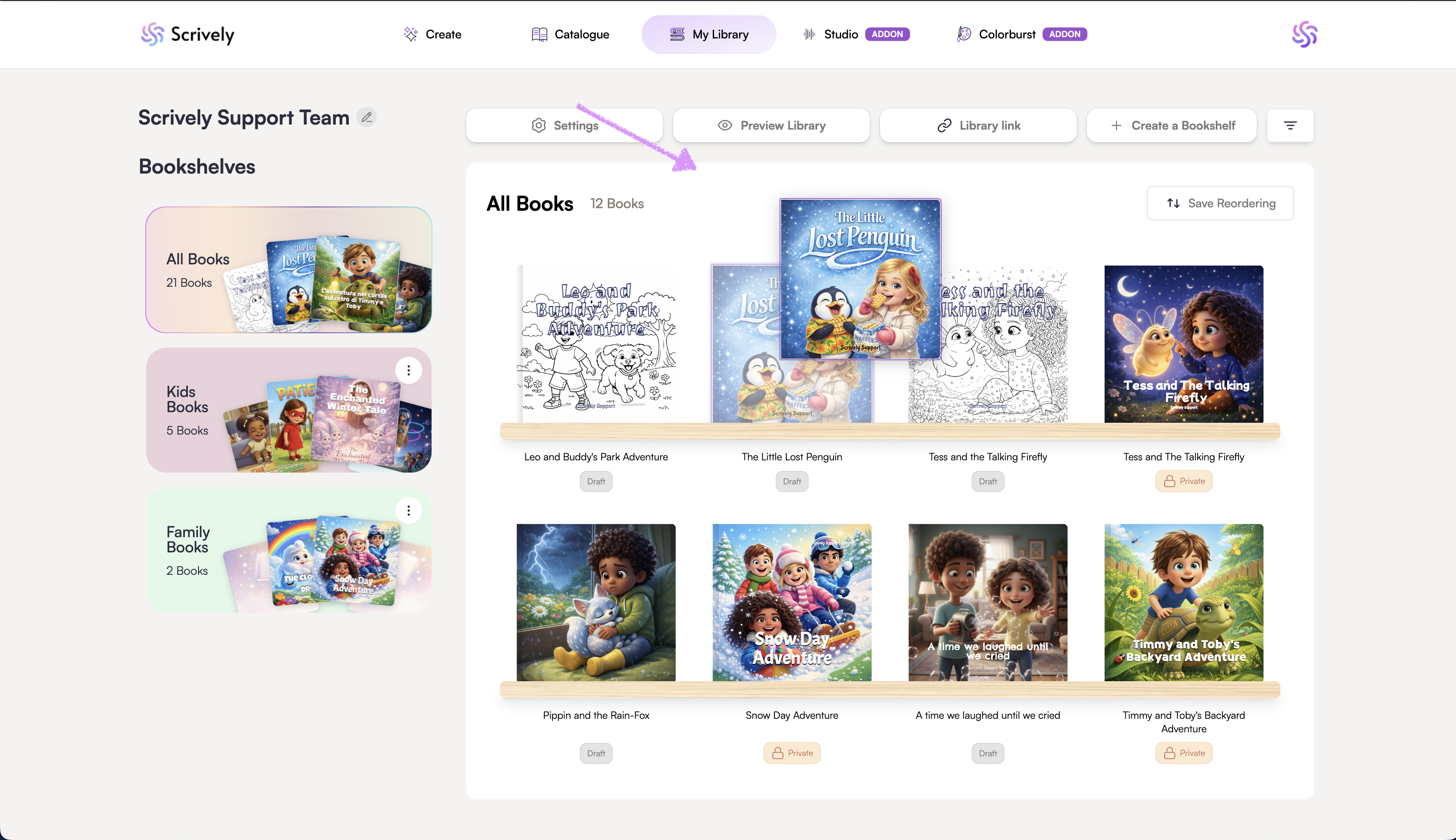
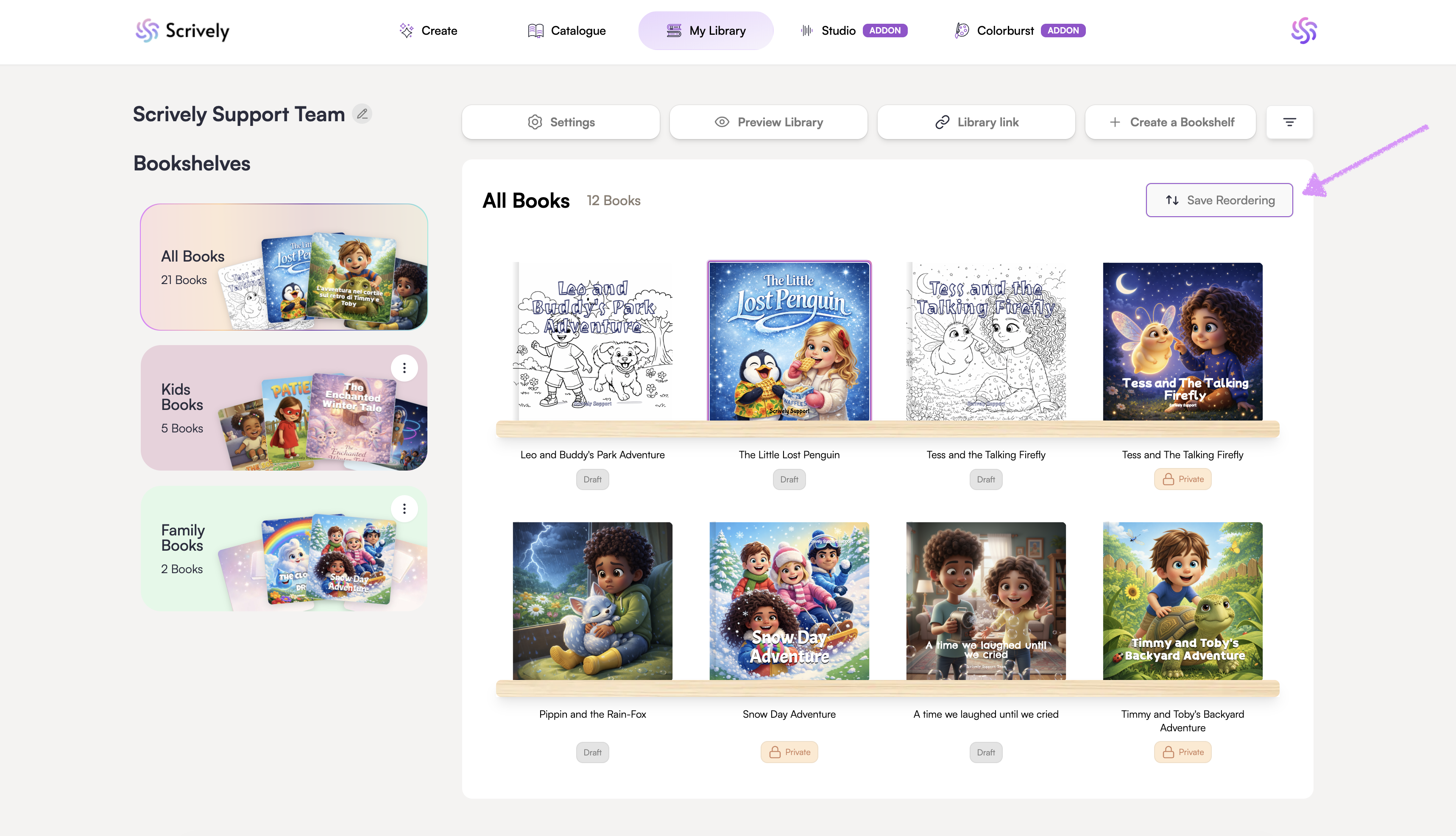
Click on "Save Reordering."
Was this article helpful?
That’s Great!
Thank you for your feedback
Sorry! We couldn't be helpful
Thank you for your feedback
Feedback sent
We appreciate your effort and will try to fix the article
