Kids love hearing stories, but they love them even more when they’re the star! Scrively makes it easy using professionally designed premade book templates. Whether it’s a children’s book or a short story, these templates give you a beautiful foundation you can easily customize. Create a storybook where your child’s name, personality, and imagination come to life on every page. It’s the perfect gift for birthdays, bedtime, or anytime you want to make them feel special.
From the Homepage, scroll down to the Pre Made Book Packs.
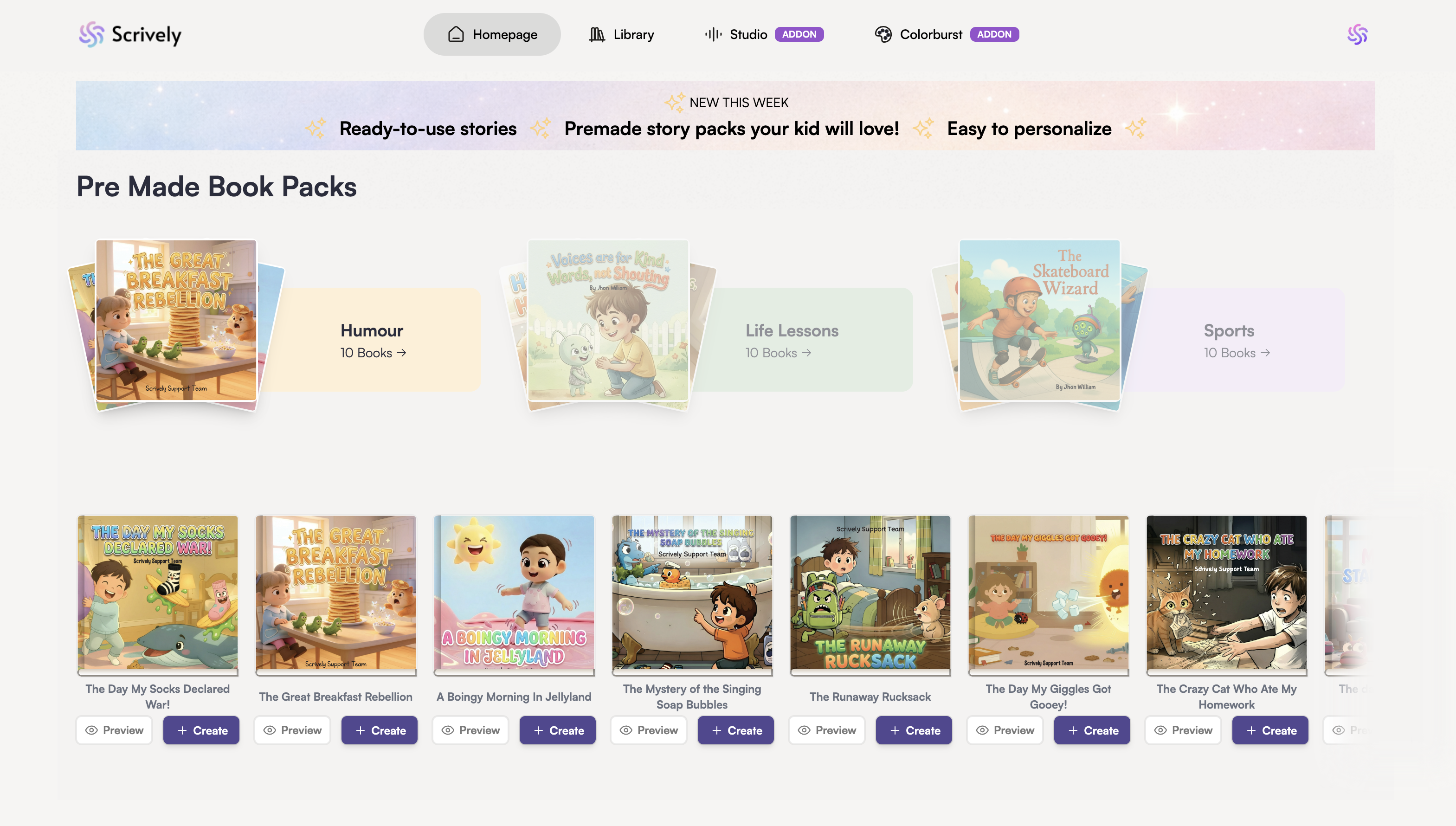
Click on a book pack to view and explore the available book templates.
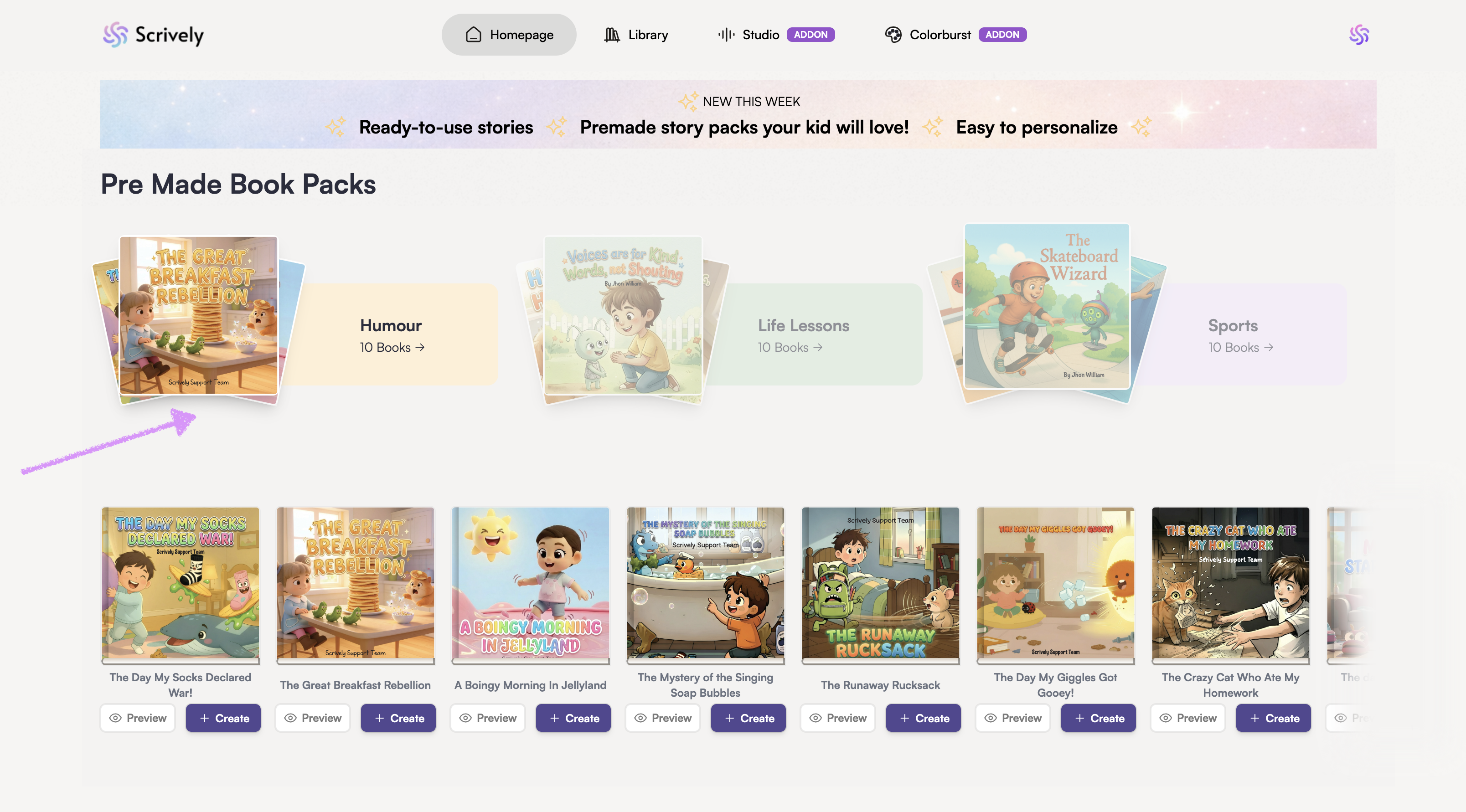
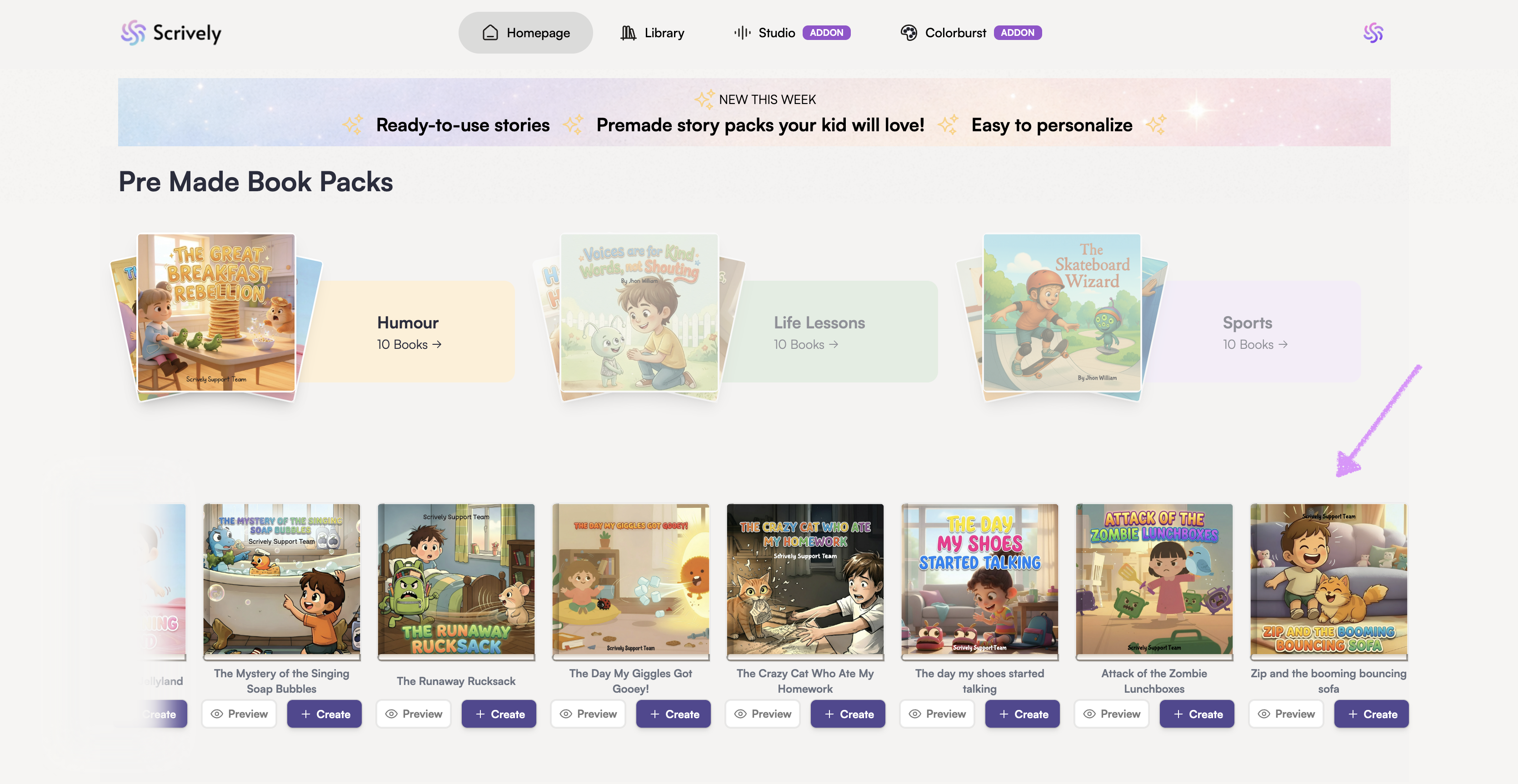
Scroll or click and drag left or right to browse through the books in the pack.
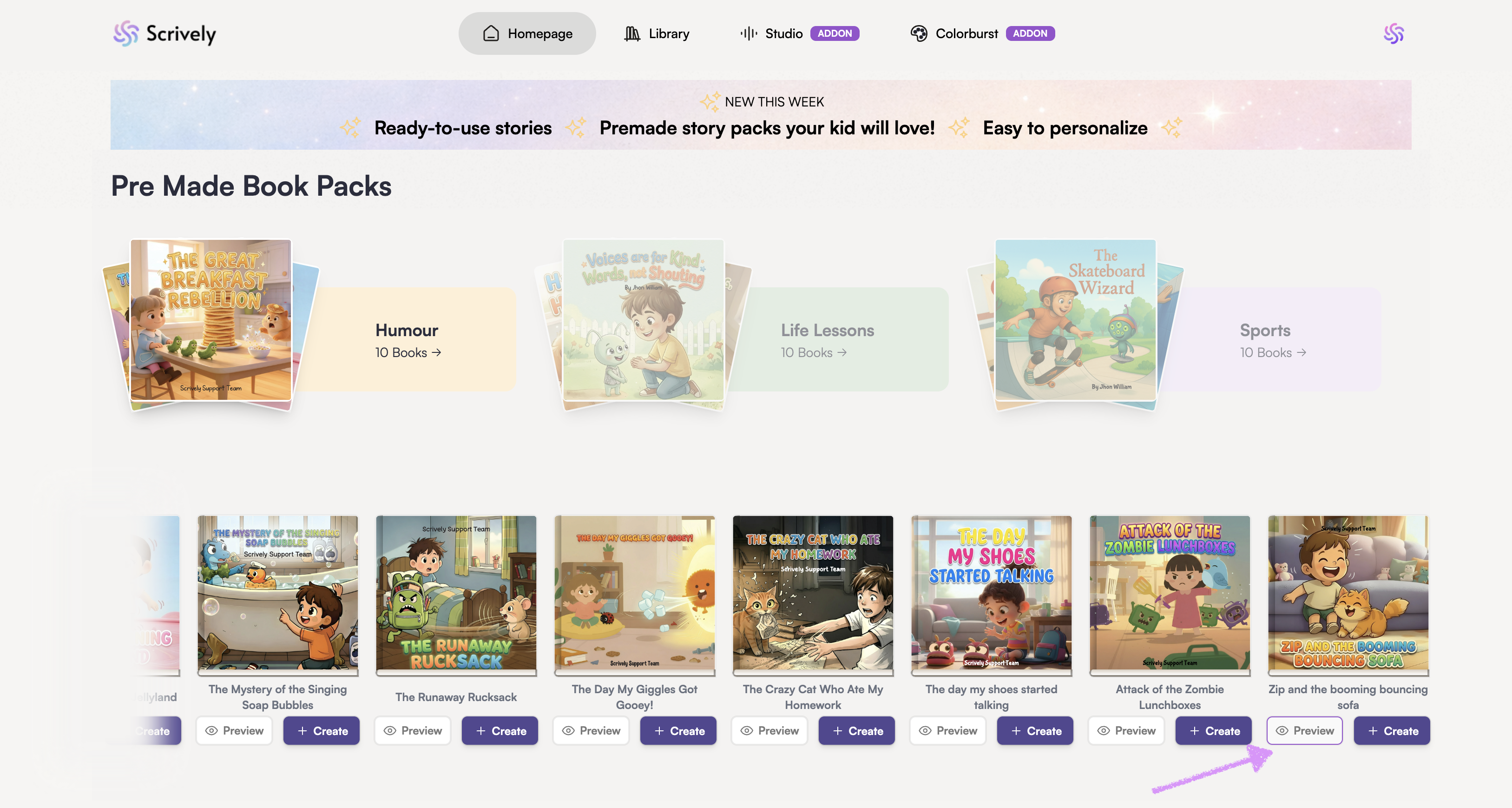
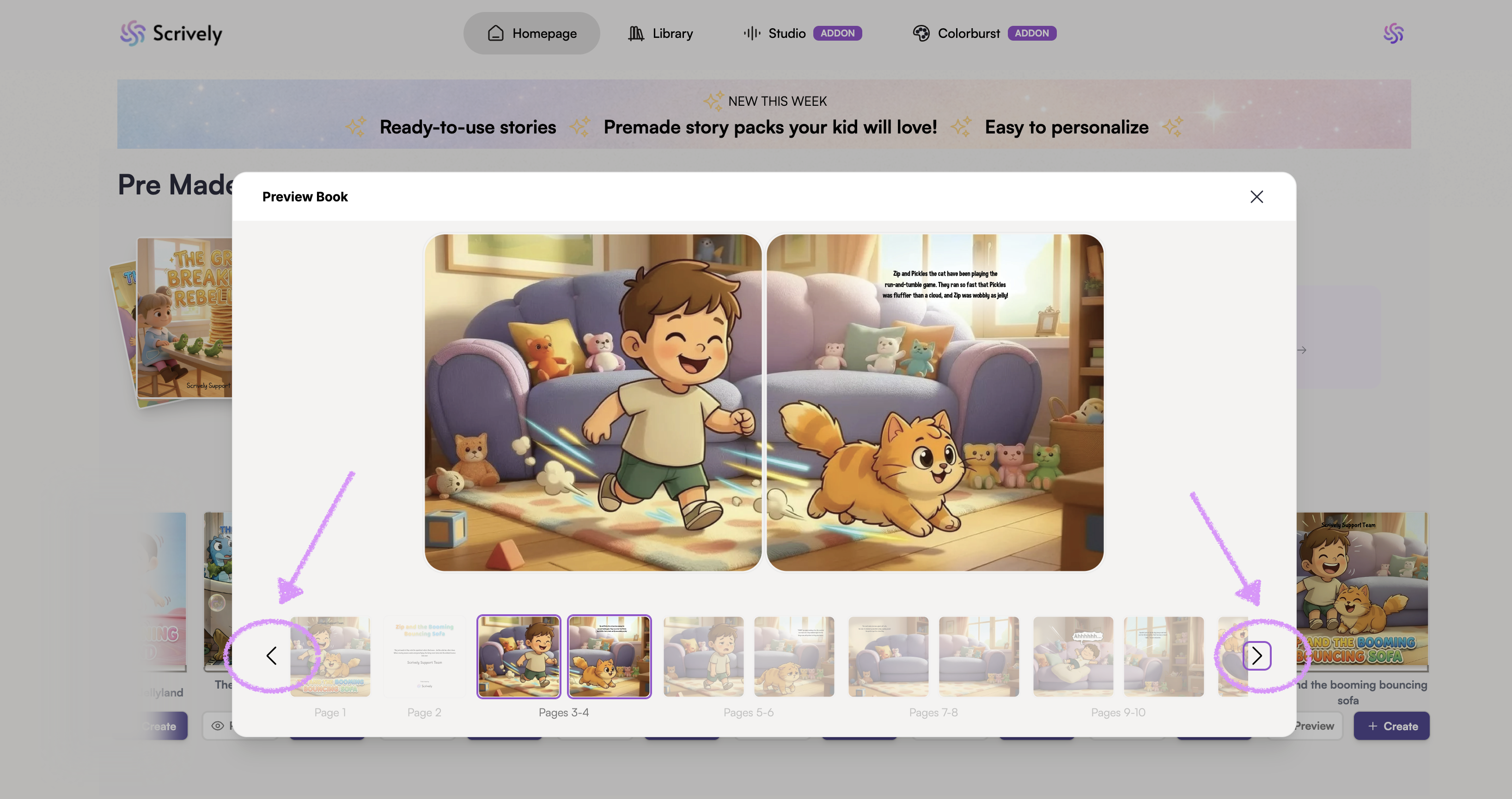
Click “Preview” to see the full content of the book before selecting or editing it.
Use the right and left arrows to scroll or click and drag left or right to browse through the pages.
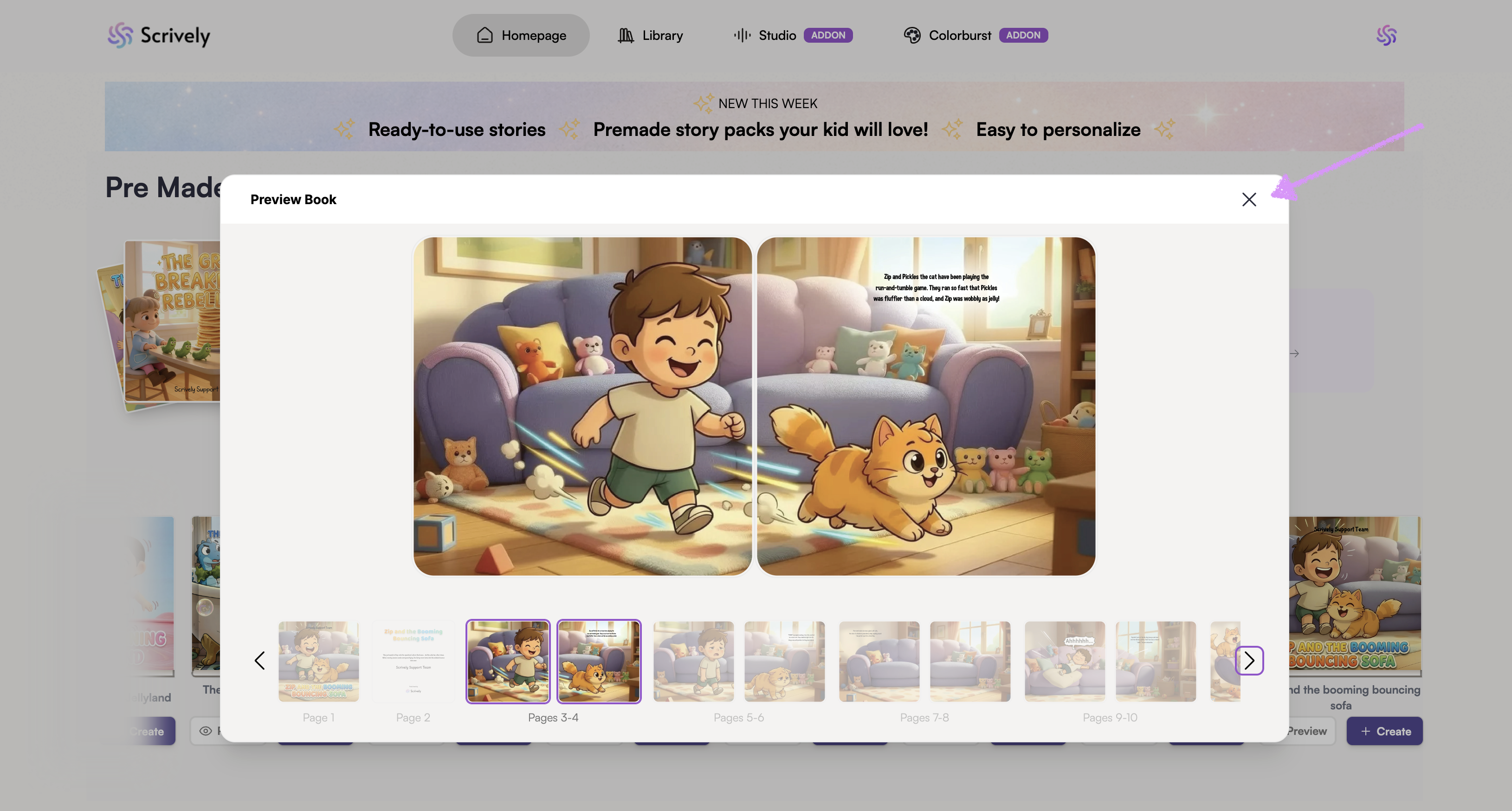
Click on the "X" icon to return to the premade books pack.
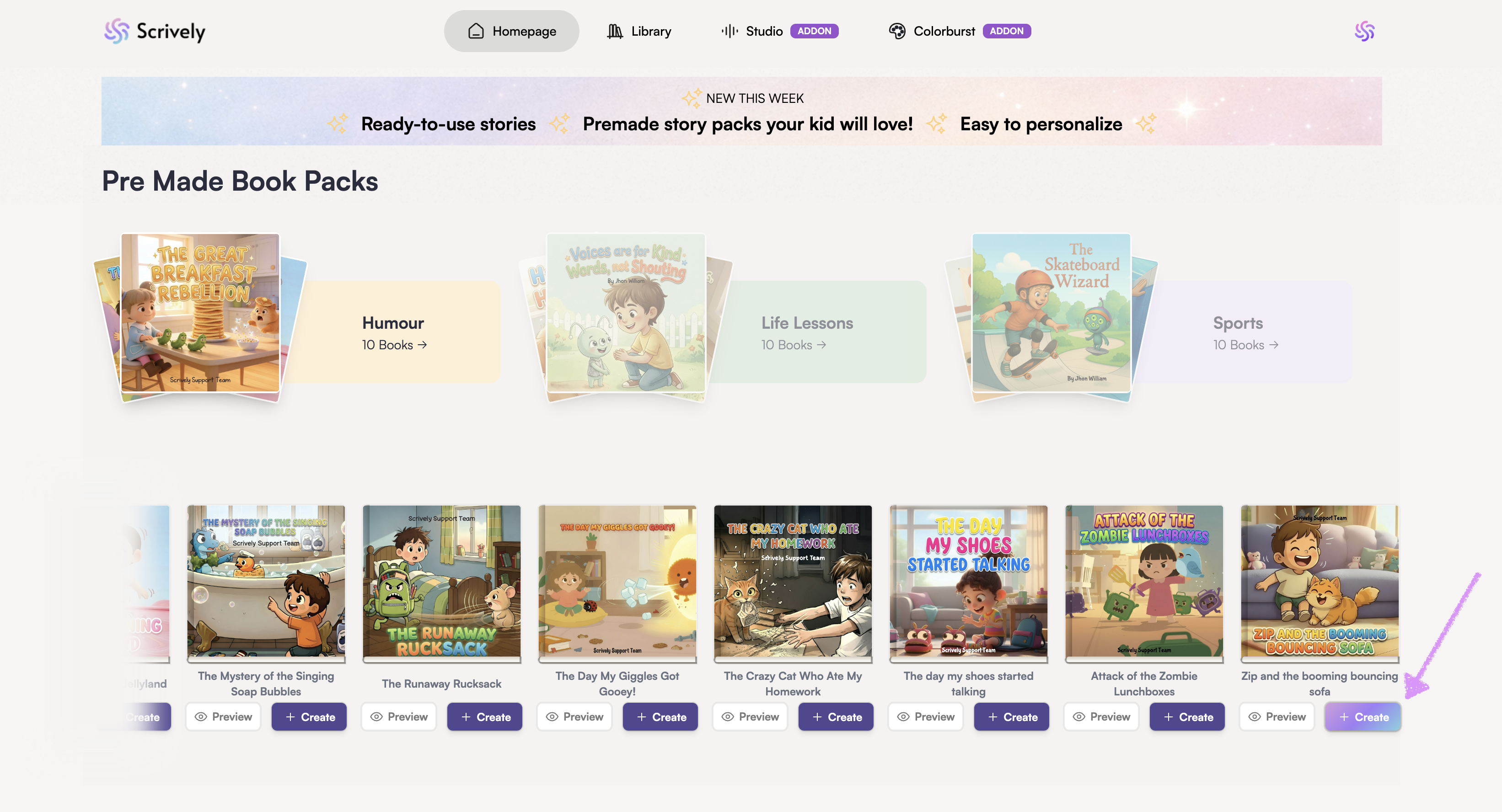
Ready to use a premade book? Click on "Create."
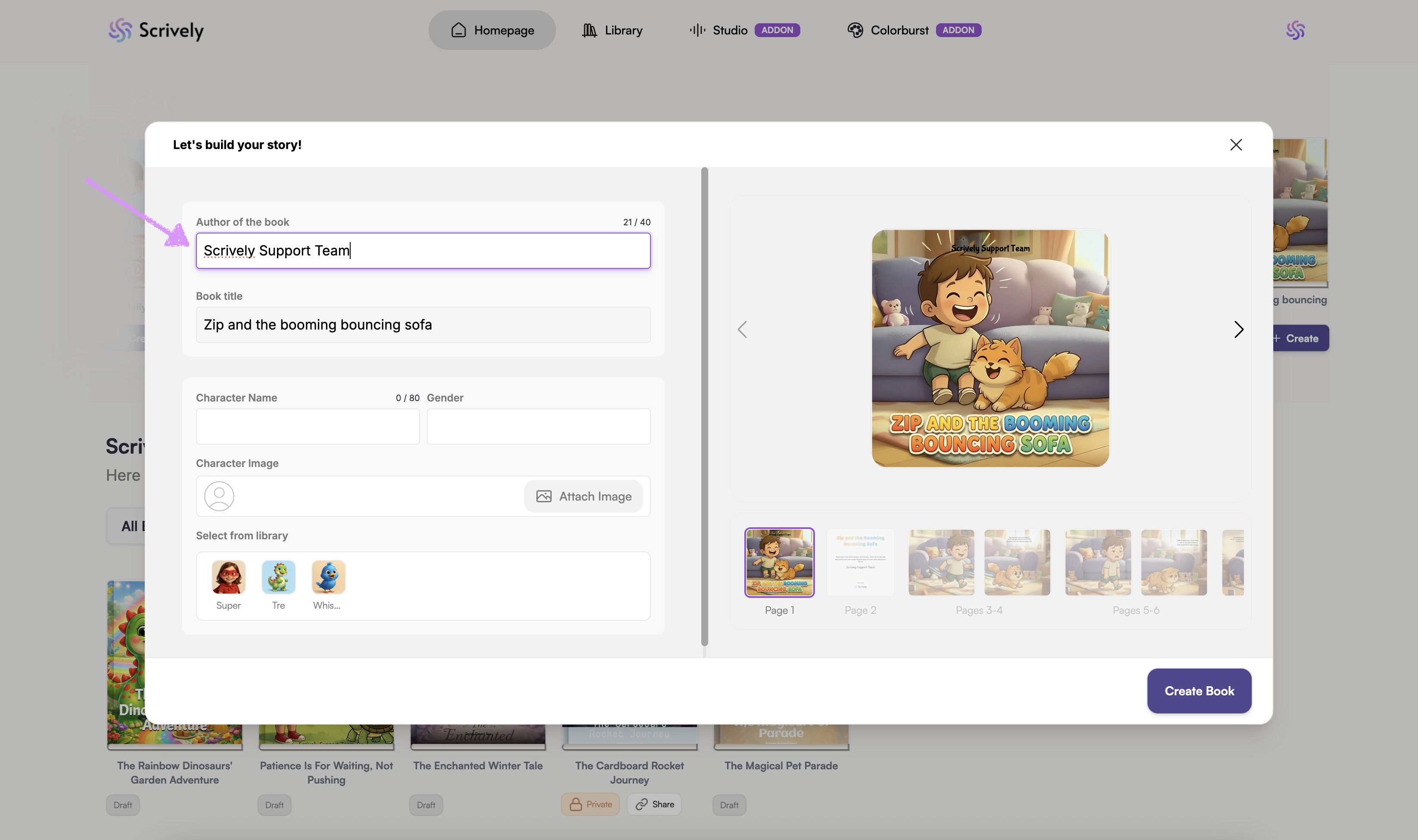
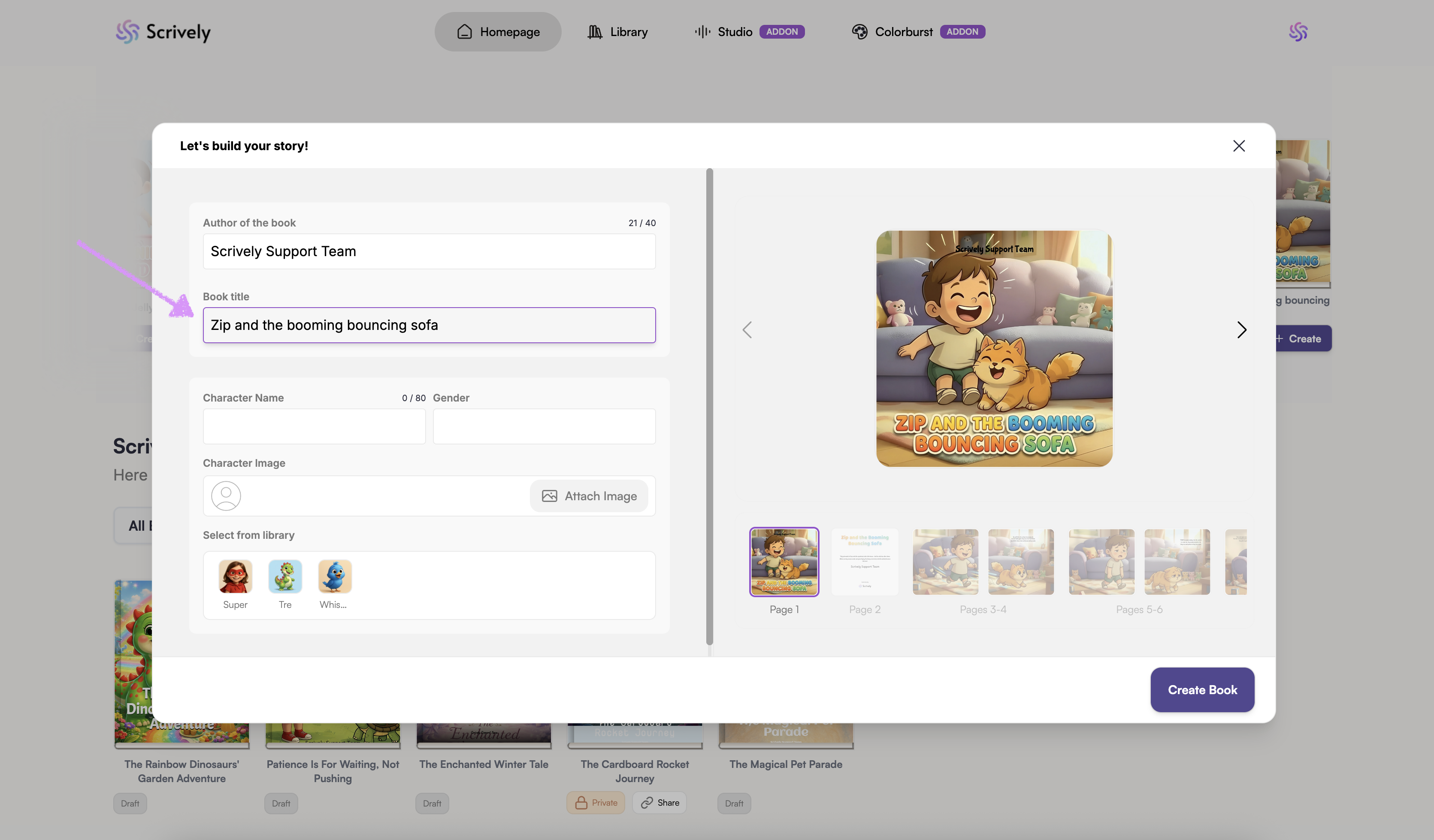
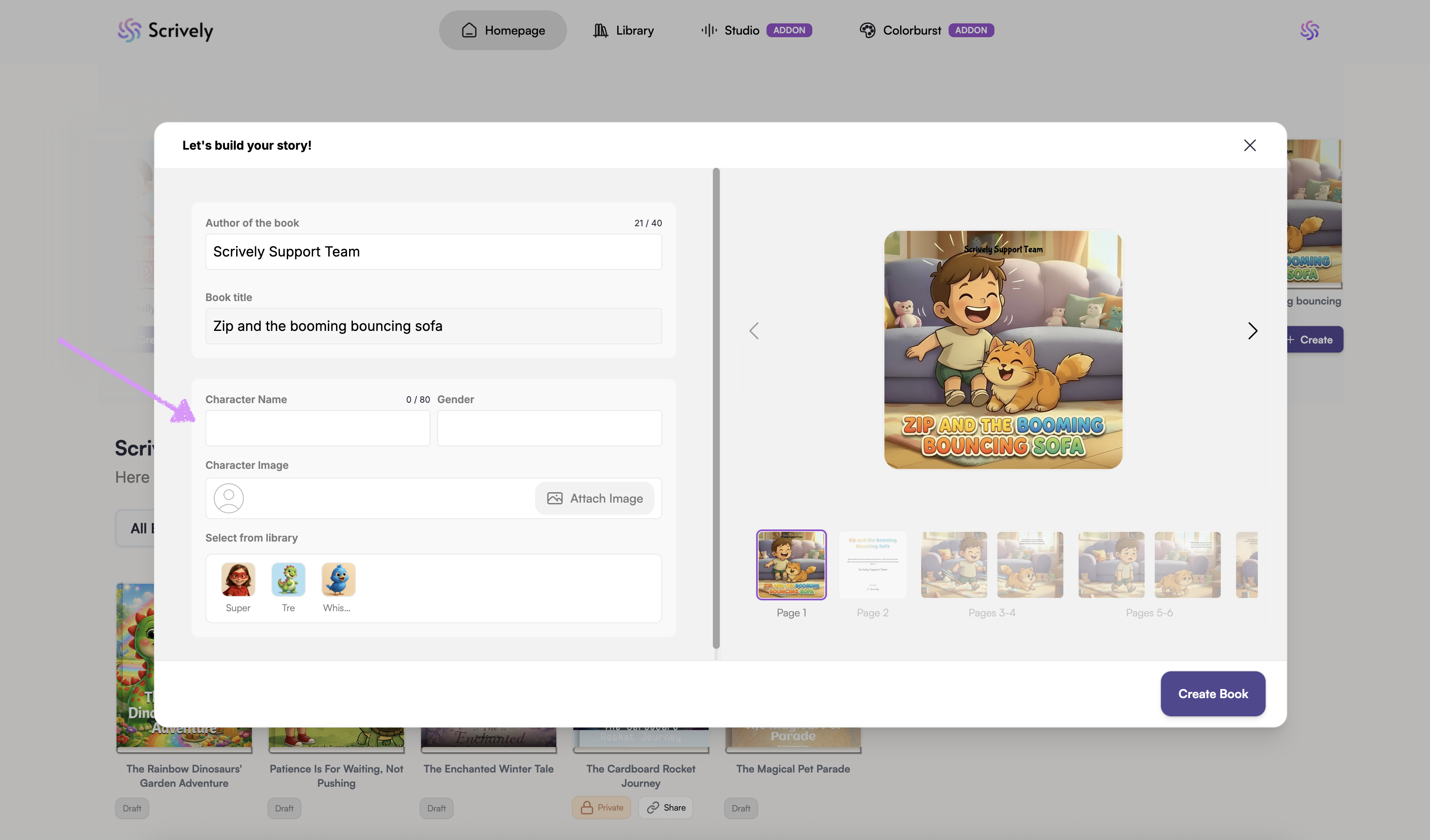
The premade books story builder will open.
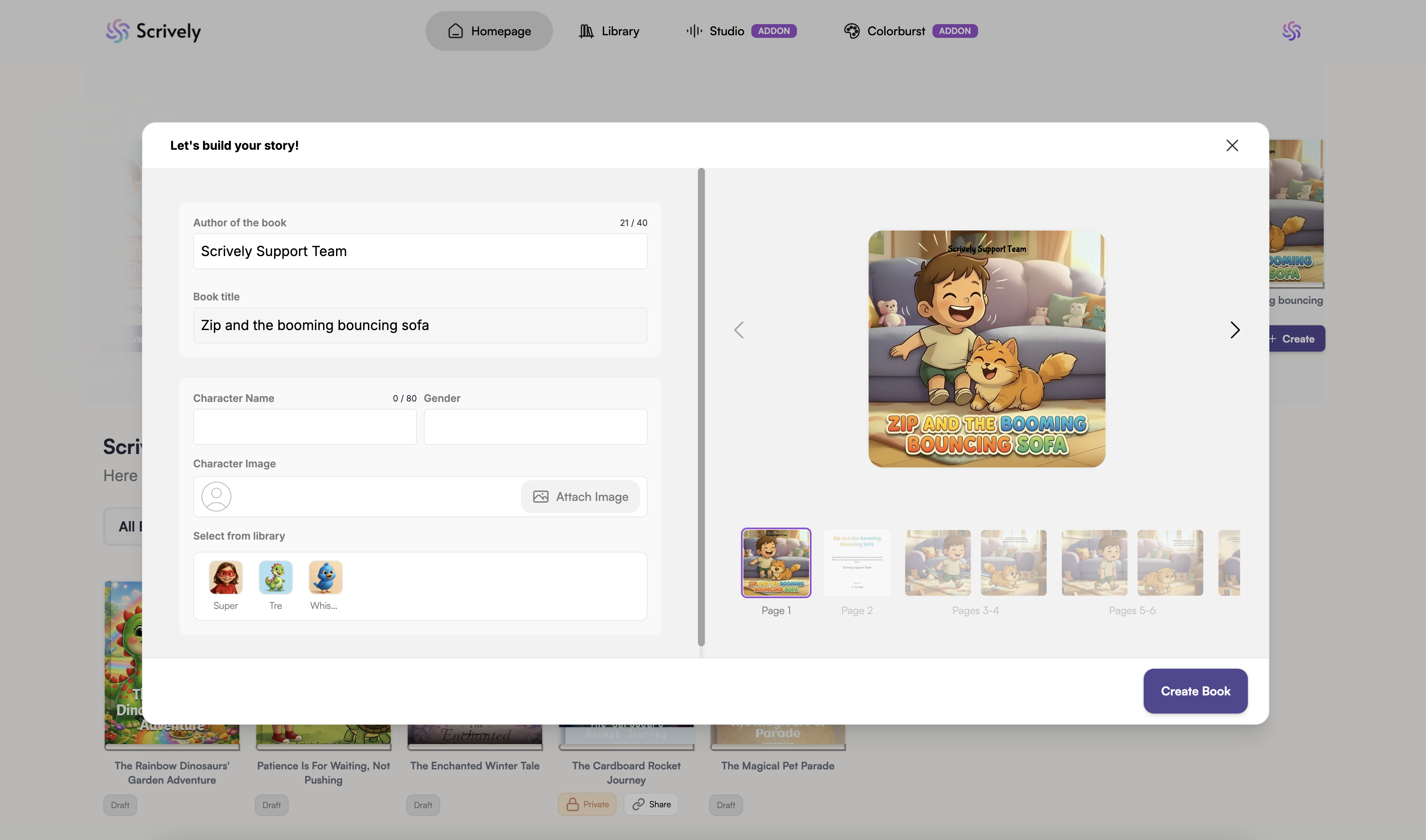
Add or update the author's name for the story.
Add or update the book's title.
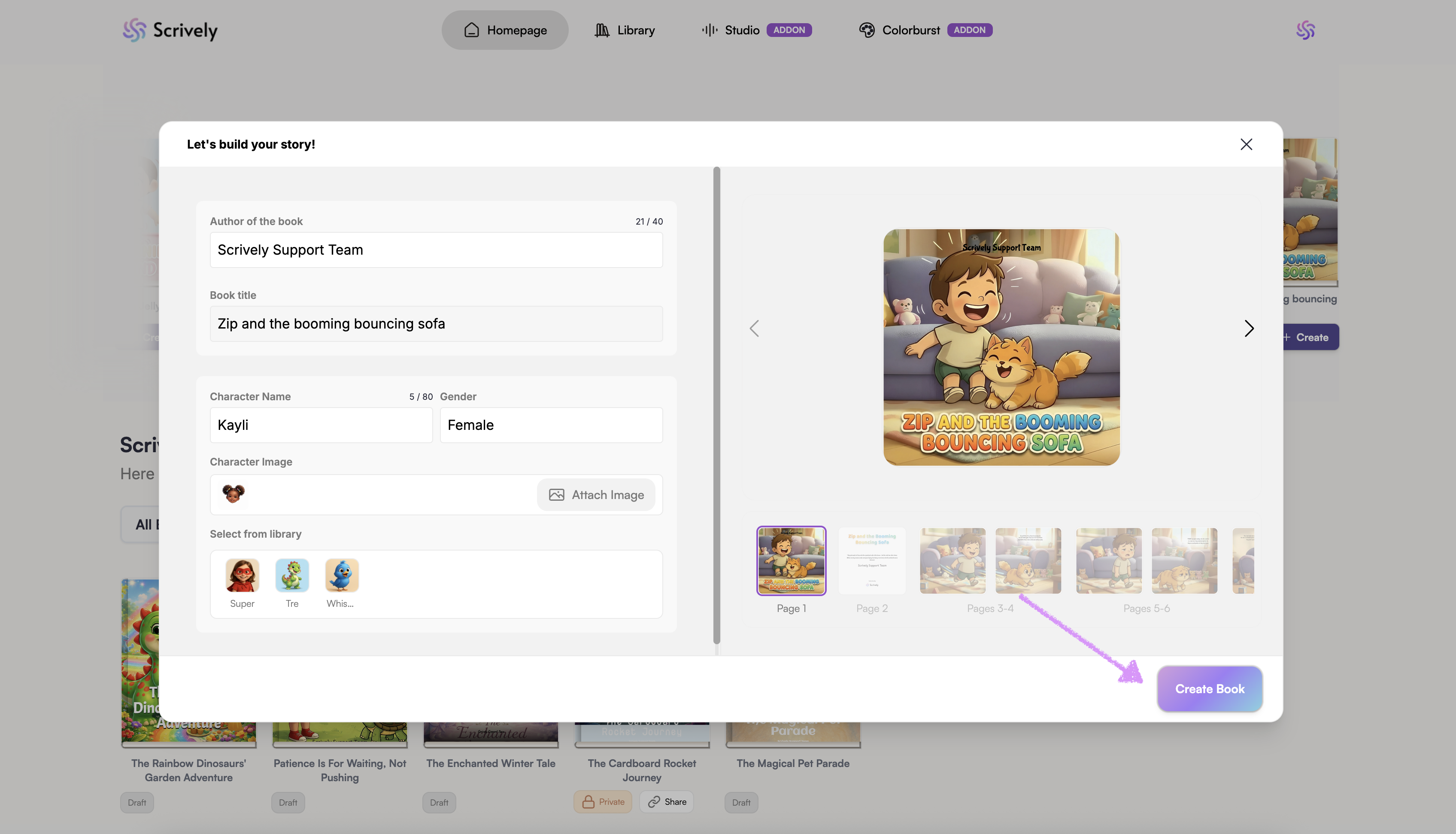
Give the character in the story a name and gender.
If you upload a character’s image without specifying a name or gender, these details will automatically be prefilled based on the image.Click on "Attach Image" to add the character's image from your device.
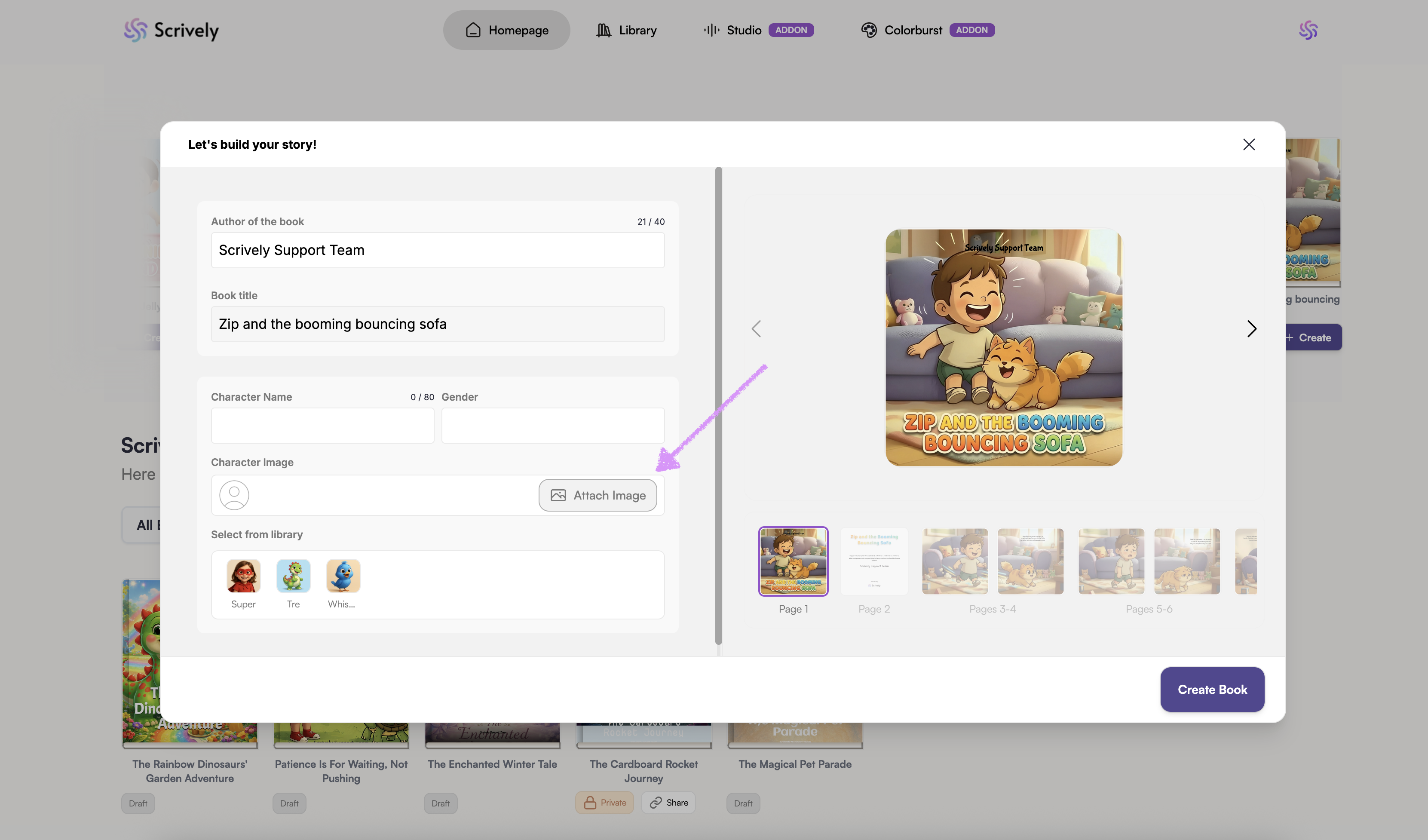
Alternatively, select a character from your library. We share more about managing characters in your library in our guide here.
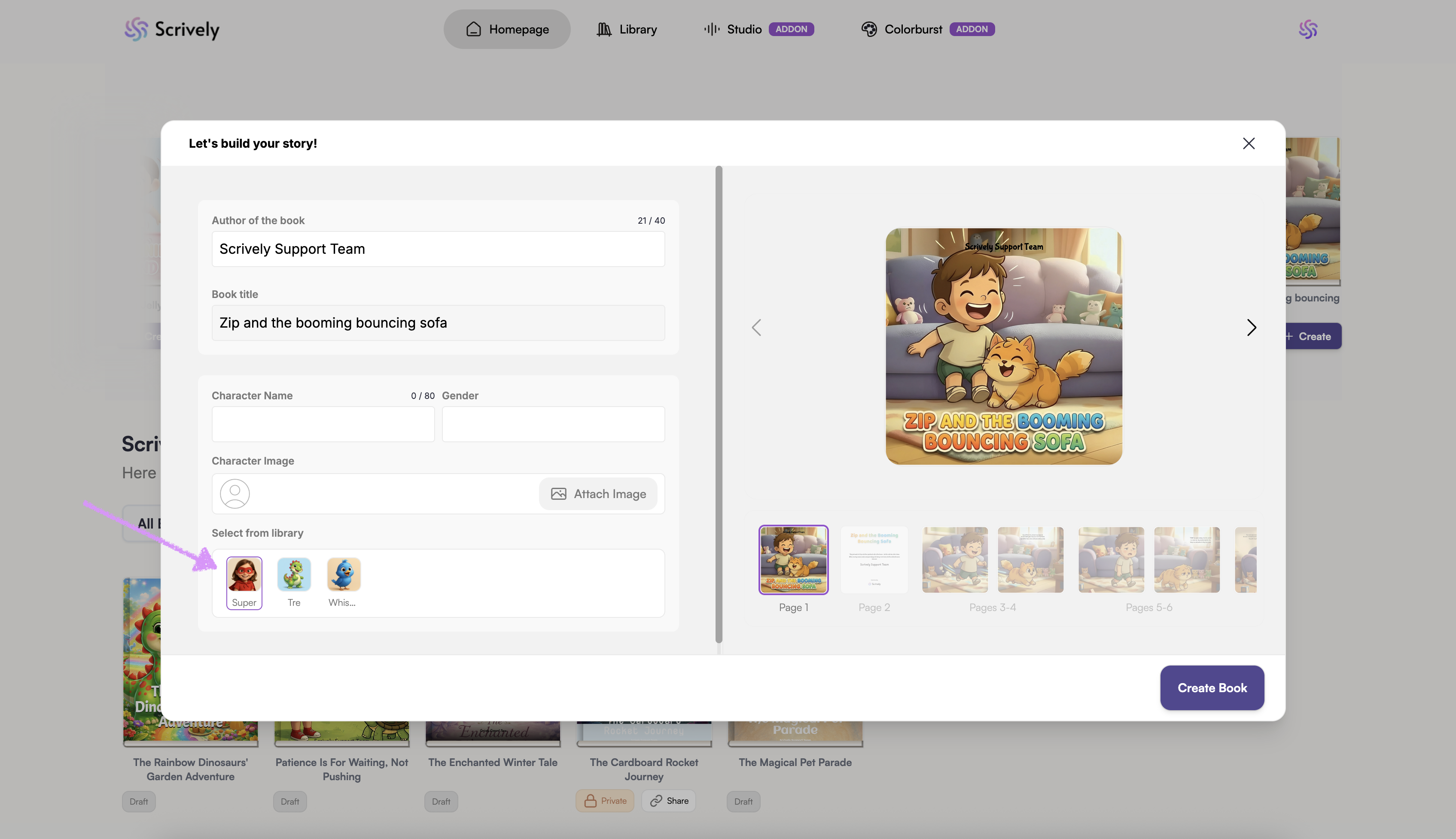
Click on "Create Book."
Scrively will take a few moments to think and create the book.
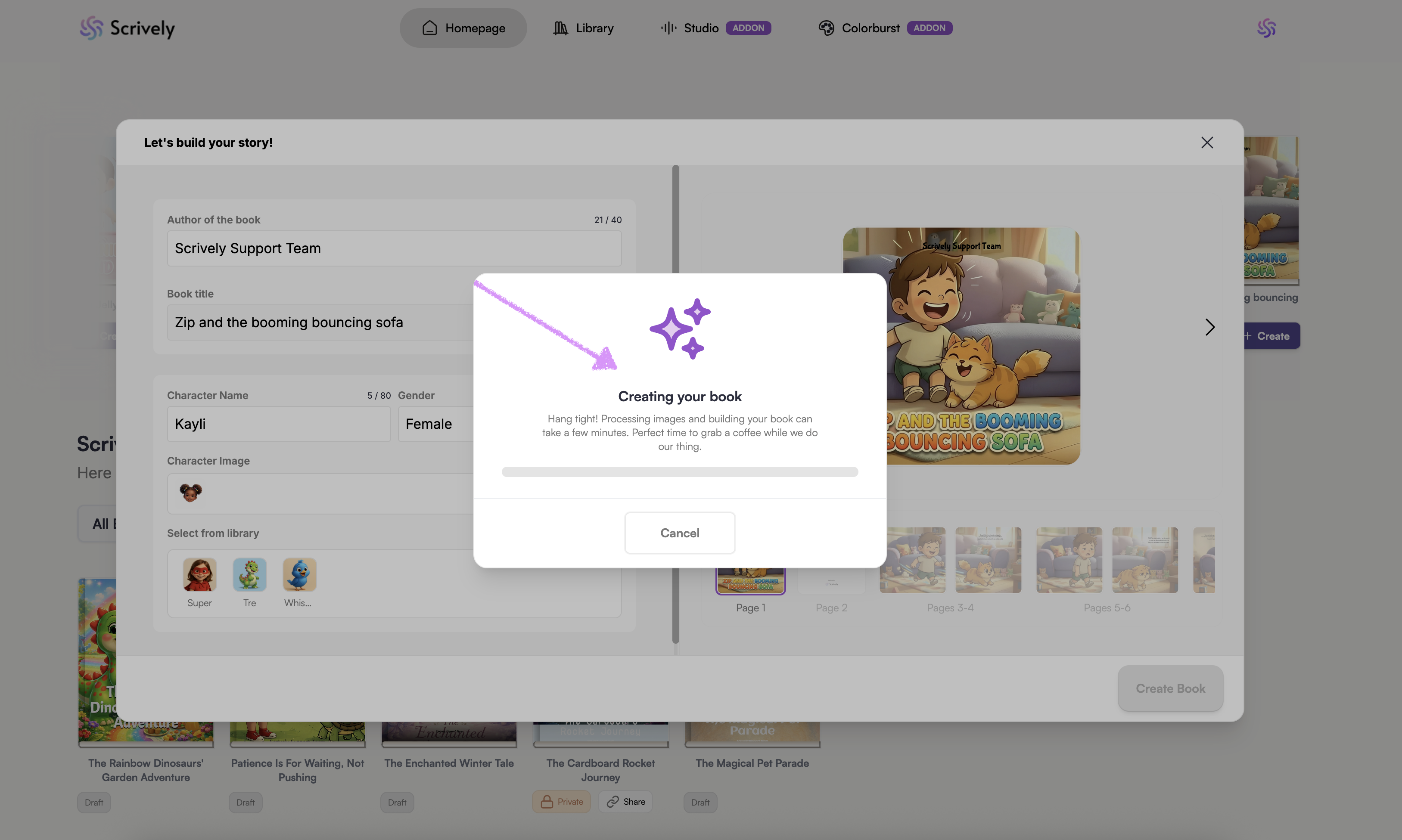
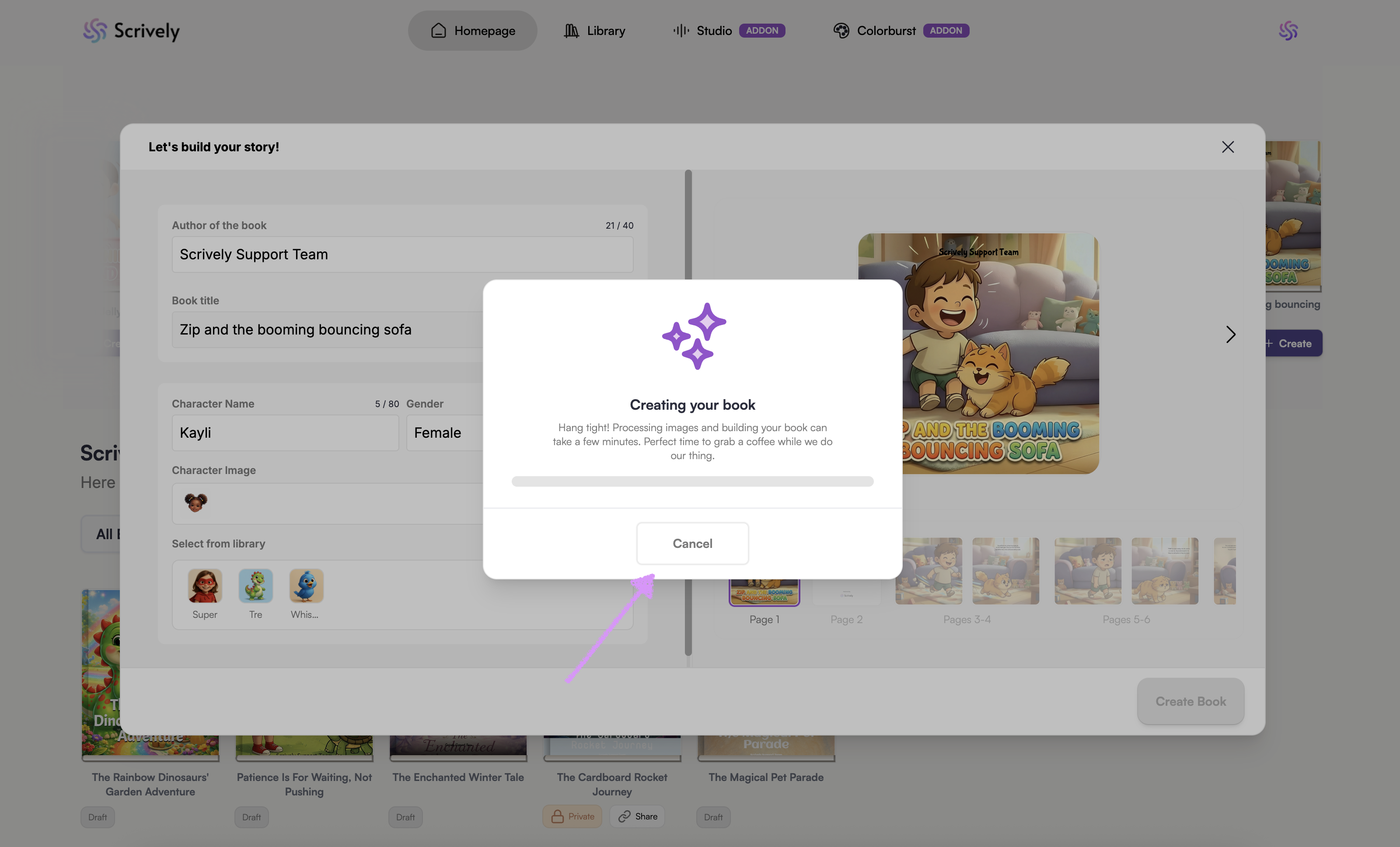
Change your mind? Click on "Cancel."
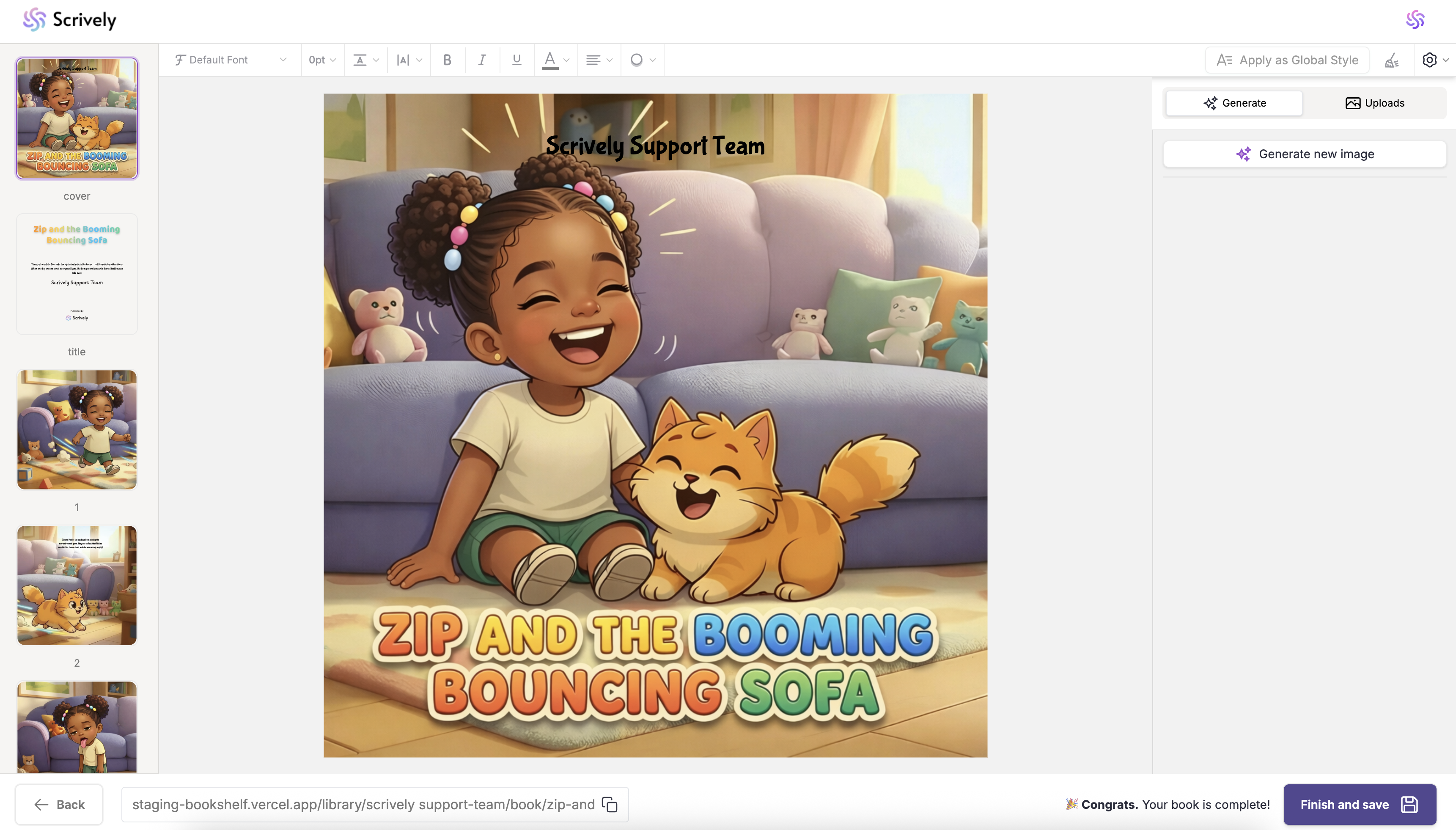
Once the book is completed, you'll be automatically taken to the Designer view to make edit which we share more about in our guide here.
Was this article helpful?
That’s Great!
Thank you for your feedback
Sorry! We couldn't be helpful
Thank you for your feedback
Feedback sent
We appreciate your effort and will try to fix the article
