Sometimes the best stories start with a tiny idea, a funny phrase, a bedtime dream, or a doodle on a napkin. Scrively helps you take that spark and turn it into a full storybook, complete with illustrations and your creative touch. You don’t need to be a writer, just start with an idea, and we’ll help bring it to life.
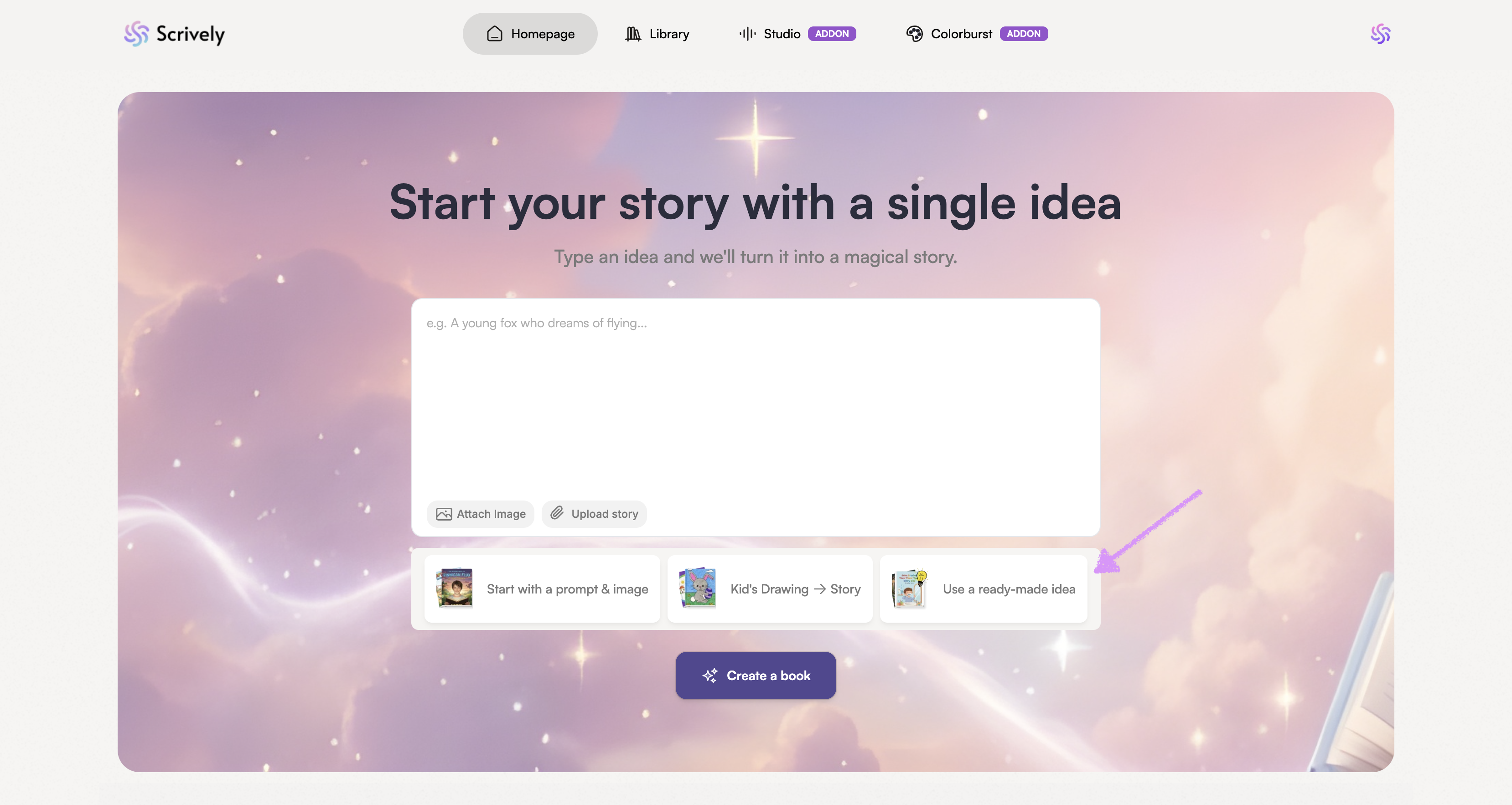
From the Homepage, click on “Use a ready-made idea.”
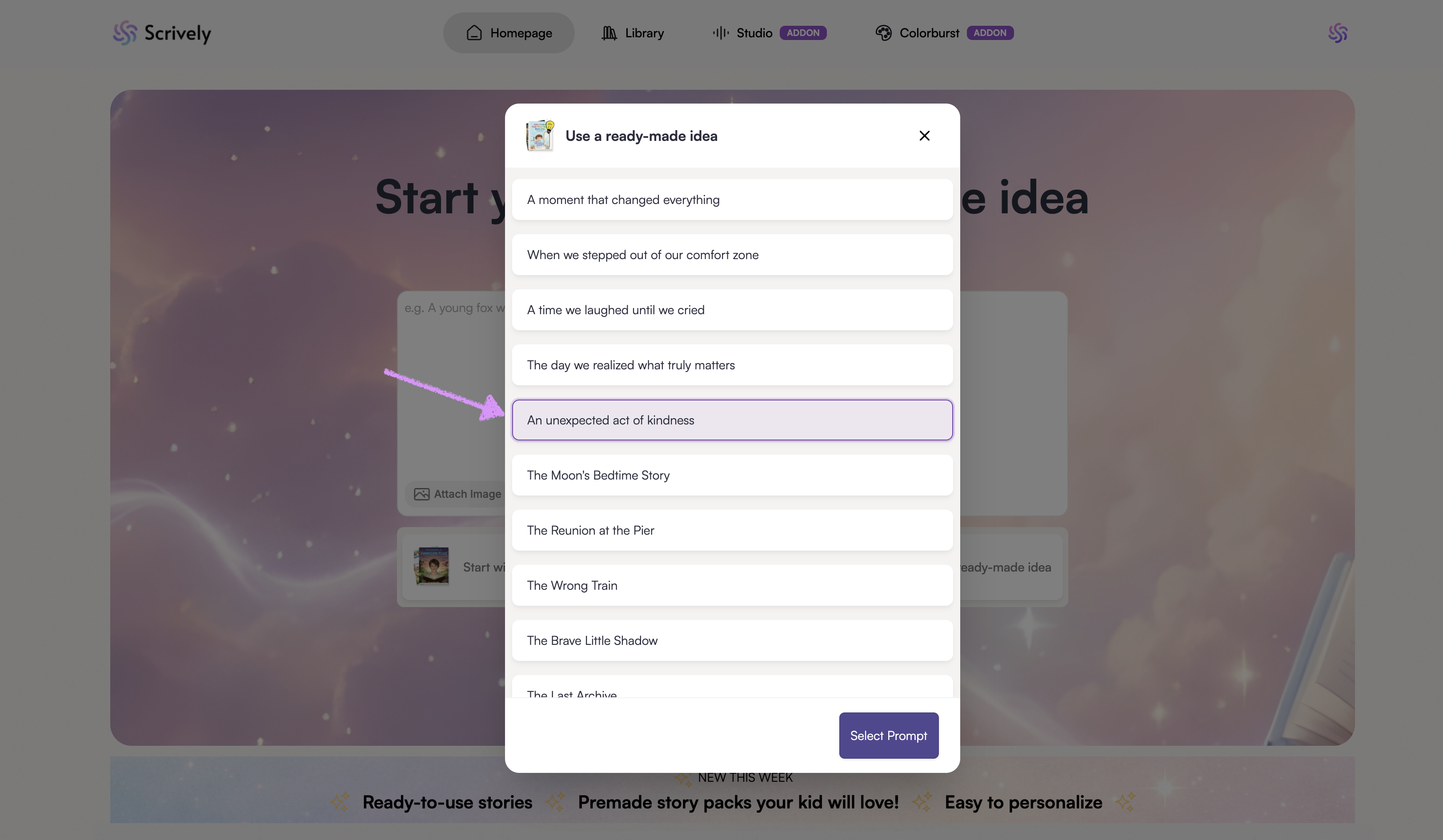
Choose an idea.
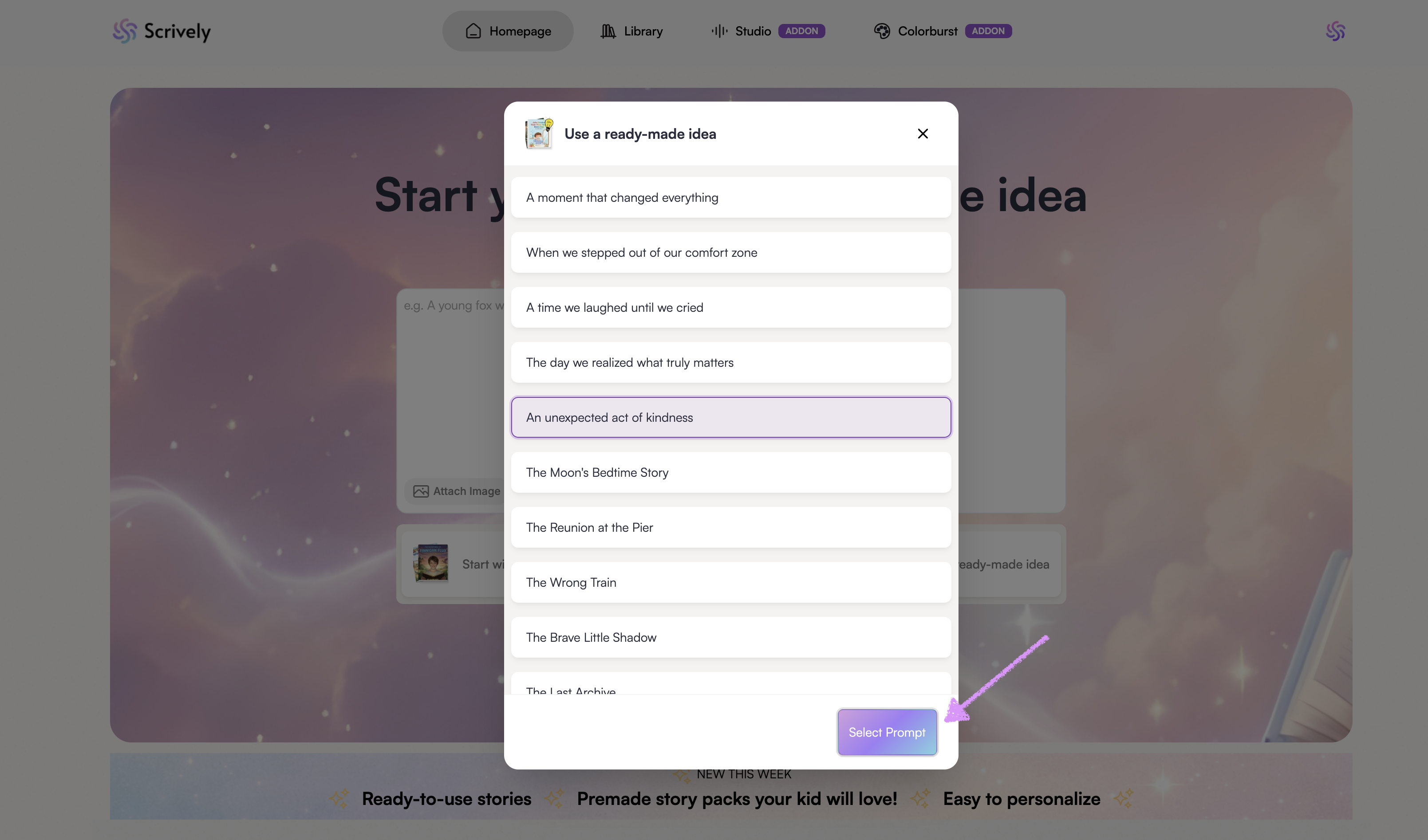
Click on "Select Prompt."
The story box will update with the details of the storybook idea.
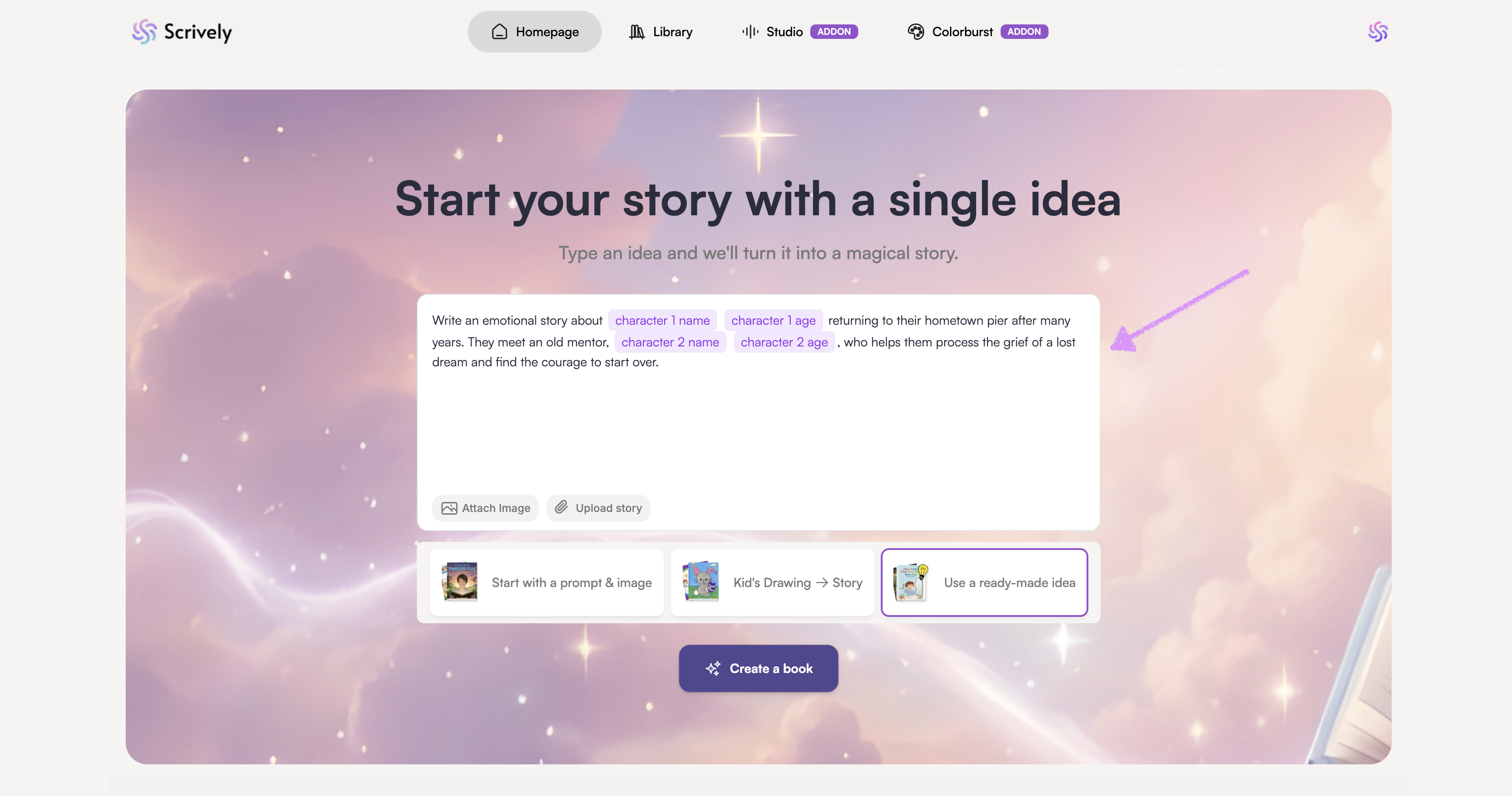
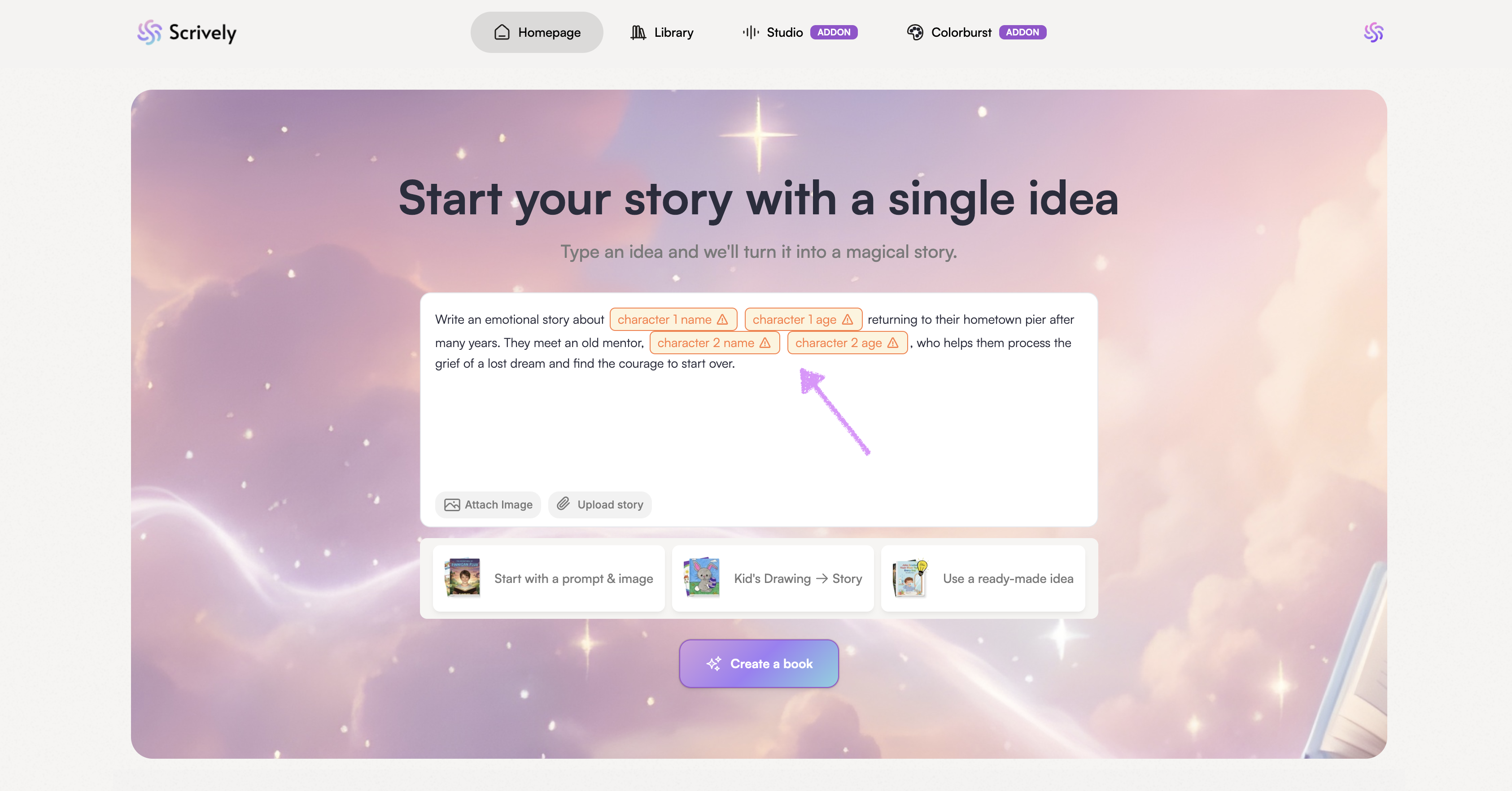
Where applicable, click into a character’s details field such as their name or age to add them.
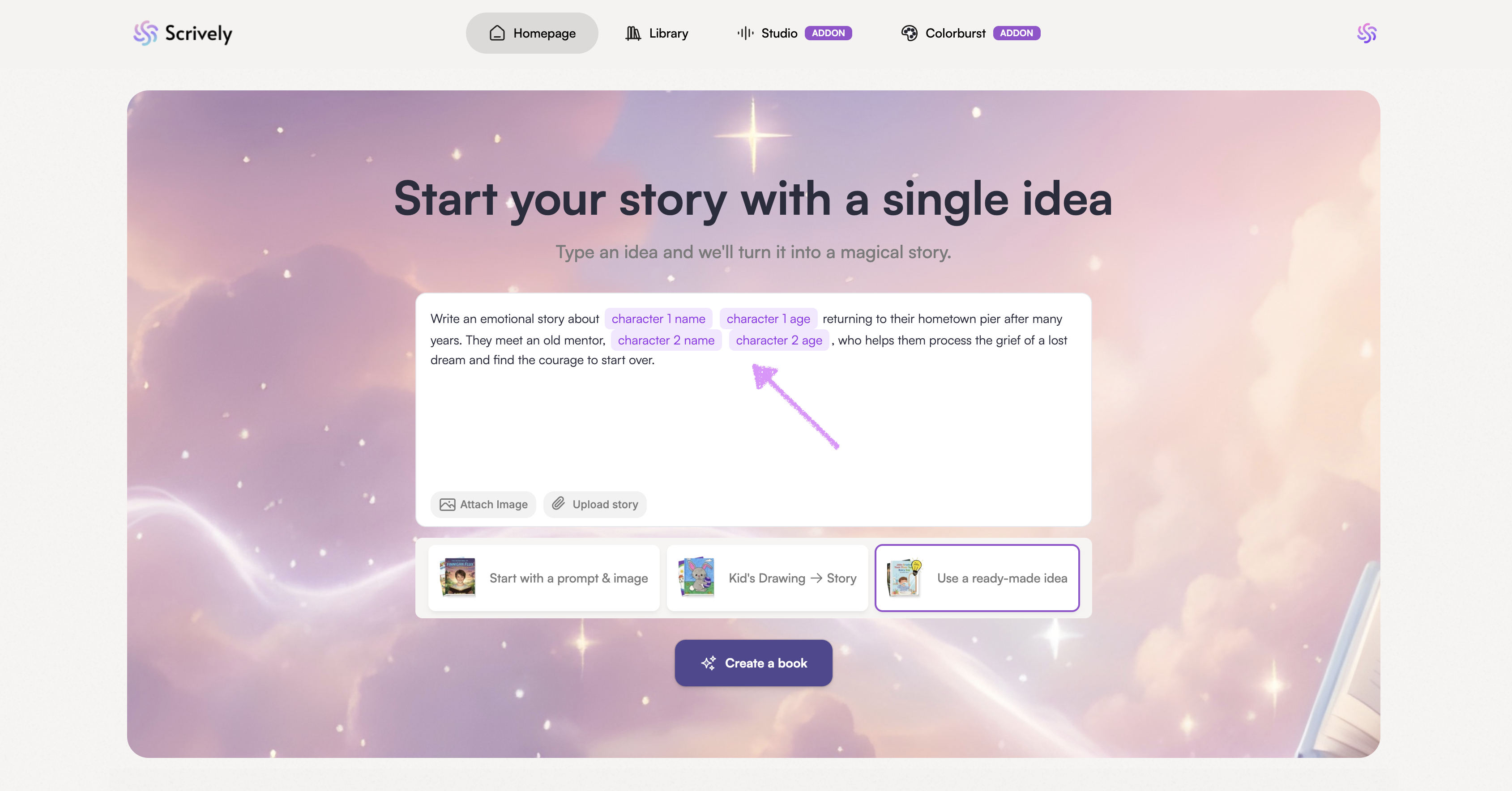
Note: You'll need to add your character details before you can continue creating your book.
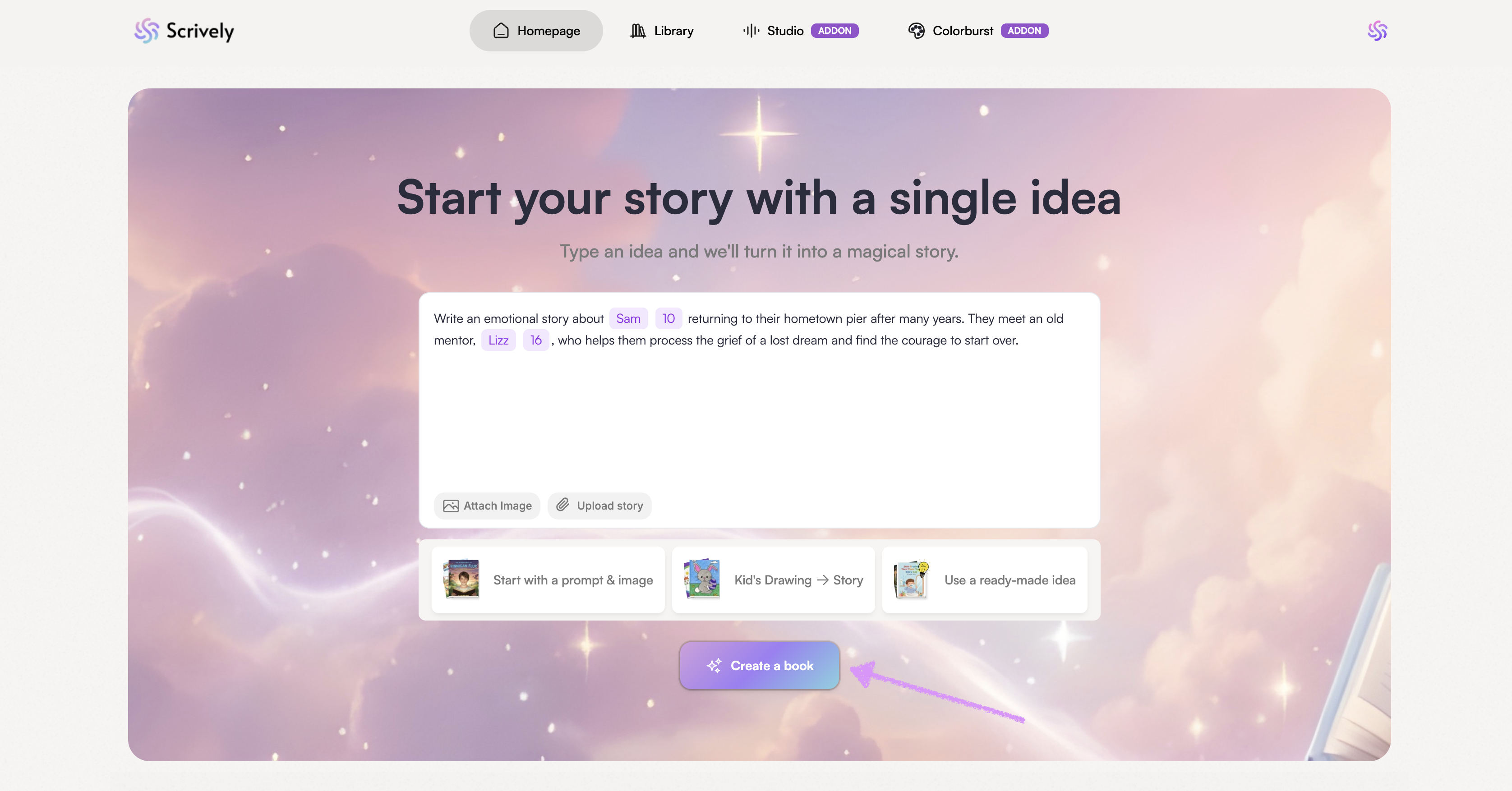
Click on "Create a book." Head over to our guide here to learn more about building your story.
Was this article helpful?
That’s Great!
Thank you for your feedback
Sorry! We couldn't be helpful
Thank you for your feedback
Feedback sent
We appreciate your effort and will try to fix the article
