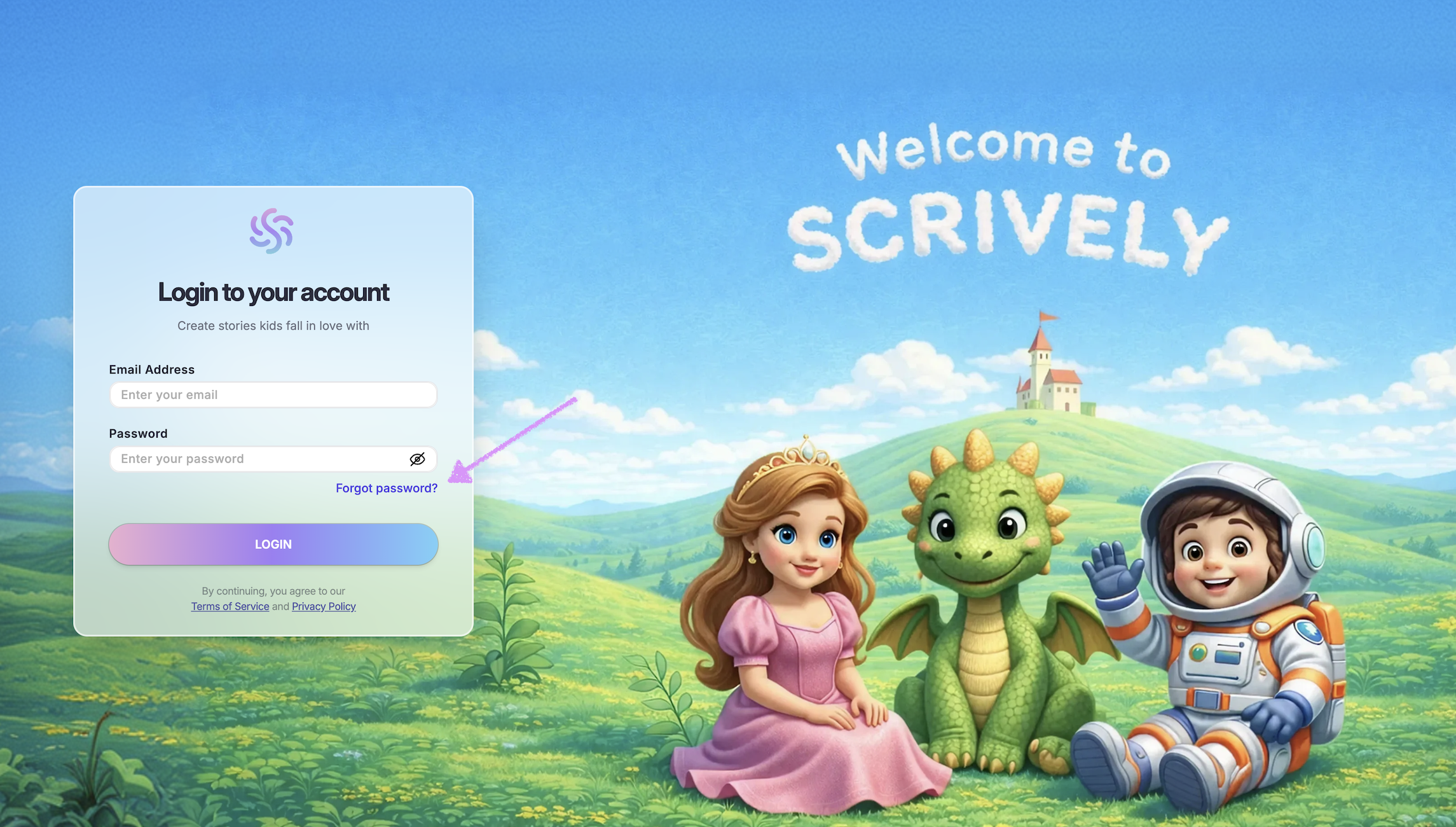
Open the Scrively desktop app and click on "Forgot password?"
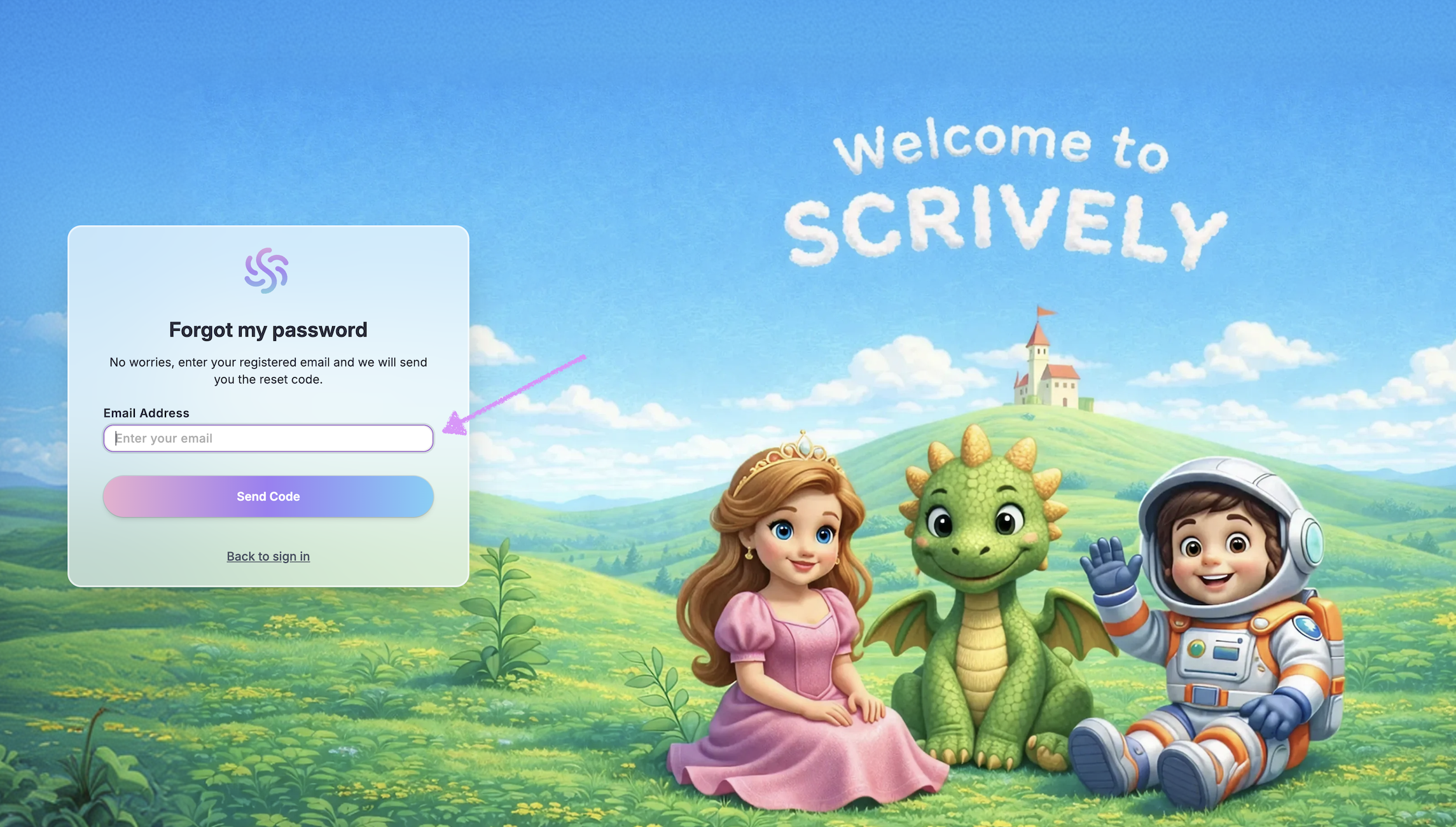
Enter your account's email address.
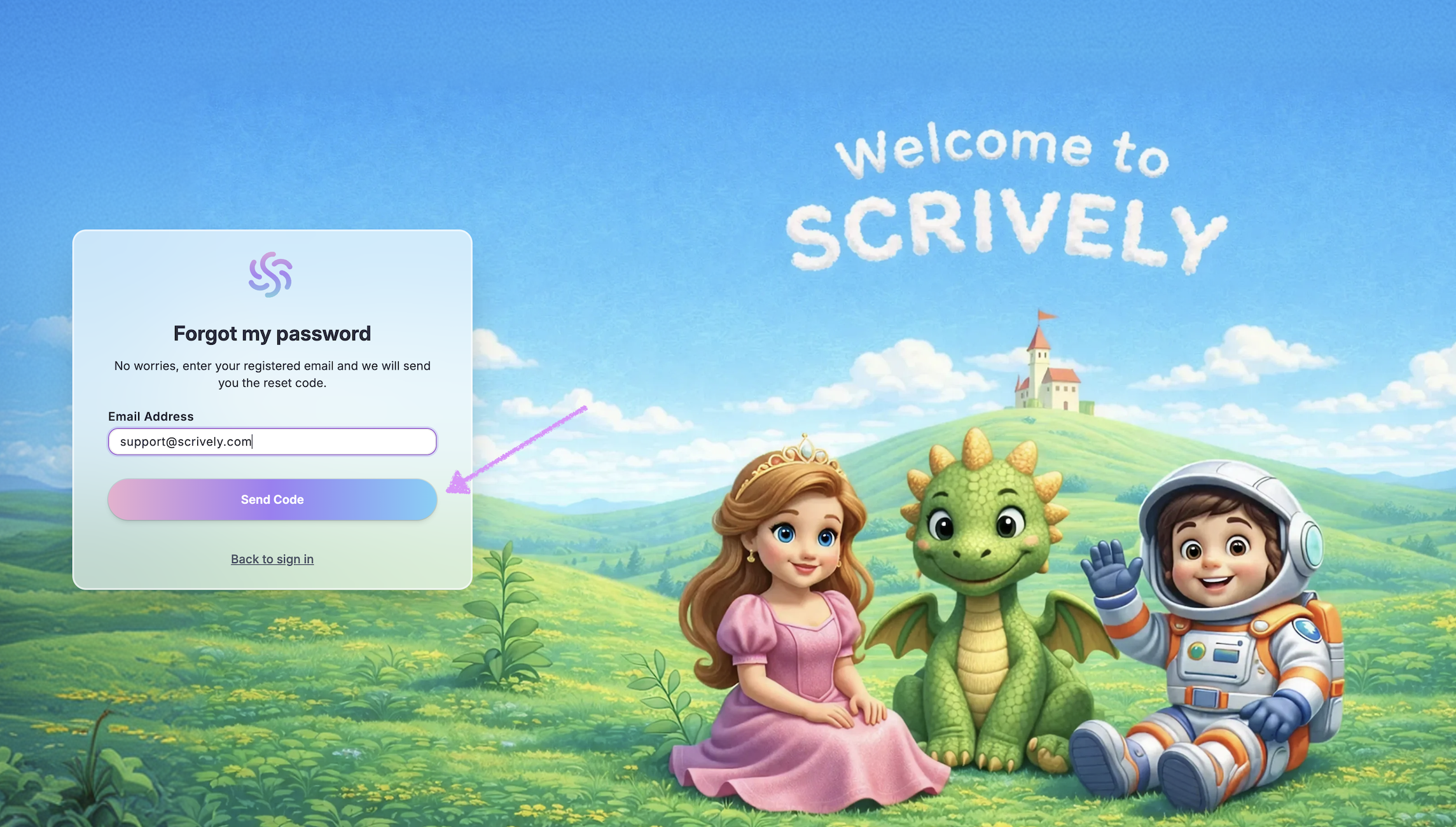
Click on "Send Code."
A confirmation code will be sent to your email.
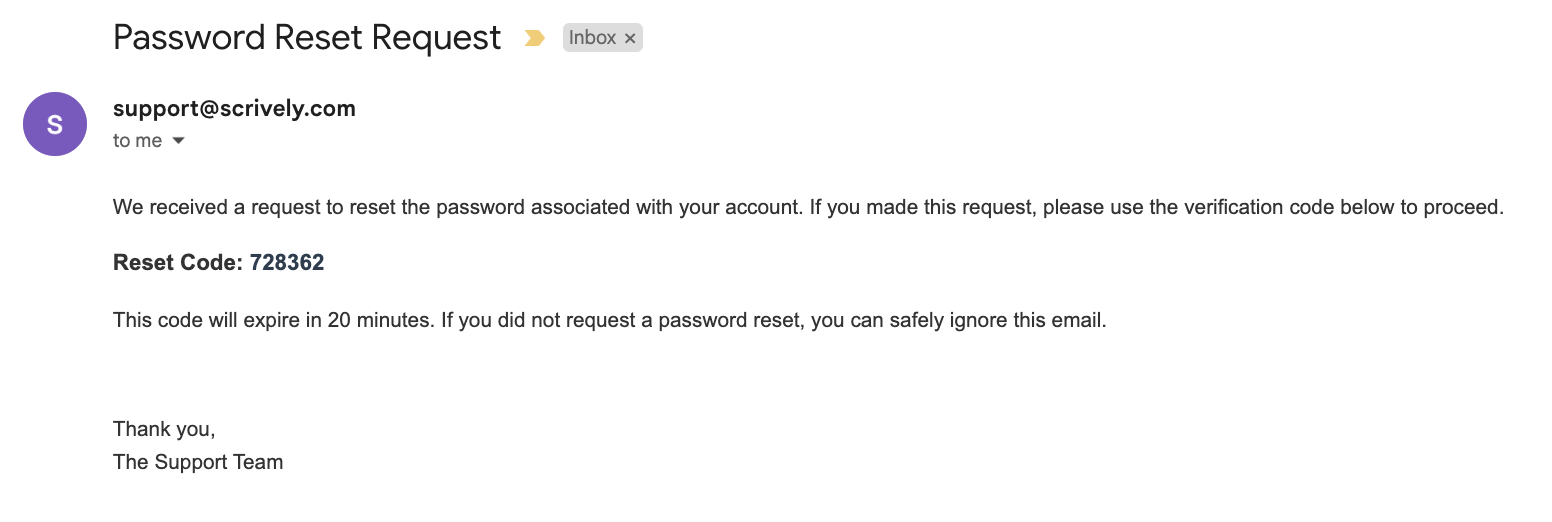
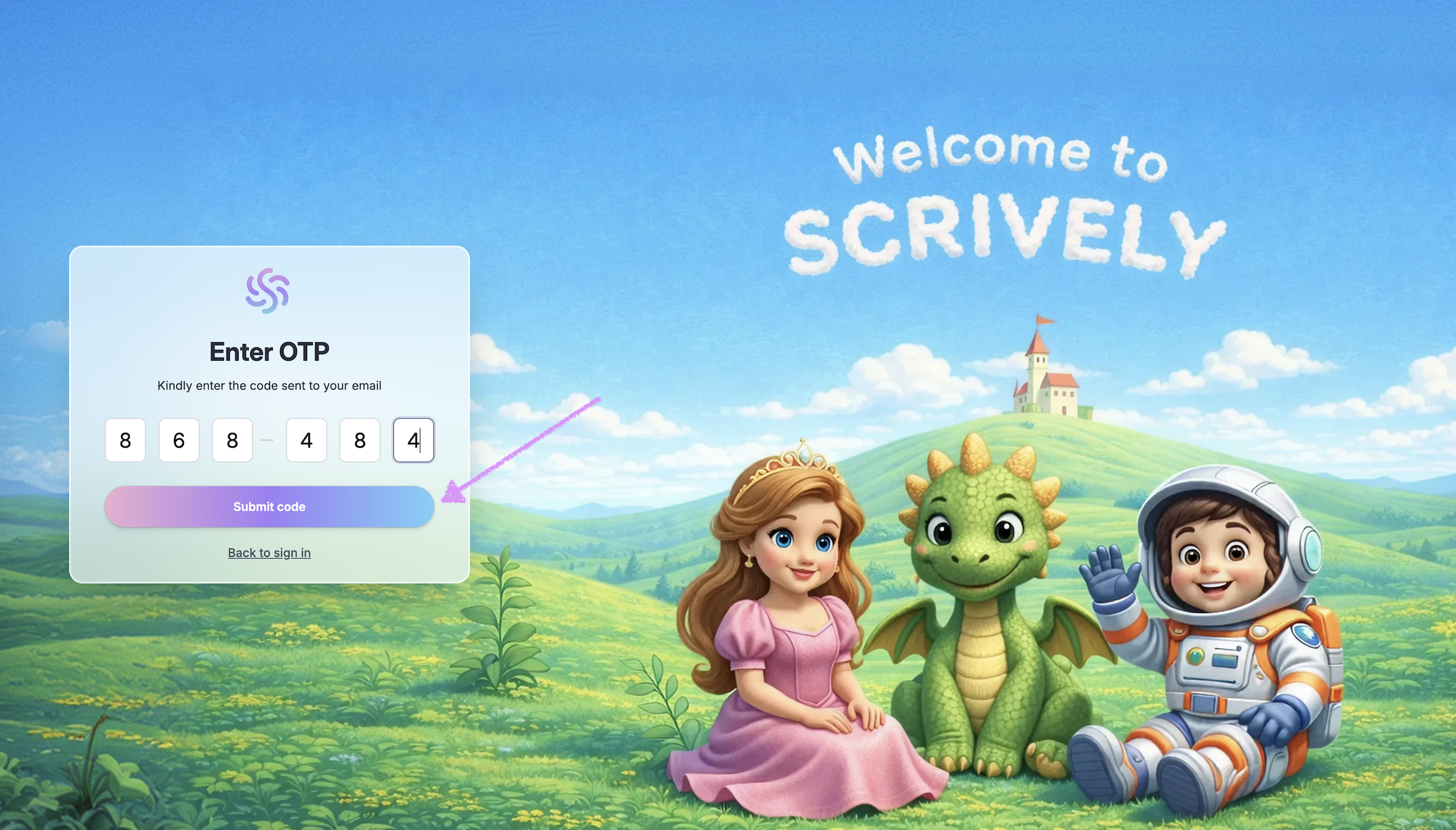
Enter the OTP code that was sent to your email.
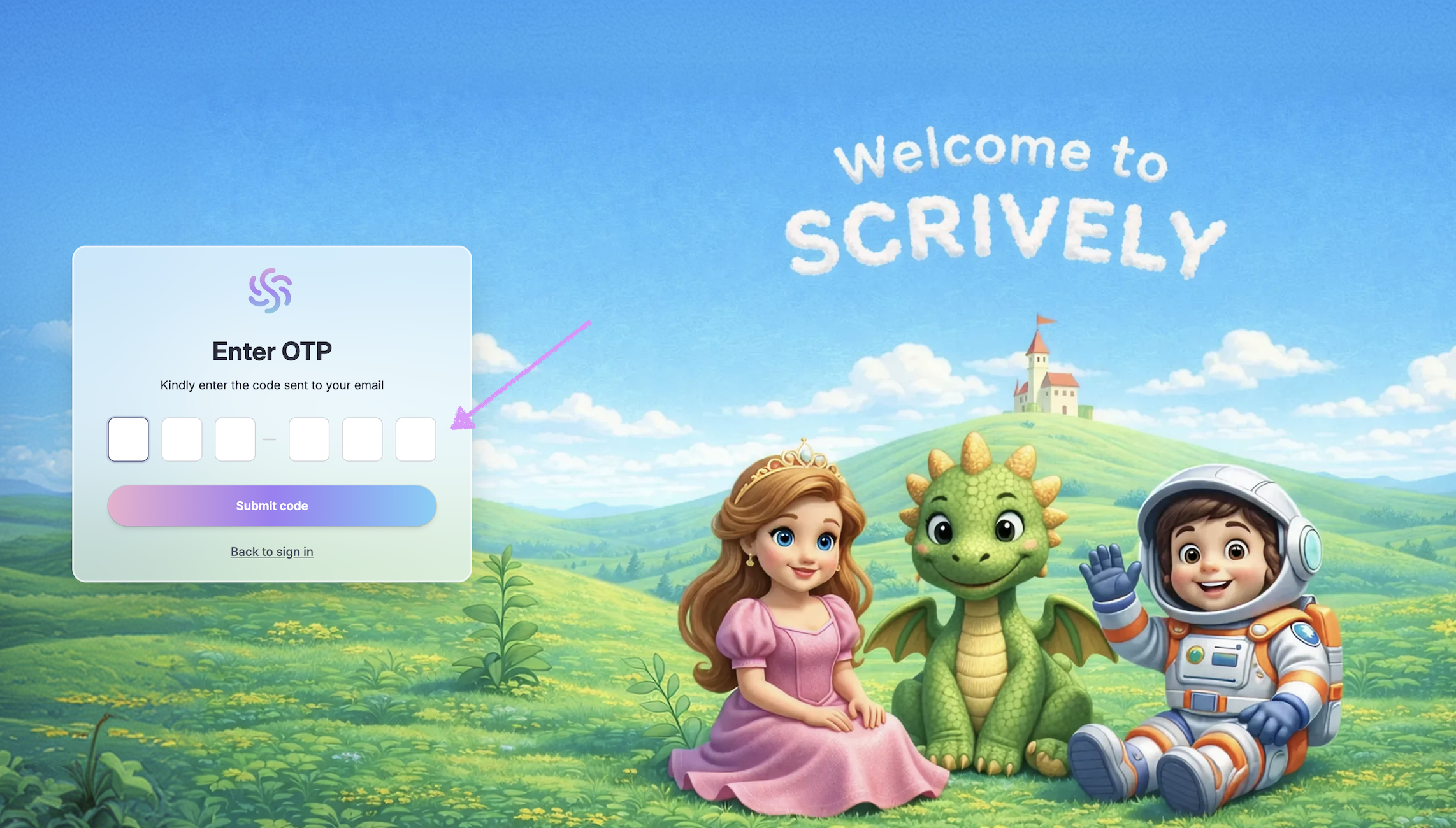
Click on "Submit code."
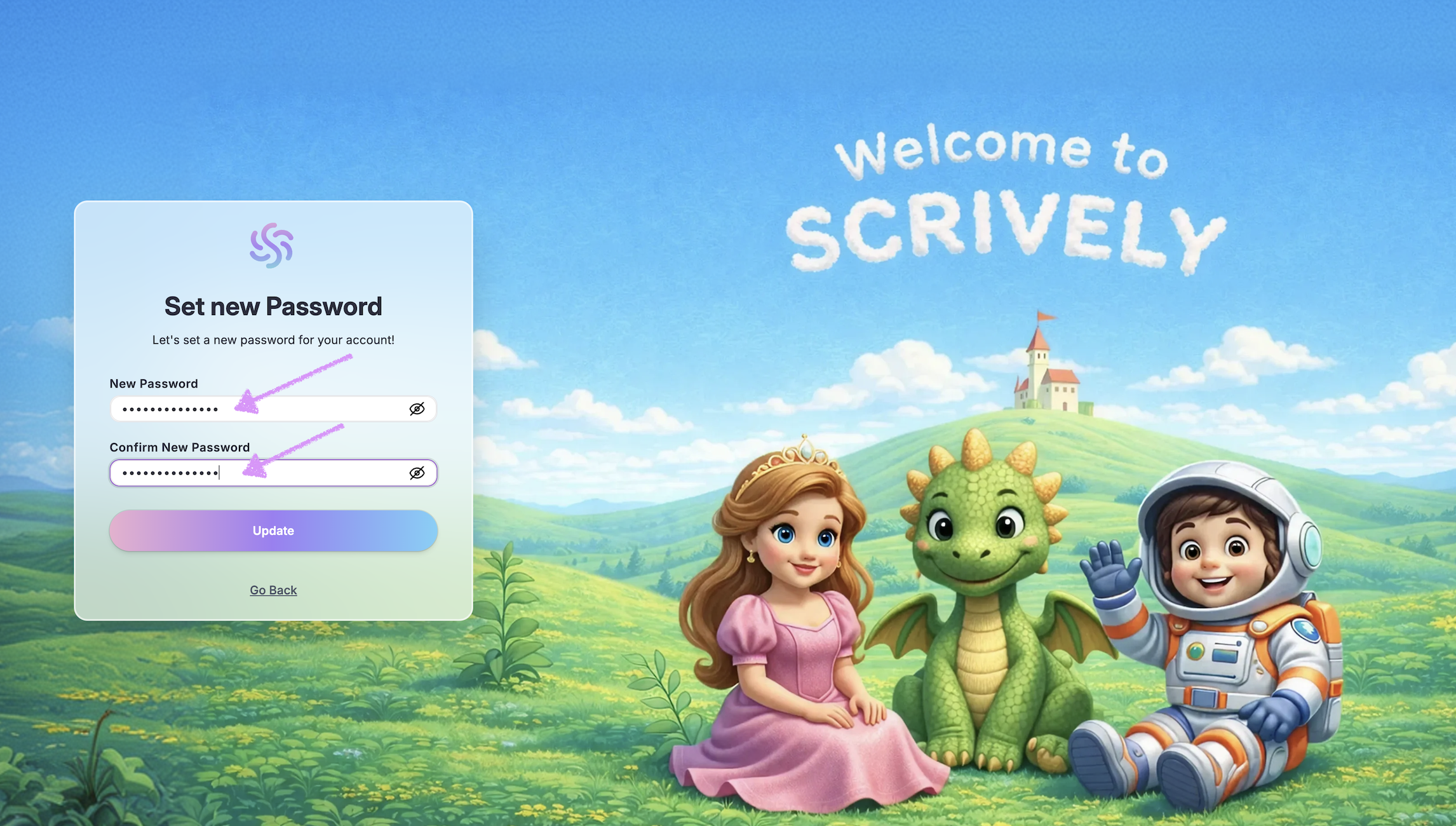
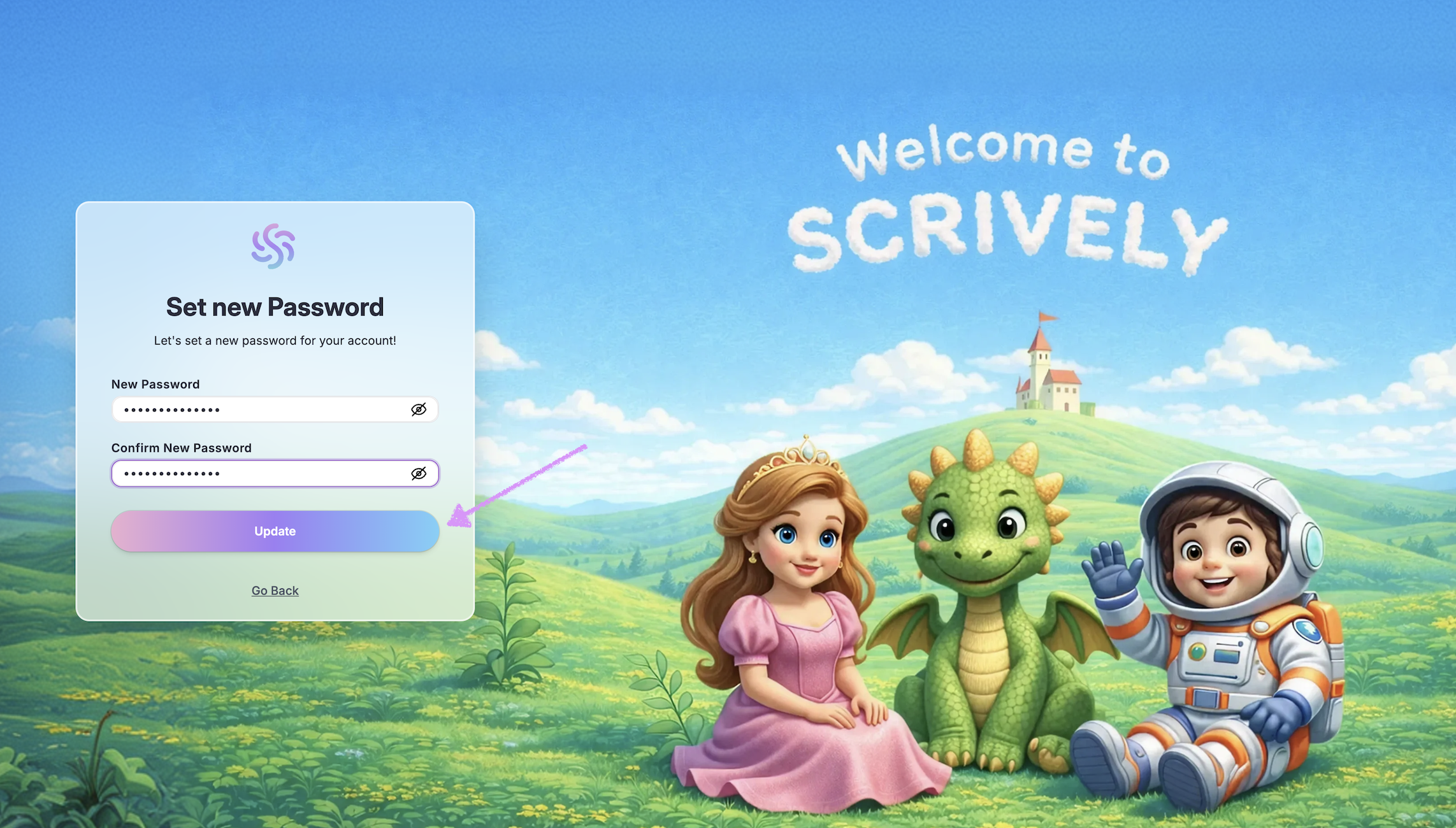
Enter the new password.
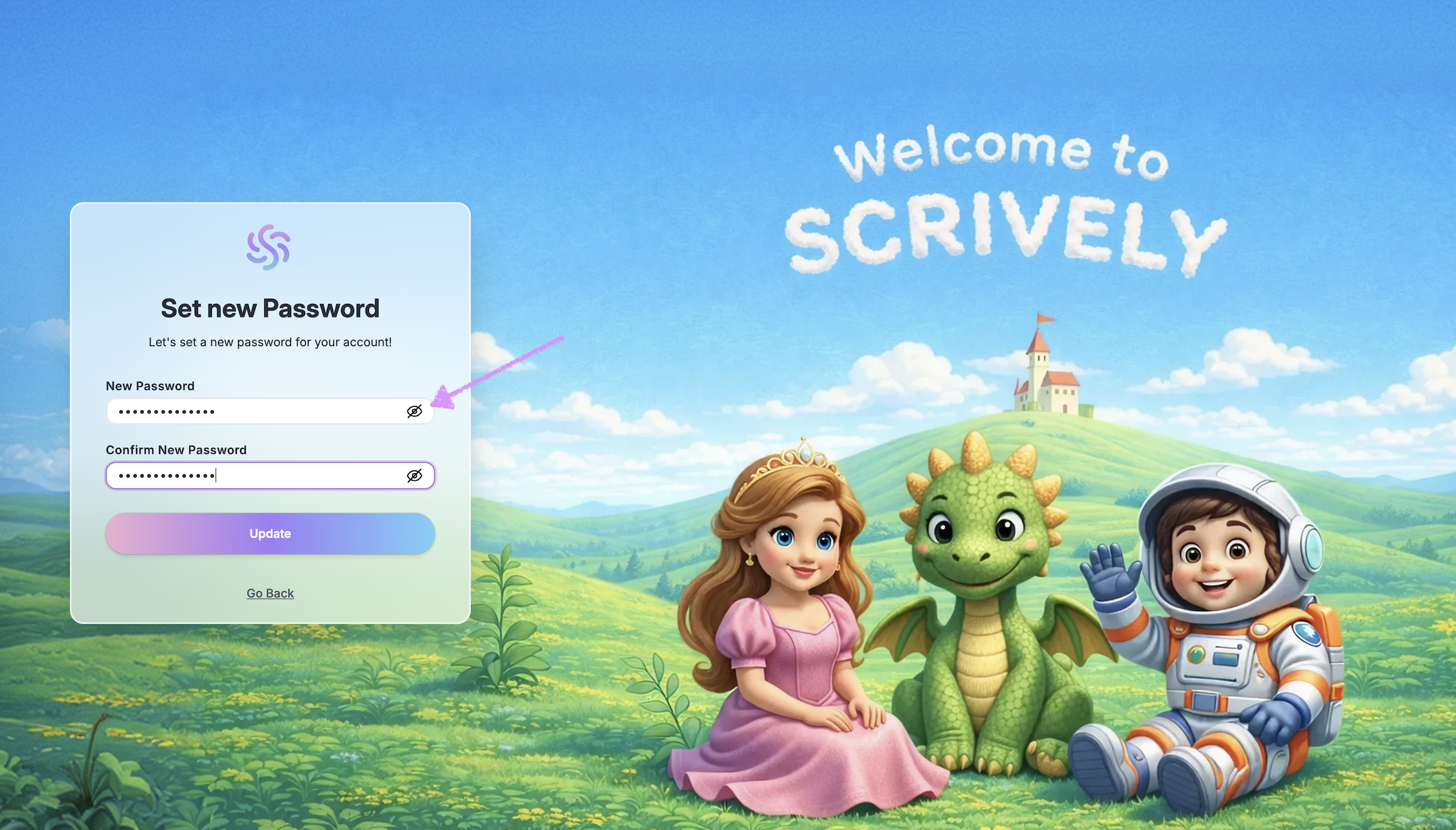
Click the preview icon to reveal and verify the passwords, ensuring they match.
Click on "Update." You’ll be redirected to the login page where you can sign in with your new password.
Was this article helpful?
That’s Great!
Thank you for your feedback
Sorry! We couldn't be helpful
Thank you for your feedback
Feedback sent
We appreciate your effort and will try to fix the article
