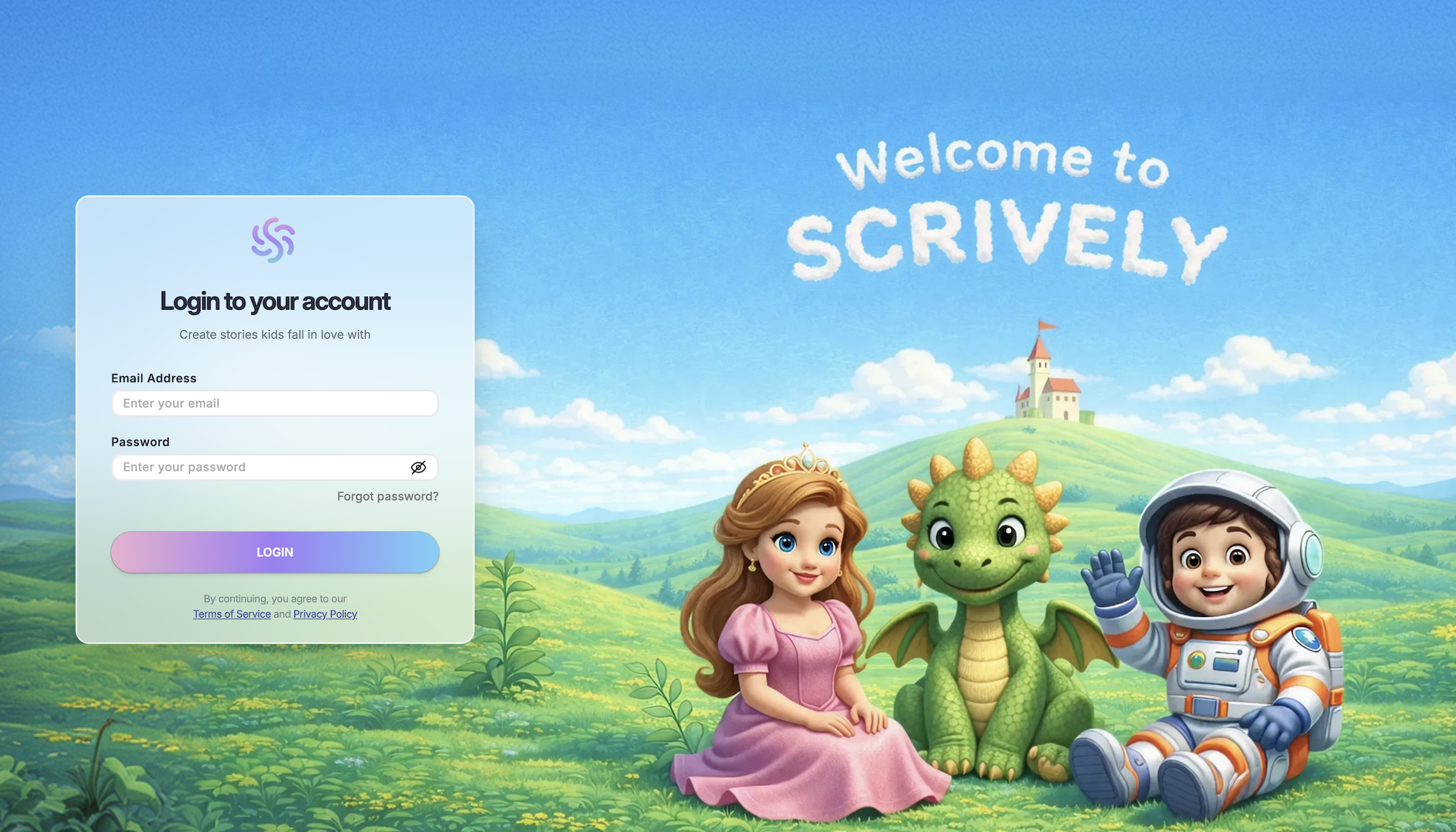
Congratulations on your Scrively purchase! To access the software, please visit the member's area where you can download it. After downloading Scrively, log in using your registered email and dedicated password that was emailed to you. Be sure to check your spam/promotions tab incase it may have landed there. If you're unable to locate your login credentials use the "Forgot password" option to access your account.
Was this article helpful?
That’s Great!
Thank you for your feedback
Sorry! We couldn't be helpful
Thank you for your feedback
Feedback sent
We appreciate your effort and will try to fix the article