Getting to Know the Desktop App
Want to keep track of your monthly allocations and usage? You can easily review your current allocation details at any time to better understand how they align with our Fair Use Policy.
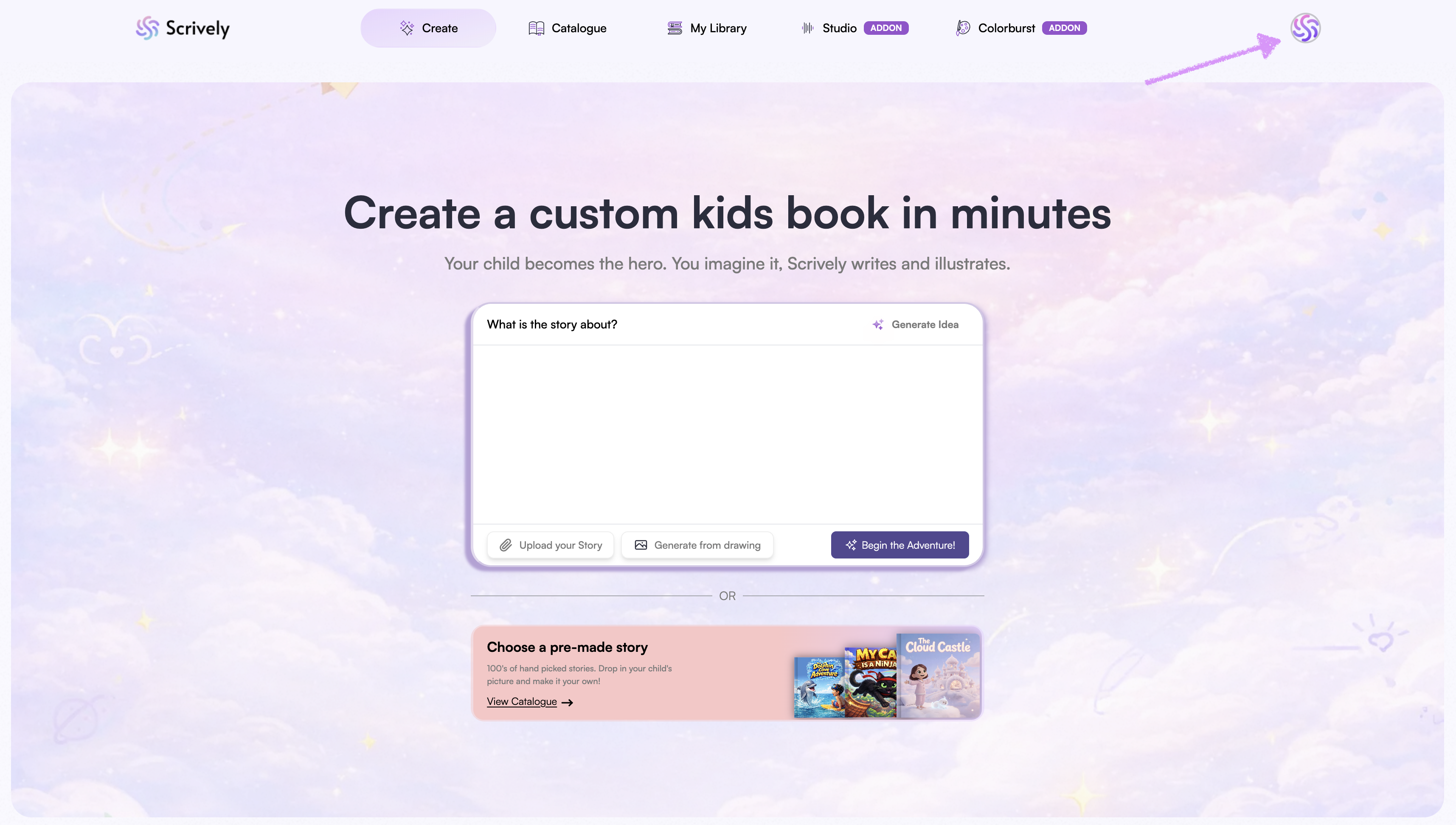
When you’re logged in, click on your avatar at the top right of the app.
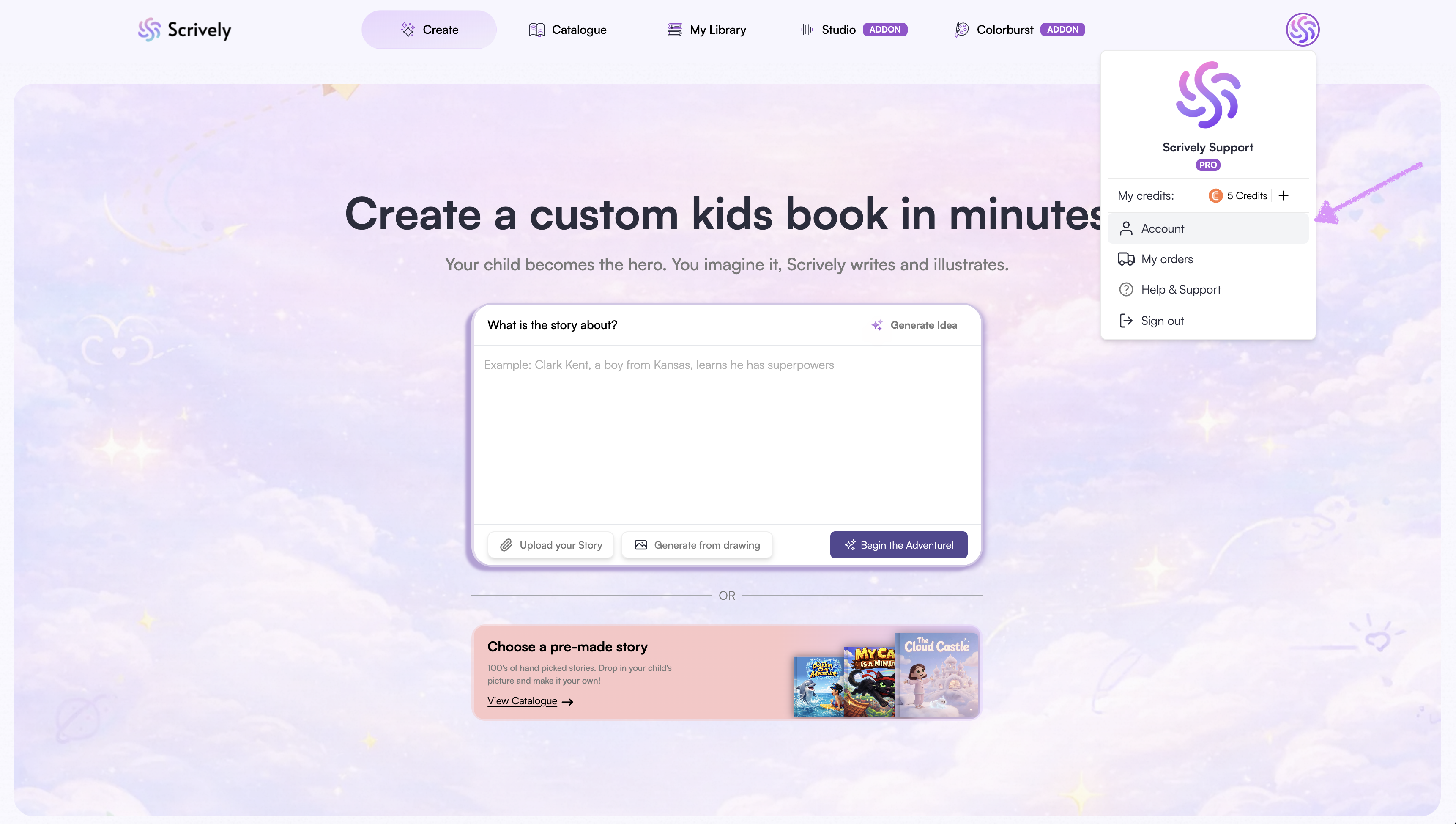
Select “Account.”
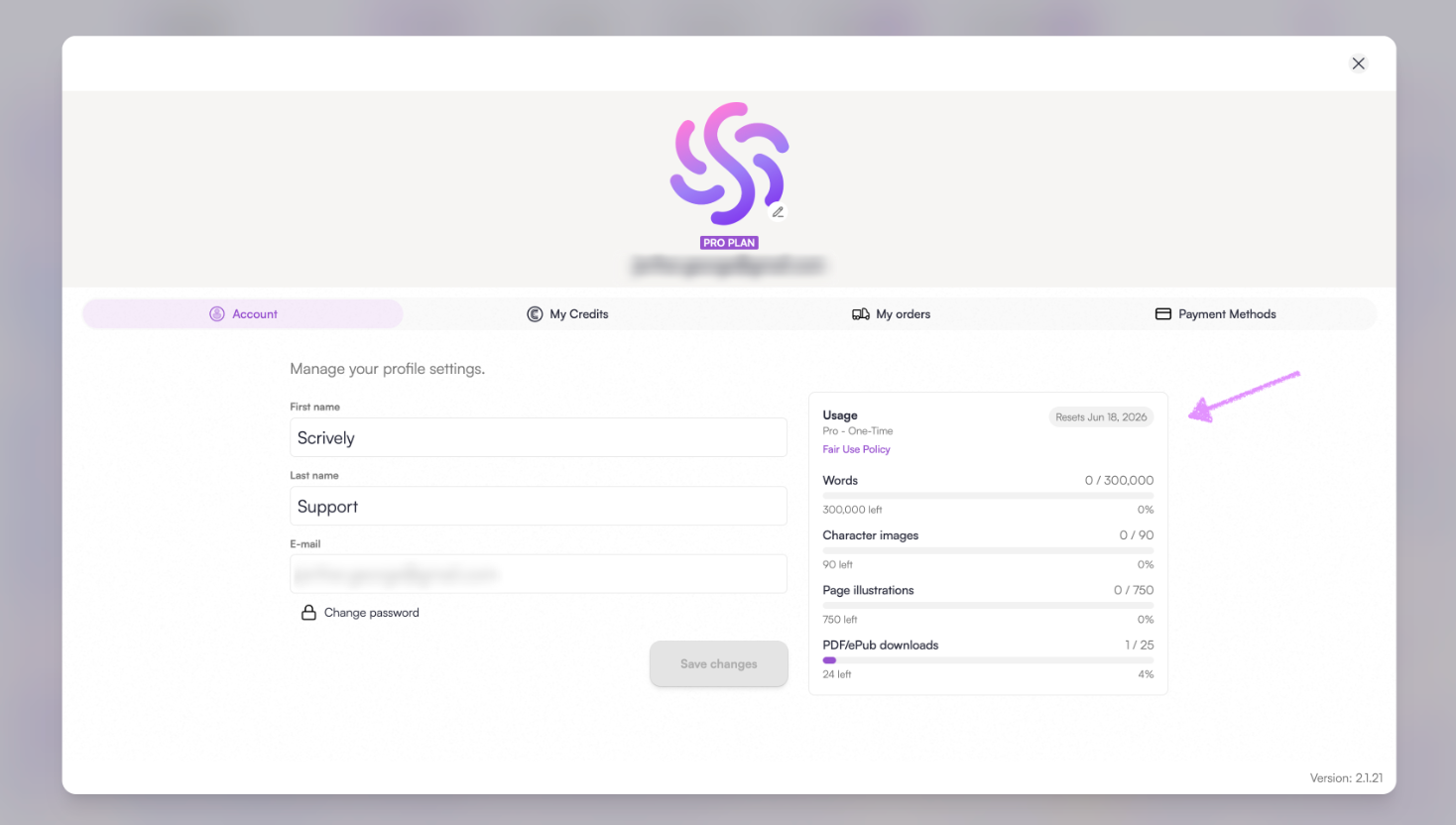
In this view, you’ll see a table displaying your monthly allocation by plan along with your reset window.
Was this article helpful?
That’s Great!
Thank you for your feedback
Sorry! We couldn't be helpful
Thank you for your feedback
Feedback sent
We appreciate your effort and will try to fix the article