
My Library
You can delete a character folder at any time to keep your character library organized and clutter-free.
Head over to the "My Library" tab.
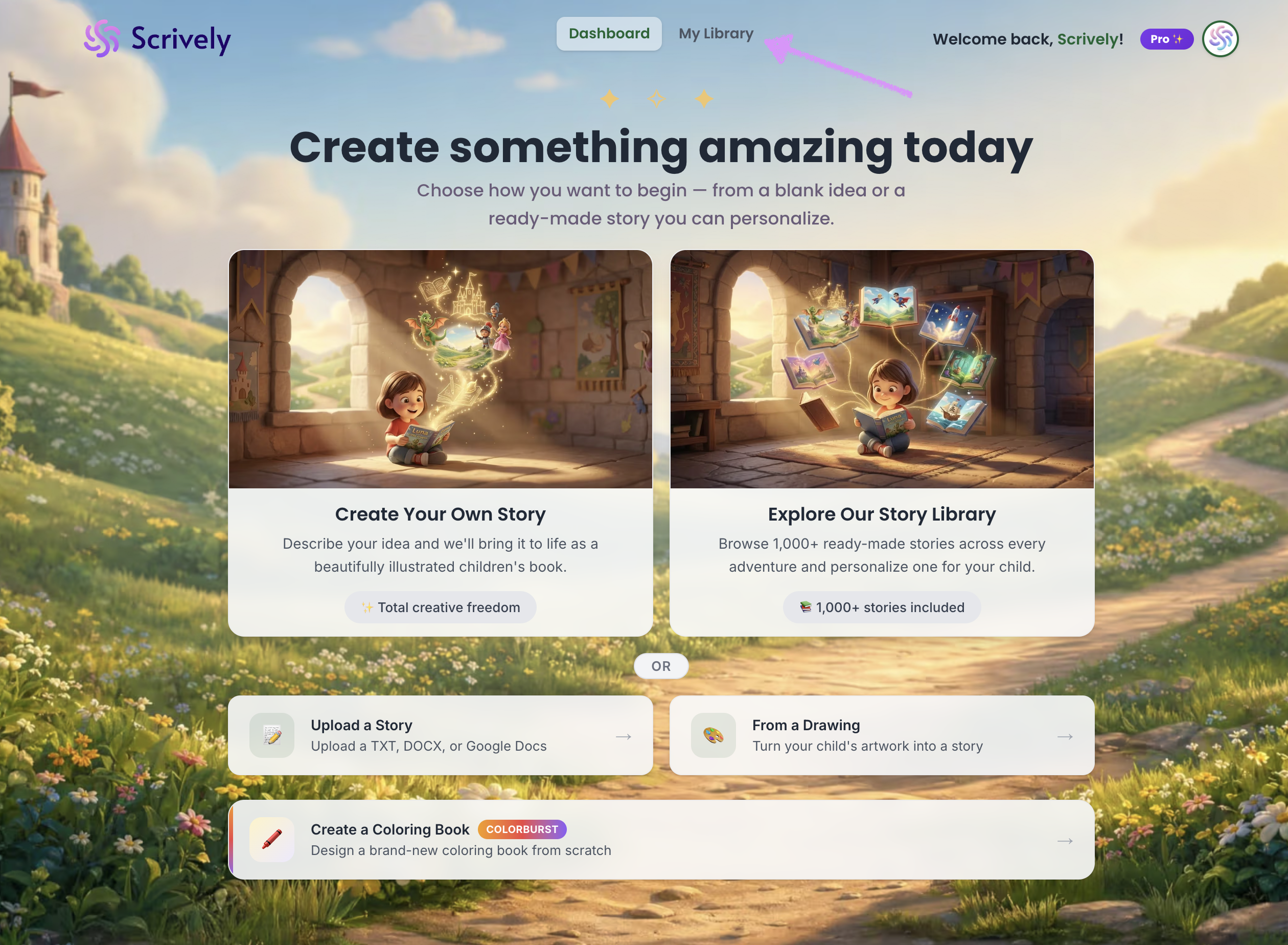
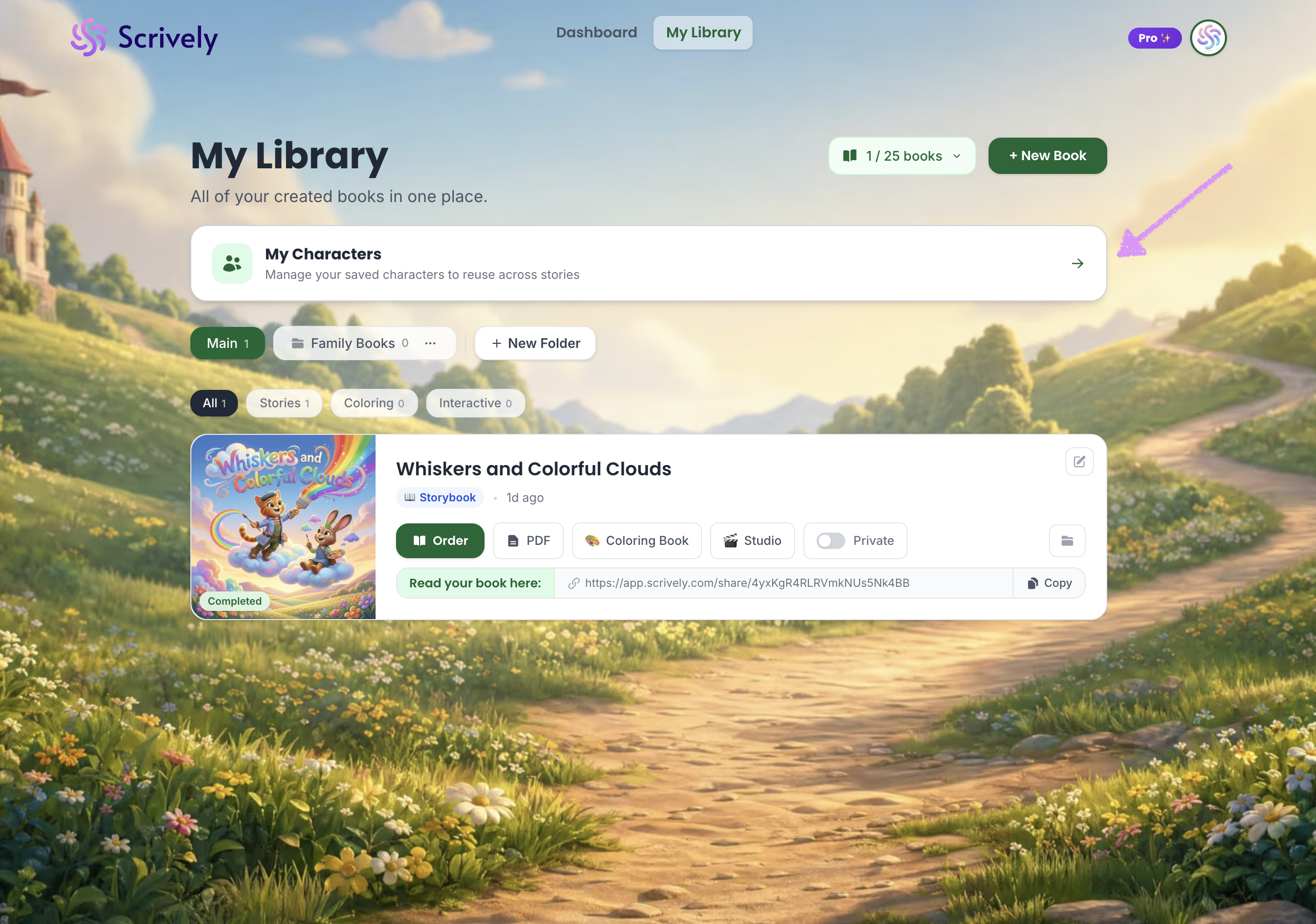
Click on "My Characters."
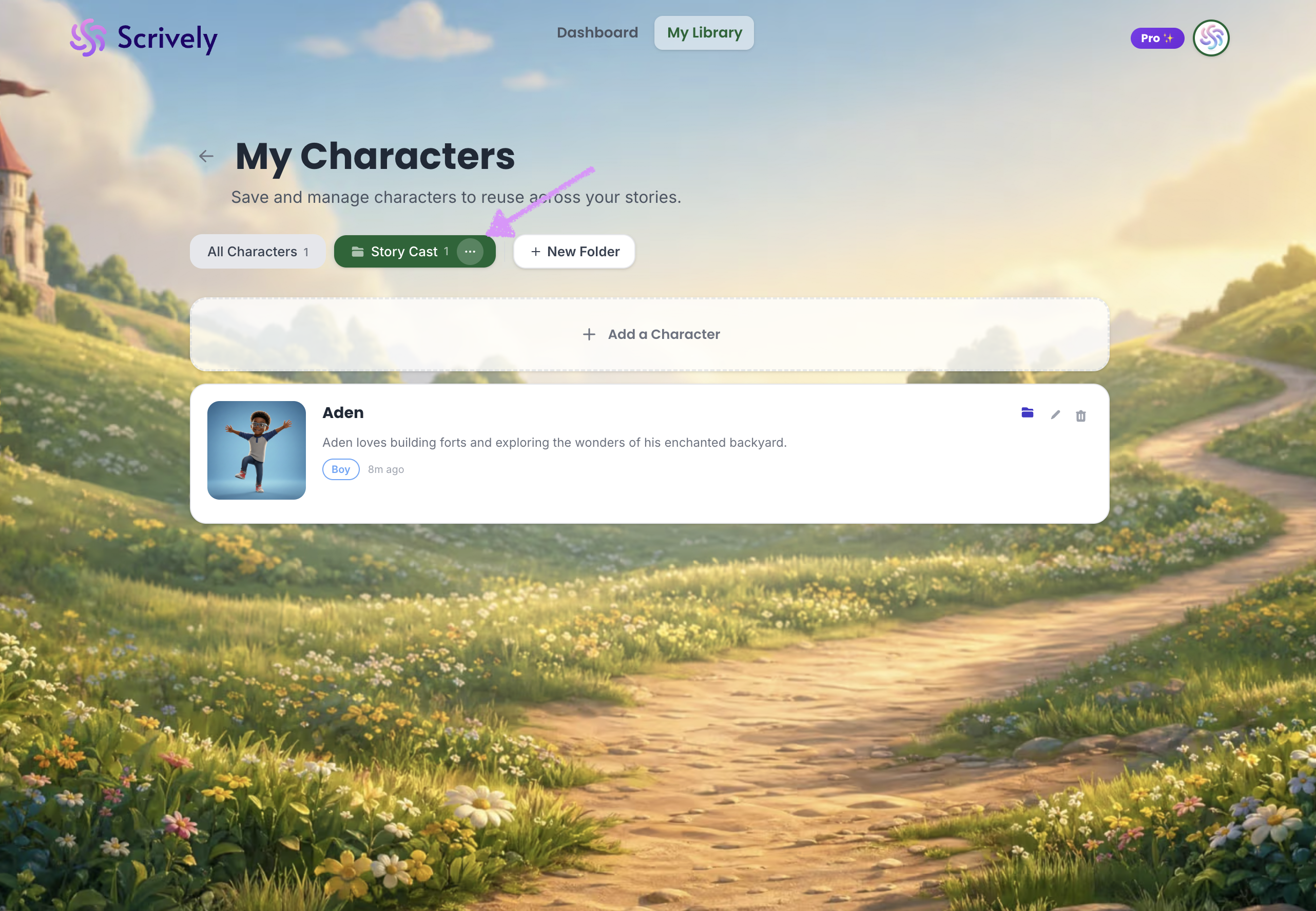
Click into the folder, then open the ellipsis (•••) menu.
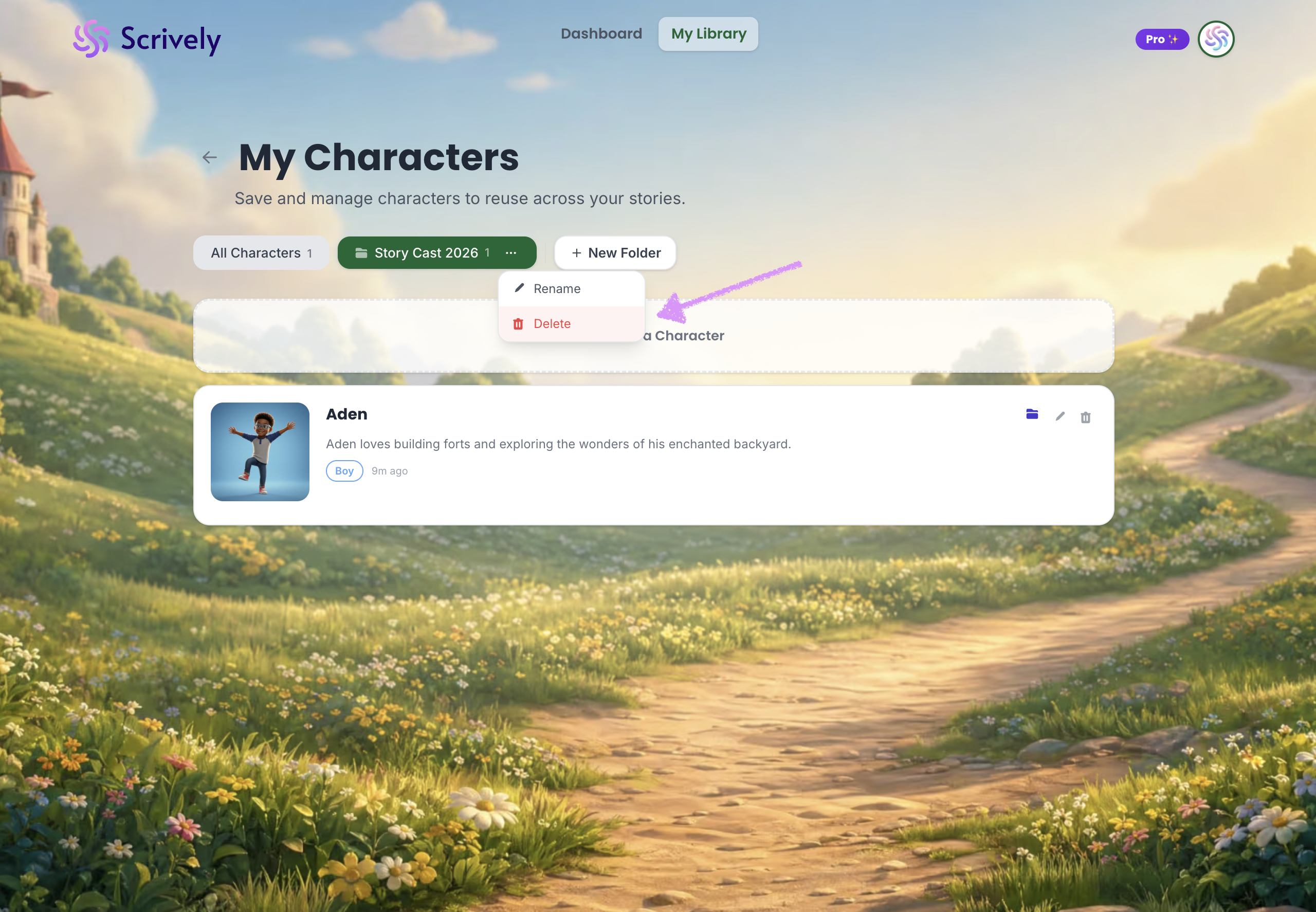
Select "Delete."
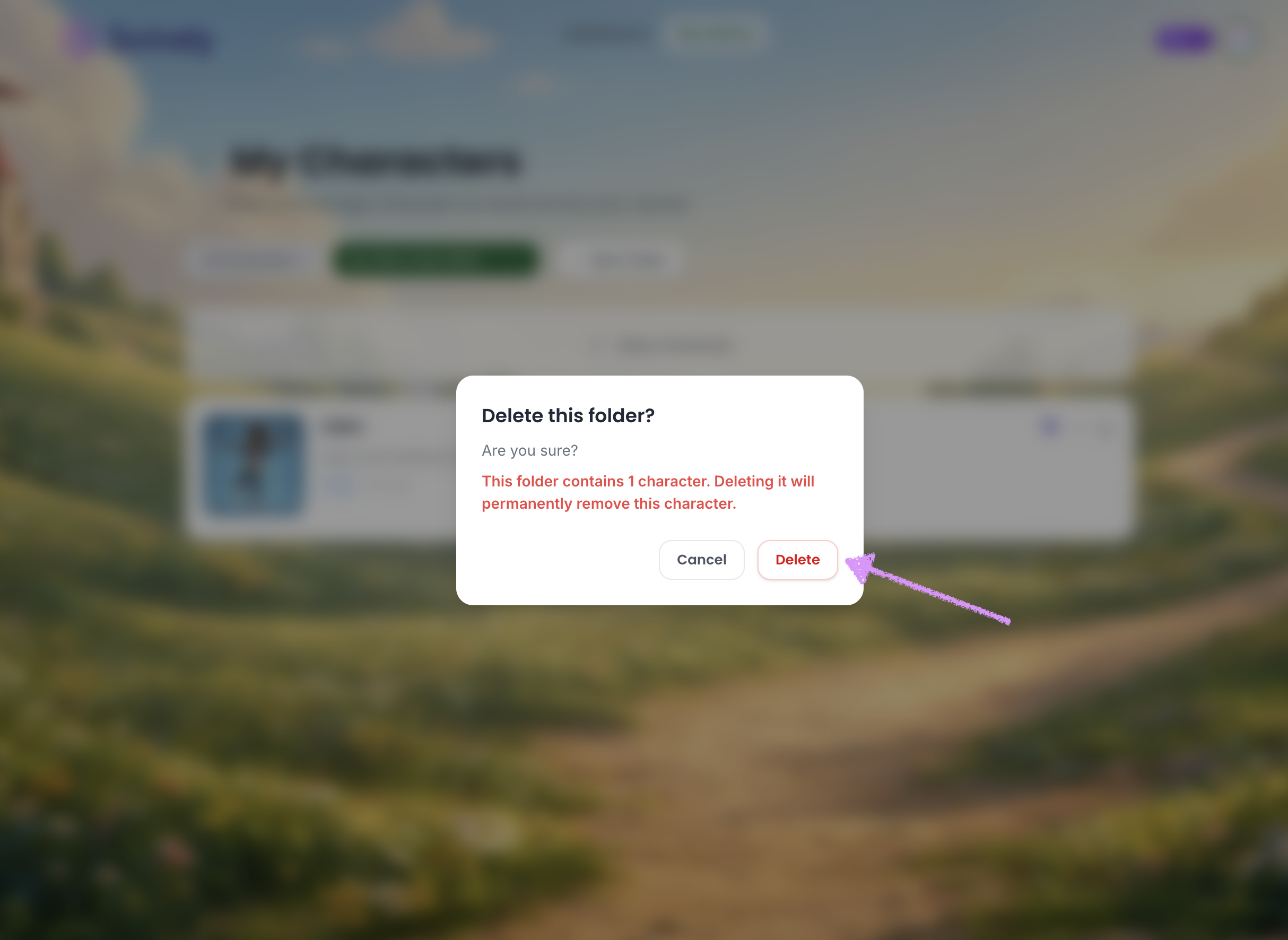
Confirm the deletion. Any characters that are in the folder will be deleted. If you do not want to delete the character head over to our guide here to learn more on how to move the character(s) to another folder.
Was this article helpful?
That’s Great!
Thank you for your feedback
Sorry! We couldn't be helpful
Thank you for your feedback
Feedback sent
We appreciate your effort and will try to fix the article
