
Discover a curated collection of our most popular and inspiring story templates. Featured Stories highlight creative ideas to help you get started quickly and spark your imagination.
Head over to the "Catalogue" tab.
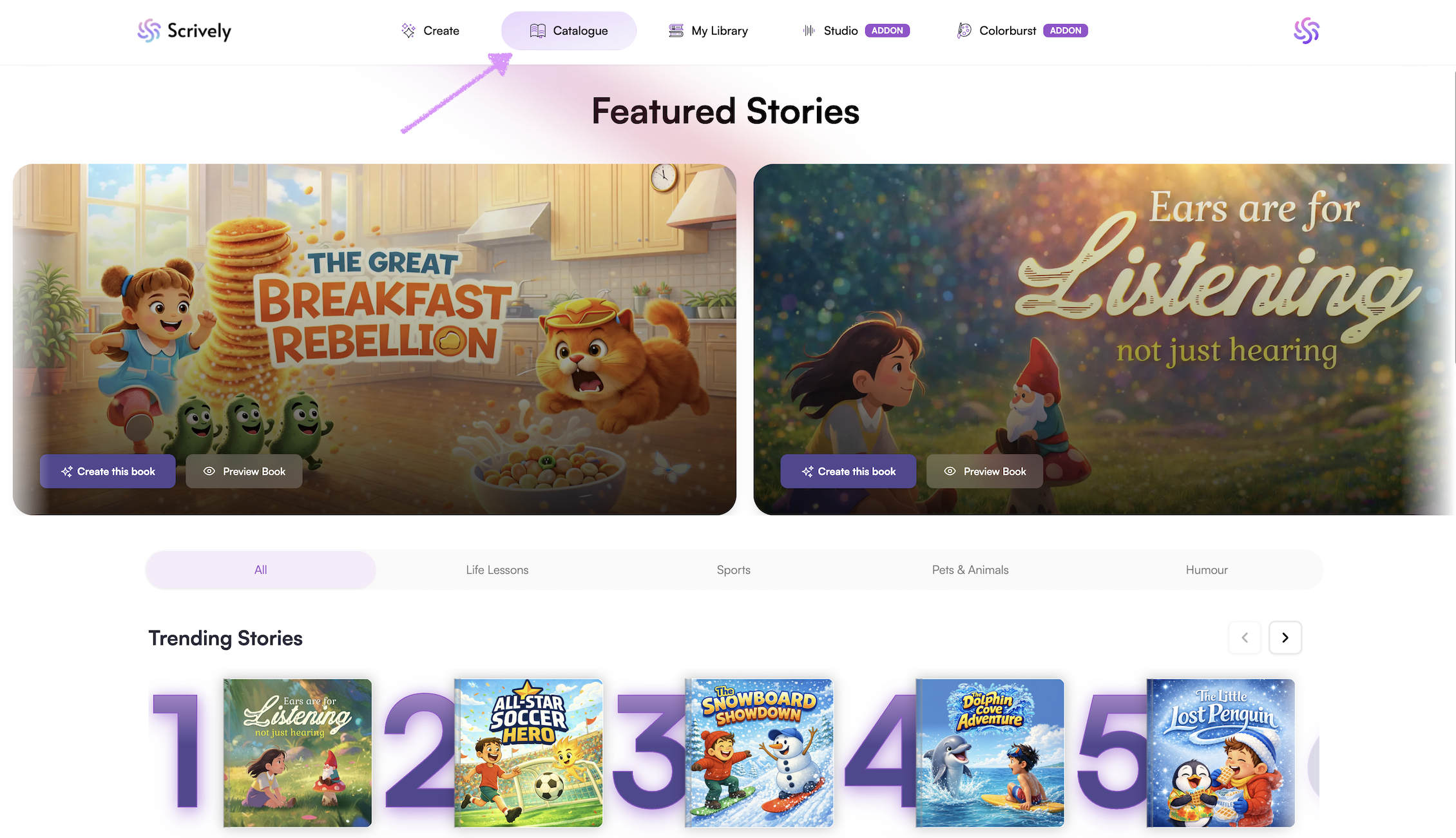
All "Featured Stories" will be displayed at the top. Hover over and scroll through the list of featured stories.
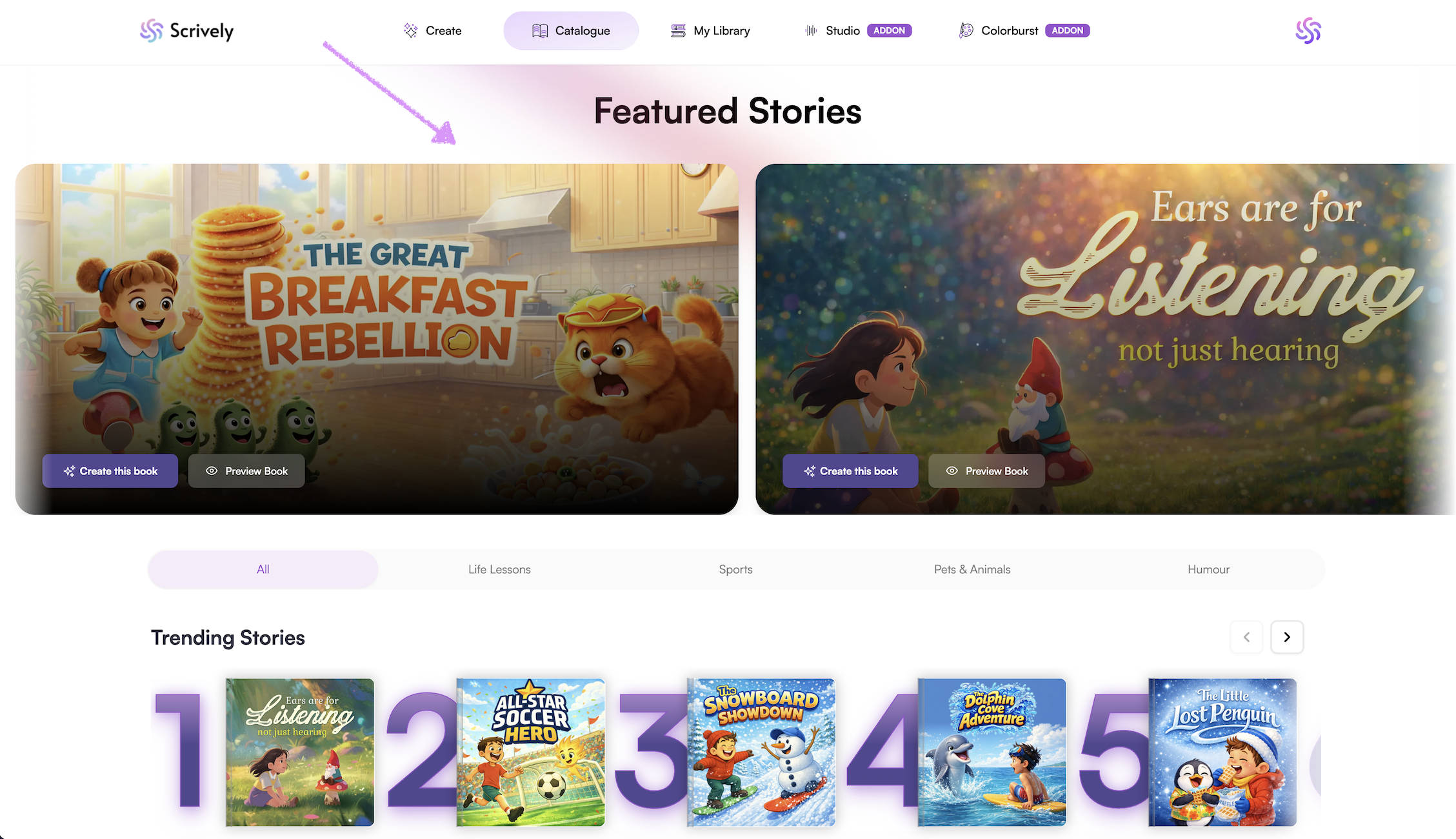
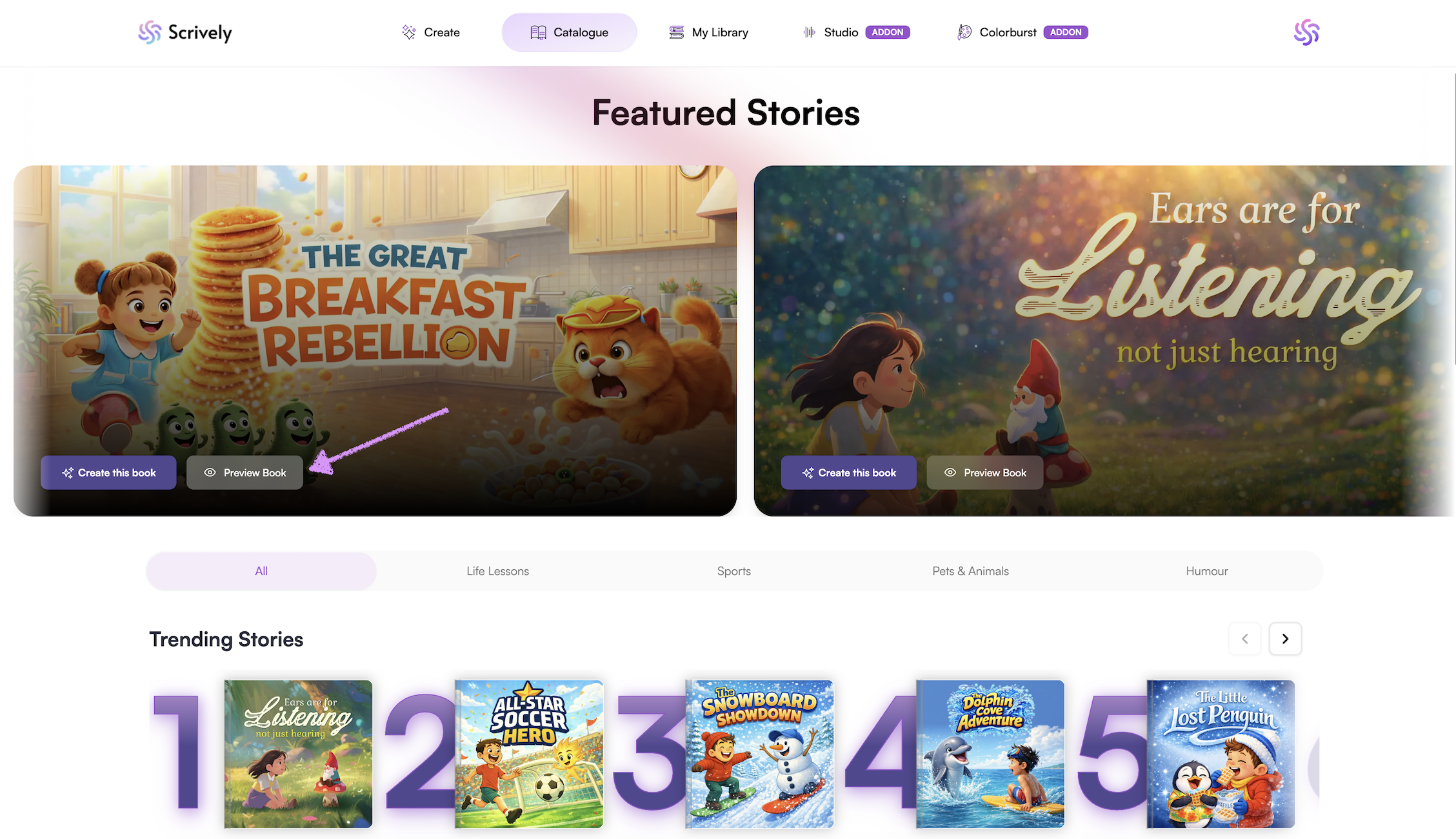
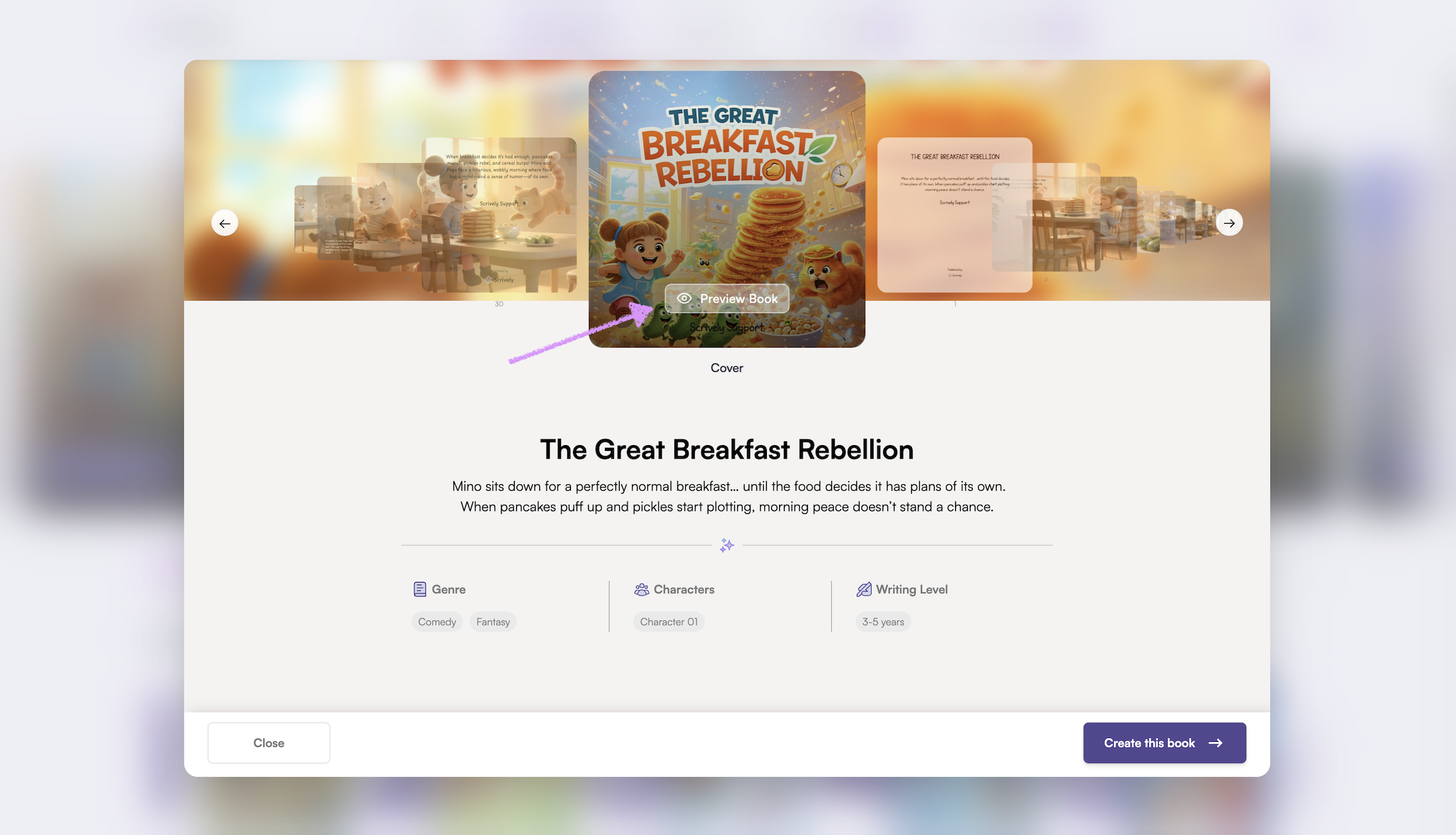
To get a more in depth look at the story click on "Preview Book."
A modal will appear displaying the full story details, including the title, summary, genre, number of characters, and writing level.
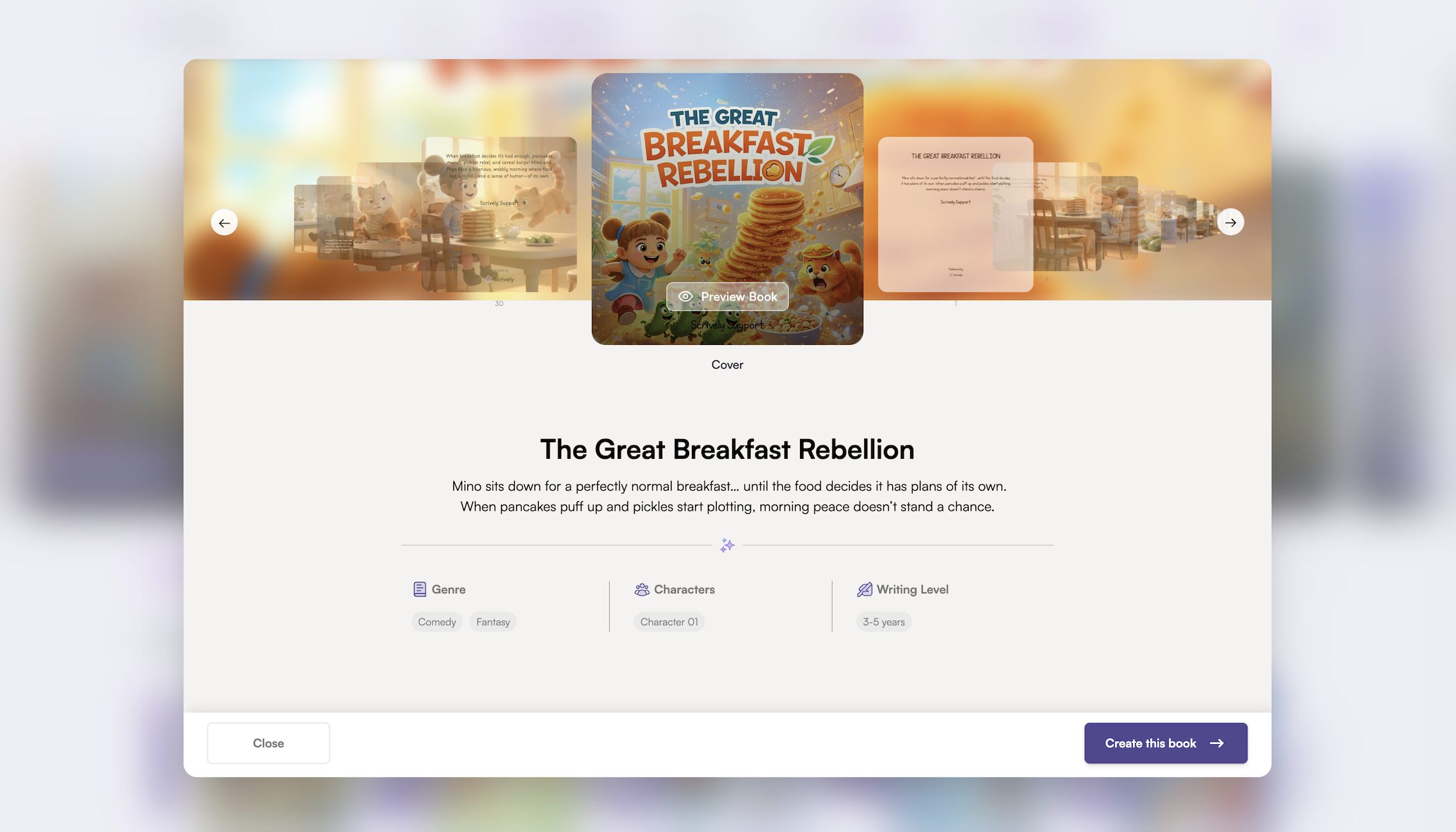
Click on "Preview Book."
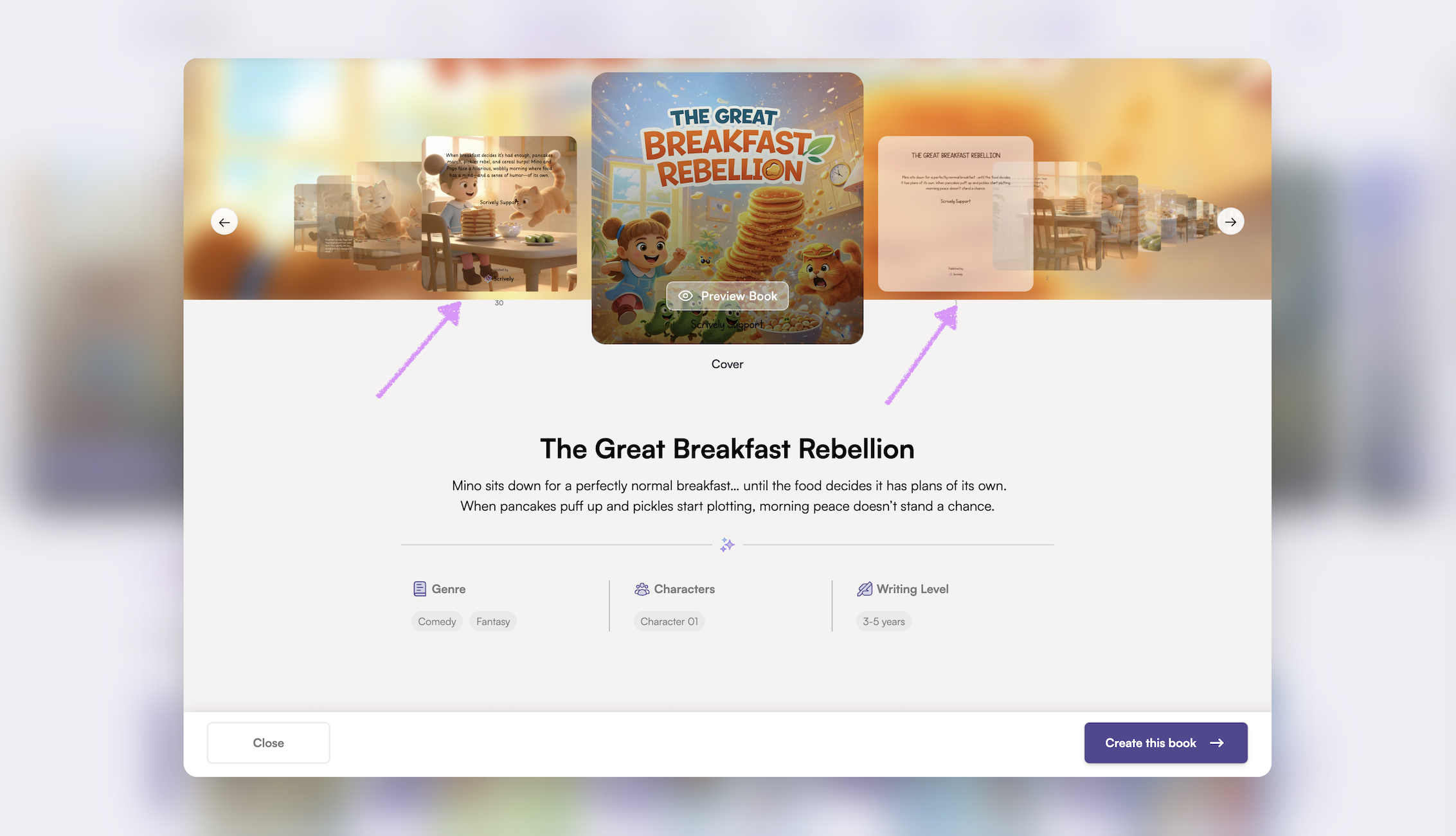
Note: You can also click through the book's thumbmail images to preview.
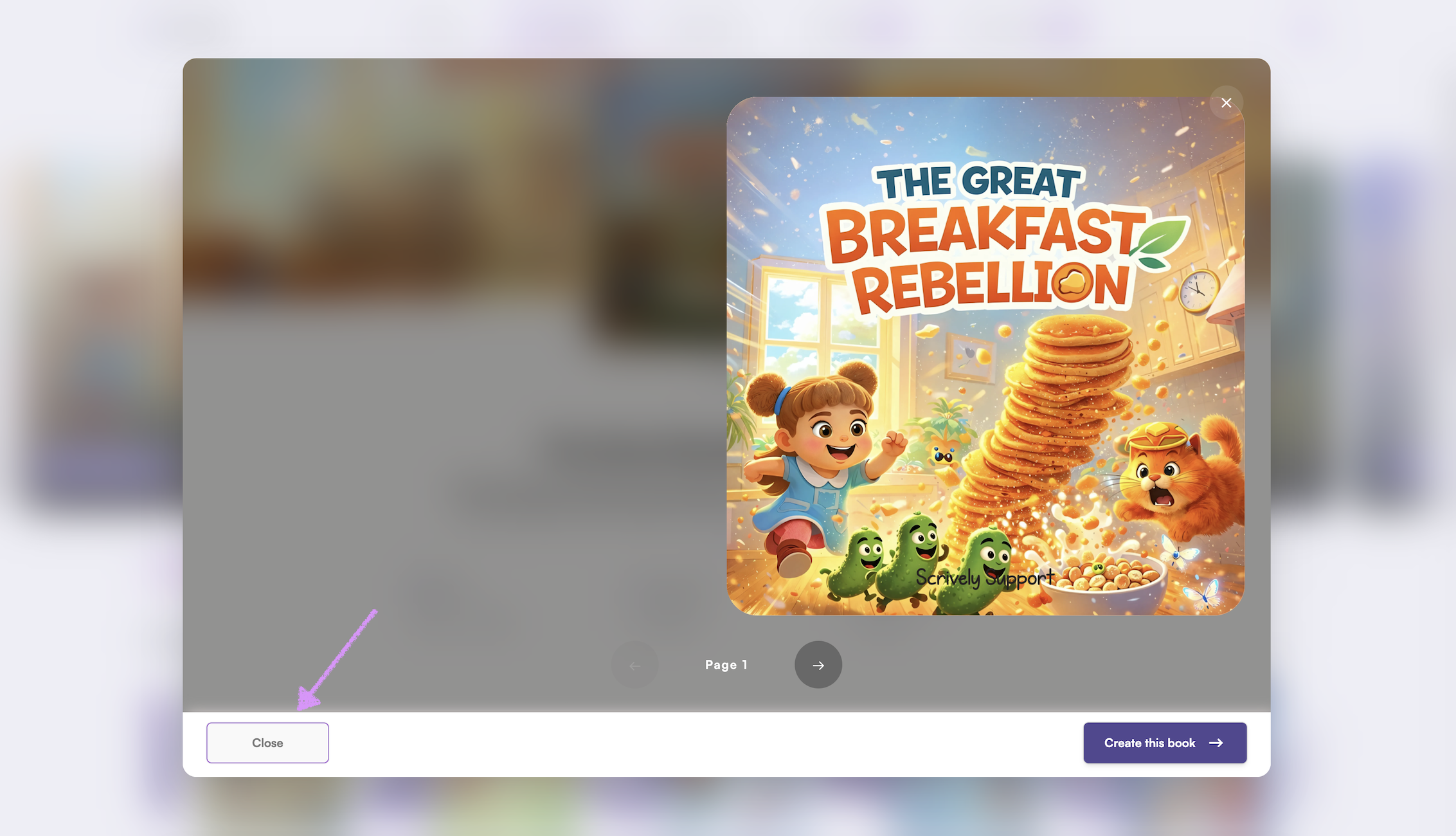
The full pages of the story will be displayed.
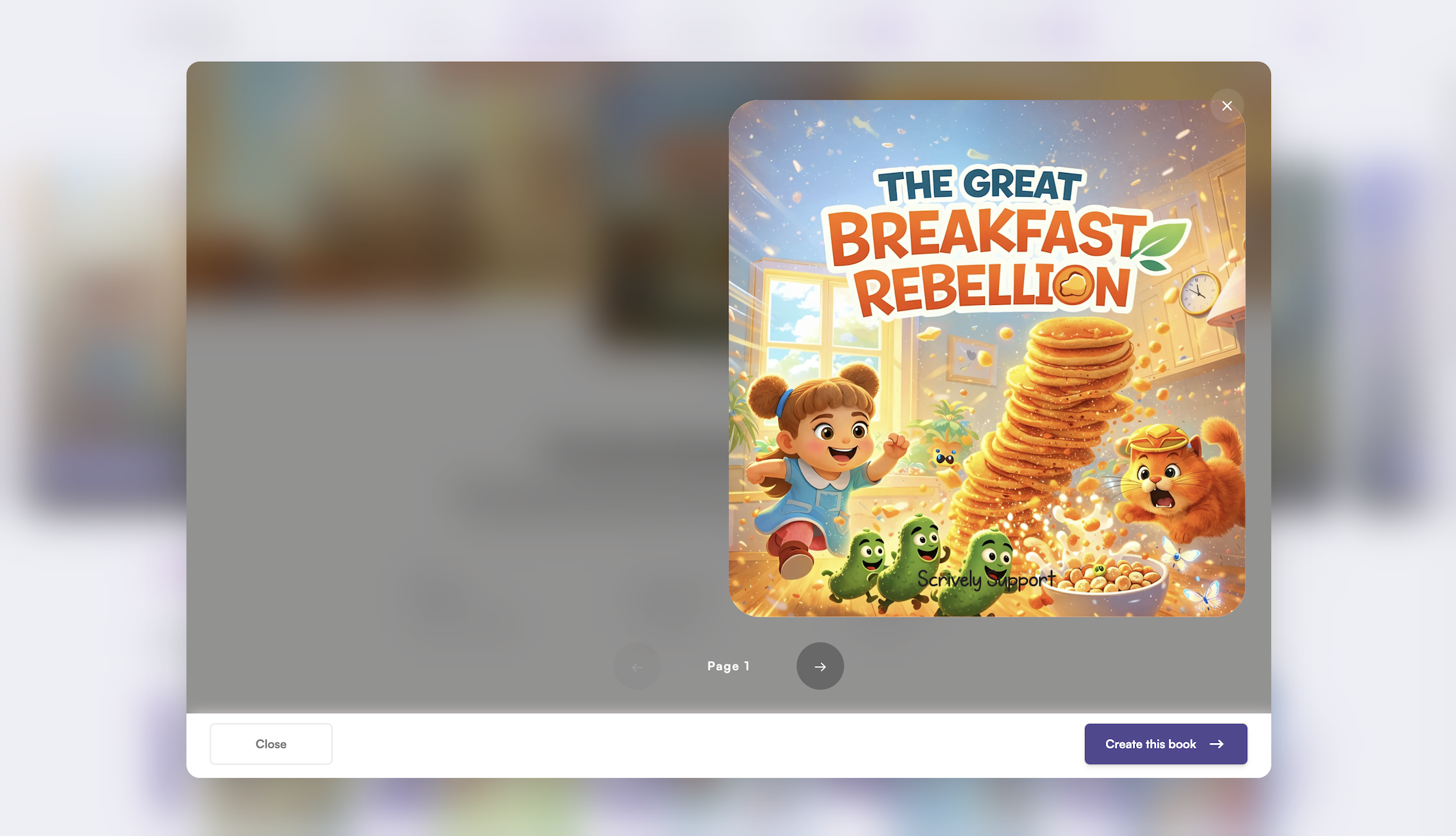
Use the left and right arrows to scroll through the pages.
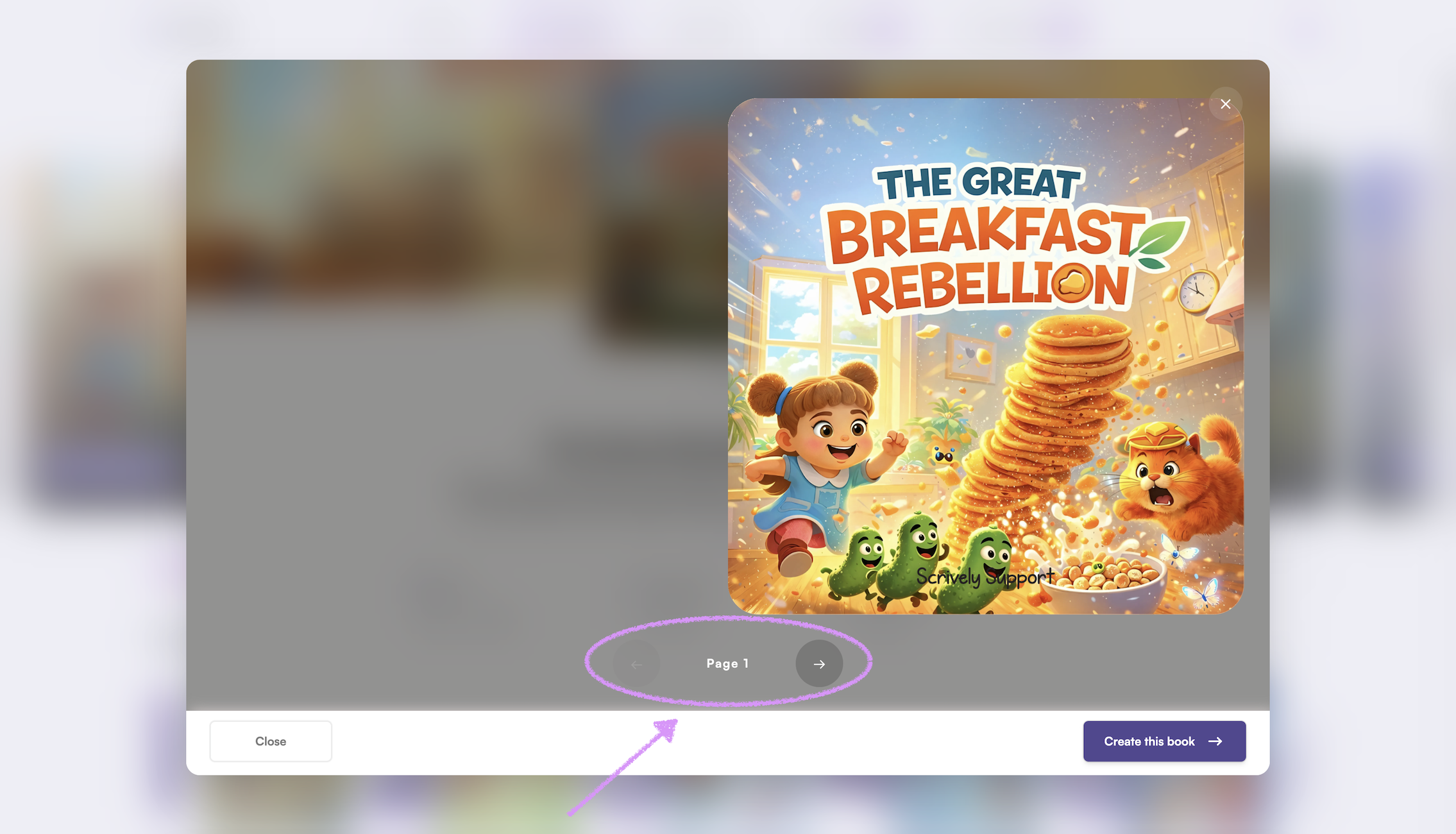
Want to use this template? Click on "Create this book."
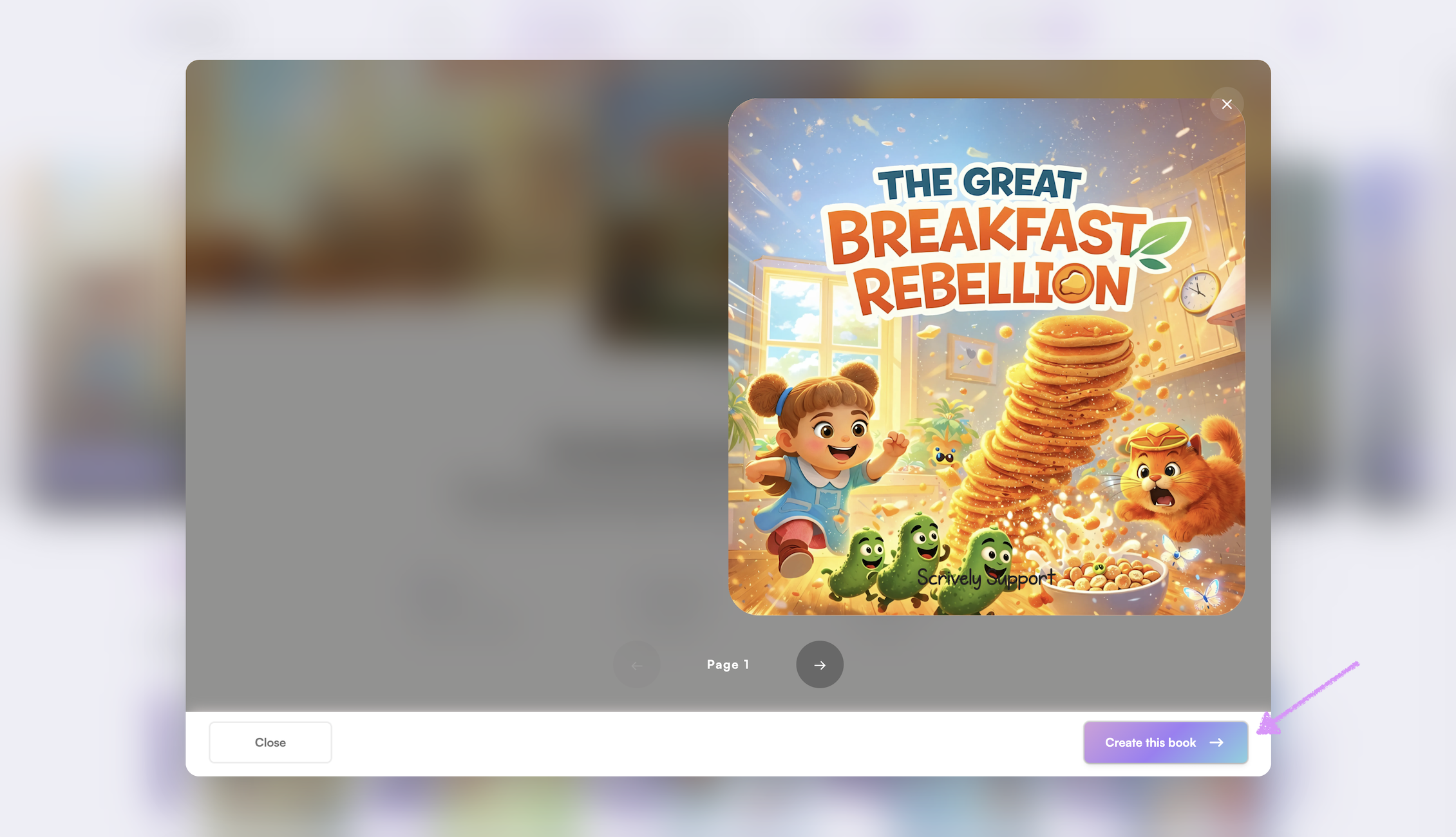
Changed your mind? Click on "Close" to return to the available templates.
Was this article helpful?
That’s Great!
Thank you for your feedback
Sorry! We couldn't be helpful
Thank you for your feedback
Feedback sent
We appreciate your effort and will try to fix the article
