
Desktop App Library
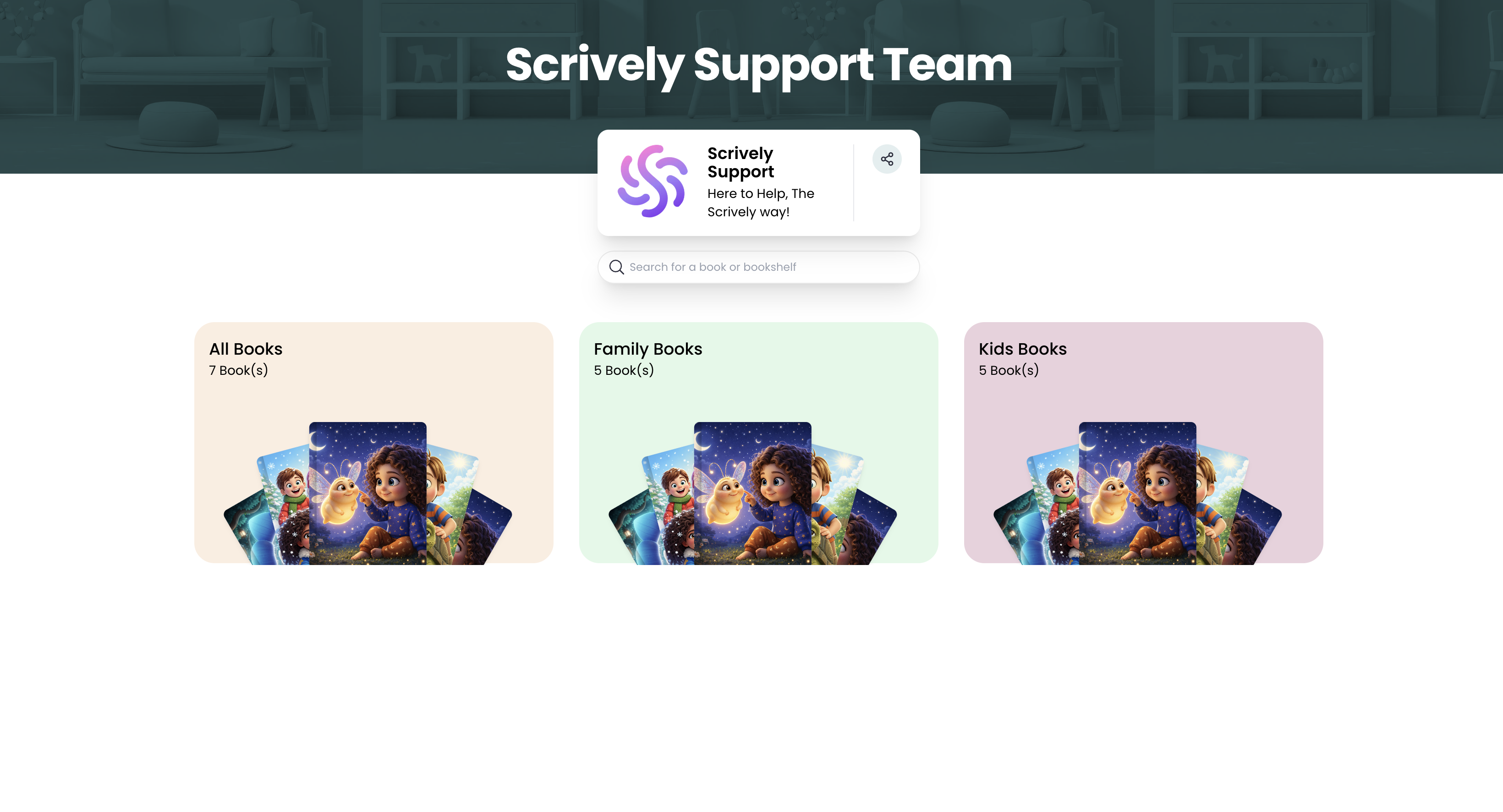
Pro users can remove the Scrively branding from their library giving it a cleaner, more professional look for readers. You can share your books without the default branding, or combine this with password protection to control access while keeping a polished presentation.
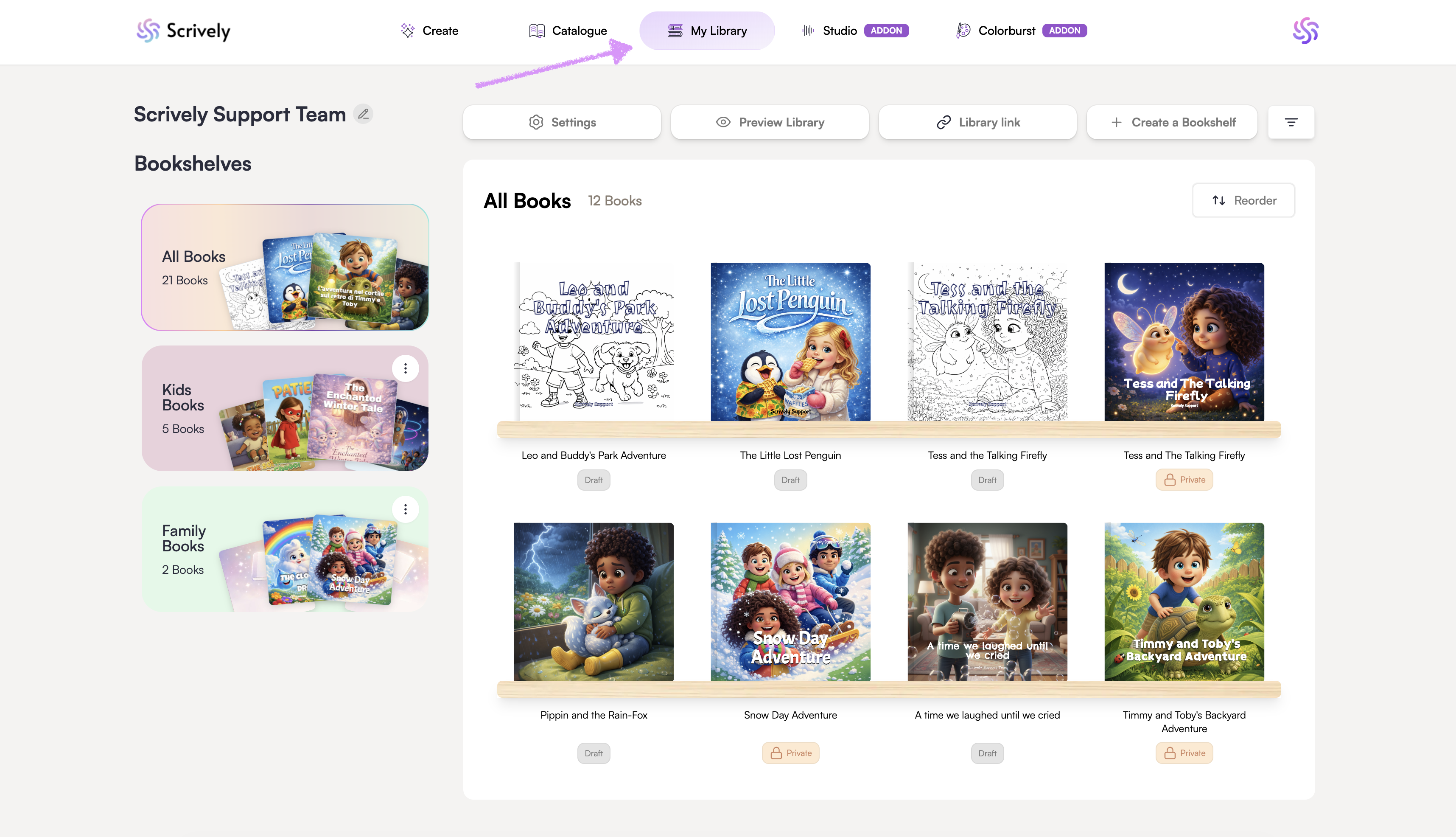
Head over to the "My Library" tab.
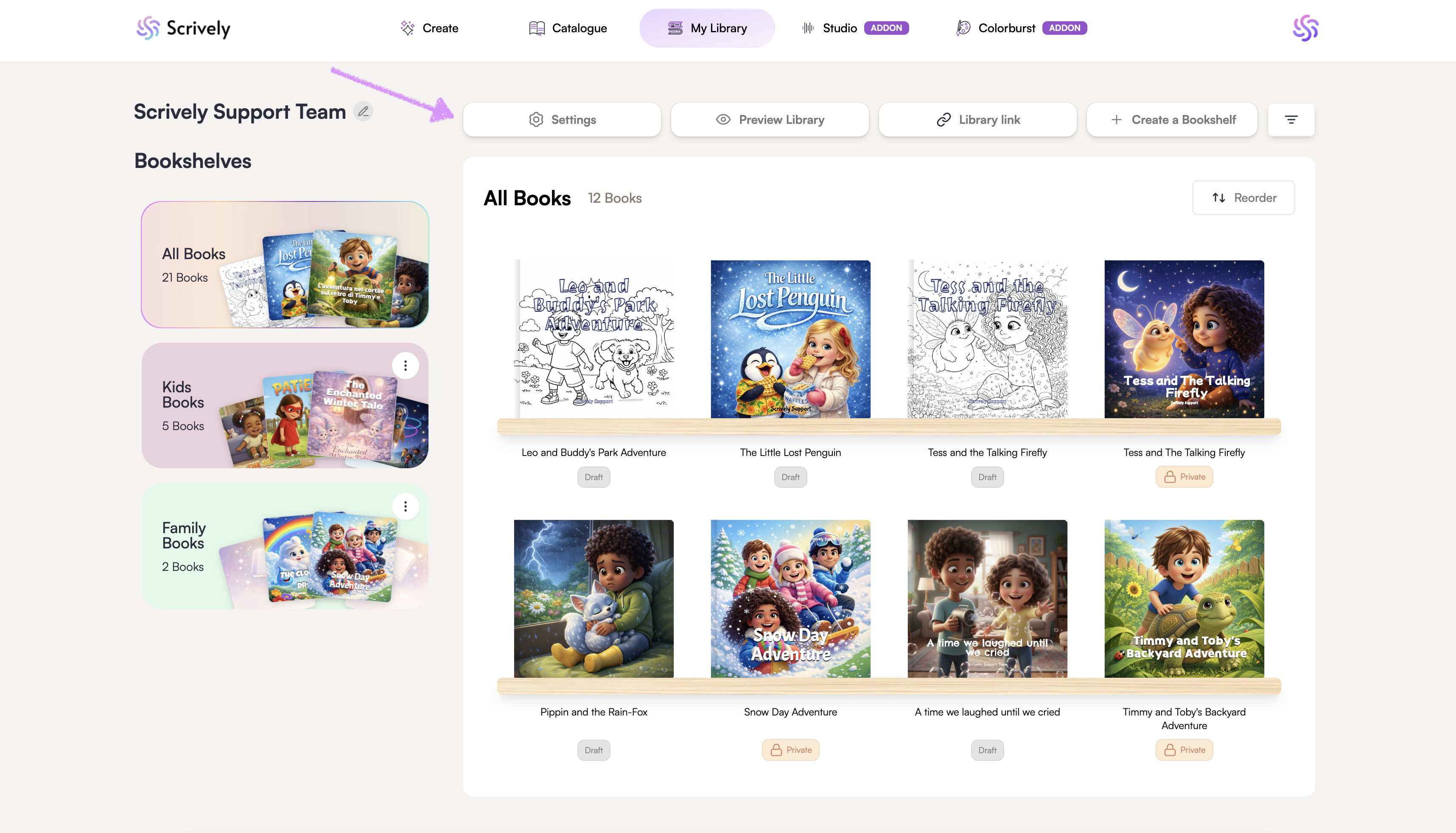
Click on "Settings."
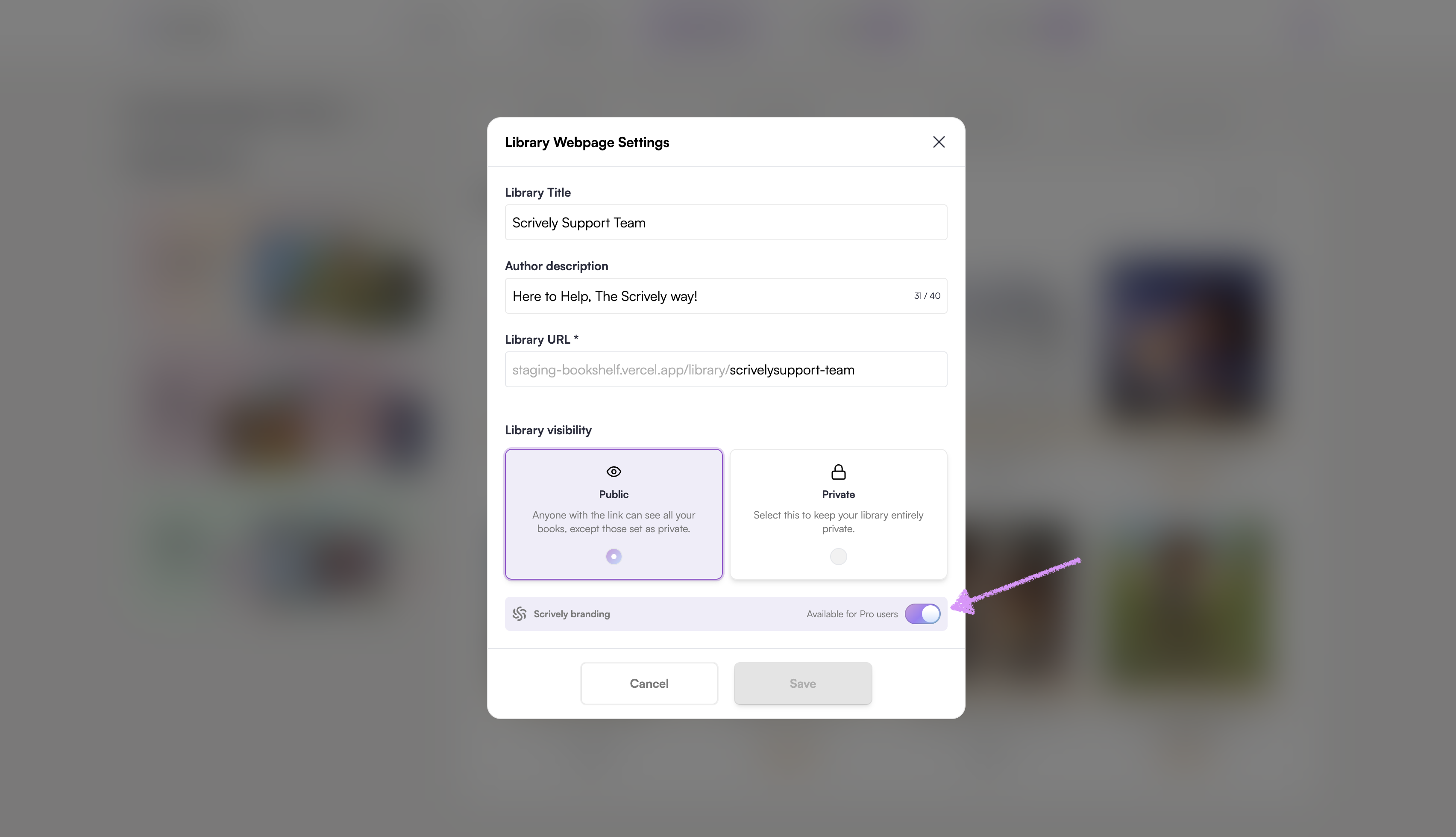
Toggle "Scrively branding" off.
Click on "Save."
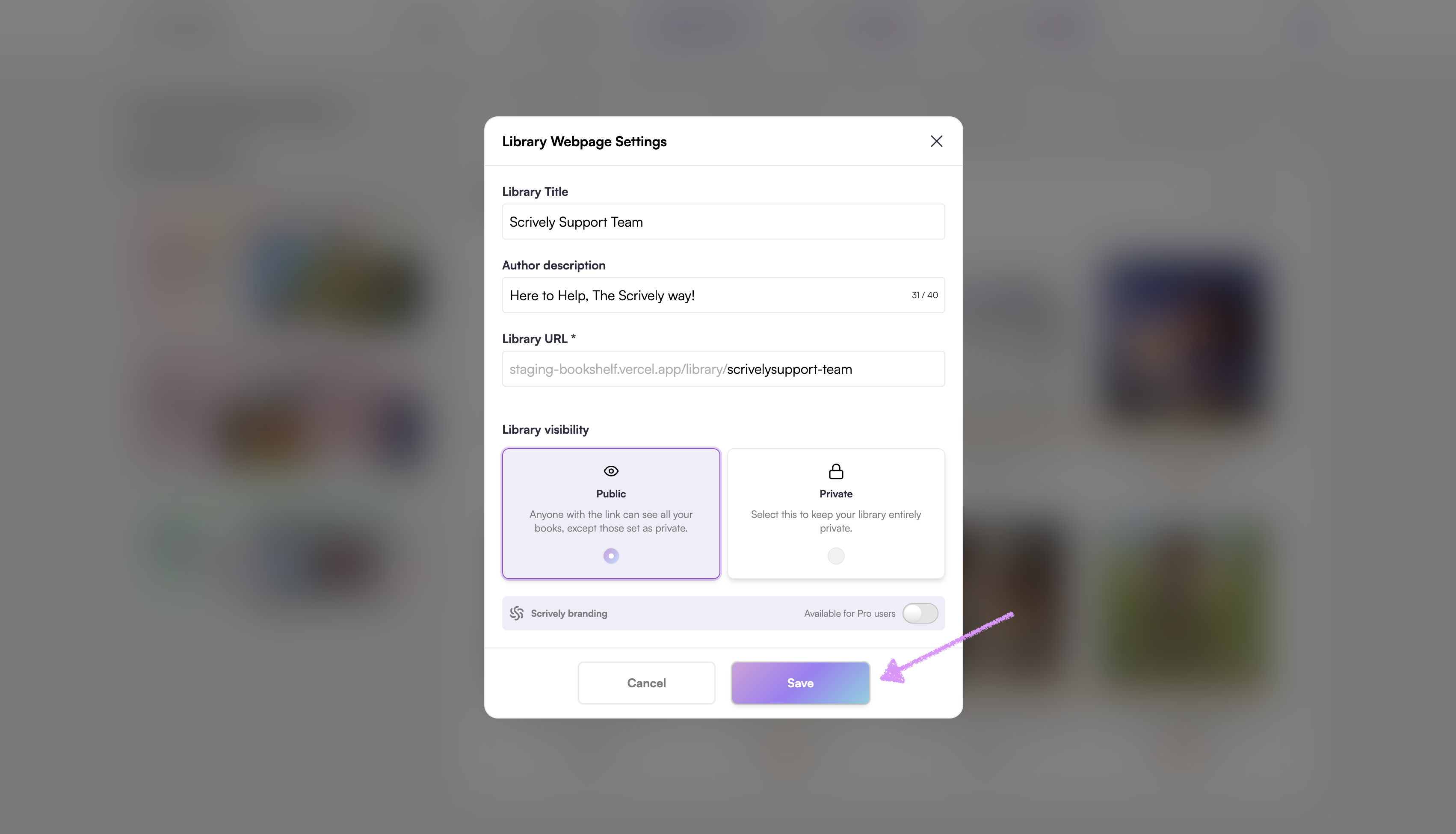
The Scrively branding will be removed from your bookshelf.
Was this article helpful?
That’s Great!
Thank you for your feedback
Sorry! We couldn't be helpful
Thank you for your feedback
Feedback sent
We appreciate your effort and will try to fix the article
