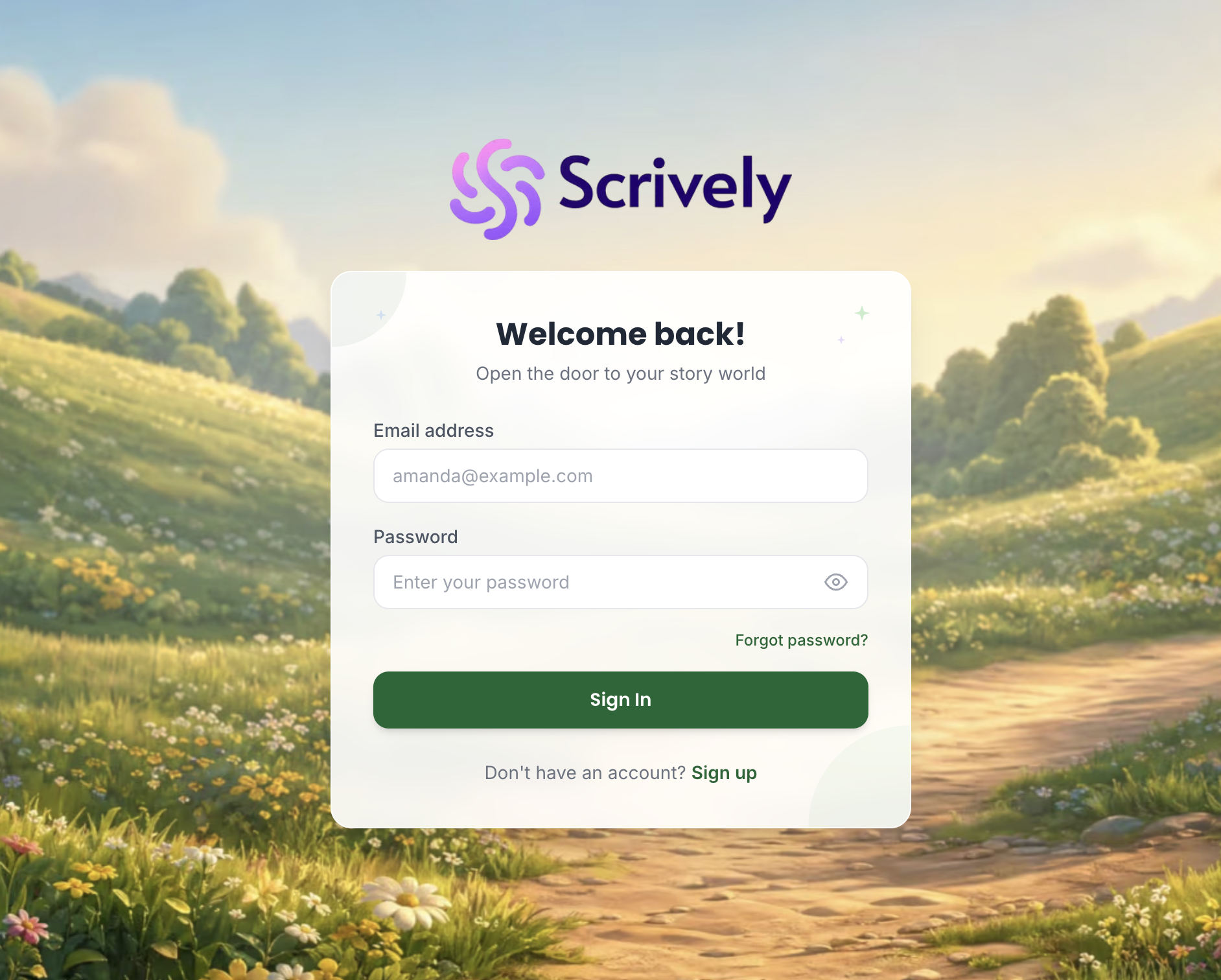
Head over to the web app sign in page here and click on "Forgot password?"
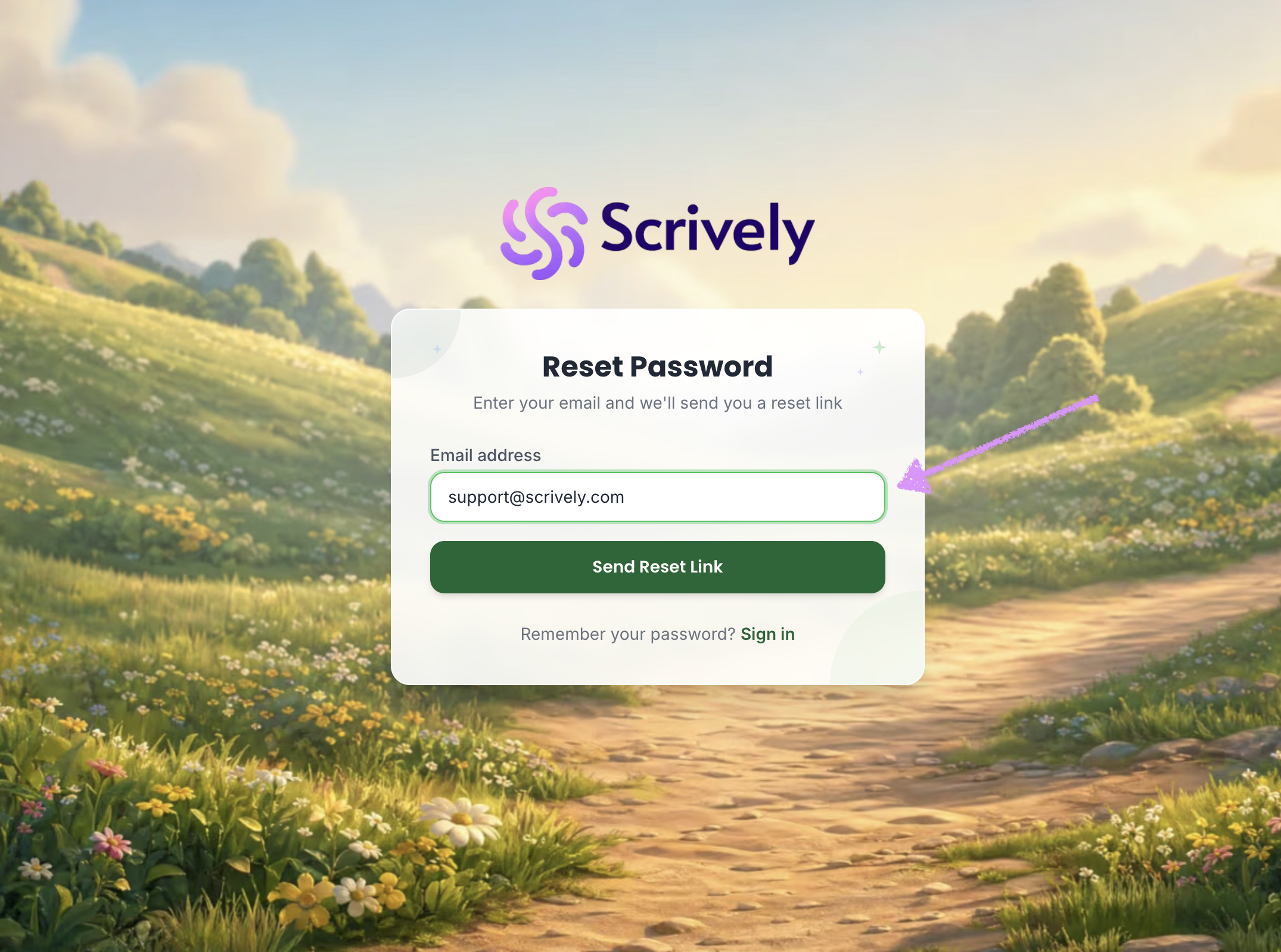
Enter your account's email address.
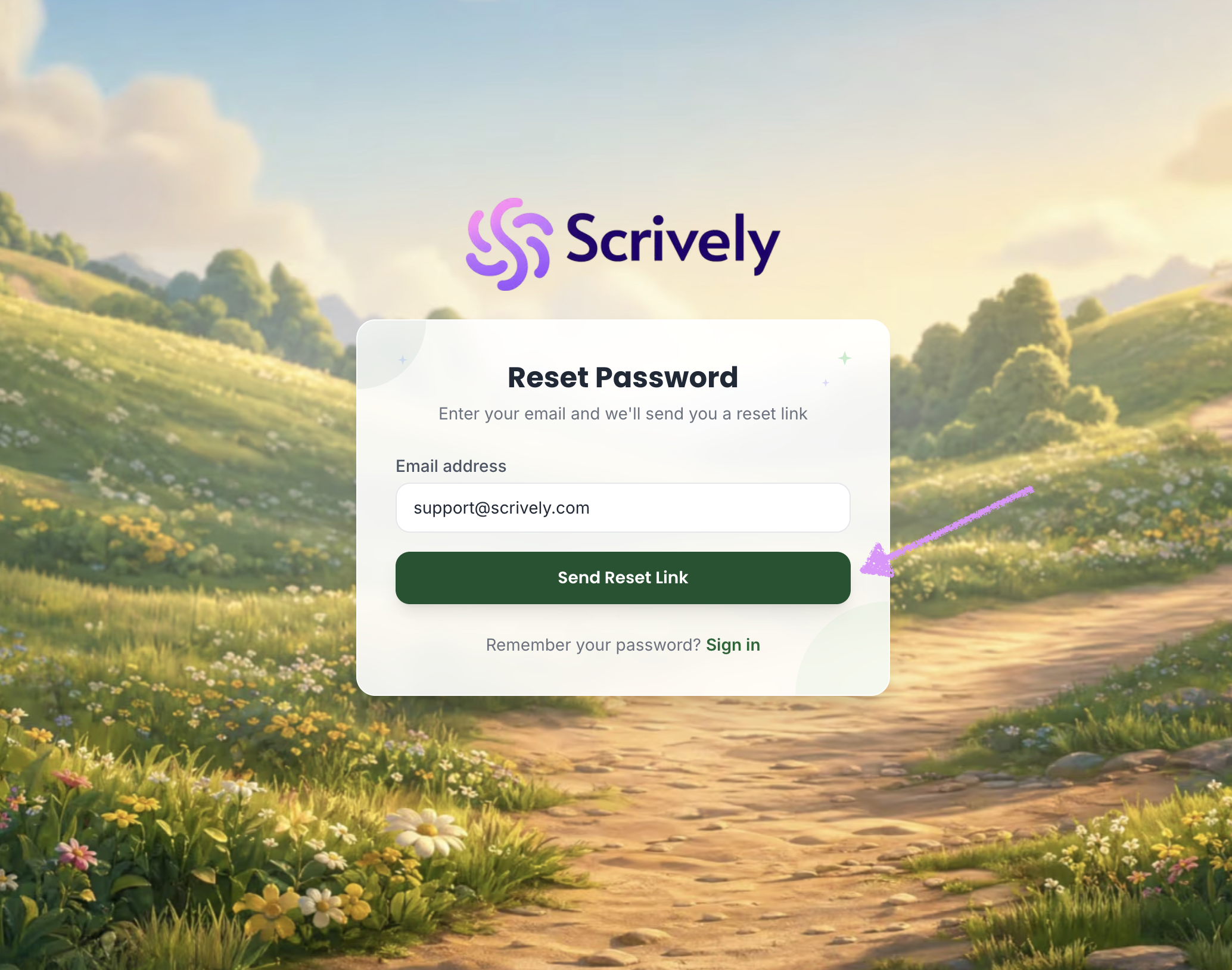
Click on "Send Reset Link."
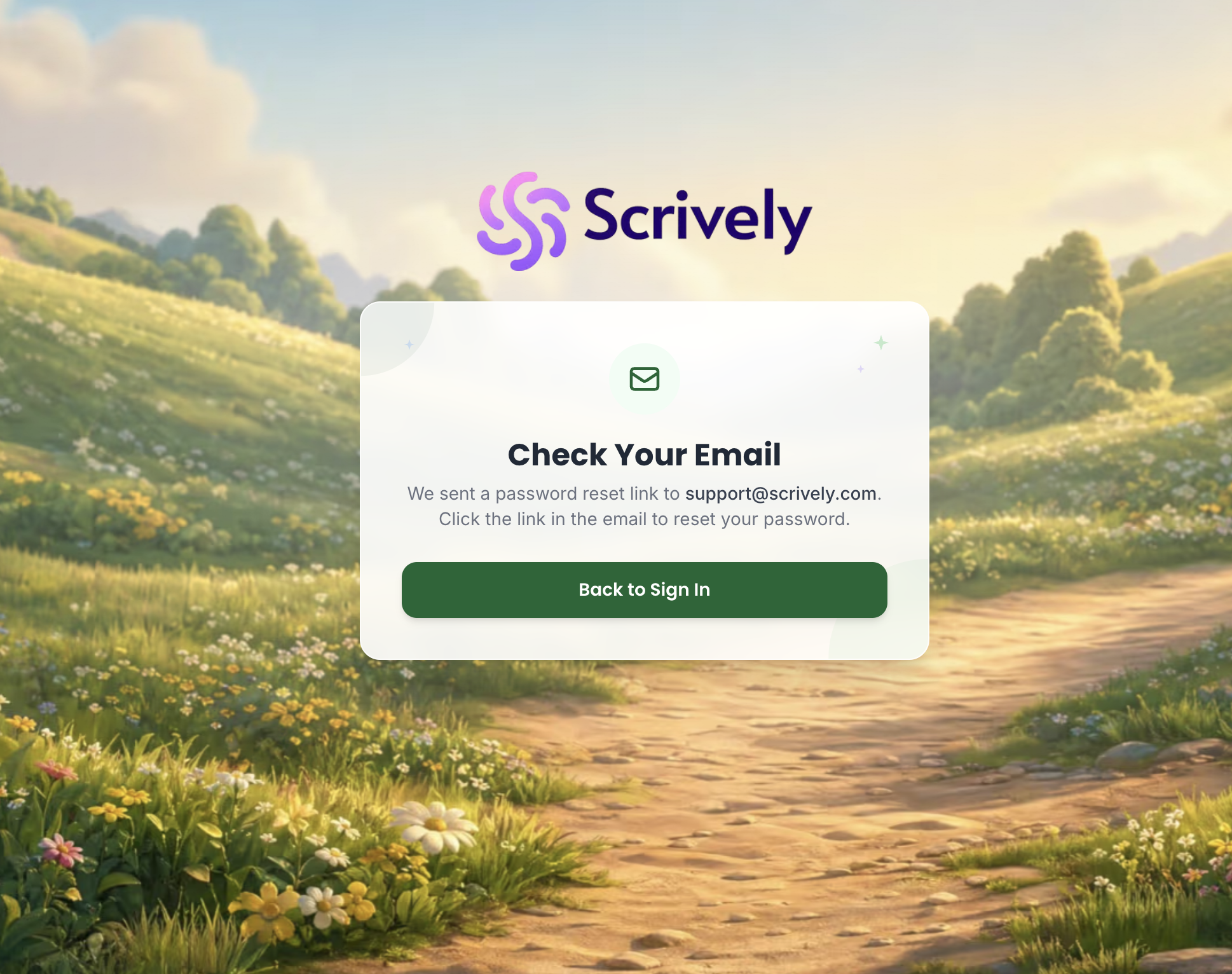
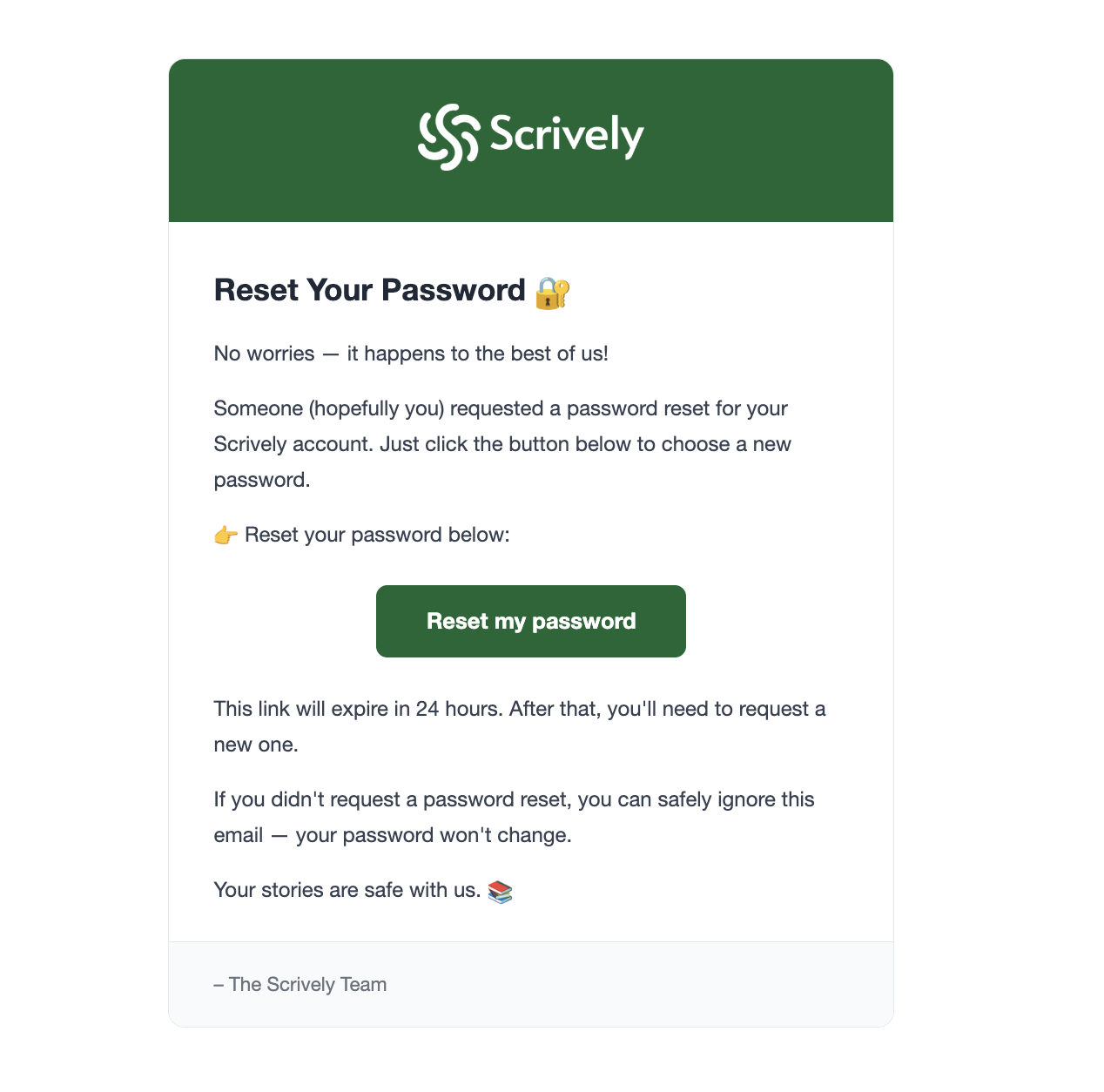
The password reset link will be sent to your email.
The email notification will look like the one below.
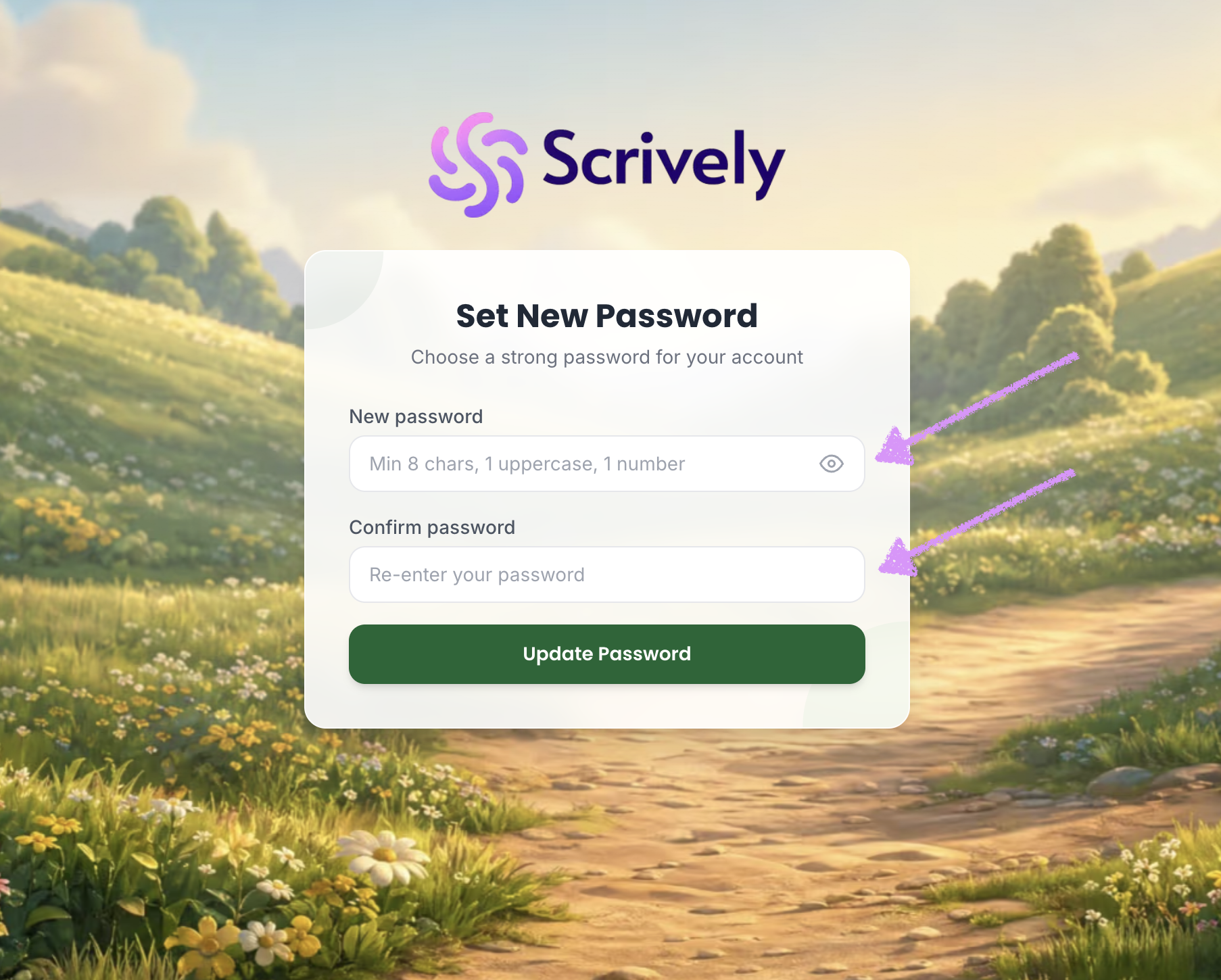
Enter and confirm the new password.
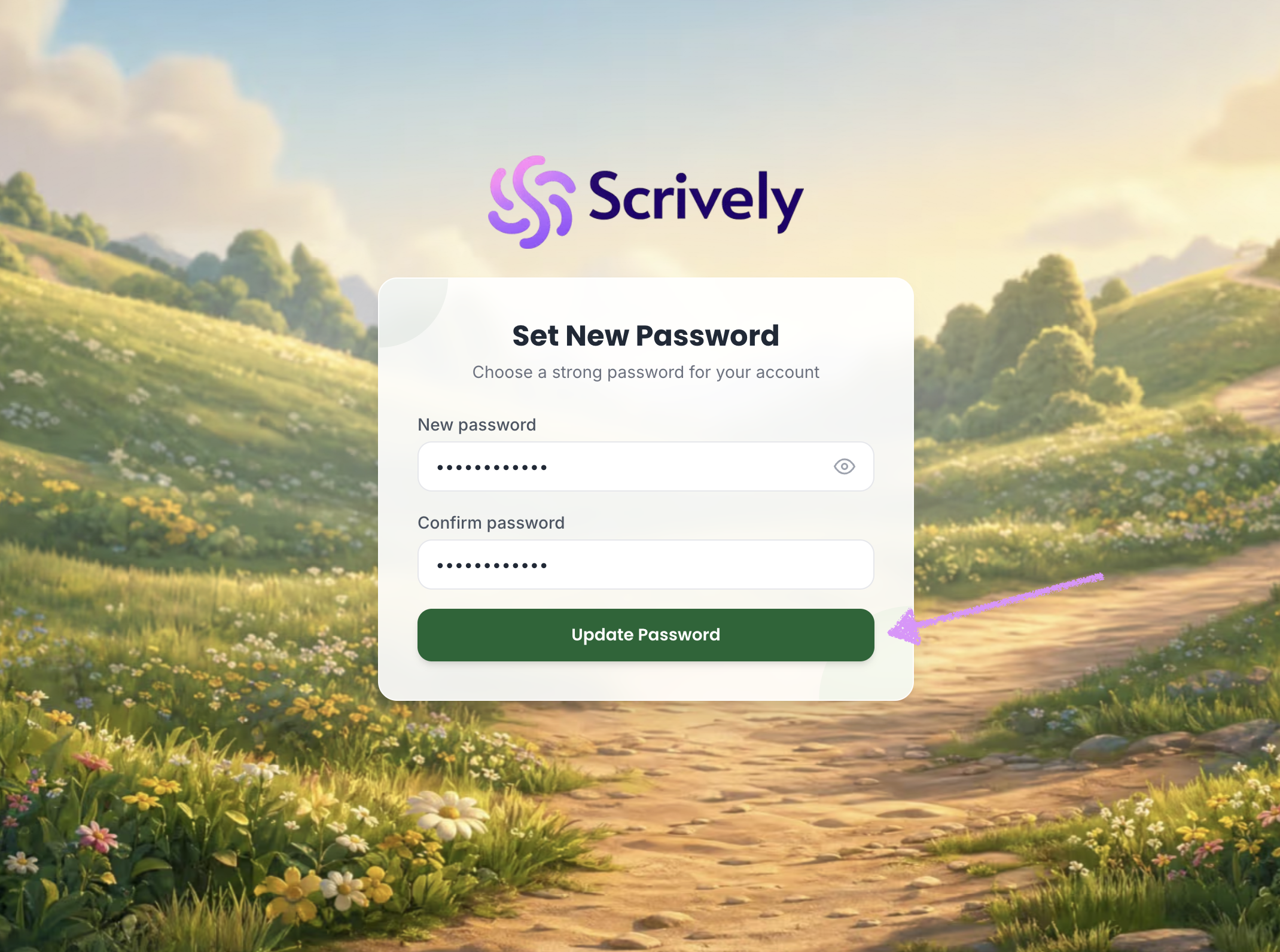
Click on "Update Password."
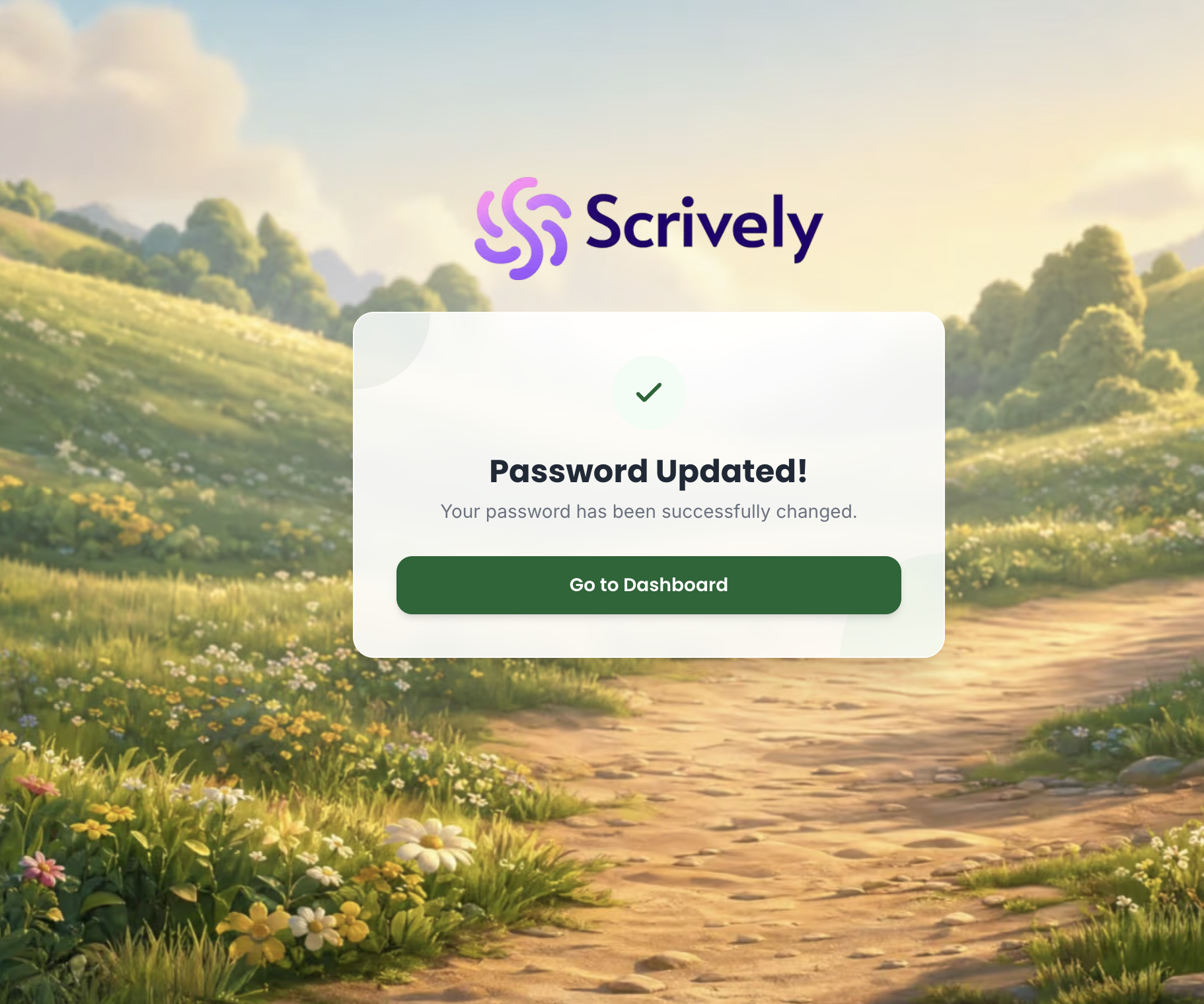
Your password will be updated. Click on "Go to Dashboard" which will take you right into your account.
Was this article helpful?
That’s Great!
Thank you for your feedback
Sorry! We couldn't be helpful
Thank you for your feedback
Feedback sent
We appreciate your effort and will try to fix the article
