
Account & Login Guide
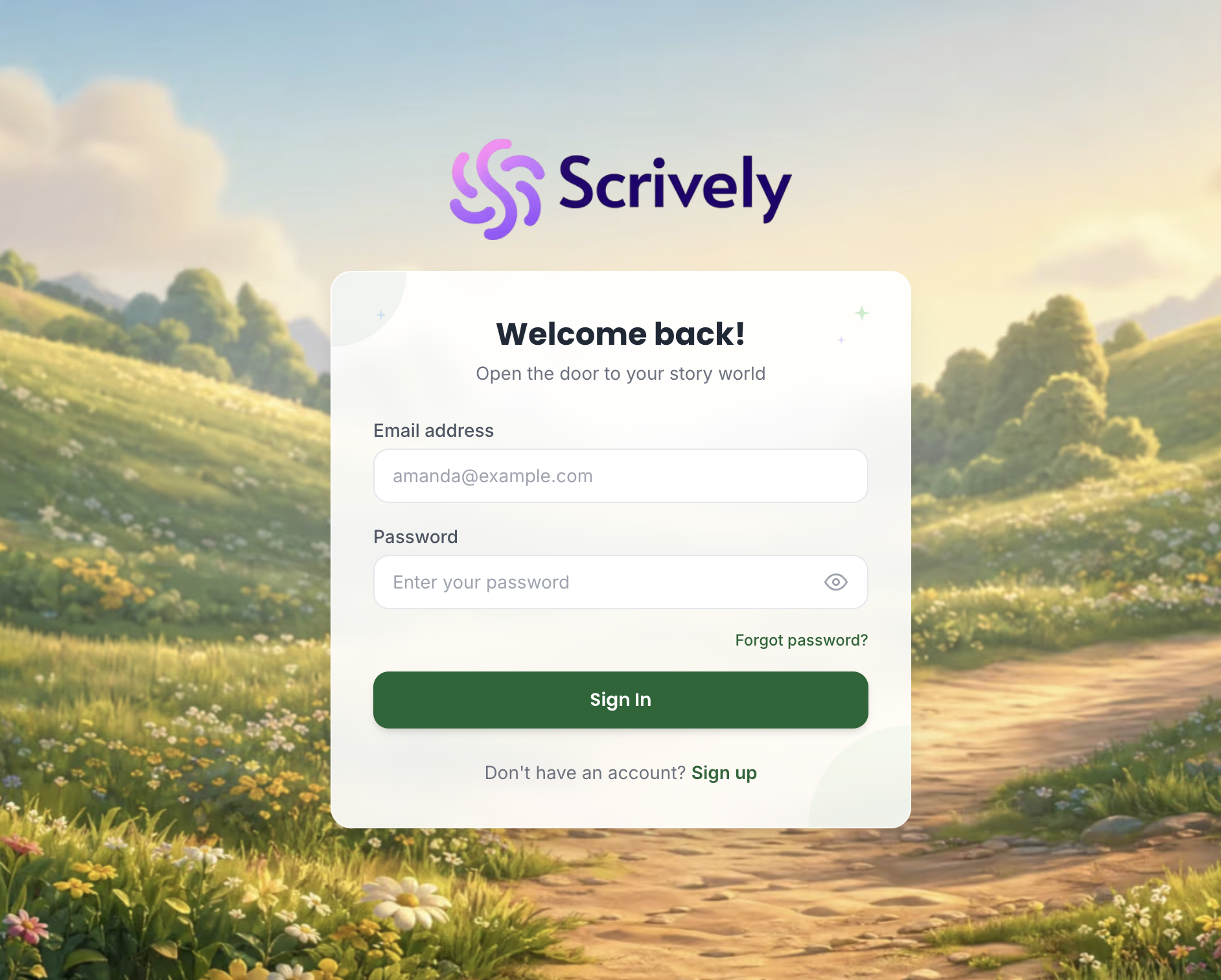
To access the Scrively Web App, go to the sign-in page here and log in using your registered email and password.
If you’re unable to locate your password or are having trouble signing in, you can use the “Forgot Password” option on the login page to reset your credentials and regain access.
Once logged in, you’ll be able to create and manage your books directly within the web app.
Was this article helpful?
That’s Great!
Thank you for your feedback
Sorry! We couldn't be helpful
Thank you for your feedback
Feedback sent
We appreciate your effort and will try to fix the article
