
Pricing and Billing
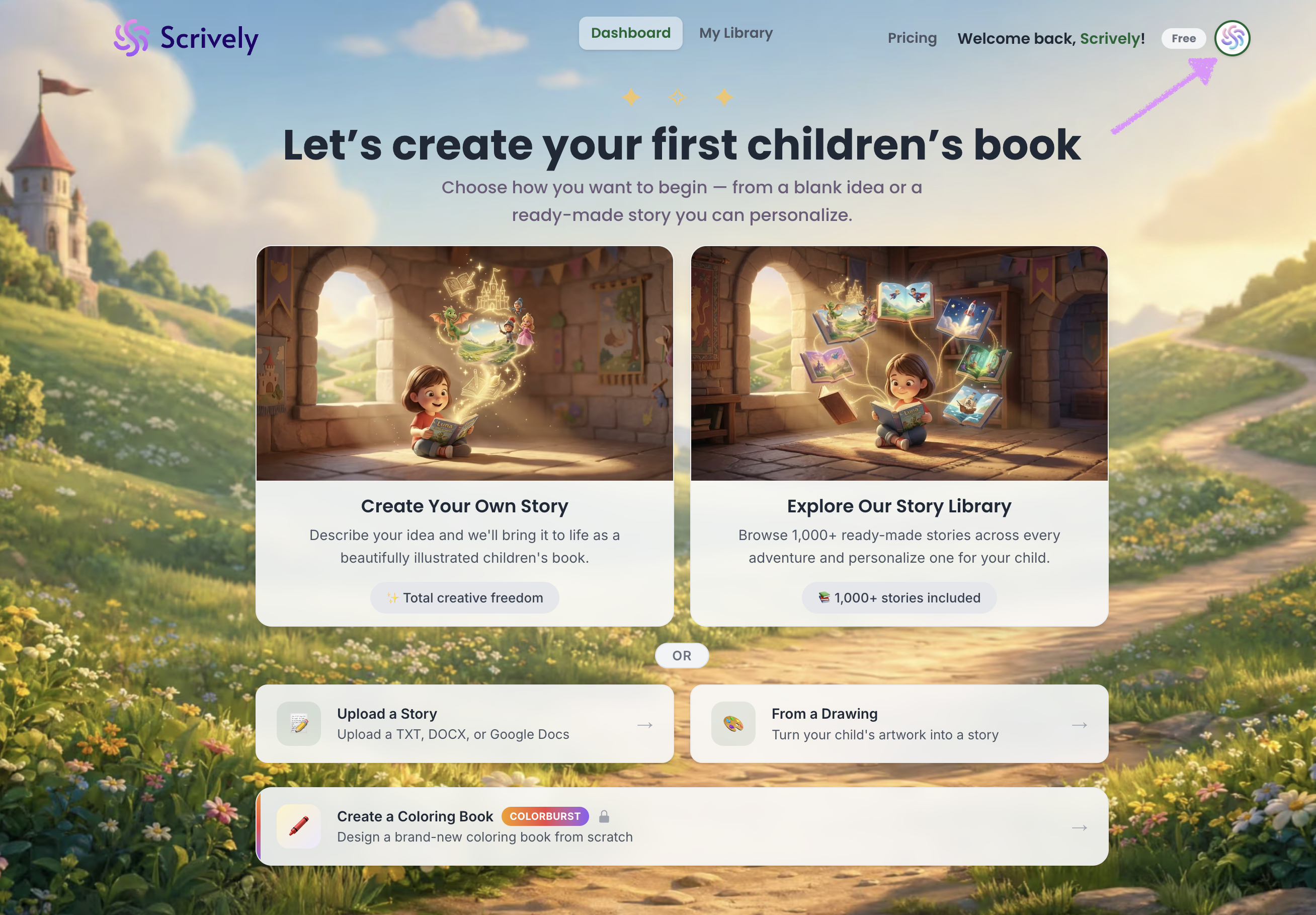
To view your plan details, click your avatar in the top-right corner of the app.
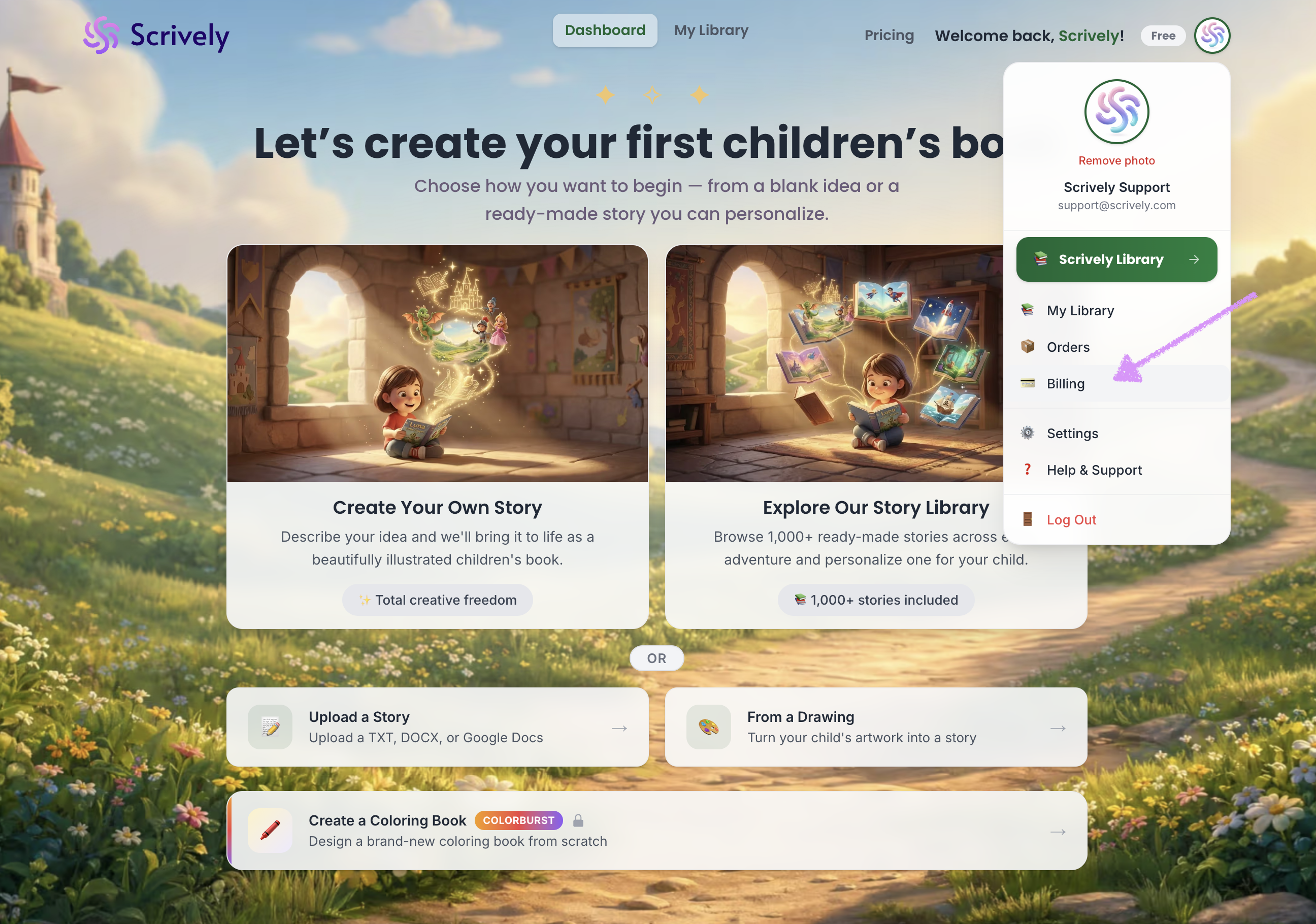
Select "Billing."
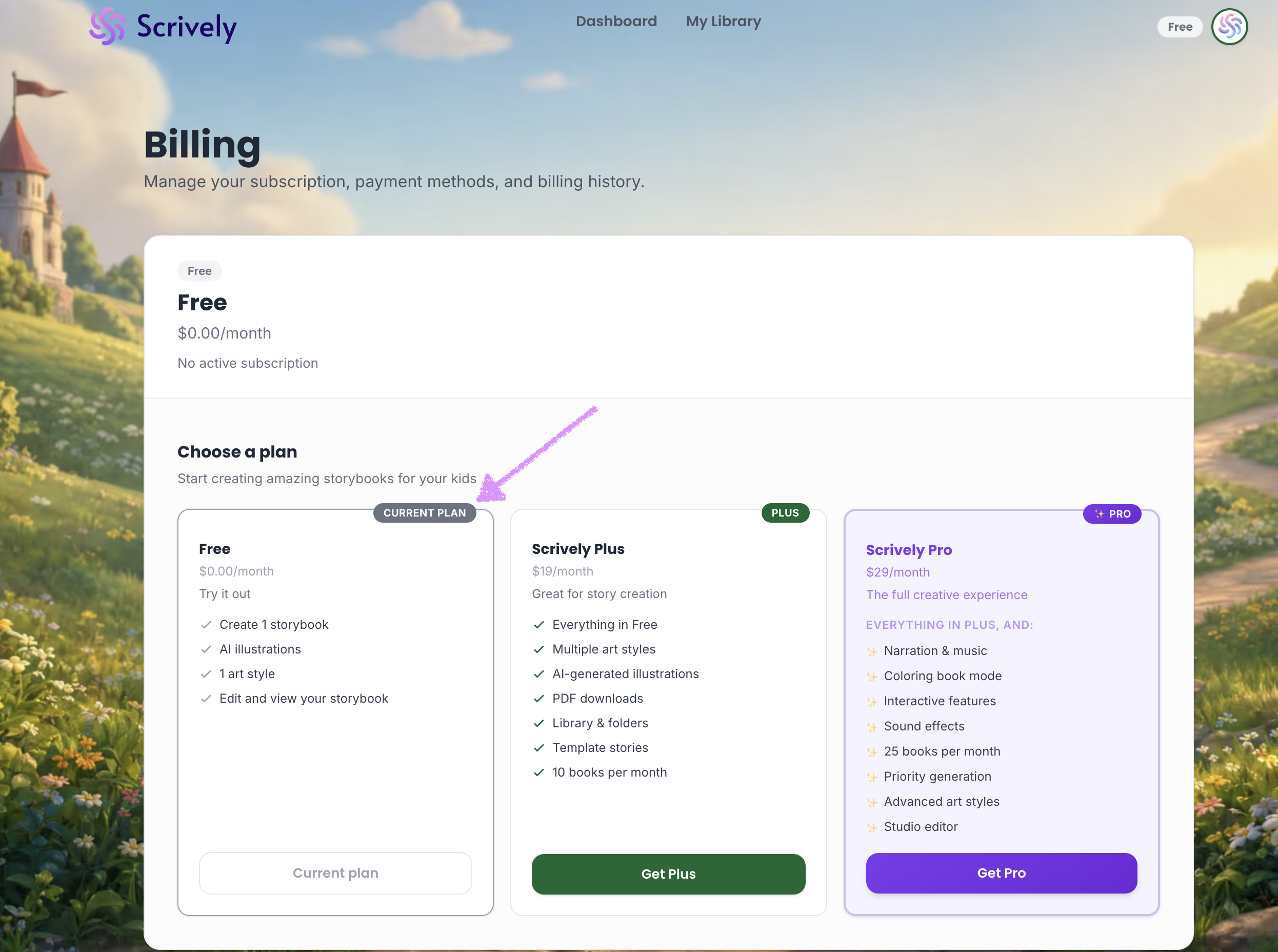
Your current plan will be labeled with a “Current Plan” badge, allowing you to quickly identify it and view its details.
Was this article helpful?
That’s Great!
Thank you for your feedback
Sorry! We couldn't be helpful
Thank you for your feedback
Feedback sent
We appreciate your effort and will try to fix the article
